Thin Picture Frame Mockup Set for Art, Photography and Print Collections
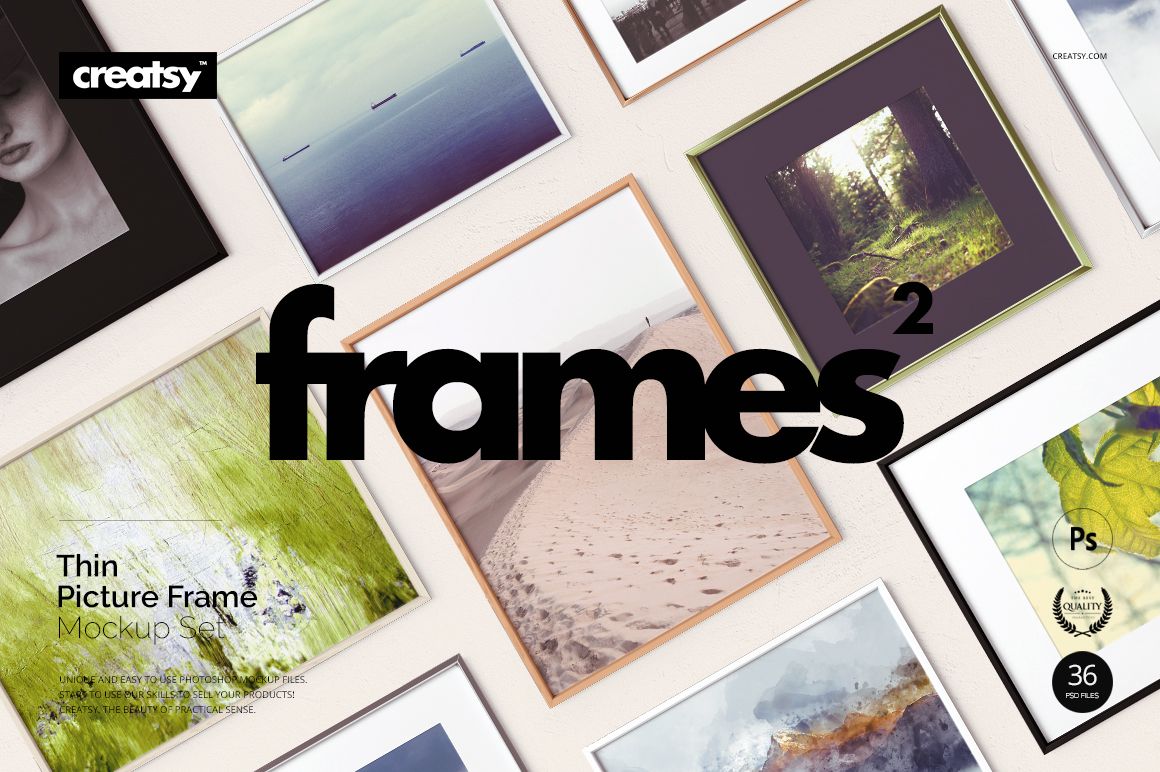
Build a consistent storefront while testing how the same artwork looks in wood, metal and custom solid-color frames. The Picture Thin Frame Mockup Set combines 36 layered PSD mockups in three coordinated packs, giving artists, photographers, print shops and design studios a practical system for presenting individual pieces and complete collections.
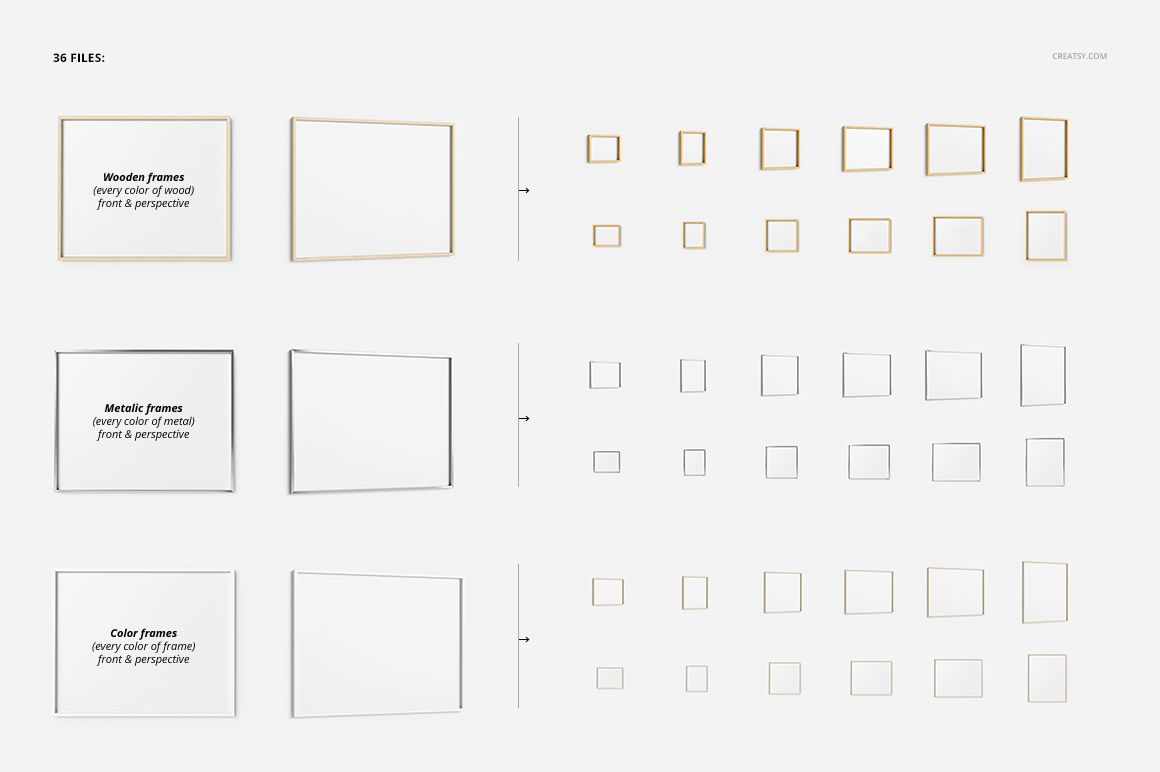
Each frame family includes 12 PSD mockups. Choose from clean front views, detailed closeups, single-frame scenes and grouped comparisons to show buyers how an image works with different finishes, mat treatments and backgrounds. Smart Objects speed up artwork placement, while organized layers help keep repeated exports accurate and visually consistent.
Three Coordinated Frame Families
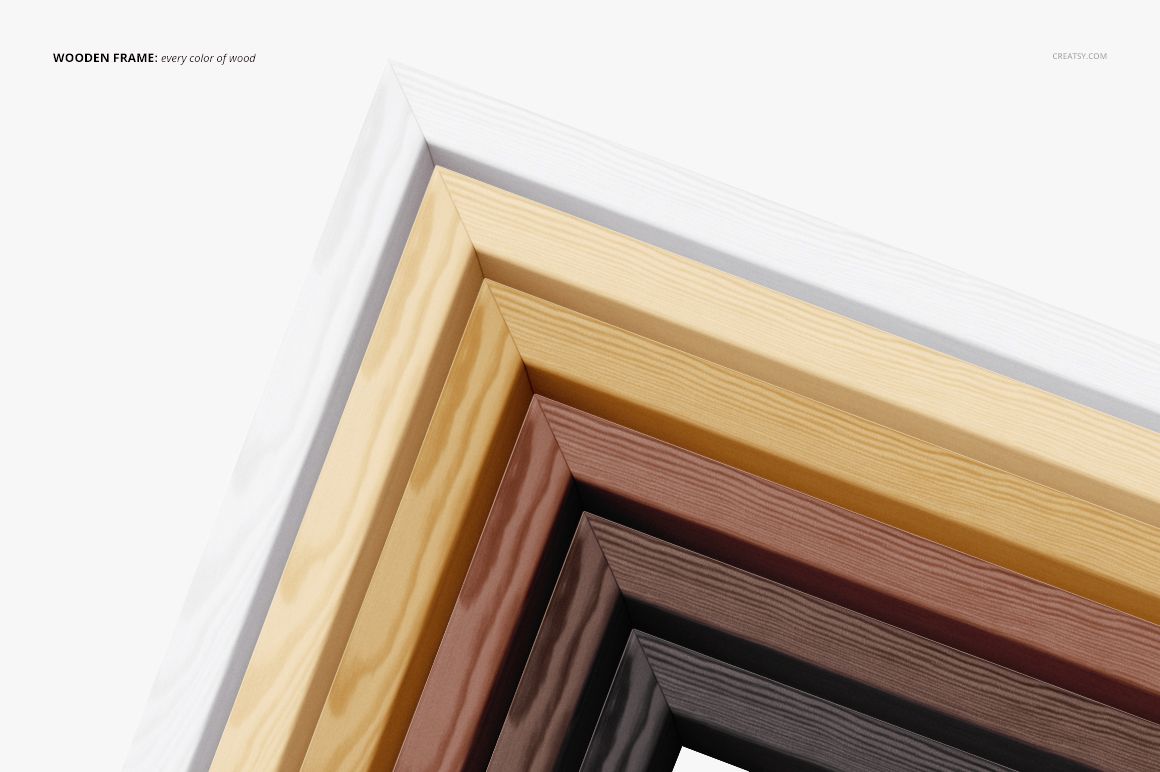
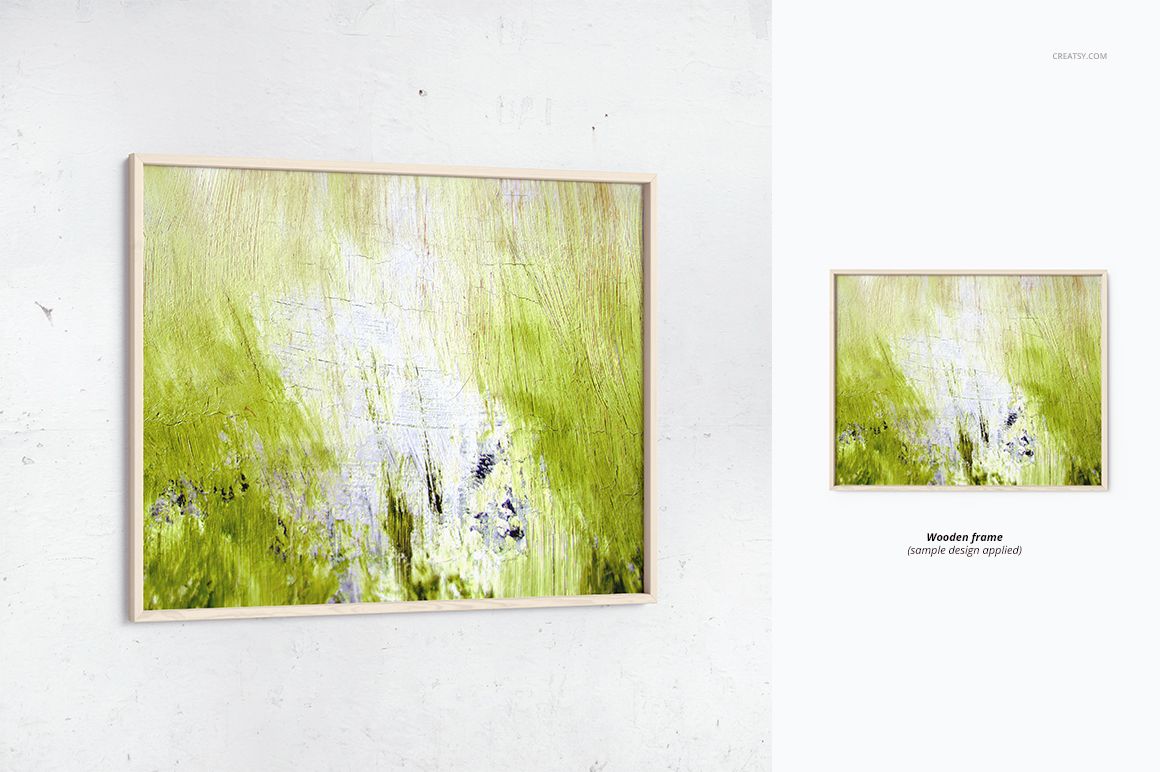
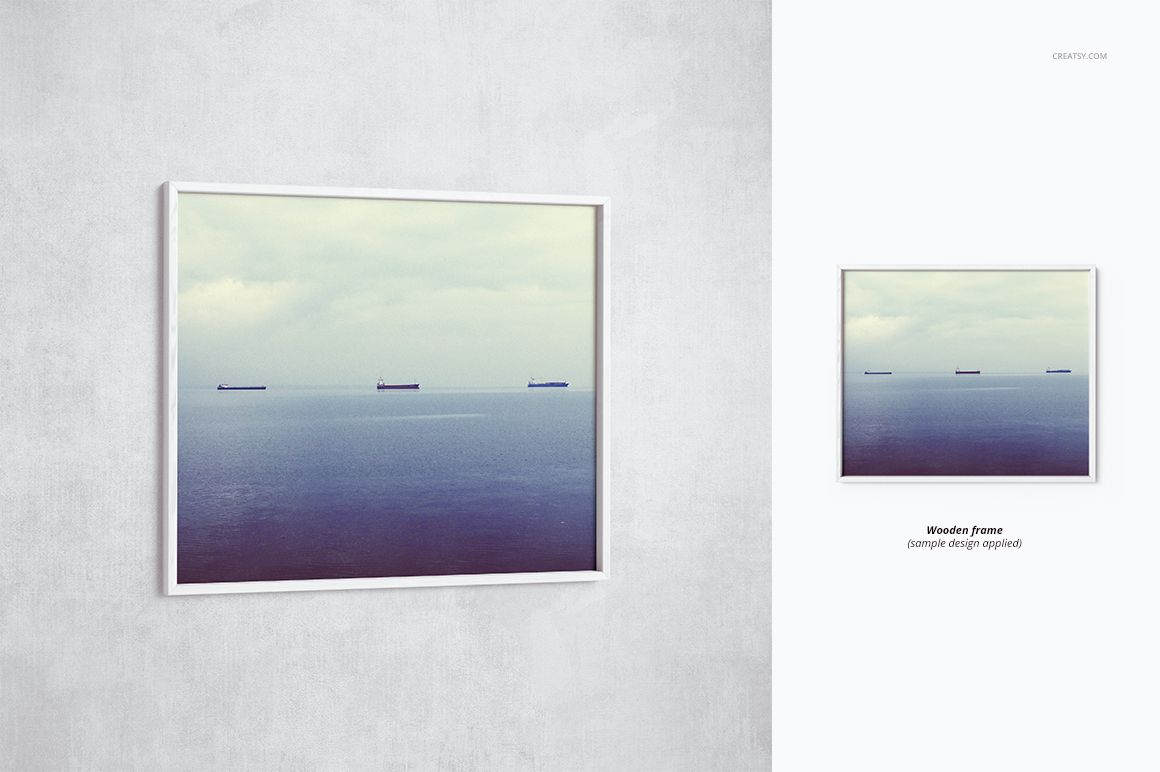
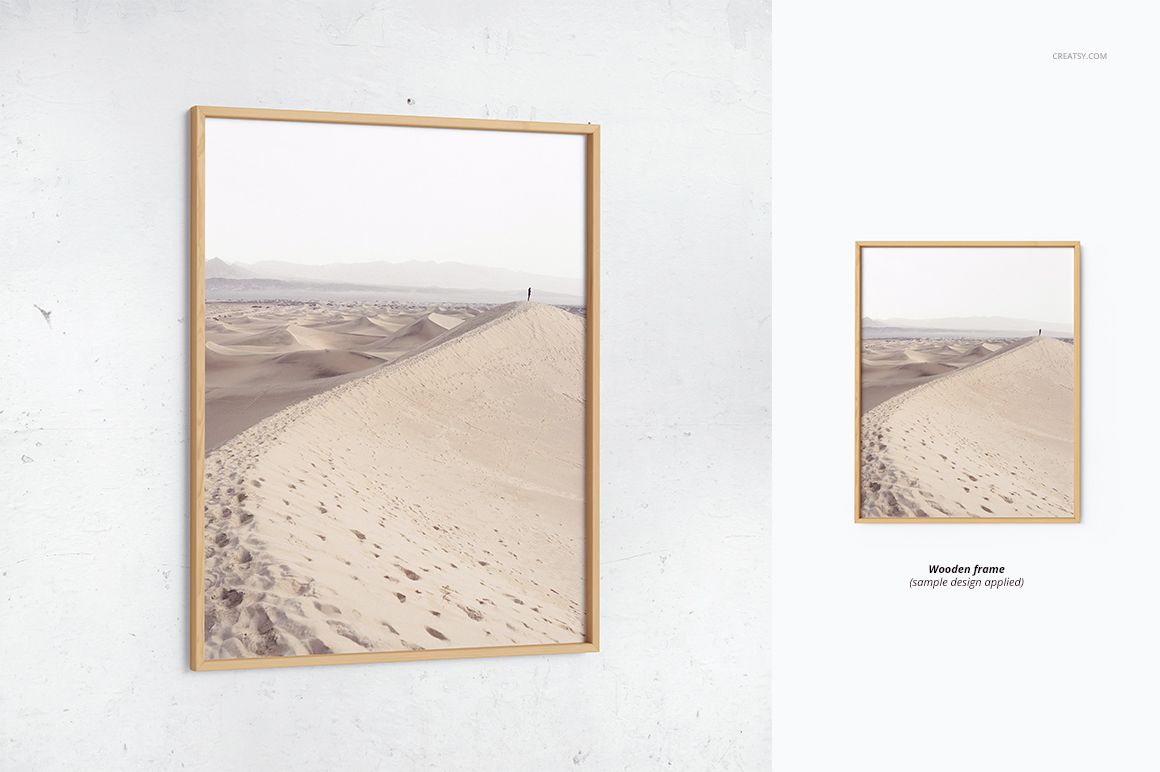
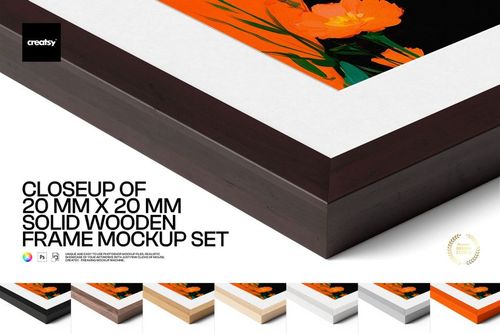
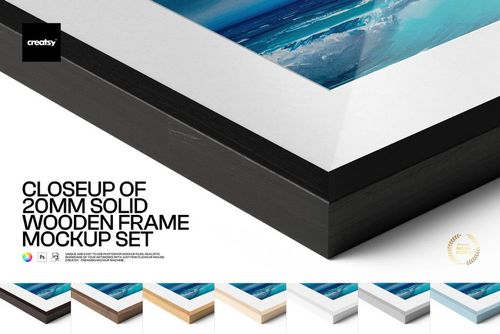
Thin Wood Frame: Create warm, natural presentations and compare light, dark and classic wood-inspired finishes.
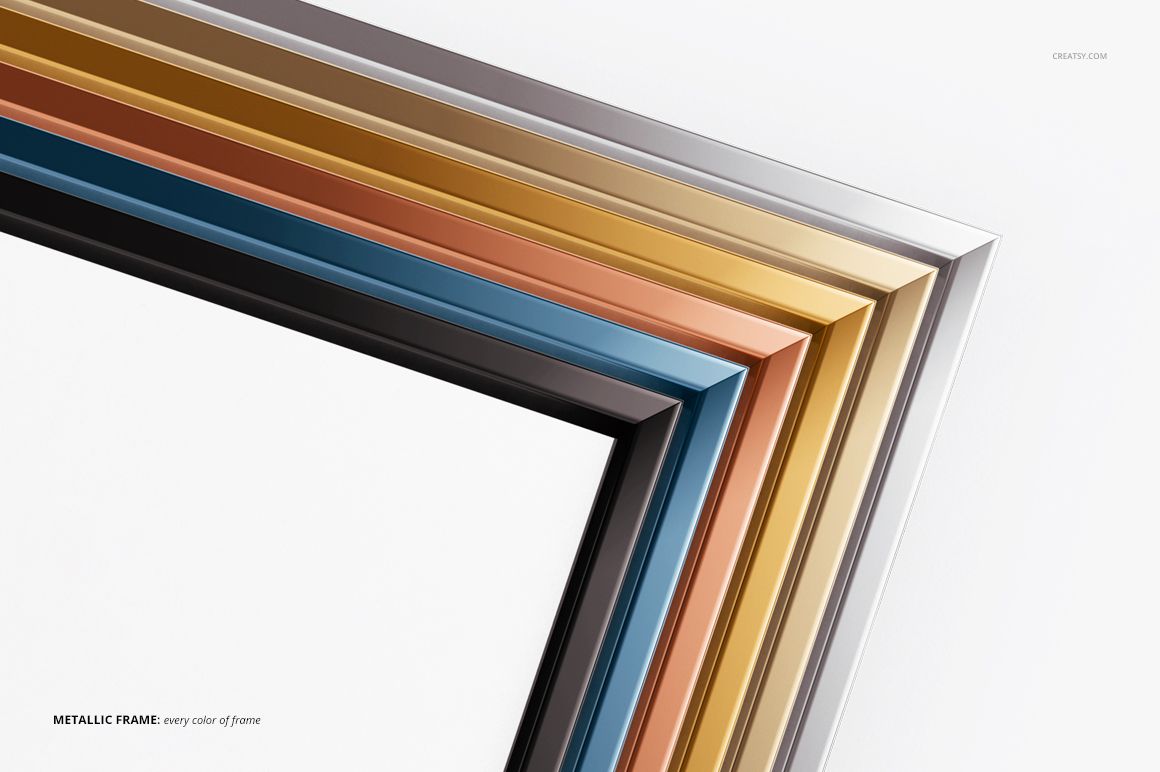
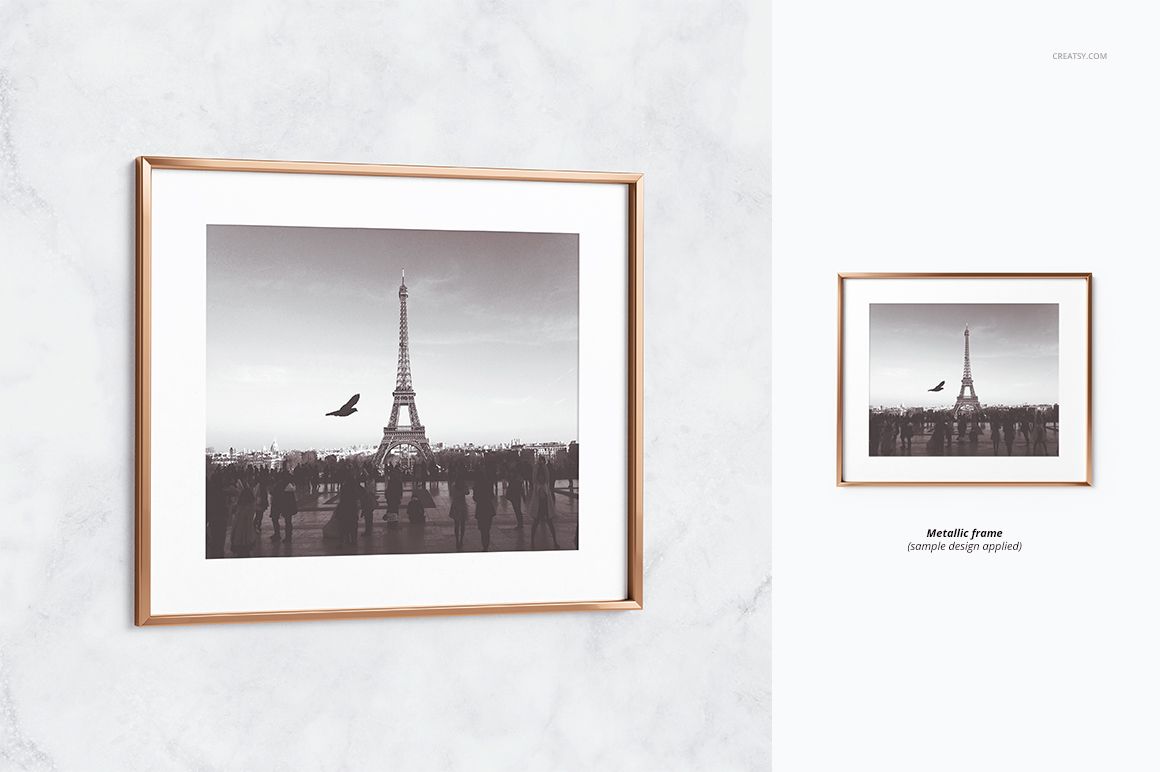
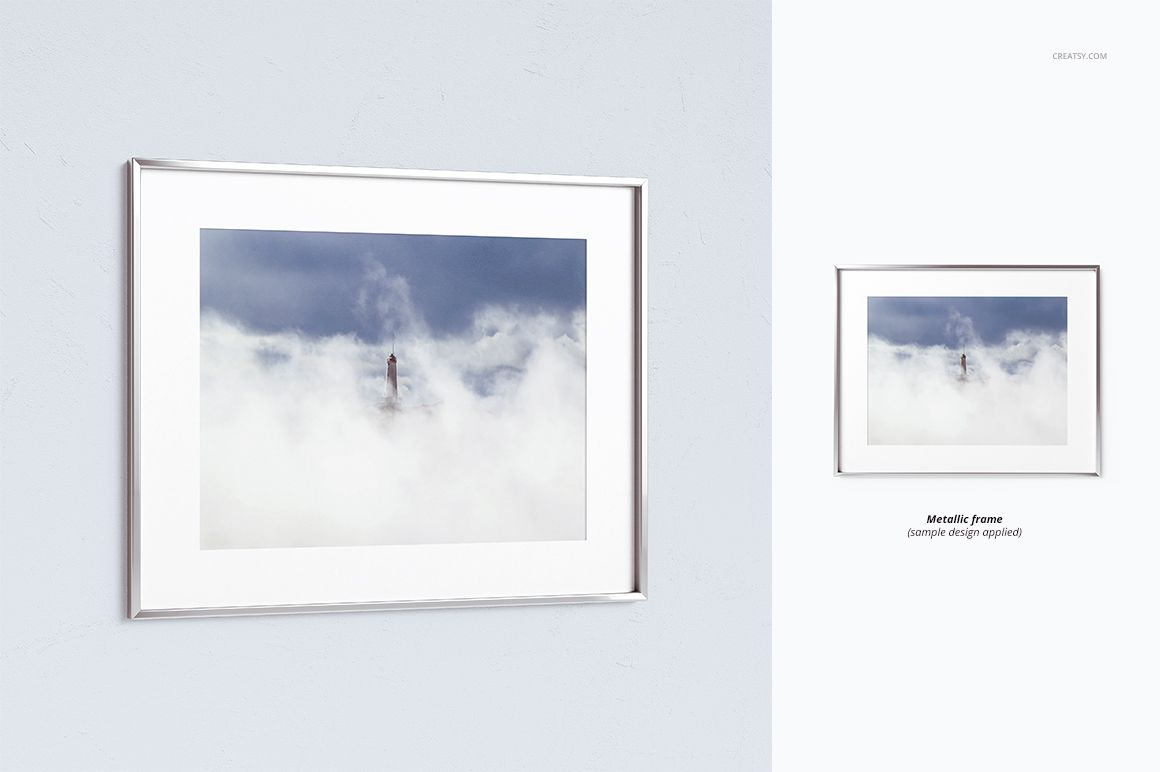
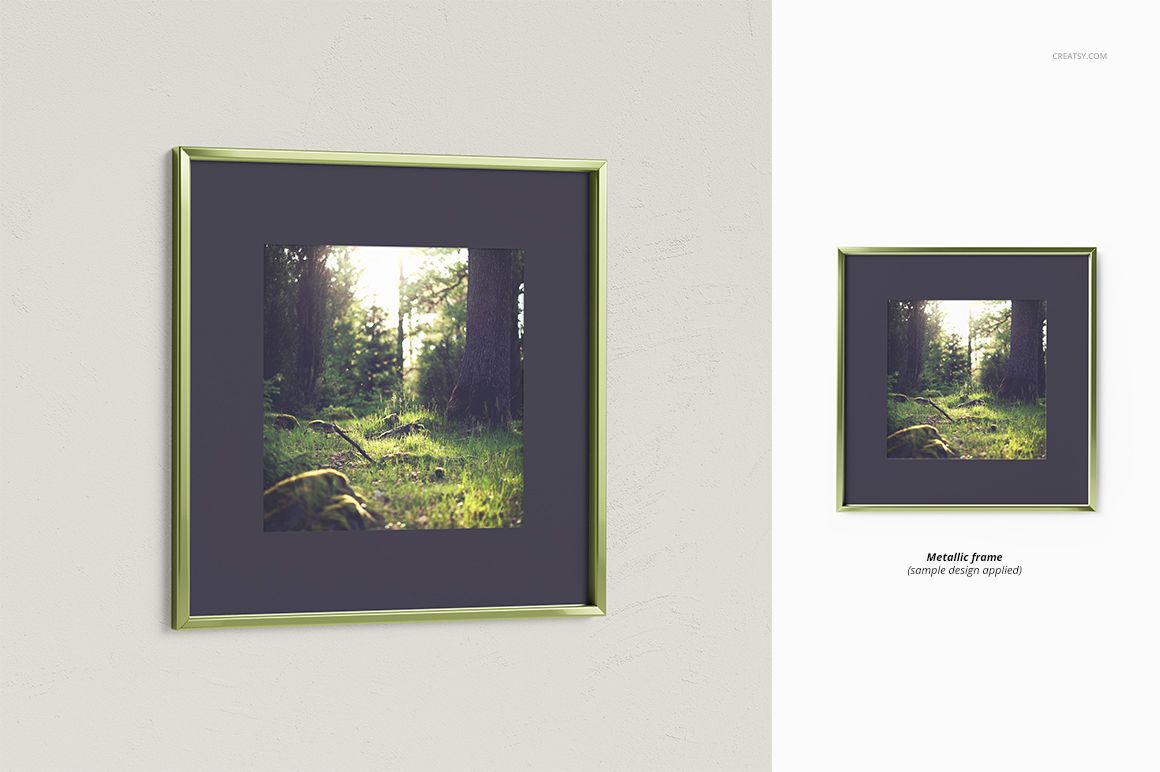
Thin Metal Frame: Give photographs, posters and contemporary artwork a refined, minimal gallery look.
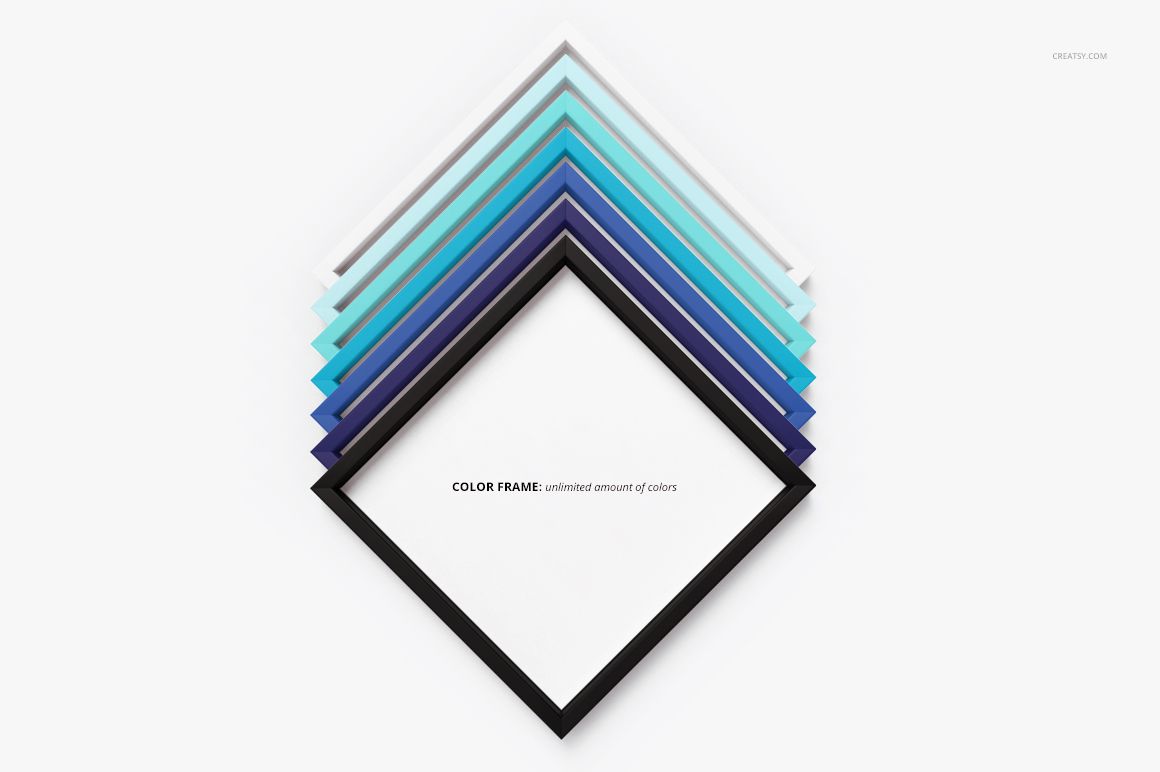
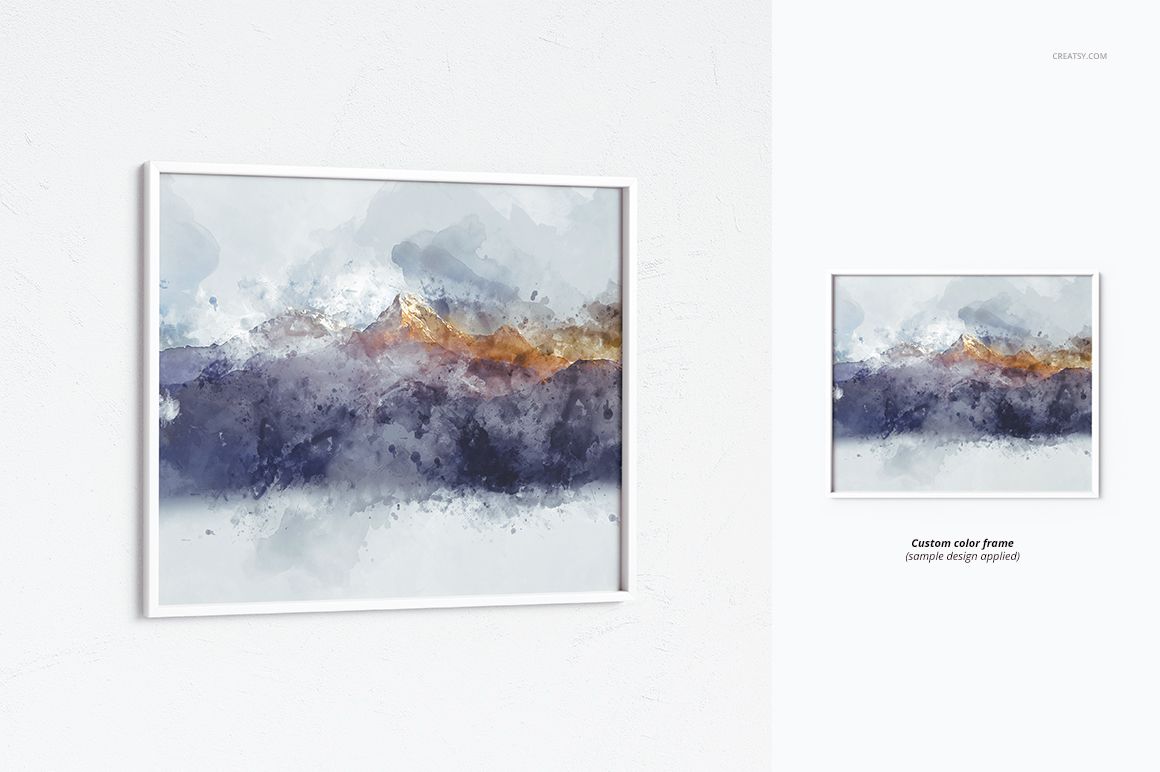
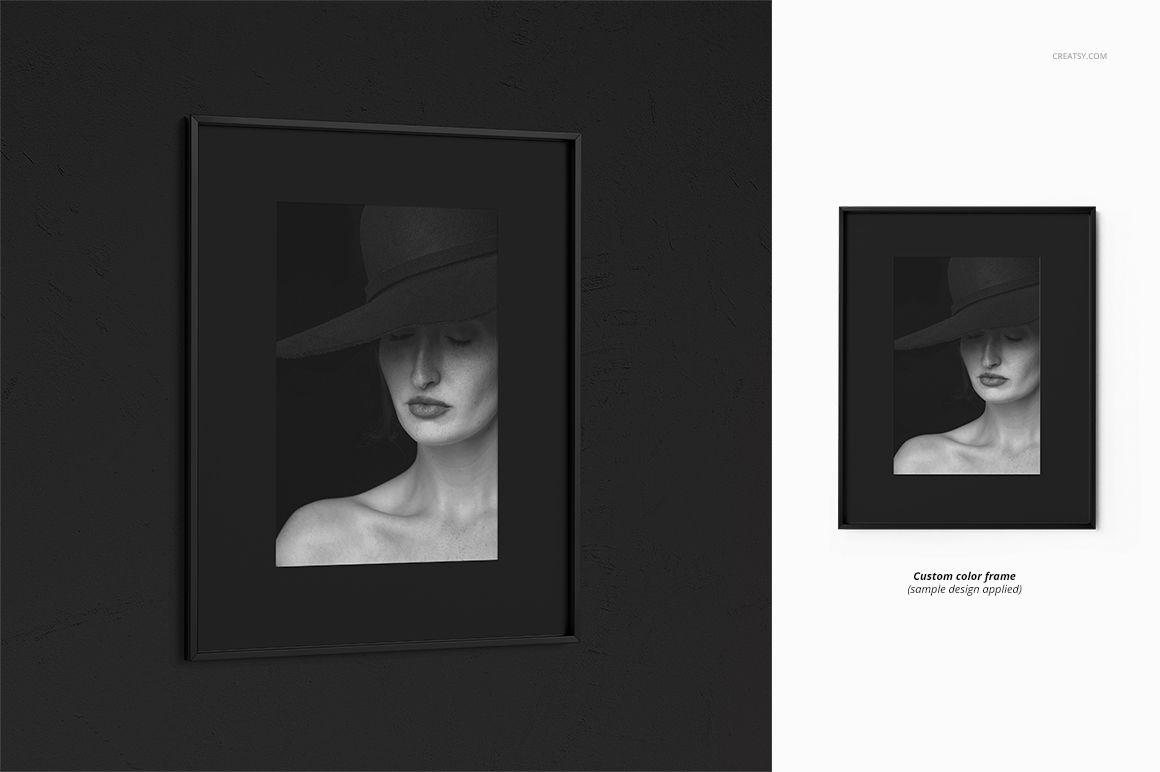
Thin Color Frame: Match the frame to a brand palette, campaign theme or artwork using an editable solid-color finish.
Flexible Mat and Scene Options
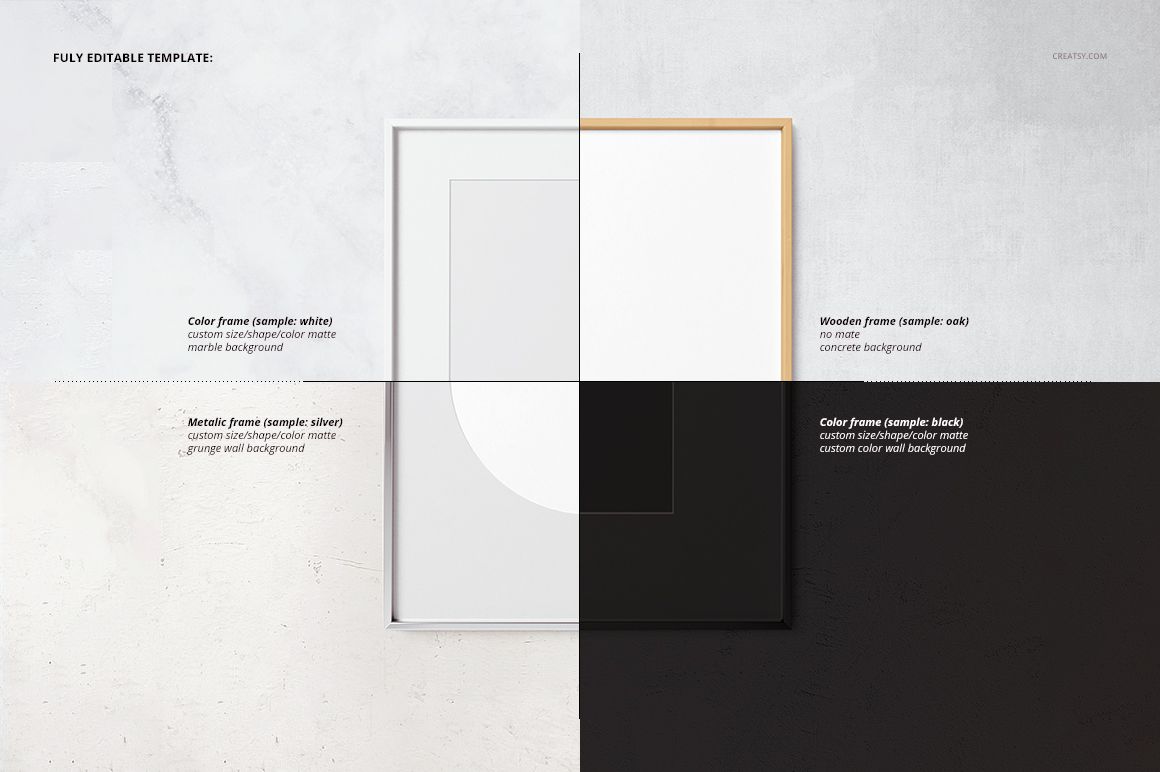
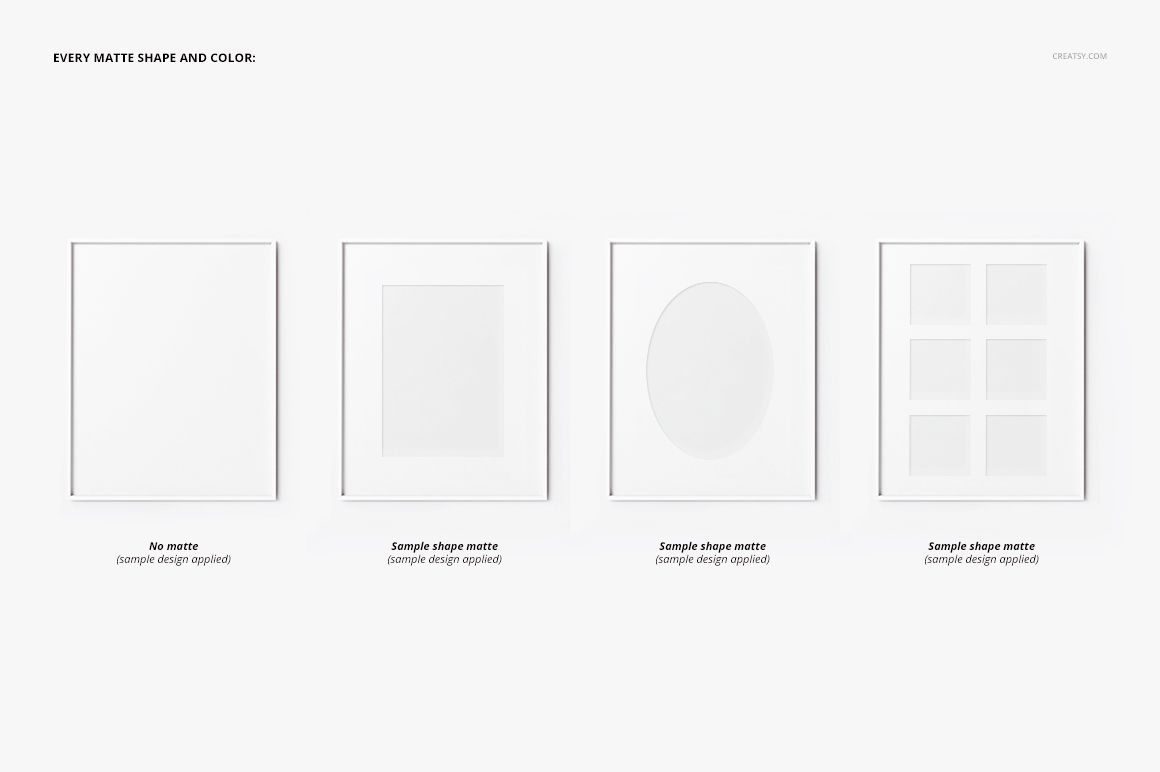
Use the editable mat settings to adjust the color, size and shape around your artwork. The collection includes square, oval and grid-style mat presentations, helping you explore traditional framing and more distinctive display concepts. Light, dark, marble and plain wall settings provide useful visual contexts for different creative styles.
What You Can Customize
Replace artwork through Smart Objects
Edit frame colors and finishes
Customize the mat color, size and shape
Change the background color or design
Choose between single-frame, closeup and grouped compositions
Create consistent photography, illustration and art print presentations
Package Contents and Technical Details
36 layered PSD files, with 12 mockups for each frame family
36 companion JPG preview files
3 TIF guide files
75 files in total
3 downloadable archive packages organized by wood, metal and color frame families
4000 x 4000 px resolution at 300 DPI
Adobe Photoshop CS5 or newer compatibility
Designed for Reusable Creative Campaigns
Use the coordinated scenes for online shop listings, portfolio case studies, social media campaigns, print collection launches and client presentations. The square format and repeatable camera angles make it easier to create a recognizable visual system while still varying the frame material, mat treatment and background.
Please note: The sample artwork, photographs and decorative patterns shown in the preview images are presentation examples and are not included.













GREAT
Thank you! We are so glad you enjoyed the mockup set and hope it helps you create many polished frame presentations.