Deep Picture Frame Mockups for Dimensional Art Presentations
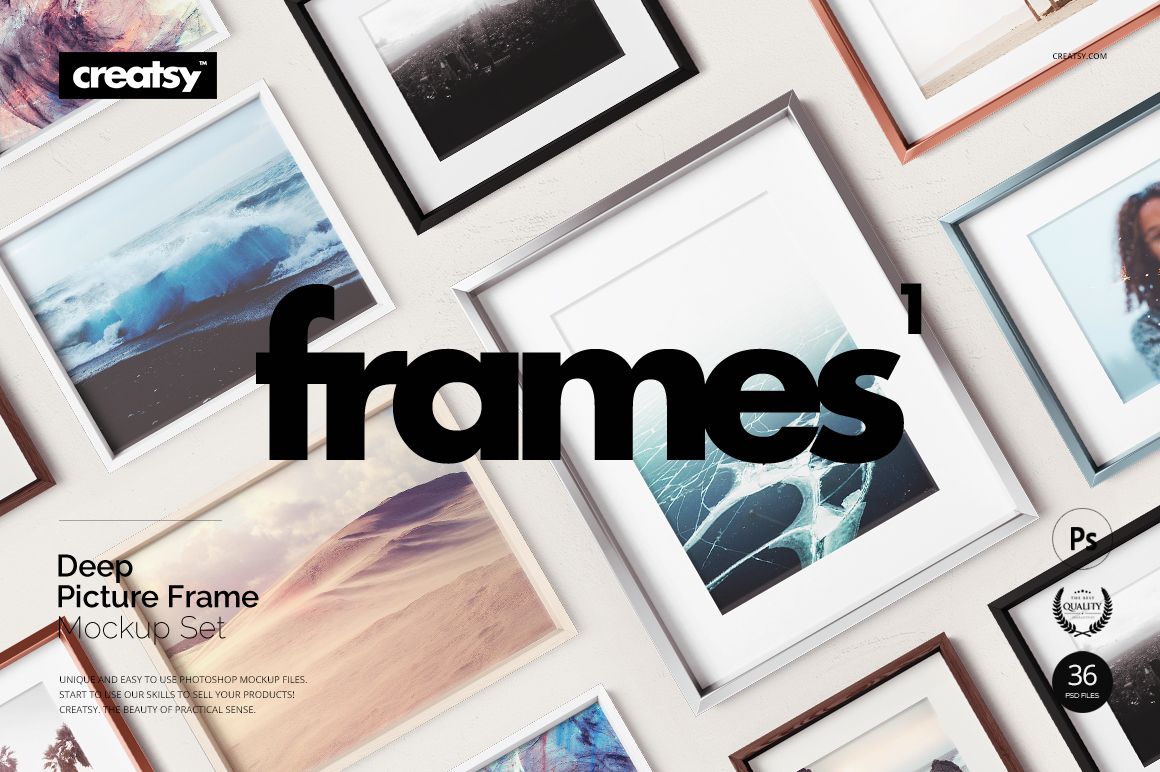
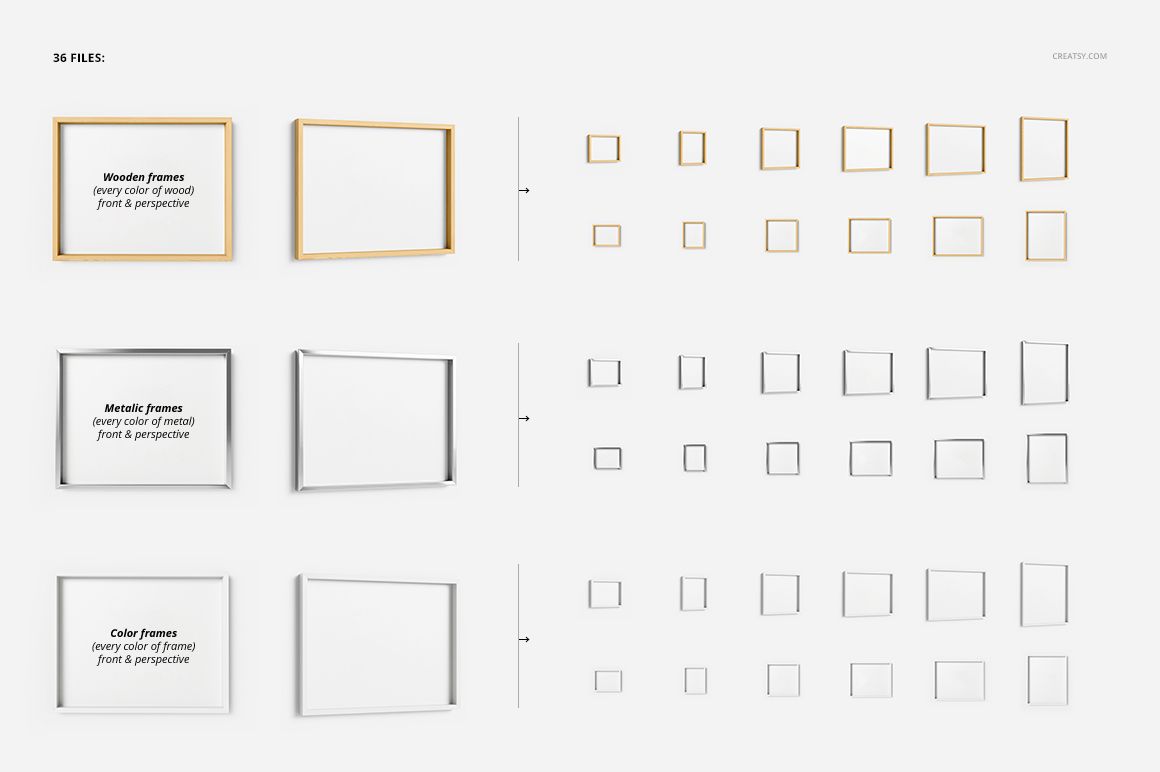
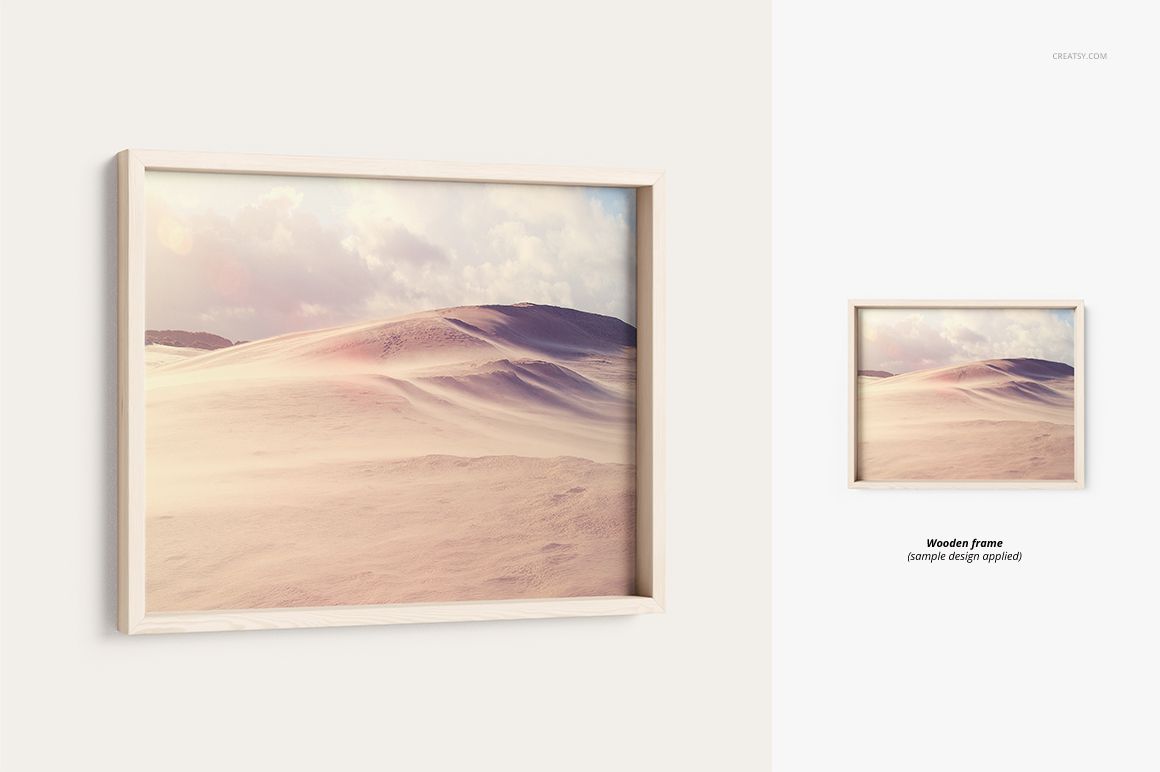
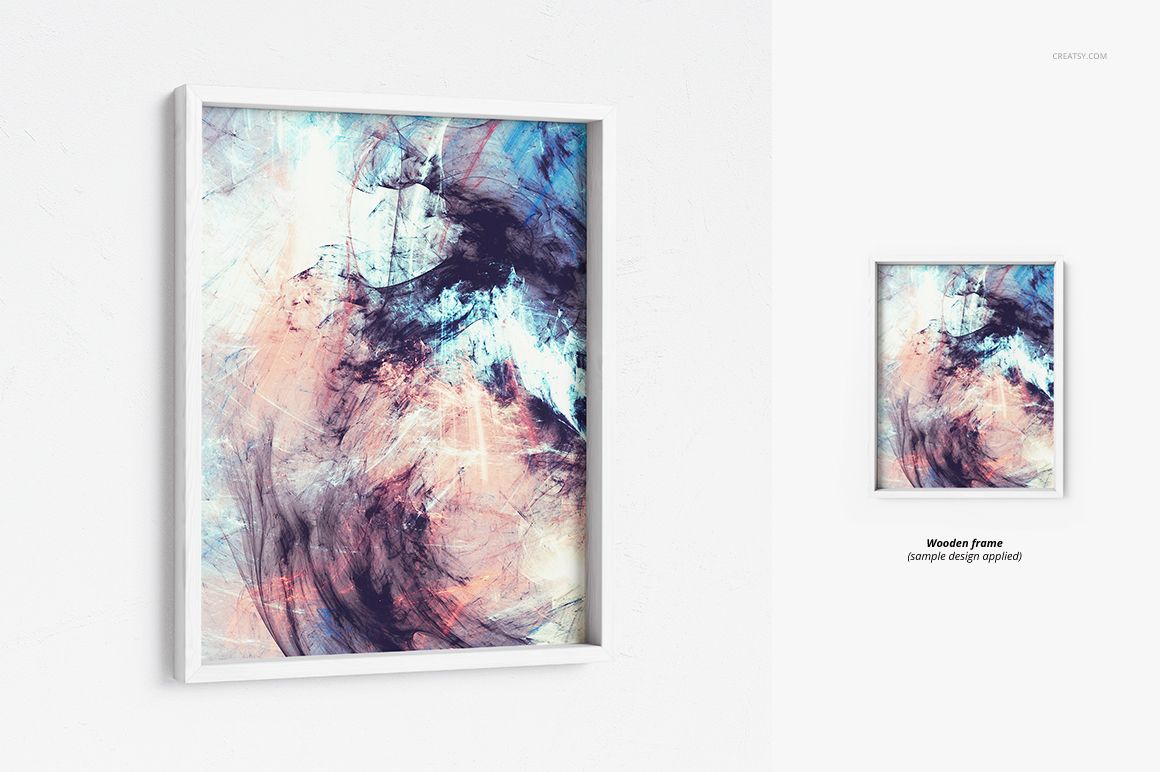
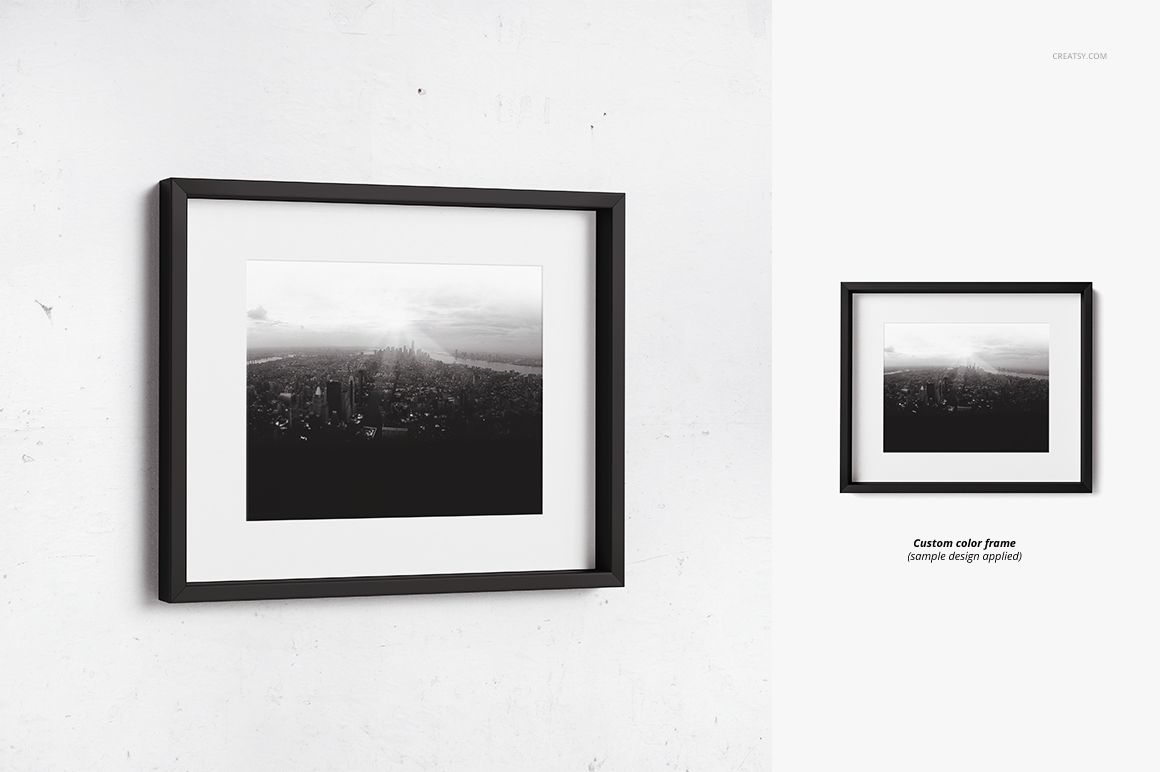
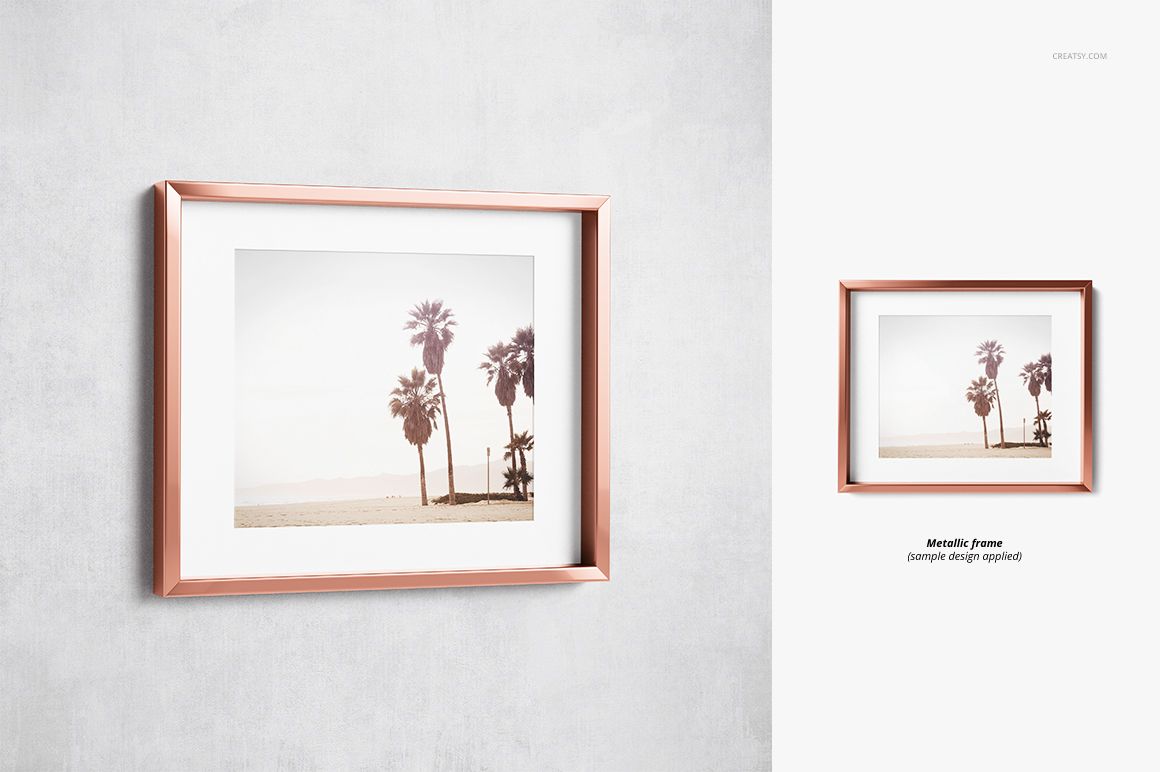
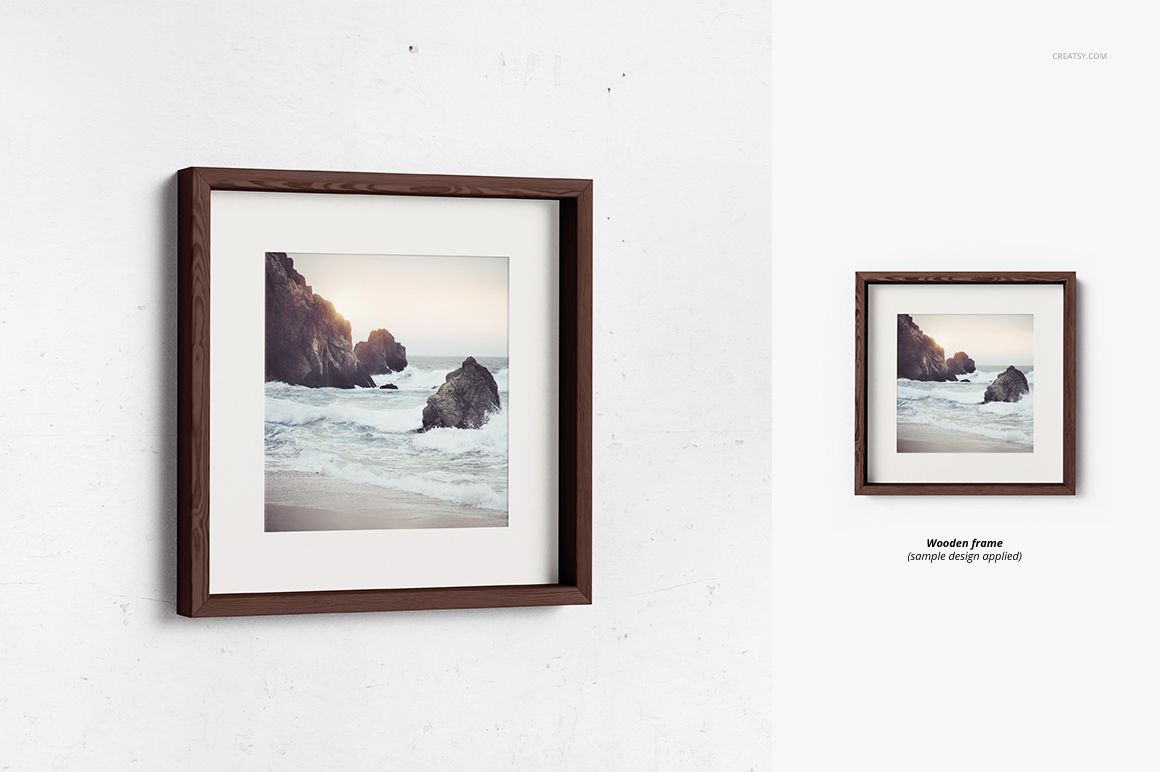
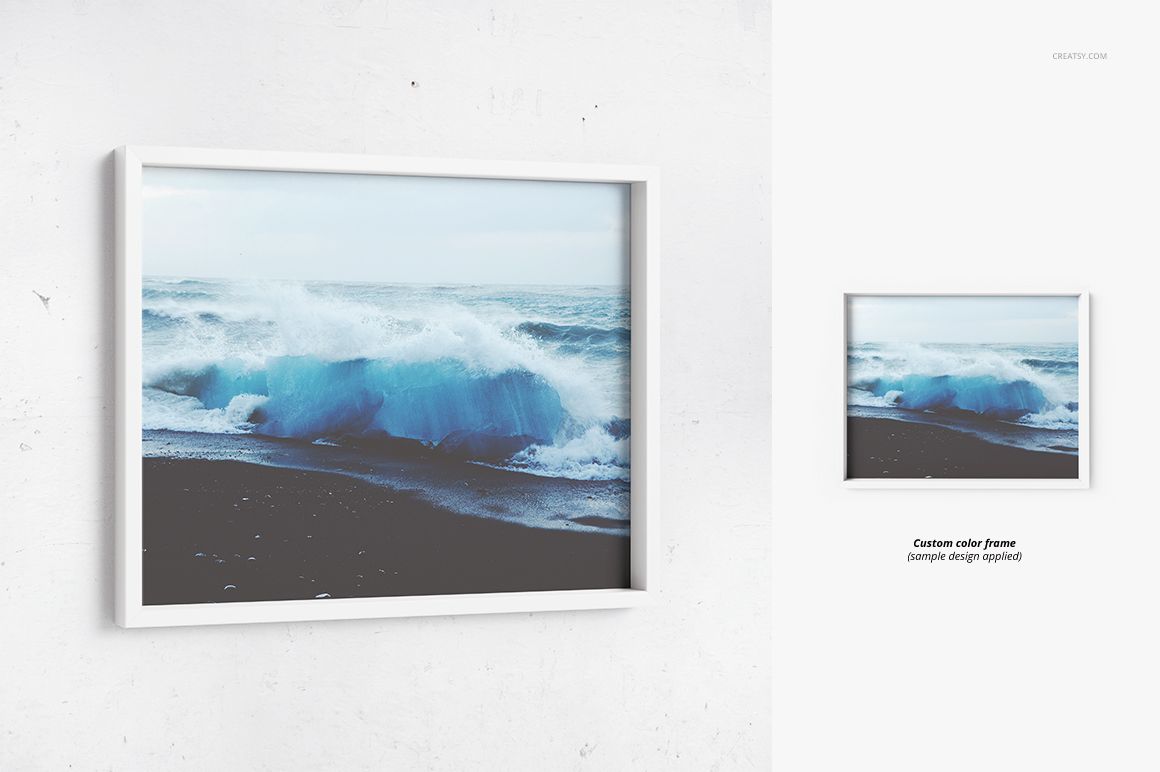
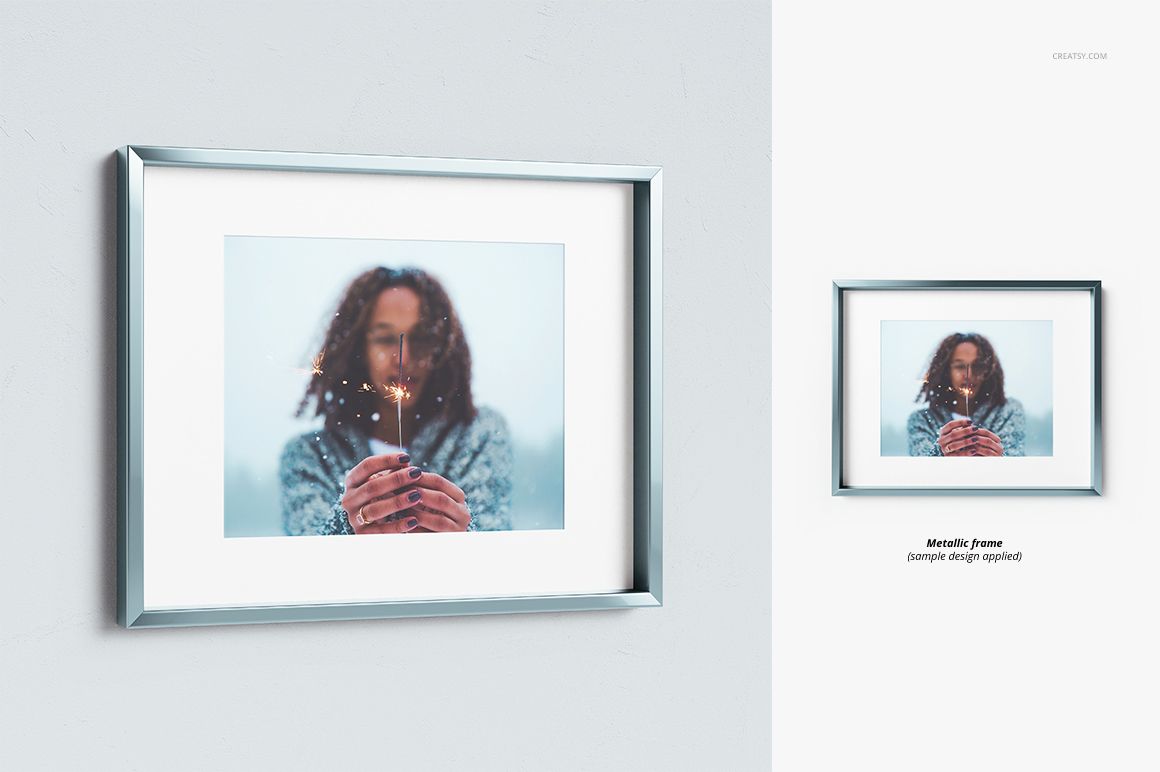
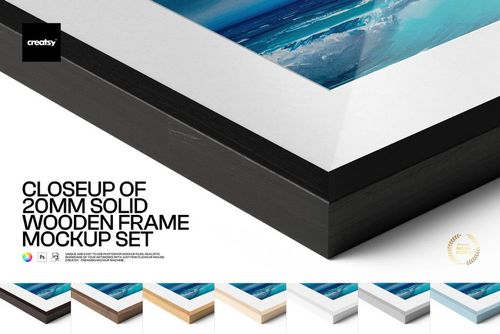
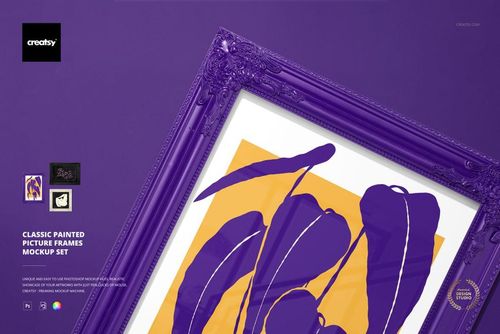
Give artwork a convincing sense of depth with this versatile Deep Picture Frame Mockup Set. The collection includes 36 layered PSD mockups divided equally between Color Box Frame, Metal Box Frame and Wooden Box Frame scenes. Use them to present square or rectangular art in polished wall displays, detailed closeups and material comparisons.
Deep frame profiles reveal more of the frame edge than standard front-facing mockups. This makes the set especially useful when mat spacing, frame depth and material finish are important parts of the product design. Front, top, side and corner perspectives help customers understand how a framed print may look from different viewing angles.
What Is Included
36 layered PSD mockups, with 12 scenes for each frame family
36 JPG preview files for quick scene selection
3 TIF guide files
75 files in total
Color Box Frame, Metal Box Frame and Wooden Box Frame collections
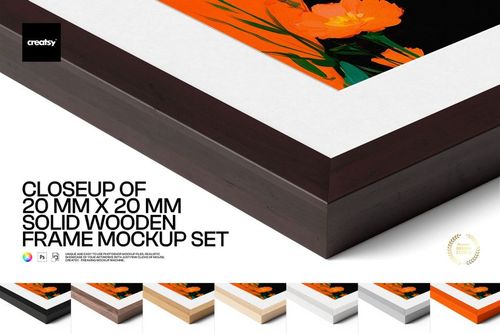
Single-frame closeups, angled views and grouped frame comparisons
Square and rectangular artwork compositions
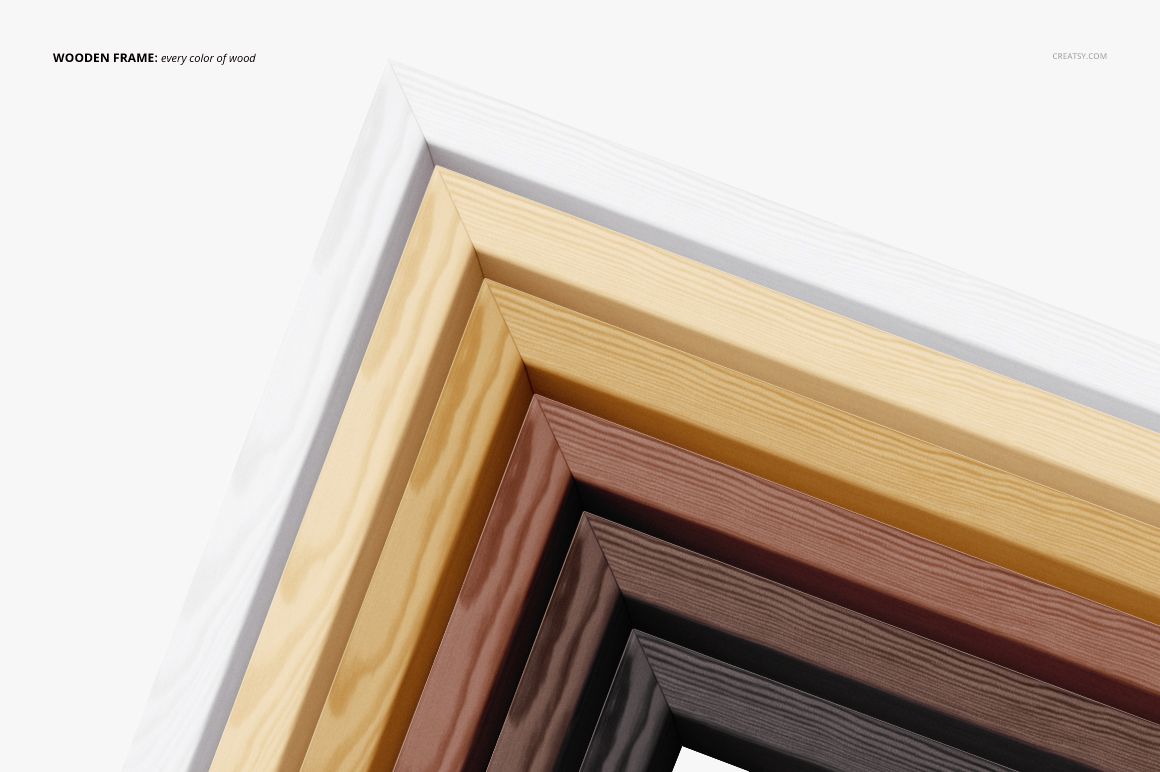
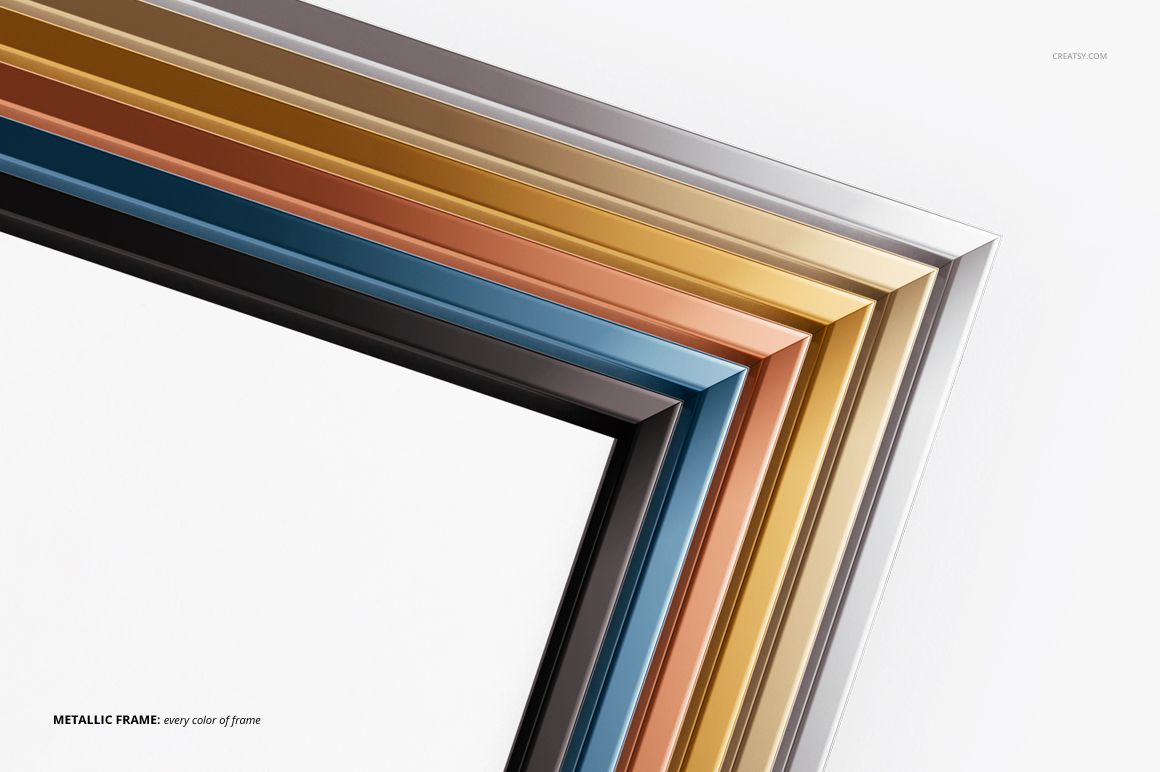
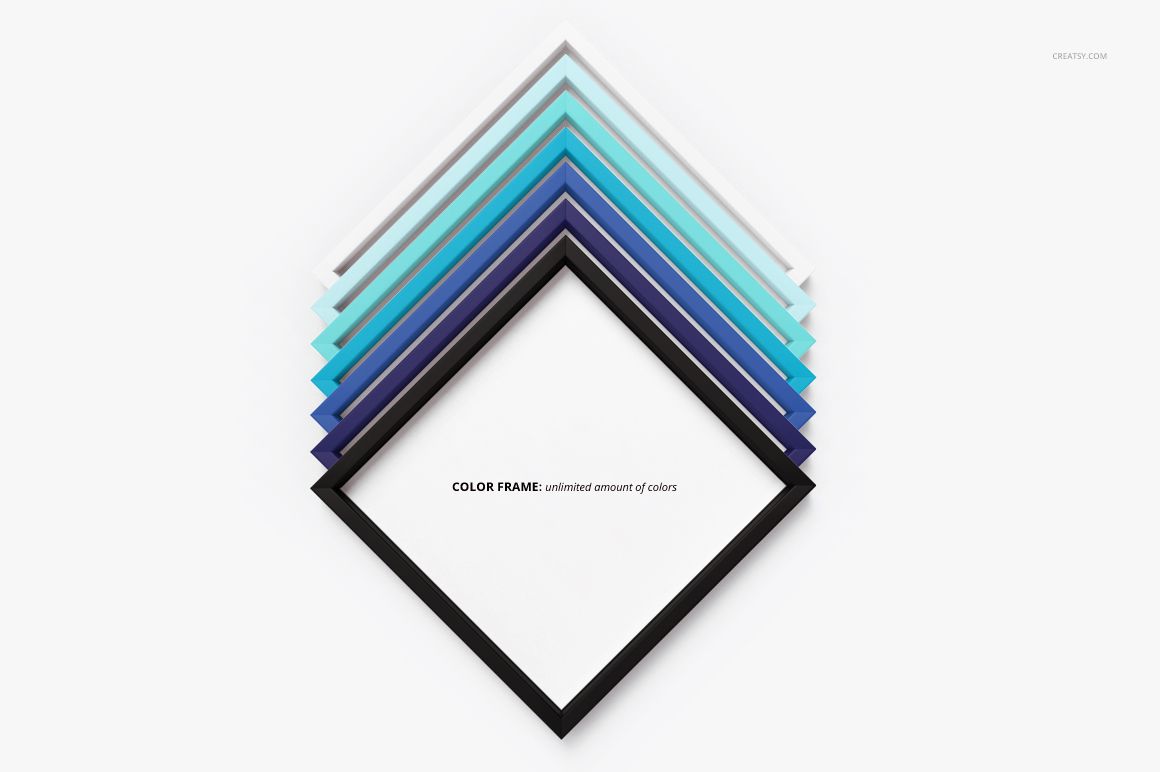
Light, medium and dark wood examples, assorted metallic finishes and customizable color frames
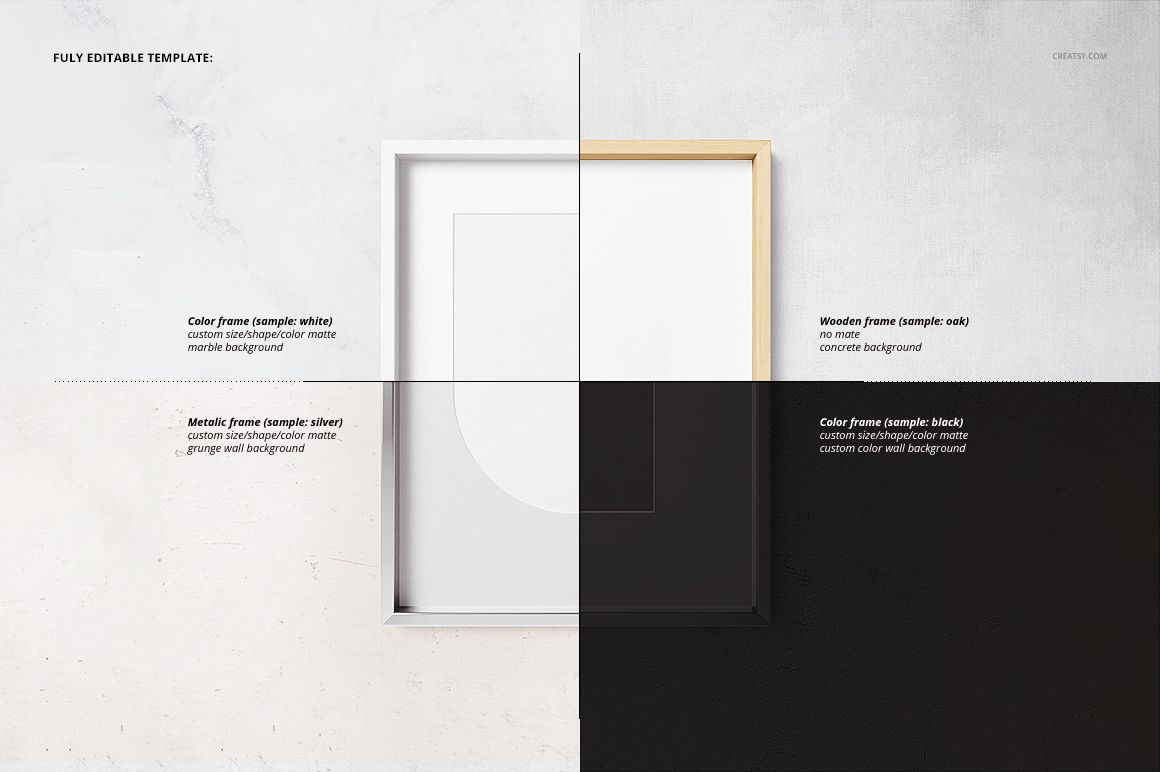
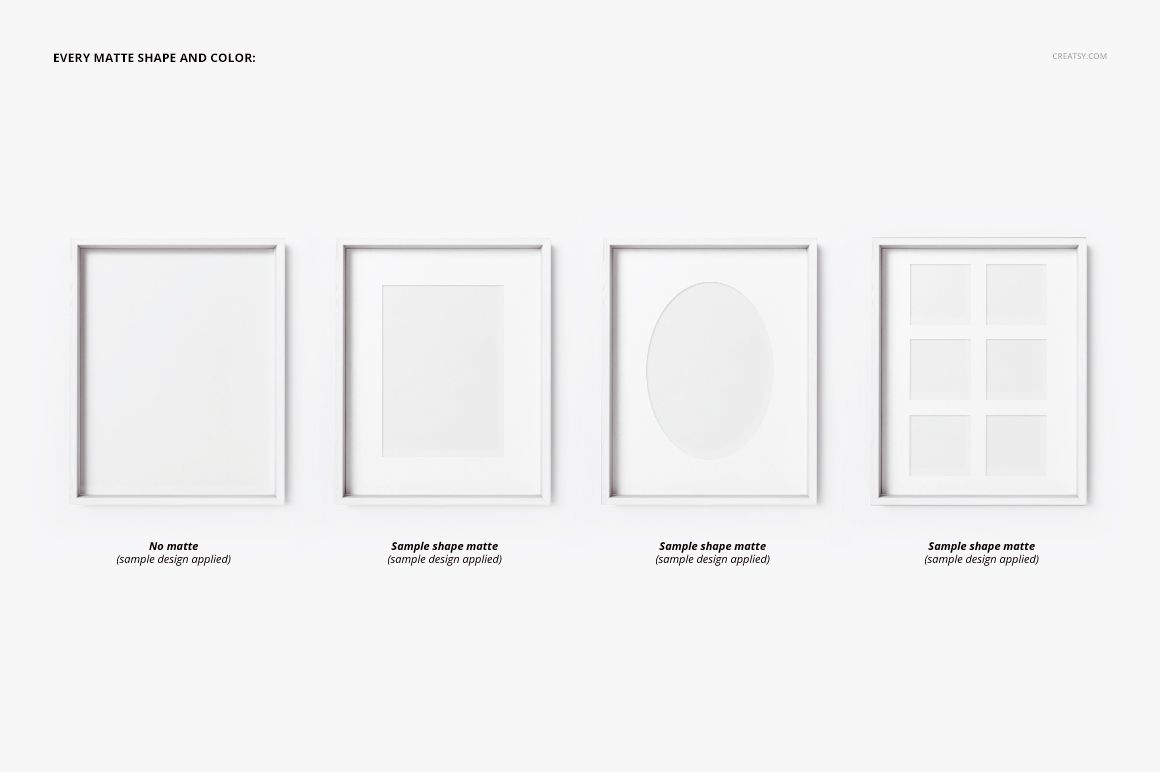
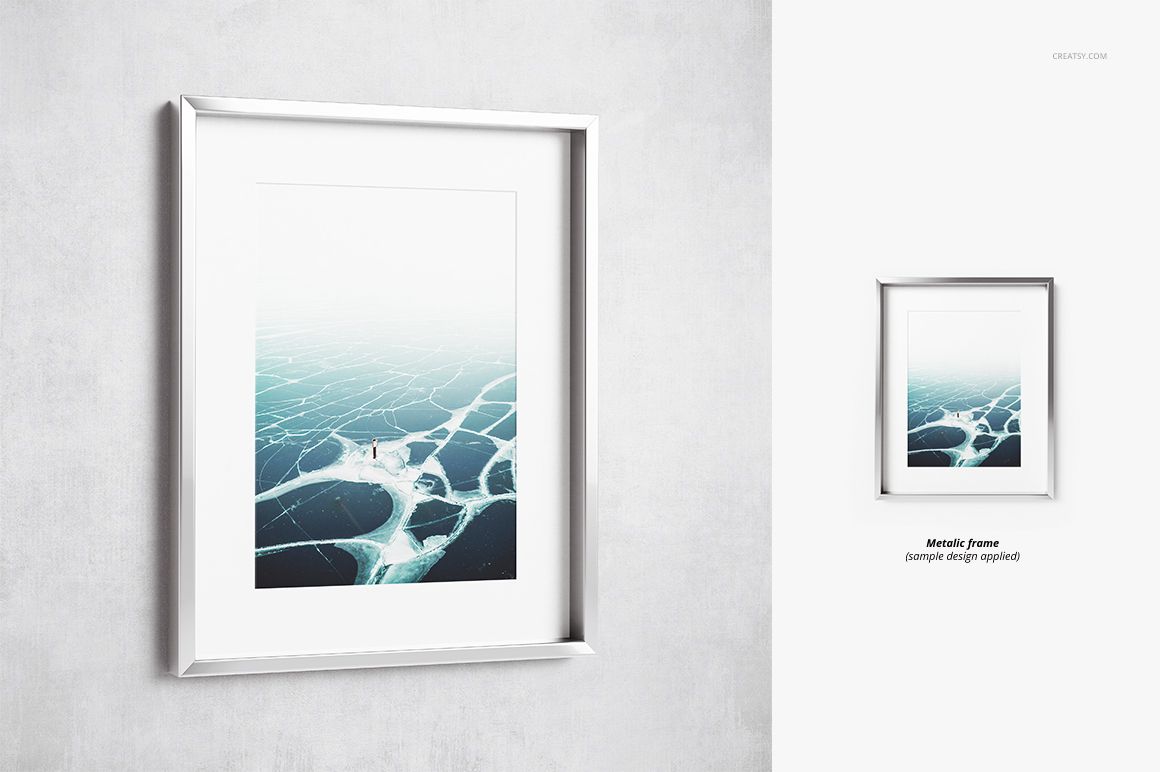
Multiple mat treatments and clean, lightly textured wall settings
Fast Editing with Organized Layers
Place artwork through Smart Objects, then refine the presentation with editable color and design layers. The mat color, size and shape can also be adjusted, allowing one composition to support different print proportions and visual identities. Organized layers keep the workflow clear when producing several coordinated product images.
Professional File Specifications
Resolution: 4000 x 4000 px
Quality: 300 DPI
Software: Adobe Photoshop CS5 or newer
Delivery: 3 ZIP archives, approximately 4.32 GB combined
Total: 75 files
A Practical Mockup Workflow
Choose a wooden, metal or custom-color frame family.
Open the Smart Object and insert the artwork.
Adjust the frame design, colors and mat treatment to suit the project.
Select complementary front, angled and closeup scenes.
Export a consistent image series for a store, portfolio or campaign.
Made for Professional Art Presentation
This mockup set is designed for artists, photographers, illustrators, print shops, galleries and online sellers who need detailed framed artwork previews without organizing a physical photoshoot.
Please note: Sample artwork and patterns shown in the previews are not included.