Gift Wrapping Paper Mockup Bundle
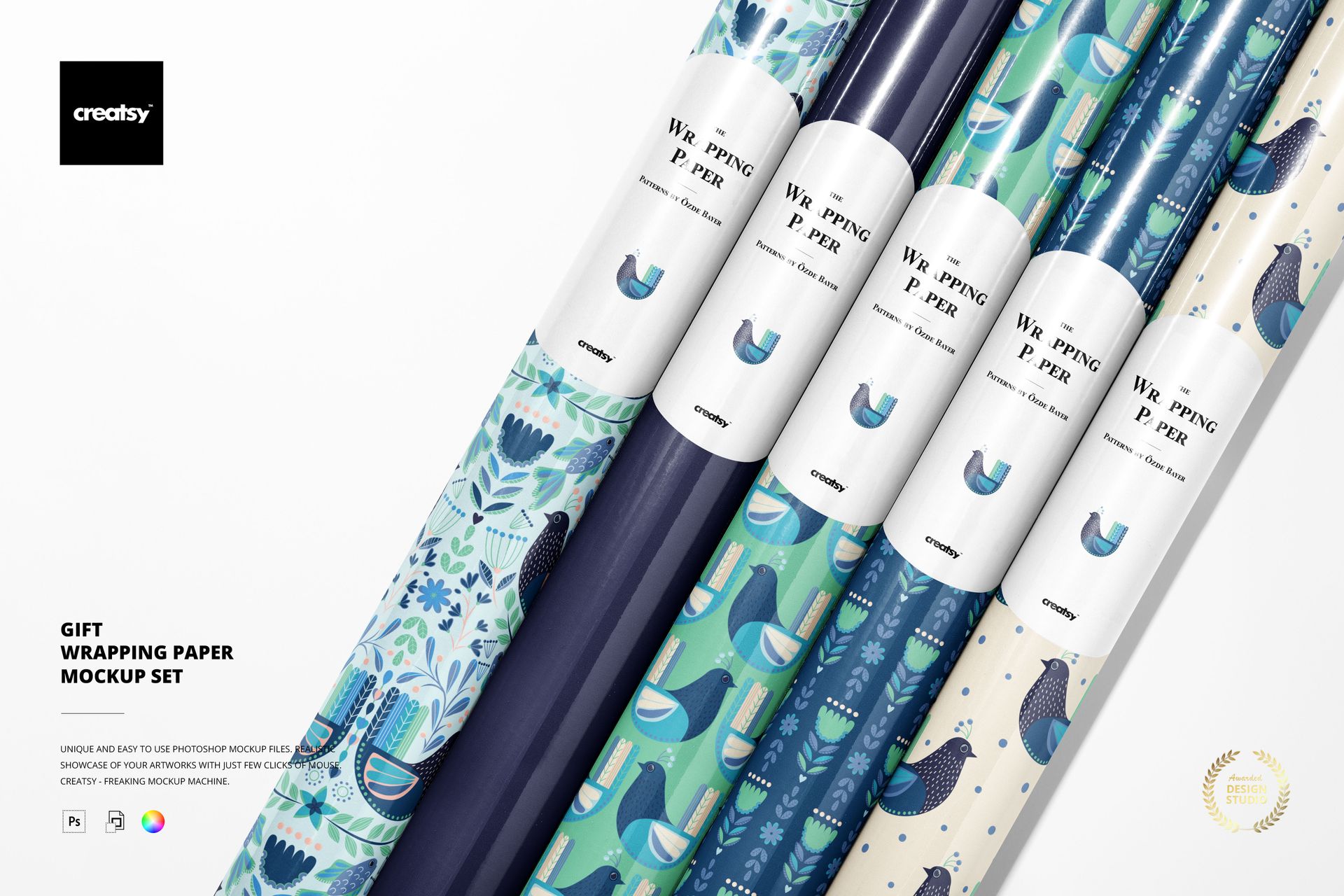
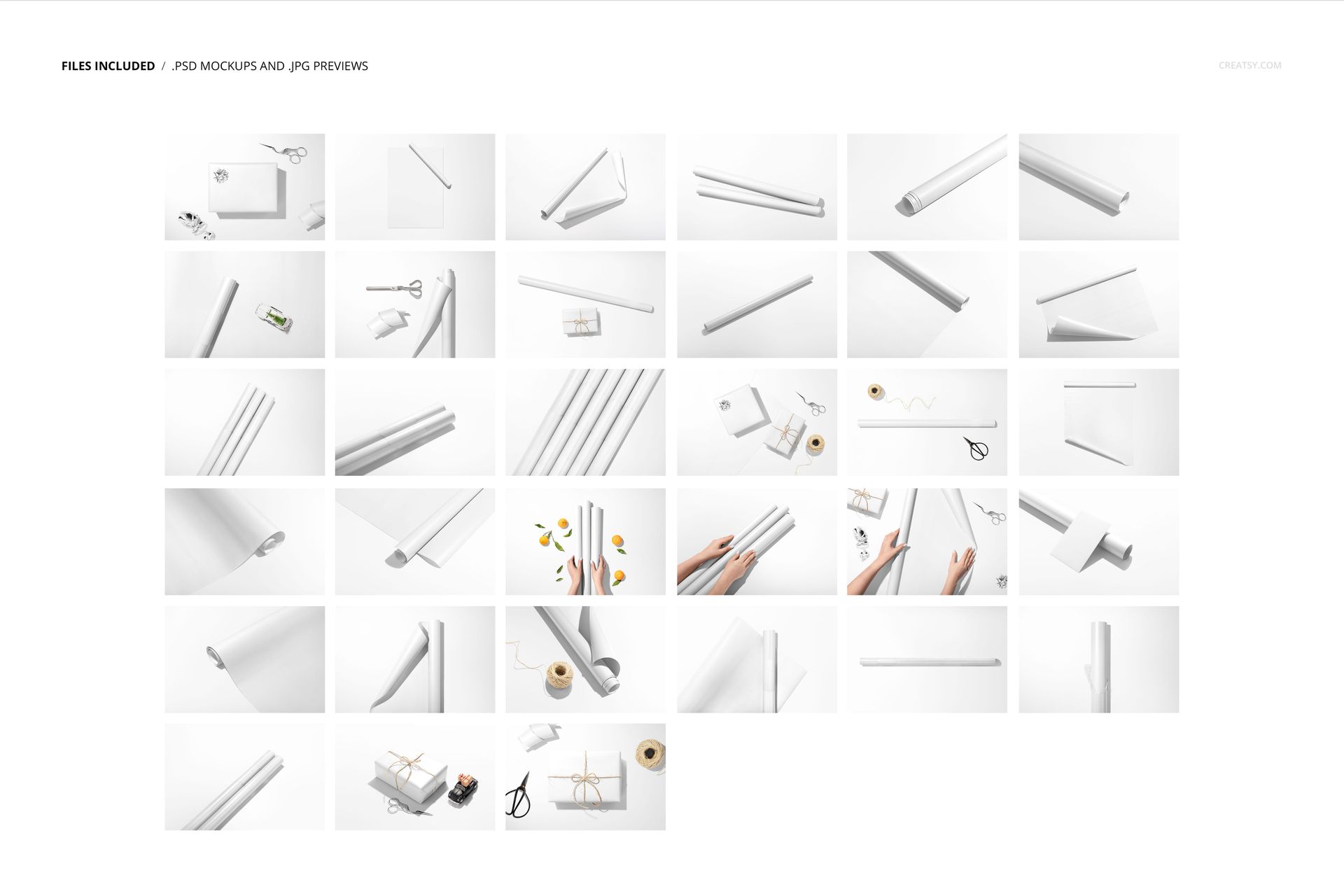
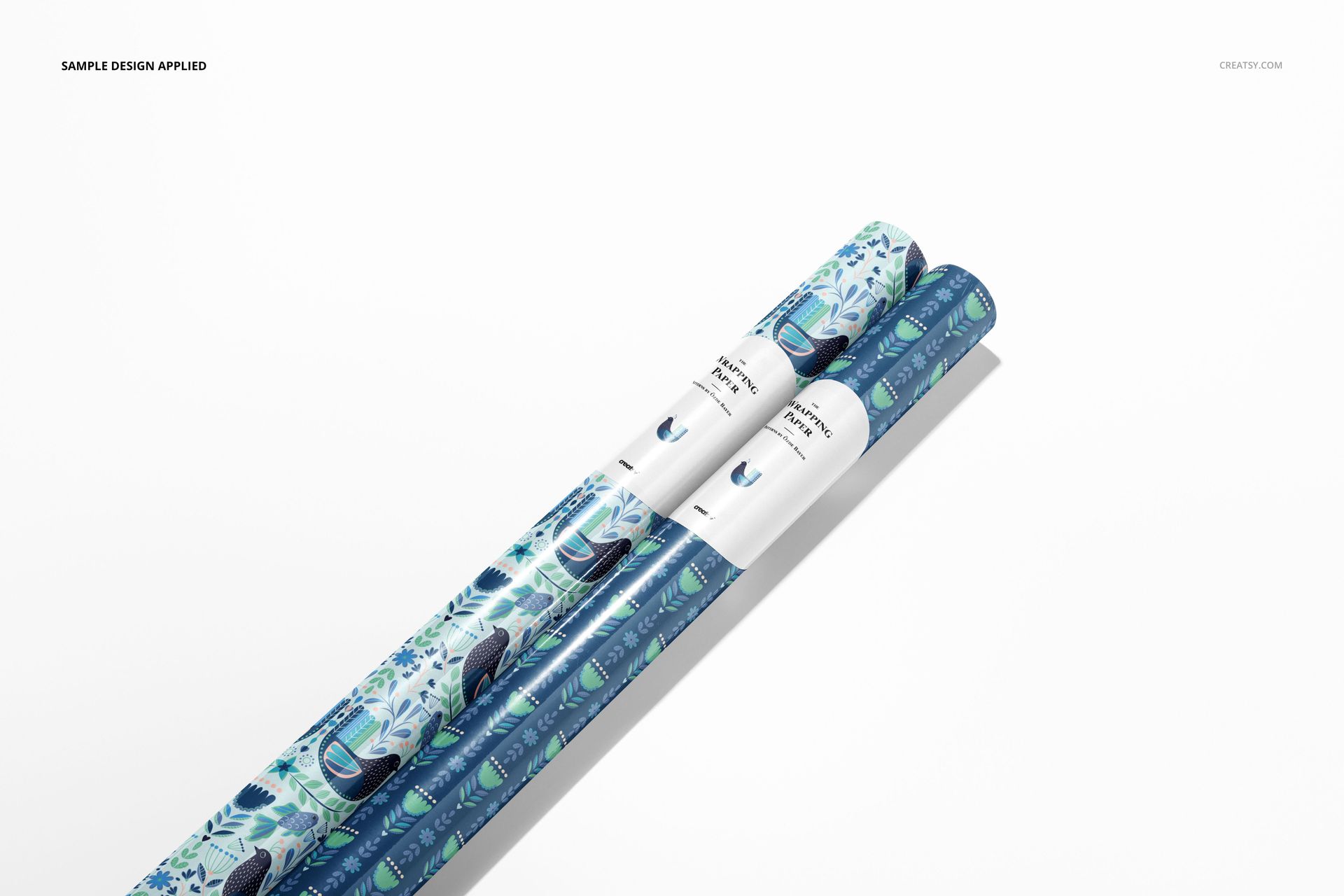
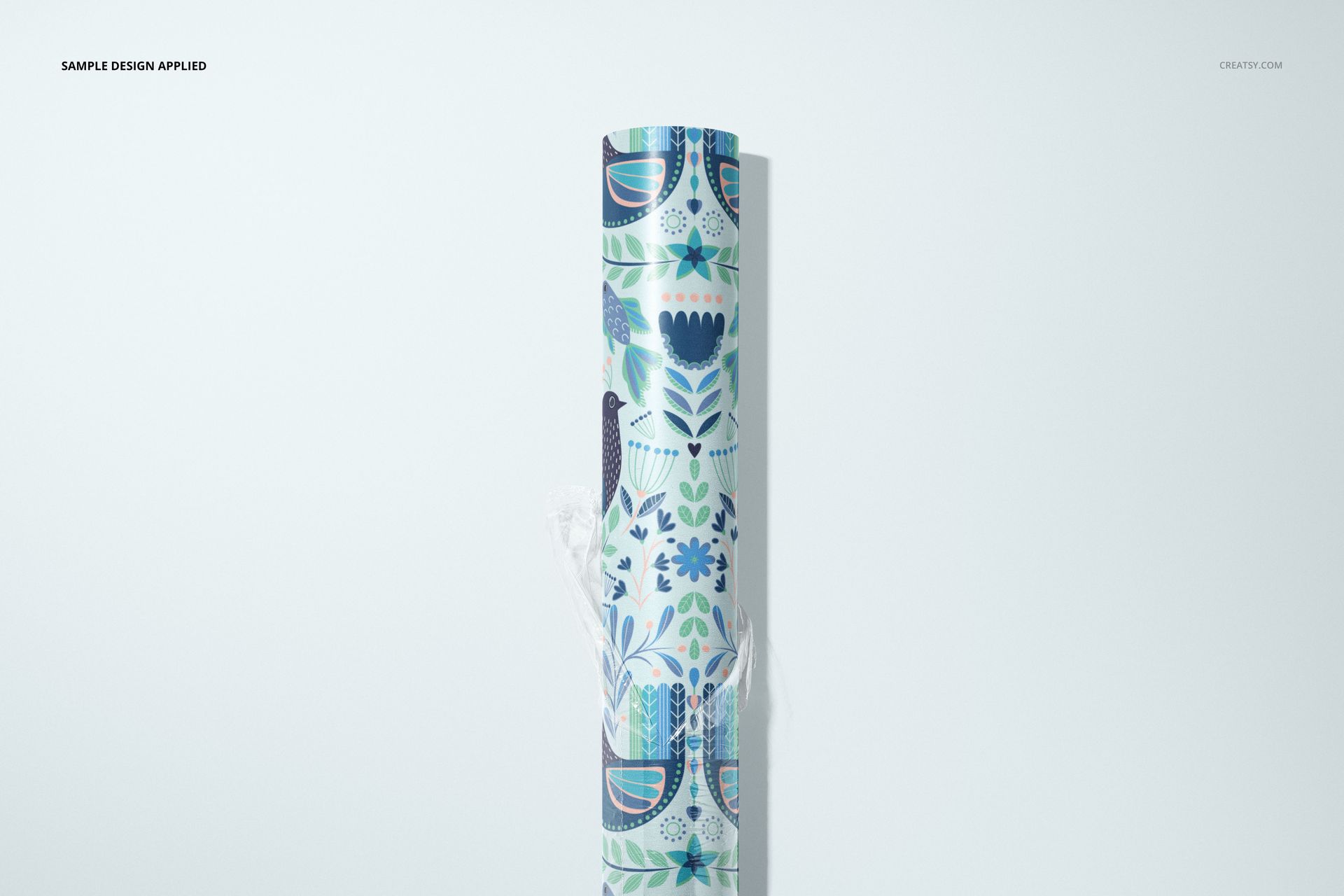
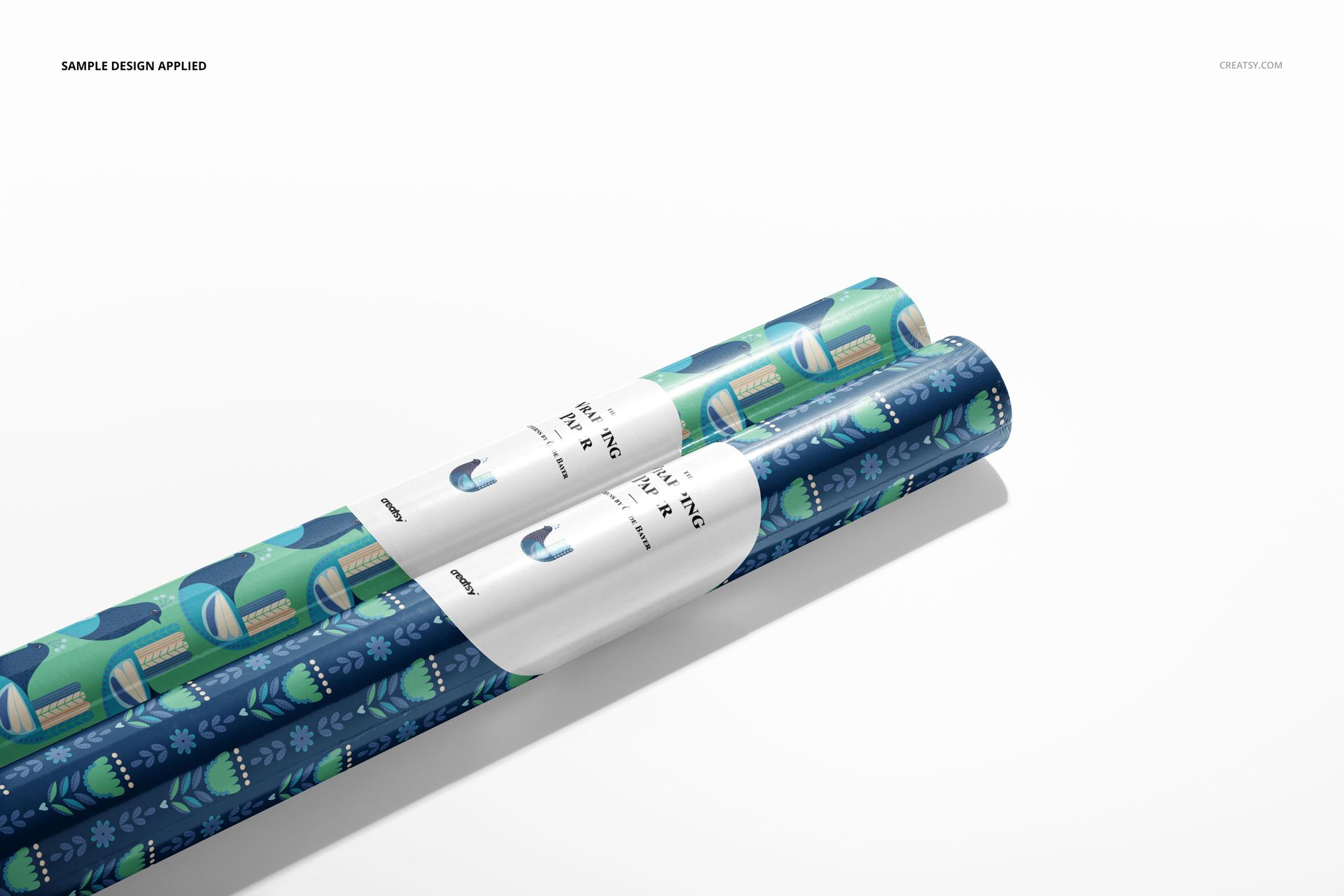
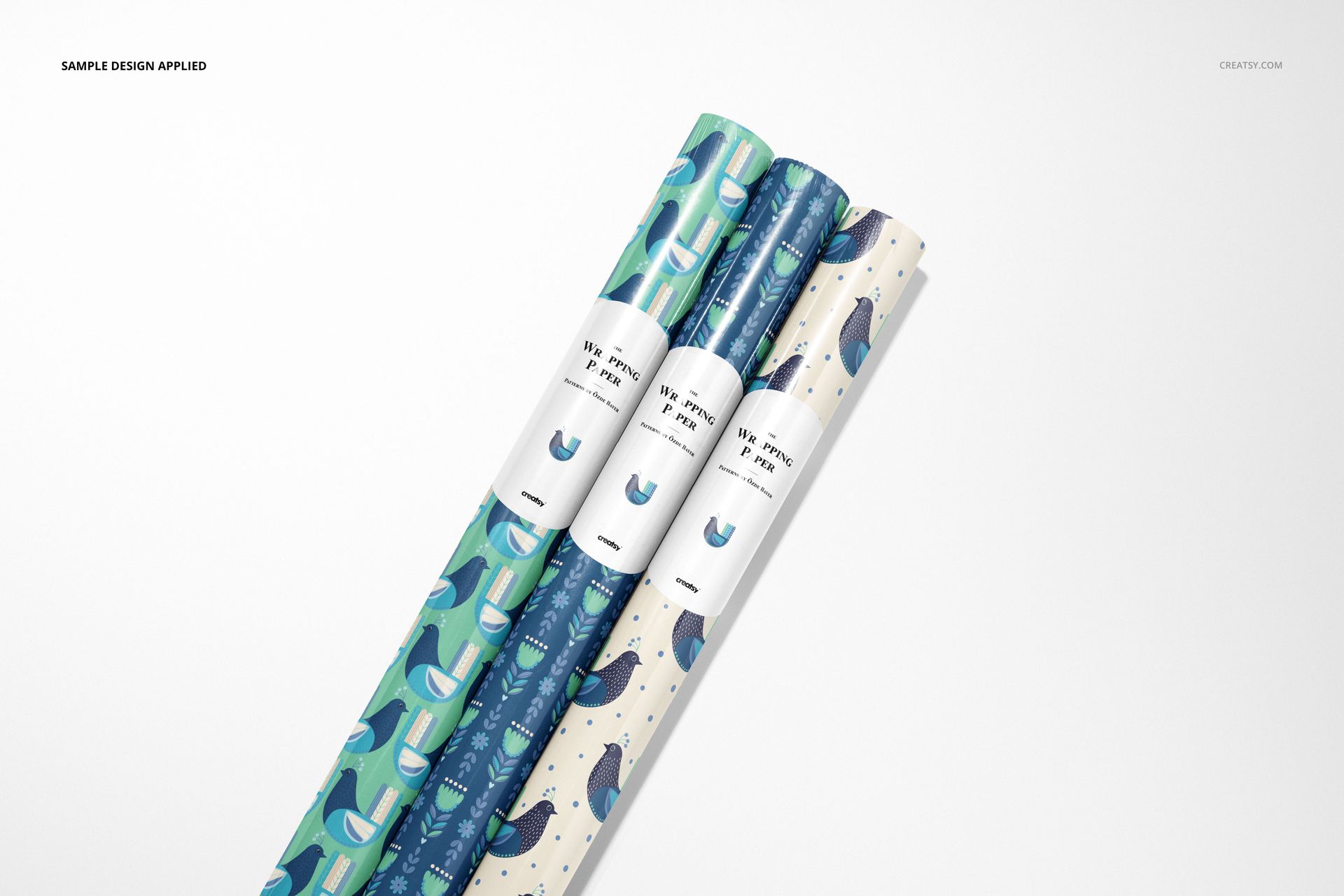
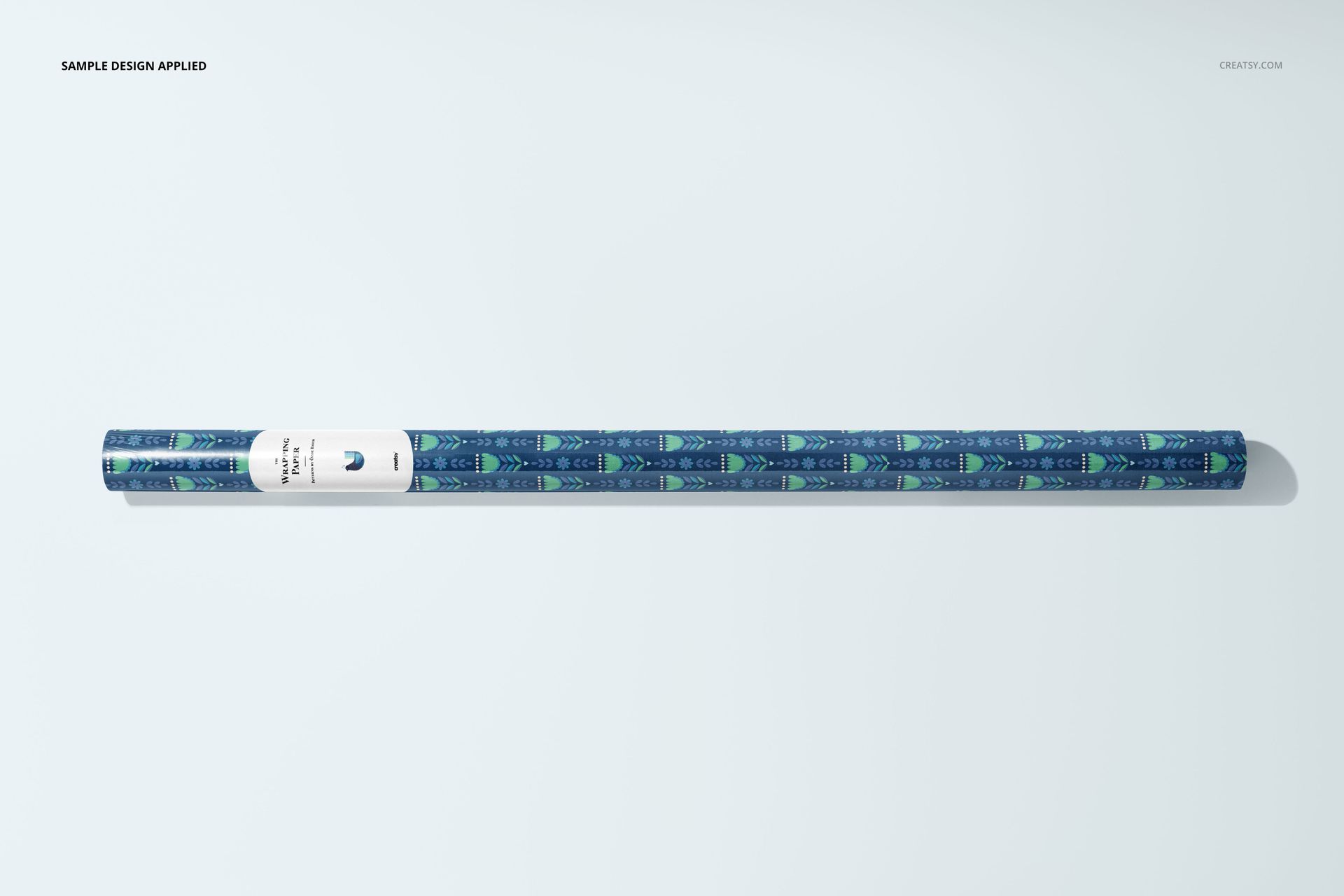
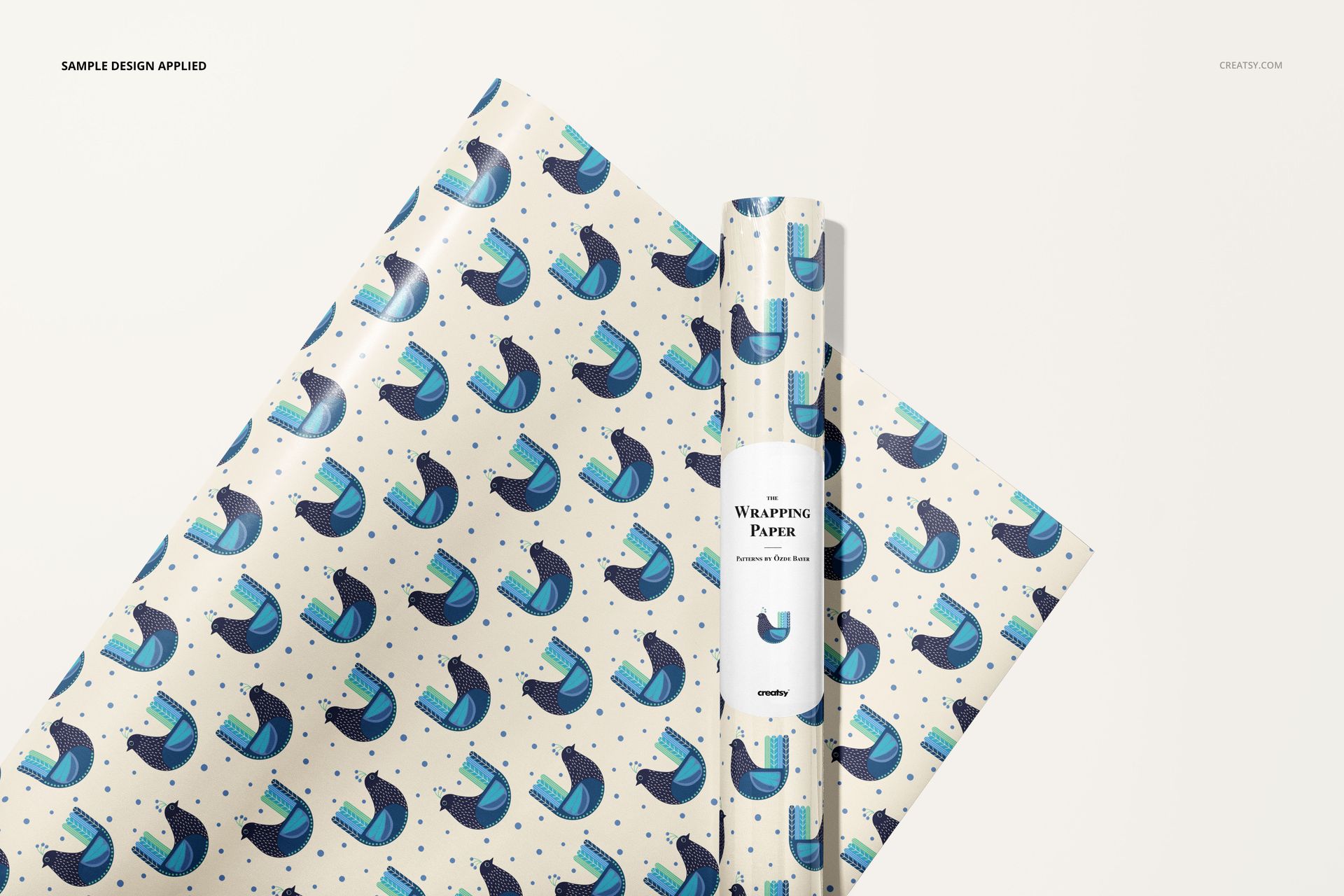
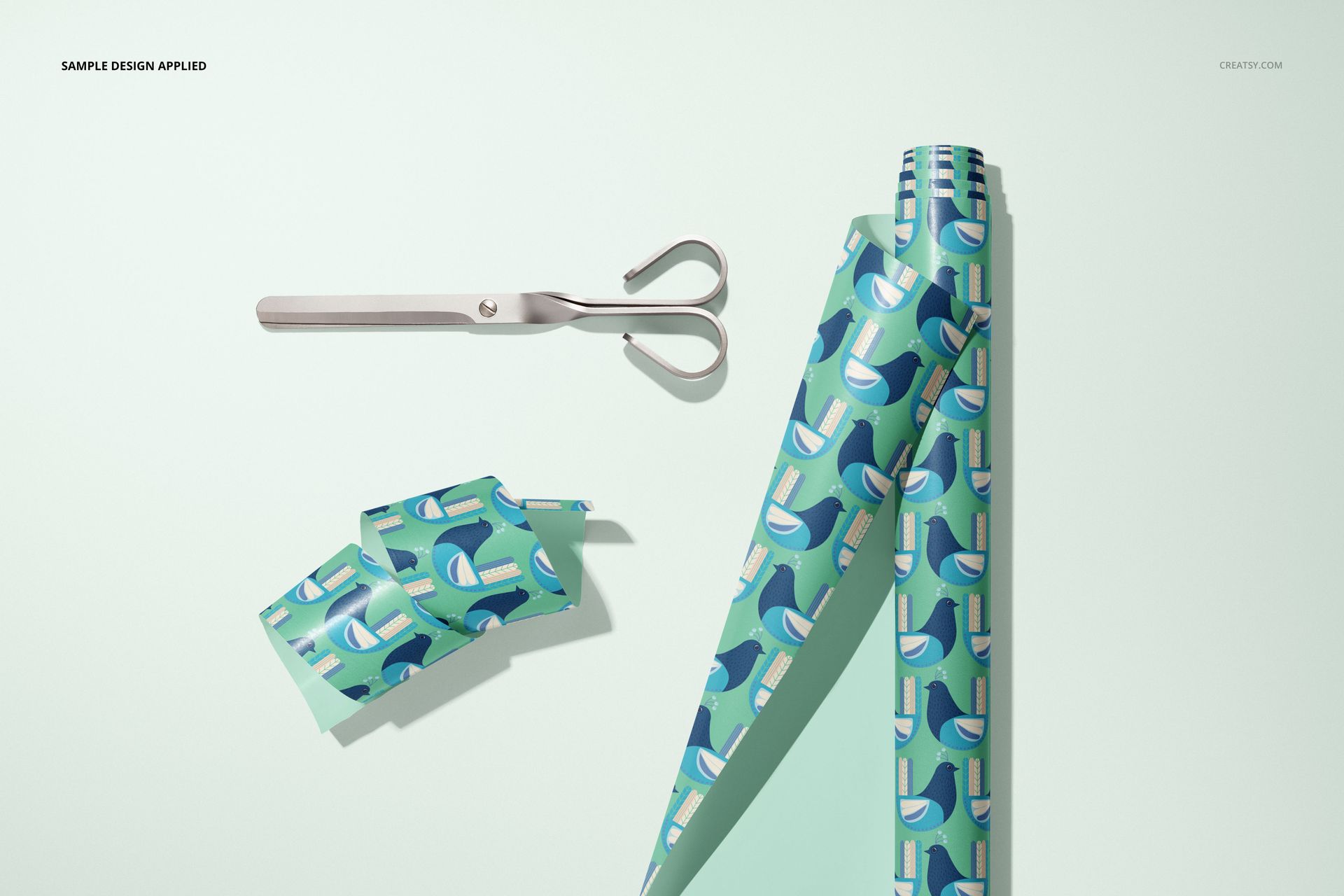
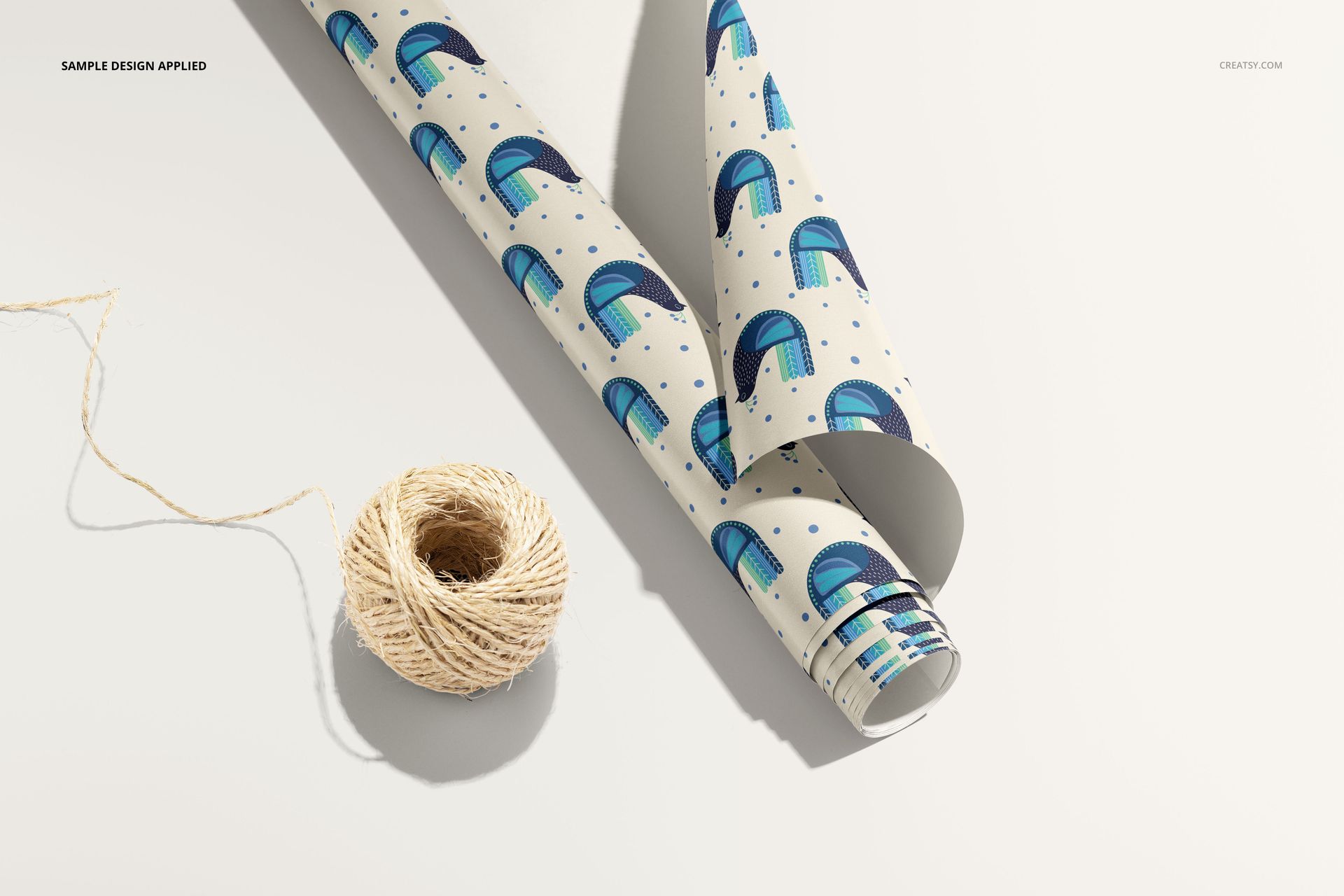
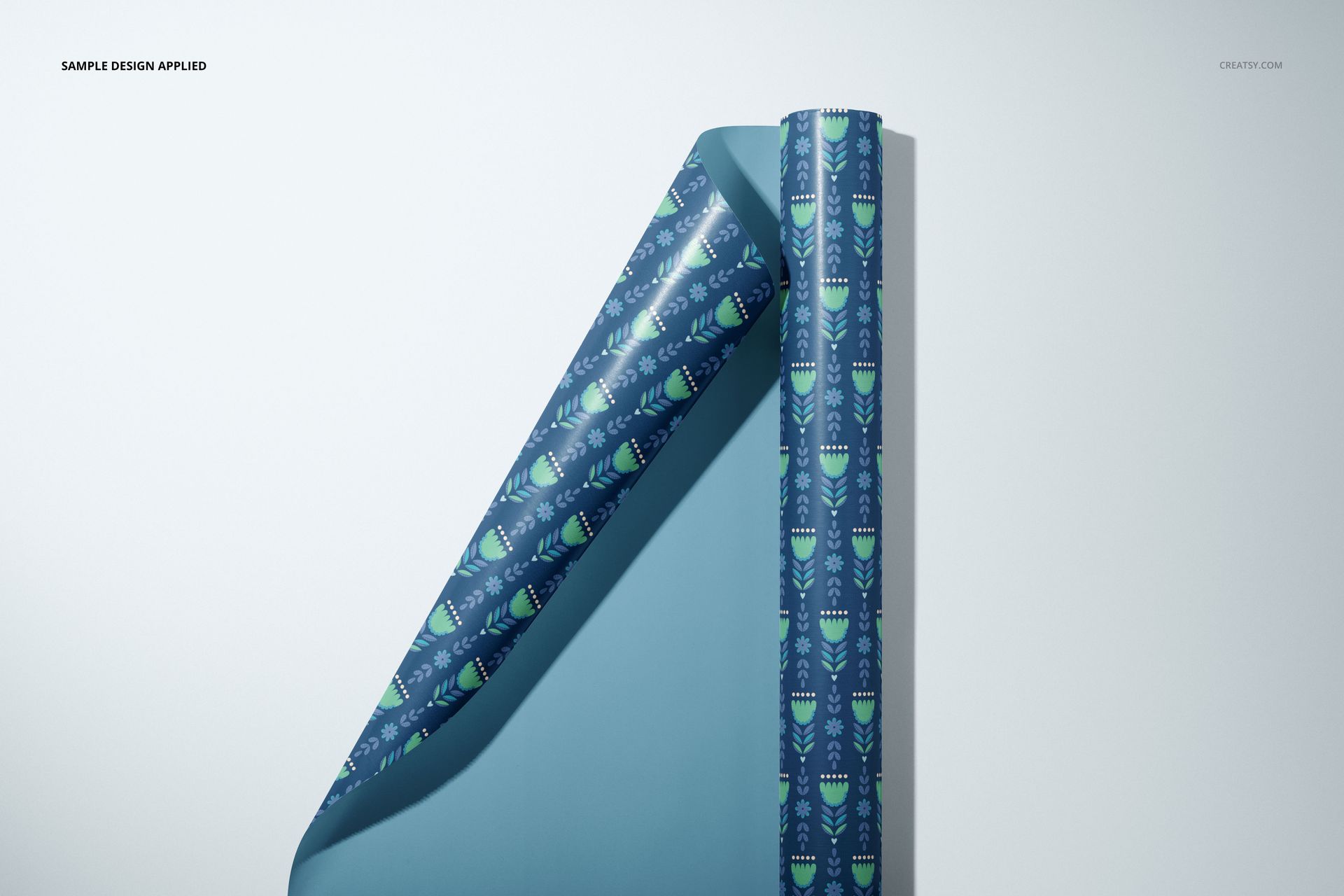
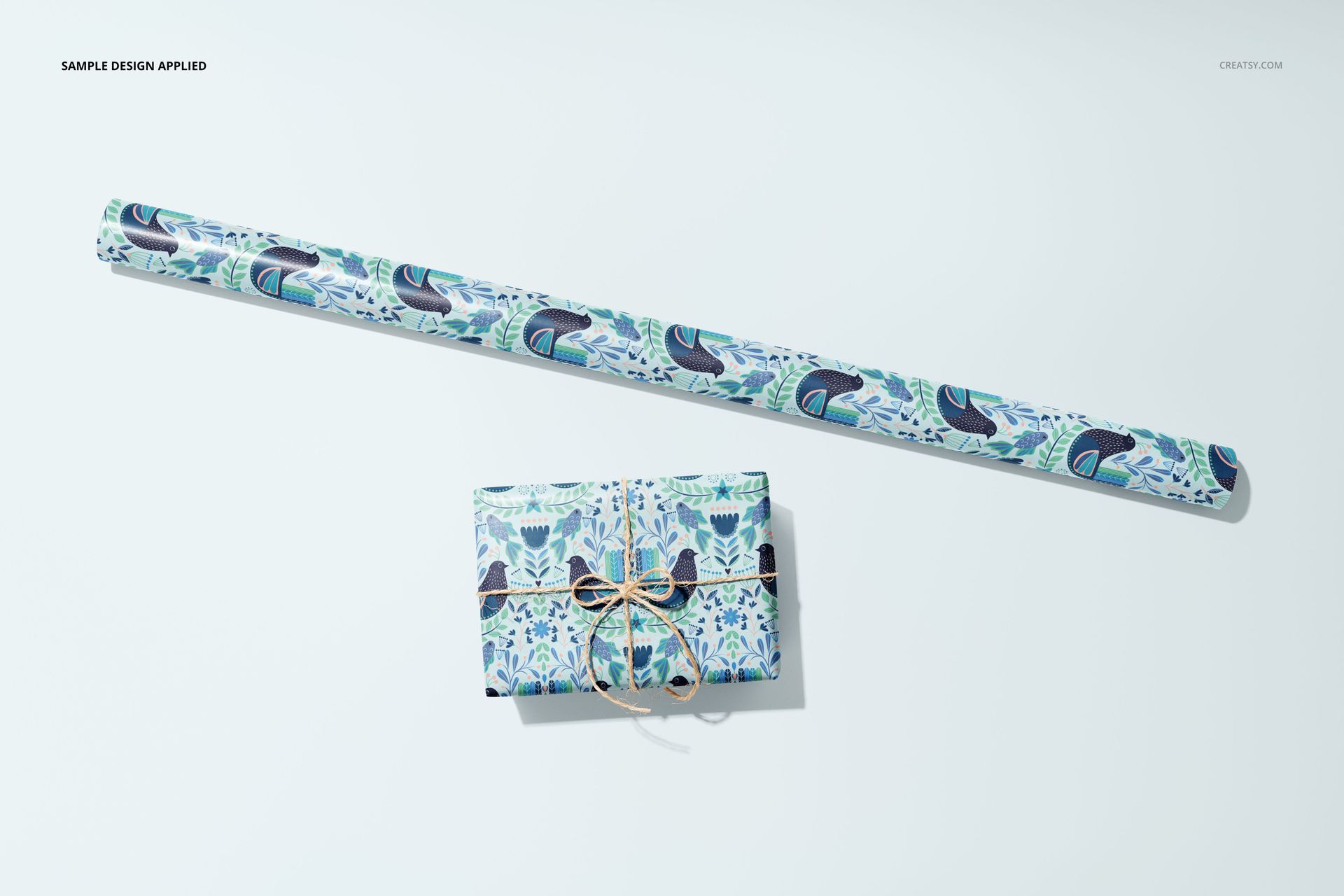
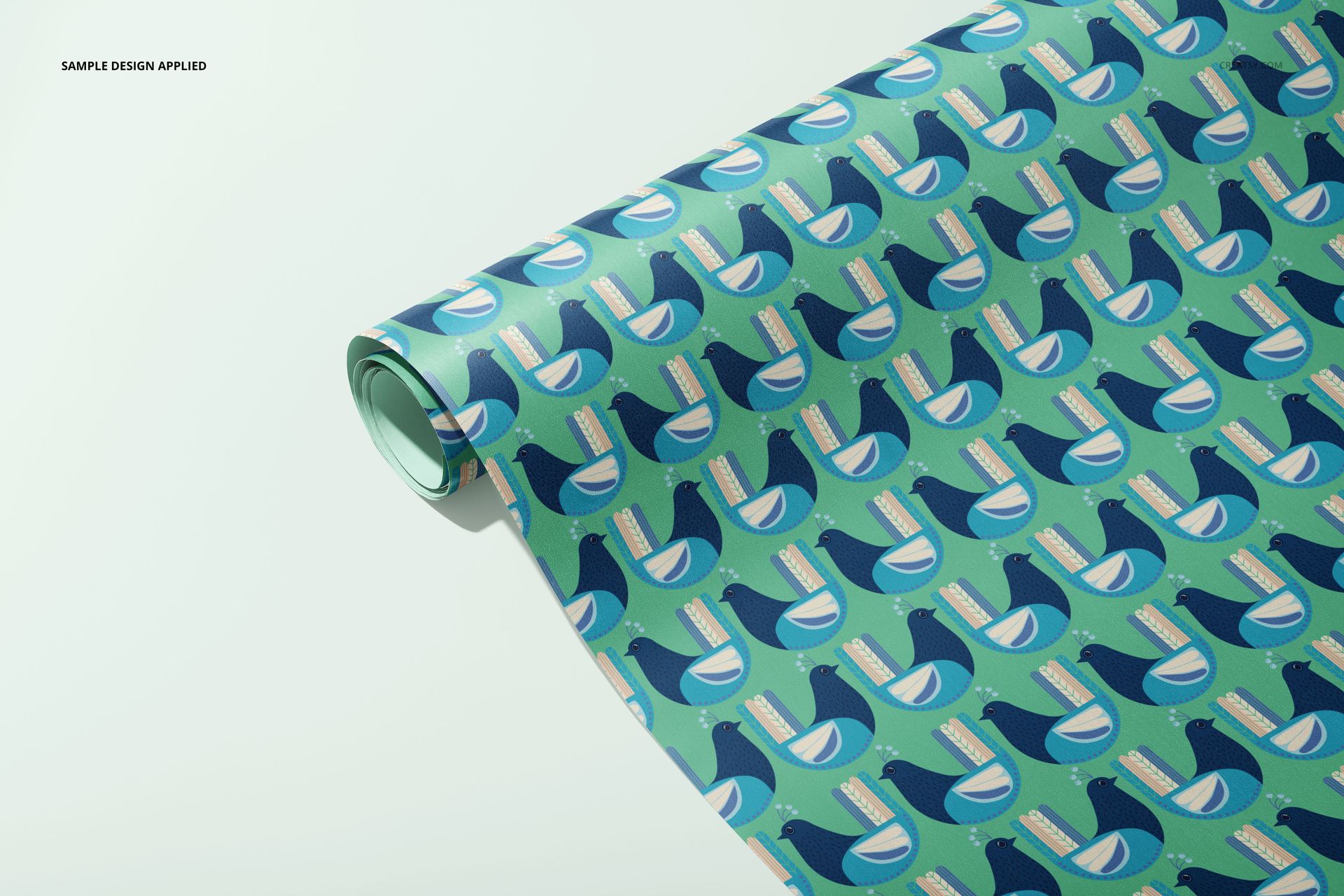
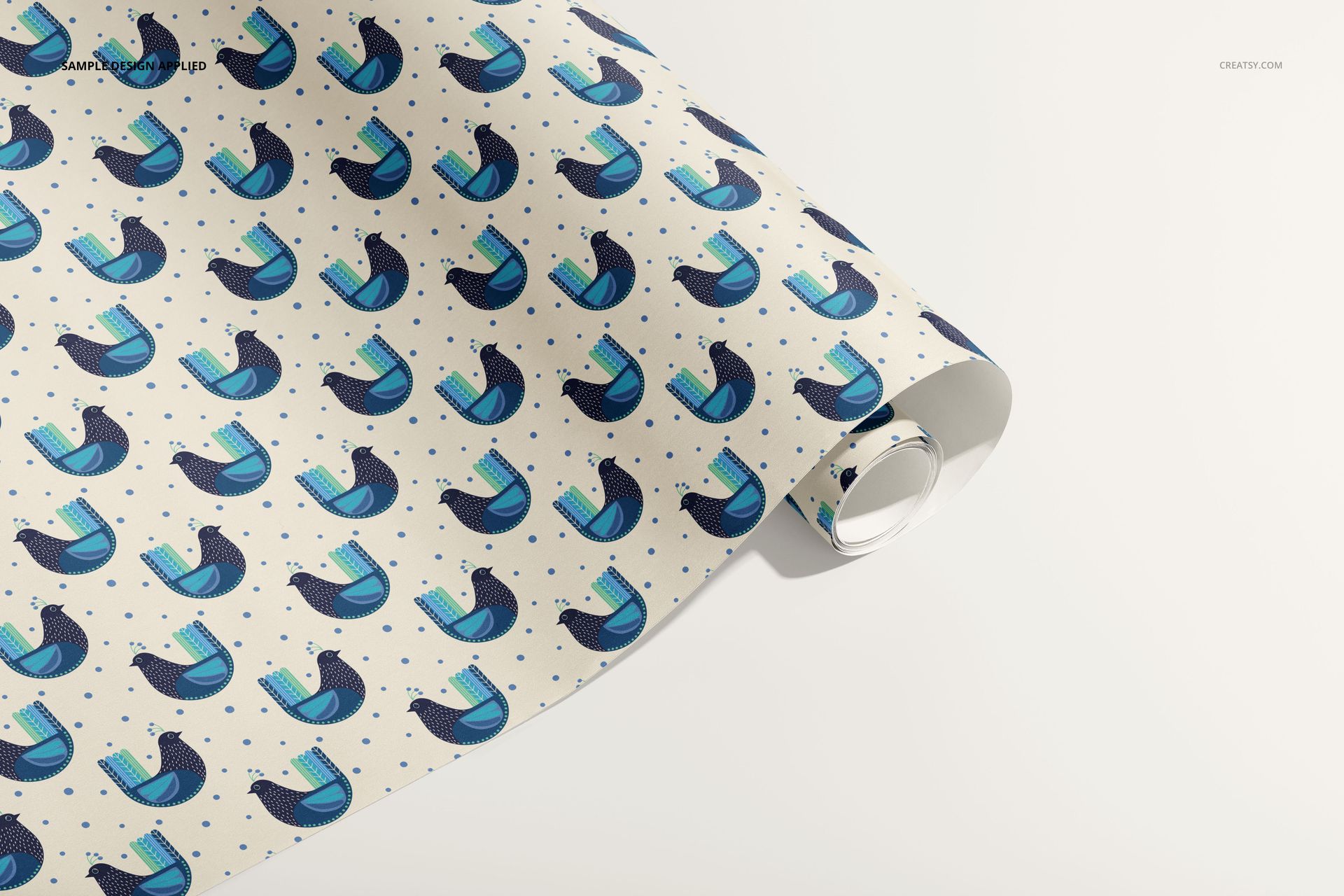
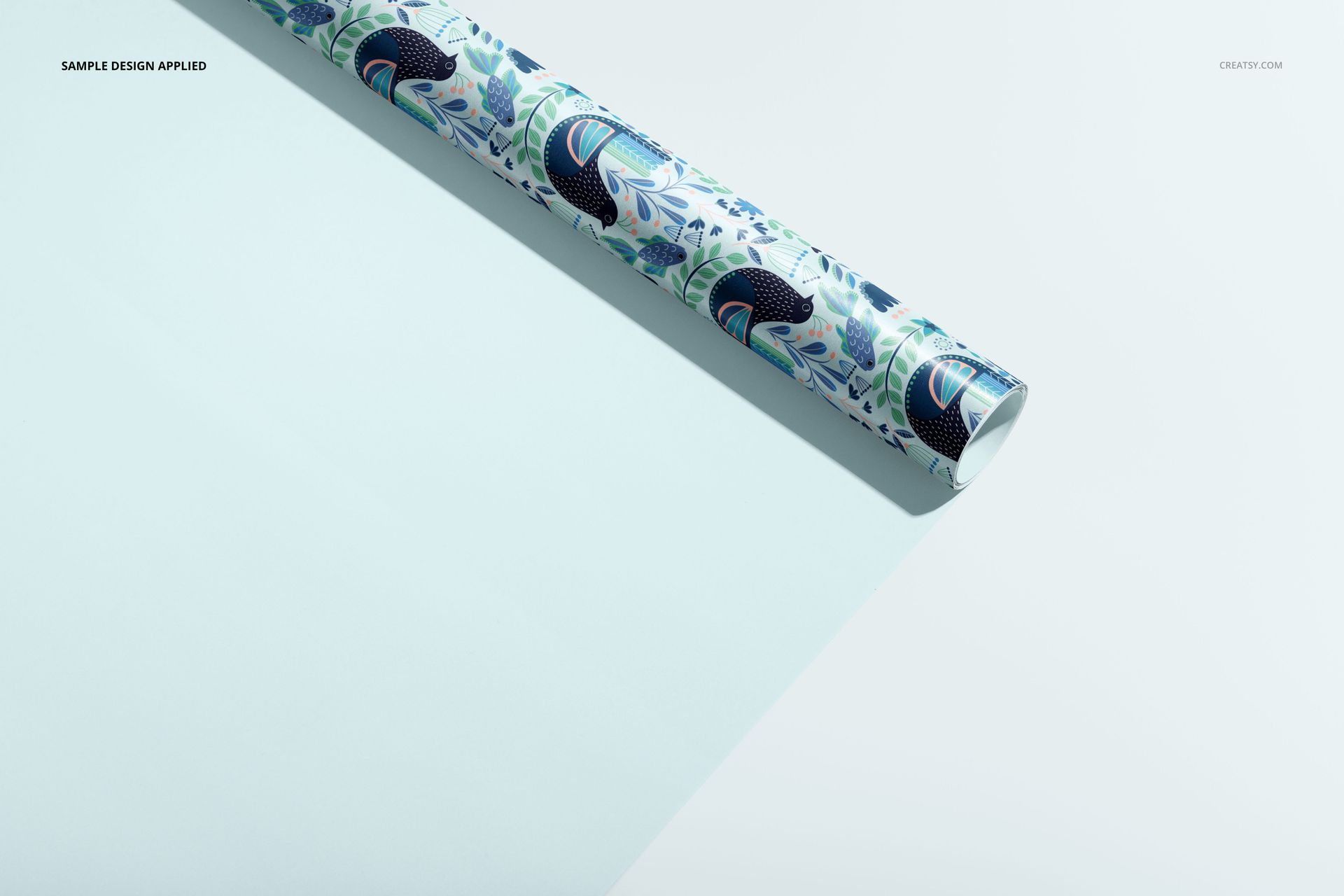
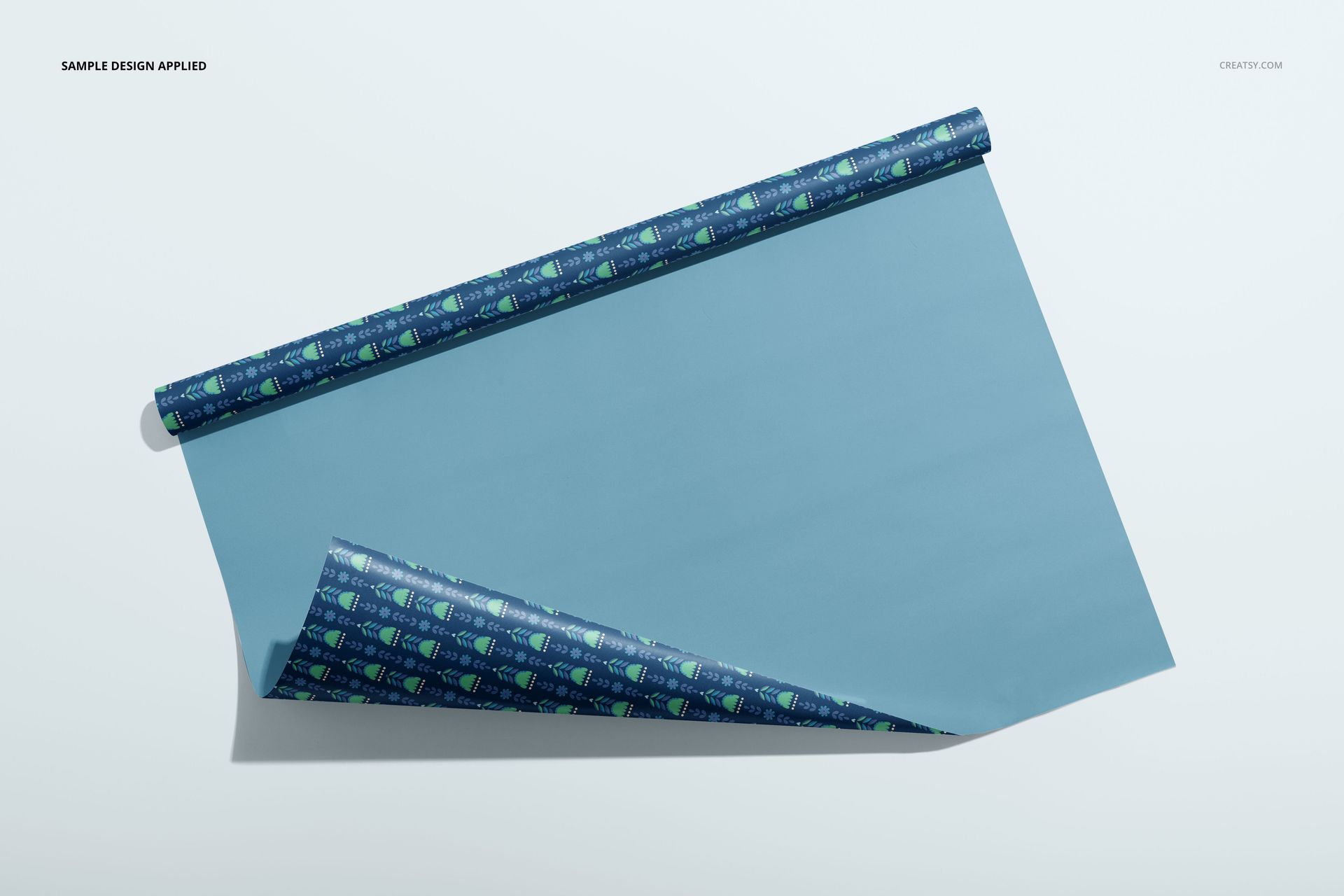
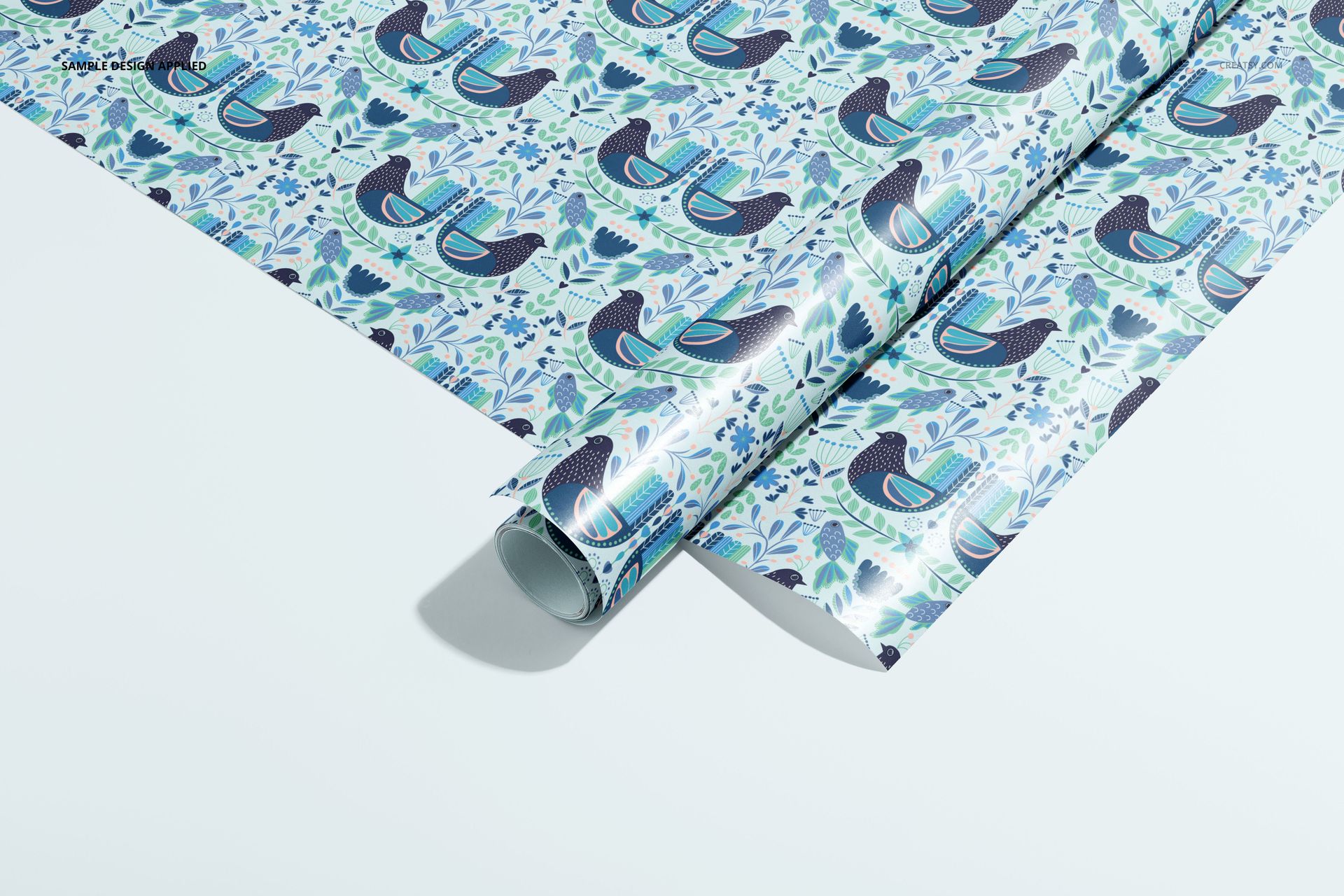
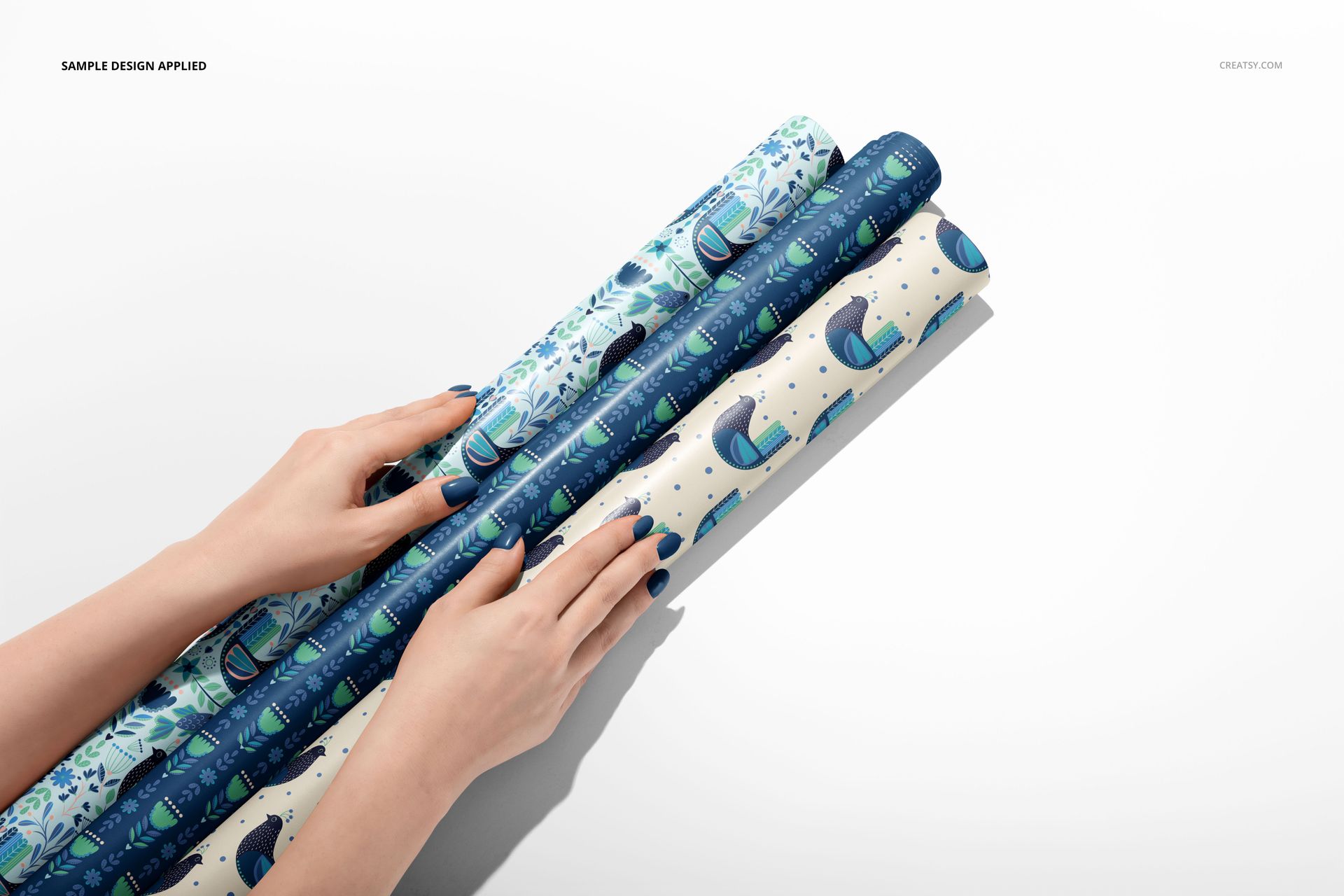
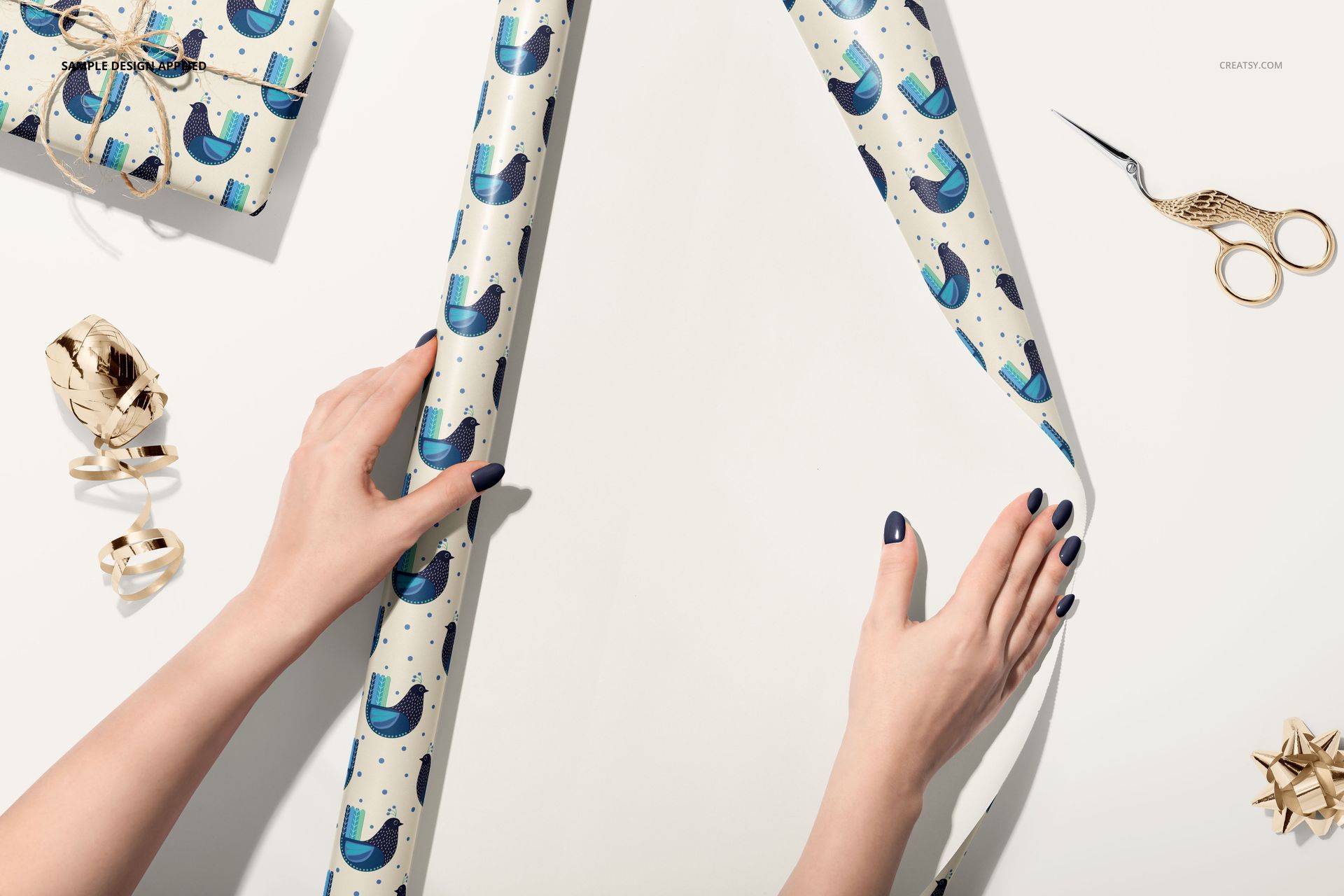
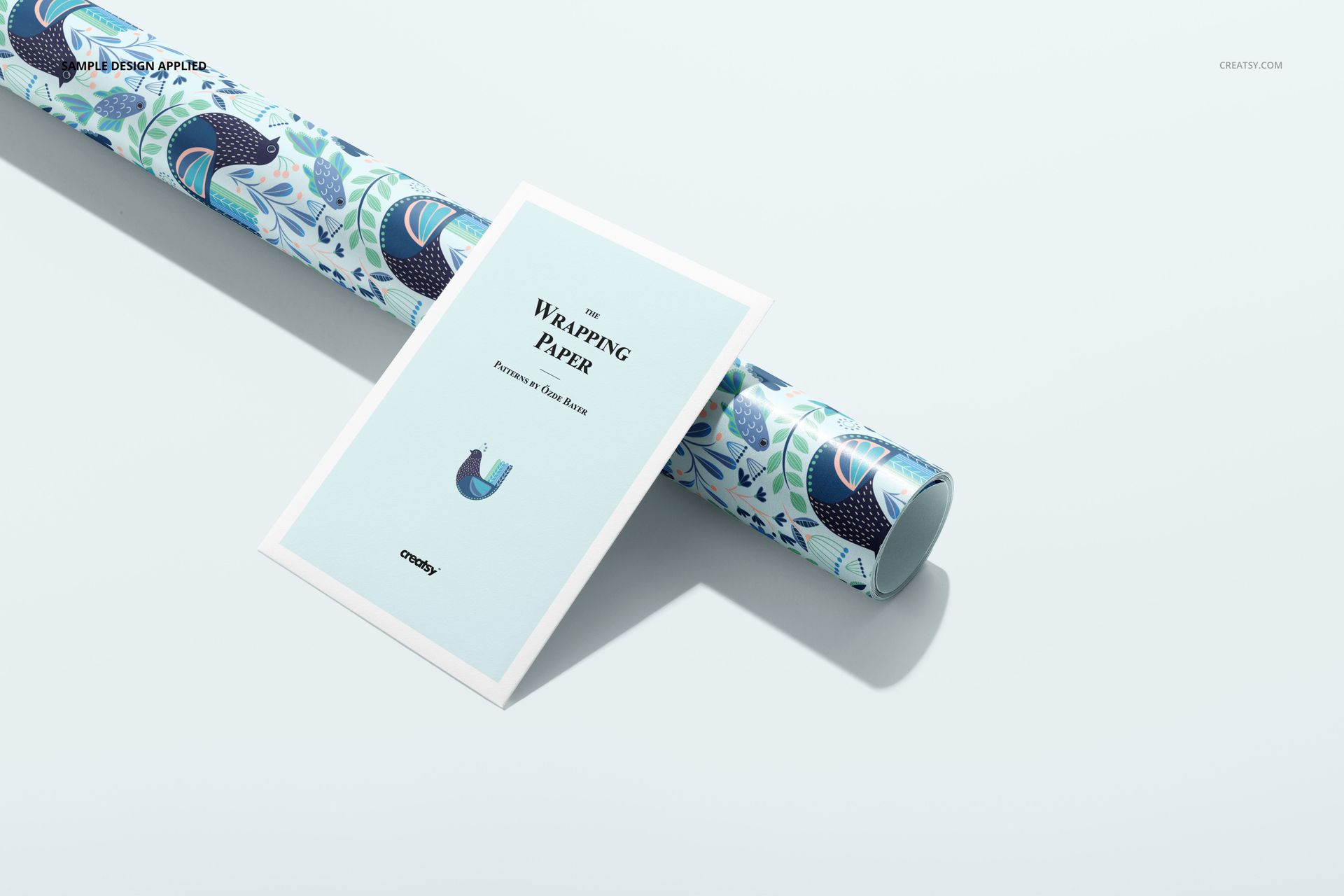
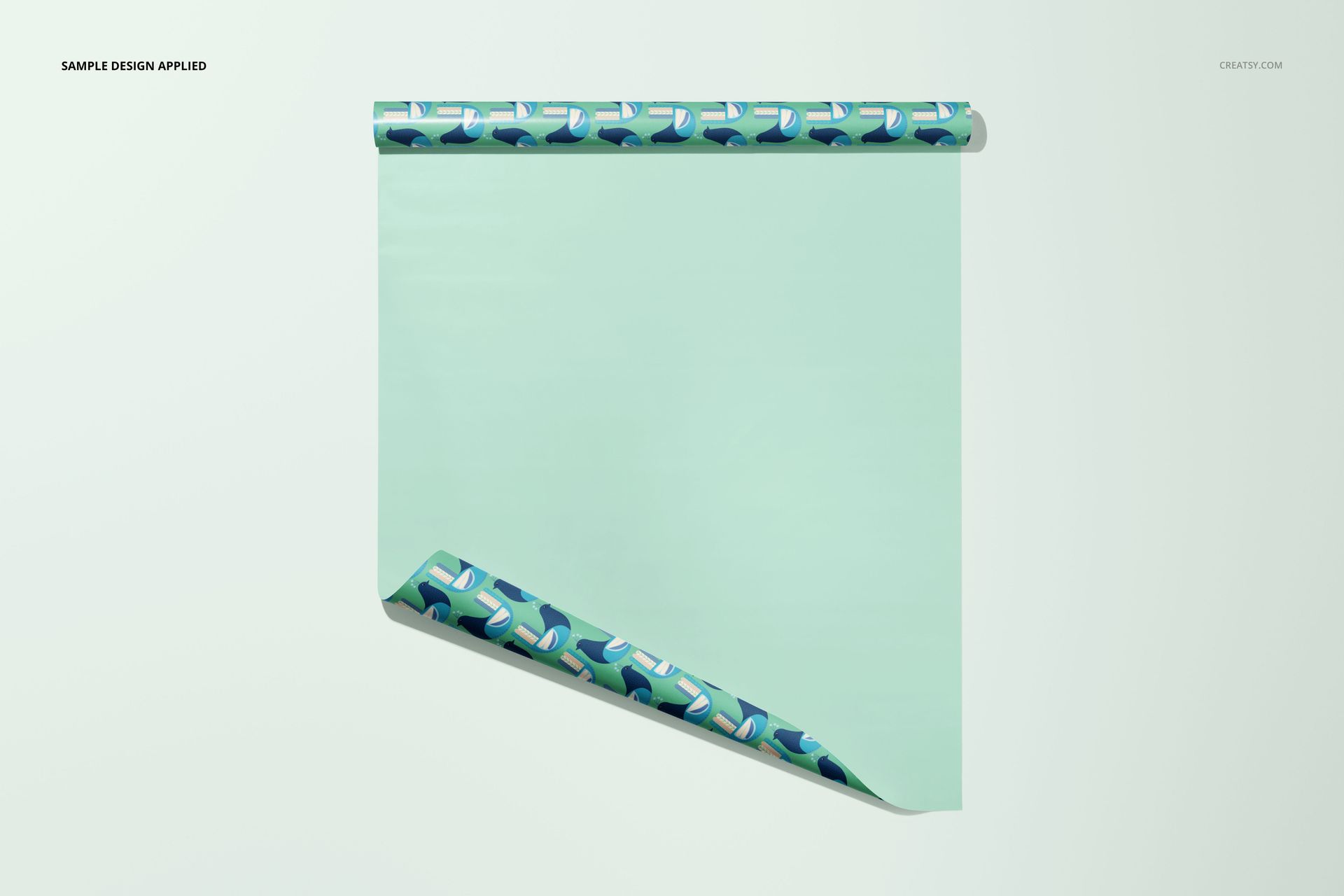
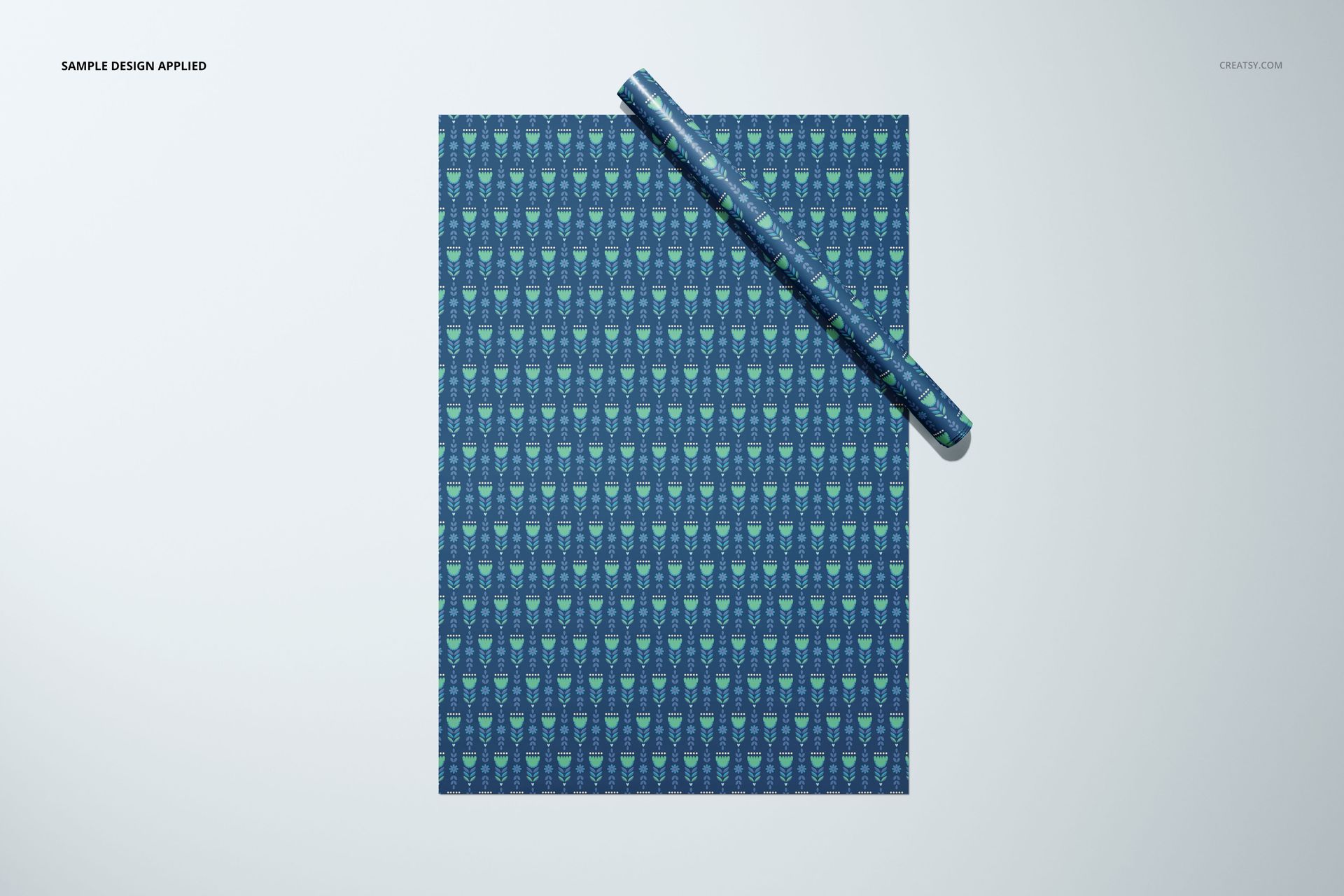
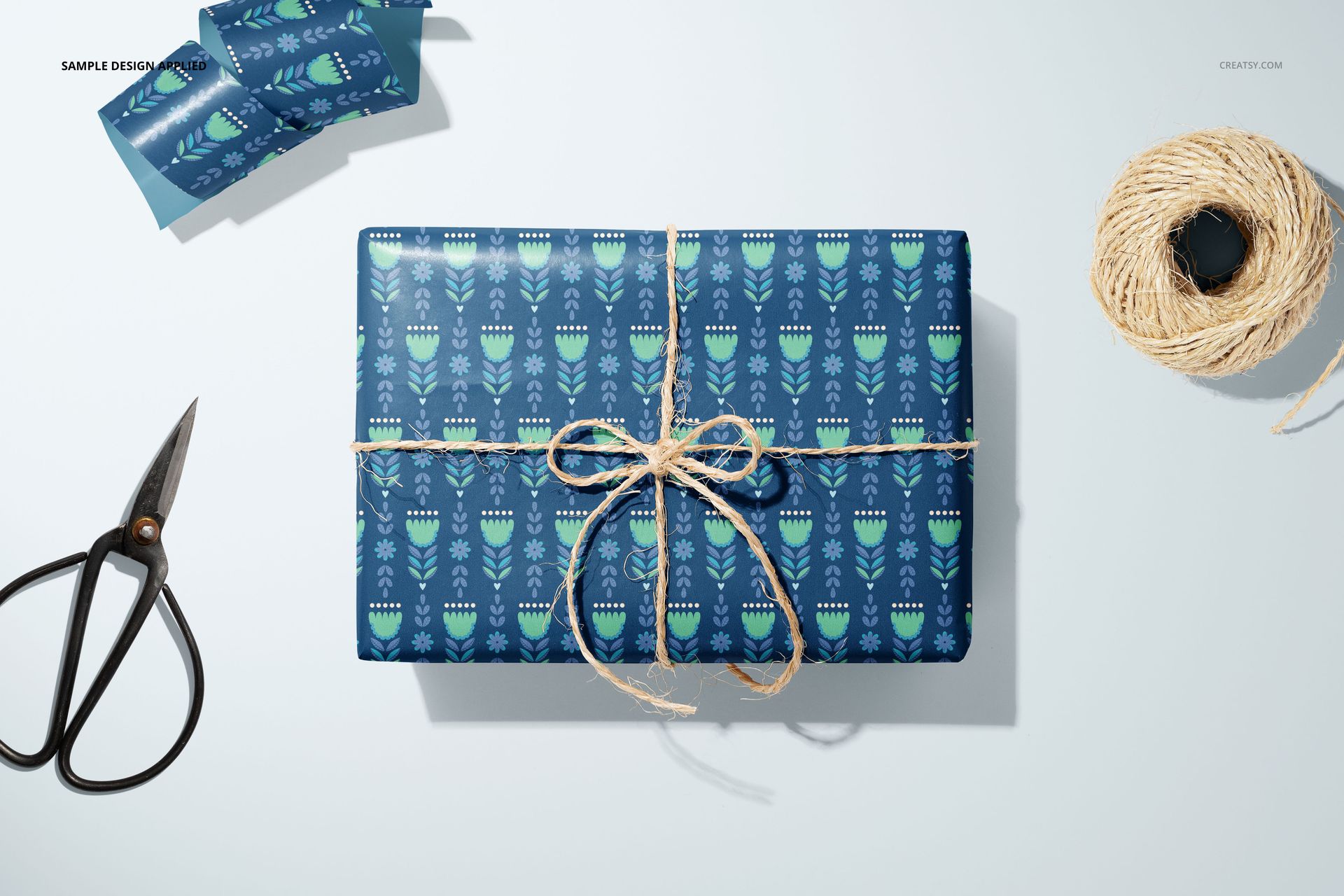
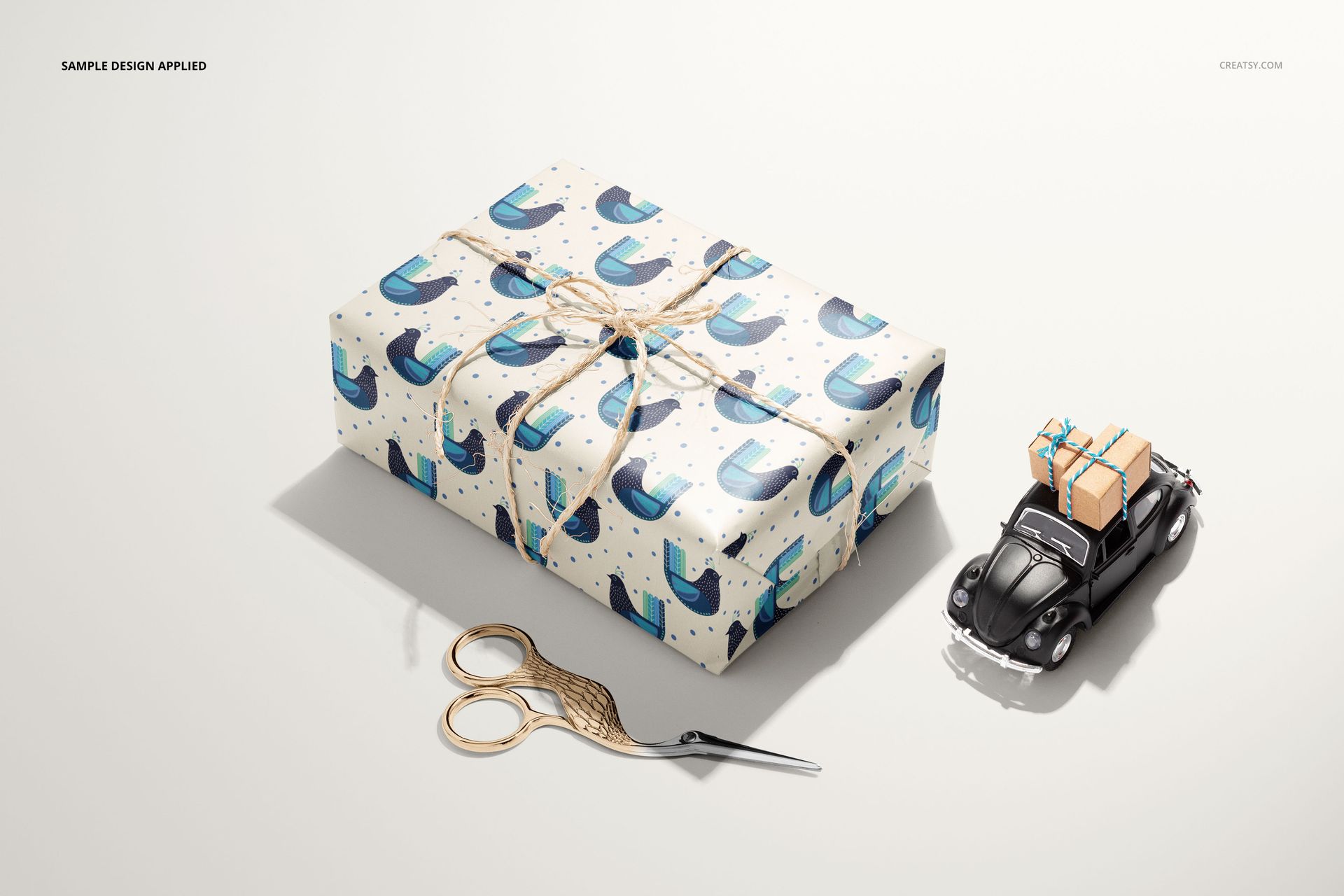
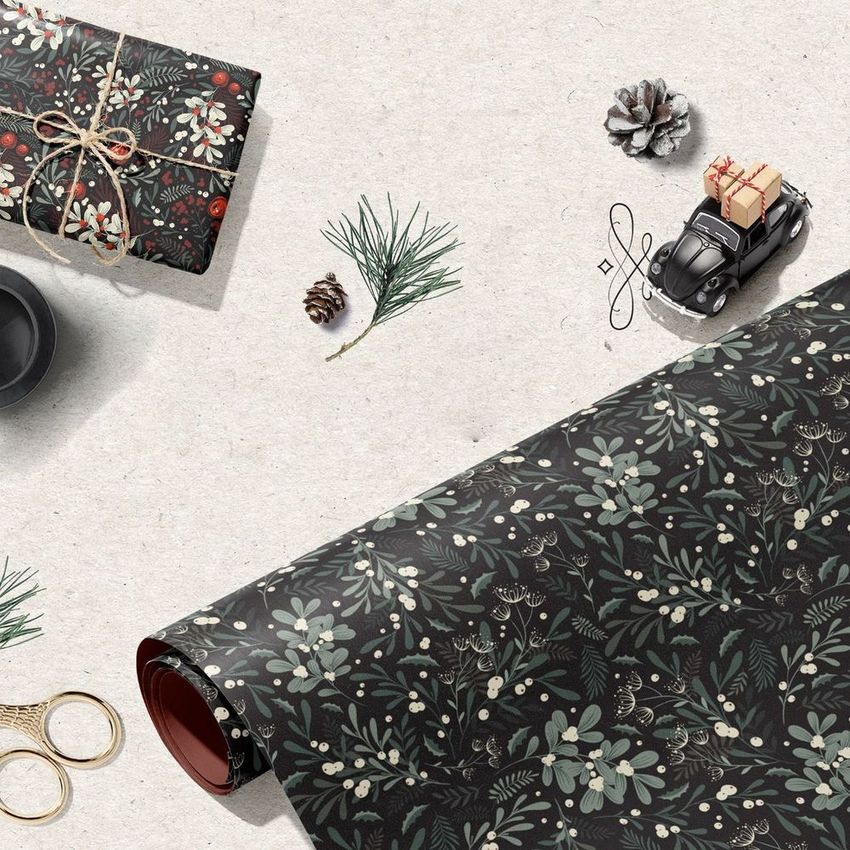
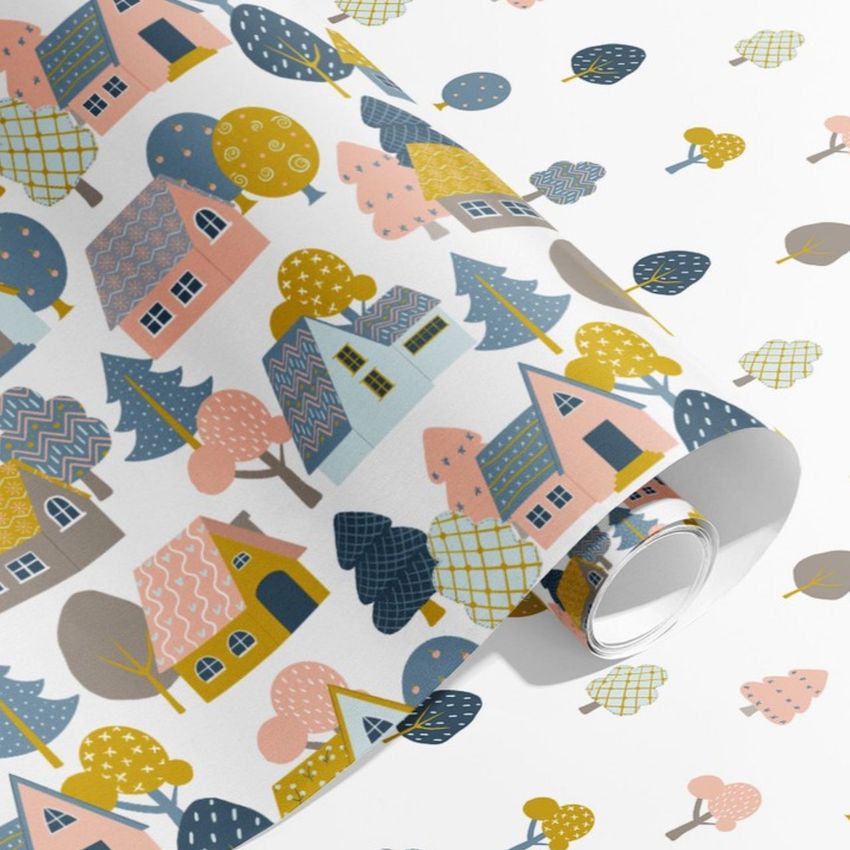
A wrapping paper collection needs to read as a family before a buyer studies each repeat. This bundle brings your designs into 33 scenes spanning labelled rolls, open sheets, hands working with paper and finished gifts. Show the range together, then move closer to the curls, folded edges and wrapped corners that give an otherwise flat pattern a sense of use.
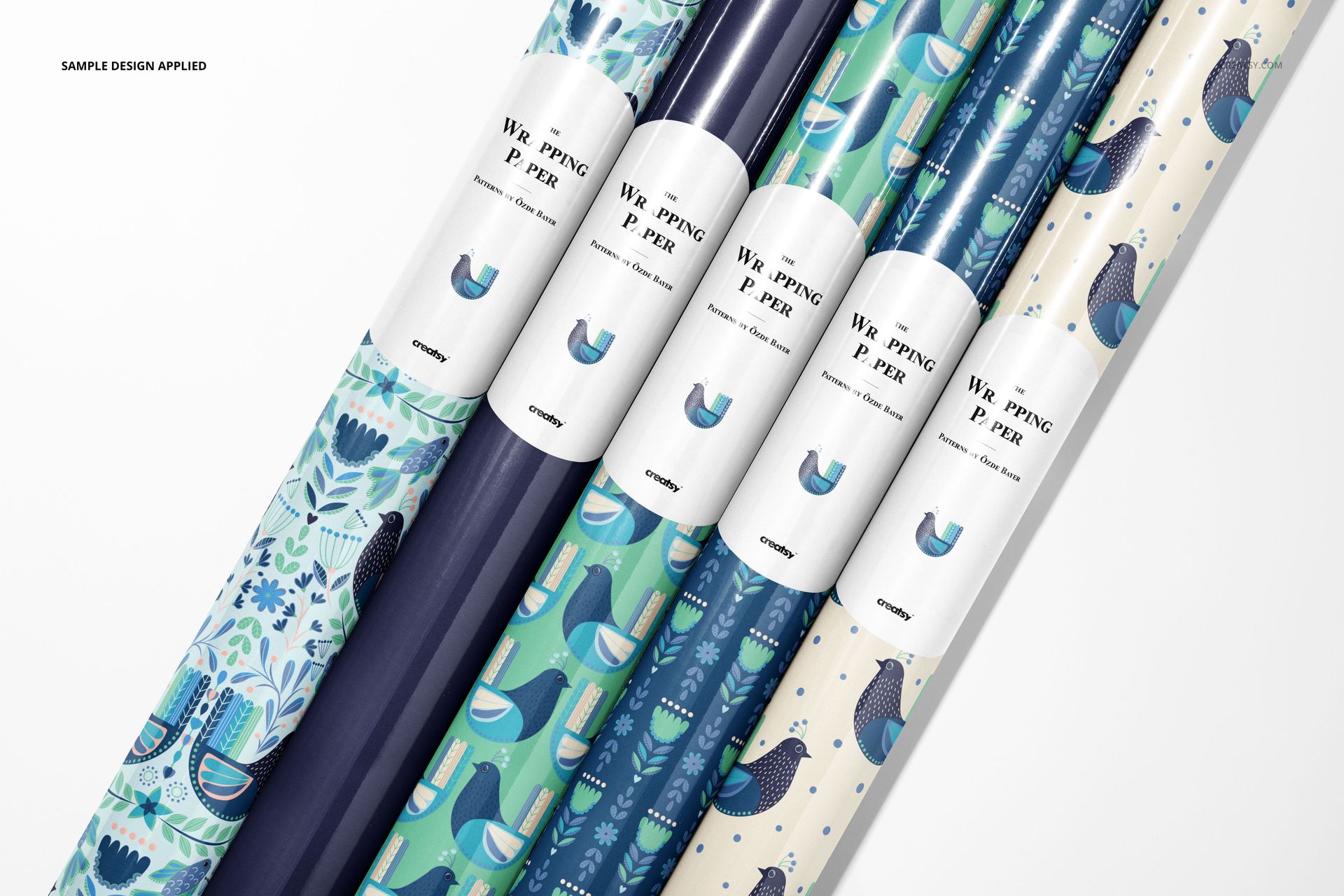
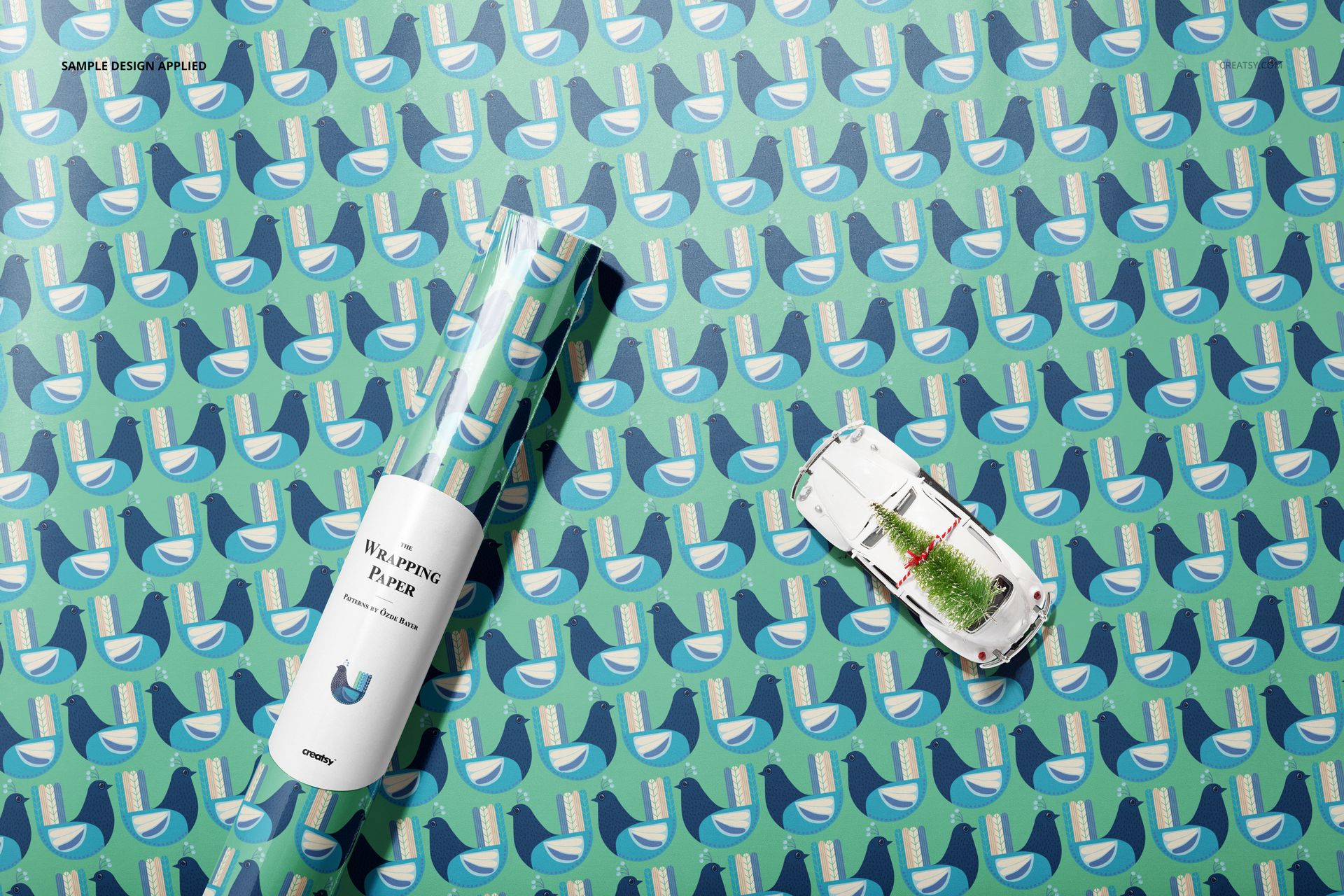
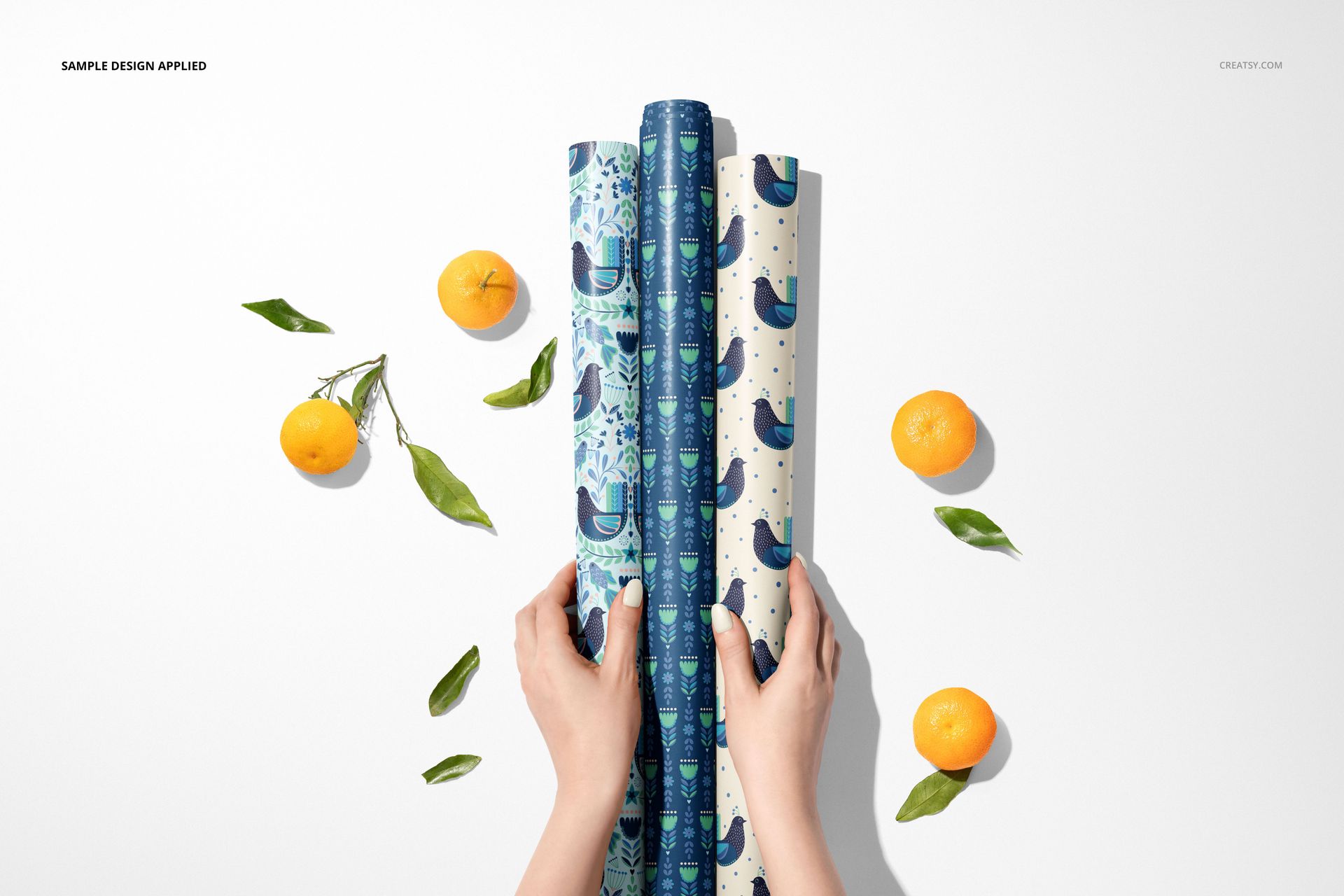
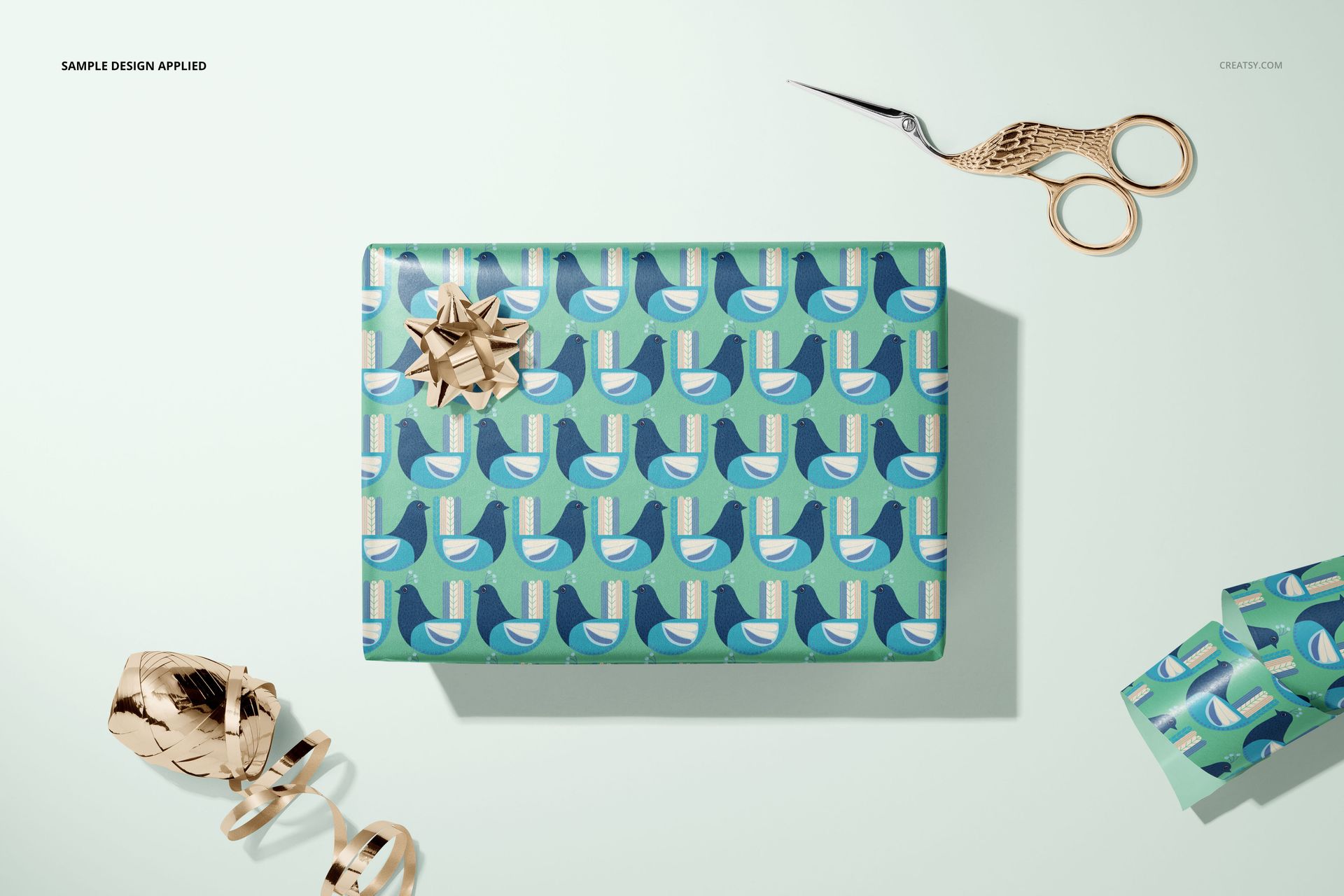
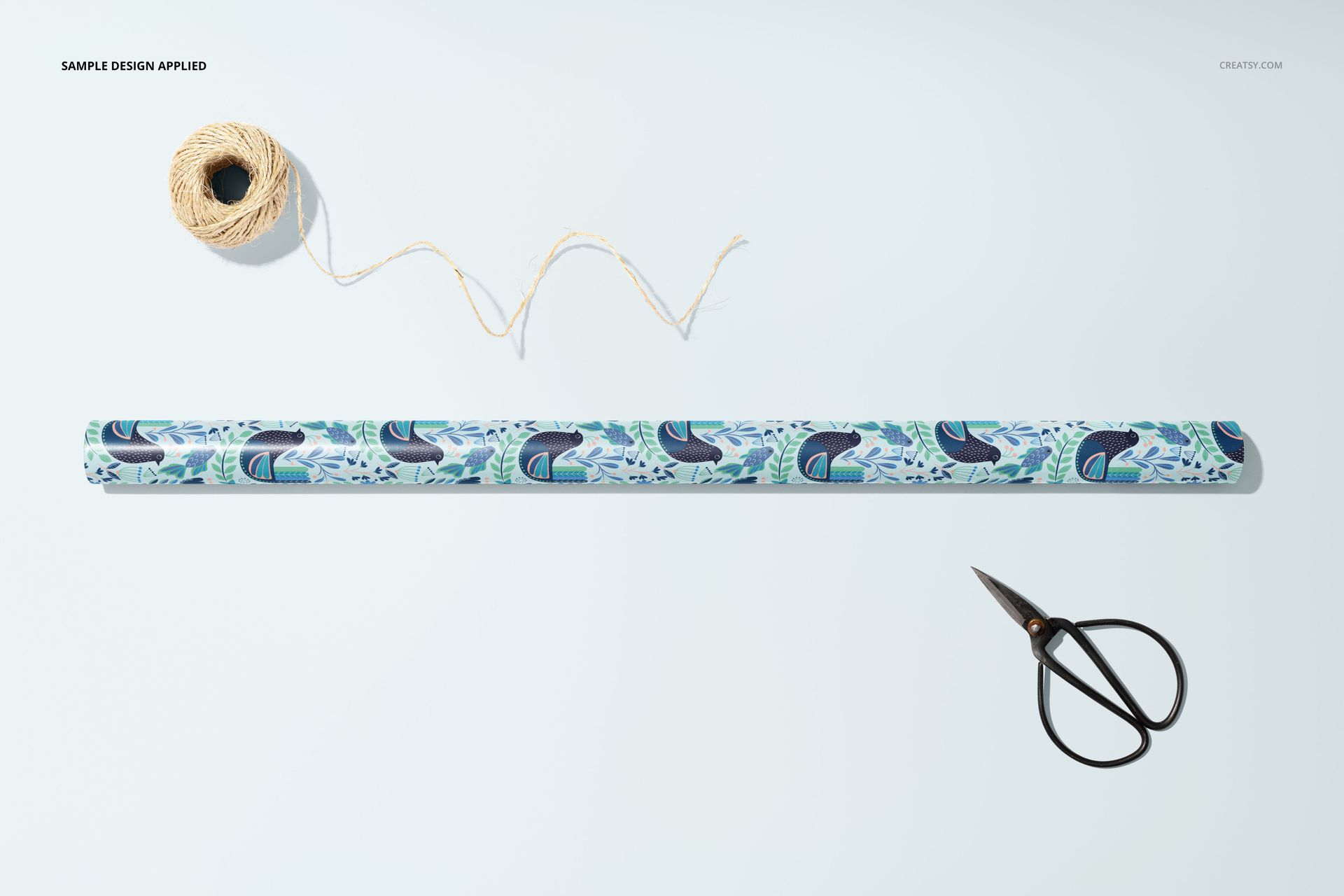
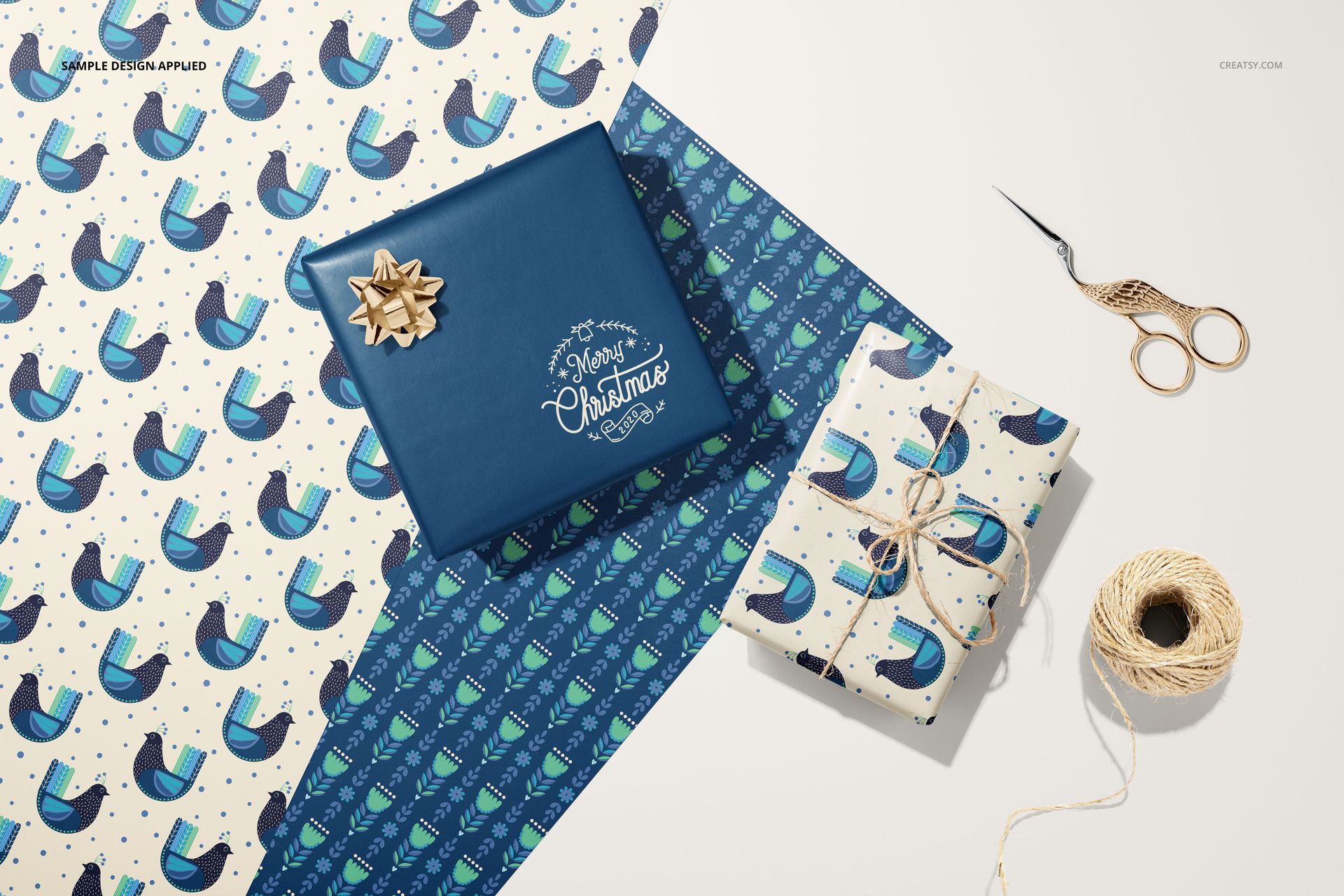
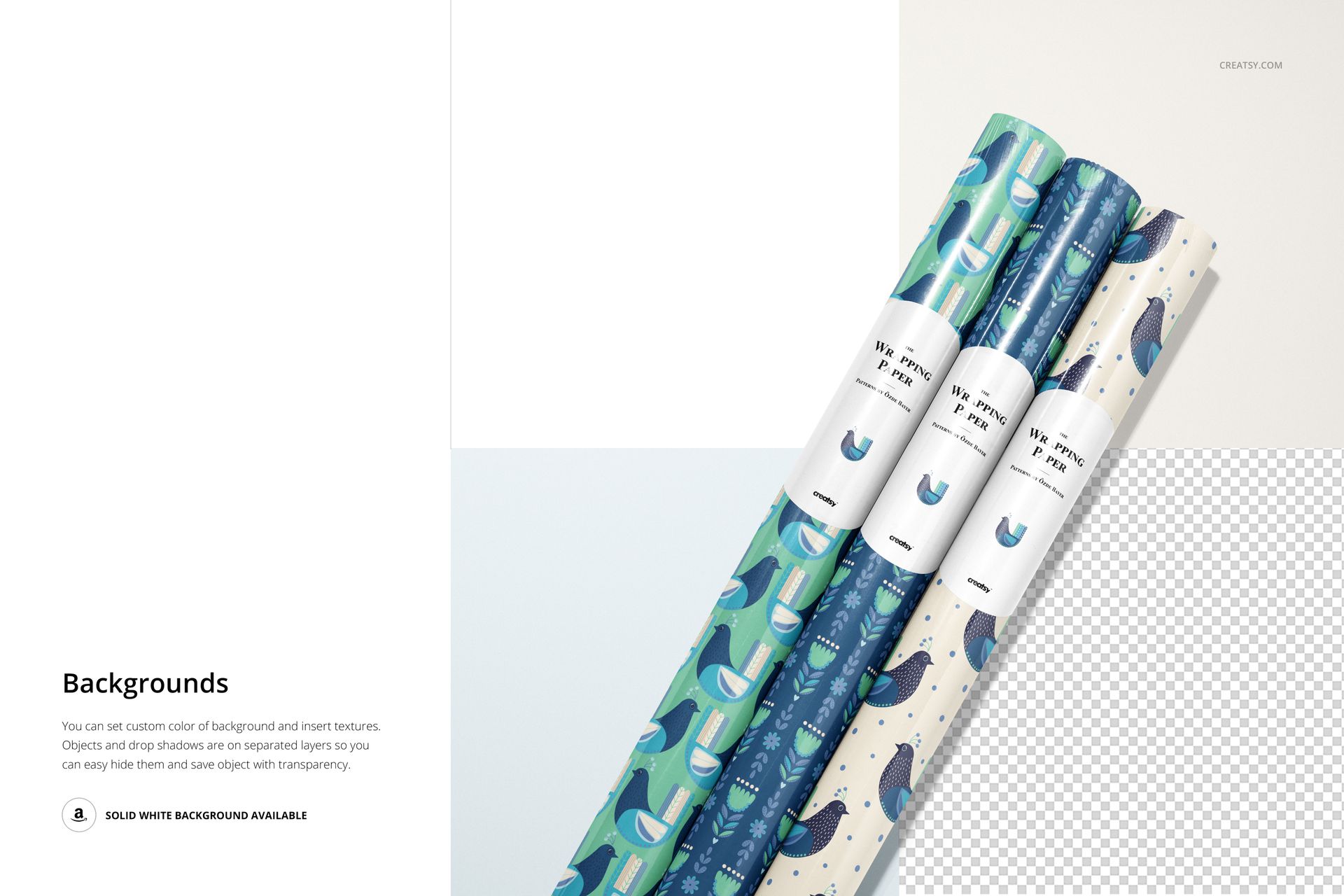
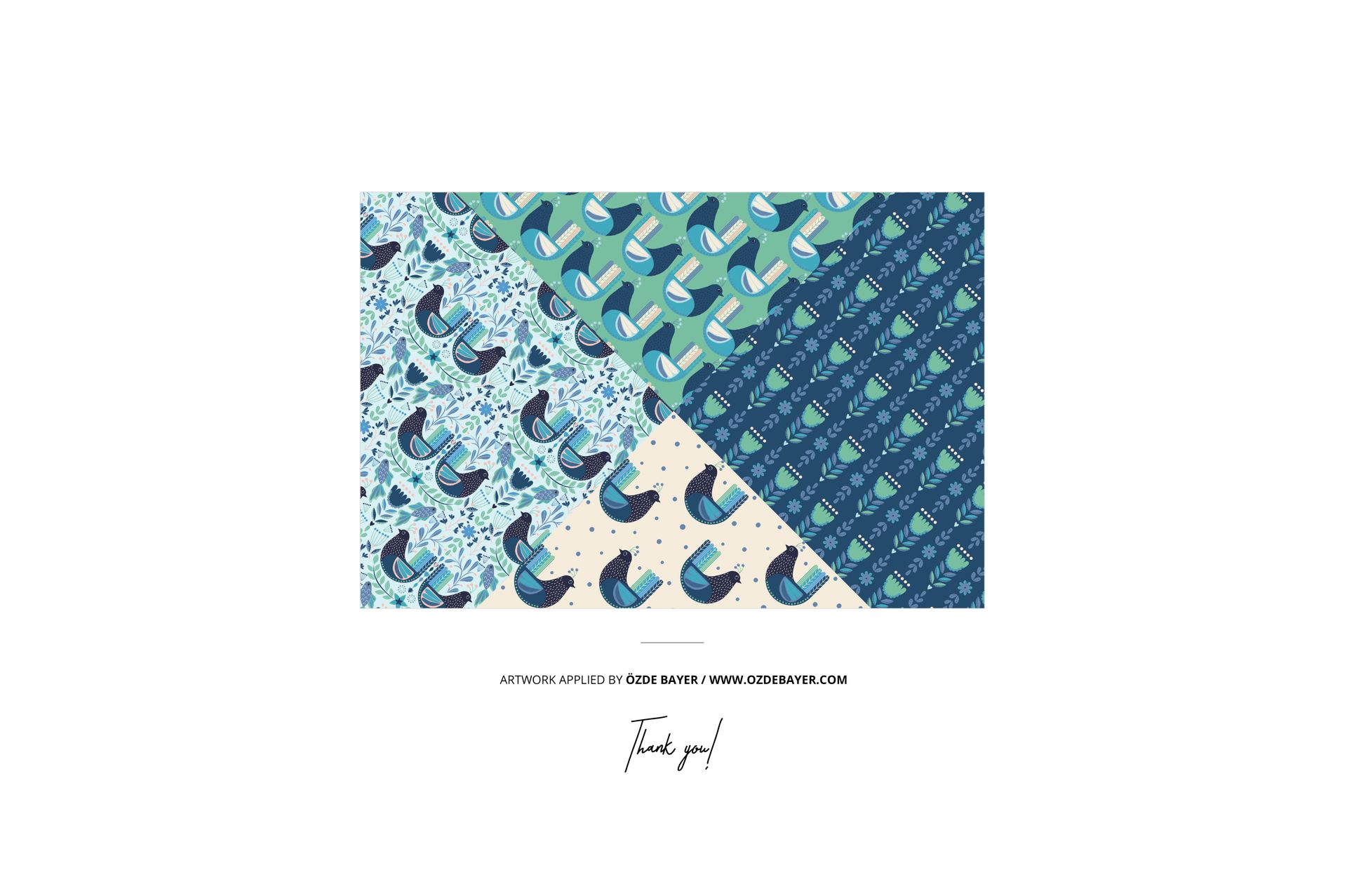
The preview collection pairs bird and botanical motifs across several scales, with consistent paper bands tying the rolls together. Apply the same approach to your own artwork: let the rolls introduce the collection, use a sheet to reveal its rhythm and finish with a wrapped present to show the design in context.
What Is Included
33 layered PSD mockup scenes, specified at 6000 × 4000 px and 300 DPI.
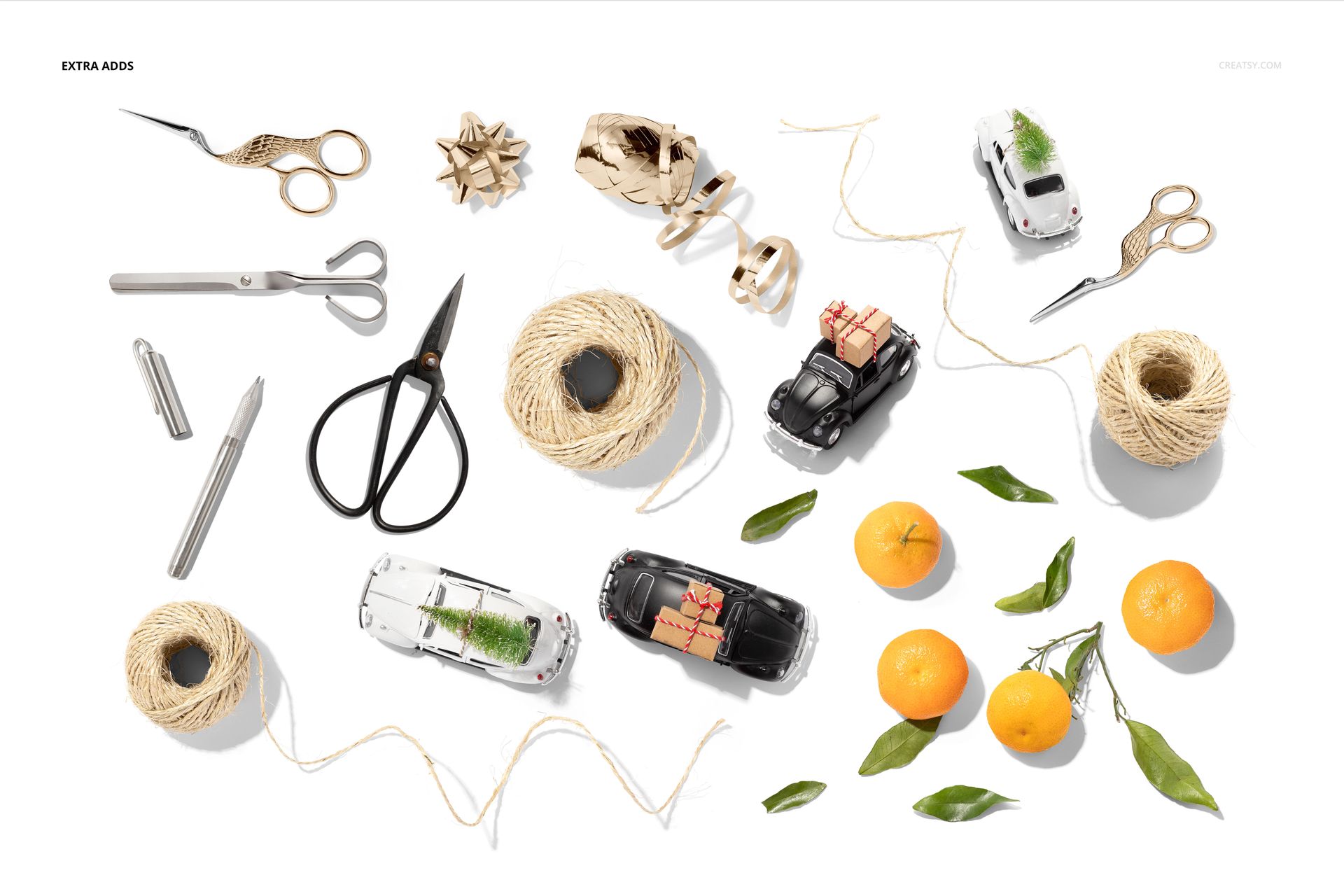
A separate Props.psd file with gift-wrapping accessories.
34 JPG files, comprising 33 scene previews and a Props.jpg reference.
A PDF user manual repeated across the five download parts.
From a Retail Roll to a Finished Gift
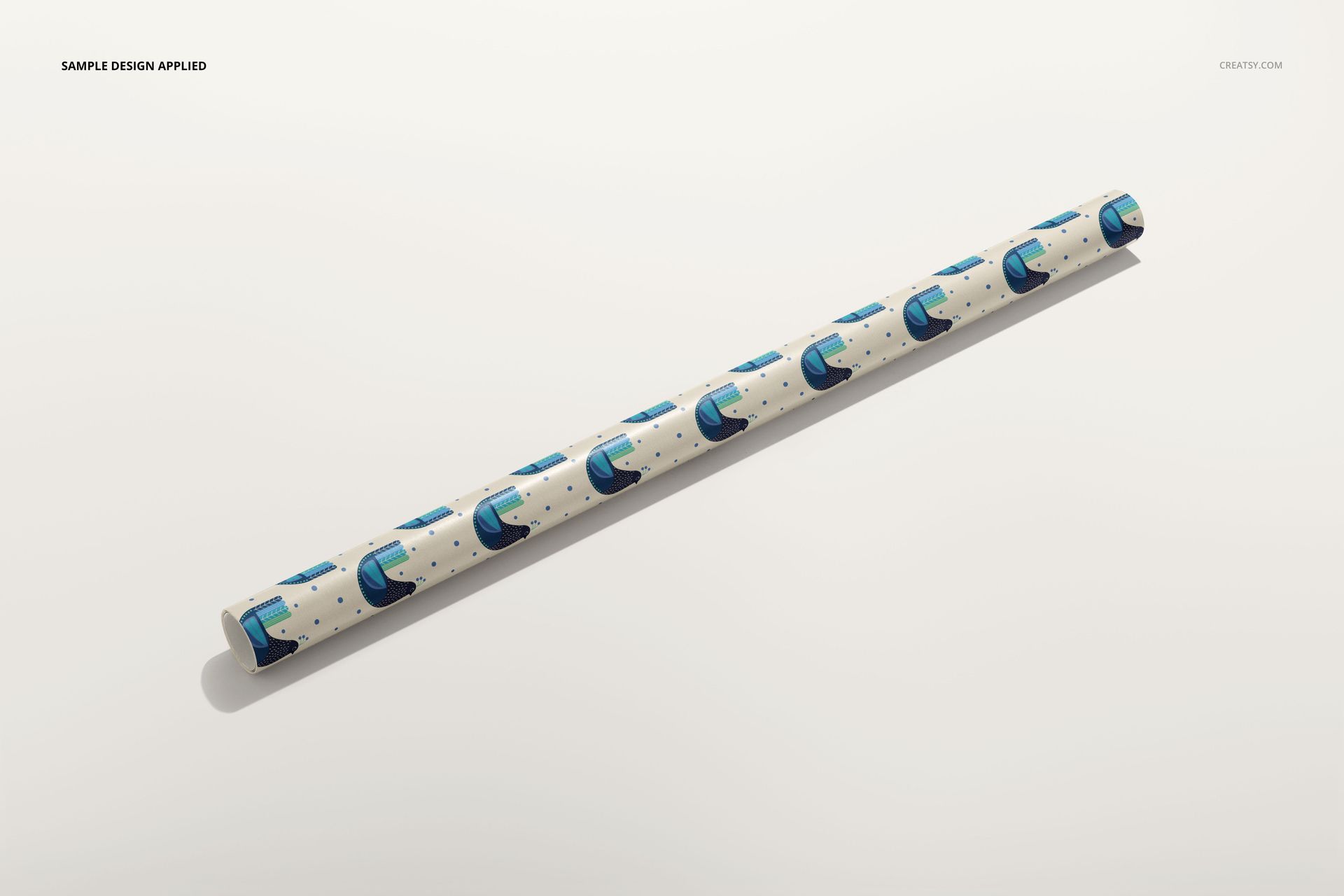
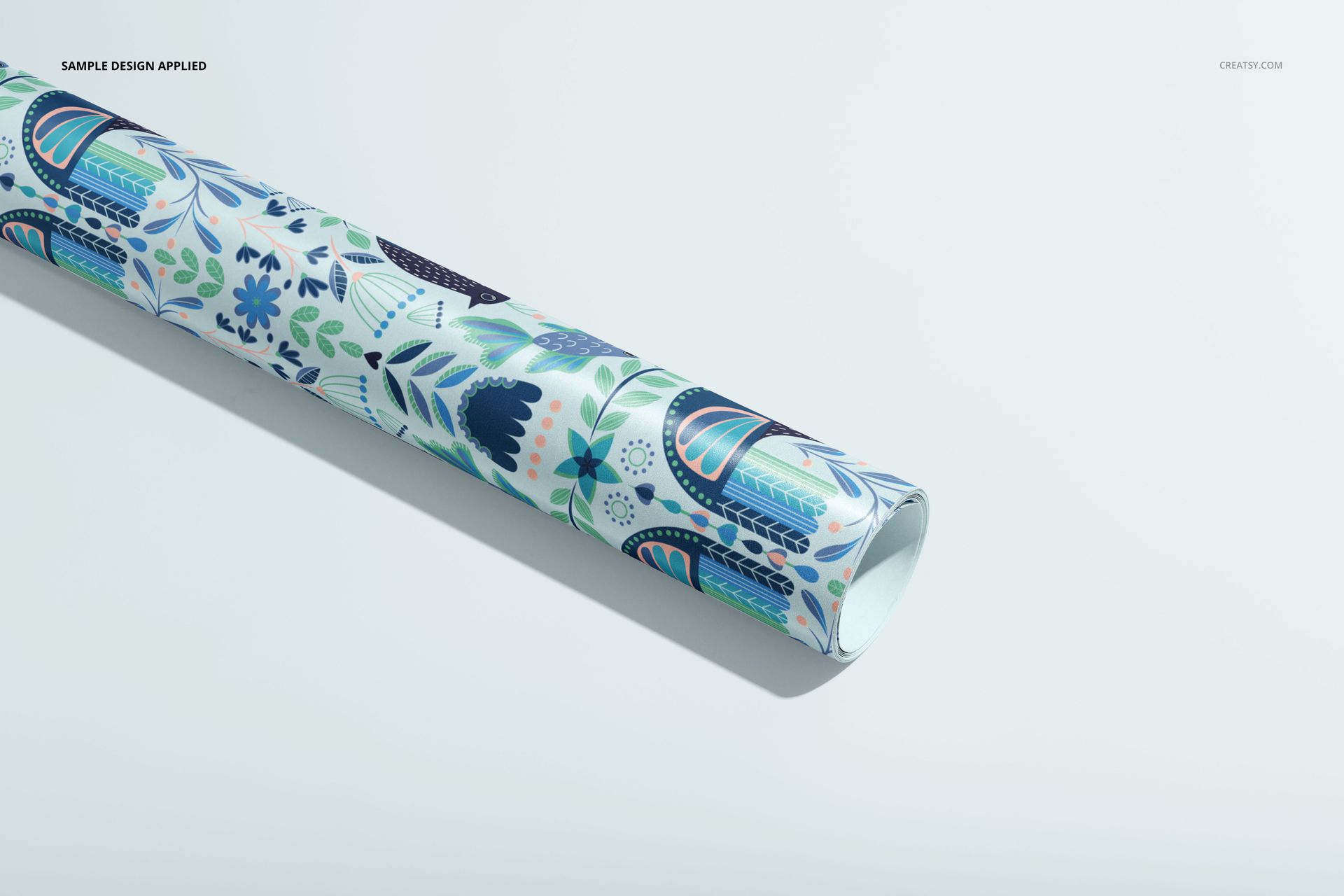
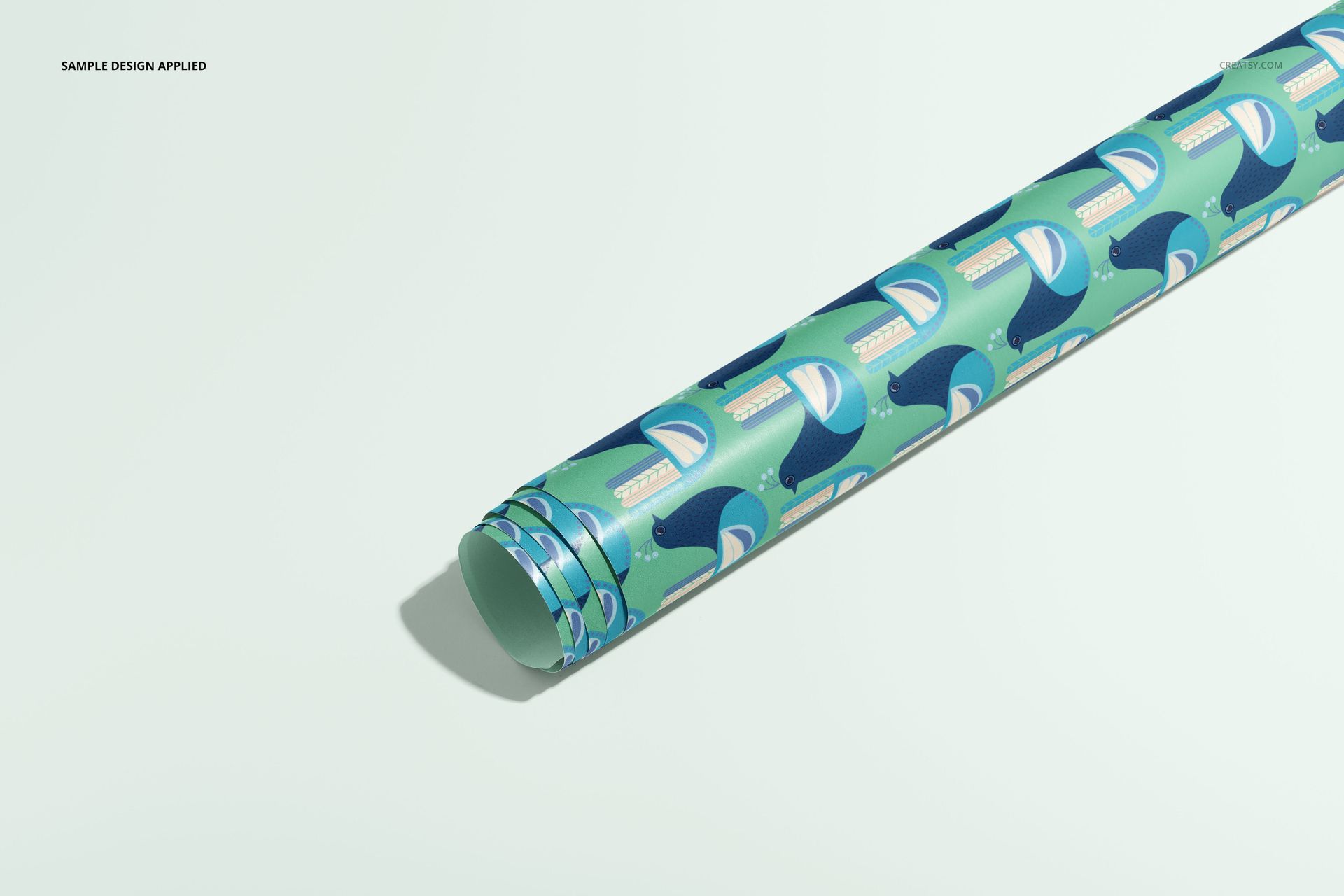
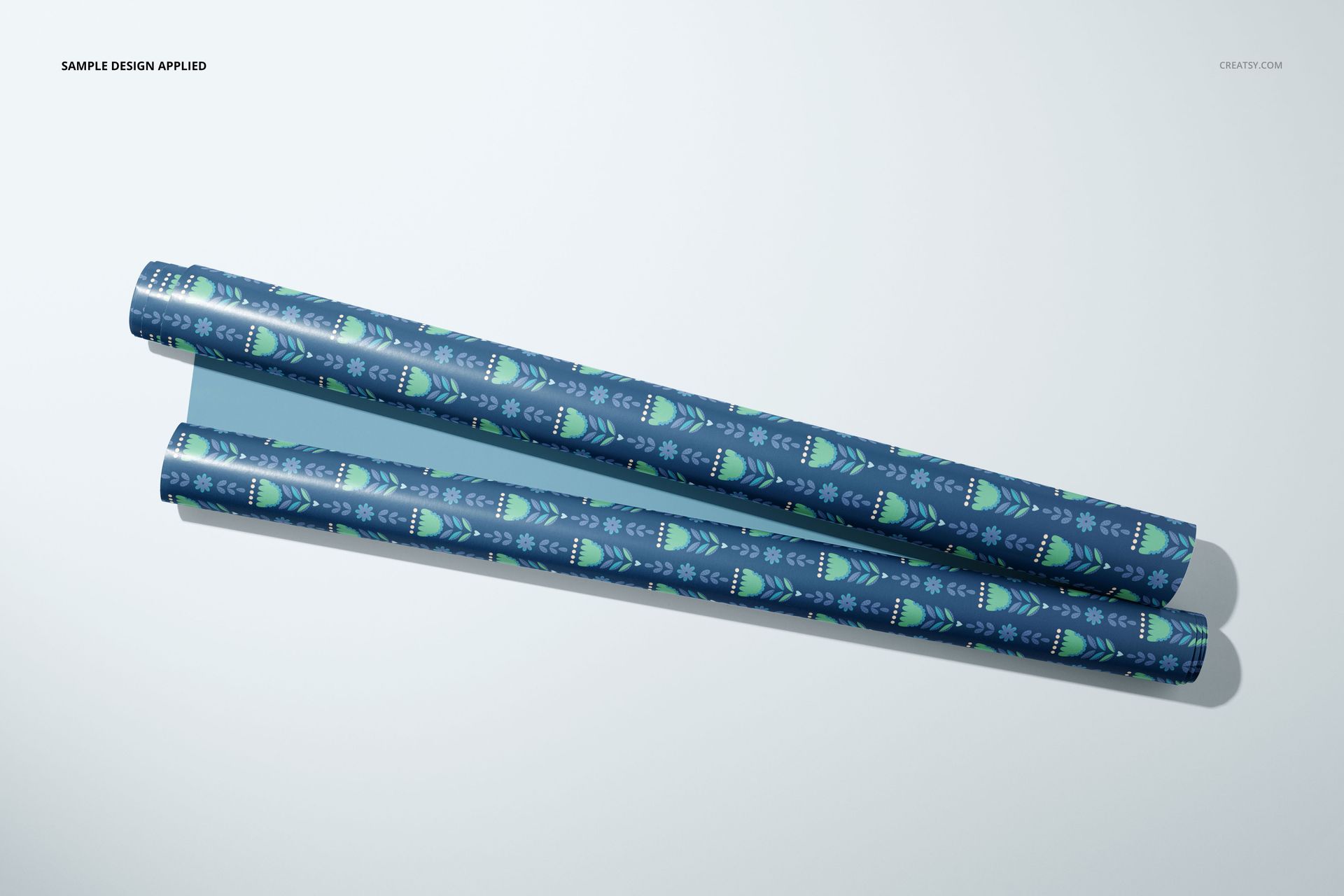
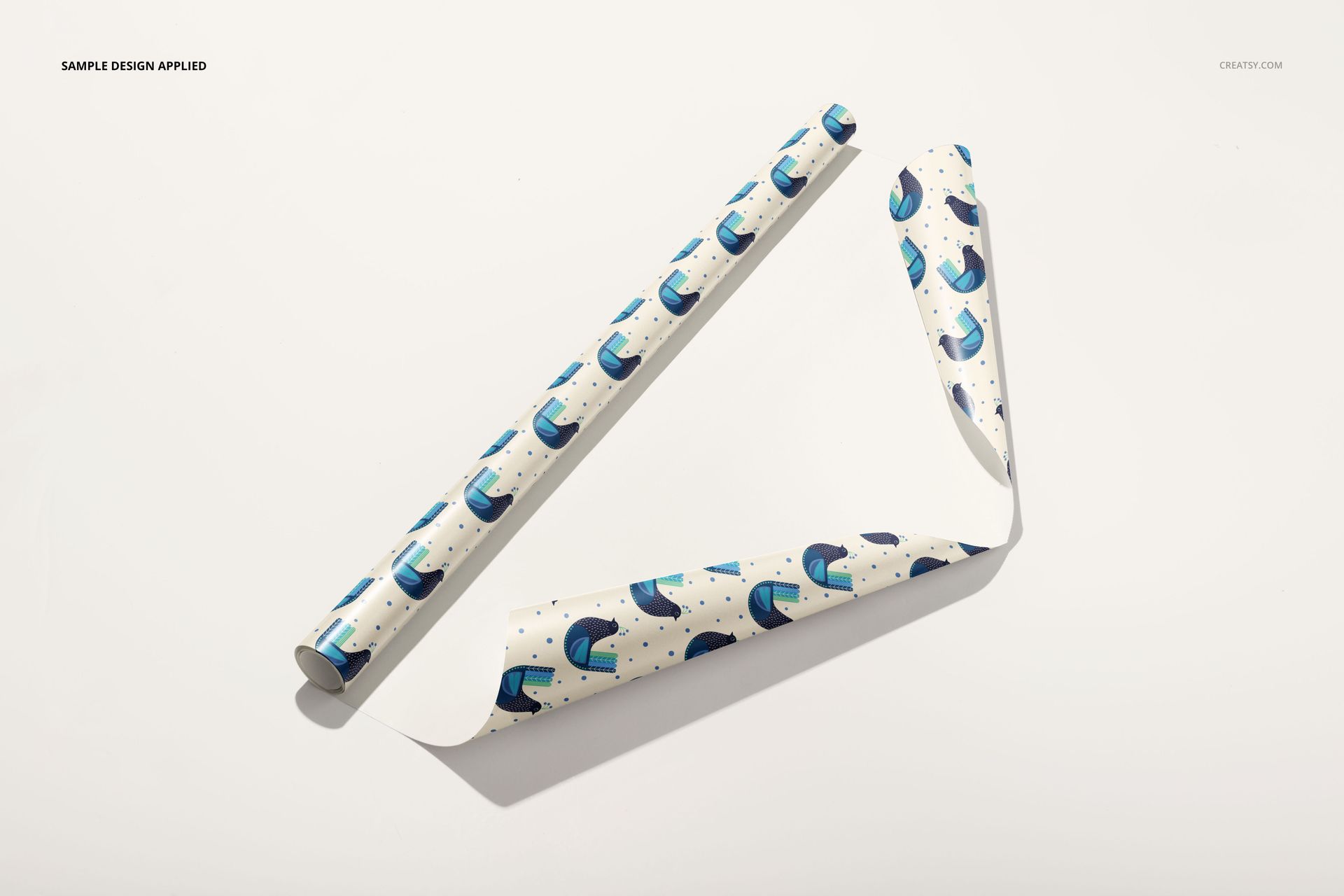
Choose between single rolls, grouped rolls with paper bands, partially unrolled sheets and paper wrapped around boxes. The set includes overhead and angled compositions, plus hands holding rolls or spreading a sheet. These different views let a stationery brand present the same collection as retail stock, an in-use material and a finished gift.
Easy Smart Object Editing
Insert your artwork through Smart Objects and adjust the available color layers. Background colors can be changed and your own textures inserted; objects and drop shadows are on separate layers. The files support Adobe Photoshop CC 2018 or newer and Photopea.
Perfect For
Use the collection for surface pattern licensing pitches, gift-wrap range proposals, stationery catalogs and seasonal campaign images. The download contains digital mockup files, not physical paper, accessories or printed packaging. The sample patterns are not included.








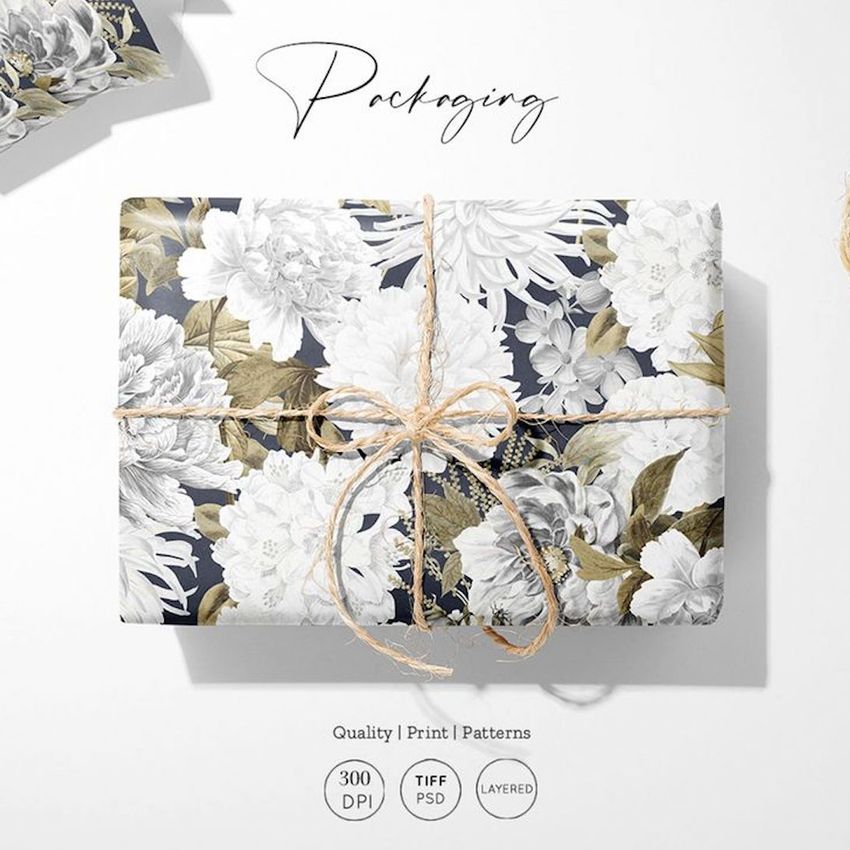
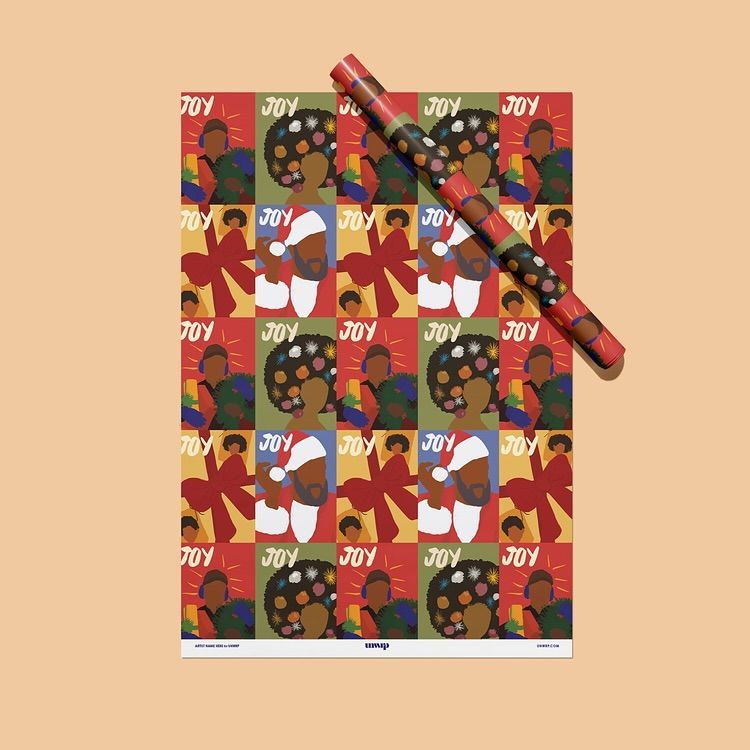













I love this wrapping paper mockup. It's an industry I'd love to get licensed in and this is such a beautiful way to show what my designs can look like on wrapping paper!
Thank you so much for your wonderful review! We’re thrilled to hear this wrapping paper mockup helps you present your designs so beautifully. Wishing you lots of success with your licensing goals.