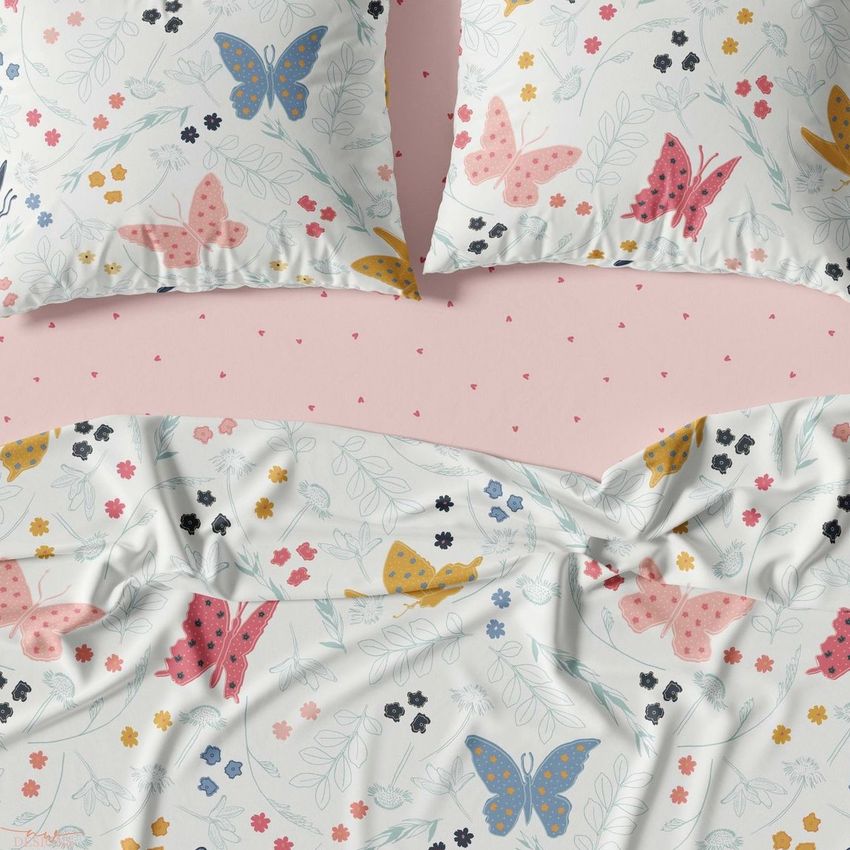
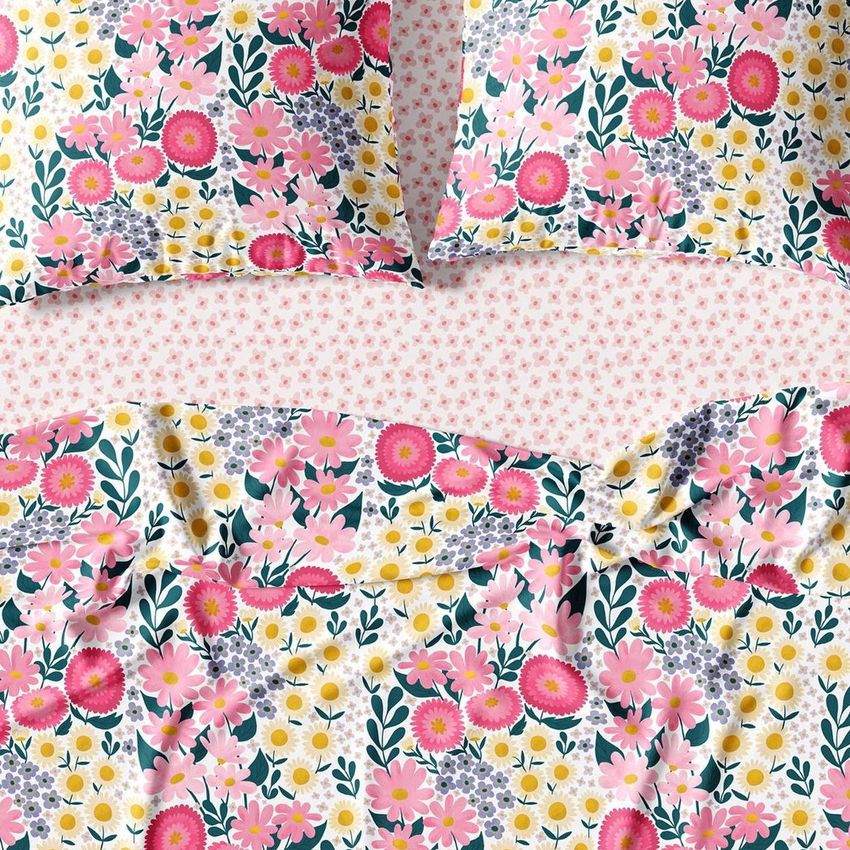
Bedding Set Mockup Set

Product Details
What is Bedding Set Mockup Set?
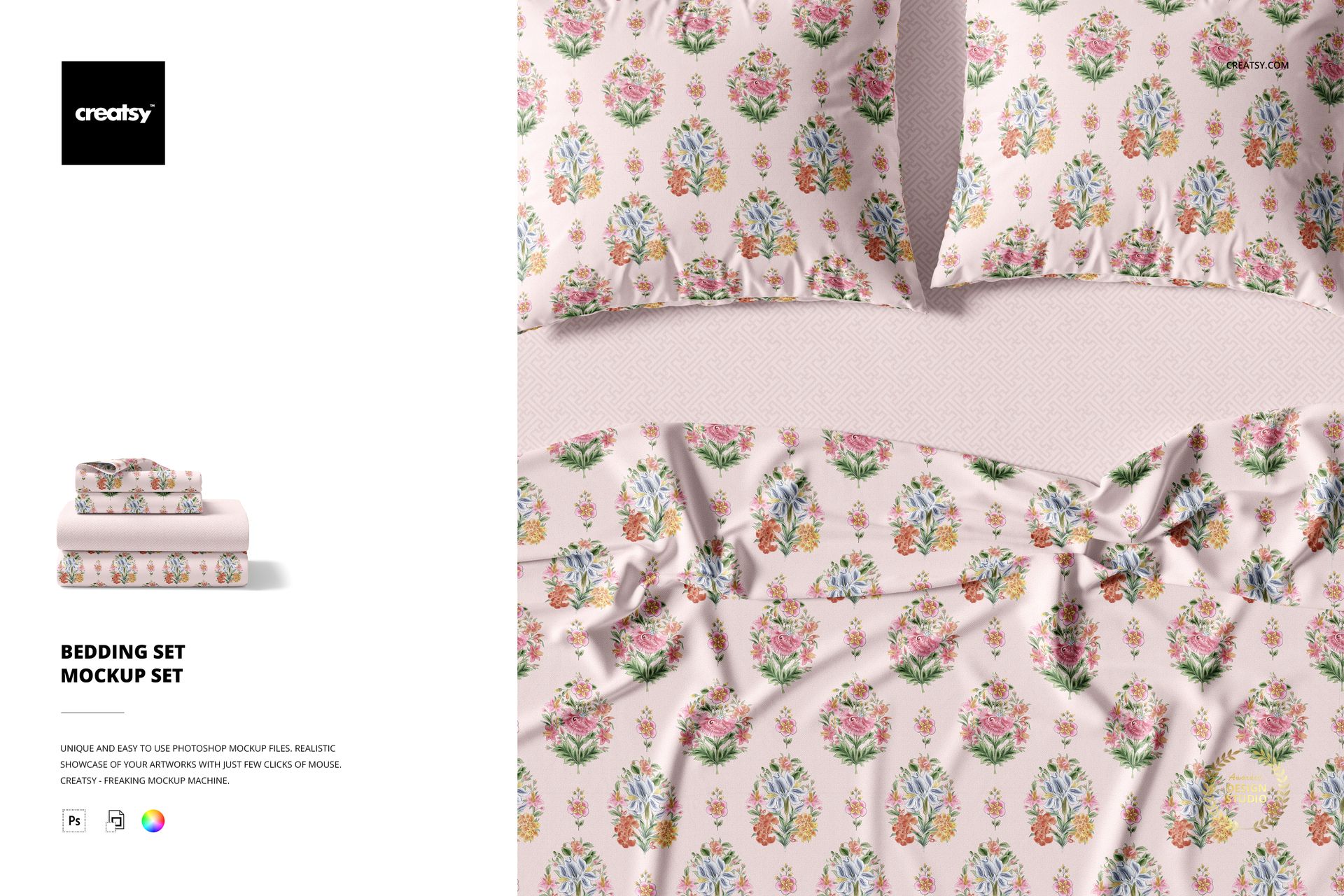
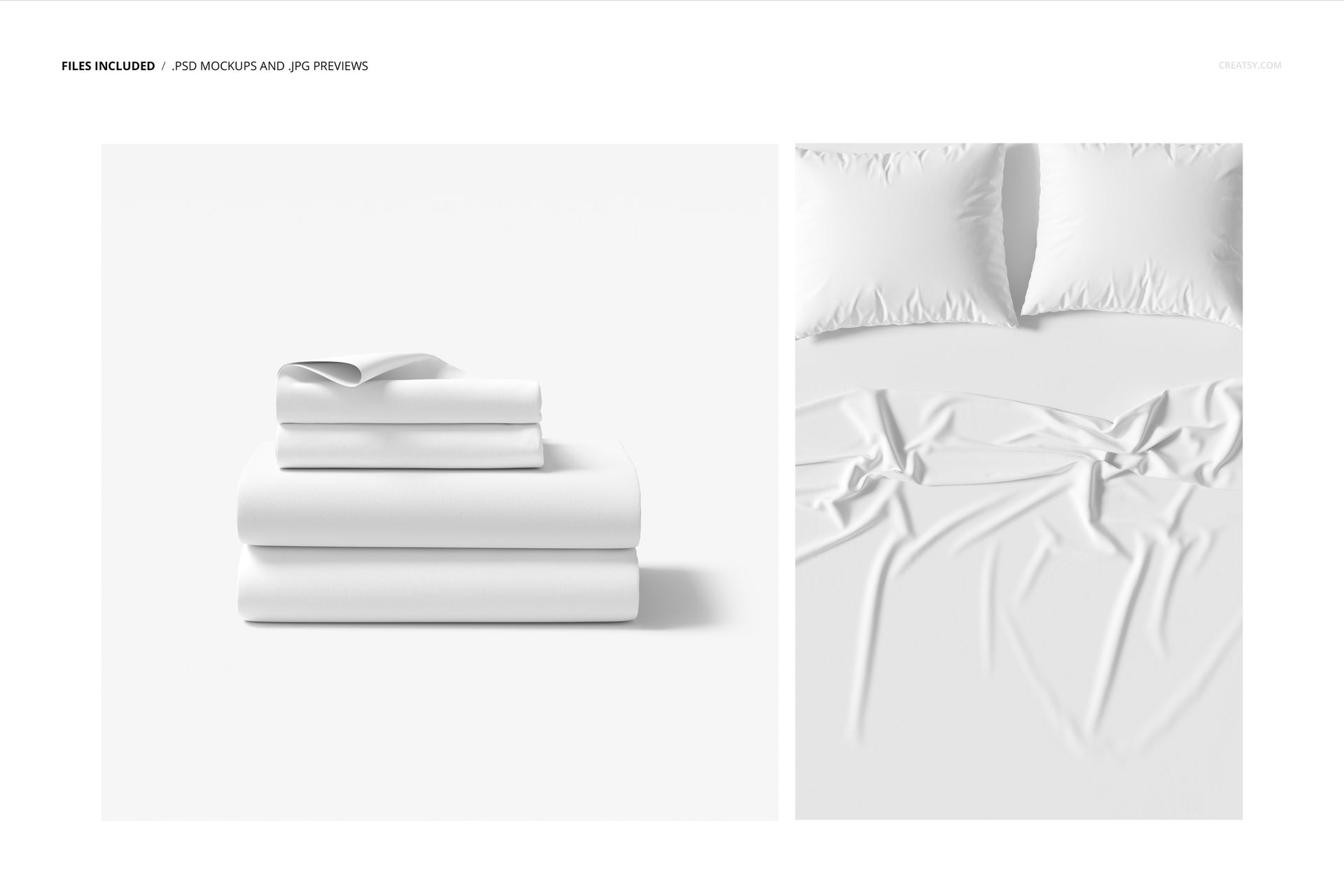
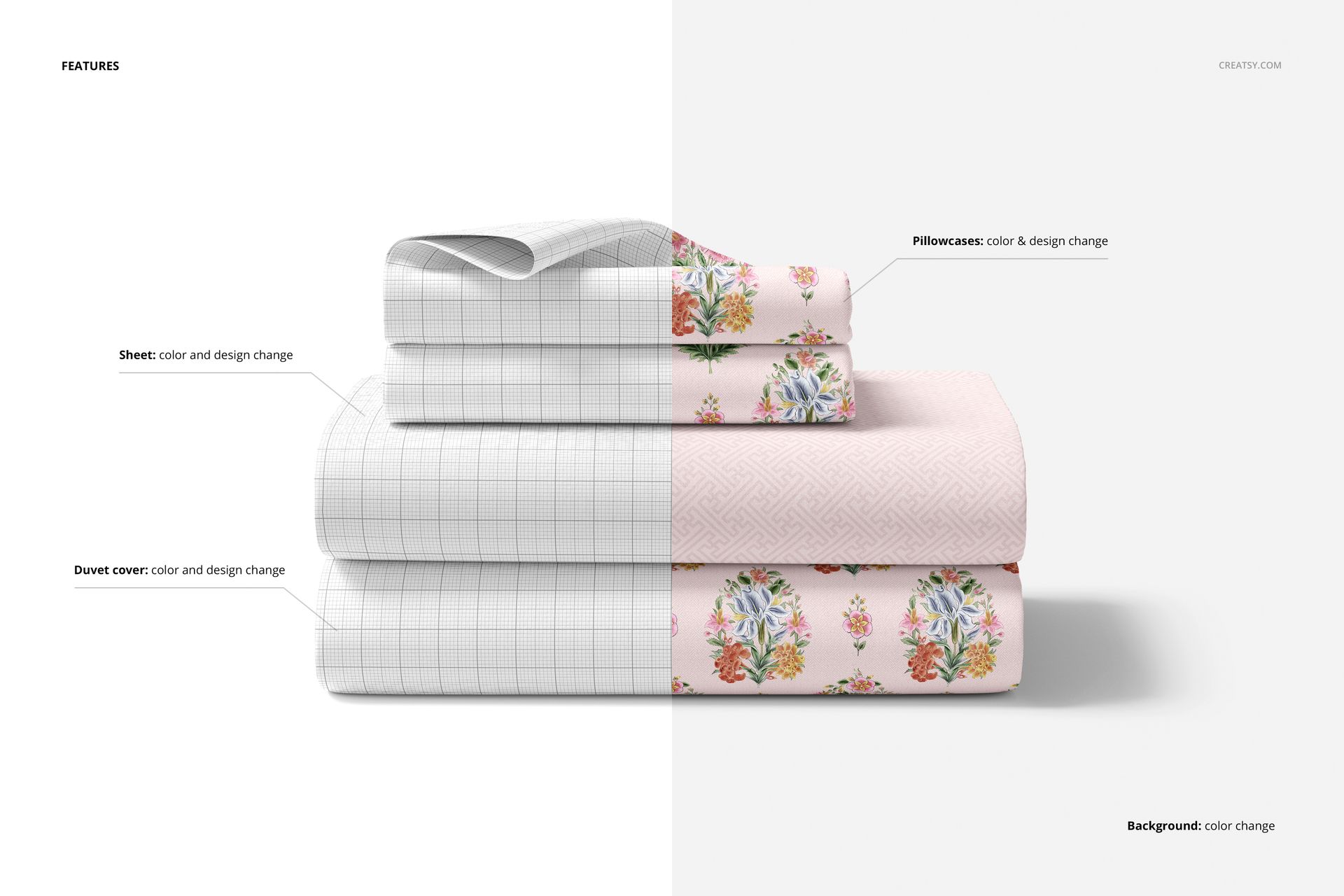
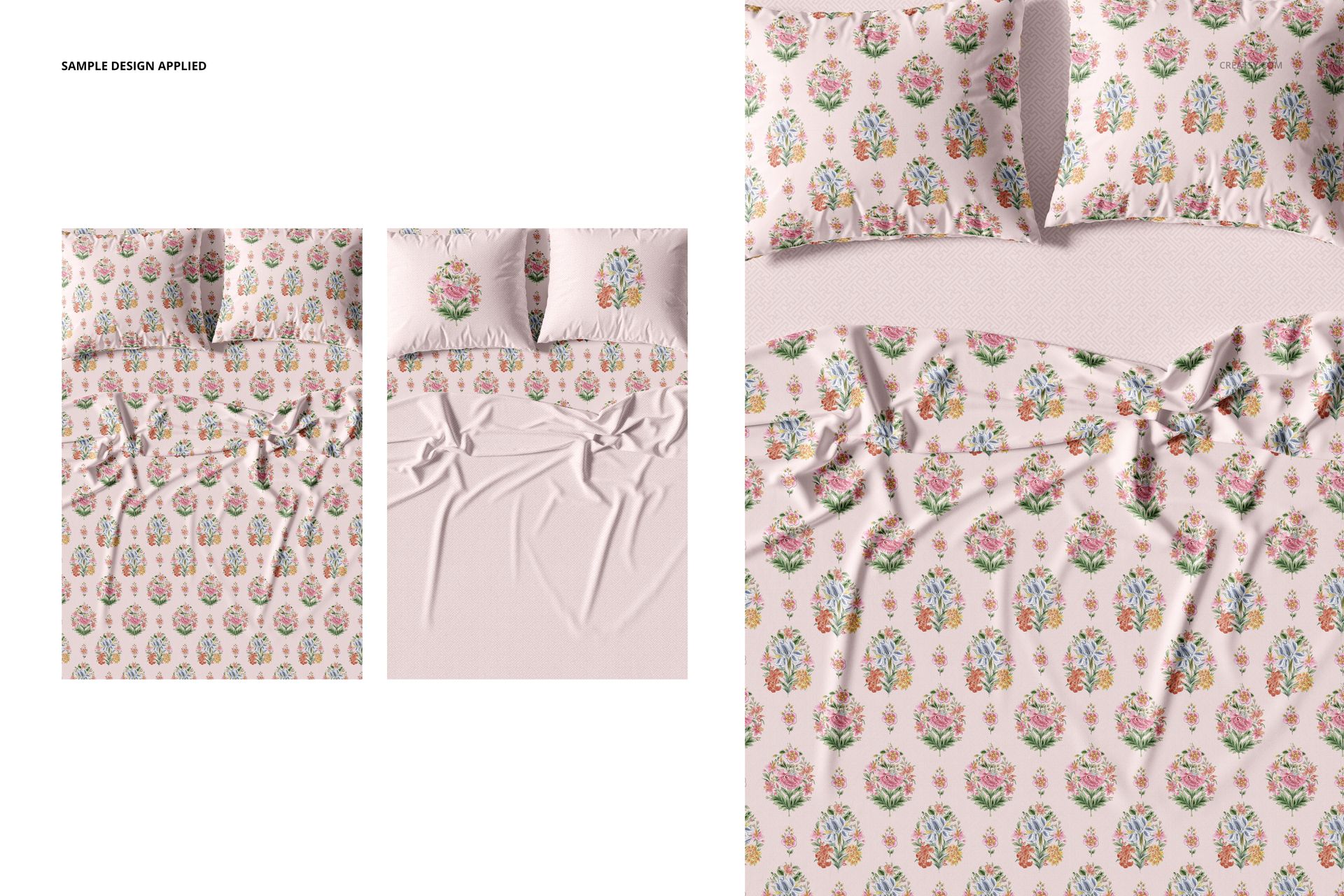
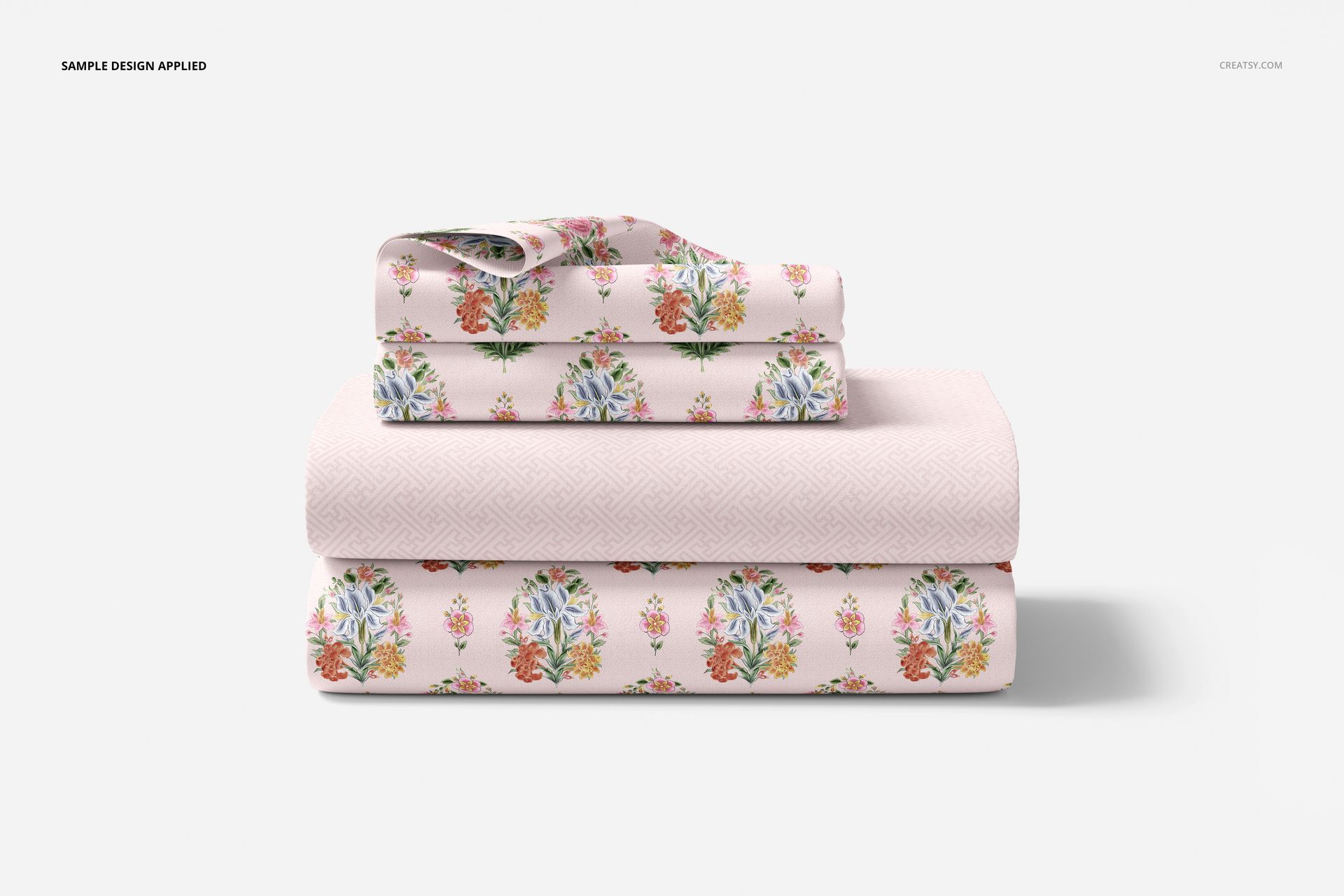
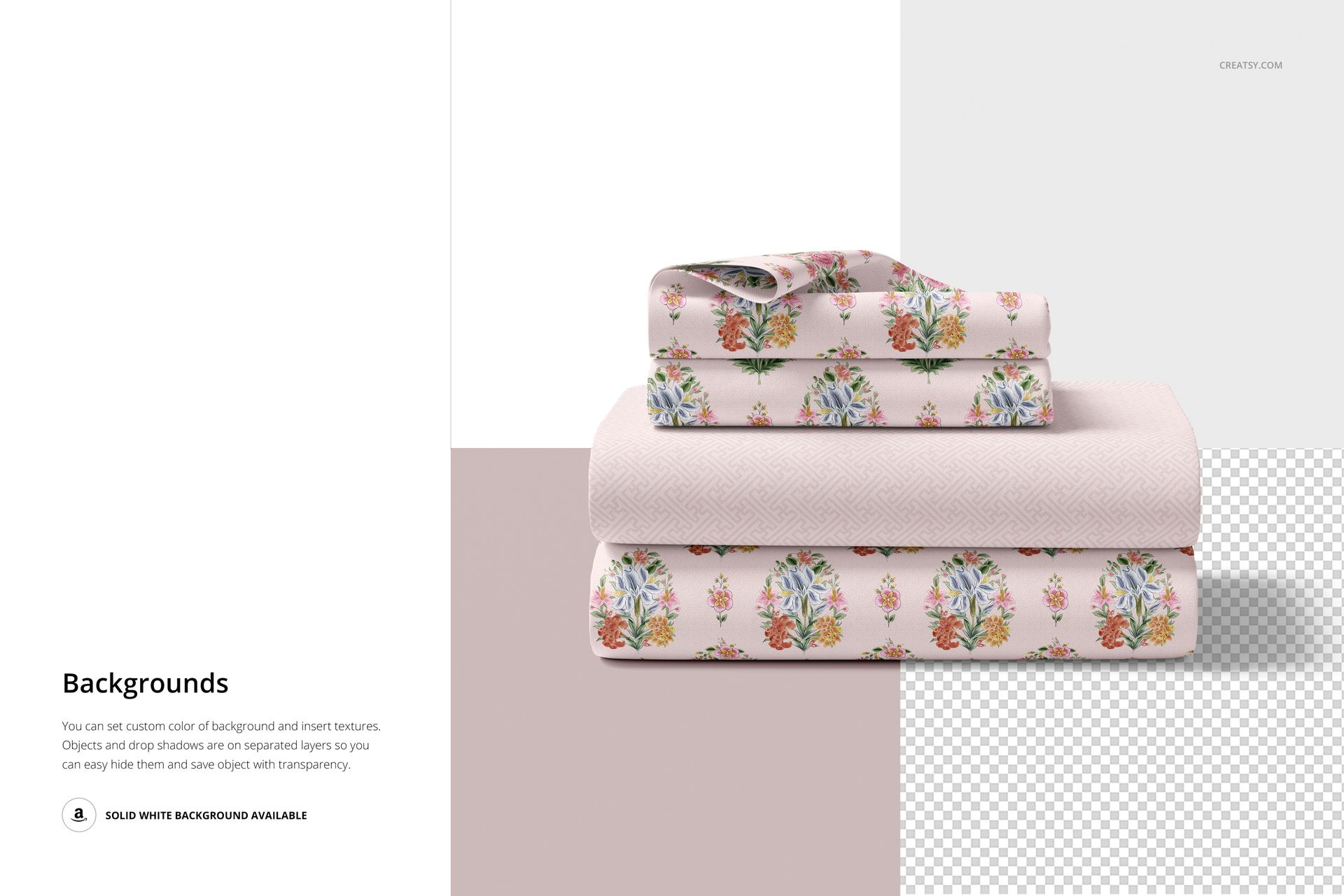
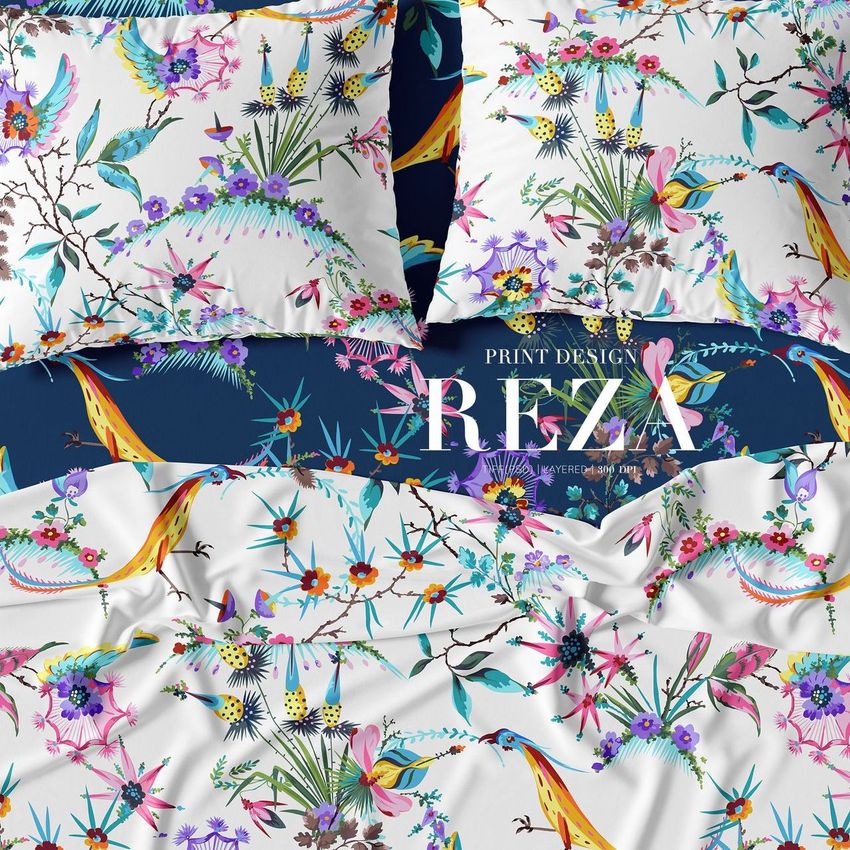
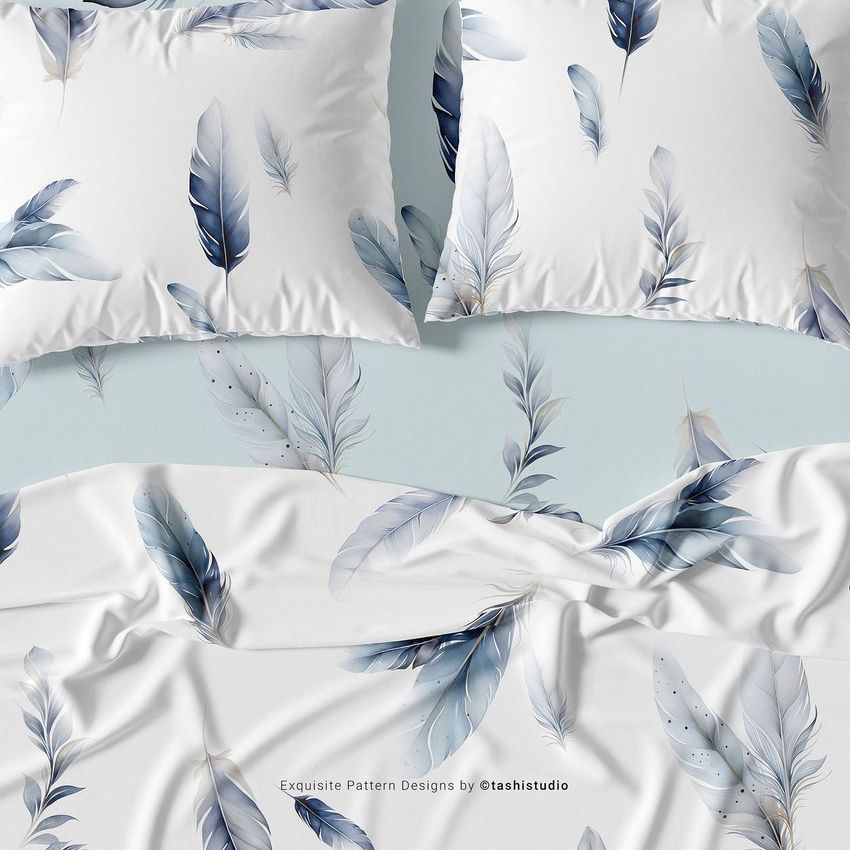
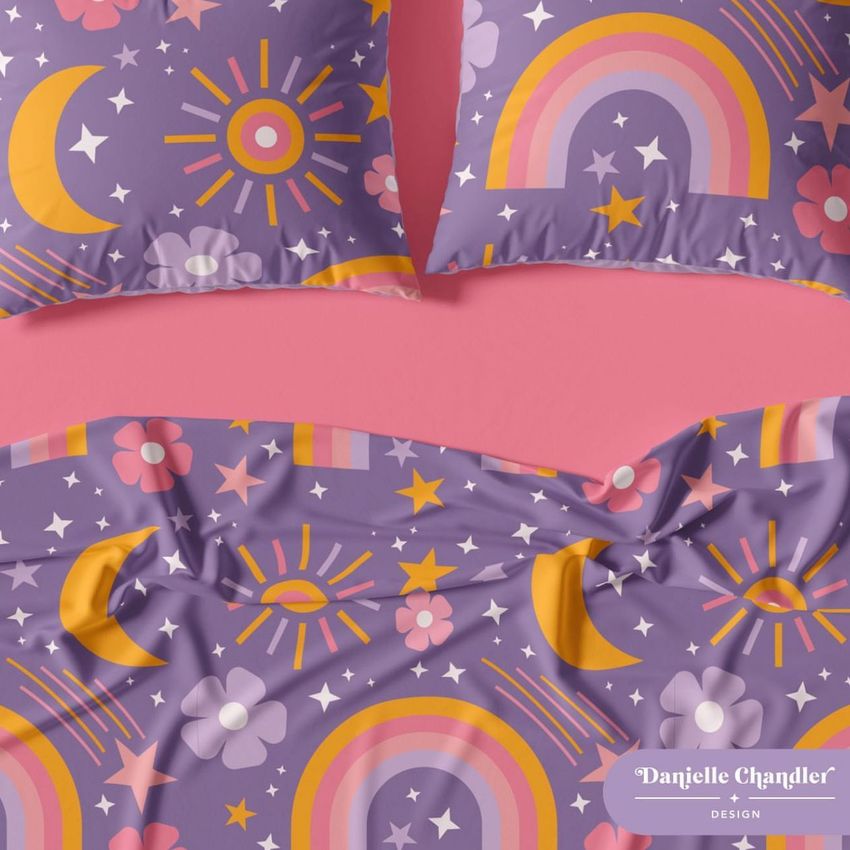
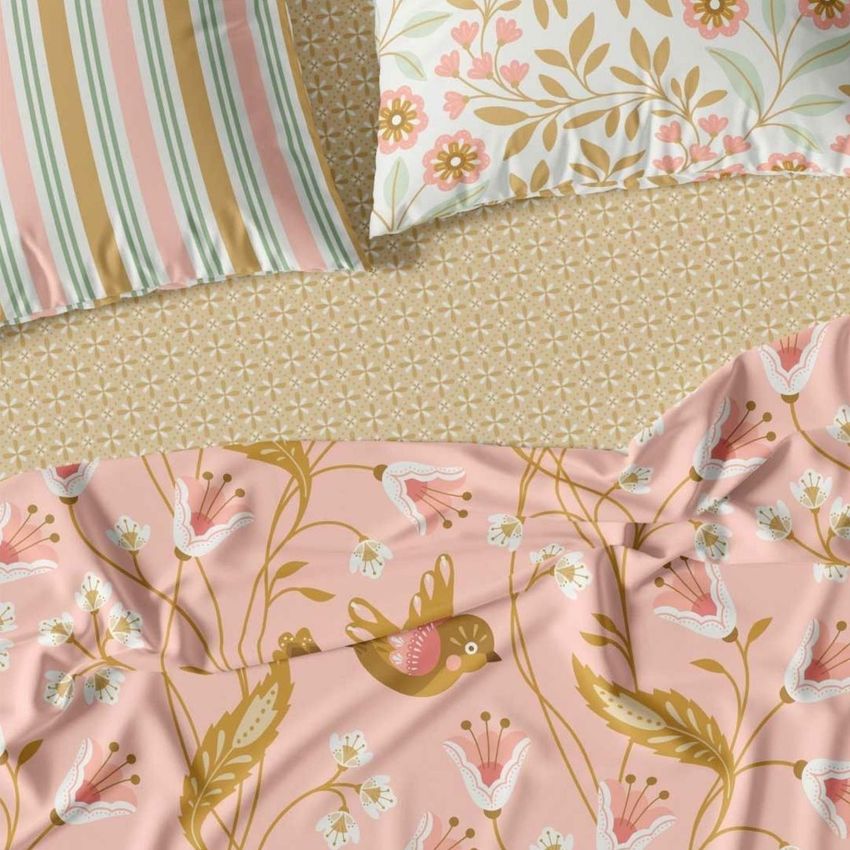
The Bedding Set Mockup Set template by Creatsy offers you a luxurious bedding mockup. Each part of the bedding mockup has been captured with professional photography. Expertly crafted into this home décor mockup are color layers and smart objects, giving you complete control over how you customize the Bedding Set Mockup Set with your designs. An essential tool for any designer, this Bedding Set Mockup Set is indispensable for sharing the functionality of their designs. Each of the two Adobe Photoshop mockup files contains well-organized layers with easy-to-use features, allowing you to customize the bedding mockup to your satisfaction. Smart objects will enable you to showcase your designs on the fabric and background. With options to add textures, hide objects and drop-shadows, and save the file with transparency, this Bedding Set Mockup is fully customizable and is an excellent way to show off your designs!
The Creatsy advantage
The Creatsy name is synonymous with ‘excellence.’ We believe in only making our very best products available to our valued customers and clients like you. We provide frequent updates to ensure your designs are always presented in the best light possible on our mockup files. Our well-organized layers make editing a breeze, allowing you maximum control over how your designs look. Establishing your brand and promoting your work has never been so easy!
Compatibility: Adobe Photoshop min. version CC 2020,
Includes: 2 PSD files with well-organized layers: 6000x4000 px, 300 dpi,
Editable components: color and design change,
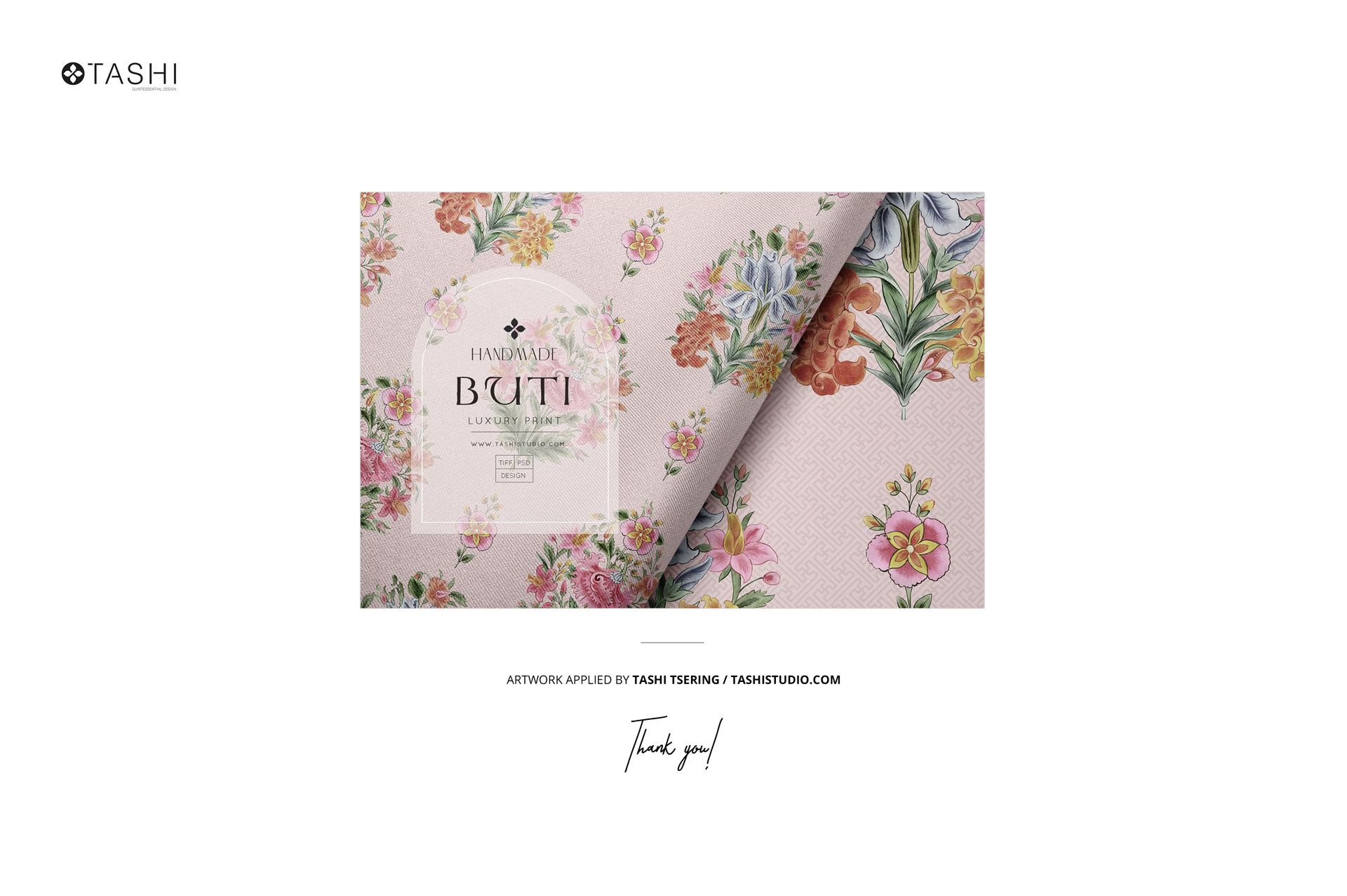
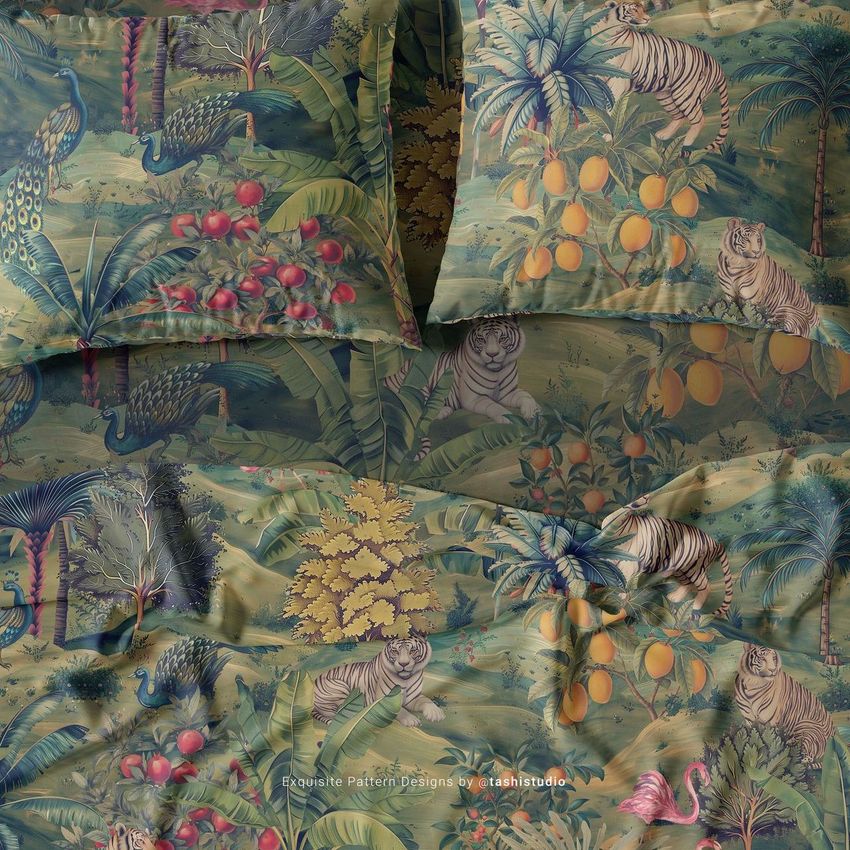
Example artwork by Tashi Tsering / tashistudio.com
Patterns are NOT included, this product is a mockup intended for you to add your own designs.
File details
- Compatibility
- Number of files included
- 5
- Package size
- 679 MB
|712 MB
- Files type
- .psd, .jpg, .pdf
- Files size
- 6000x4000


Made with Creatsy
Real designs. Real customers. See how creatives use Creatsy mockups to turn their artwork, branding, and product ideas into polished visuals.
MEET THE SHOP

HOW IT WORKS
3 clicks. That's it.
No tutorial needed. If you can copy-paste, you can use this.
- 1OpenDouble-click the smart object inside the PSD - in Adobe Photoshop, or free in your browser with Photopea.
- 2PasteDrop in your pattern, print, or artwork. Any design, any style.
- 3SaveHit save and the mockup wraps it in for you - shadows, folds, and lighting included.
FROM IDEA TO IMAGE
Built for real workflows
Skip the photo shoot Show your artwork on the real product type for approvals or listings - no studio, no model, no sample.
See it on the product, not a swatch Drop your file into the smart object and the scene's lighting and folds wrap around it, so you judge the real thing before you commit.
Smart Objects
Edit once and you're done. Your artwork drops into a smart object and the mockup updates itself - no masking, no warping by hand.
Perfectly Organized
Named layers and folders you can actually navigate. Find what you need, change what you want, and get out fast.
Print-Ready
High-resolution files built to hold up on screen and in print. Exact size and DPI are in this product's Details above.