ID: 2111119701 | Updated: Sep 3, 2024

Product Details

Infant T-Shirt Mockup Set

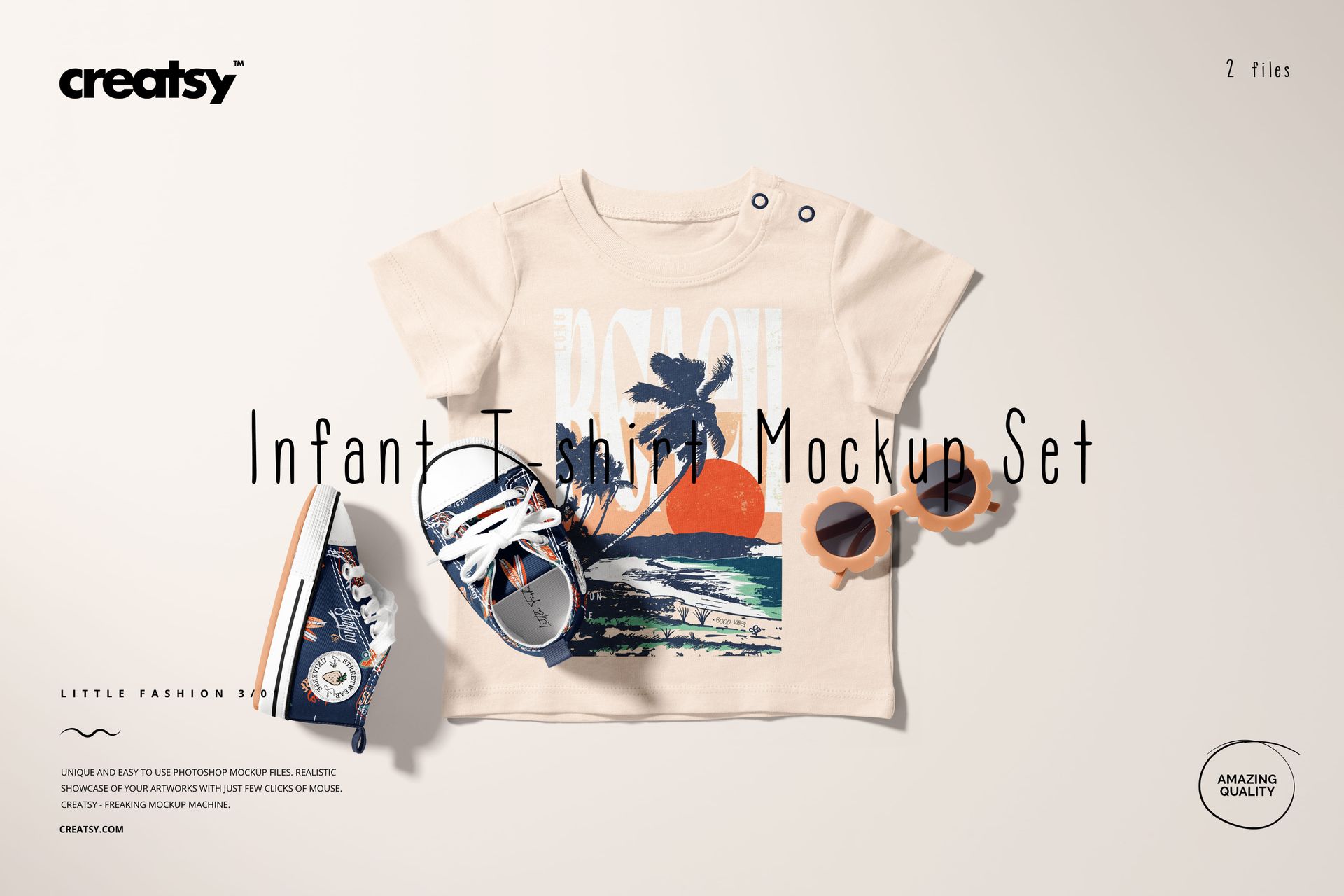
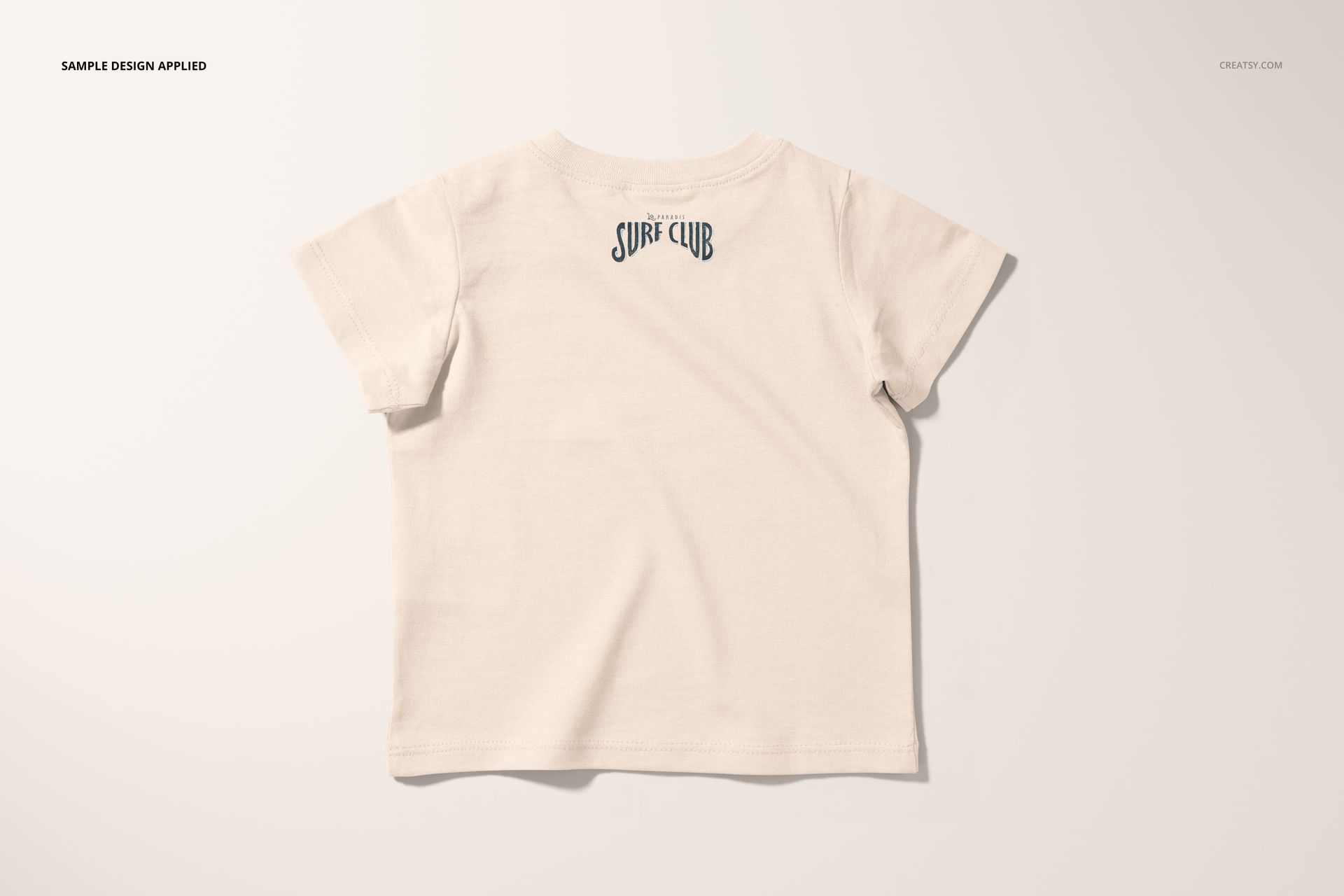
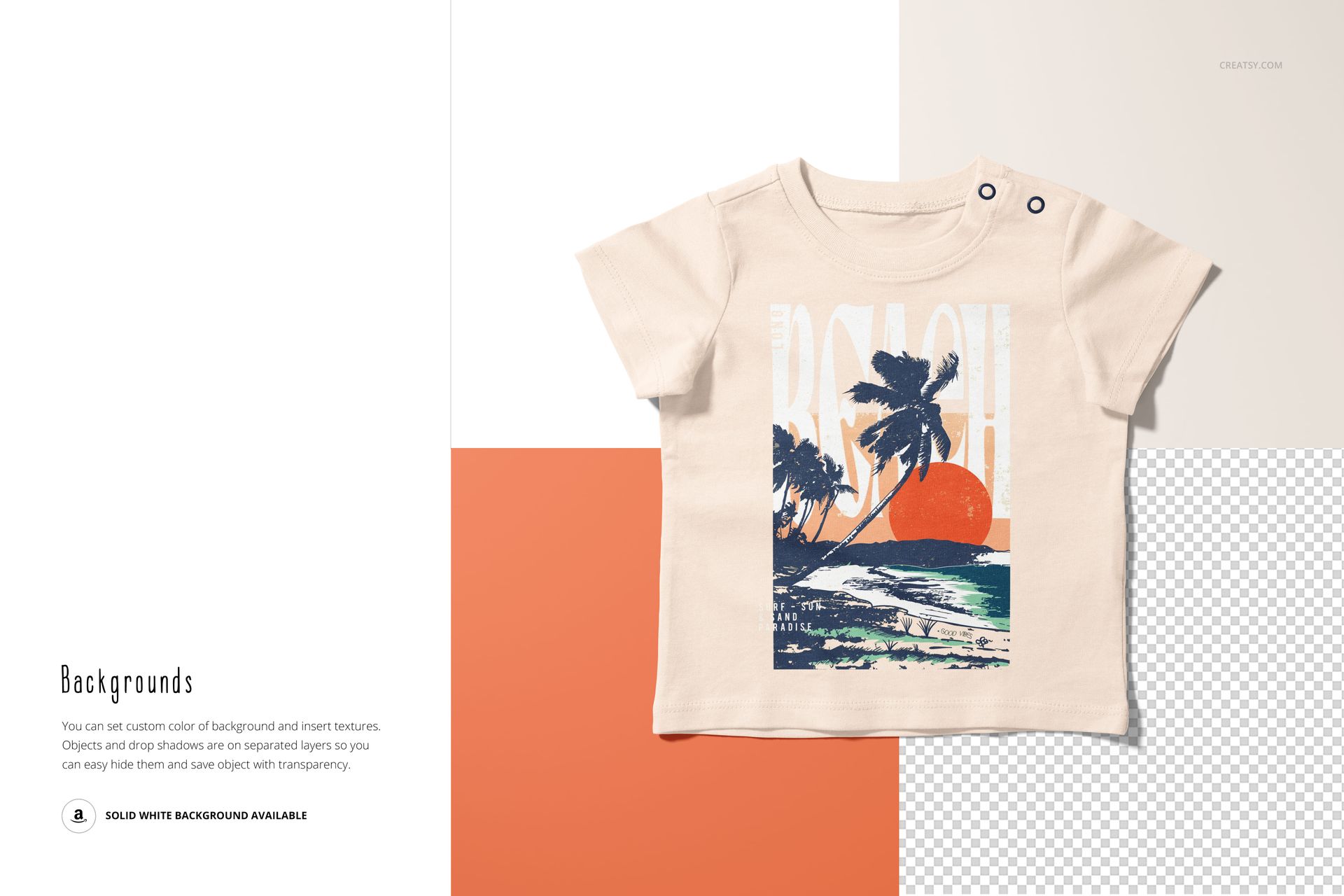
Create polished, realistic product images for baby apparel collections with this Infant T-Shirt Mockup Set. Designed for surface pattern designers, kidswear brands, print-on-demand sellers, illustrators and online shop owners, this editable PSD mockup set helps you present infant t-shirt designs in a clean, professional and ready-to-sell way.

The mockups are perfect for showcasing baby t-shirt graphics, repeat patterns, placement prints, playful illustrations, boutique clothing collections, seasonal babywear, personalized shirts and nursery-inspired designs. Instead of showing your artwork as a flat file, you can place it on a realistic short-sleeve infant t-shirt and give customers a clear preview of how the final product could look.

Use this mockup set for Etsy listings, Shopify product pages, print-on-demand previews, social media posts, Pinterest pins, digital catalogs, wholesale presentations, portfolio projects and client approvals.

Why This Infant T-Shirt Mockup Works

Baby apparel buyers are drawn to visuals that feel soft, clean, trustworthy and professionally styled. A well-made infant t-shirt mockup helps your design look more finished and makes your product page feel more premium.

This set gives you a practical way to show baby shirt artwork without arranging a photoshoot, ordering samples or spending hours editing product images from scratch. Add your design to the smart object, adjust editable elements and create realistic baby apparel visuals with natural lighting, shadows and fabric texture.

The styling is versatile enough for many types of designs, including minimalist baby graphics, colorful kids’ patterns, holiday collections, beach themes, animal illustrations, florals, typography prints, gender-neutral babywear and boutique clothing lines.

Perfect For

This infant t-shirt mockup set is a strong choice for:

  • Baby clothing brands launching new t-shirt designs

  • Surface pattern designers presenting repeat patterns on baby apparel

  • Print-on-demand sellers creating product listing images

  • Etsy and Shopify shops selling custom baby shirts

  • Illustrators showcasing playful artwork on real products

  • Kidswear designers preparing seasonal collections

  • Boutique brands building a polished online catalog

  • Licensing artists creating professional portfolio visuals

  • Designers who need realistic baby apparel previews before production

Easy Customization with Smart Objects

The layered PSD files are built for an efficient editing workflow. Place your artwork into the smart object, save the file and let the mockup apply the design to the t-shirt with realistic perspective, lighting and fabric detail.

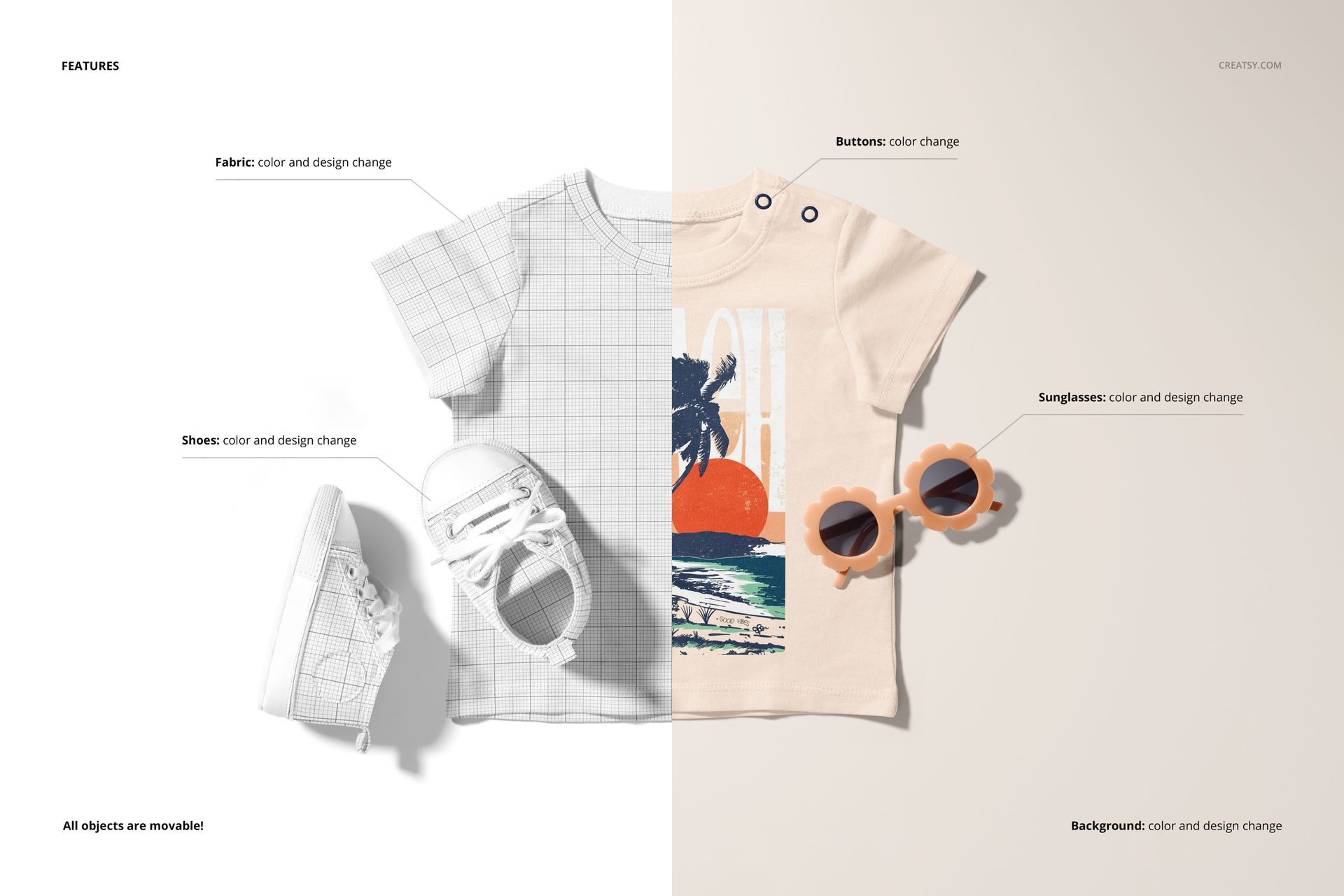
Editable color and design options make it easy to adapt the mockup to your brand style or product collection. You can test different colorways, compare print layouts, create multiple listing images and build a consistent visual gallery for one apparel line.

This is especially useful for print-on-demand sellers and pattern designers who need professional product visuals before ordering physical samples.

What You Can Showcase

Use this baby t-shirt mockup set to present:

  • Infant t-shirt graphics

  • Baby shirt placement prints

  • All-over pattern designs

  • Kids’ illustrations and character artwork

  • Gender-neutral baby clothing collections

  • Baby boutique apparel

  • Personalized baby shirts

  • Seasonal babywear designs

  • Print-on-demand baby products

  • Etsy and Shopify listing images

  • Portfolio and licensing presentations

  • Social media and Pinterest product graphics


File Specifications

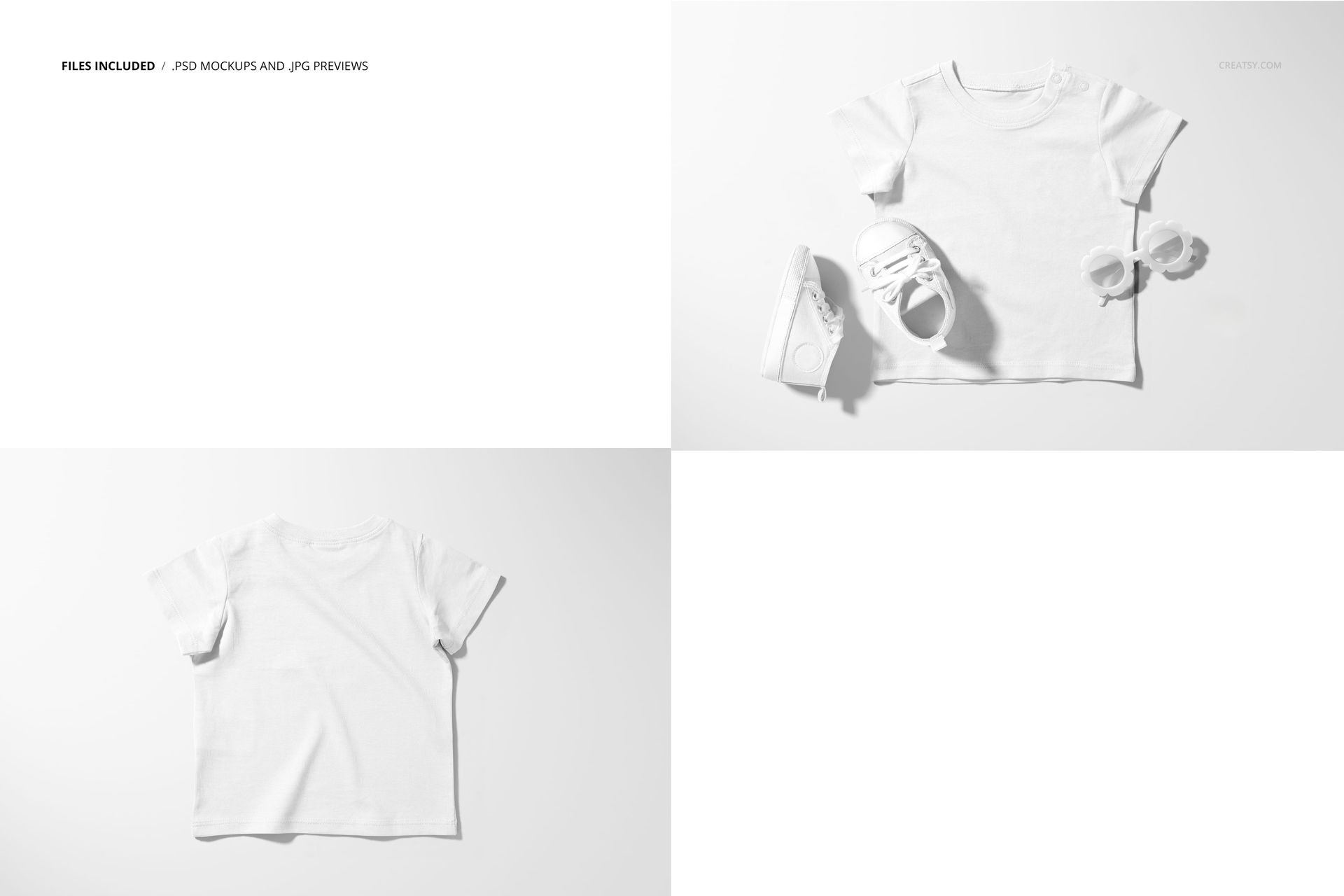
  • Includes layered PSD files and preview files

  • Pack includes 2 PSD files with well-organized layers

  • File details list 4 included files

  • File types listed on the product page include PSD, JPG and PDF

  • PSD size: 6000x4000 px

  • Resolution: 300 DPI

  • Compatible with Adobe Photoshop CC2020 and newer

  • Compatible with Photopea

  • Editable components: color and design

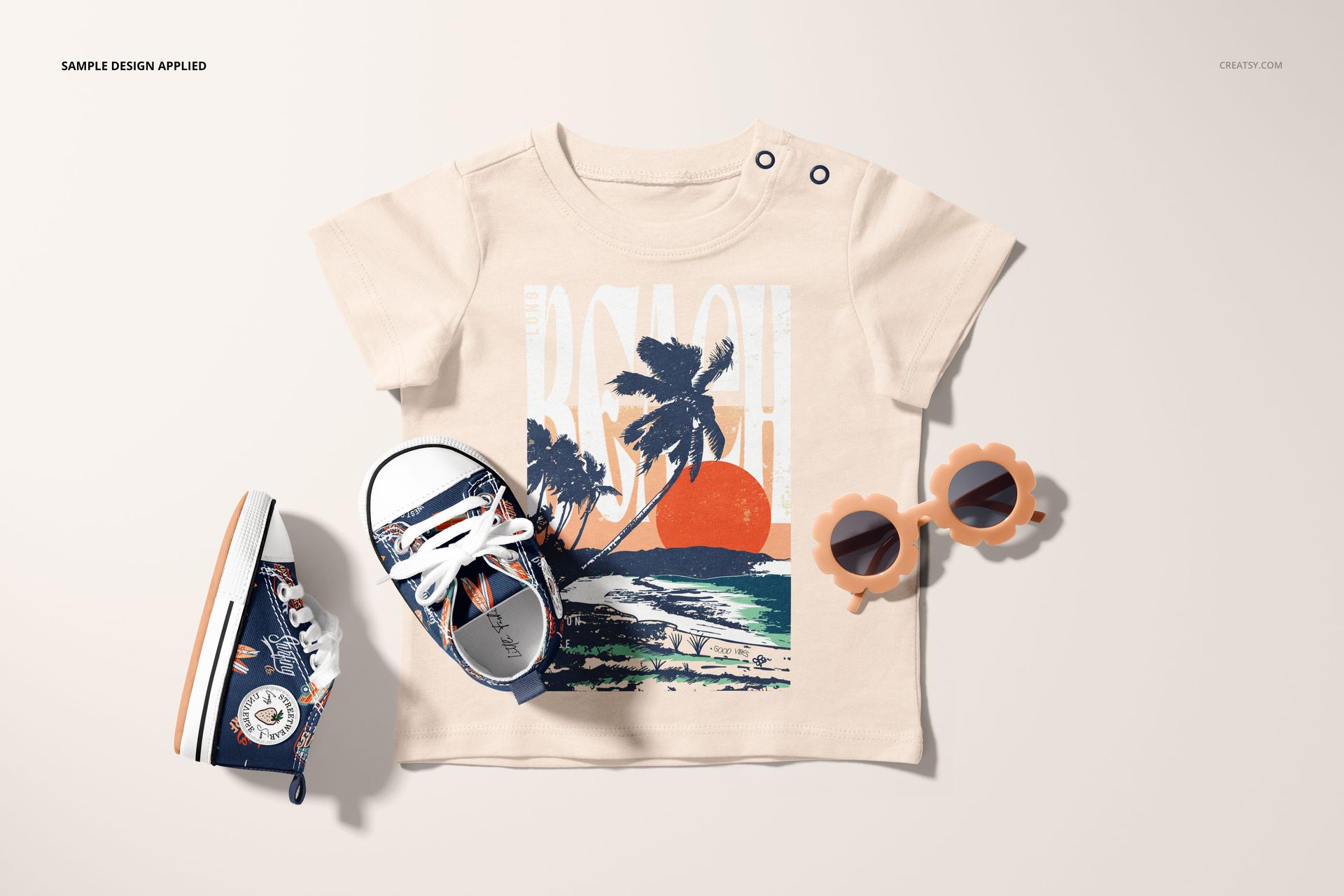
  • Design applied on mockups by Angela in the Fields/ angelainthefields.com,

  • Patterns shown in previews are not included and are used for display only

File details

Compatibility
PhotopeaAdobe Photoshop
Number of files included
4
Package size
634 MB634 MB|665 MB665 MB
Files type
.psd, .jpg, .pdf
Files size
6000x4000
TEST FOR FREE

Made with Creatsy

Real designs. Real customers. See how creatives use Creatsy mockups to turn their artwork, branding, and product ideas into polished visuals.

MEET THE SHOP

Creatsy logo

Creatsy

Poland
4.7 (648)

Bring your ideas to life.

We're a family-run studio in Katowice, Poland, making PSD mockups by hand since 2016. Everything in this shop starts in our own studio. We shoot the photography, build the 3D, and put together every Smart Object PSD ourselves - then we test it, organize the layers, and only ship it once it actually works...
GO TO SHOP

HOW IT WORKS

3 clicks. That's it.

No tutorial needed. If you can copy-paste, you can use this.

  1. 1OpenDouble-click the smart object inside the PSD - in Adobe Photoshop, or free in your browser with Photopea.
  2. 2PasteDrop in your pattern, print, or artwork. Any design, any style.
  3. 3SaveHit save and the mockup wraps it in for you - shadows, folds, and lighting included.

FROM IDEA TO IMAGE

Built for real workflows

Skip the photo shoot Show your artwork on the real product type for approvals or listings - no studio, no model, no sample.

See it on the product, not a swatch Drop your file into the smart object and the scene's lighting and folds wrap around it, so you judge the real thing before you commit.

Smart Objects

Edit once and you're done. Your artwork drops into a smart object and the mockup updates itself - no masking, no warping by hand.

Perfectly Organized

Named layers and folders you can actually navigate. Find what you need, change what you want, and get out fast.

Print-Ready

High-resolution files built to hold up on screen and in print. Exact size and DPI are in this product's Details above.