Heart-Shaped Cup Mockup Set
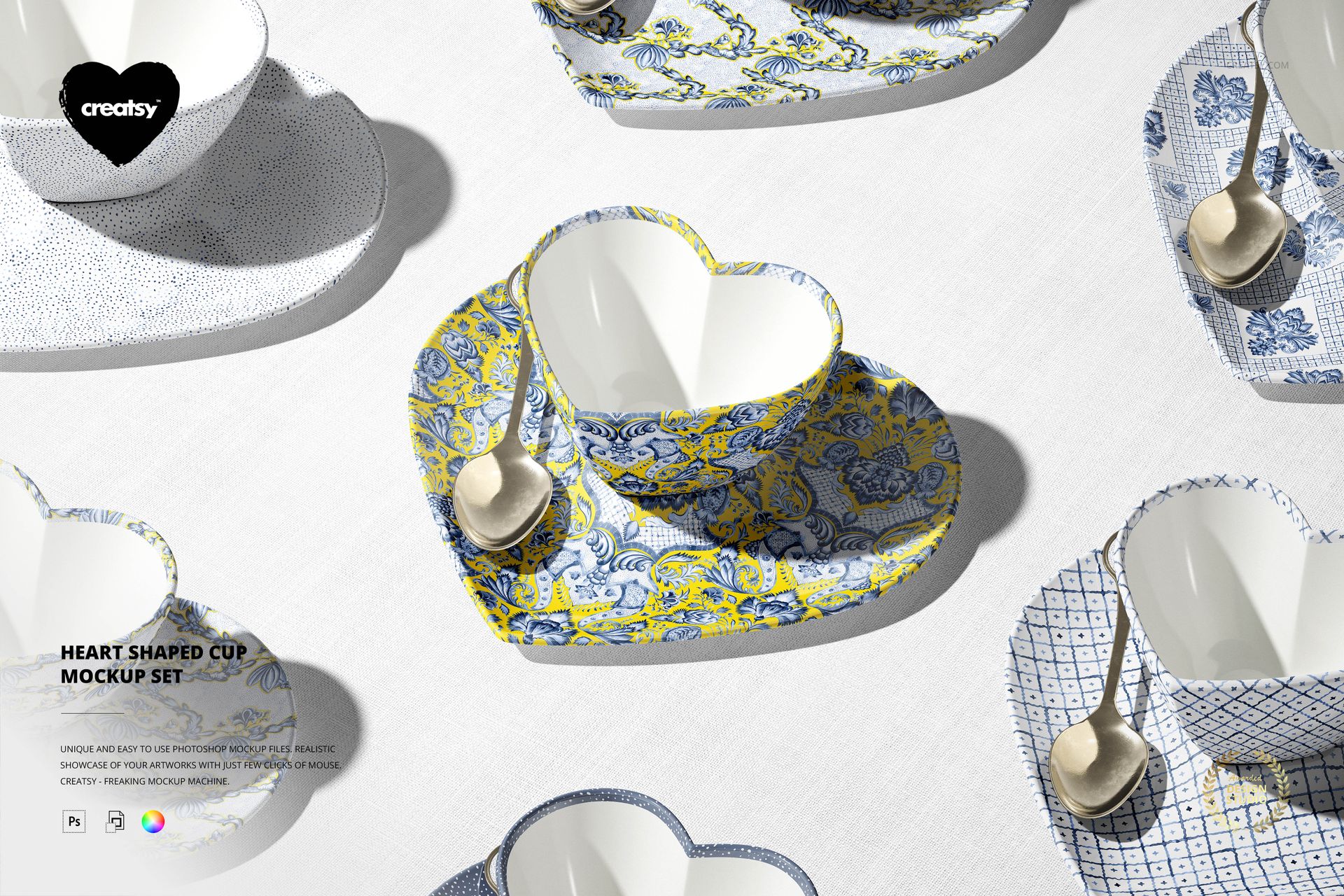
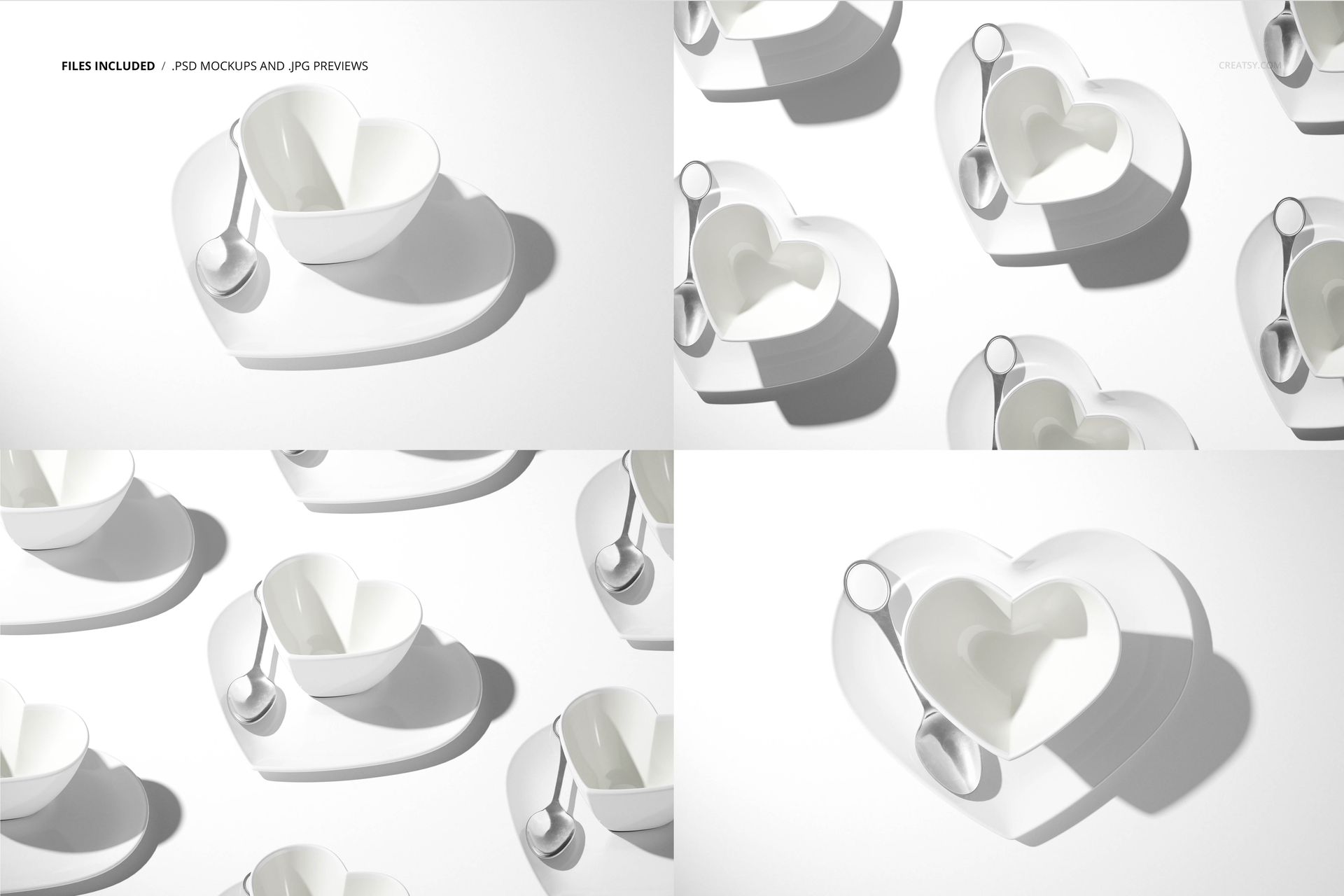
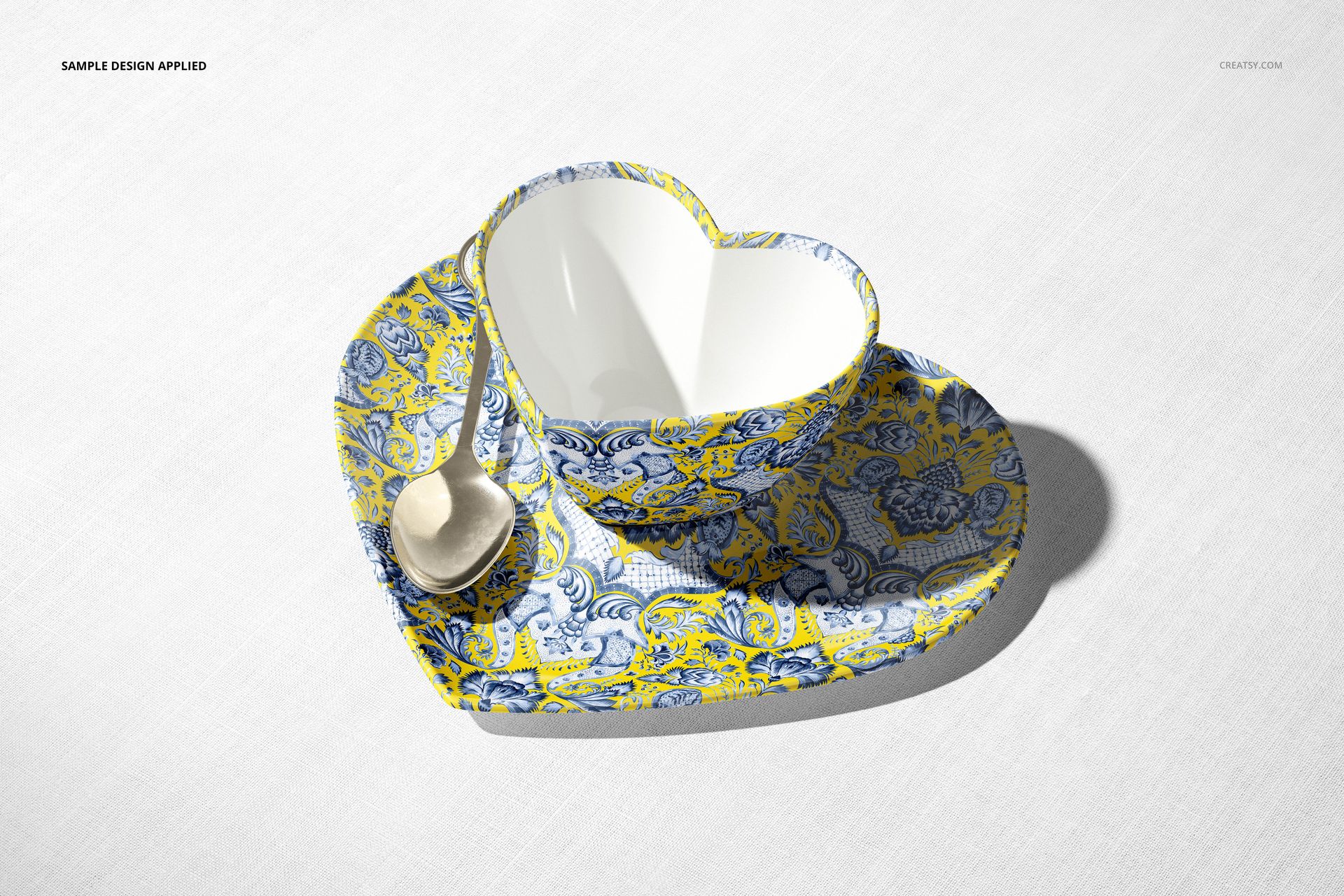
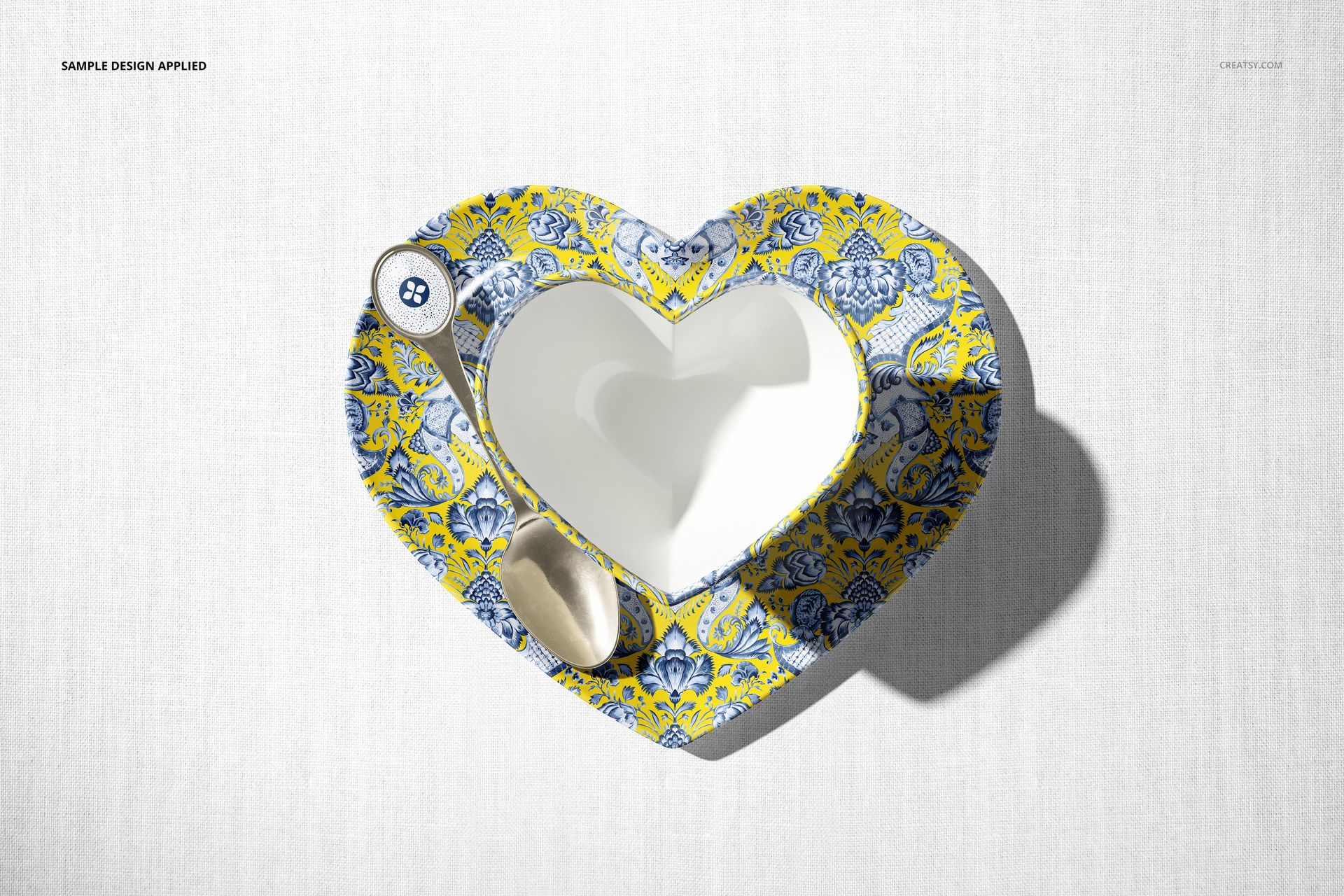
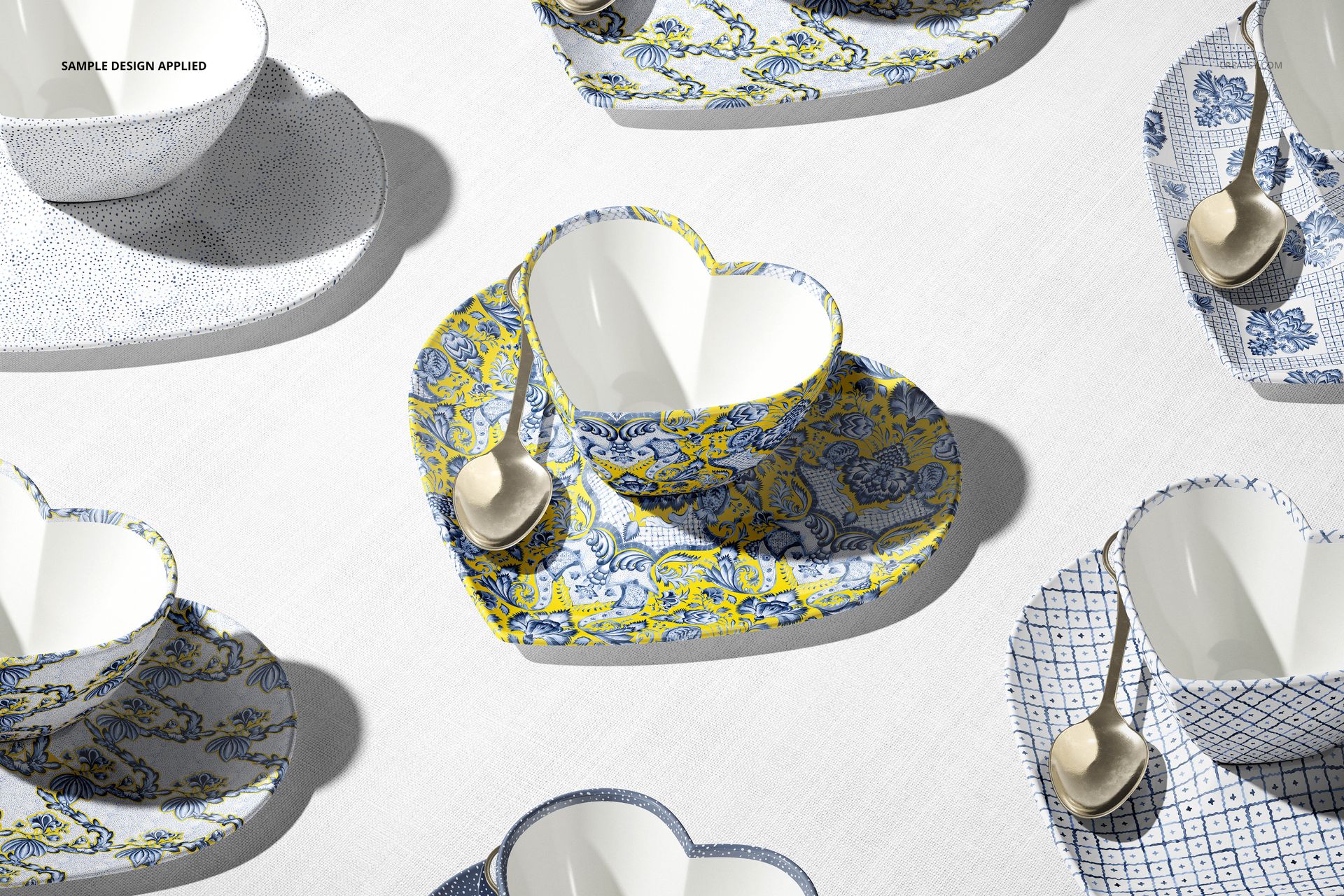
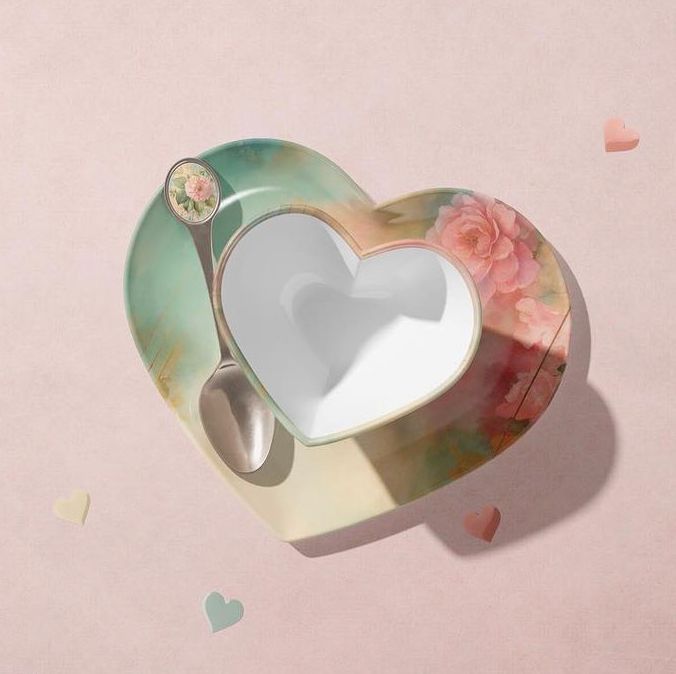
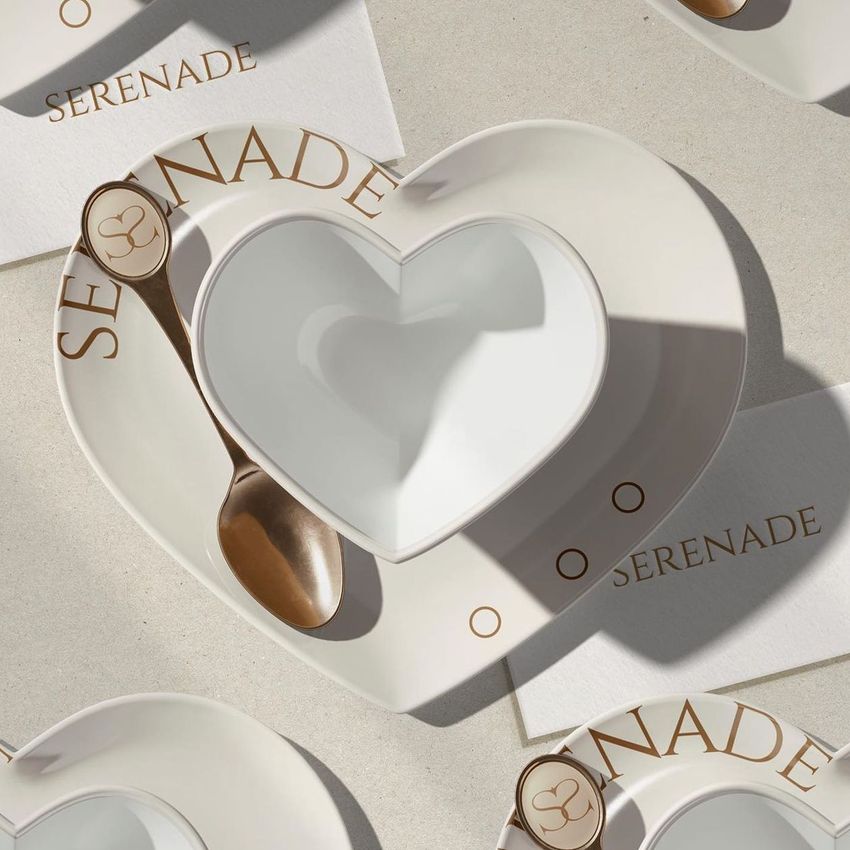
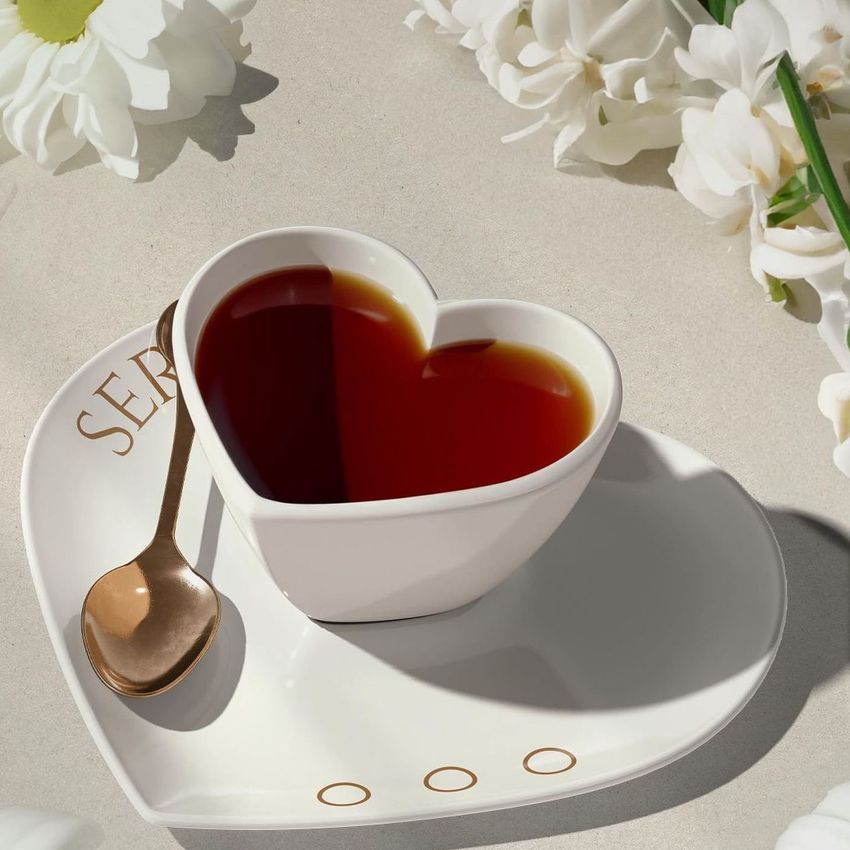
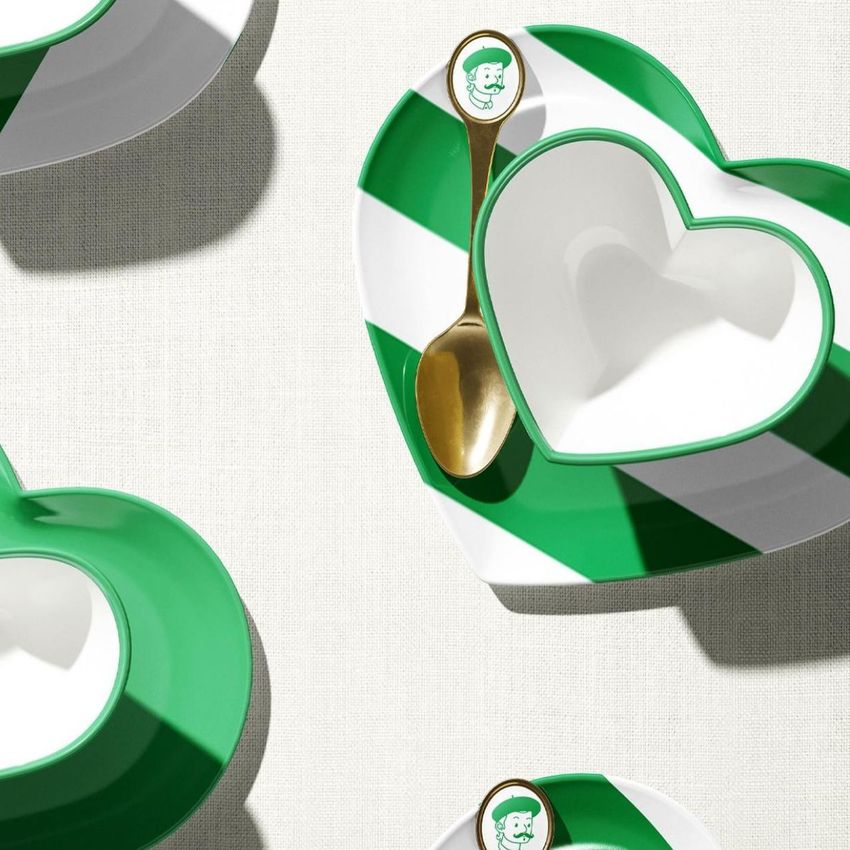
Present coordinated cup, saucer and spoon artwork across four scenes, with angled and overhead views of a single place setting and grouped sets. The heart-shaped cup makes this collection useful for Valentine tableware, anniversary gifts and romantic pattern collections.
What Is Included
Coordinate the Tableware
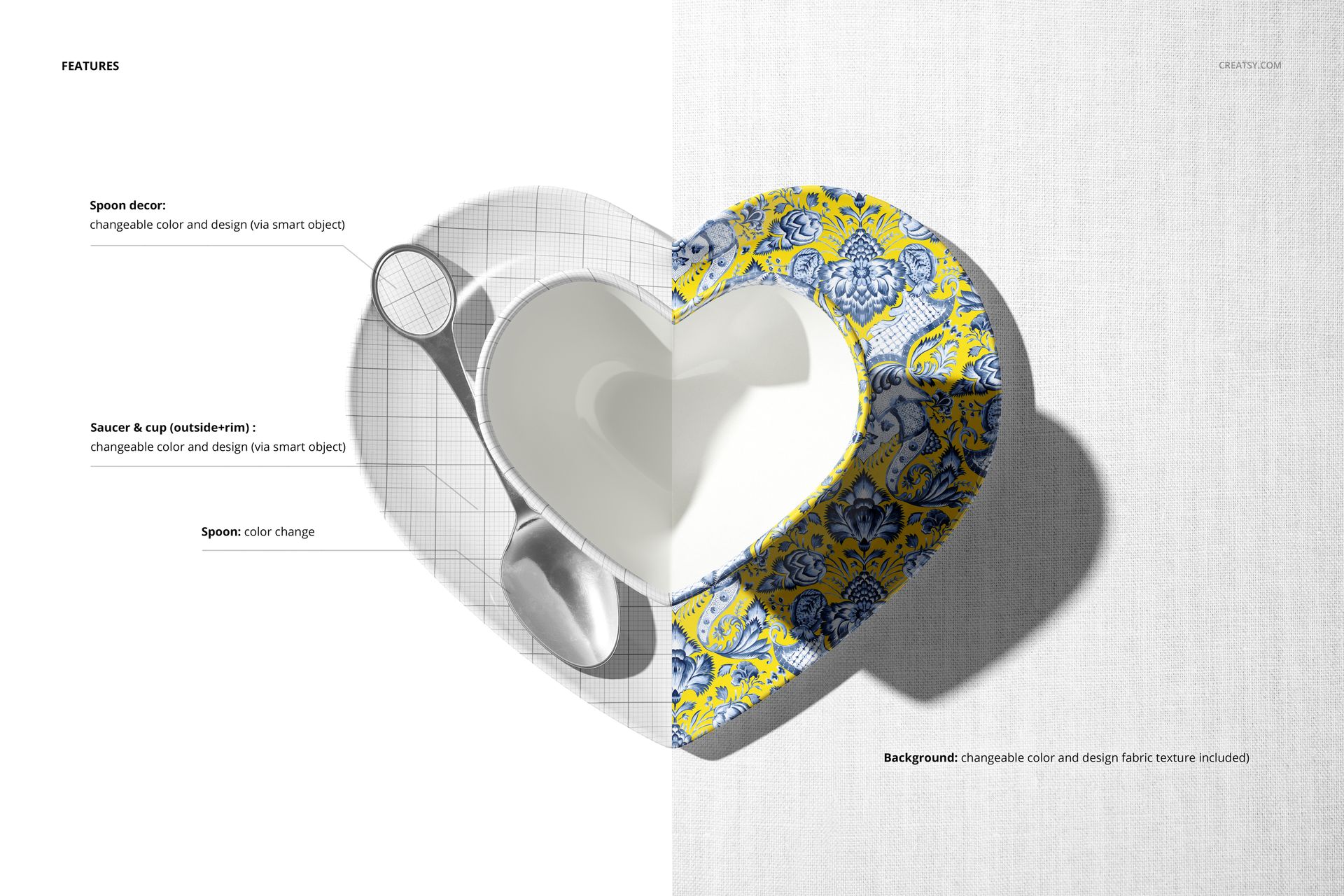
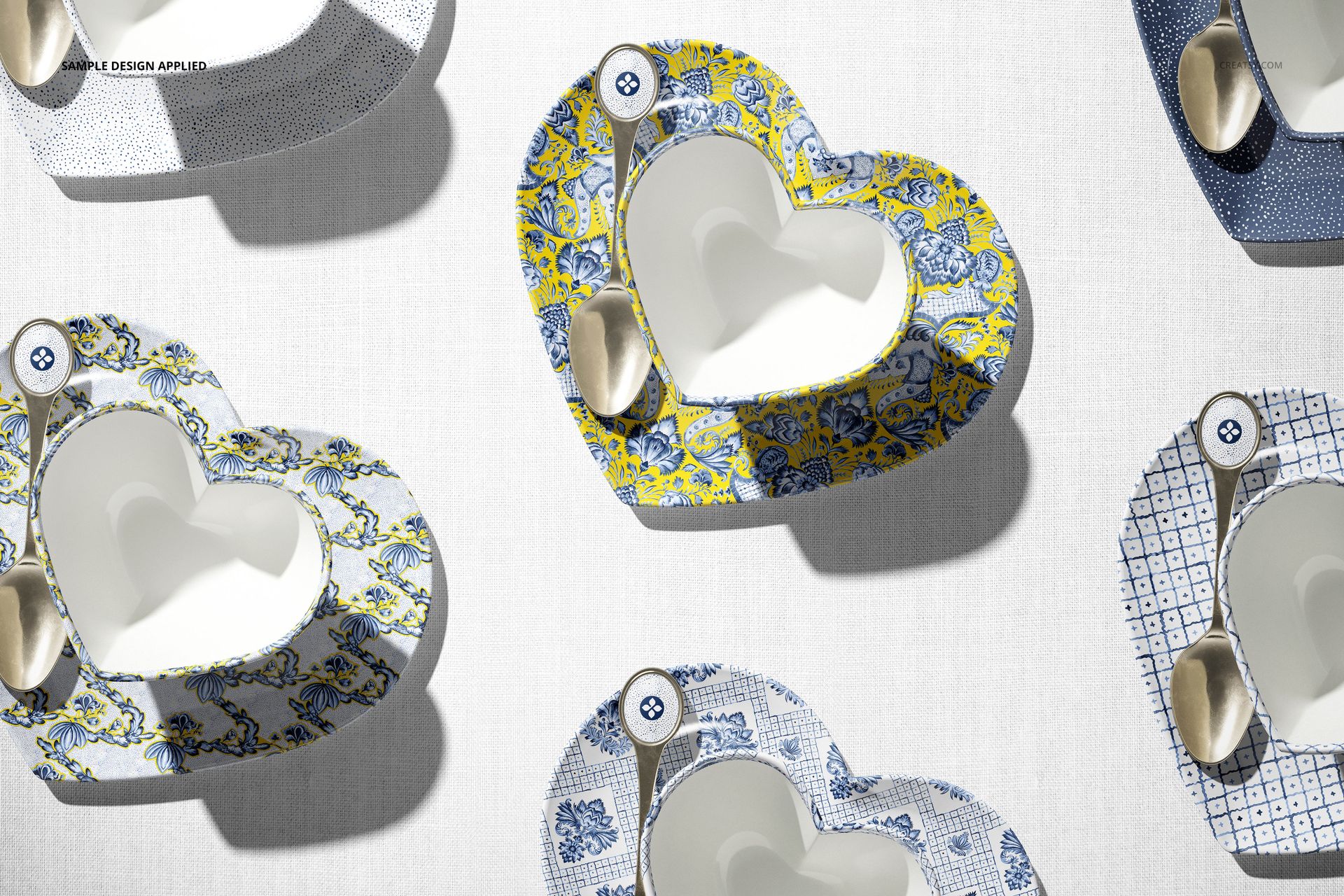
Customize the cup exterior and rim, saucer and decorative spoon insert with your colors and designs. Artwork is edited through Smart Objects, while the metallic spoon part has a separate color control. Match a central illustration with a repeating saucer pattern or compare several colorways in the grouped scenes.
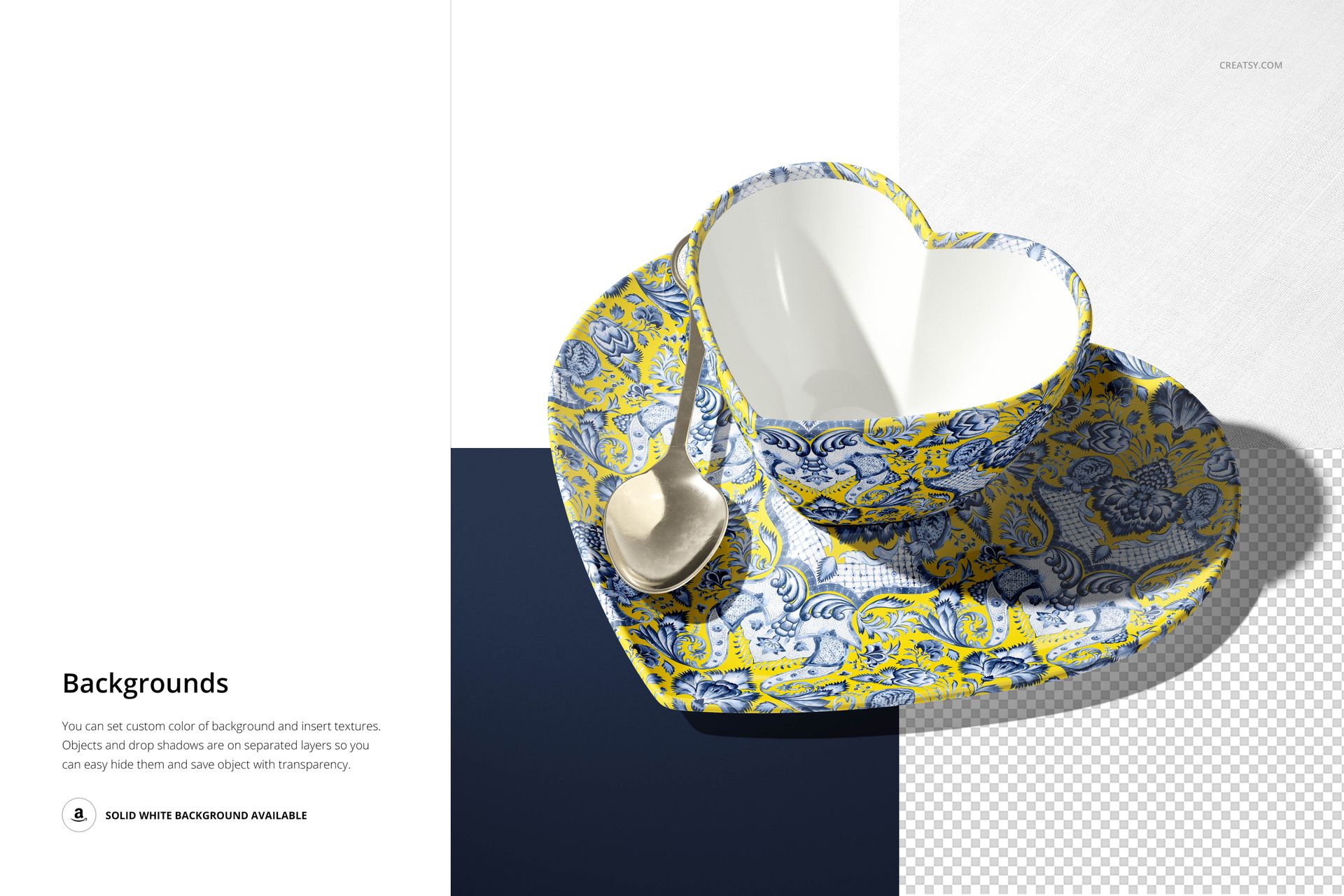
Background Options
Change the background color, insert a custom texture or use the included fabric texture. Objects and drop shadows are on separate layers that can be hidden for transparent-background output. A solid white background is also available.
Easy Smart Object Editing
Open a scene in Adobe Photoshop CC 2020 or newer, or Photopea. Insert your artwork into the relevant Smart Objects, save their contents and return to the main scene. Use the color layers to coordinate the tableware and background.
Perfect For
Drinkware and tableware design presentations.
Illustration licensing proposals and surface pattern portfolios.
Seasonal gift collections and online shop imagery.
This is a digital mockup for presenting your own designs. Physical products and sample artwork shown in the gallery are not included.






















LOVE this MU. The Creatsy creative team offers us, as designers, the best possible mock-ups, each elevating our designs allowing our creative vision to be seen in application.
Thank you so much! We’re delighted that the Heart-Shaped Cup Mockup Set helps you bring your creative vision to life. We really appreciate your kind words and support.