A4 Notebook Mockup Set (square holes)
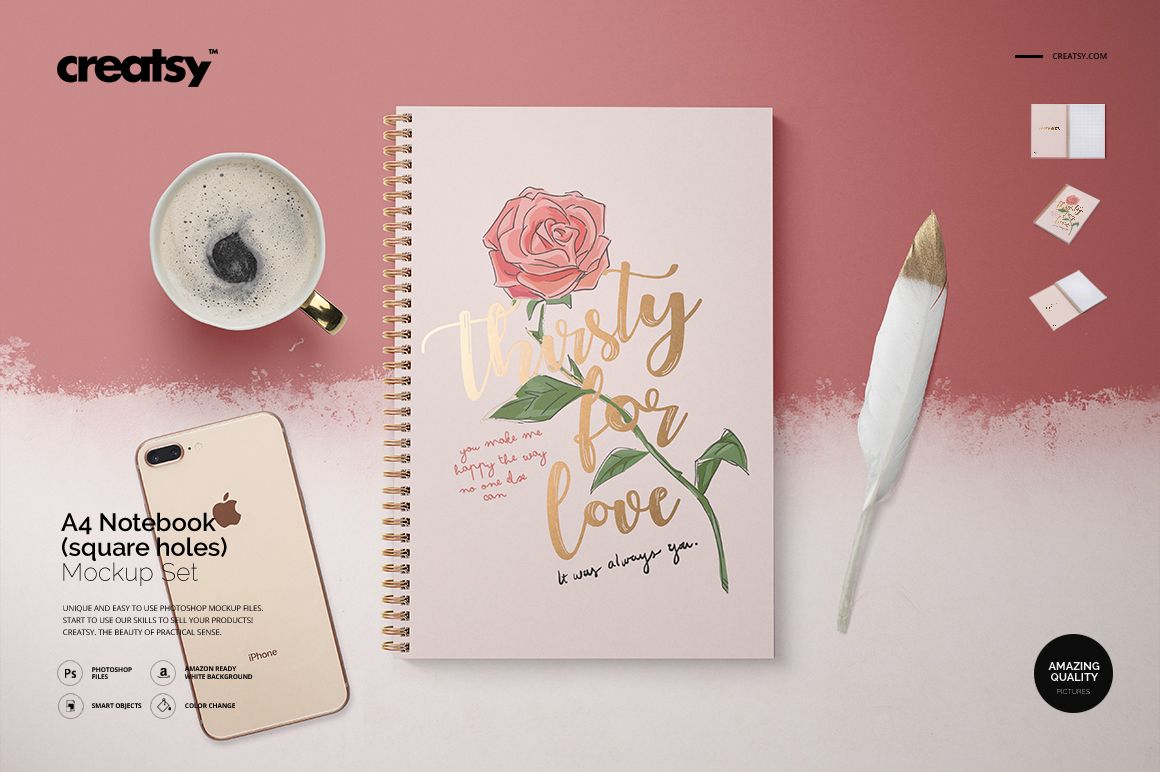
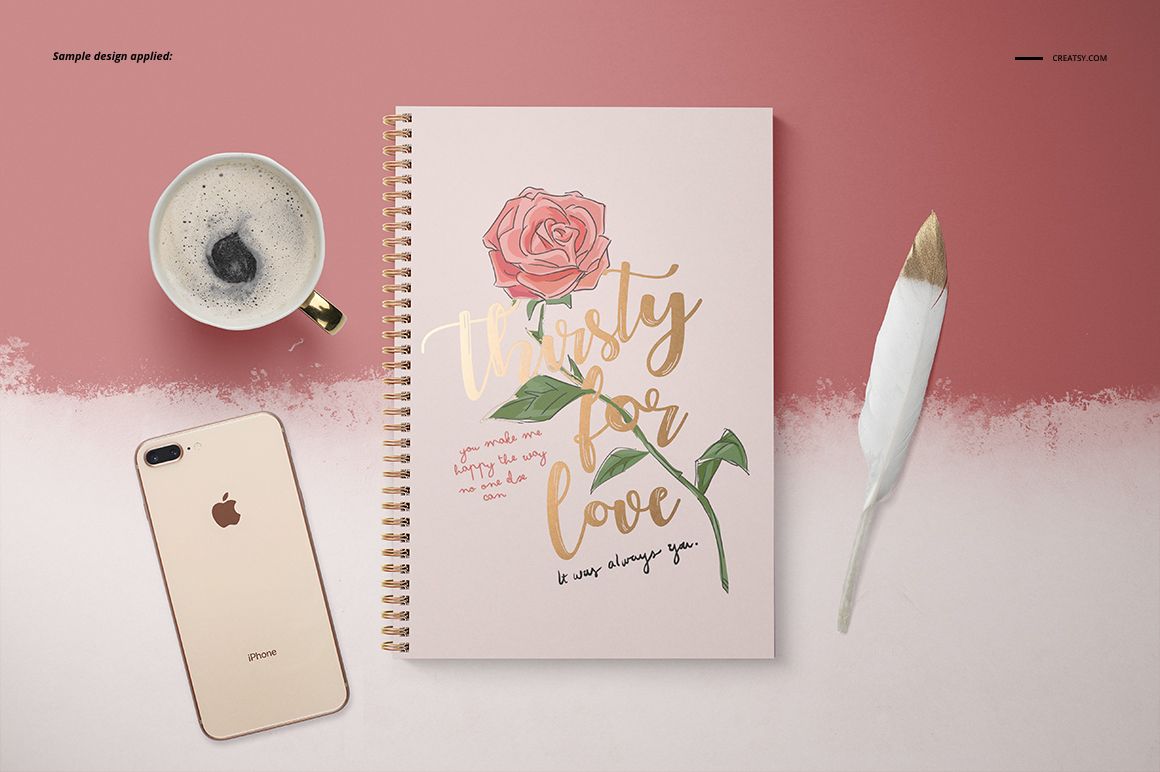
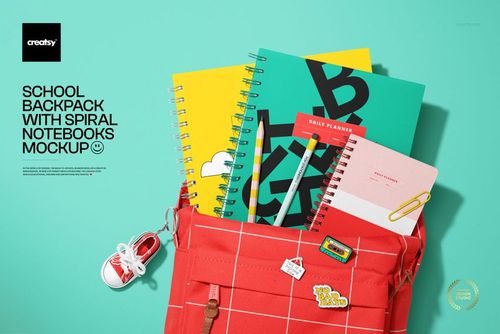
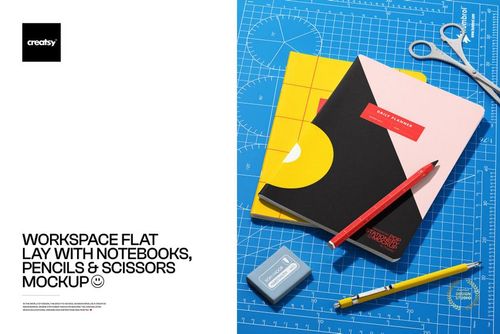
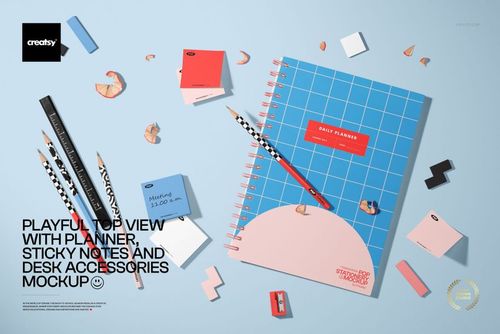
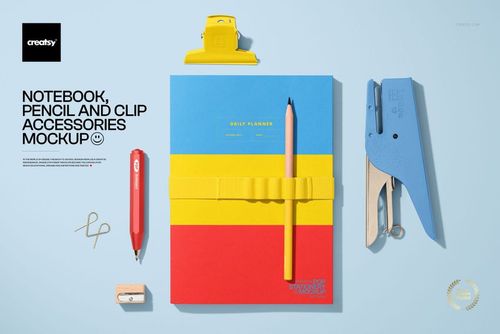
Build a complete presentation for an A4 notebook design with five polished scenes. The distinctive square-hole spiral binding stays visible across open and closed views, helping cover artwork, stationery concepts and surface patterns feel grounded in a convincing product setting.
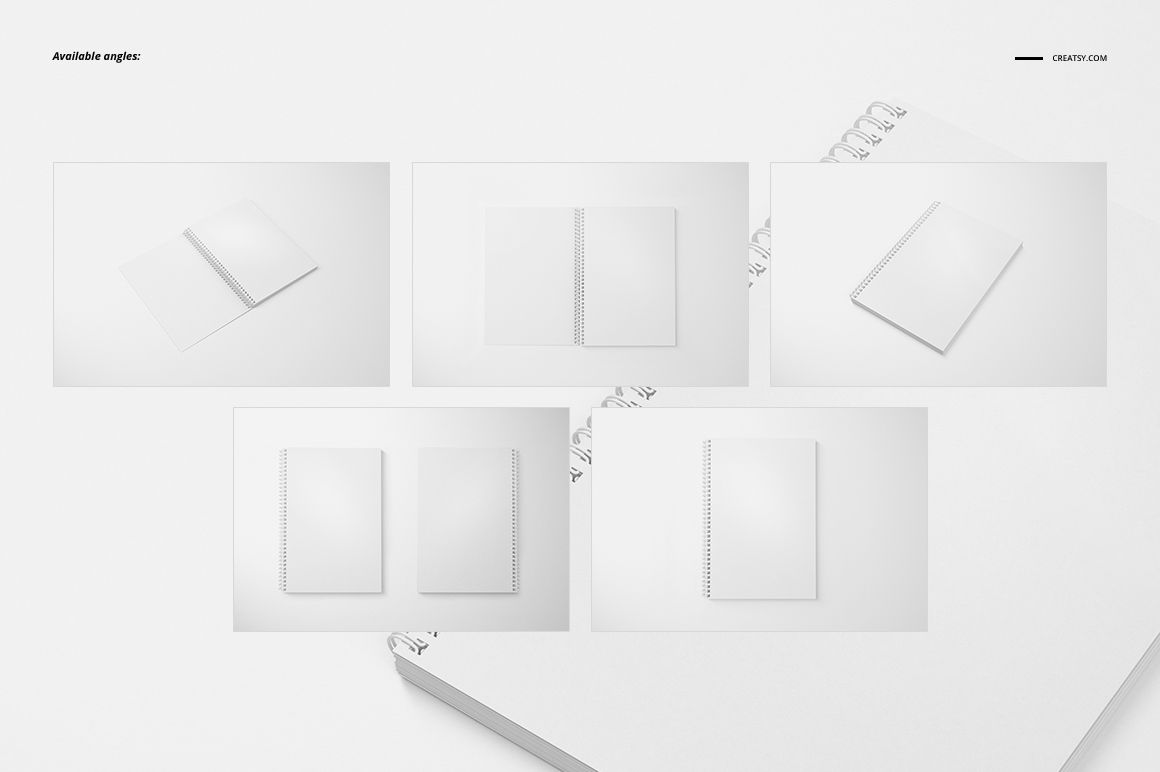
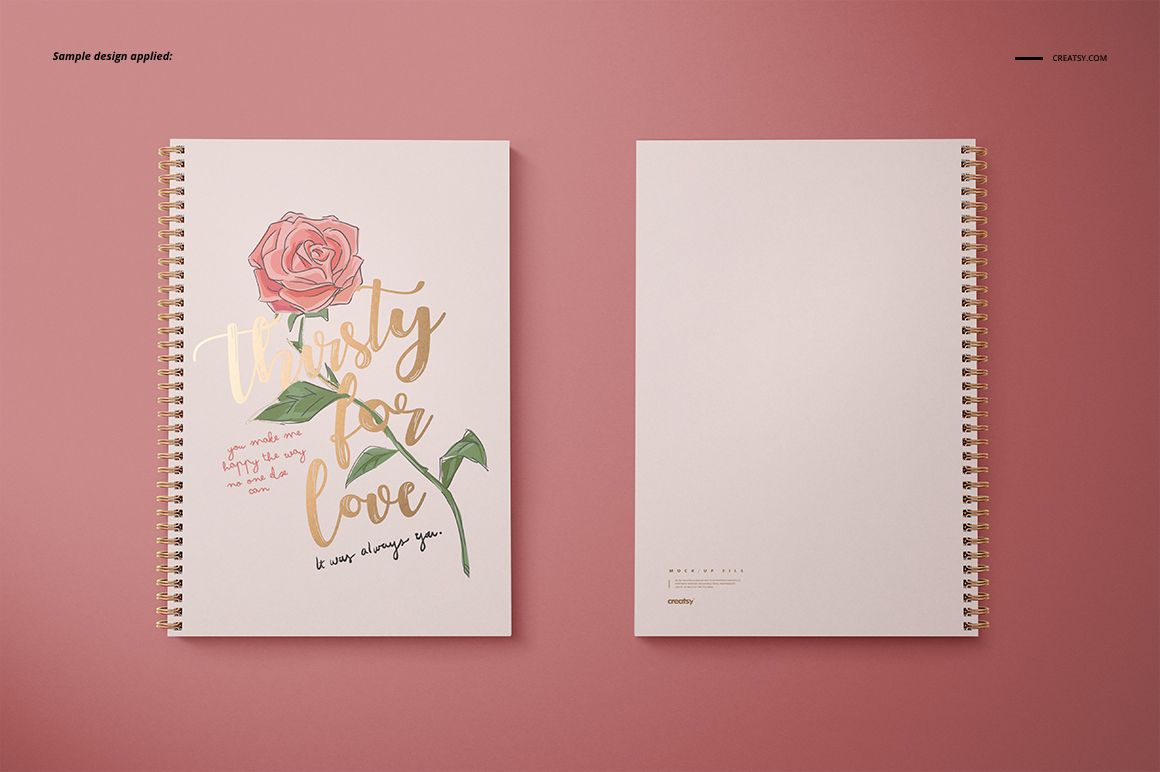
Move from a focused front-cover image to a front-and-back composition or an open spread. The varied angles let you present one concept as a cohesive gallery instead of relying on a single viewpoint.
What Is Included
5 layered PSD mockup files
5 JPG preview files
2 TIF guide files
12 files in total
5250 × 3500 px at 300 DPI per PSD
Smart Objects for artwork placement
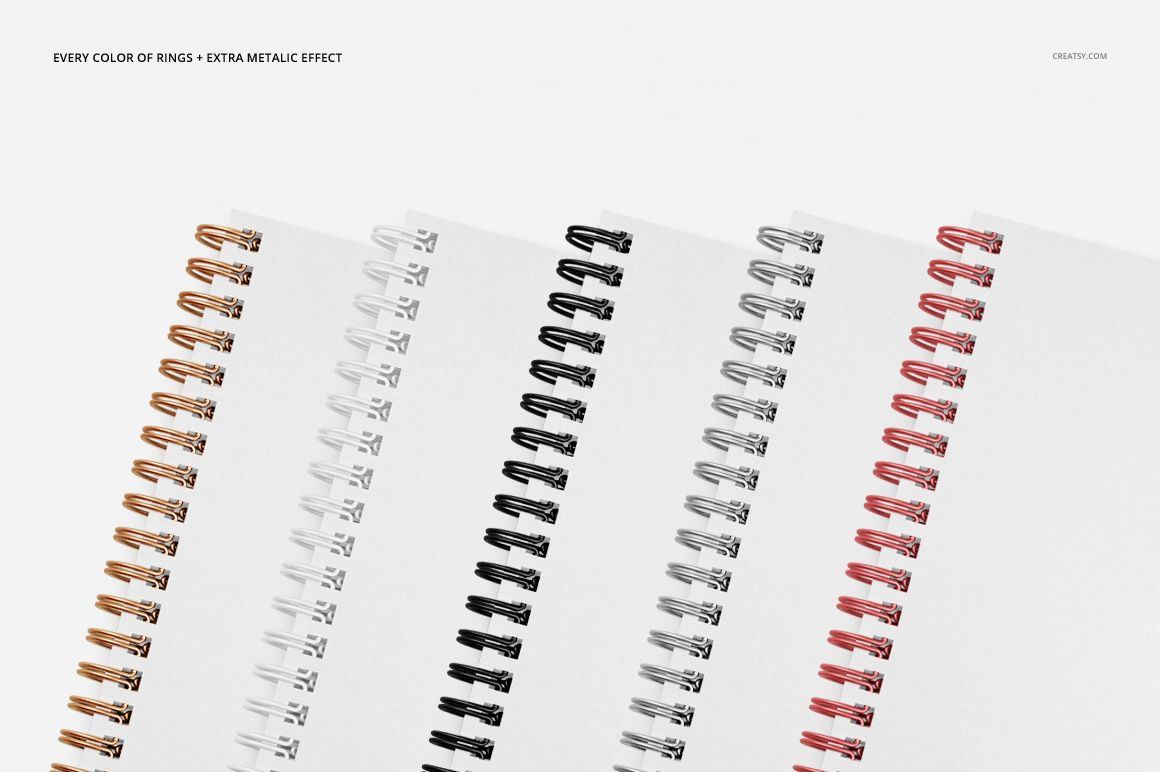
Editable design and color options
Compatibility with Adobe Photoshop CC2015 or newer and Photopea
Square-Hole Binding from Multiple Angles
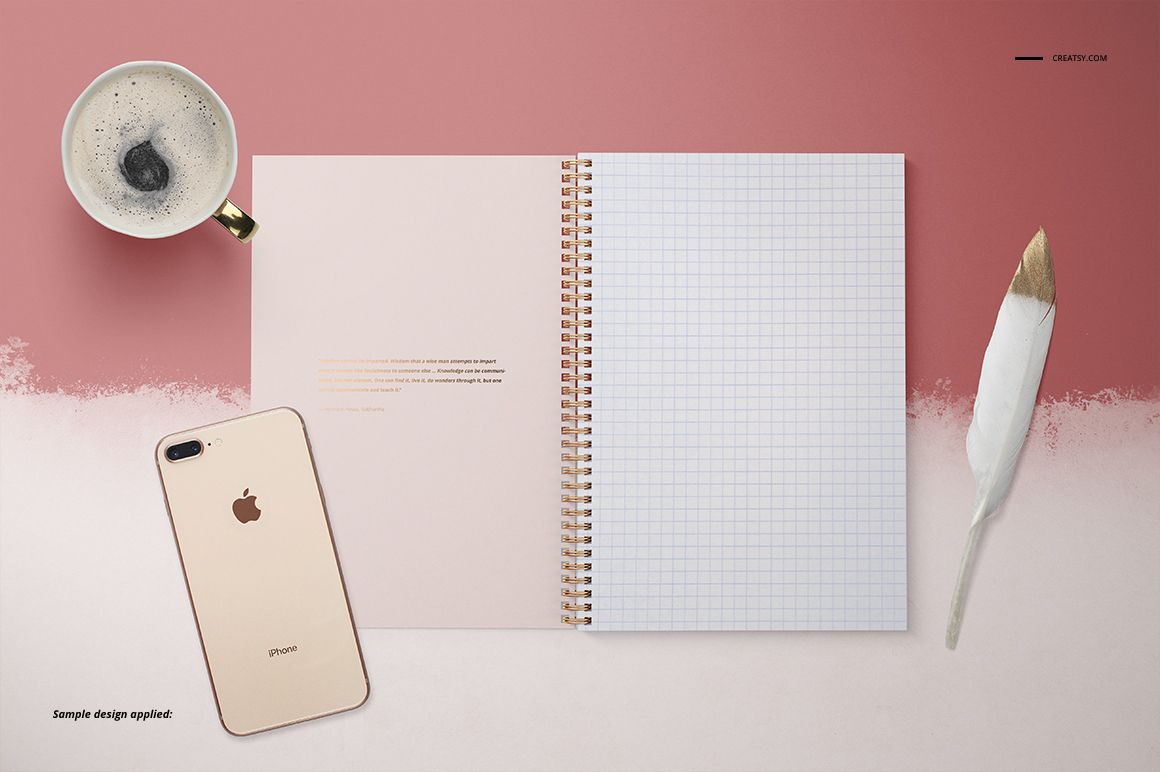
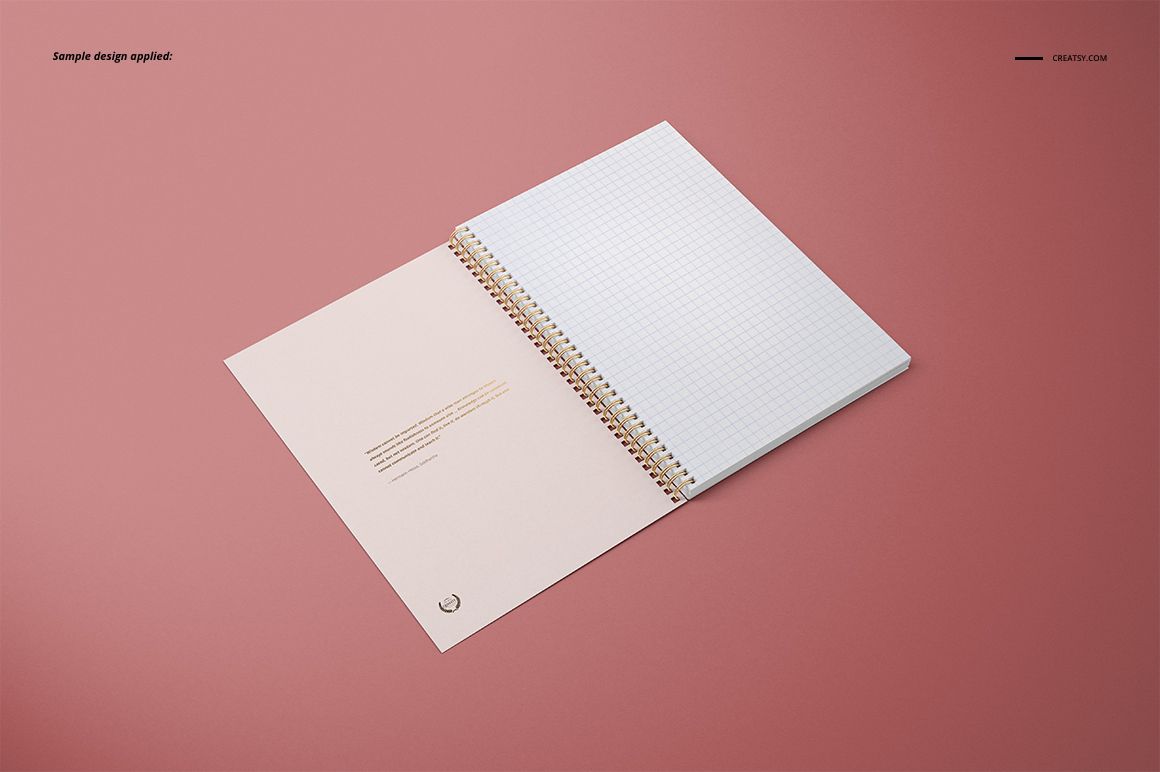
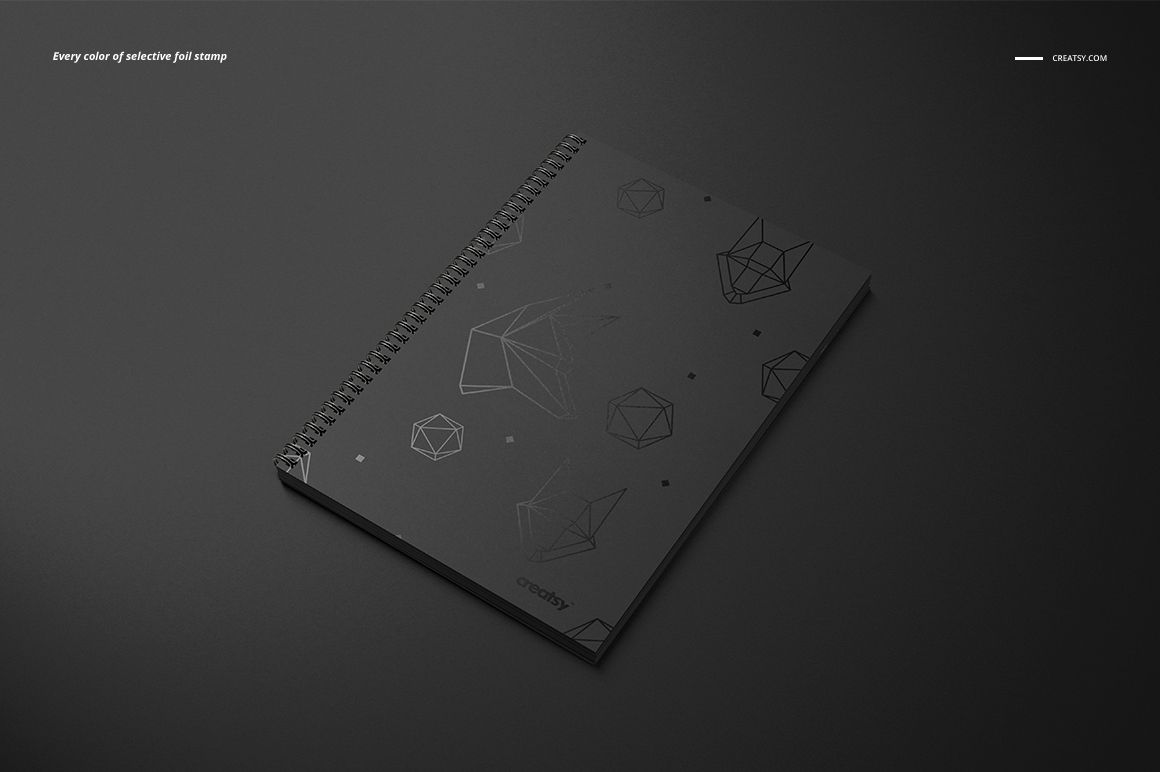
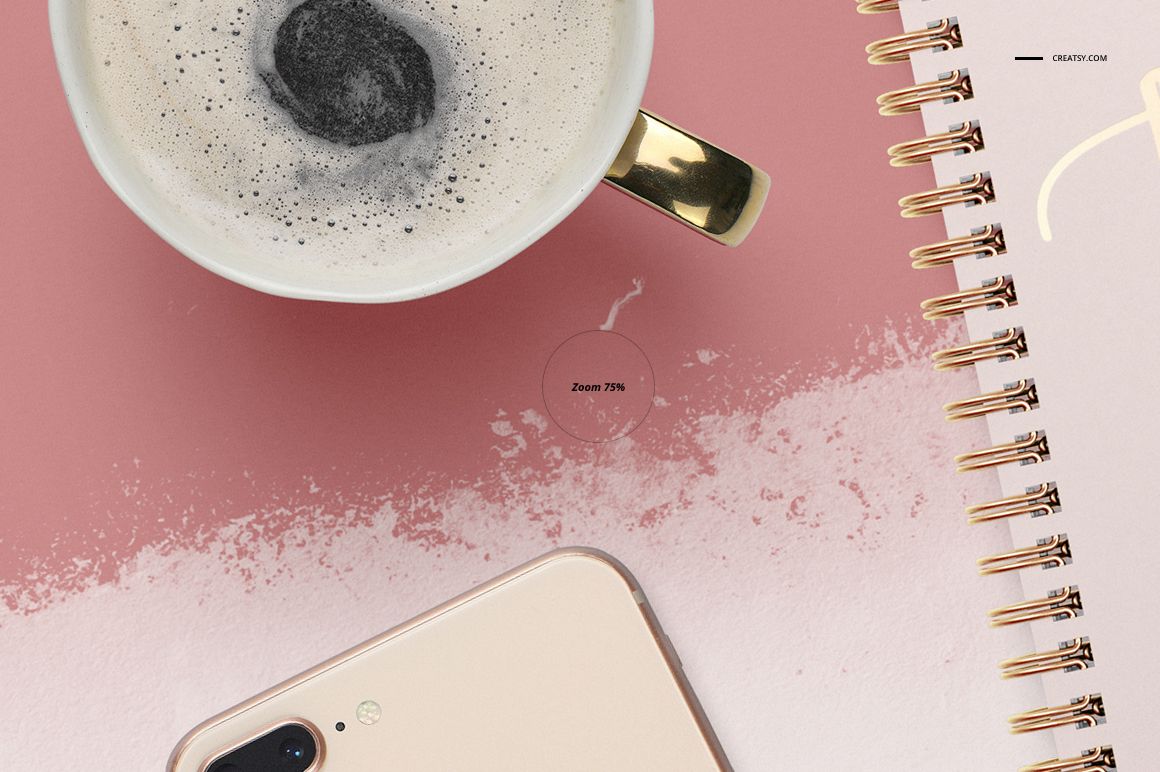
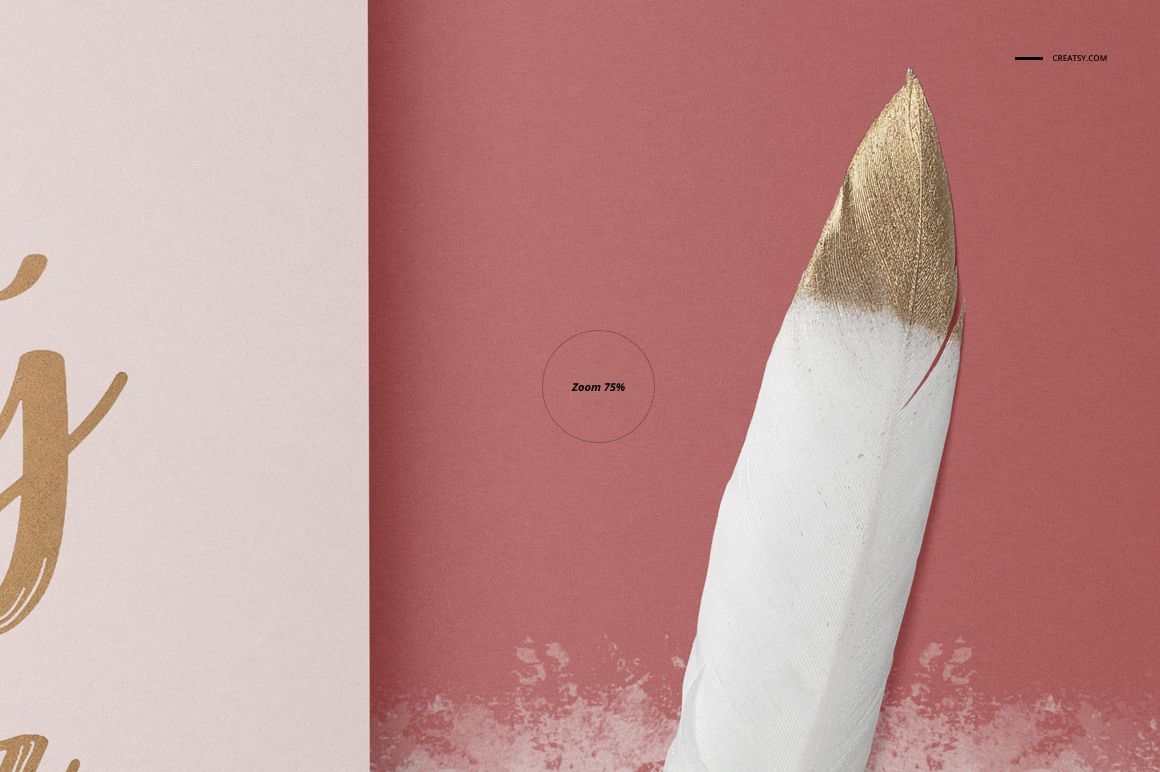
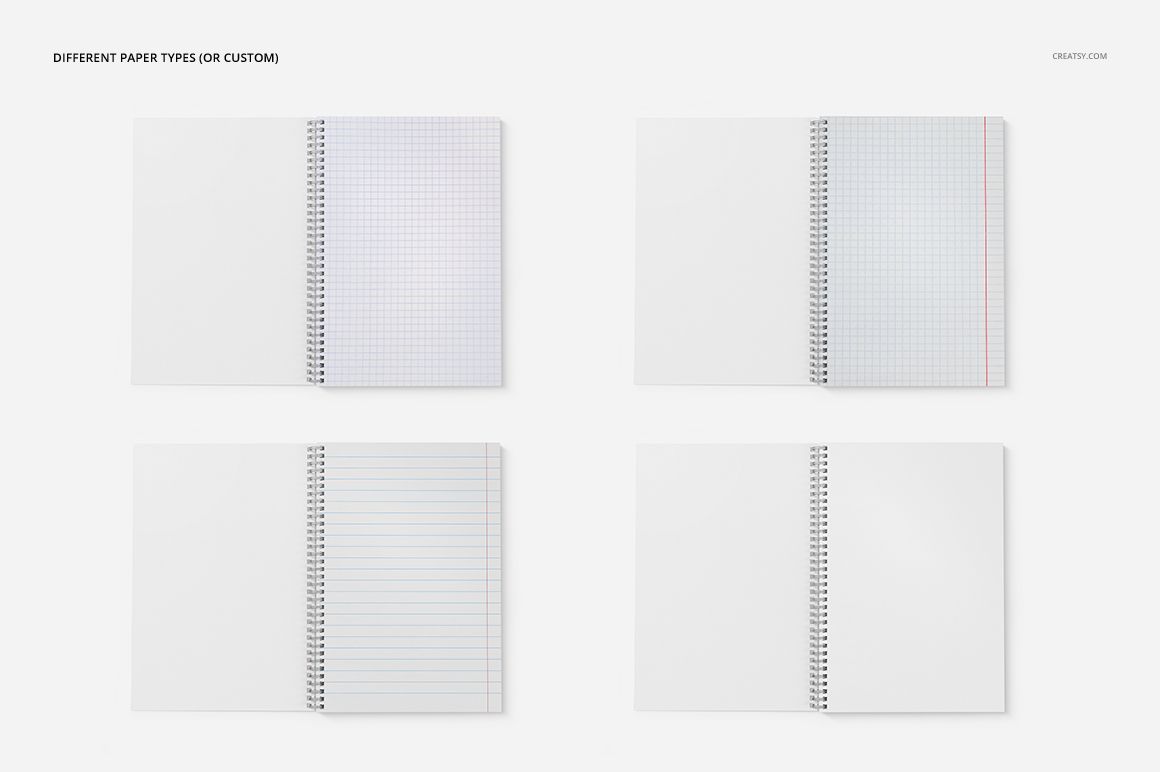
Use a straight cover view, an angled closed notebook, paired front and back covers, a top-view open spread or an angled open notebook. Close-up binding details and grid-page views make it easier to show how artwork relates to the notebook format.
Easy Smart Object Editing
Place cover or page artwork into the designated Smart Objects, then coordinate the scene with the available color controls. The layered files preserve the spiral binding, page edges and realistic shadows while you update the visible design.
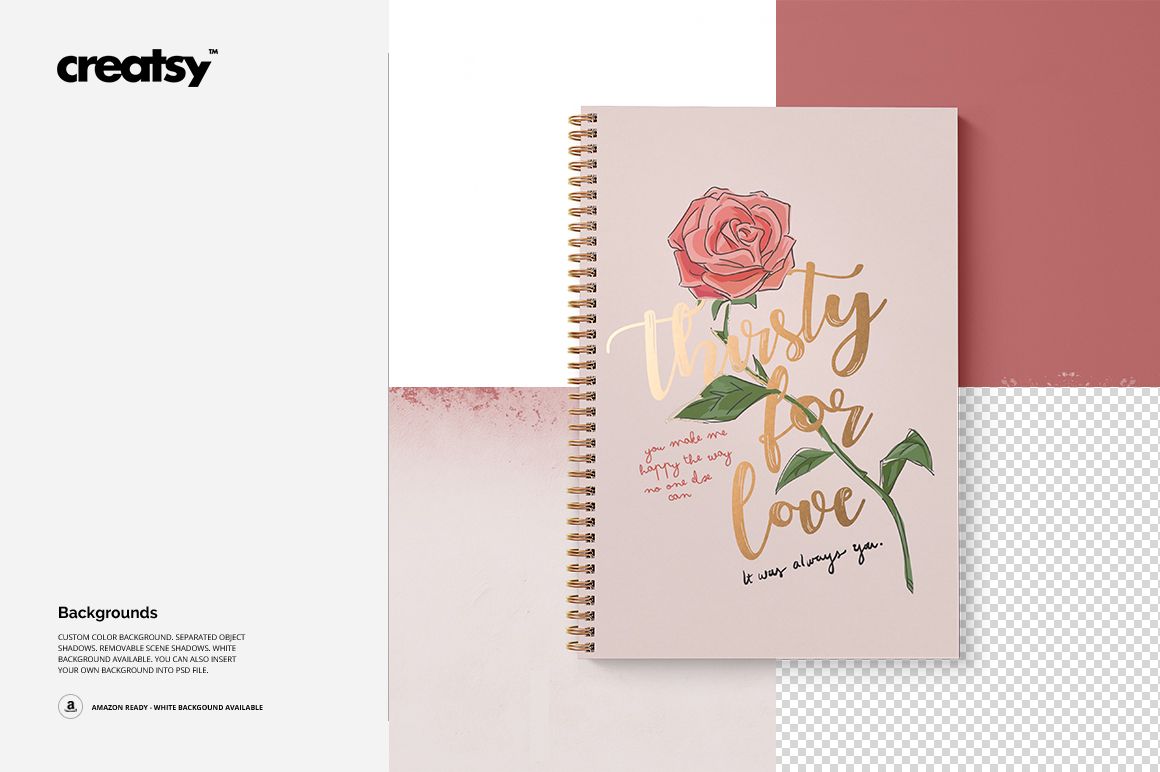
Flexible Background Control
Choose a custom-color or white background, insert your own background into the PSD, and work with separated object shadows and removable scene shadows. The white-background option is useful when preparing a clean marketplace presentation.
Perfect For
A4 notebook cover presentations
Surface pattern and stationery portfolios
Front, back and interior-page concepts
Client approvals and design comparisons
Online product galleries and promotional graphics
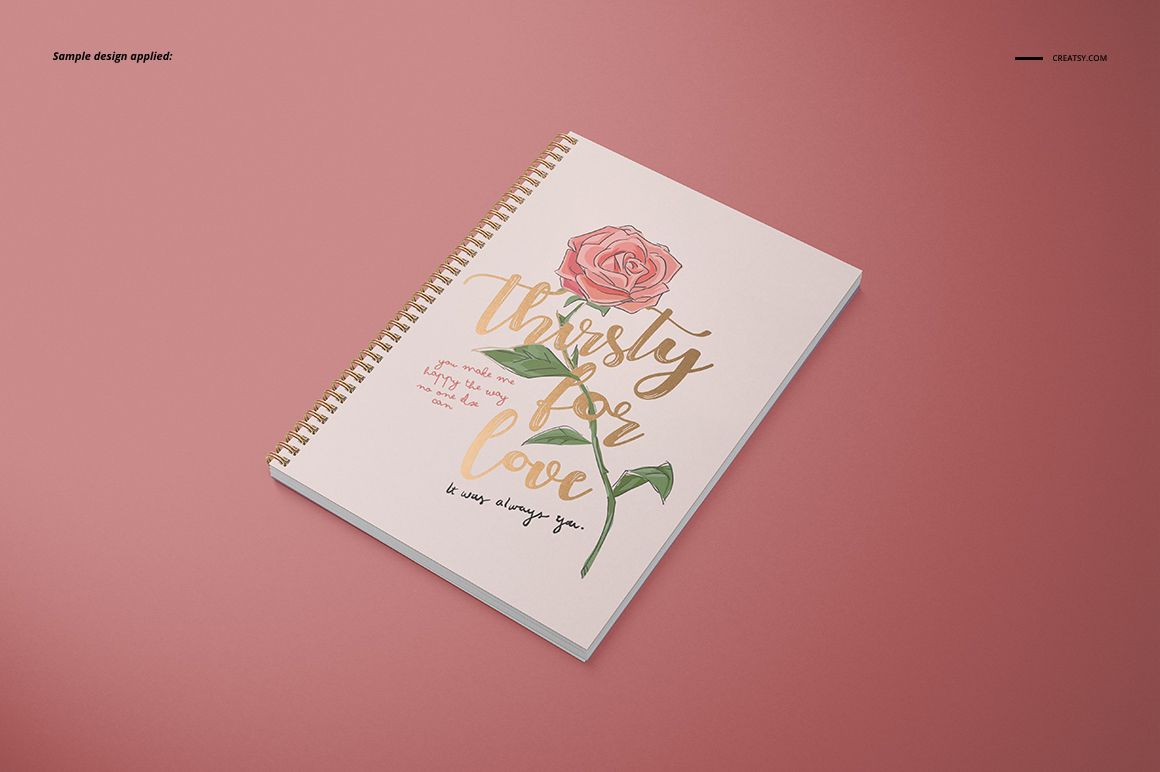
This is a digital mockup product. The sample patterns and artwork shown in the preview images are used for presentation only and are not included.