Spiral Ring Flip Top Notebook Mockup Set
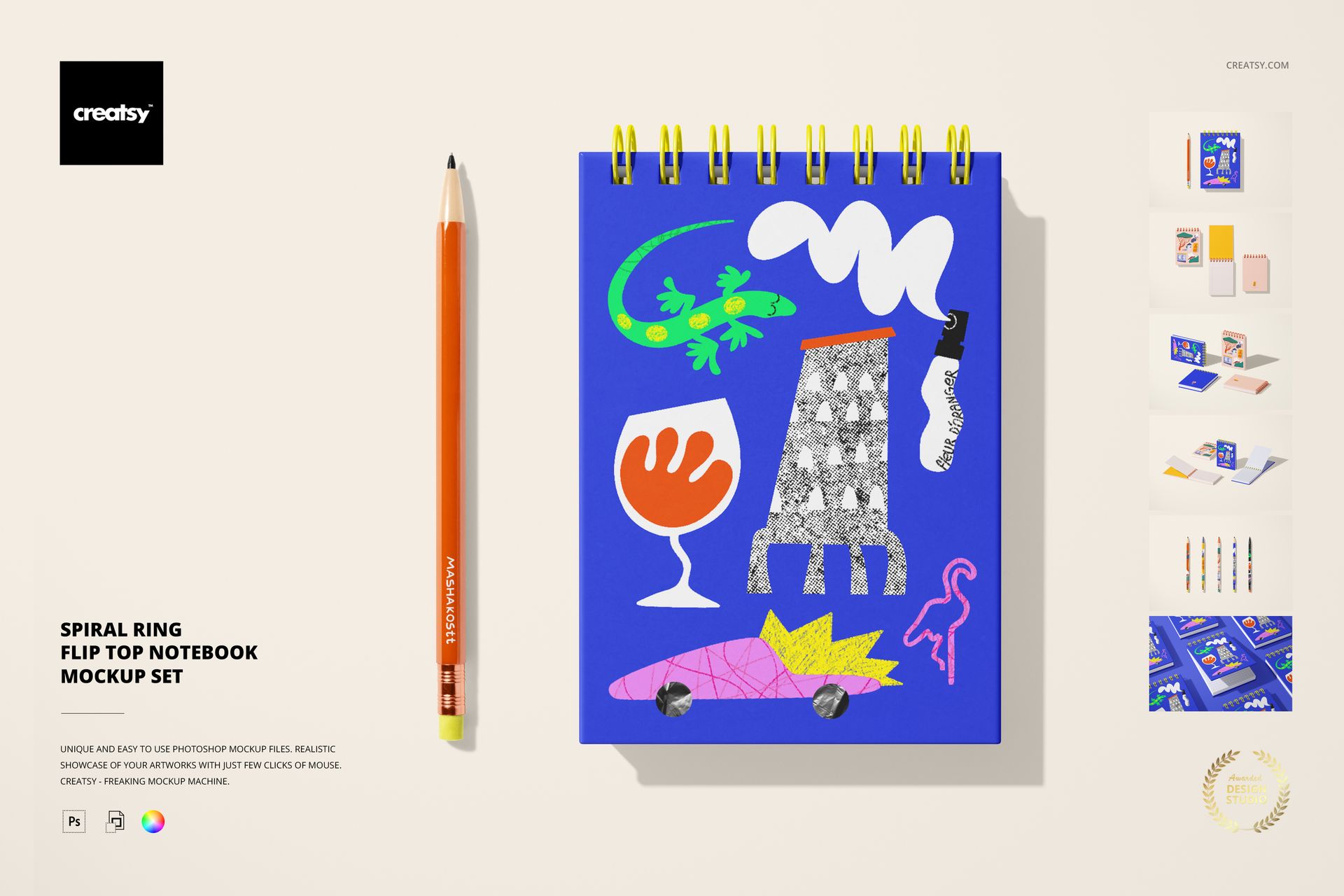
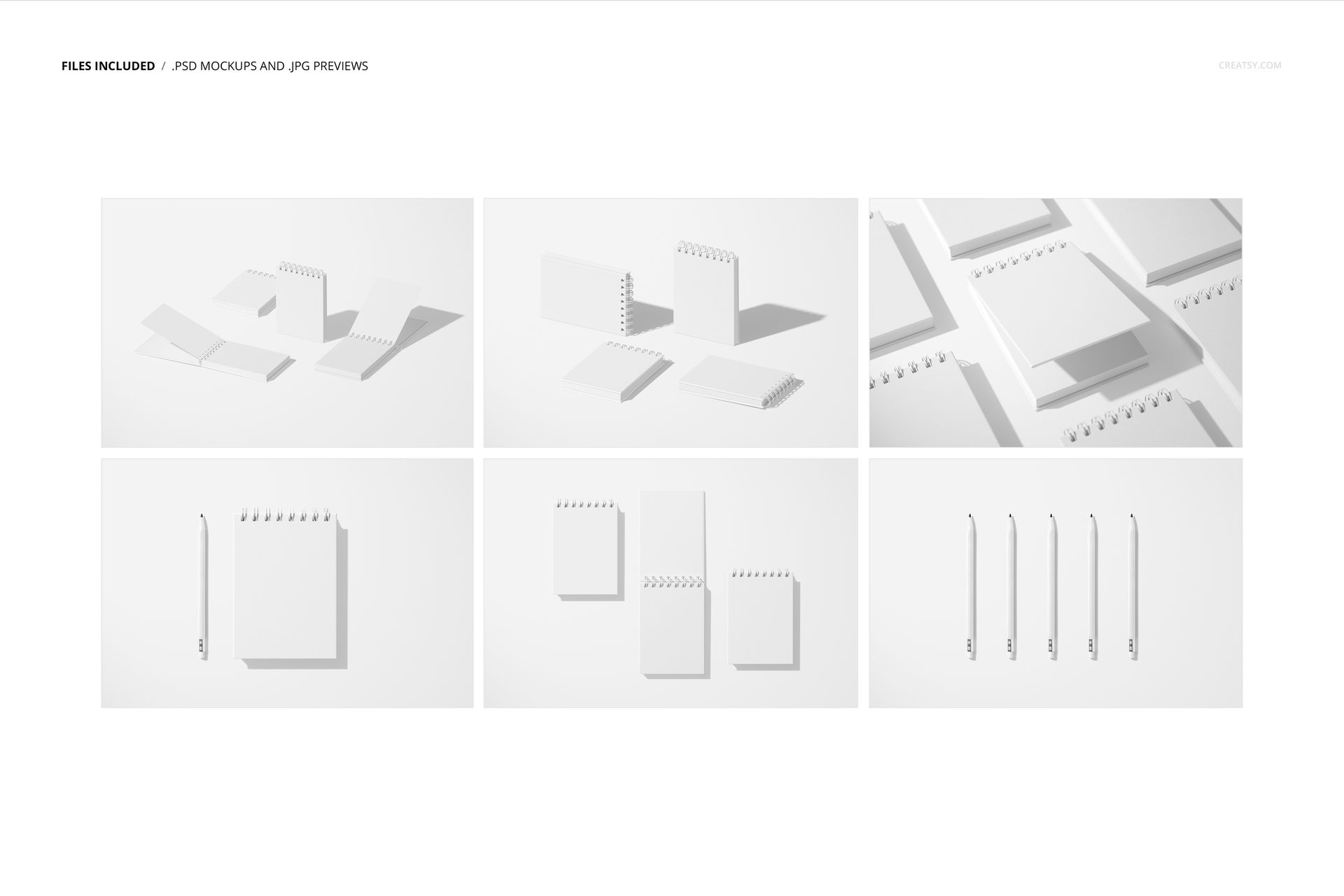
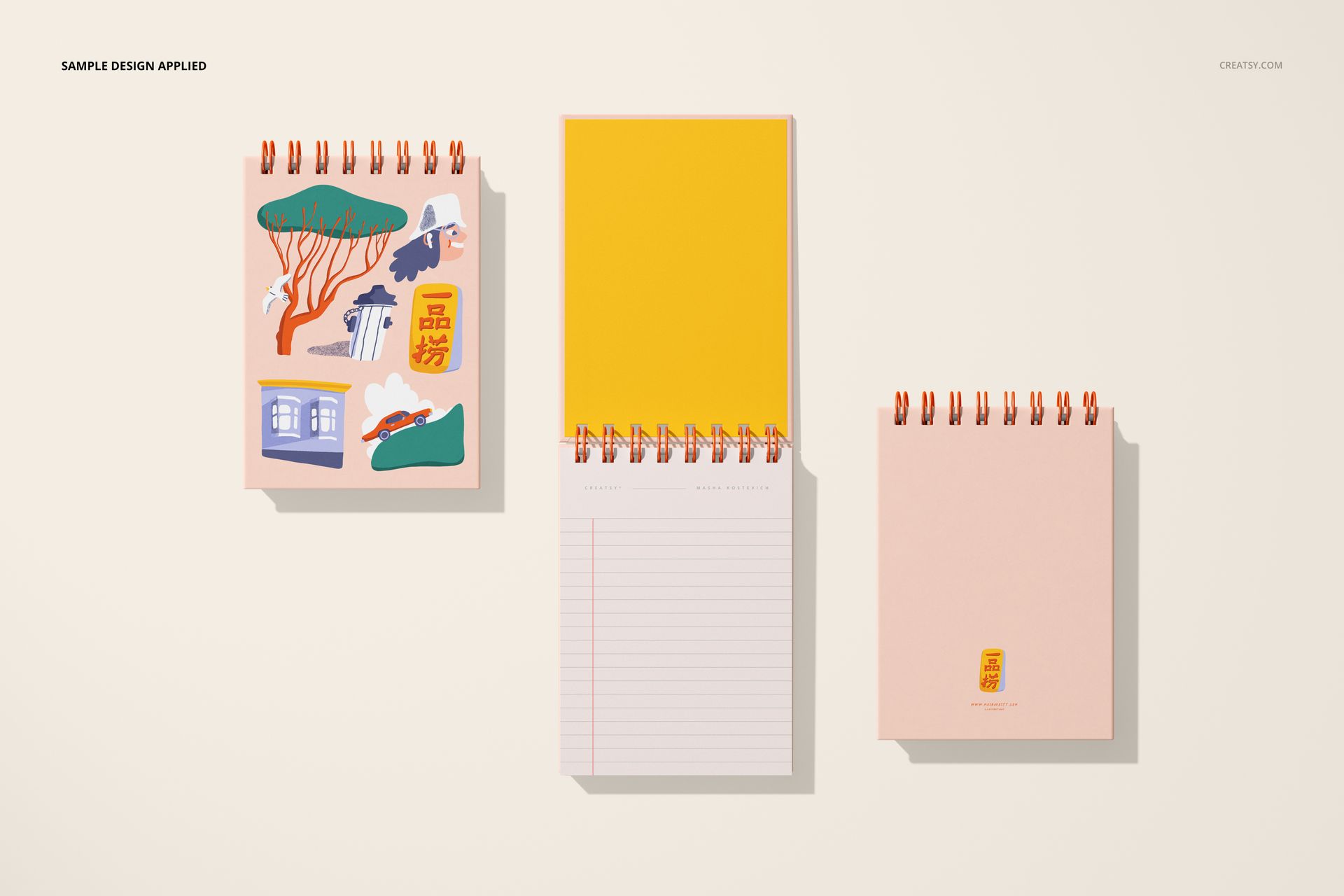
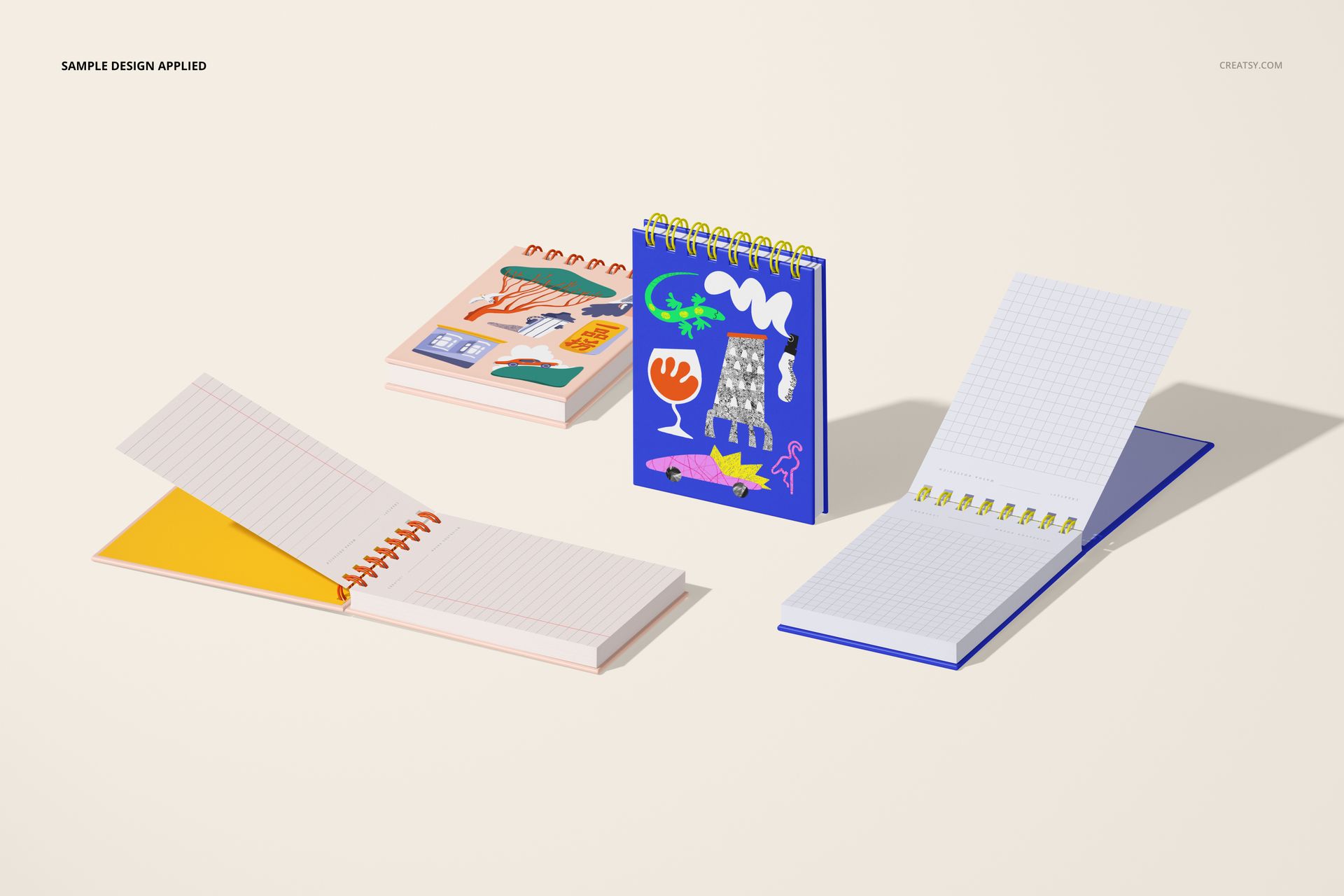
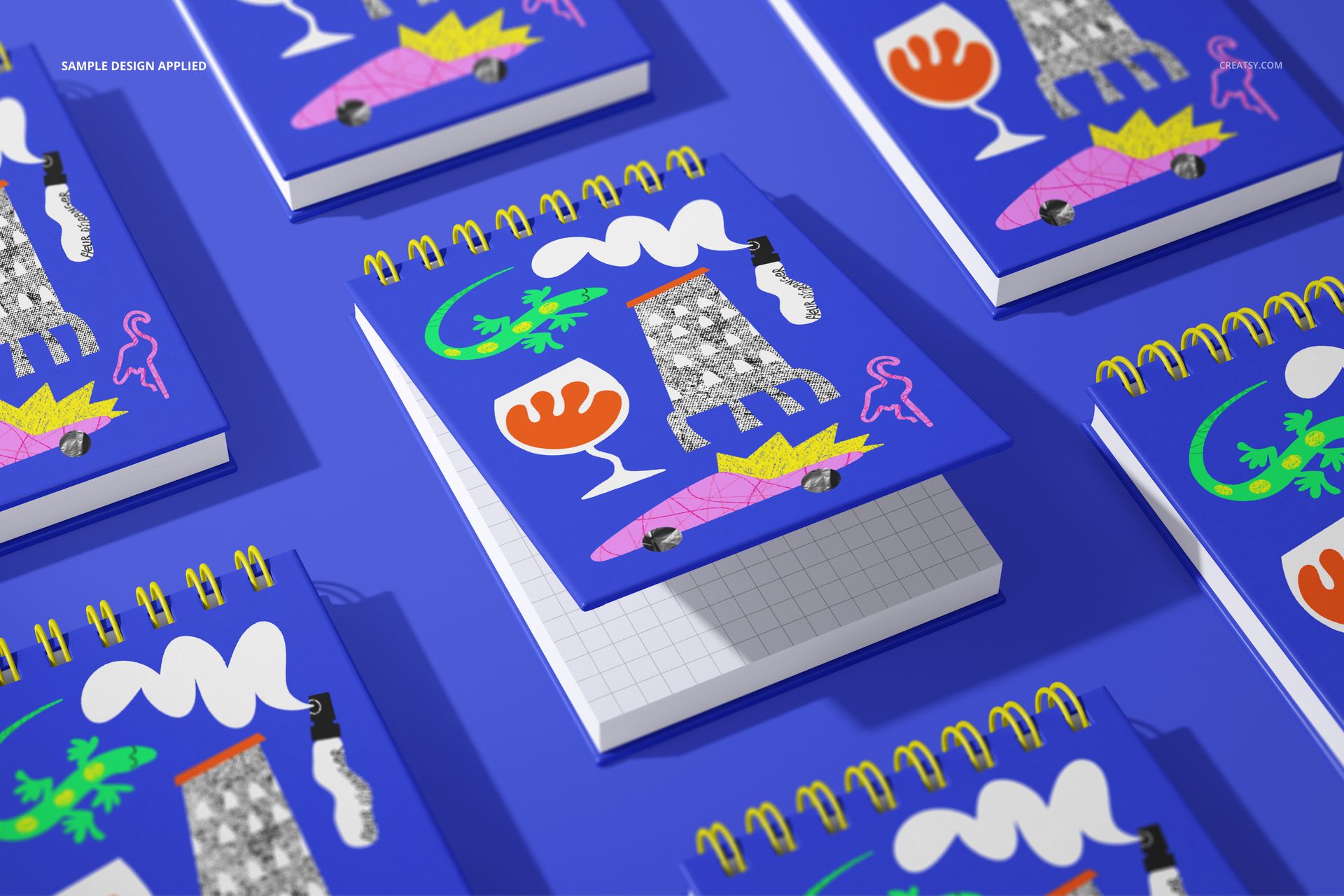
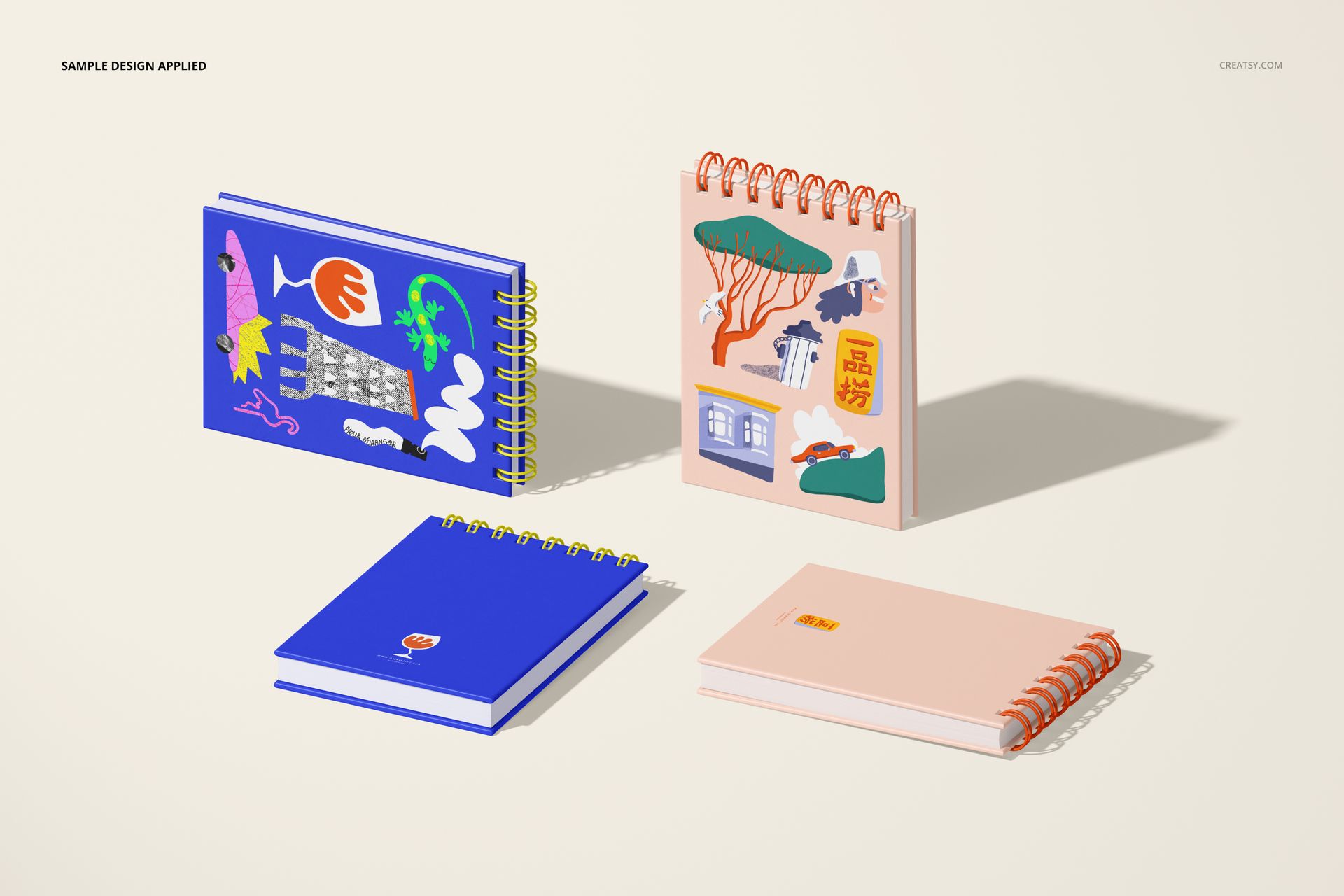
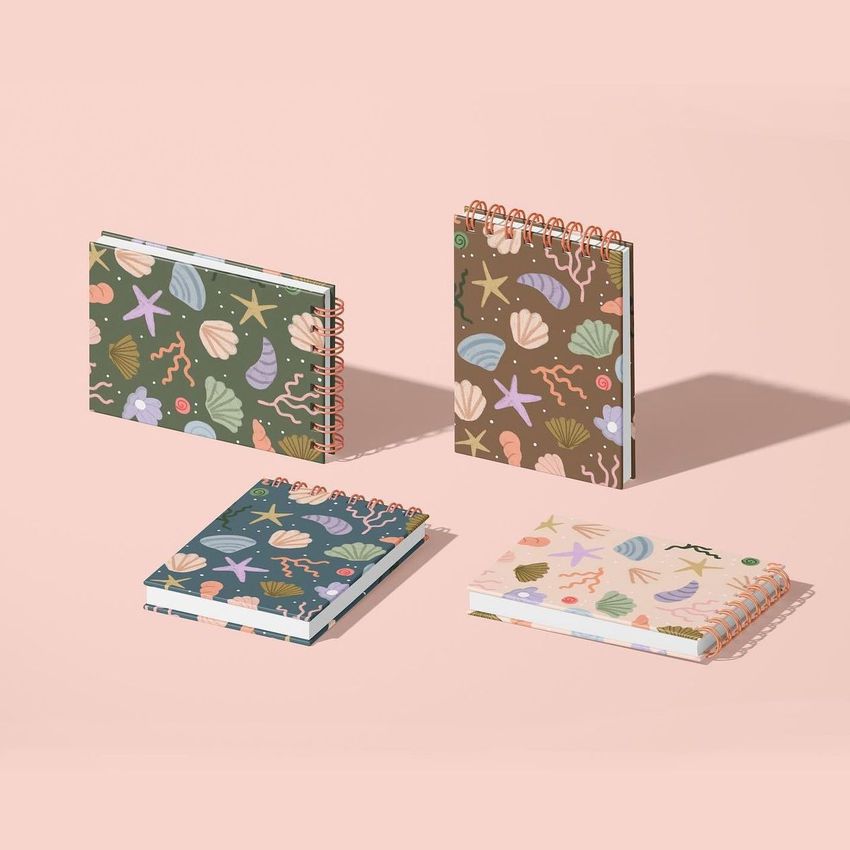
Show A6 flip-top notebook artwork across six coordinated mockup scenes. The set combines open and closed notebooks, upright and flat arrangements, single-notebook views, and multi-notebook compositions for presenting cover designs, page artwork, binding colors, and matching pen treatments.
Six A6 Notebook Scenes
The modeled paper size is A6, 105 × 148 mm. Use the six layered PSD scenes to present one concept from several viewpoints, compare coordinated colorways, or build a consistent gallery around a pattern or illustration collection.
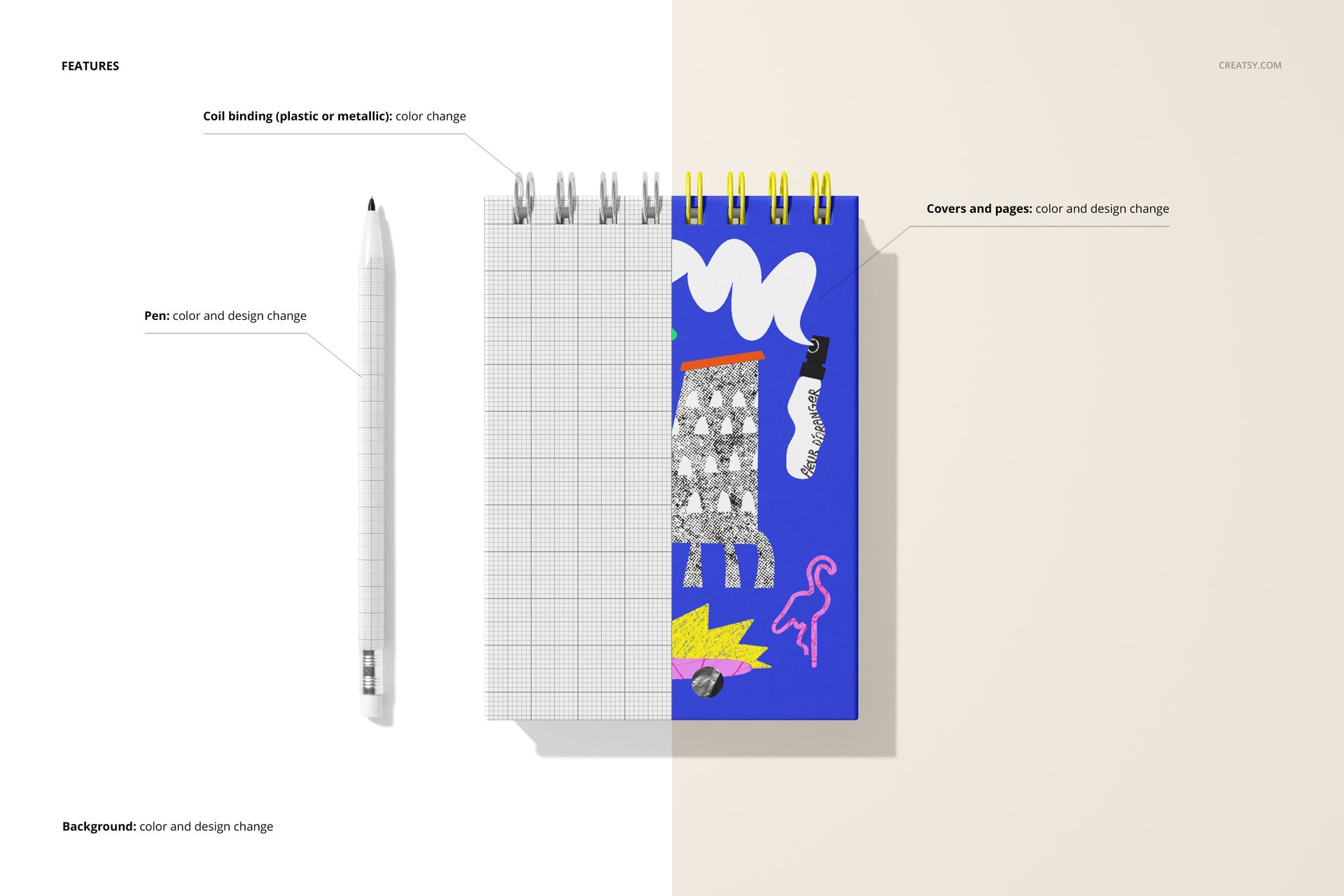
Editable Notebook Details
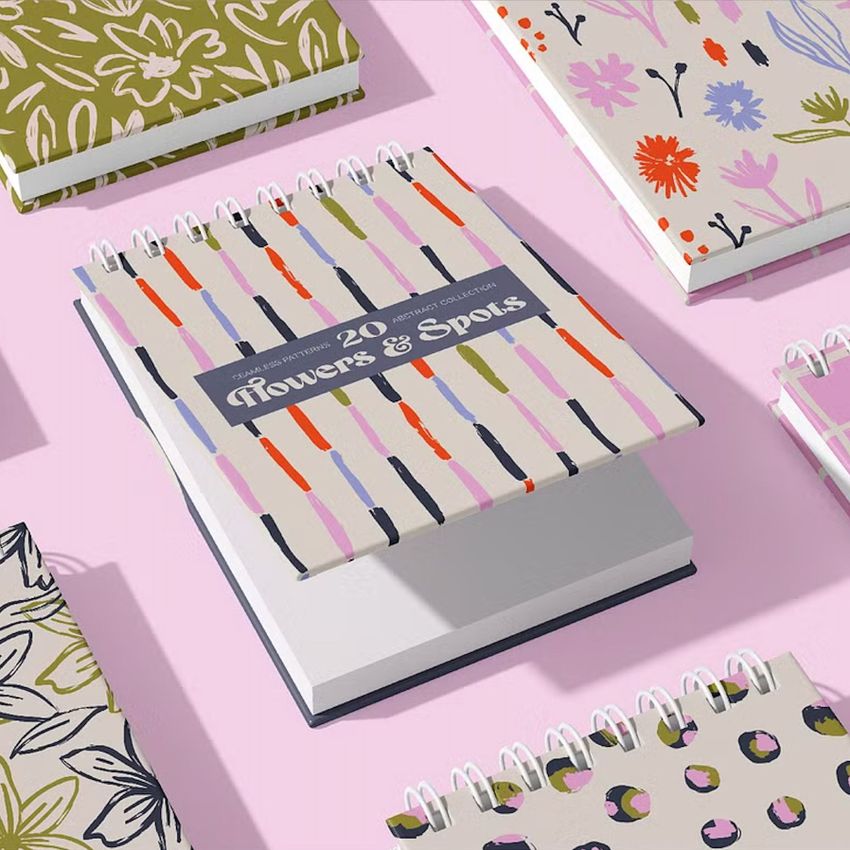
Coil binding with plastic or metallic color options
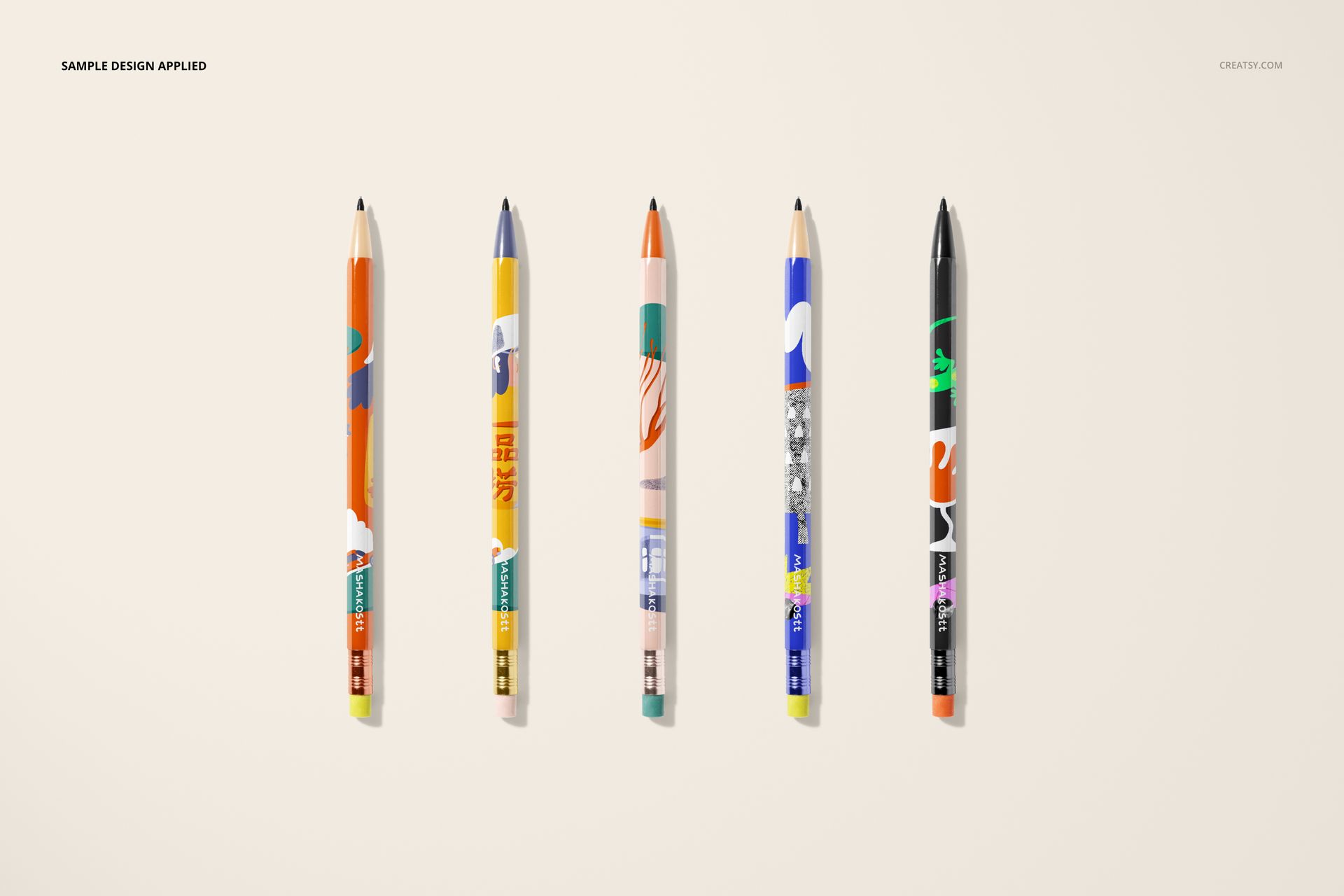
Pen color and design
Notebook cover and page colors and designs
Background color and design
Easy Smart Object Editing
Place artwork into the prepared Smart Object layers, save the changes, and return to the scene to review the result. Color layers provide further control over the notebook, binding, pen, and background.
Flexible Background Options
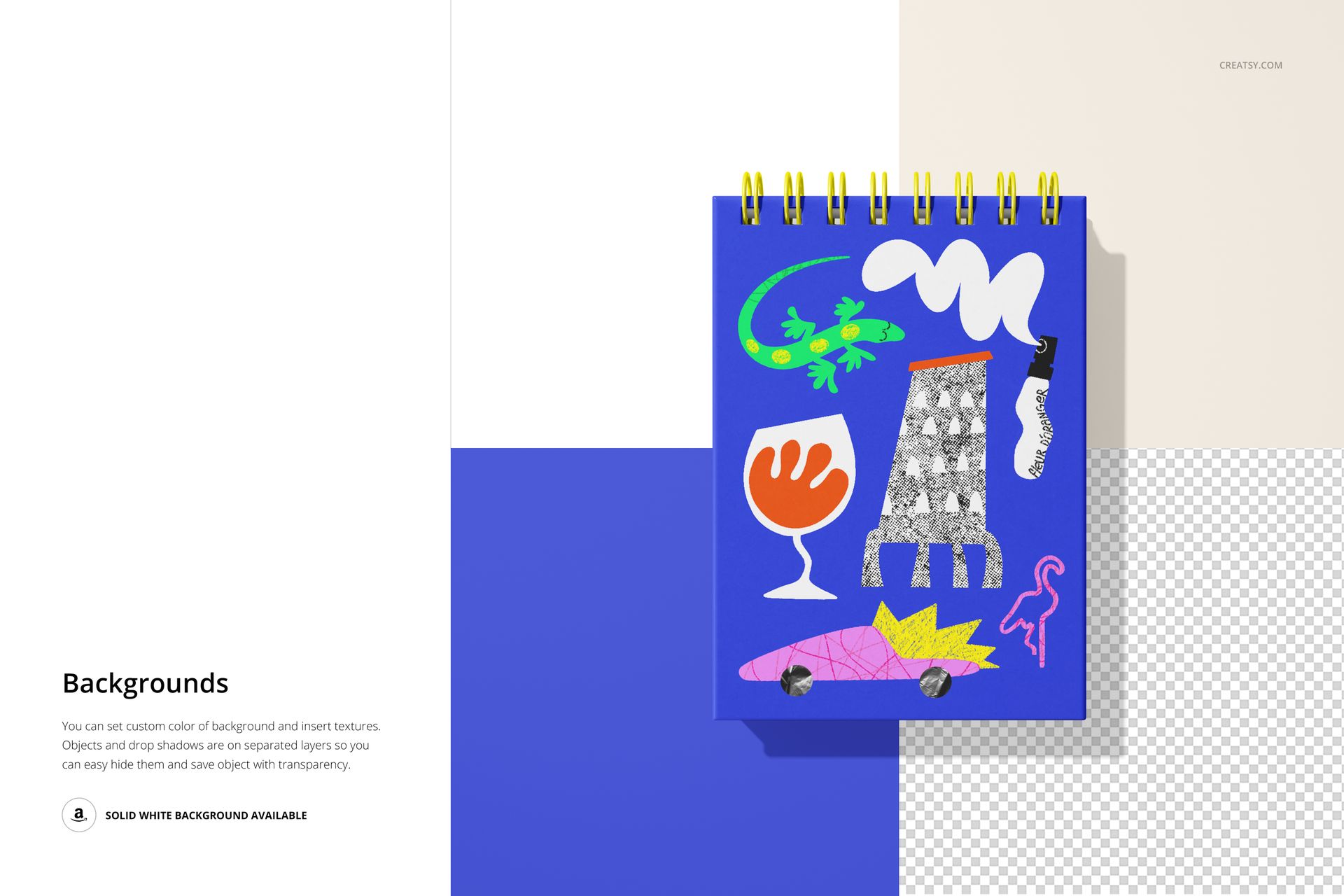
Set a custom background color or insert a texture
Use the available solid white background
Hide relevant object and drop-shadow layers for transparent-background output
What Is Included
The download contains 13 files in total. Each PSD measures 6000 × 4000 pixels at 300 DPI.
Software Compatibility
Perfect For
Stationery and notebook brand presentations
Surface pattern and illustration previews
Portfolio and licensing presentations
Product listing and promotional galleries
Important Product Notes
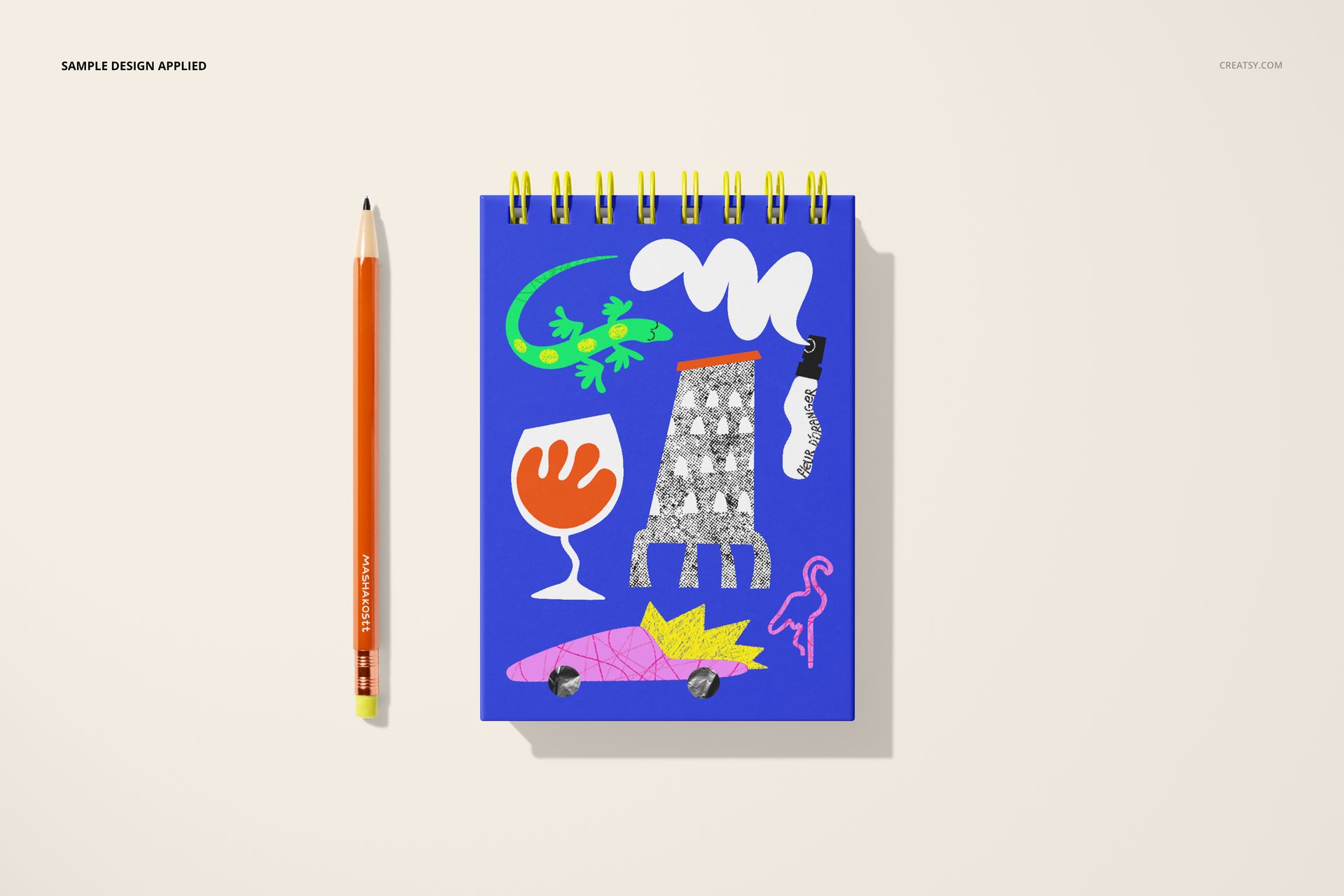
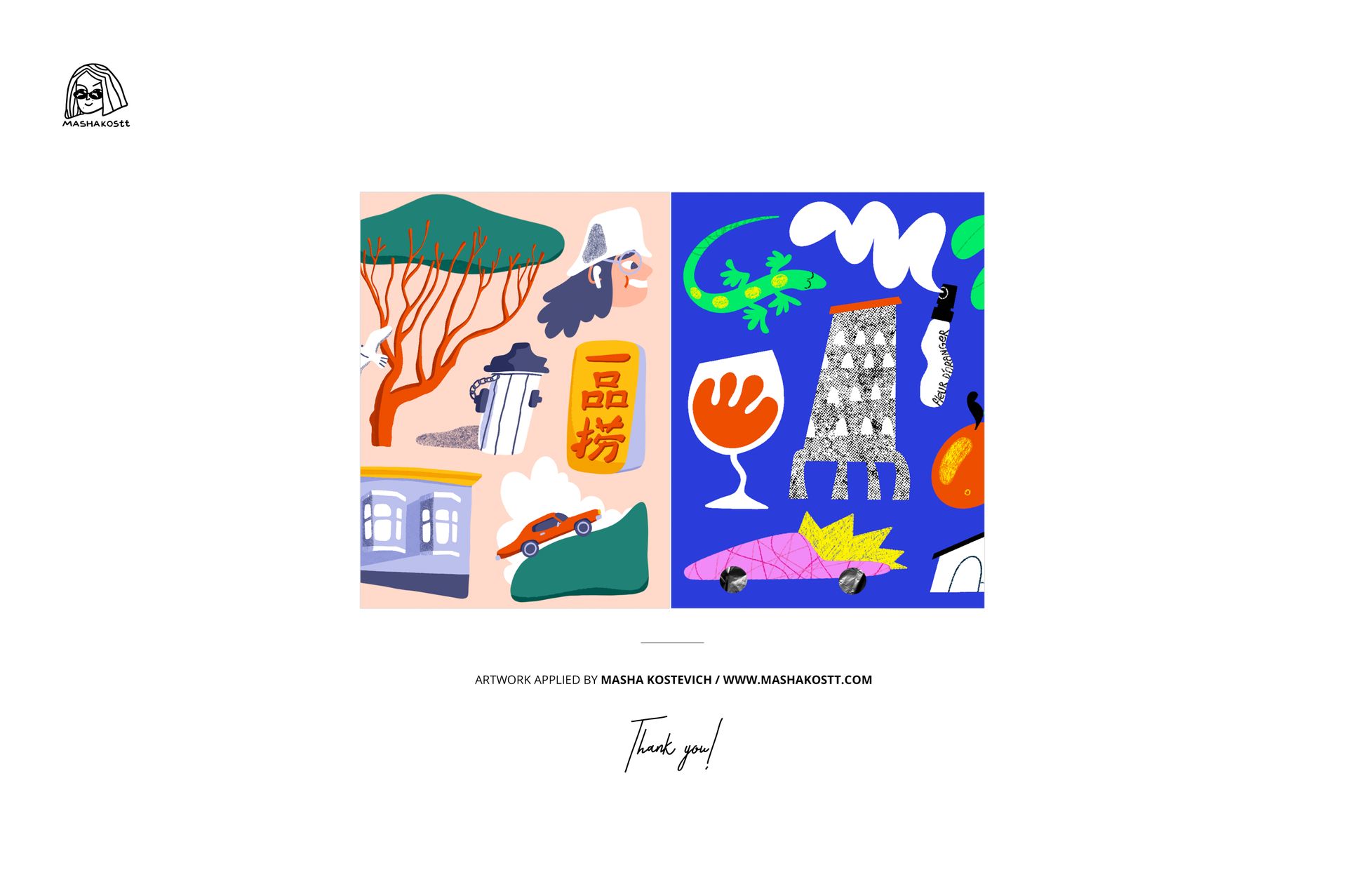
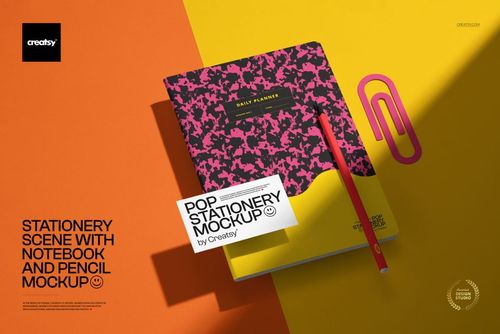
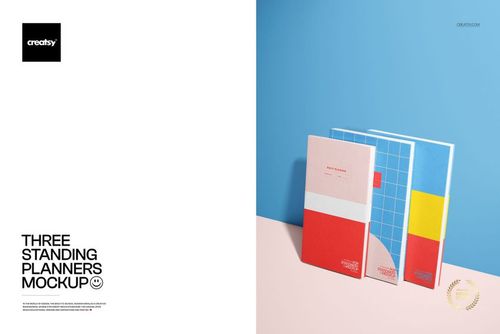
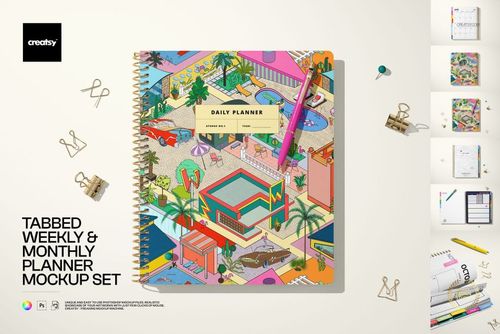
This is a downloadable digital mockup set; no physical notebook or stationery item will be shipped. Preview patterns by Masha Kostevich are shown only to demonstrate the mockups and are not included with the files.













One of the files has broken. It doesn't work. Error message: photoshop unexpected end-of-file was encountered - Re-download from URL you sent worked. Thanks for superfast response. highly recommend!
Edit: Thank you! :) If you continue to experience any other difficulties, please let us know, and we will be happy to assist you further! We have just tested all of these files, and they appear to be working properly. It seems that the issue may be related to incomplete downloads or unzipping of the files. Please ensure that you fully download the files and extract them properly. Which browser are you using? We recommend using Chrome or Firefox as these browsers are more stable. Additionally, please check if any background apps are interrupting the download process. I am now sending these files through an alternative method as well. Please let me know if this resolves the issue.