Paper Bag Mockup Set for Kraft and Brand Color Comparisons
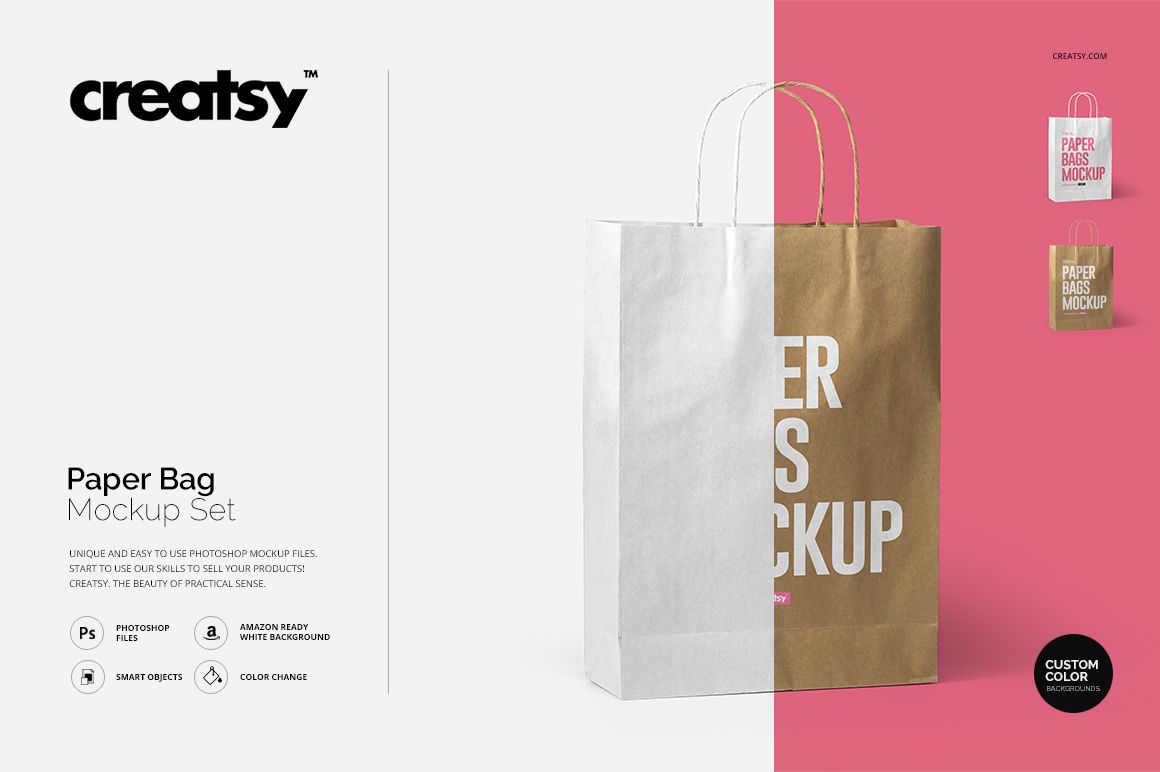
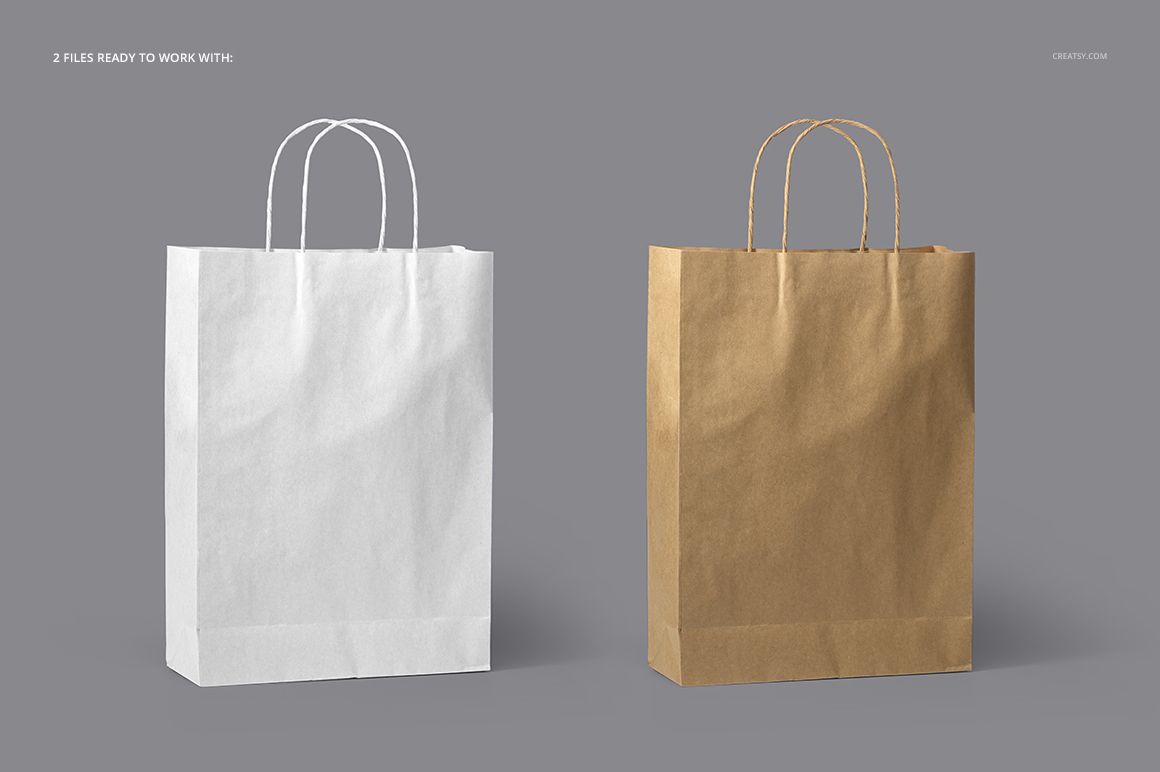
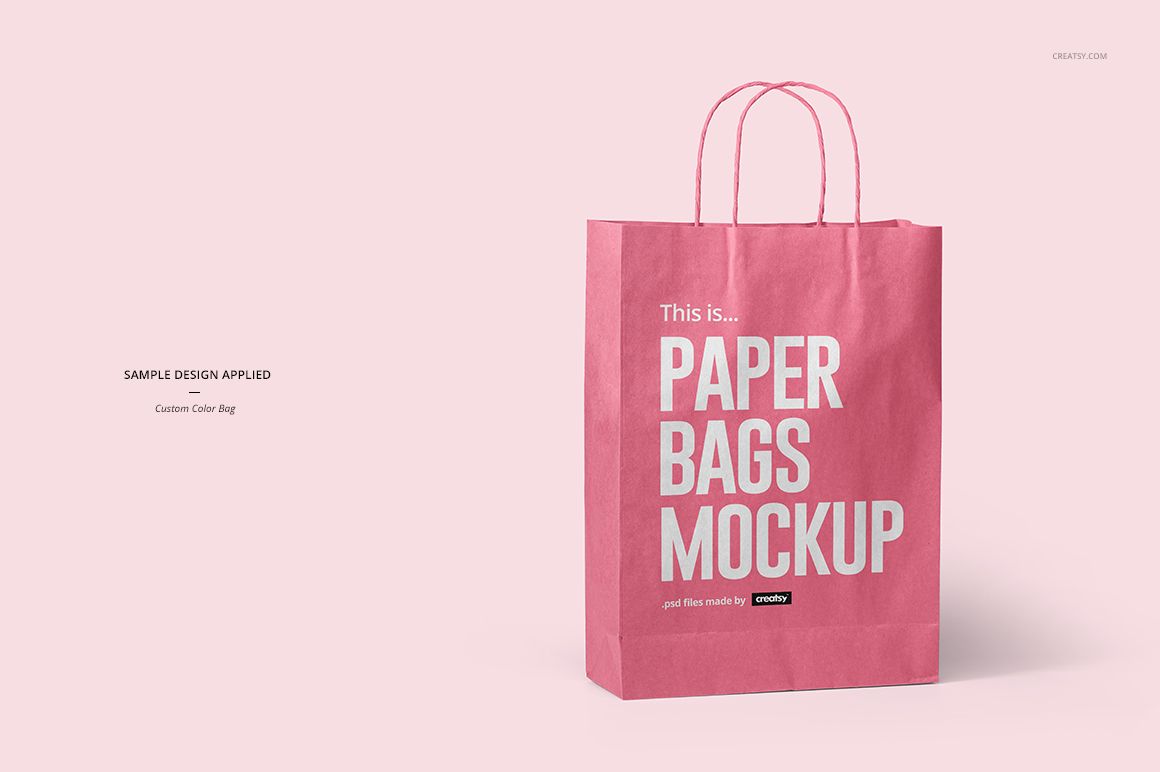
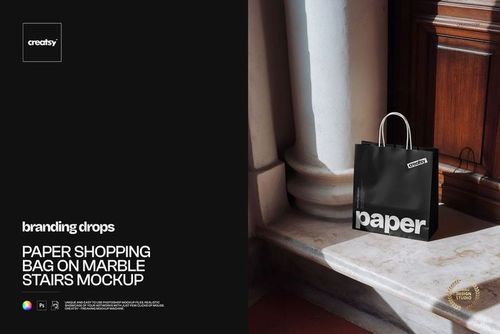
This Paper Bag Mockup Set presents a front-facing paper shopping bag with twisted handles in two distinct styles: natural brown kraft and a recolorable version. Use the pair to compare how the same retail identity works with an organic paper look and a controlled brand color before print approval or campaign launch.
What the download includes
2 layered PSD mockups: Brown Bag and Custom Color Bag
2 matching JPG previews and 1 TIF guide
4500 x 4500 px square scenes at 300 DPI
177 MB for Windows and 185 MB for Mac
Two useful presentation directions
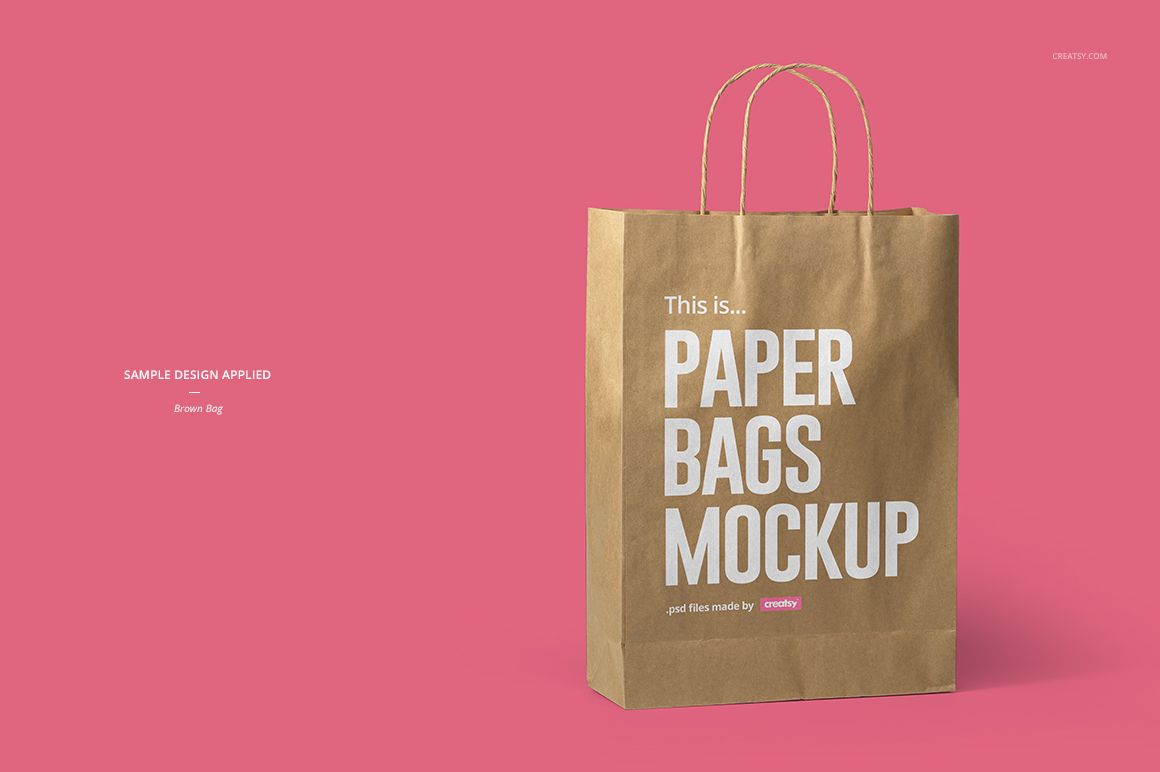
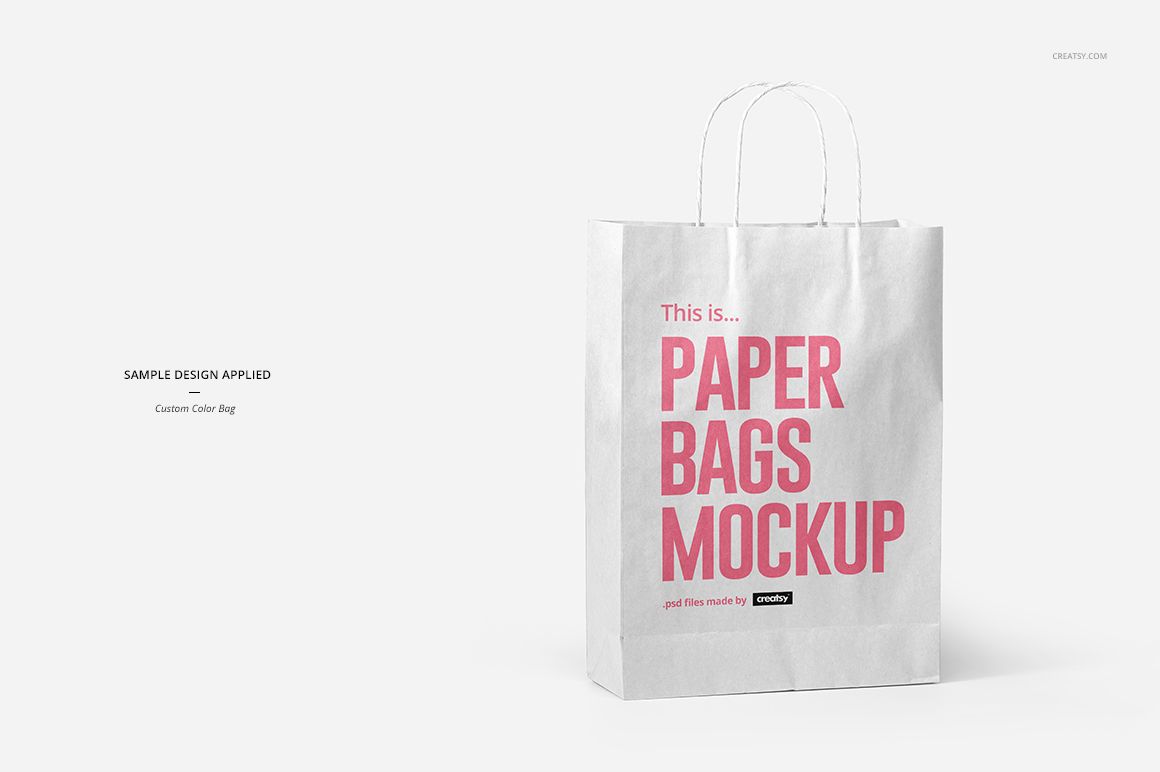
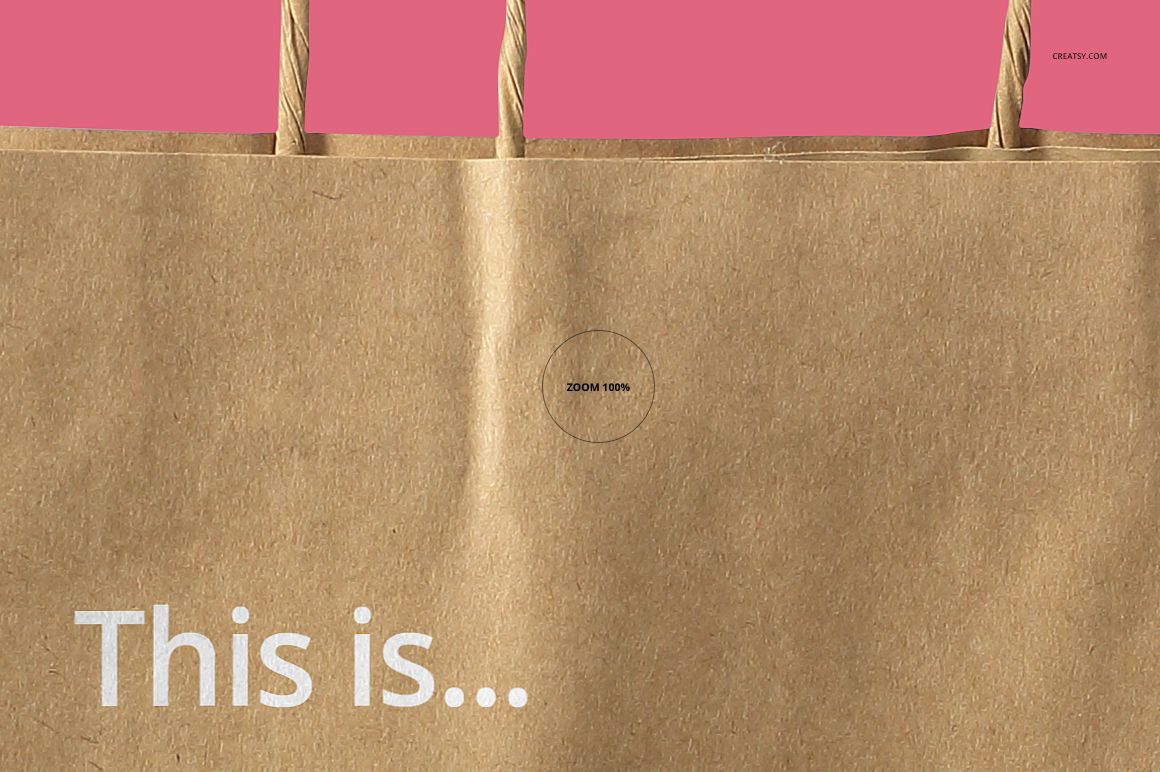
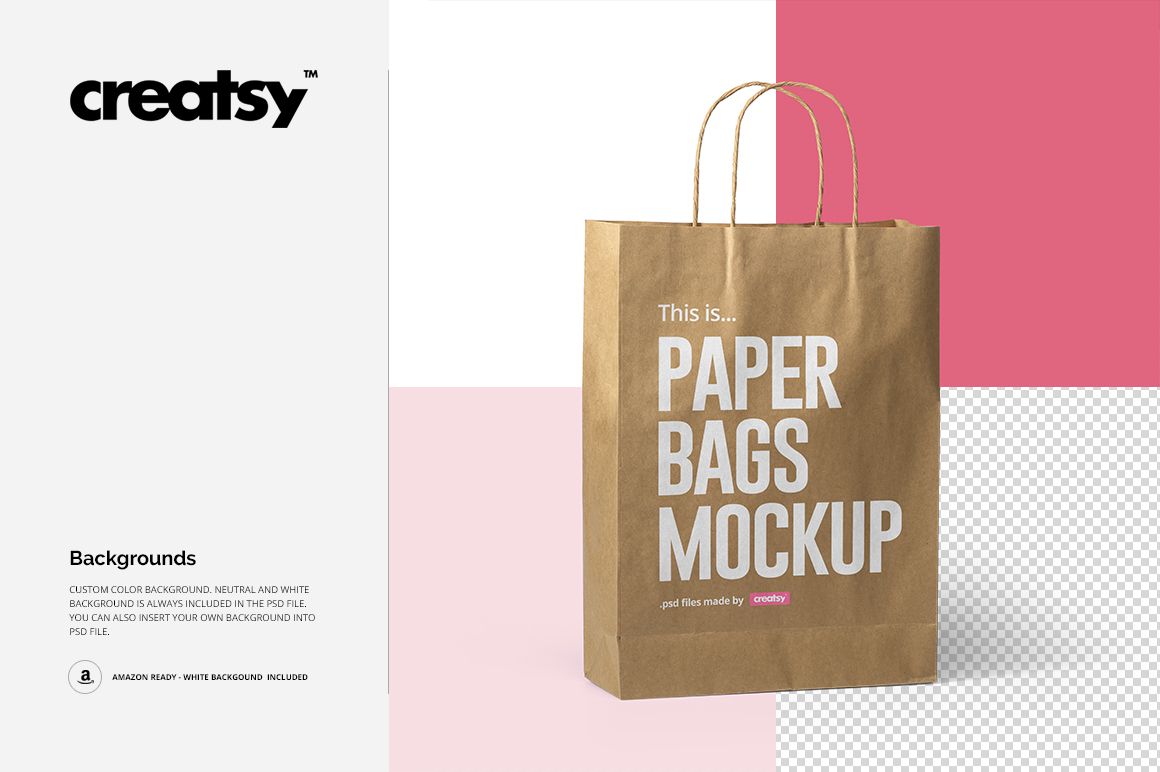
The kraft scene keeps the natural brown paper character visible, while the custom-color scene lets the bag support a broader brand palette. Showing both versions together helps clients compare material-led packaging with a more color-driven retail concept.
Efficient editing controls
Place a logo, illustration, or pattern through a Smart Object
Adjust the bag color in the editable version
Use the included white or neutral background, change its color, or add your own backdrop
Export a consistent square image for a portfolio, shop listing, or client presentation
Software and intended use
The PSD files support Adobe Photoshop CC2015 or newer and Photopea. The clean front view is useful for checking scale, centering, contrast, and handle clearance. Preview patterns are shown only as examples and are not included.