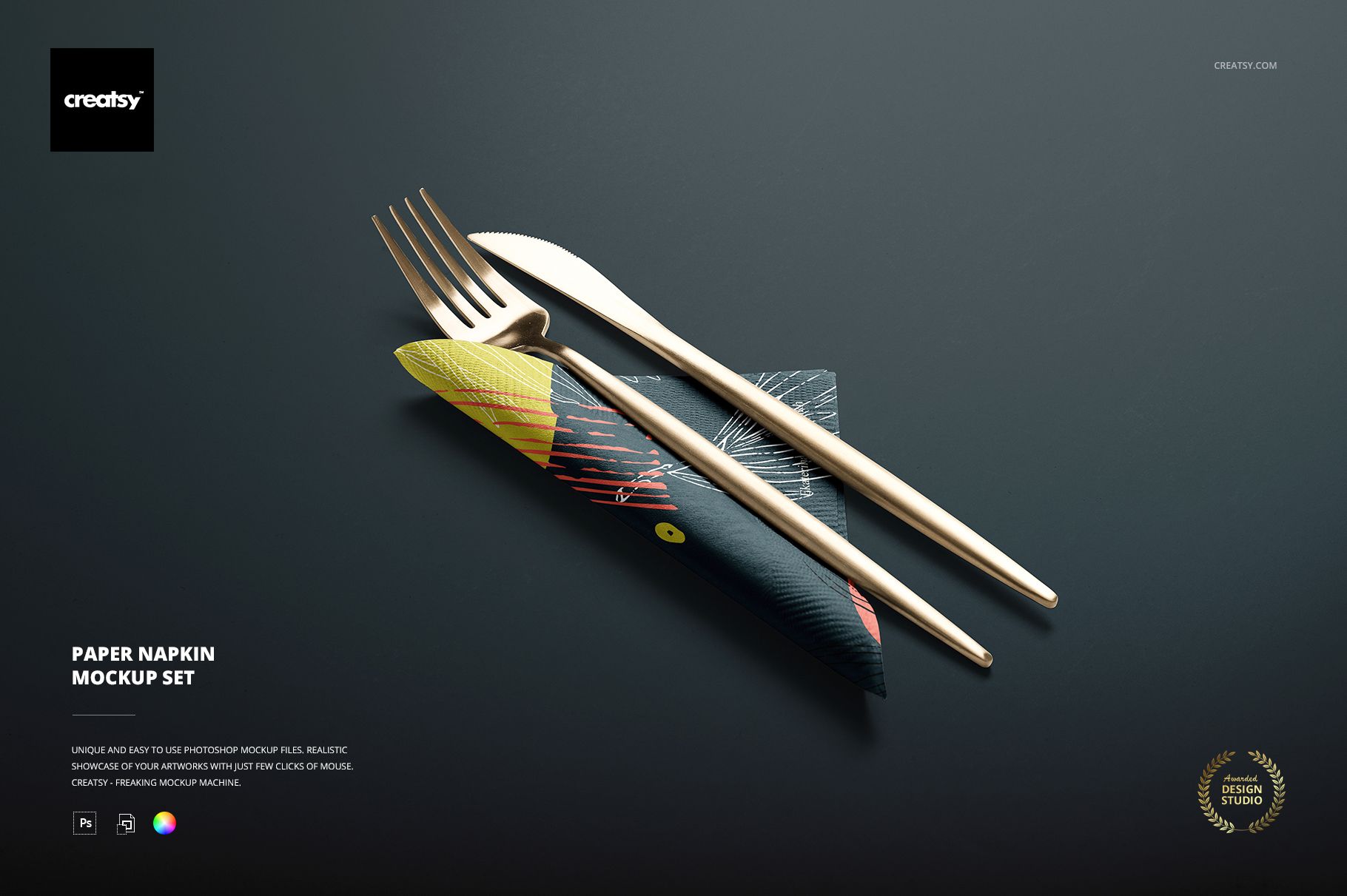
Paper Napkins Mockup Set
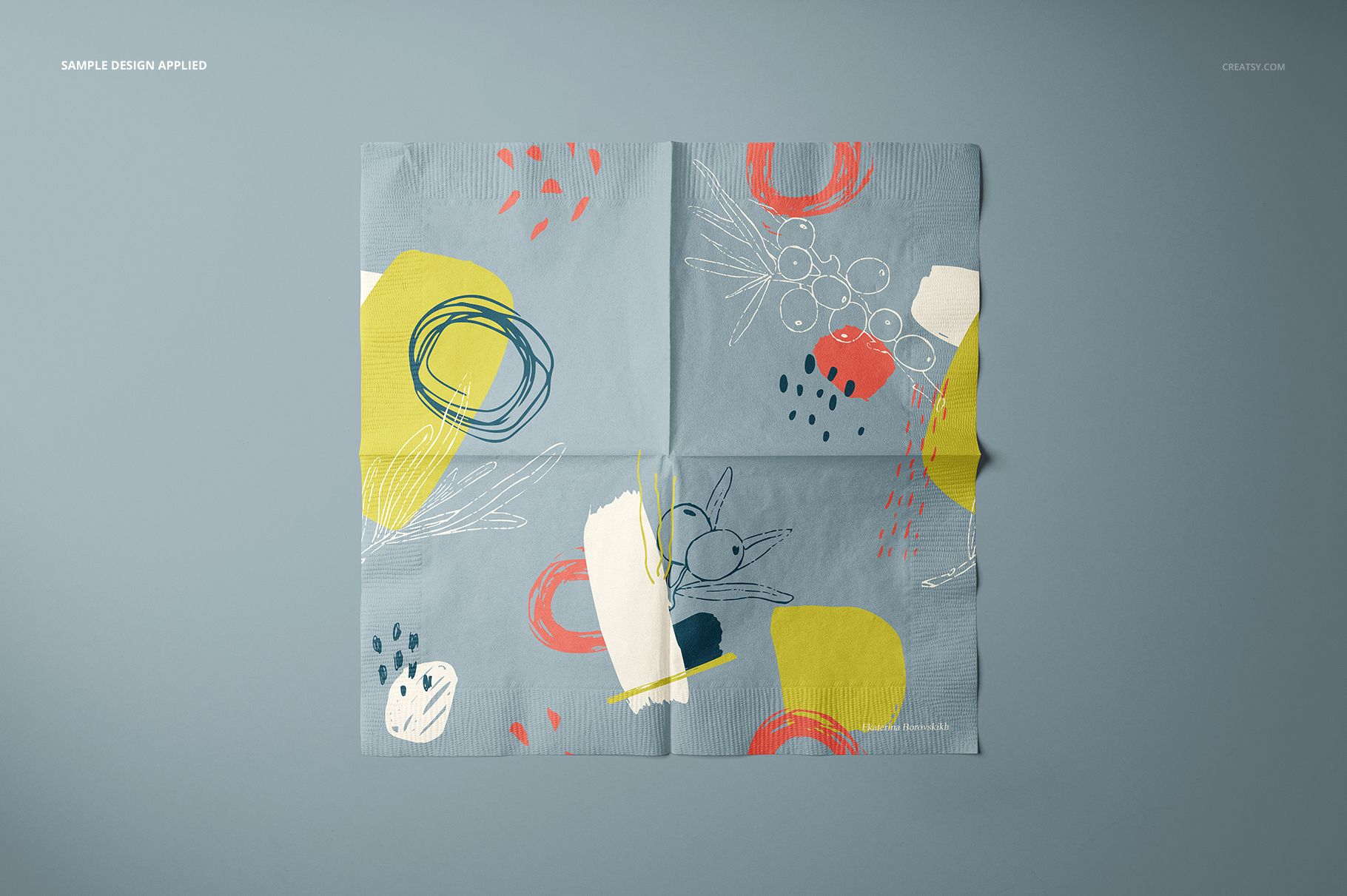
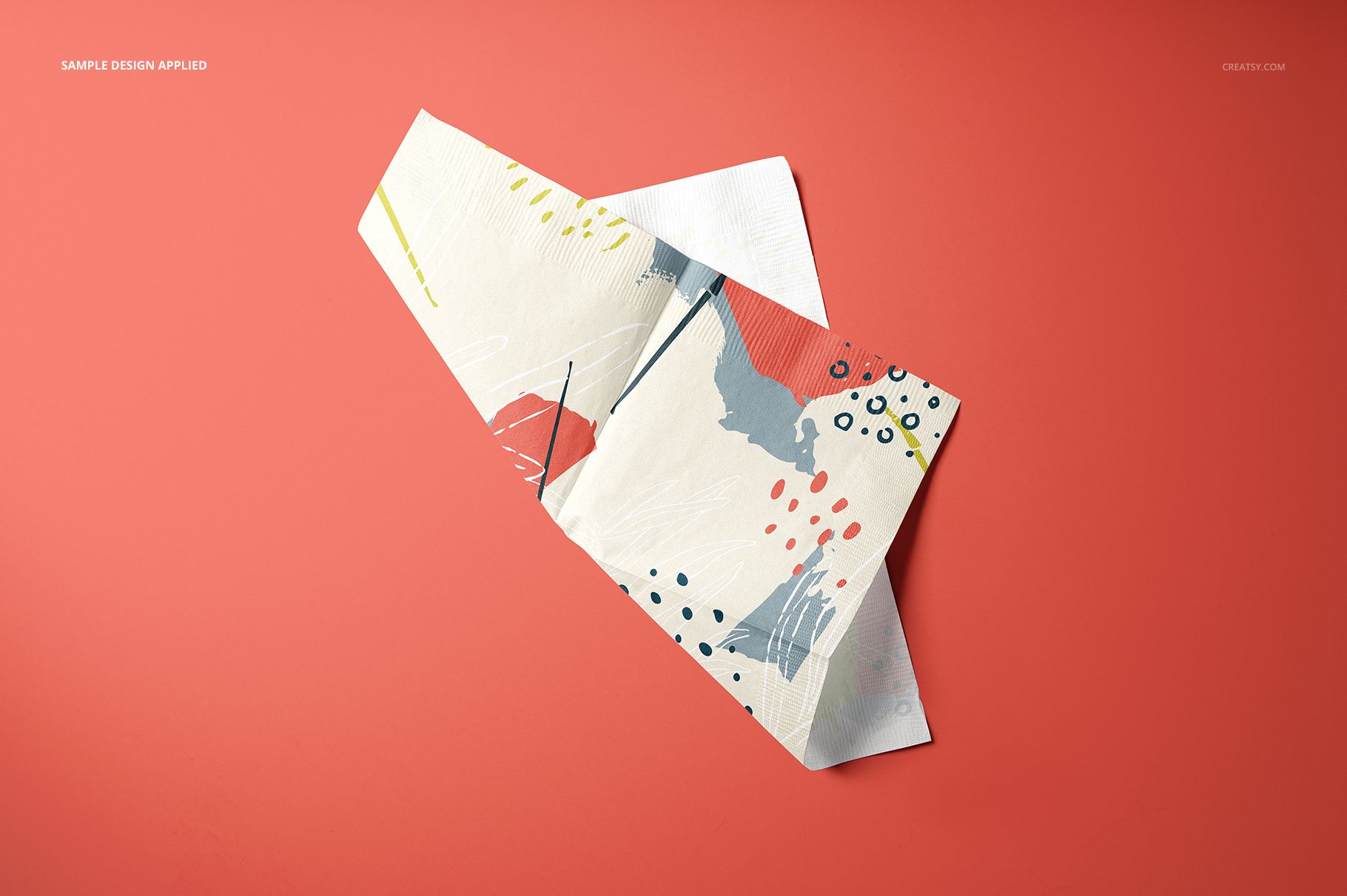
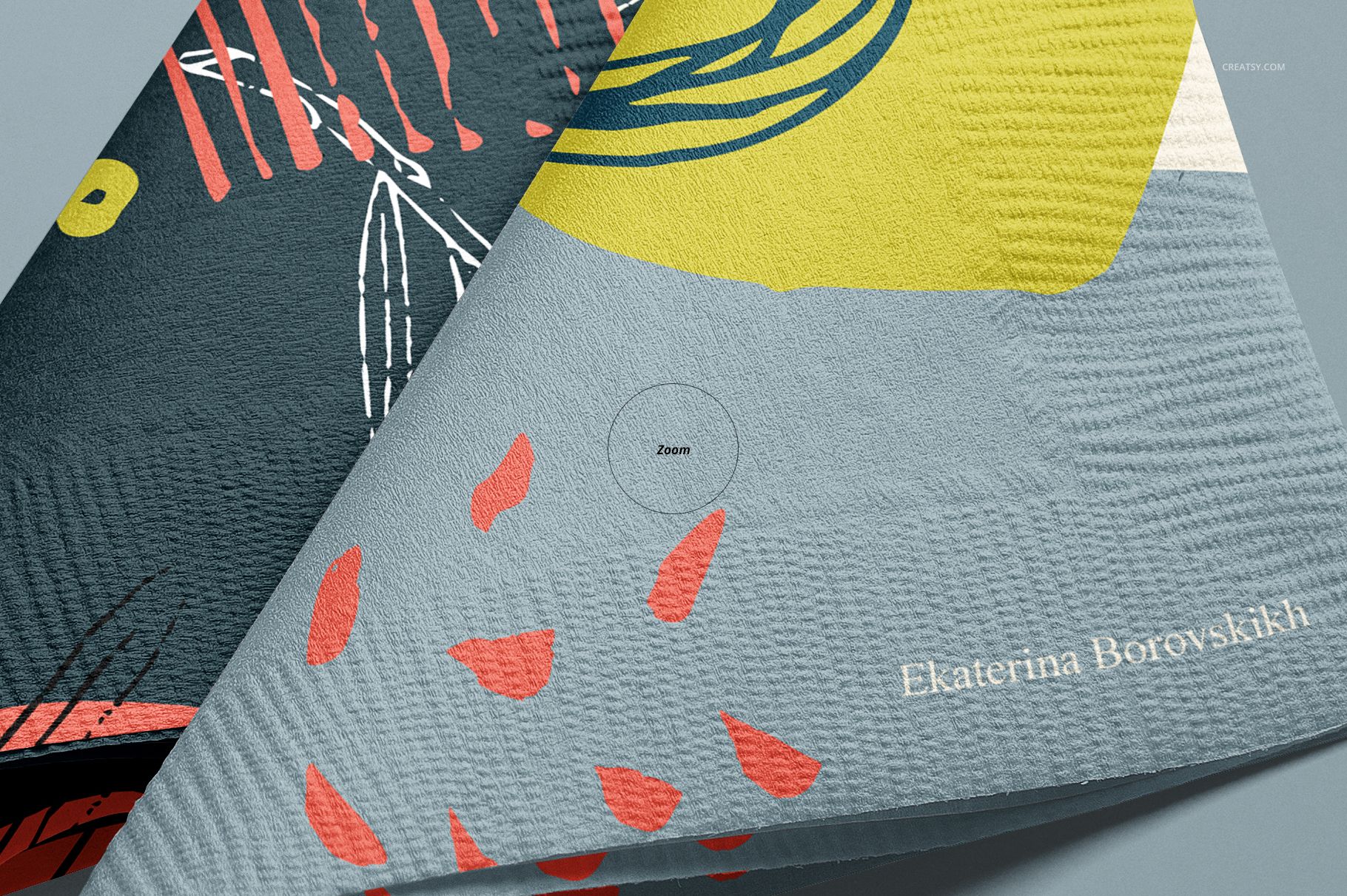
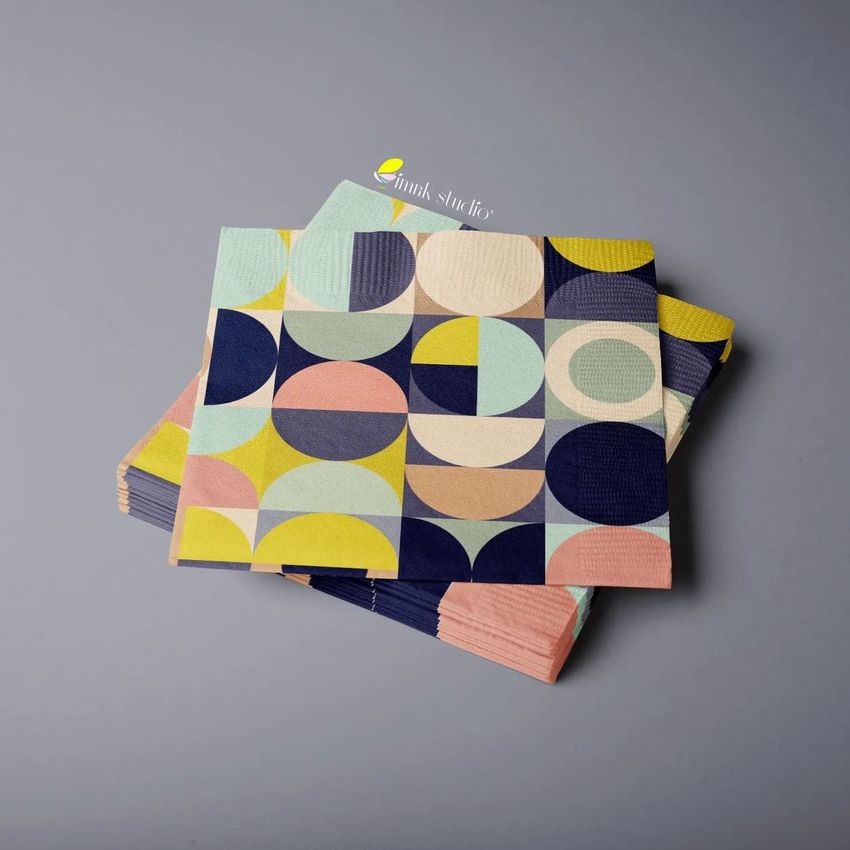
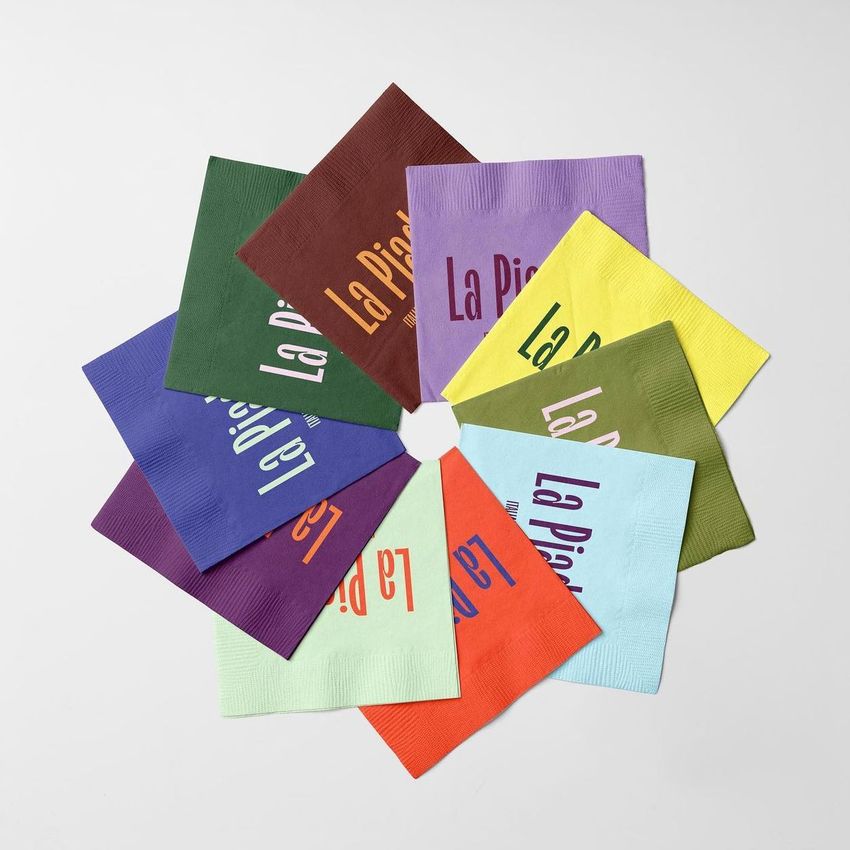
Napkin artwork is judged not only as a flat square, but also across folds, creases, stacked edges and the visual rhythm of a table setting. This 16-scene collection lets you examine all of those conditions before a paper sample is printed.
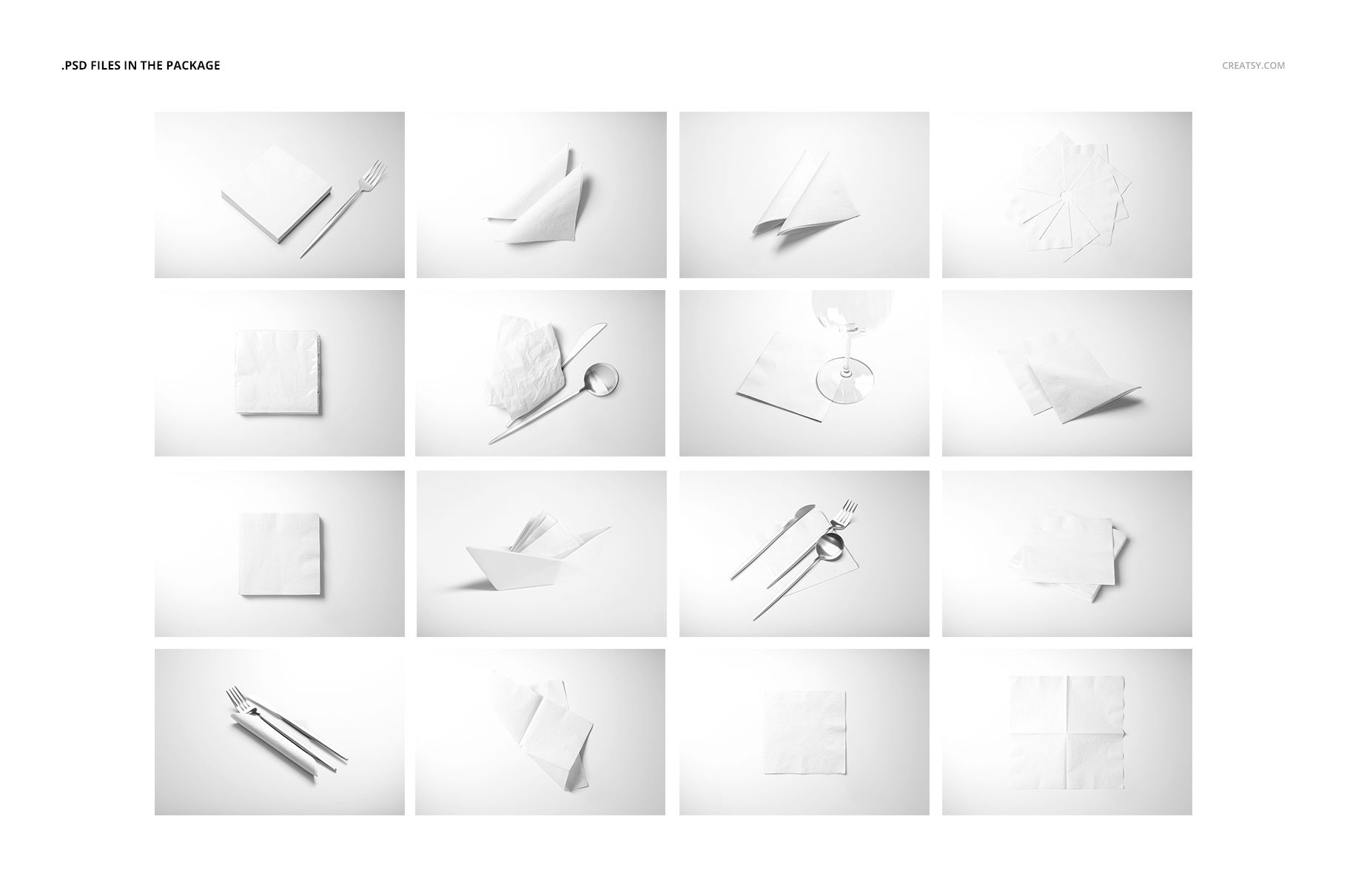
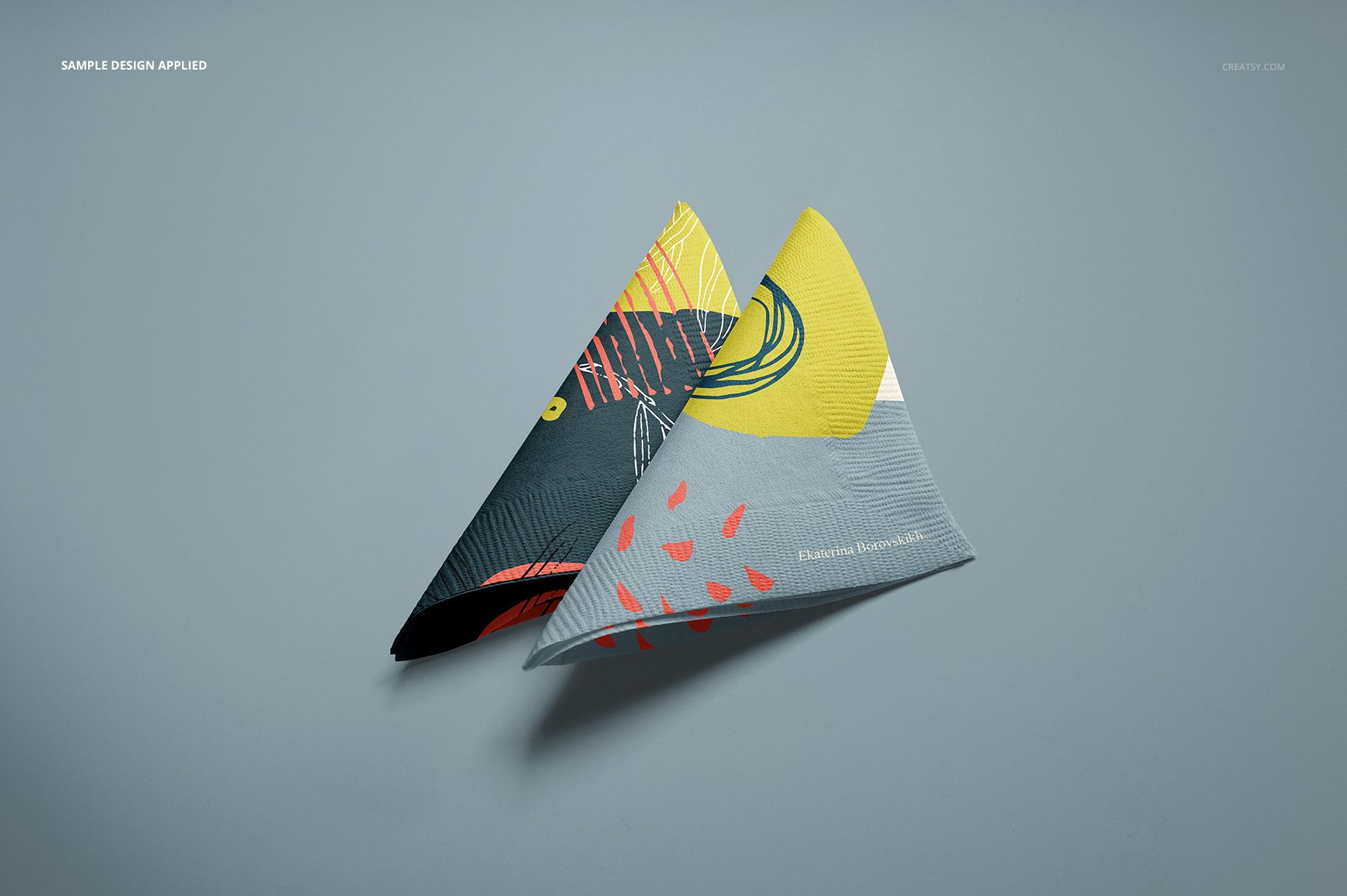
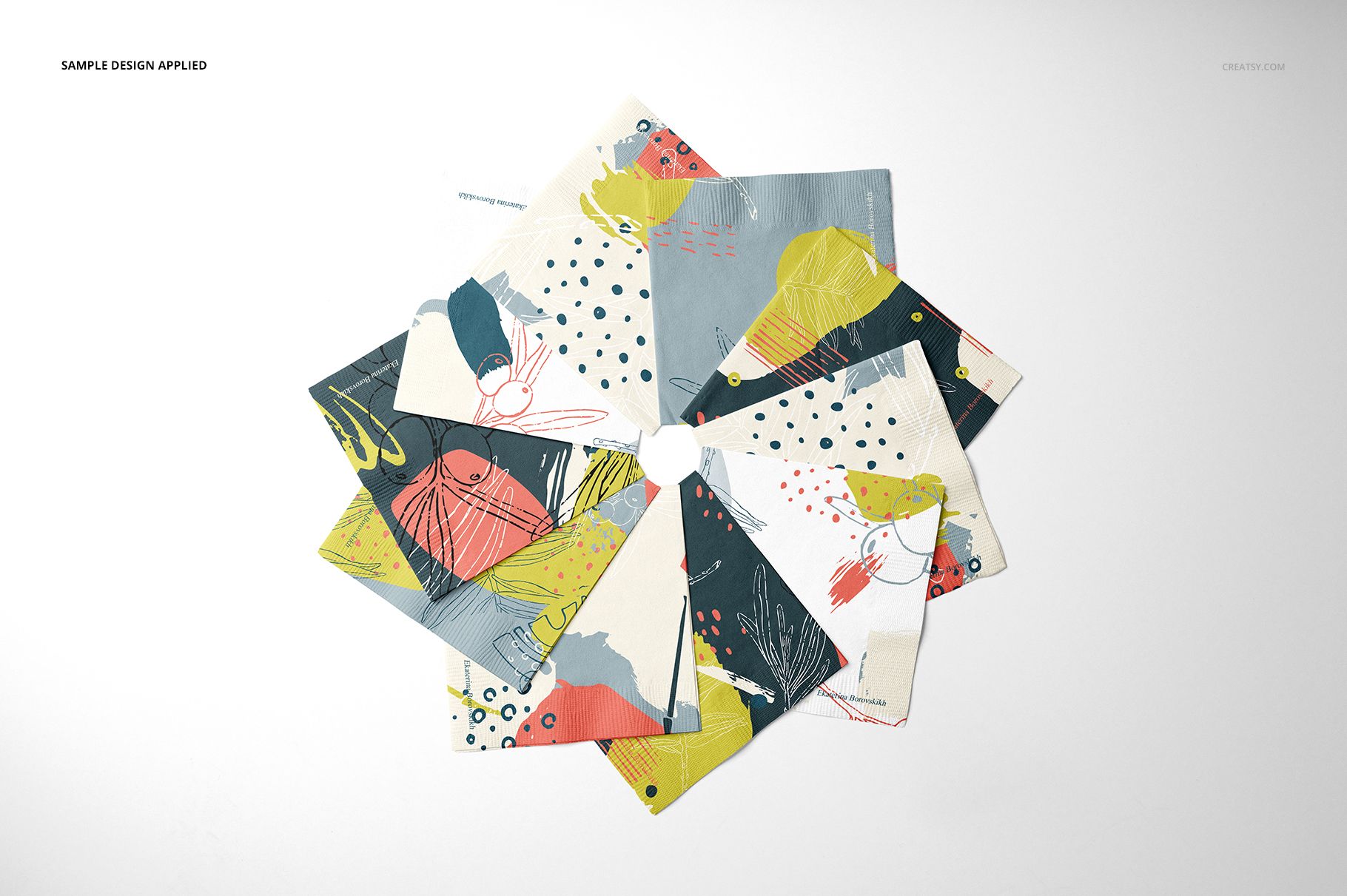
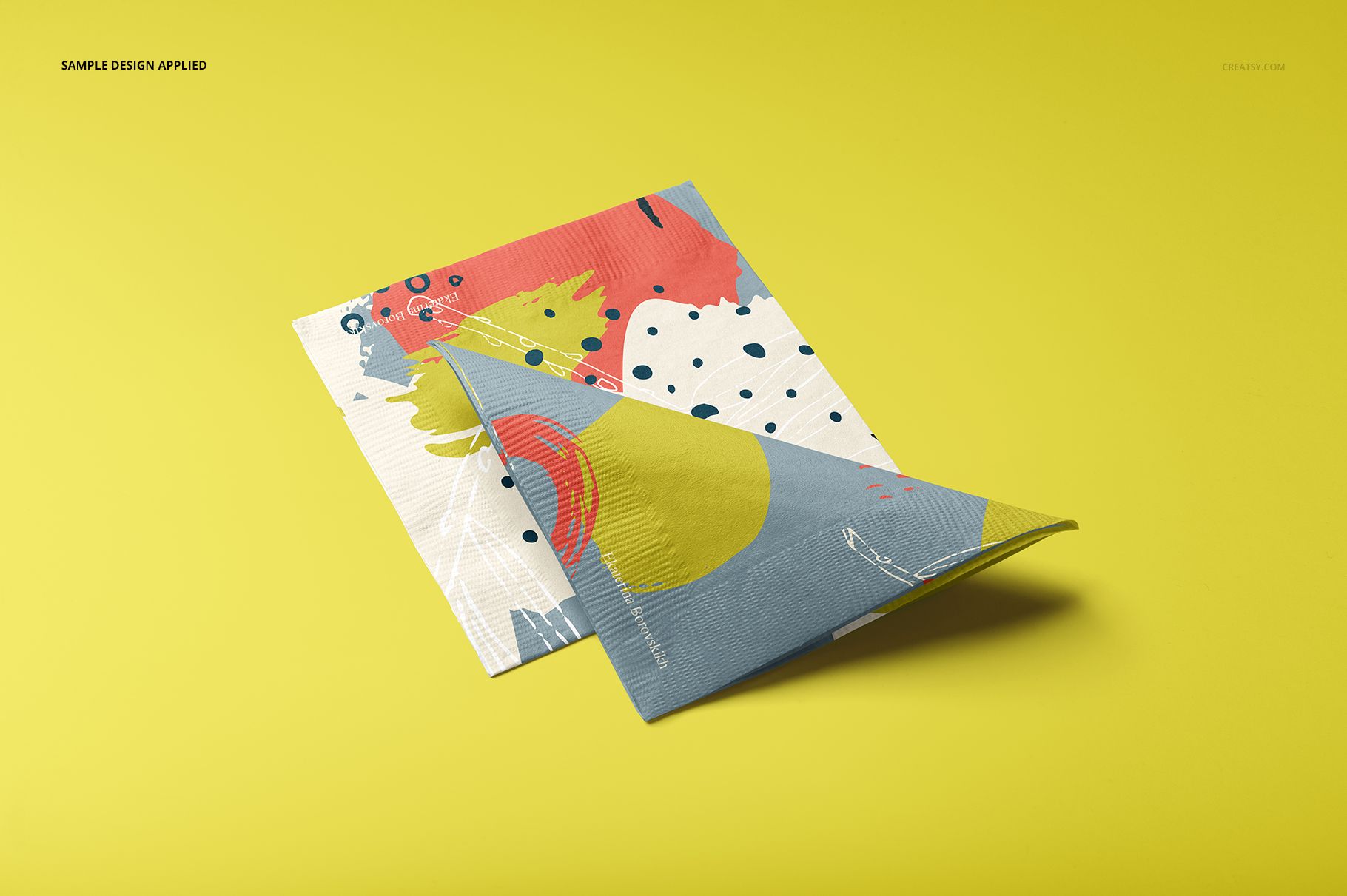
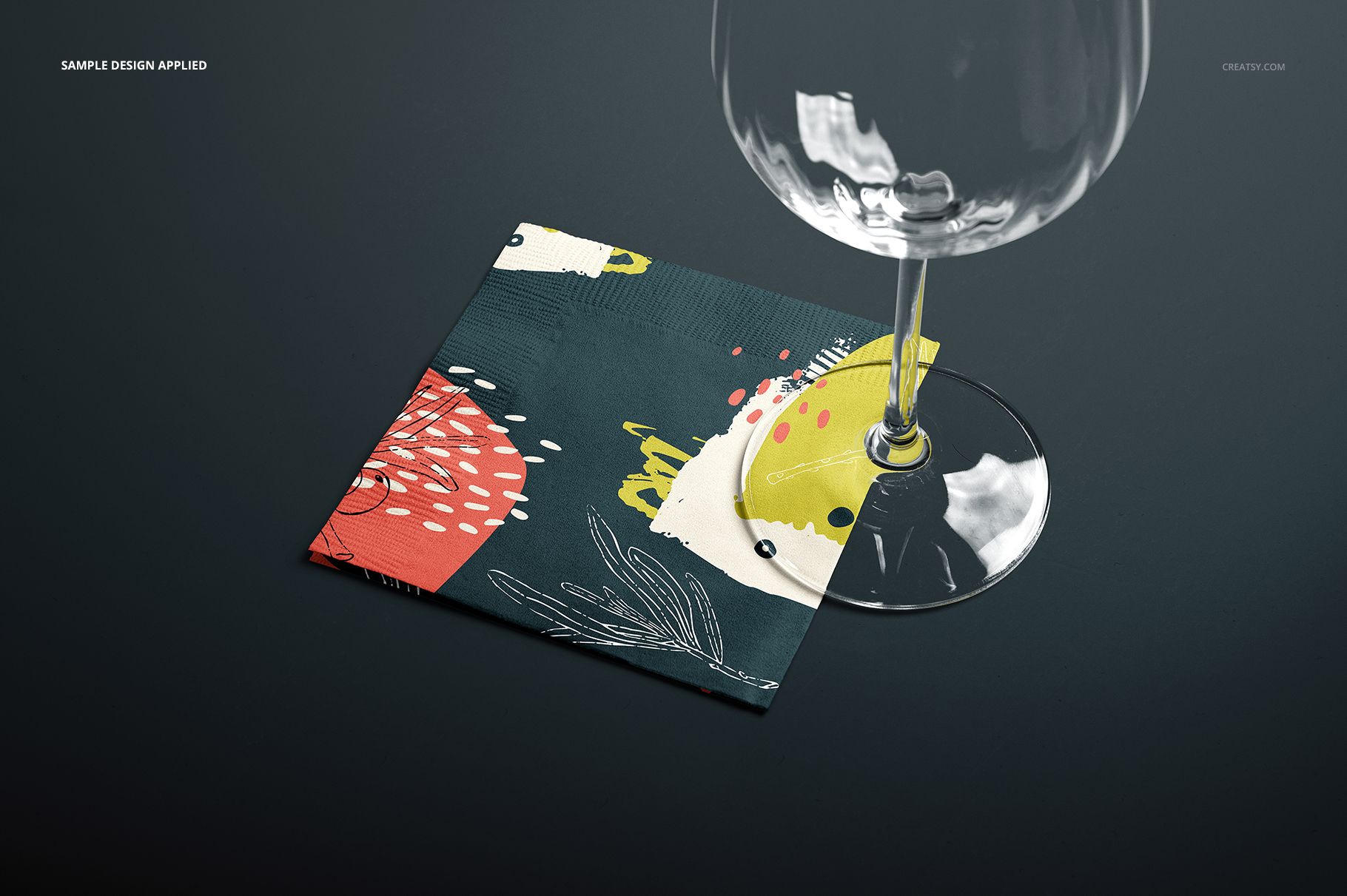
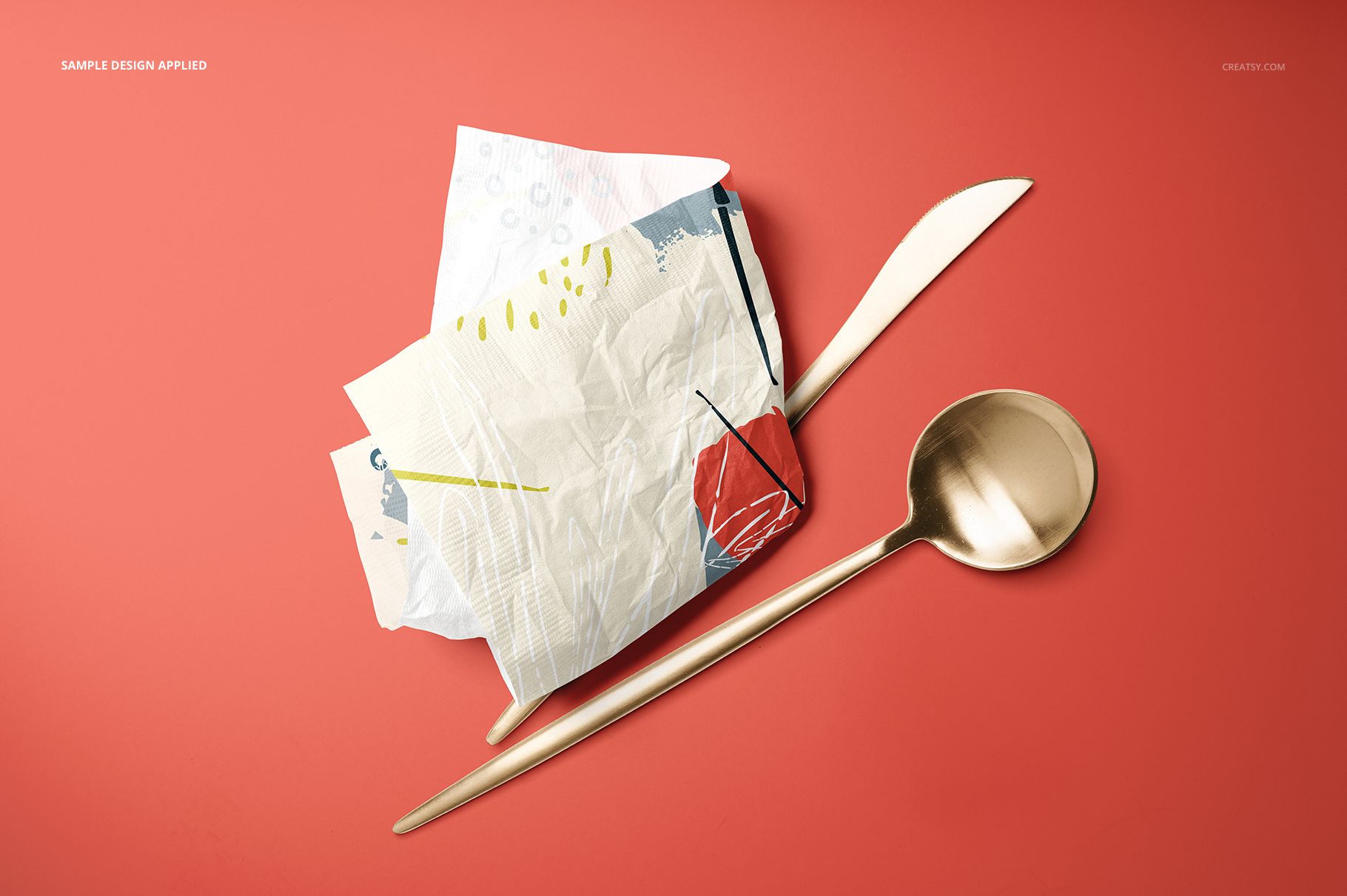
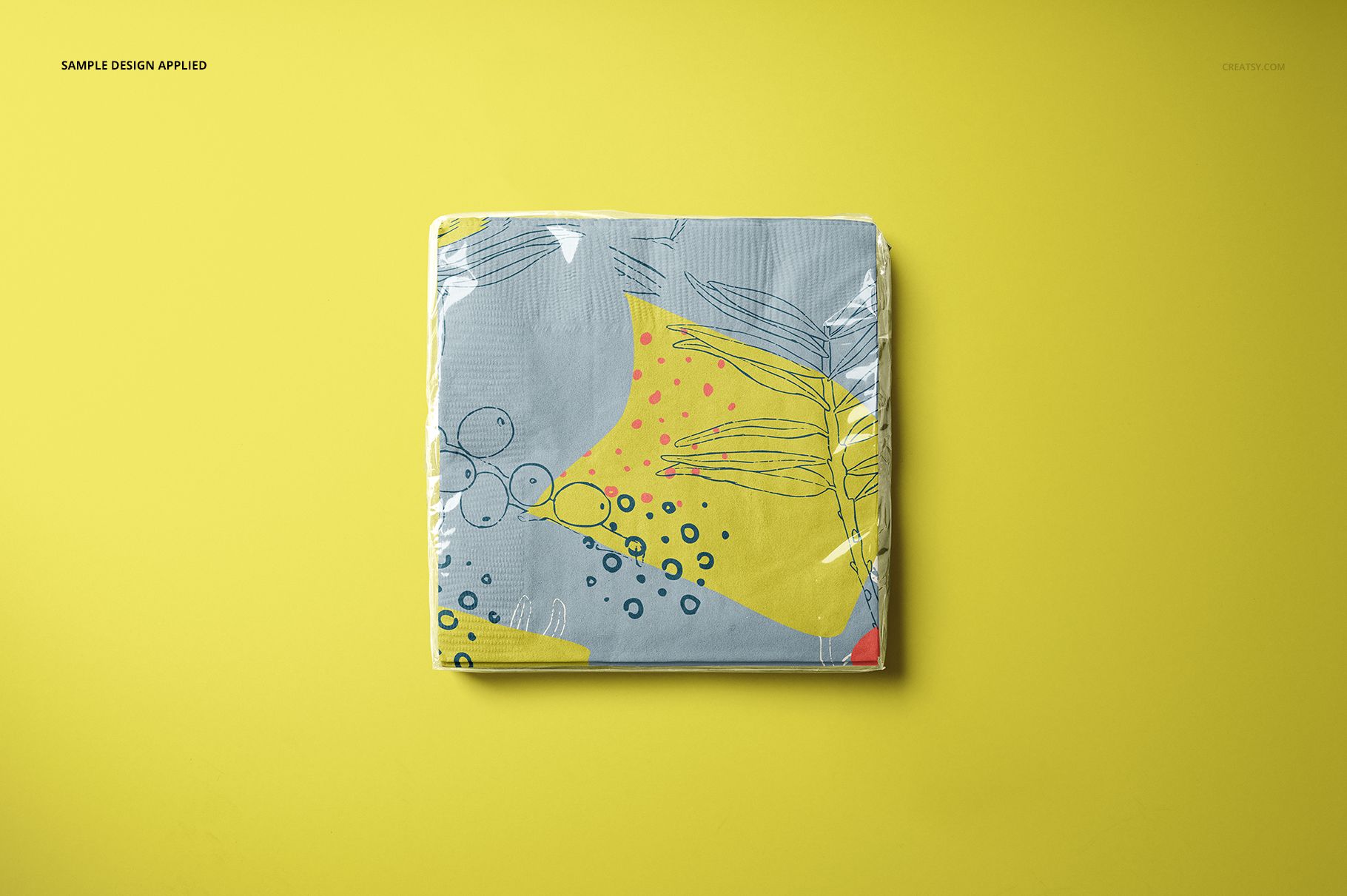
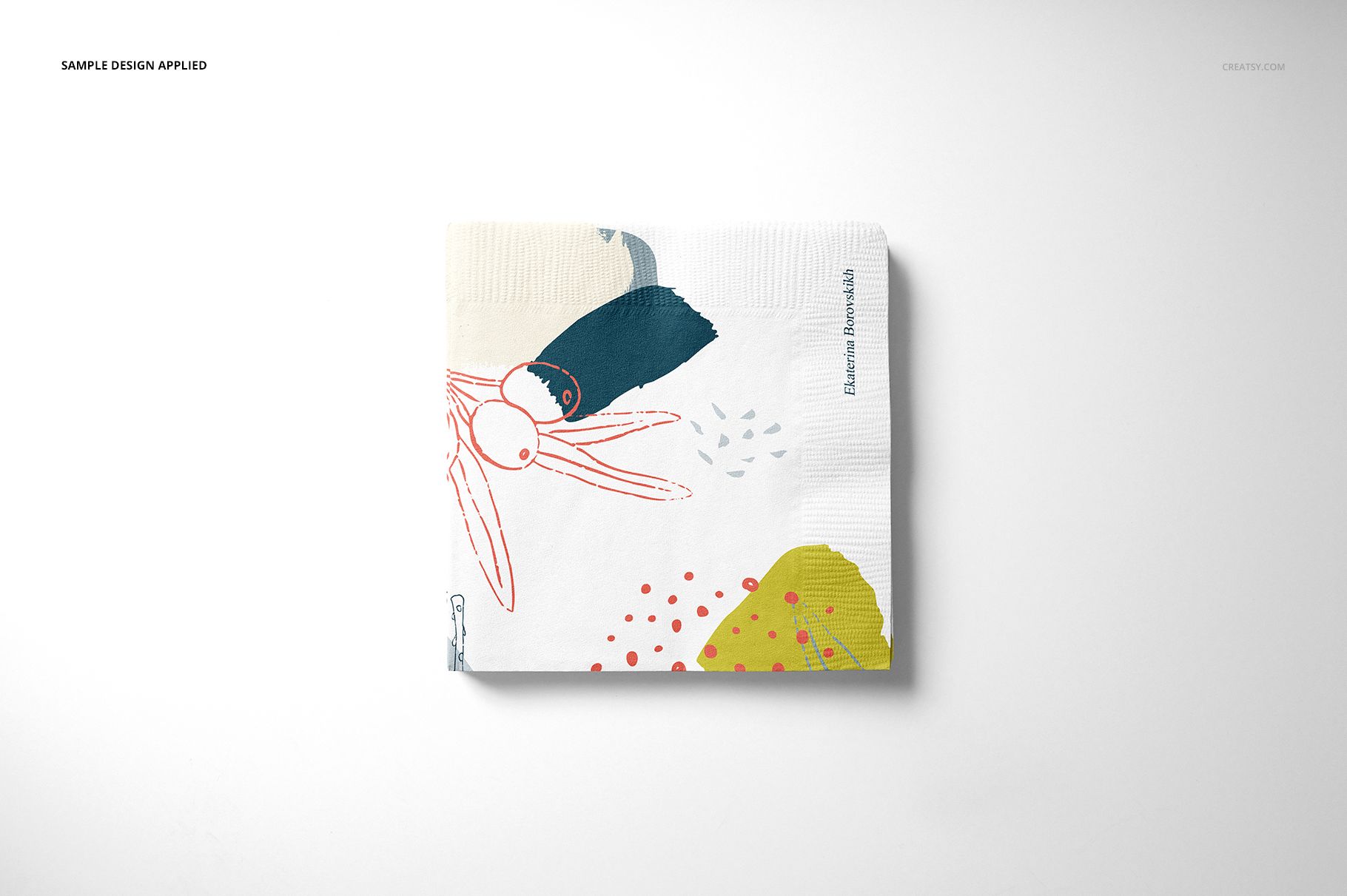
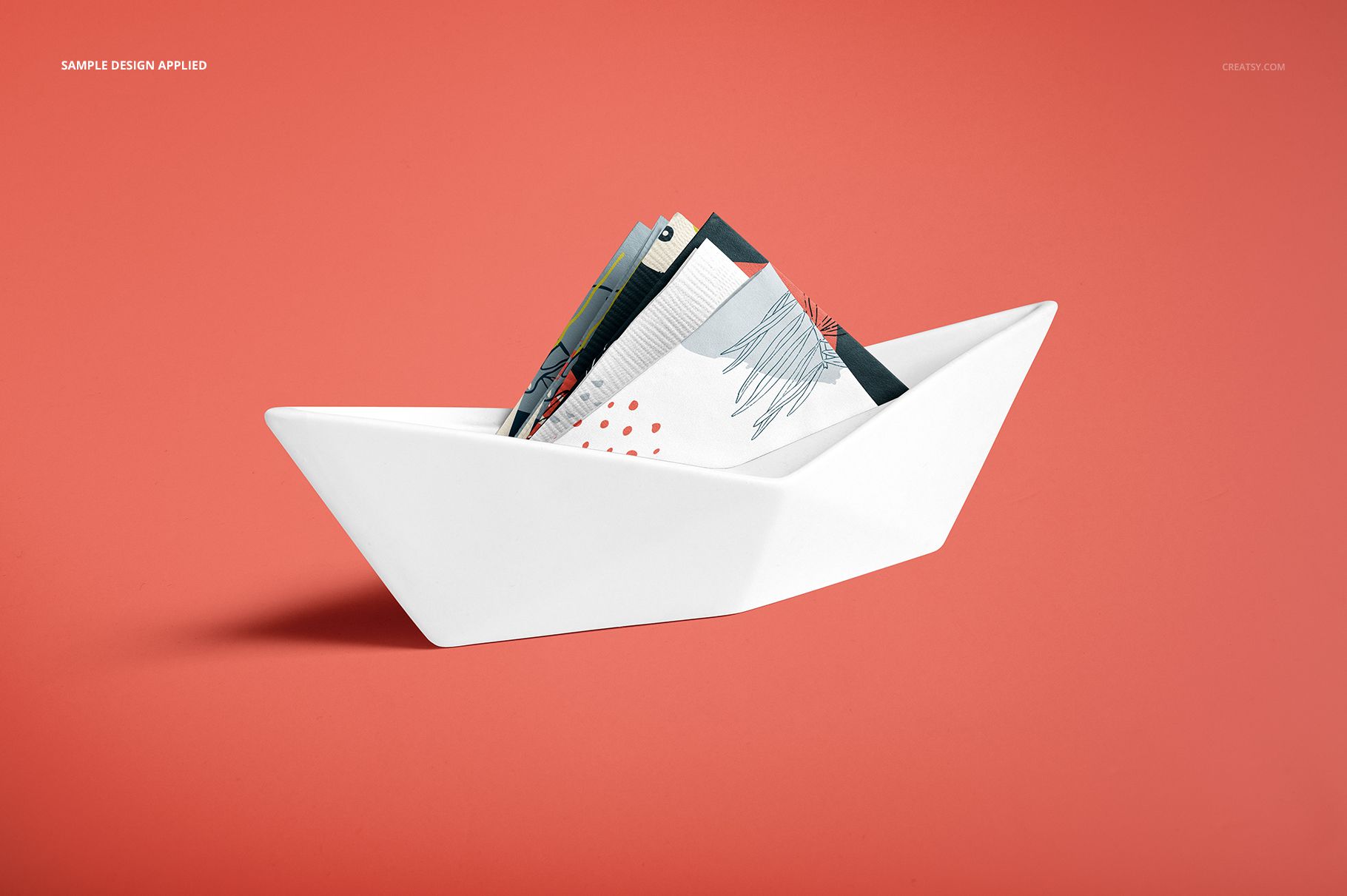
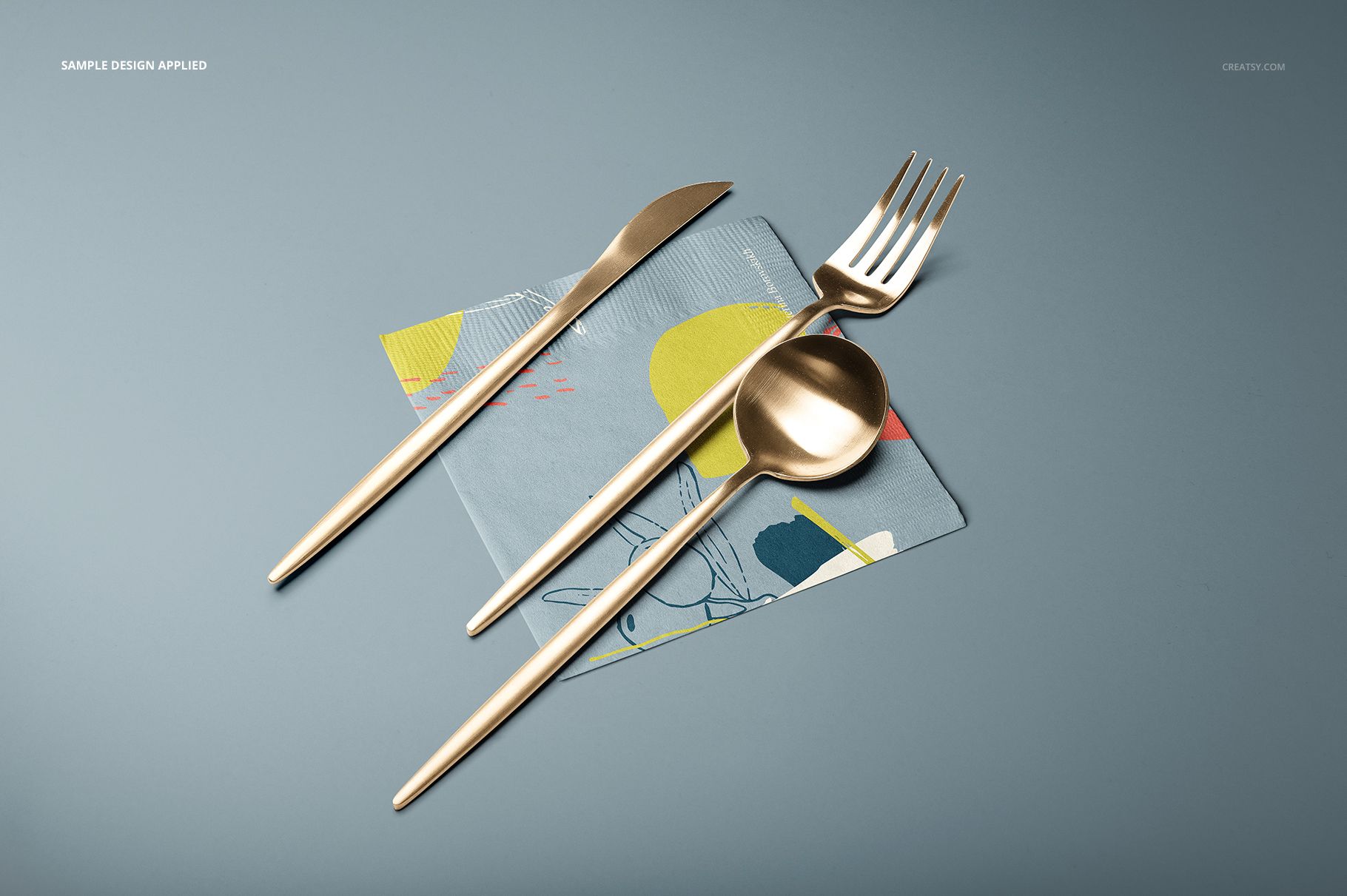
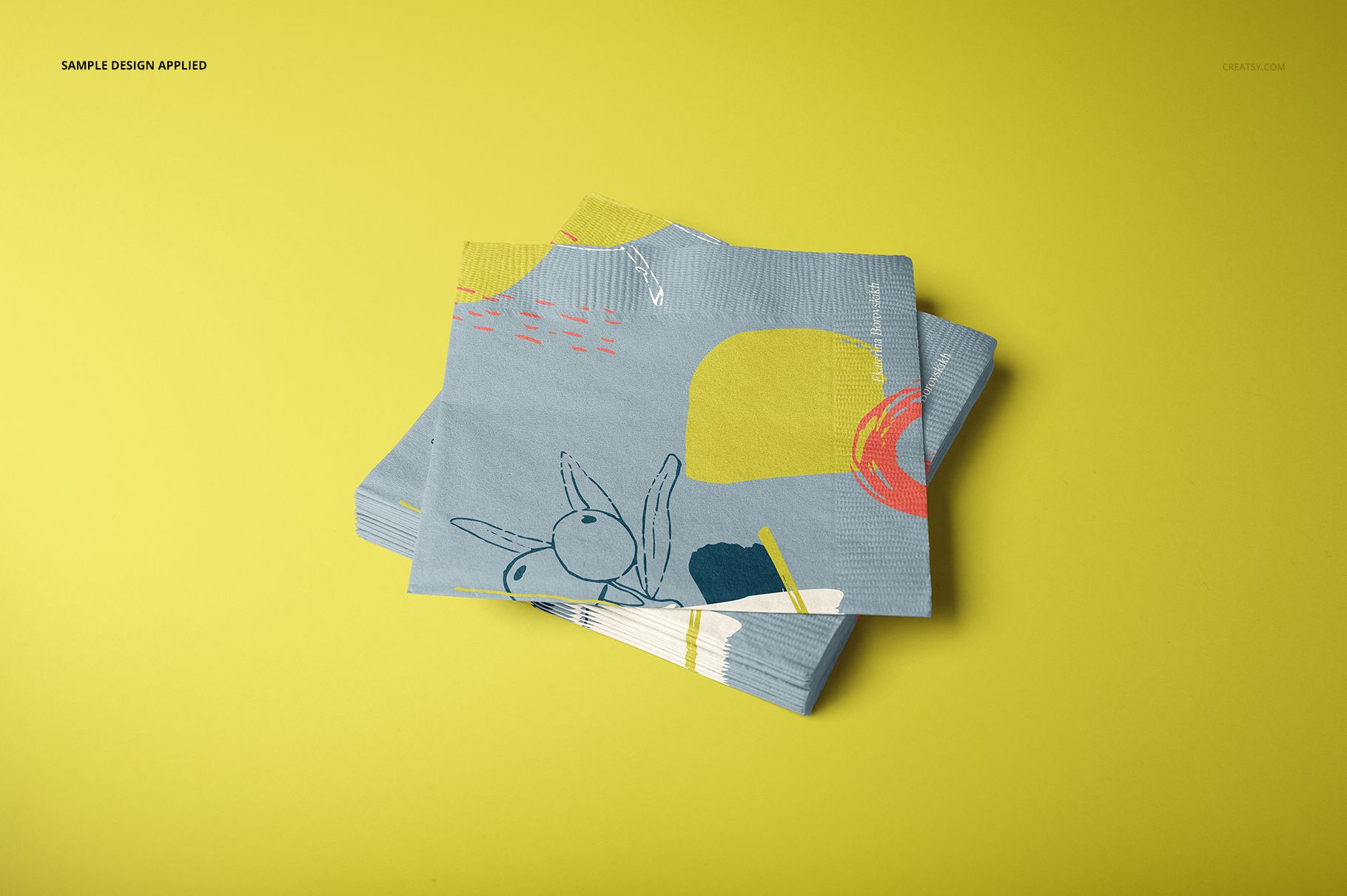
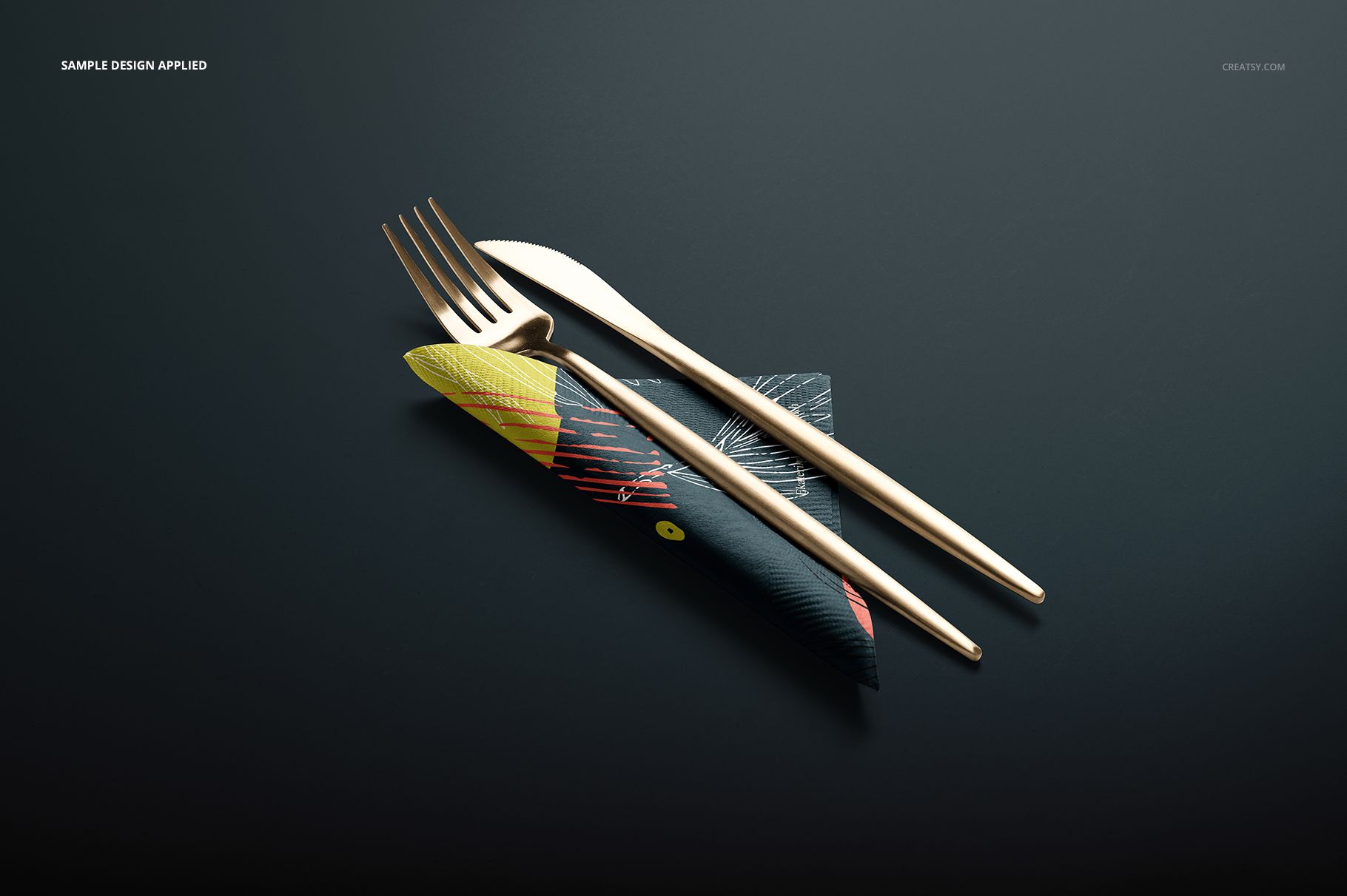
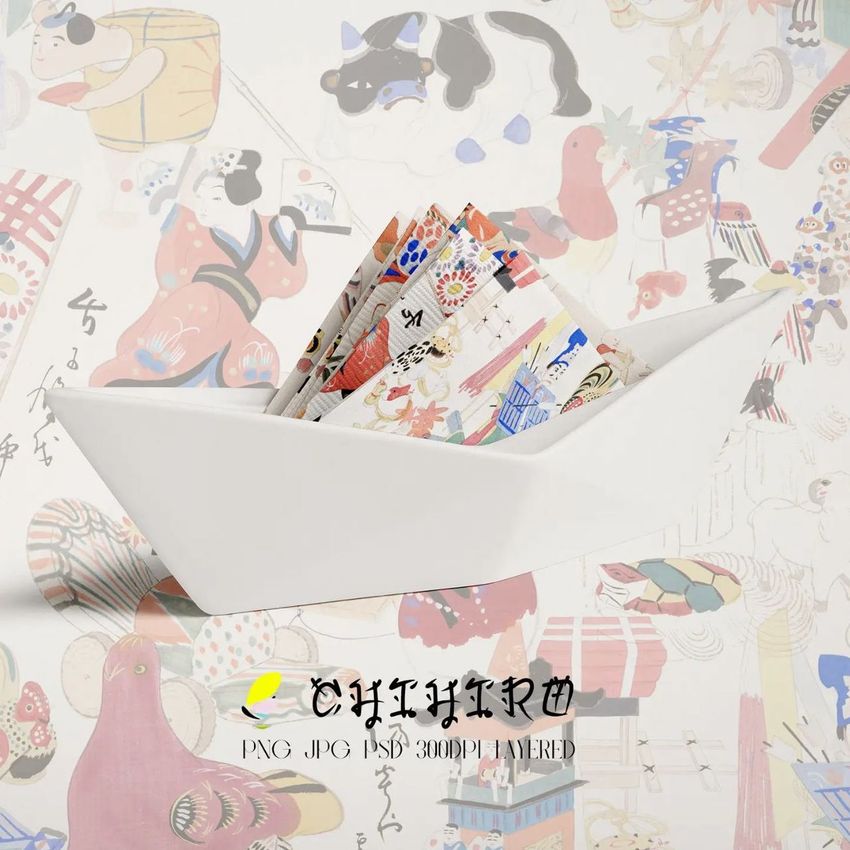
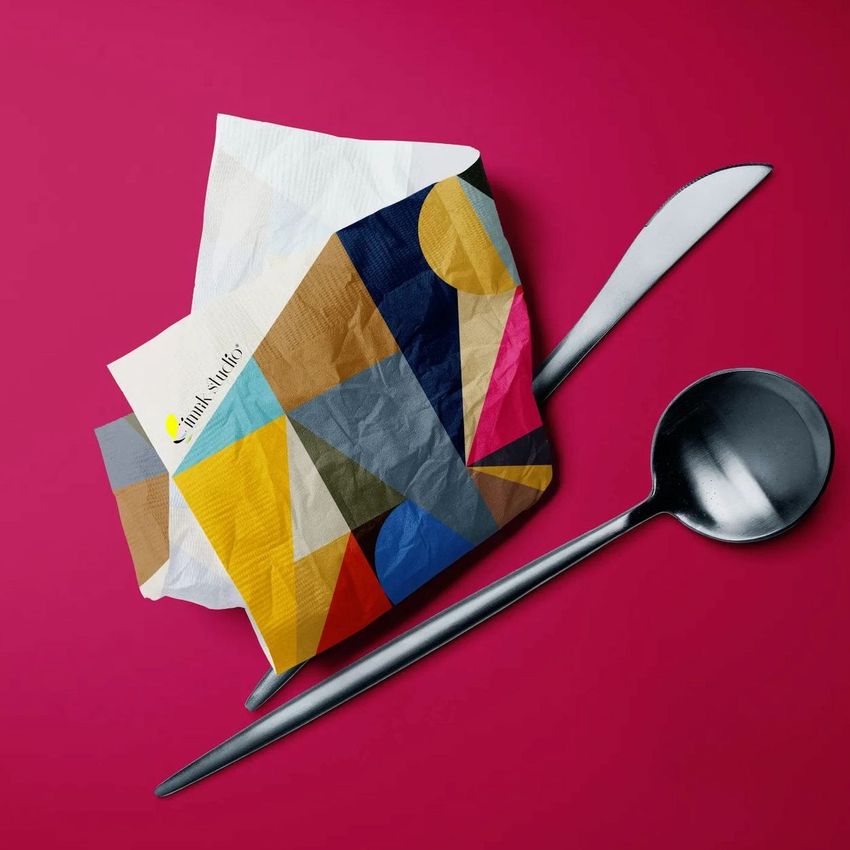
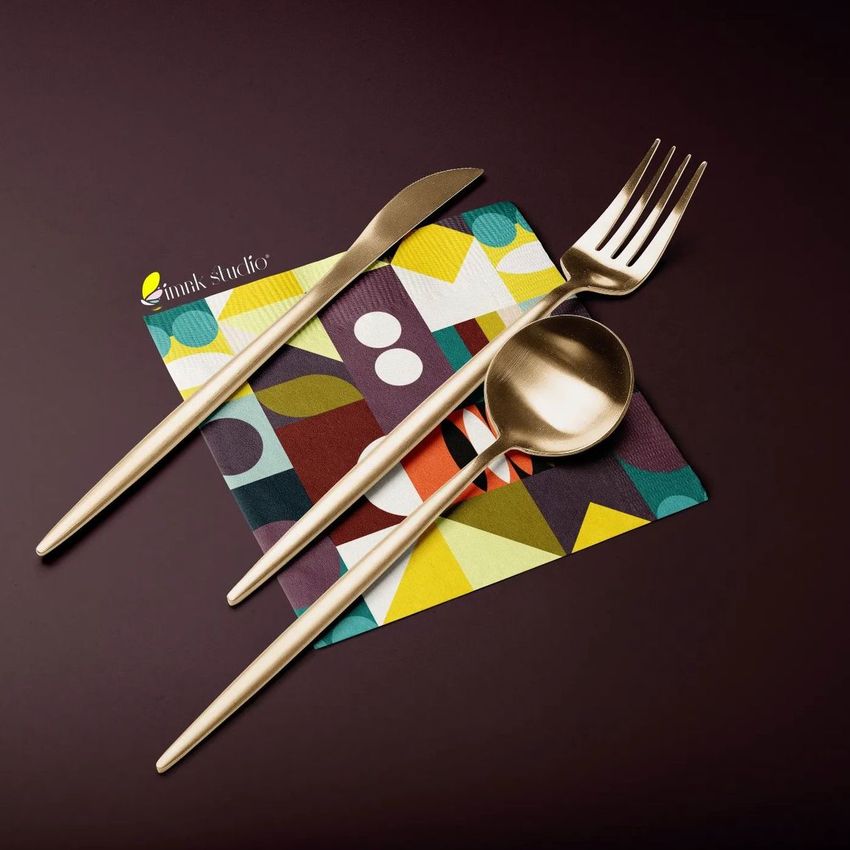
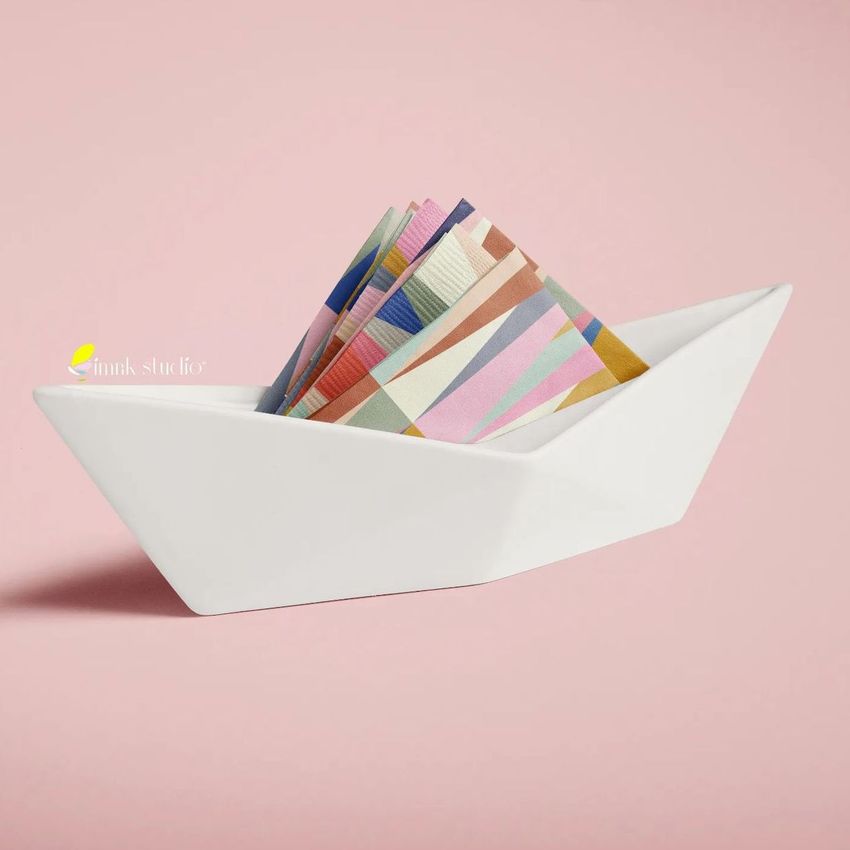
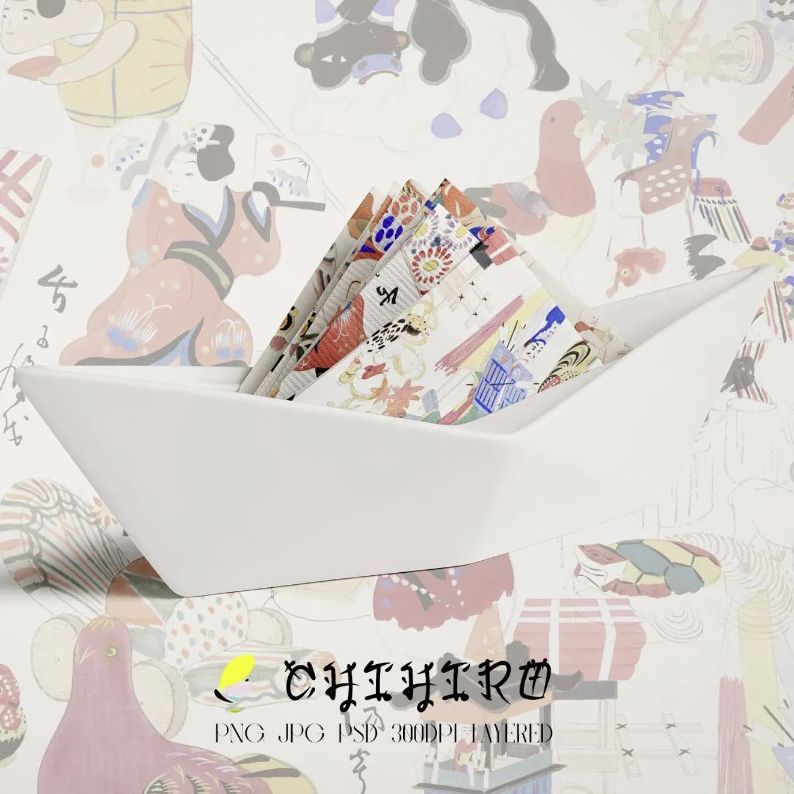
Move from clean catalog-style views to styled arrangements with cutlery, a glass or a napkin holder. The horizontal scenes include flat, folded, triangular, stacked, crumpled, fan-shaped and partially opened napkins, providing enough variation for a complete campaign rather than a single product image.
What Is Included
16 layered PSD mockup scenes
16 full-size JPG previews plus 1 JPG guide
33 files in total
25 × 25 cm paper napkin format
6000 × 4000 or 4000 × 2667 px at 300 DPI
Horizontal compositions with multiple folds and tabletop arrangements
See How Patterns Behave on Folds
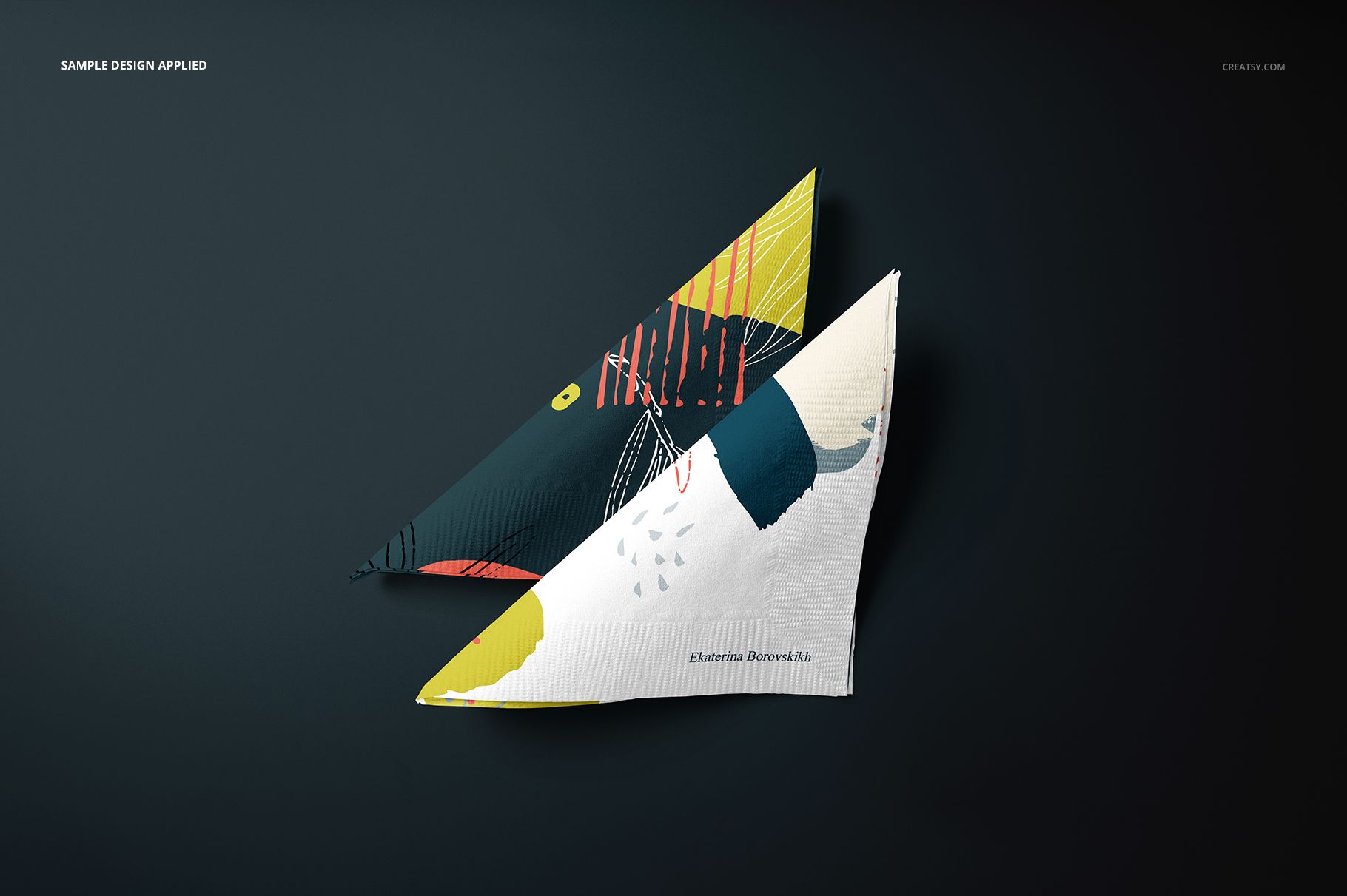
A motif that feels balanced on a flat square can change dramatically when corners overlap or the napkin is compressed into a holder. These scenes help you review repeat scale, focal placement, edge continuity and contrast on realistic paper texture.
Flexible Background and Shadow Control
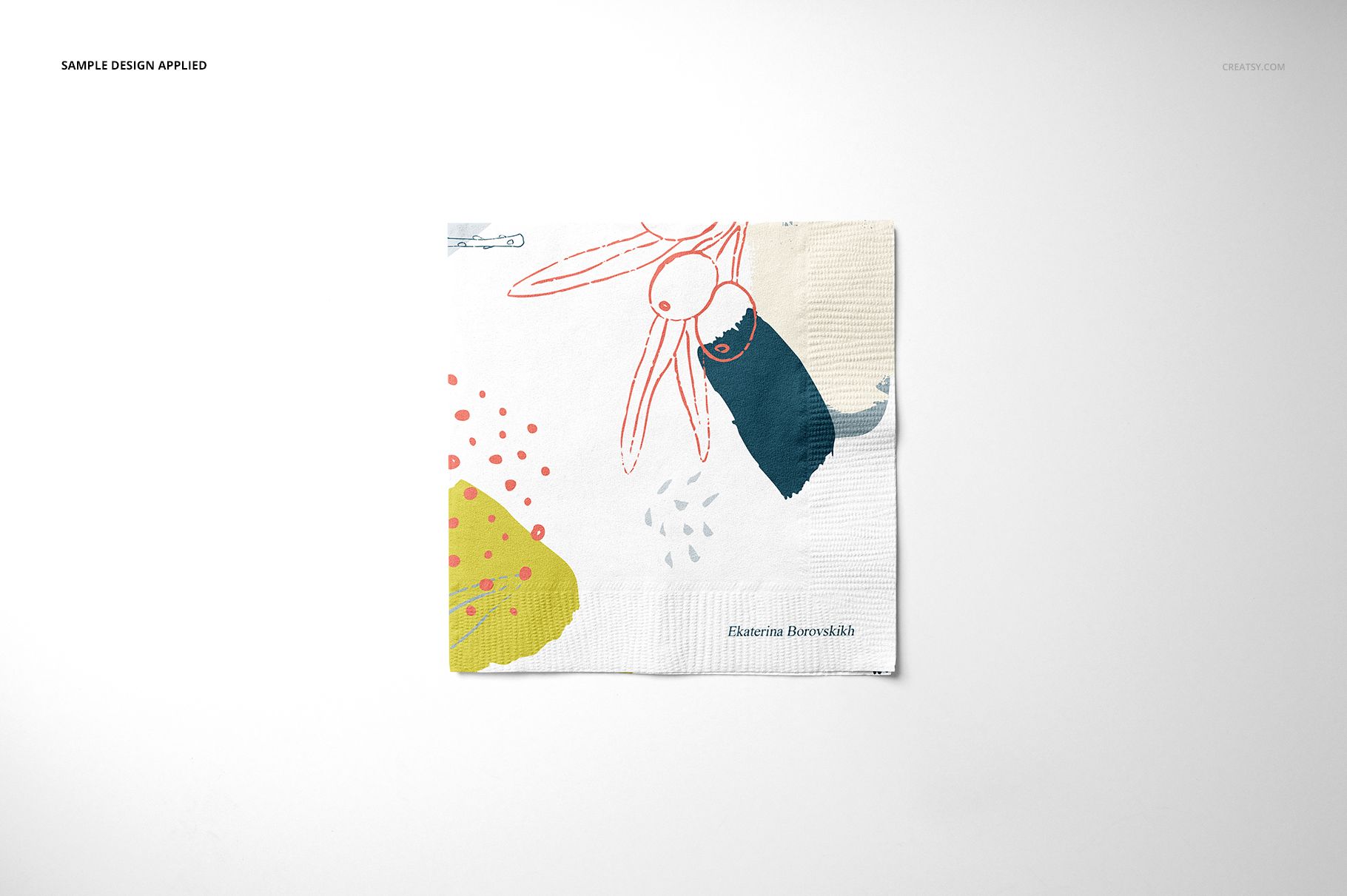
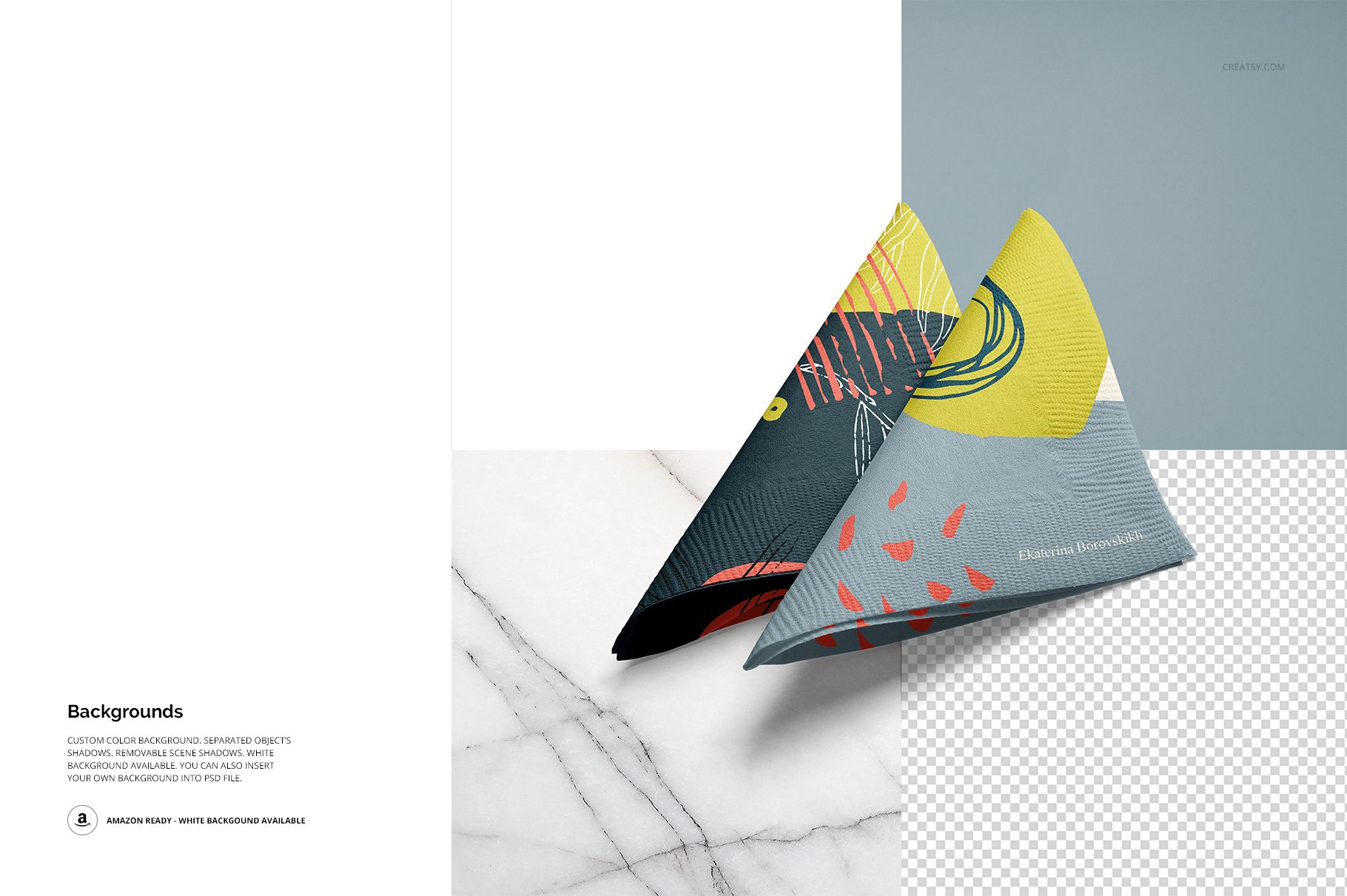
Objects and drop shadows are separated, so you can keep the photographed depth, remove the shadow or export a scene with a transparent background. A white-background option supports clean catalog images, while custom colors or your own background can extend the artwork into a branded environment.
Easy Smart Object Editing
Place artwork through Smart Objects, adjust colors and choose the background treatment that suits the presentation. The layered PSD files are compatible with Adobe Photoshop CC 2015 or newer and Photopea.
Perfect For
Surface pattern and paper goods collections
Restaurant, cafe and catering branding
Wedding, party and seasonal table styling
Hospitality presentations and client approvals
Portfolio case studies and online product galleries
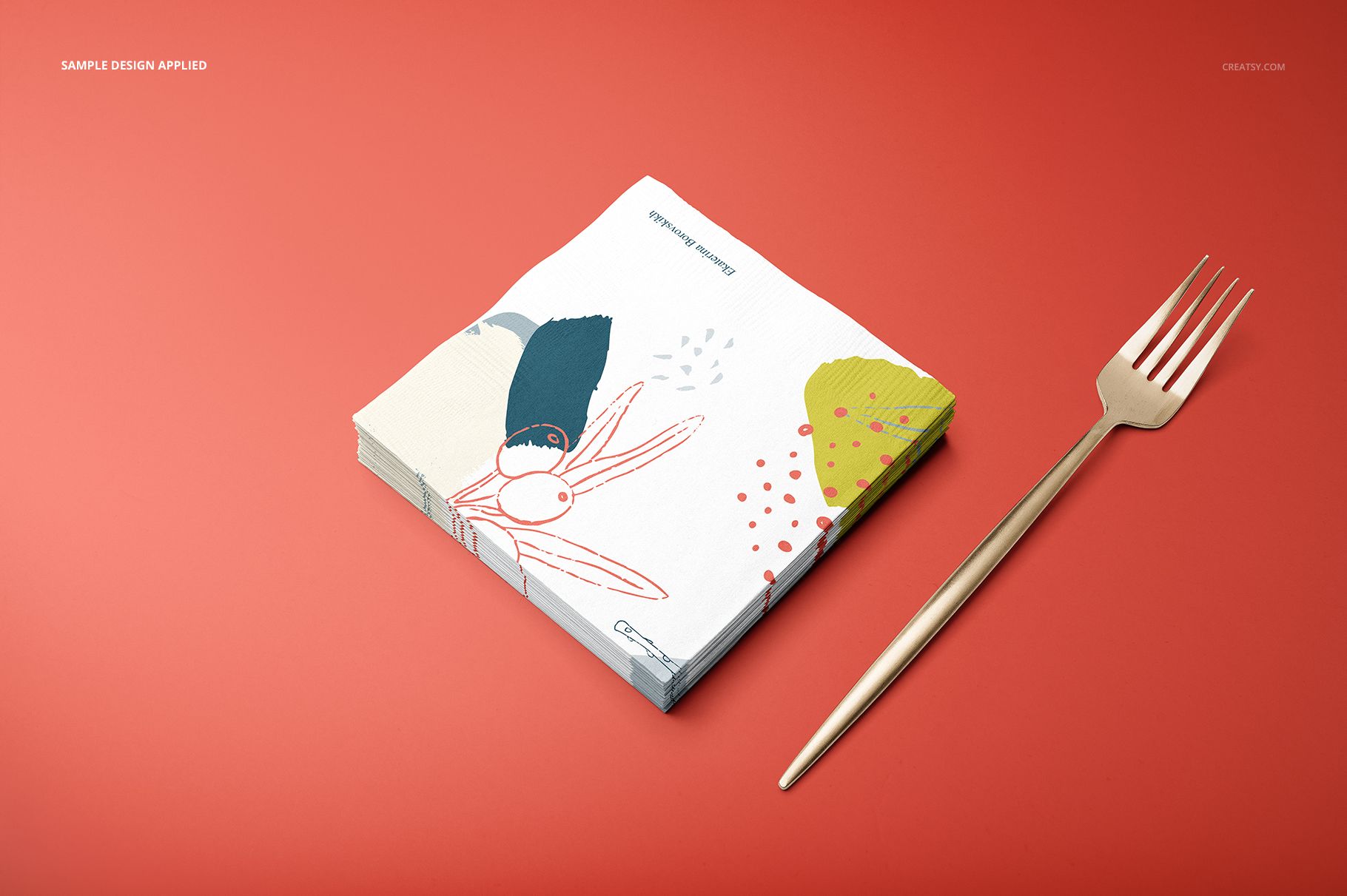
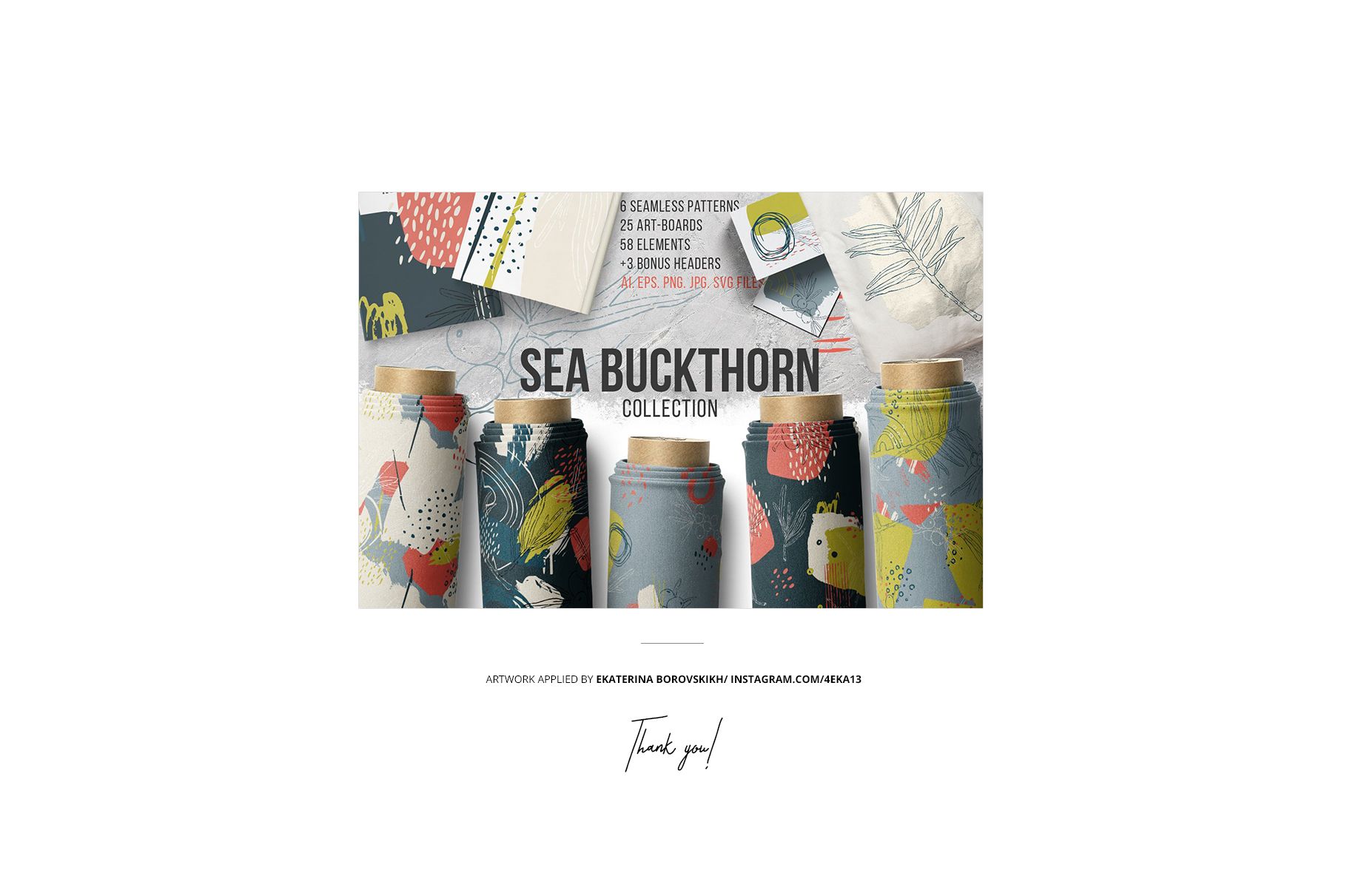
This is a digital mockup set, not a print-ready napkin production file. The Sea Buckthorn artwork, table accessories and other preview graphics are shown for demonstration and are not included as reusable assets.












Excellent product as always. So superior to anything else on the market. Amazing support too. Thank you!
Thank you so much for your review! <3