

Sublimation Coffee Mug Mockup

Product Details
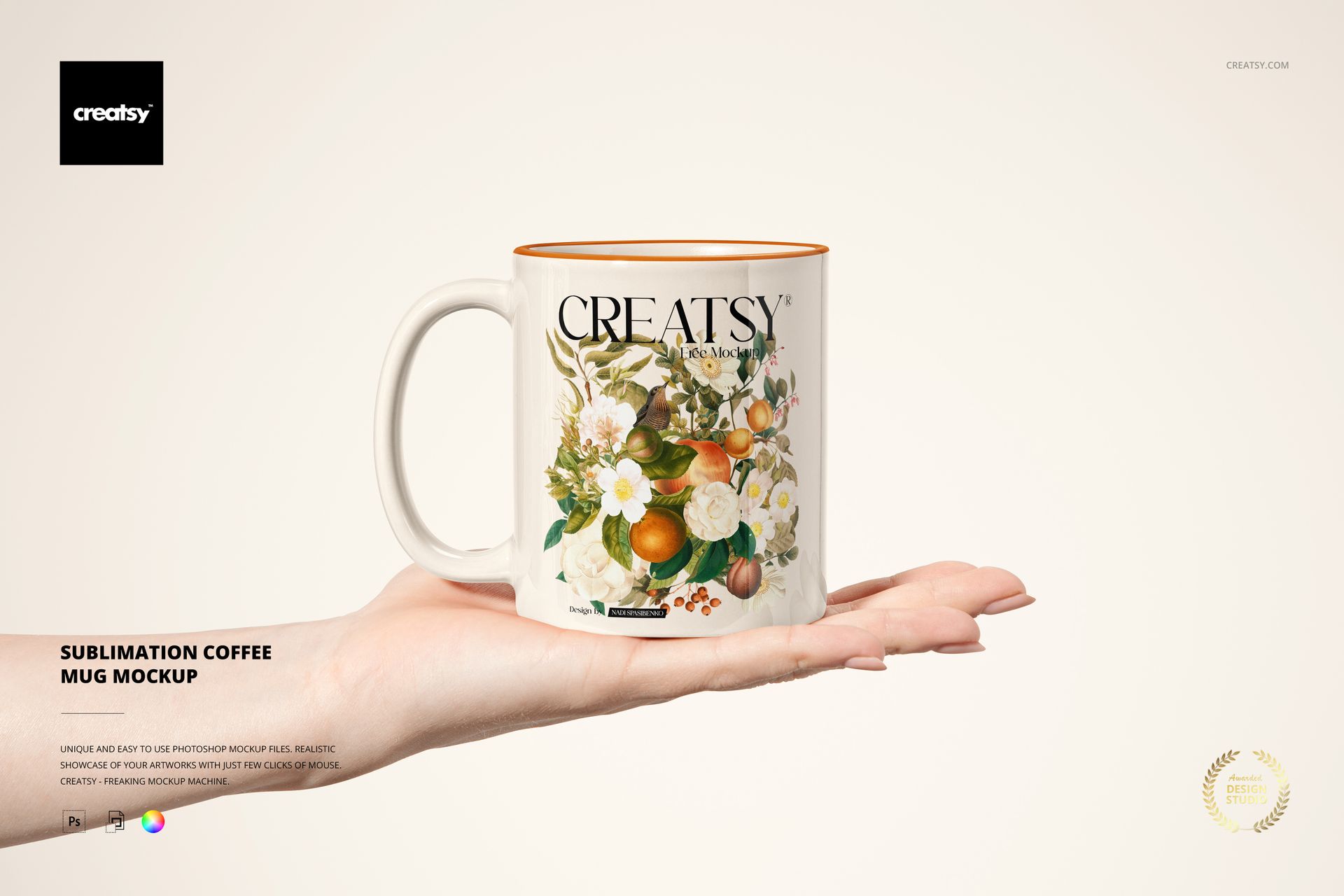
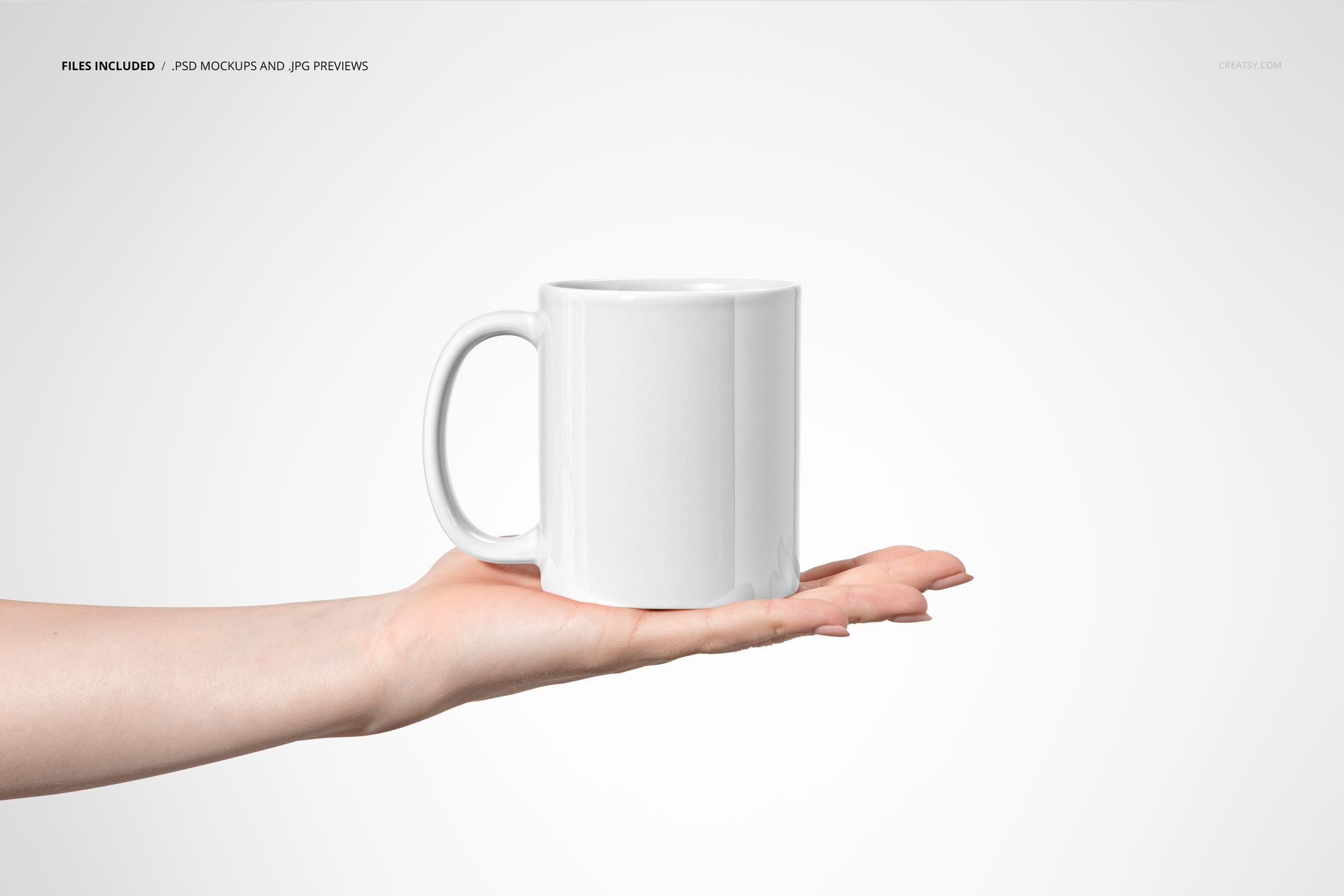
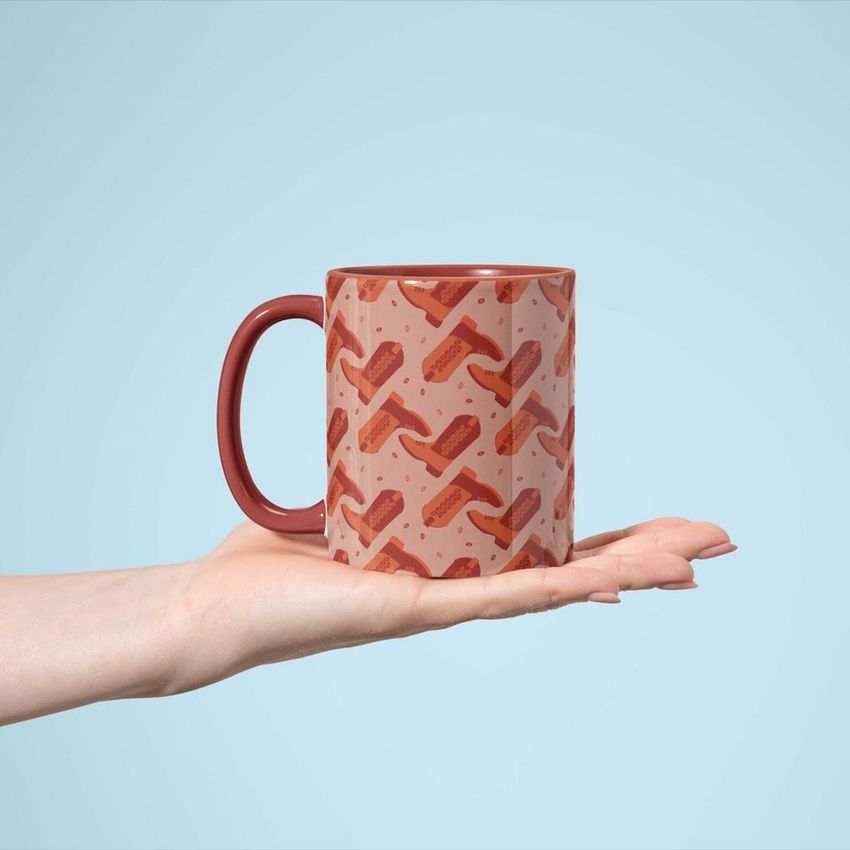
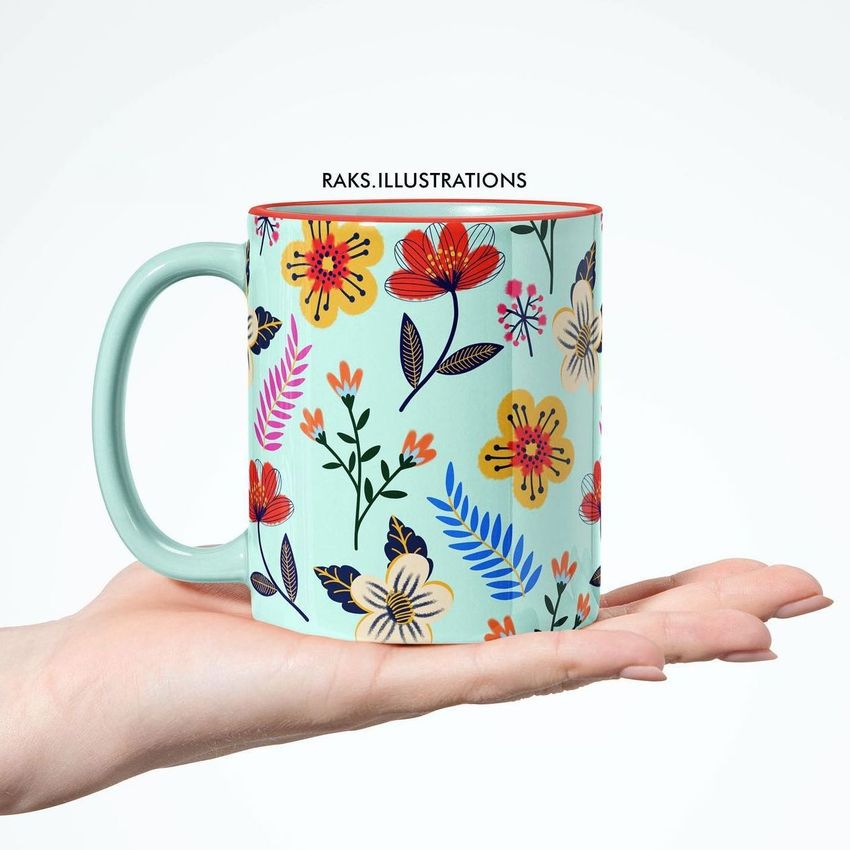
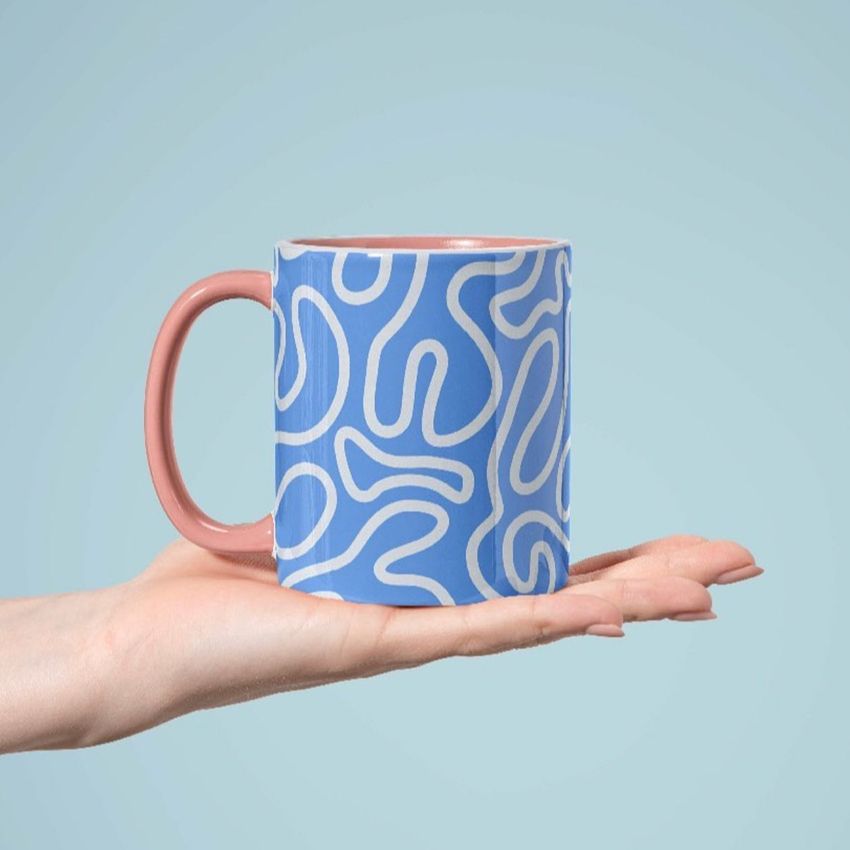
Sublimation Coffee Mug Mockup on an Open Palm
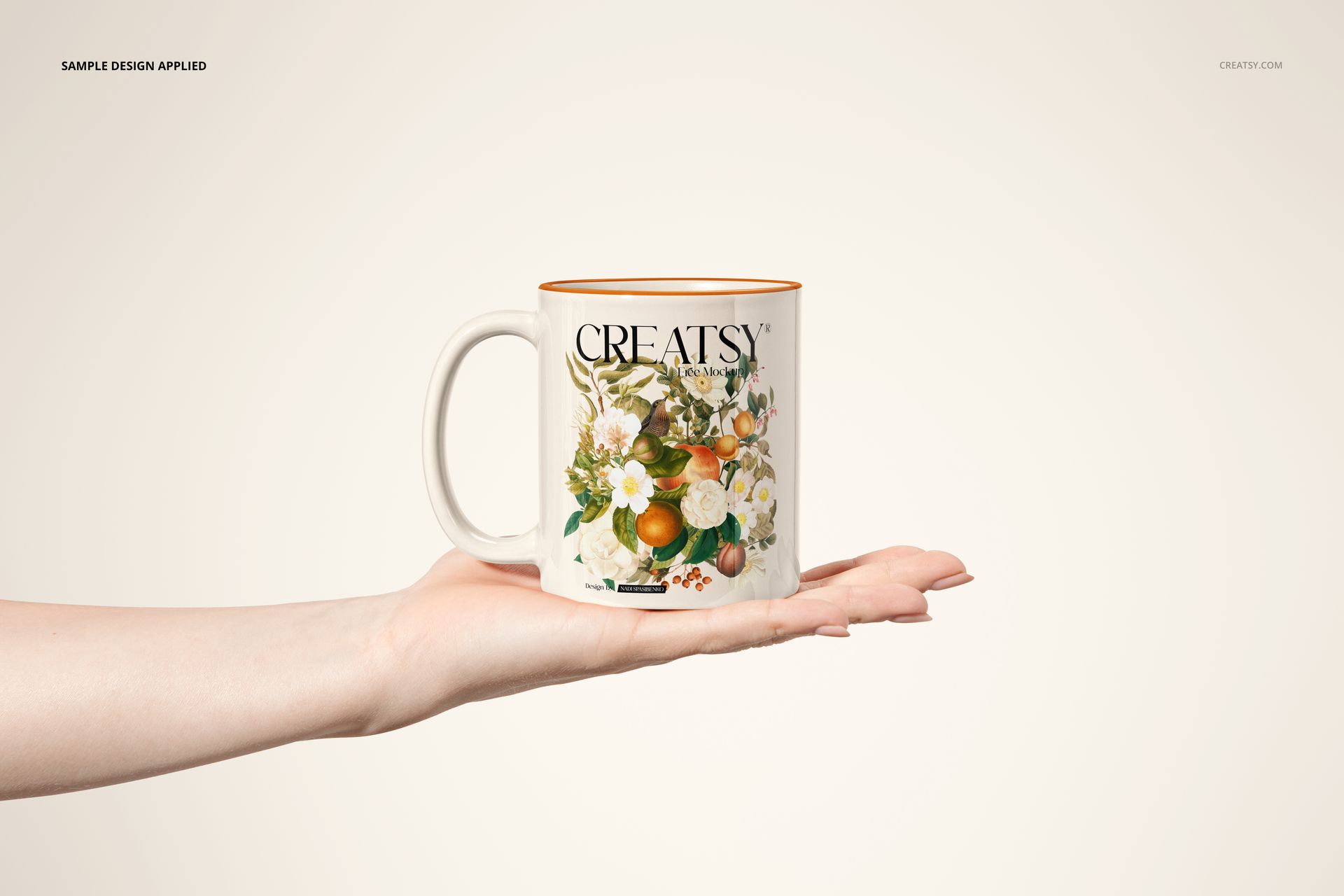
Present your mug design resting on an outstretched hand. This coffee mug mockup uses an open-palm pose, leaving the handle and printed body visible without fingers covering the artwork. It is a useful setting for floral designs, personalized gifts and coordinated coffee merchandise.
Customization Options
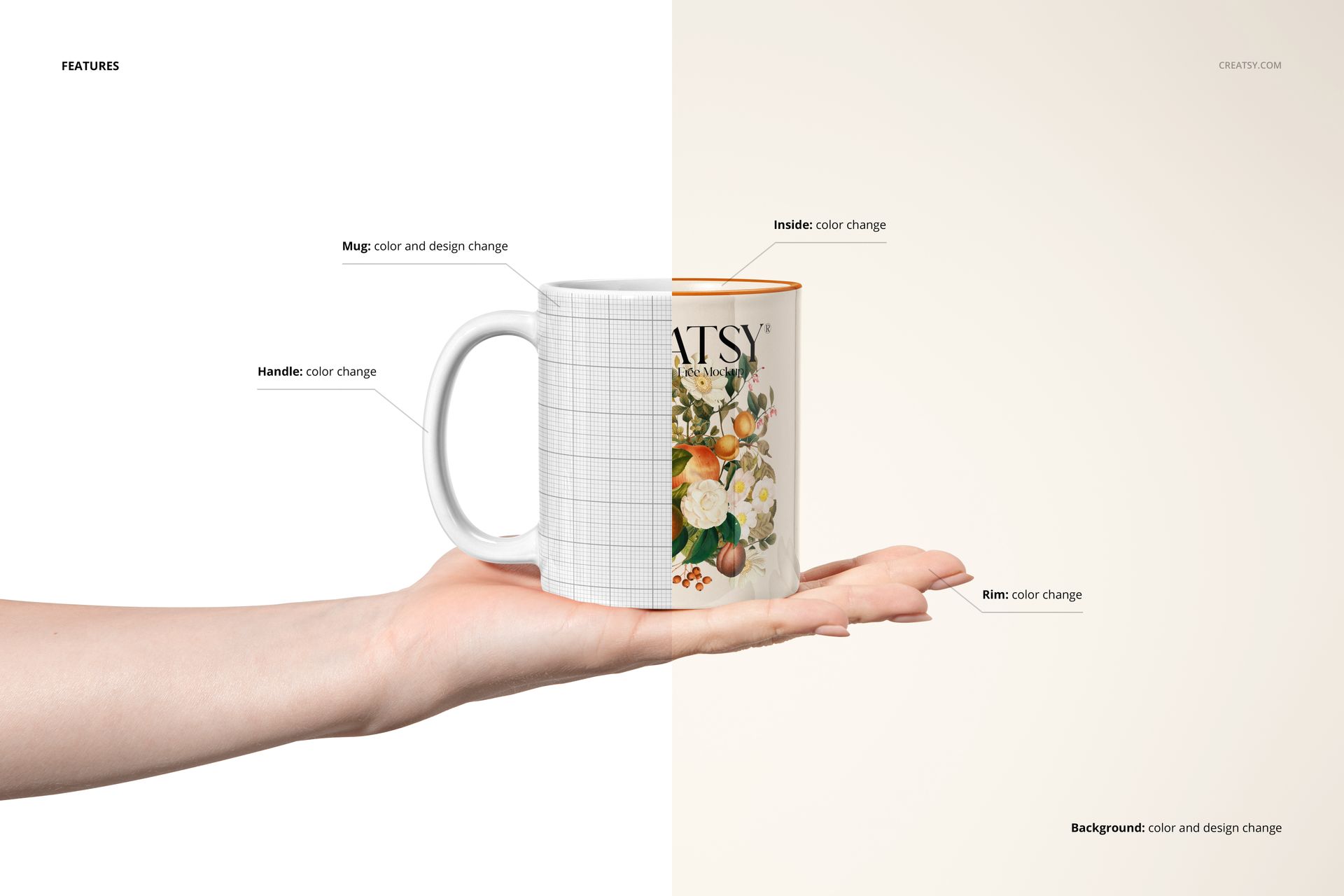
Insert your exterior artwork with a Smart Object.
Change the mug body, handle, rim and interior colors.
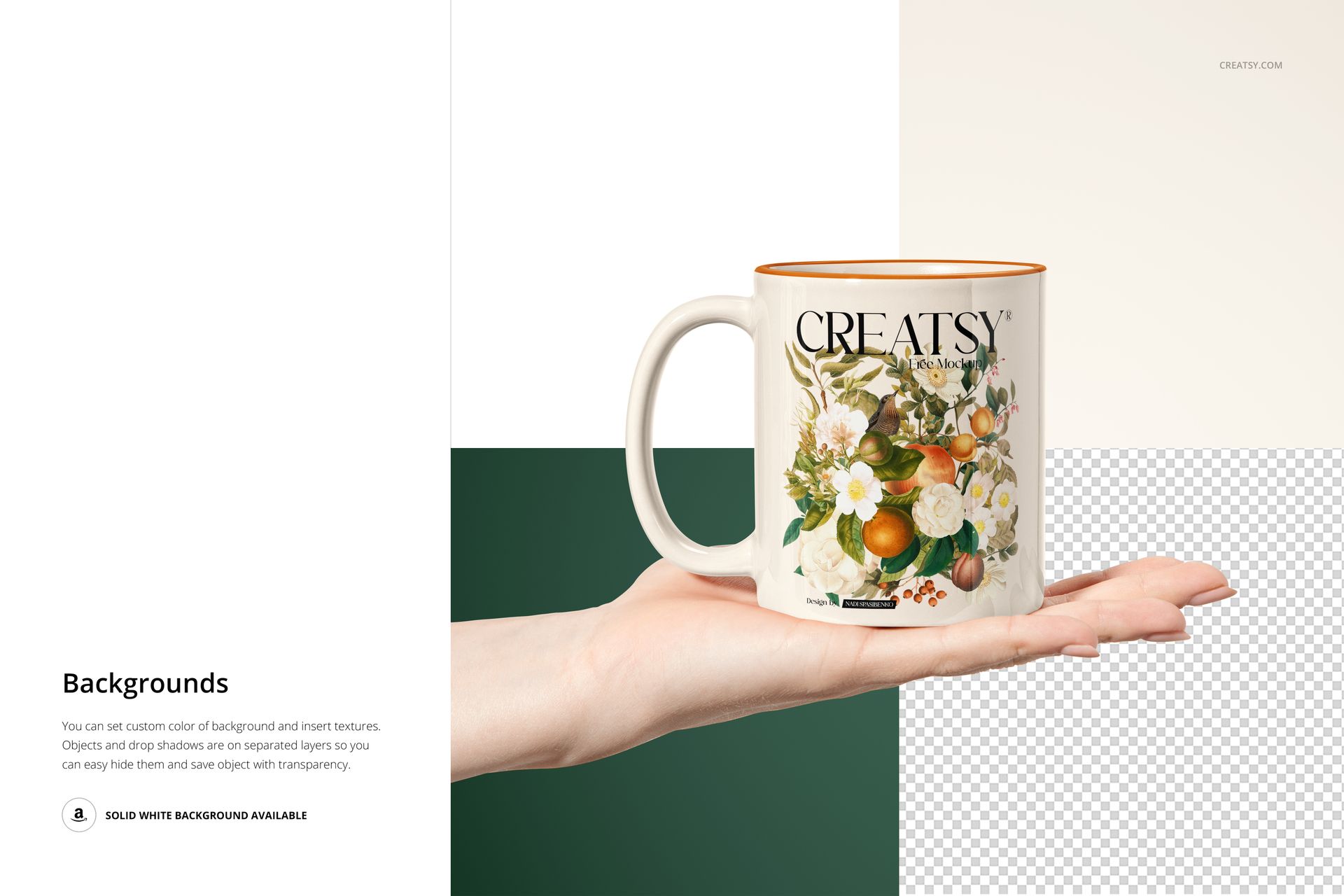
Choose a custom background color or texture.
Hide the background to export the mug-and-hand composition with transparency.
What Is Included
1 layered PSD file.
1 JPG file and a PDF user manual.
Editable in Adobe Photoshop or Photopea.
Preview Design Credit
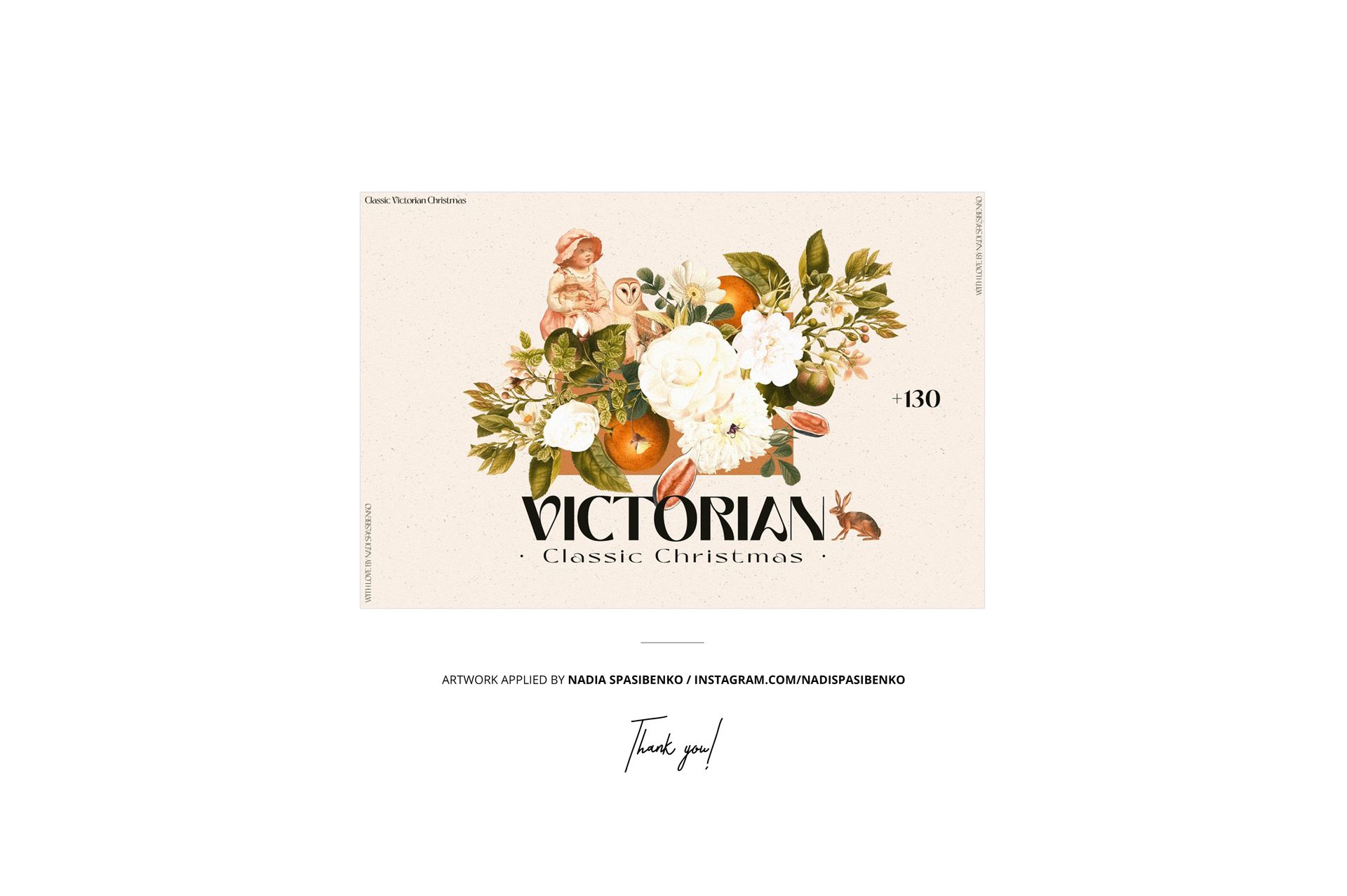
The floral artwork in the product previews is by Nadia Spasibenko. It is shown as an example of artwork applied to the mockup.
File details
- Compatibility
- Package size
- 79.4 MB
|83.3 MB
- Files type
- .psd, .jpg, .pdf
- Files size
- 6000x4000


Reviews
Professional PSD mockups built in-house - editable, realistic, high-resolution, and supported by real people.
love it!
Best Mock ups
creatsy is the best!
The files were well organized and easy to use but the arm looks a little wonky. I won't be using this file, but it was a free download so it was good to try it out first. The cup smart objects work fine, so you could crop out after the wrist if you wanted to use it instead.
file not found
Hi there, I apologize for this issue. We have tested all of these files, and they appear to be working properly. It seems that the issue may be related to incomplete downloads or incorrect extraction of the files. Please ensure that you fully download the files and extract them correctly. https://creatsy.com/help-center/troubleshooting-downloading-and-unzipping-issues This problem may also be caused by an error in the default zip file extraction tool. Please check this article for troubleshooting zip file extraction issues: • For Windows: https://creatsy.com/help-center/troubleshooting-unzipping-ZIP-files-windows • For Mac: https://creatsy.com/help-center/troubleshooting-unzipping-ZIP-files-mac As a workaround, I’m also sending these files unzipped via WeTransfer to provide an alternative delivery method. Please check your inbox for the link. Let me know if this resolves the issue or if there’s anything further I can assist you with. Thank you for your patience!
I can´t open the file
Hi Elizabeth, I apologize for this issue. We have tested all of these files, and they appear to be working properly. It seems that the issue may be related to incomplete downloads or incorrect extraction of the files. Please ensure that you fully download the files and extract them correctly. https://creatsy.com/help-center/troubleshooting-downloading-and-unzipping-issues This problem may also be caused by an error in the default zip file extraction tool. Please check this article for troubleshooting zip file extraction issues on a Windows here: https://creatsy.com/help-center/troubleshooting-unzipping-ZIP-files-windows or Mac here: https://creatsy.com/help-center/troubleshooting-unzipping-ZIP-files-mac As a workaround, I'm also sending these files unzipped via WeTransfer to provide an alternative delivery method. Please let me know if this resolves the problem for you. Thank you for your patience.
Made with Creatsy
Real designs. Real customers. See how creatives use Creatsy mockups to turn their artwork, branding, and product ideas into polished visuals.
MEET THE SHOP
- $1615$19.00
- $6715$79.00
- $2550$30.00
- $1870$22.00

HOW IT WORKS
3 clicks. That's it.
No tutorial needed. If you can copy-paste, you can use this.
- 1OpenDouble-click the smart object inside the PSD - in Adobe Photoshop, or free in your browser with Photopea.
- 2PasteDrop in your pattern, print, or artwork. Any design, any style.
- 3SaveHit save and the mockup wraps it in for you - shadows, folds, and lighting included.
FROM IDEA TO IMAGE
Built for real workflows
Wrap your logo around the cup, not a flat rectangle Drop the artwork in and see how it sits on the curve before you list it.
See it on the product, not a swatch Drop your file into the smart object and the scene's lighting and folds wrap around it, so you judge the real thing before you commit.
Smart Objects
Edit once and you're done. Your artwork drops into a smart object and the mockup updates itself - no masking, no warping by hand.
Perfectly Organized
Named layers and folders you can actually navigate. Find what you need, change what you want, and get out fast.
Print-Ready
High-resolution files built to hold up on screen and in print. Exact size and DPI are in this product's Details above.


ok