Napkin Mockup Set
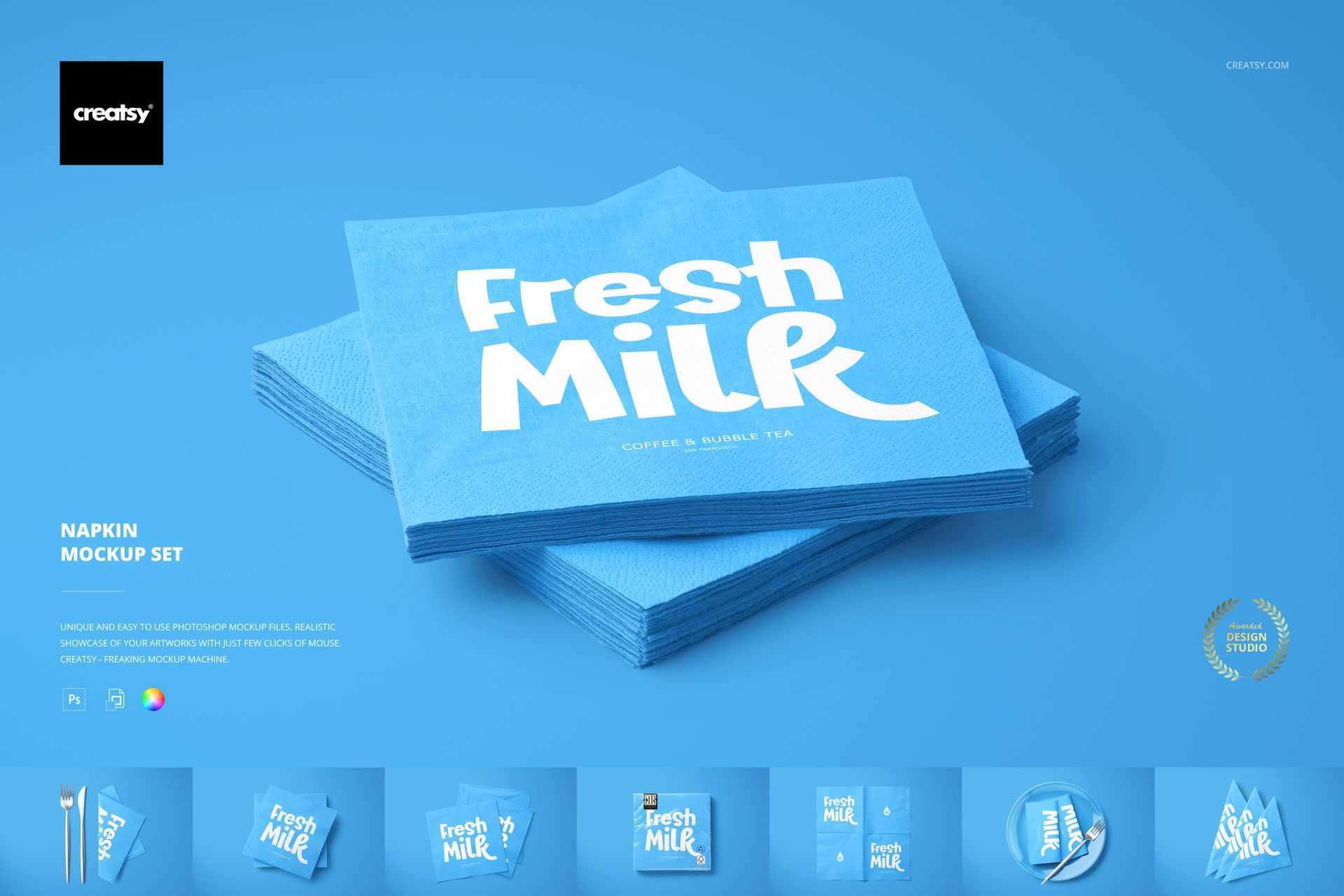
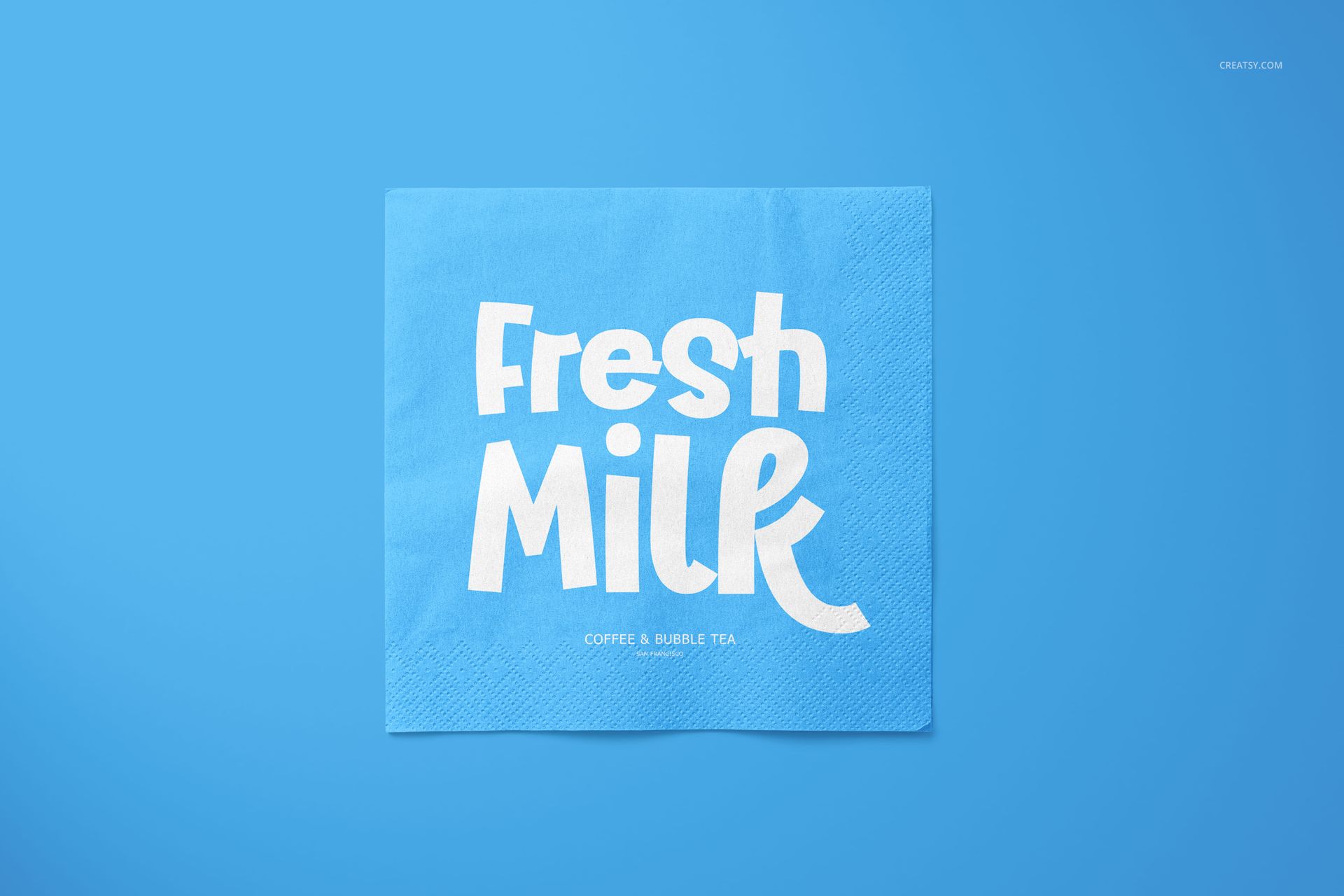
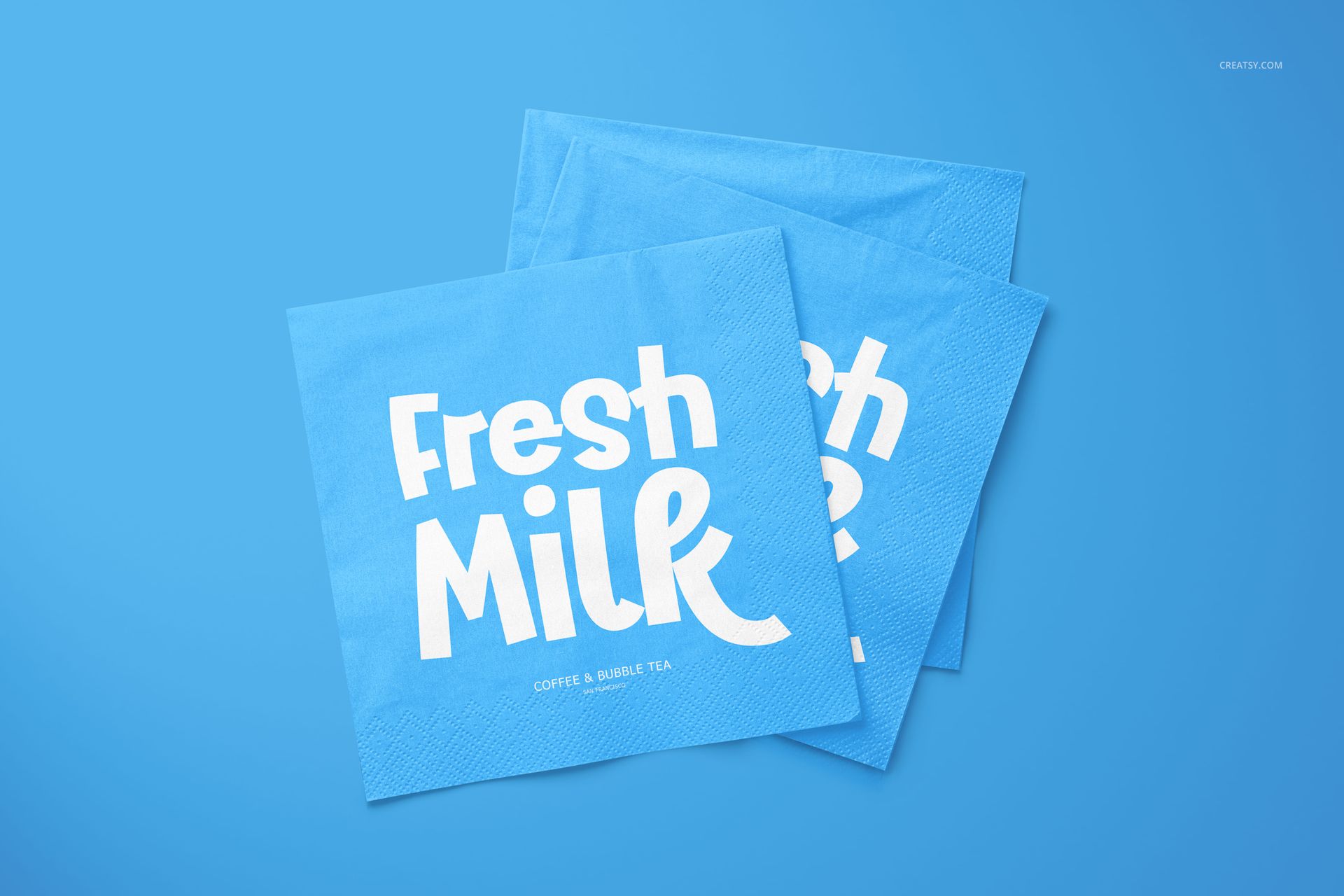
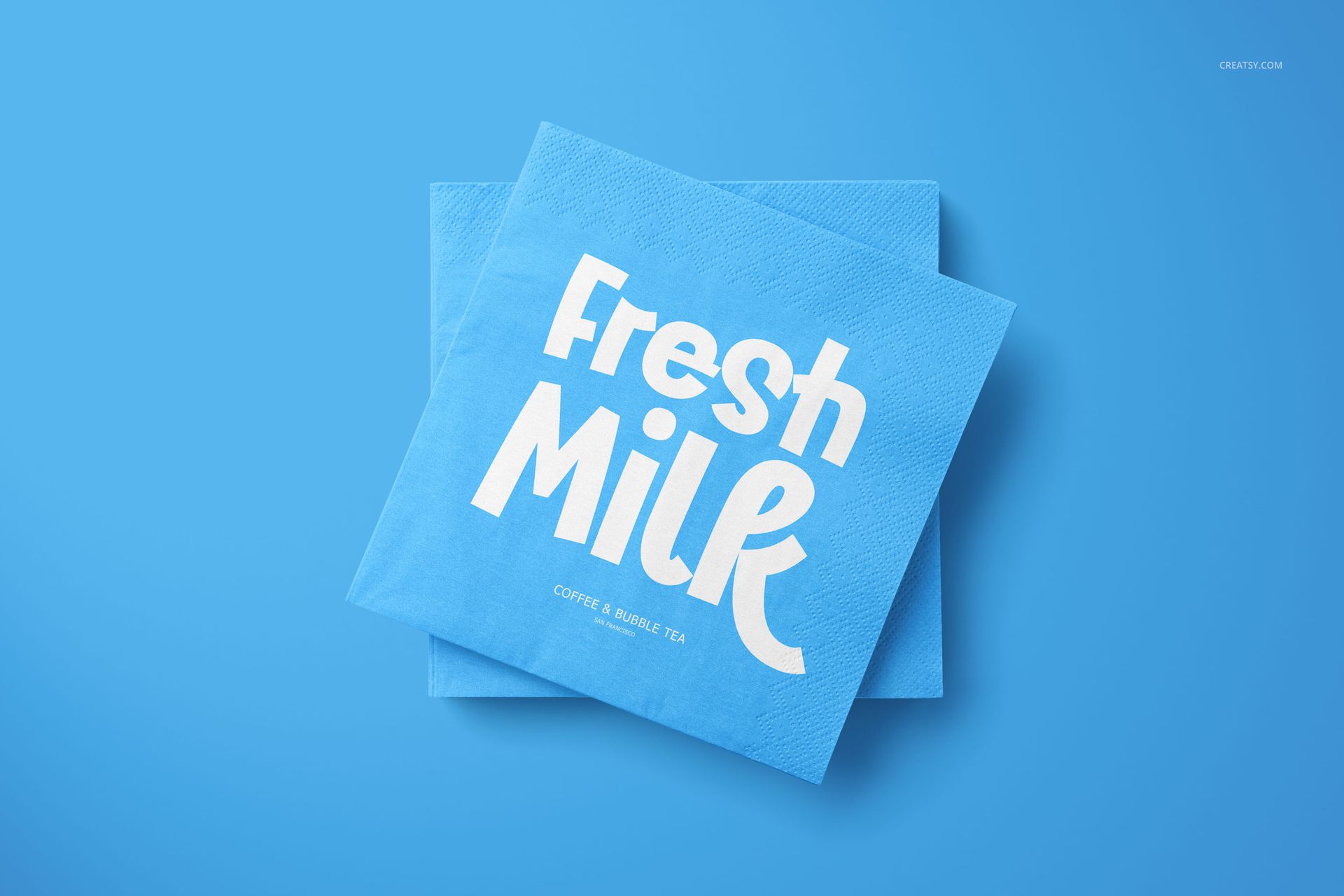
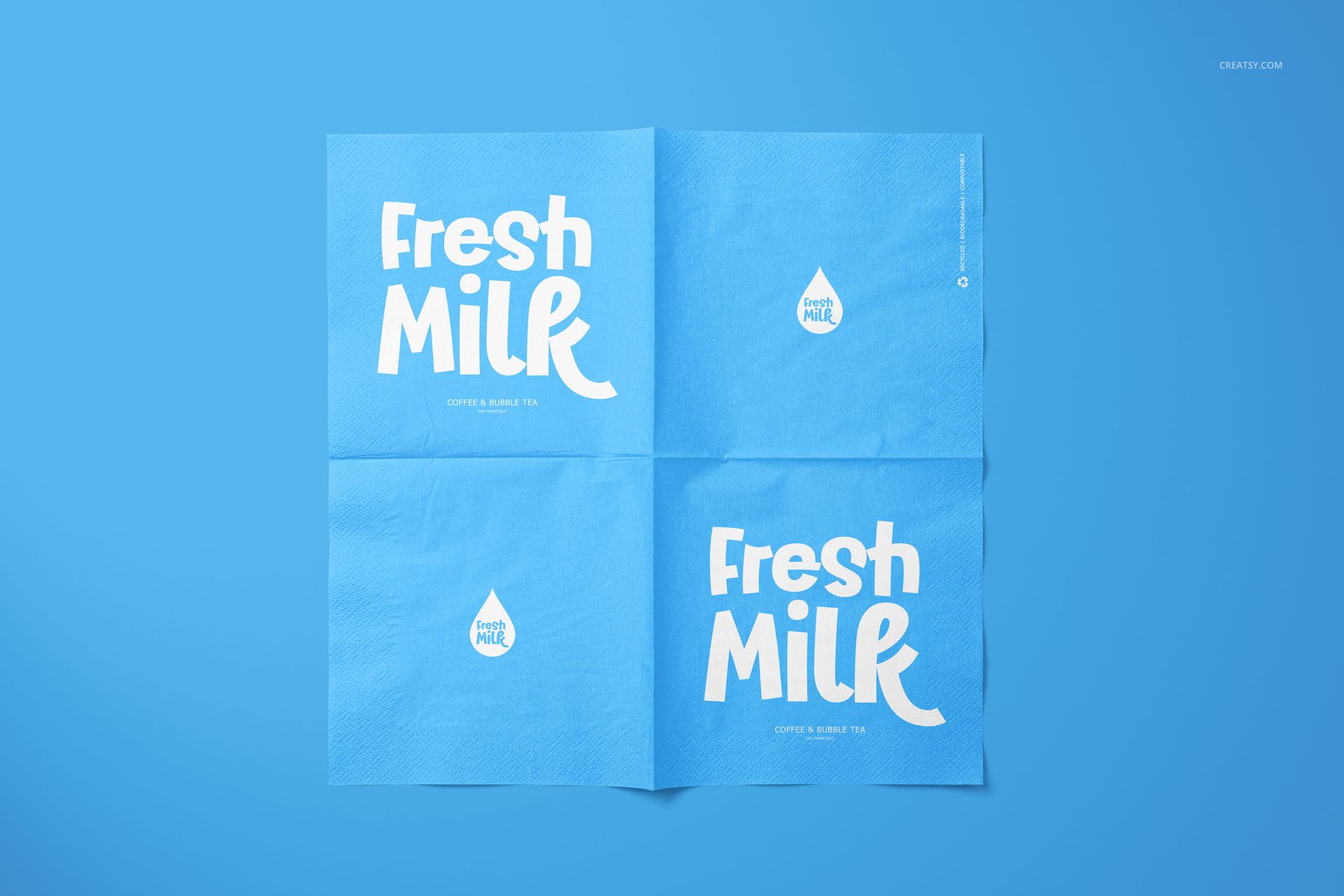
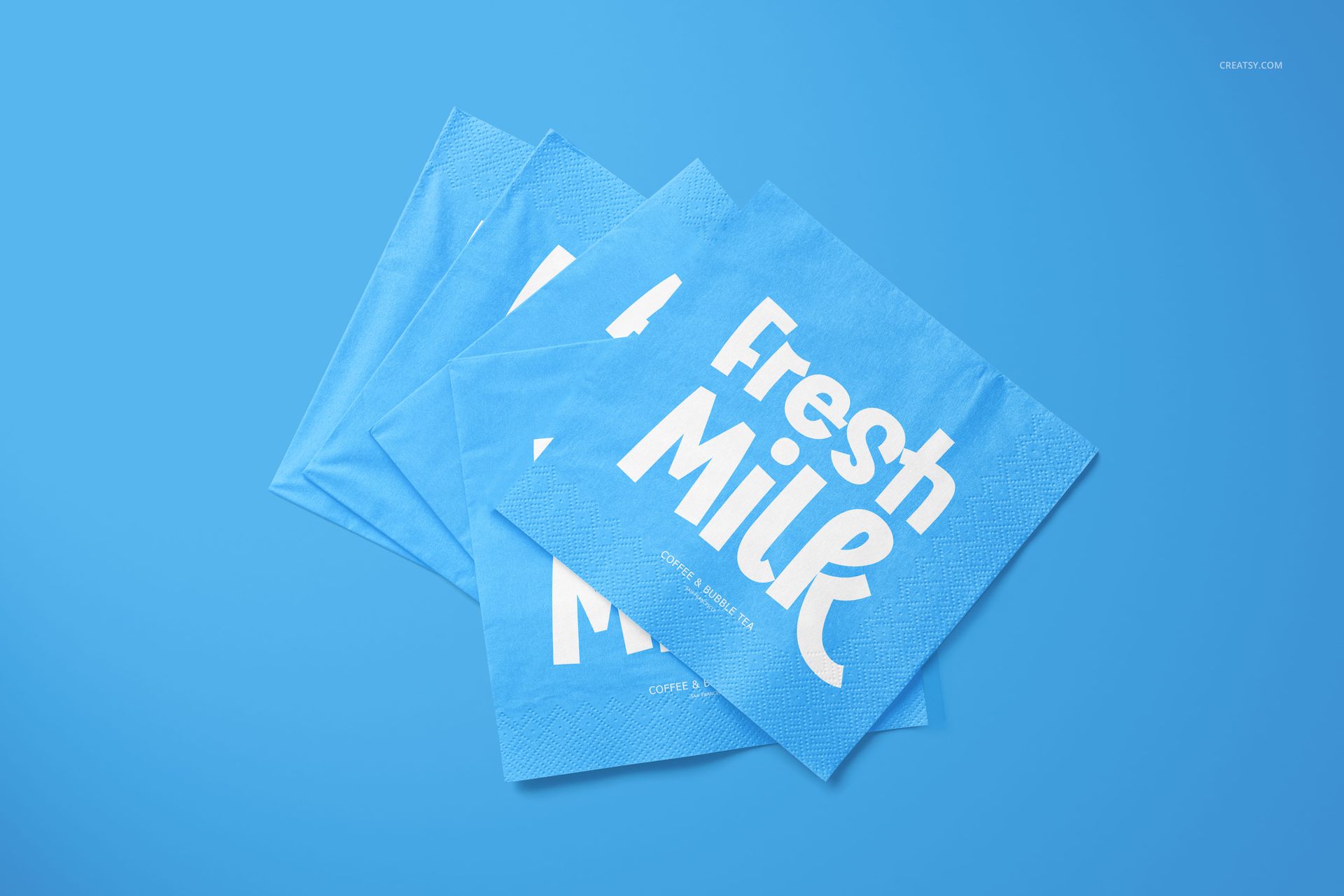
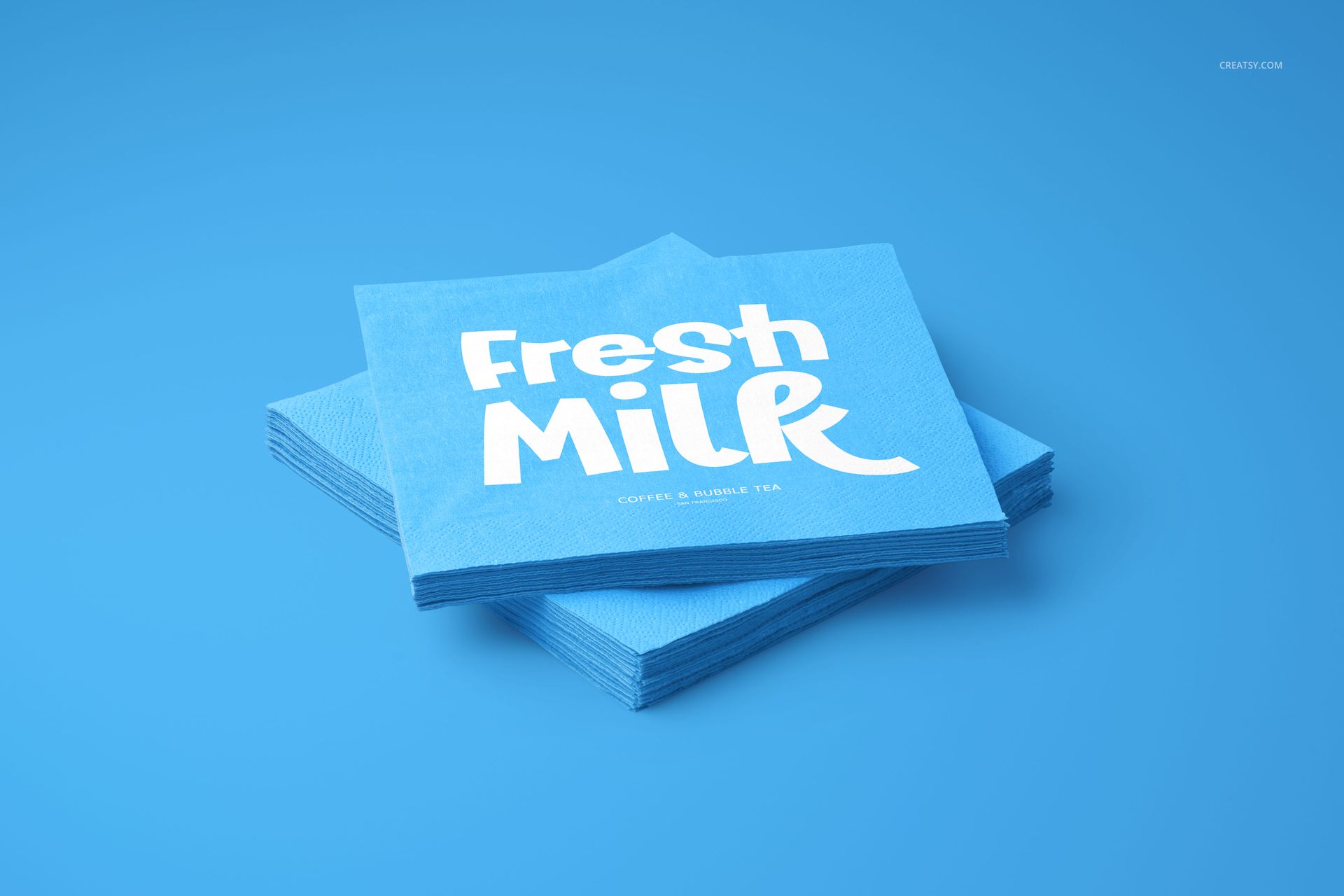
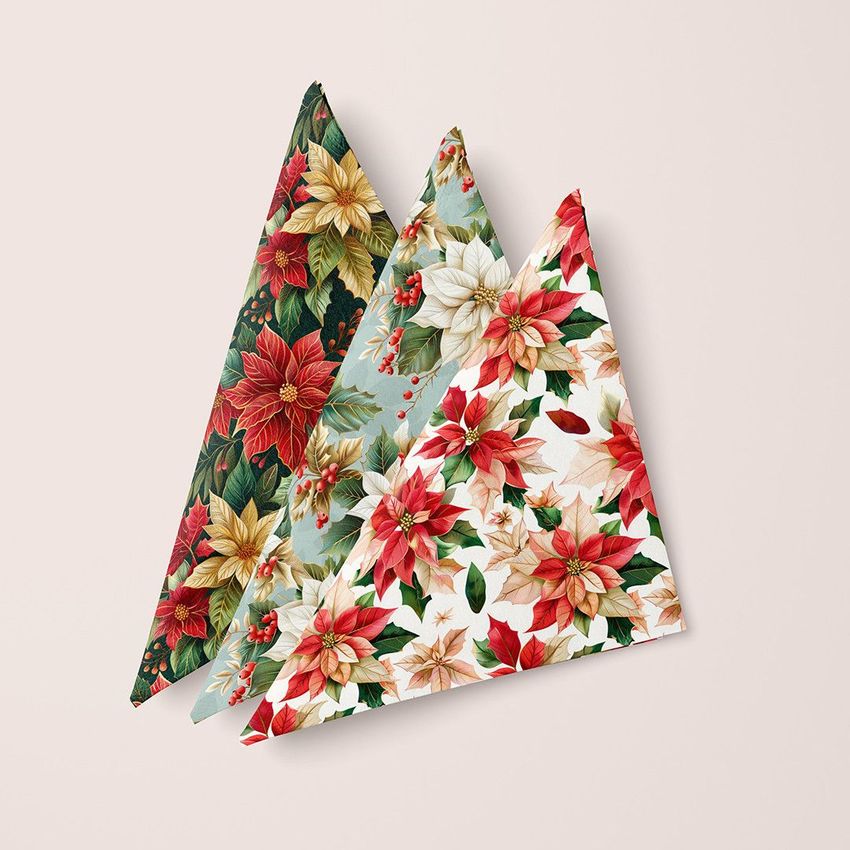
A napkin collection becomes more convincing when customers can see the artwork folded, overlapped, stacked and placed beside tableware. This ten-scene set provides those variations in a consistent horizontal format, helping one logo or pattern tell a complete restaurant, event or hospitality story.
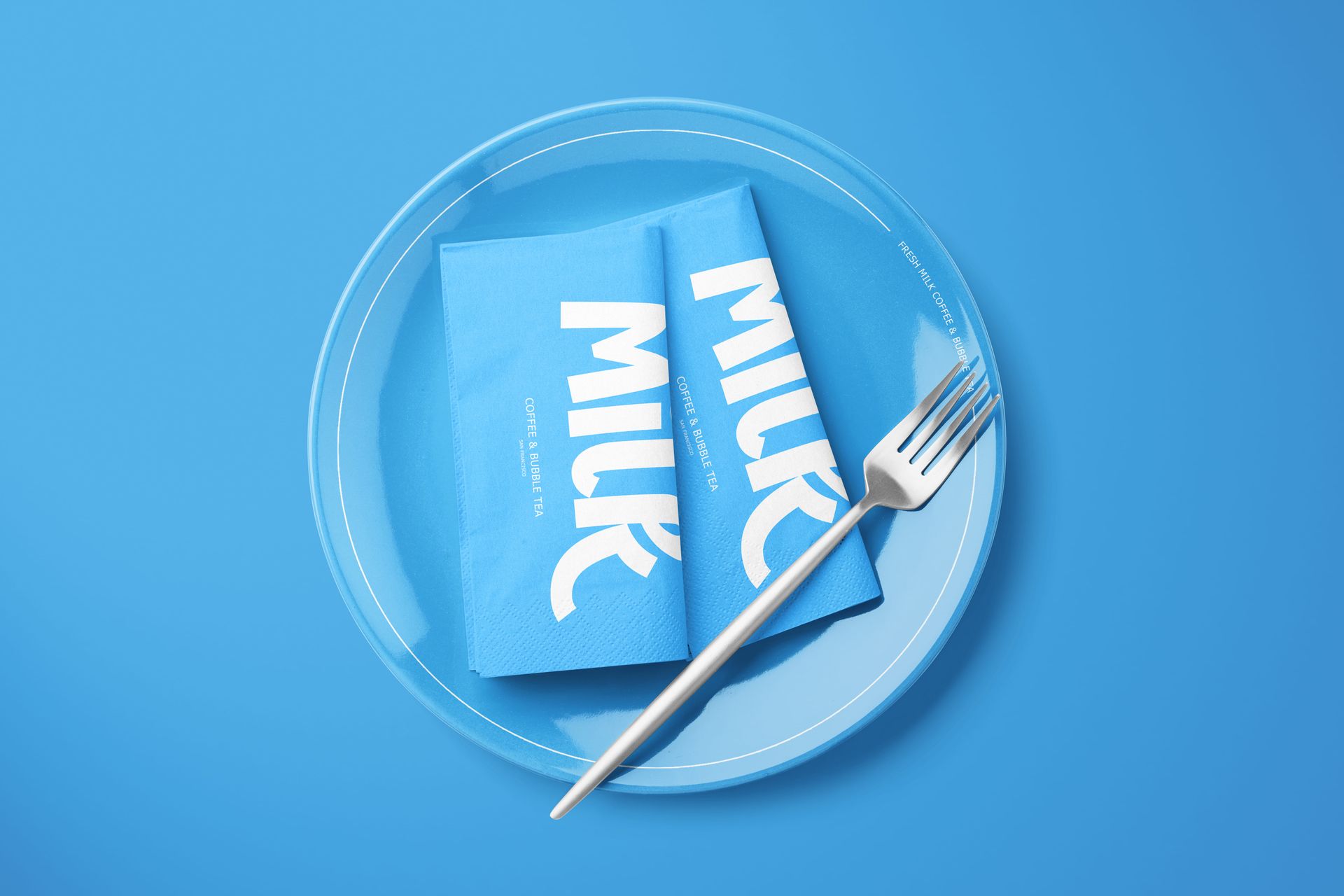
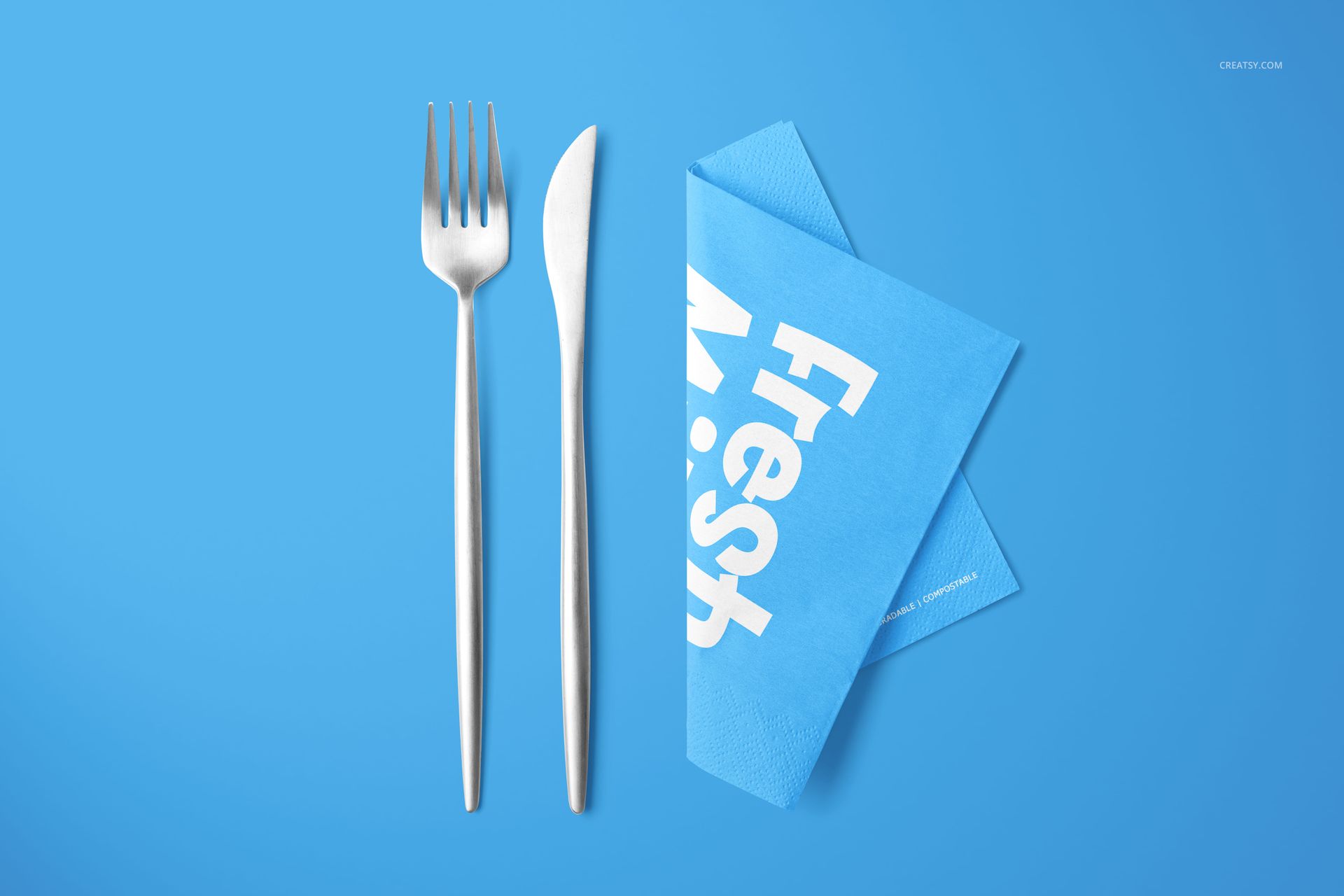
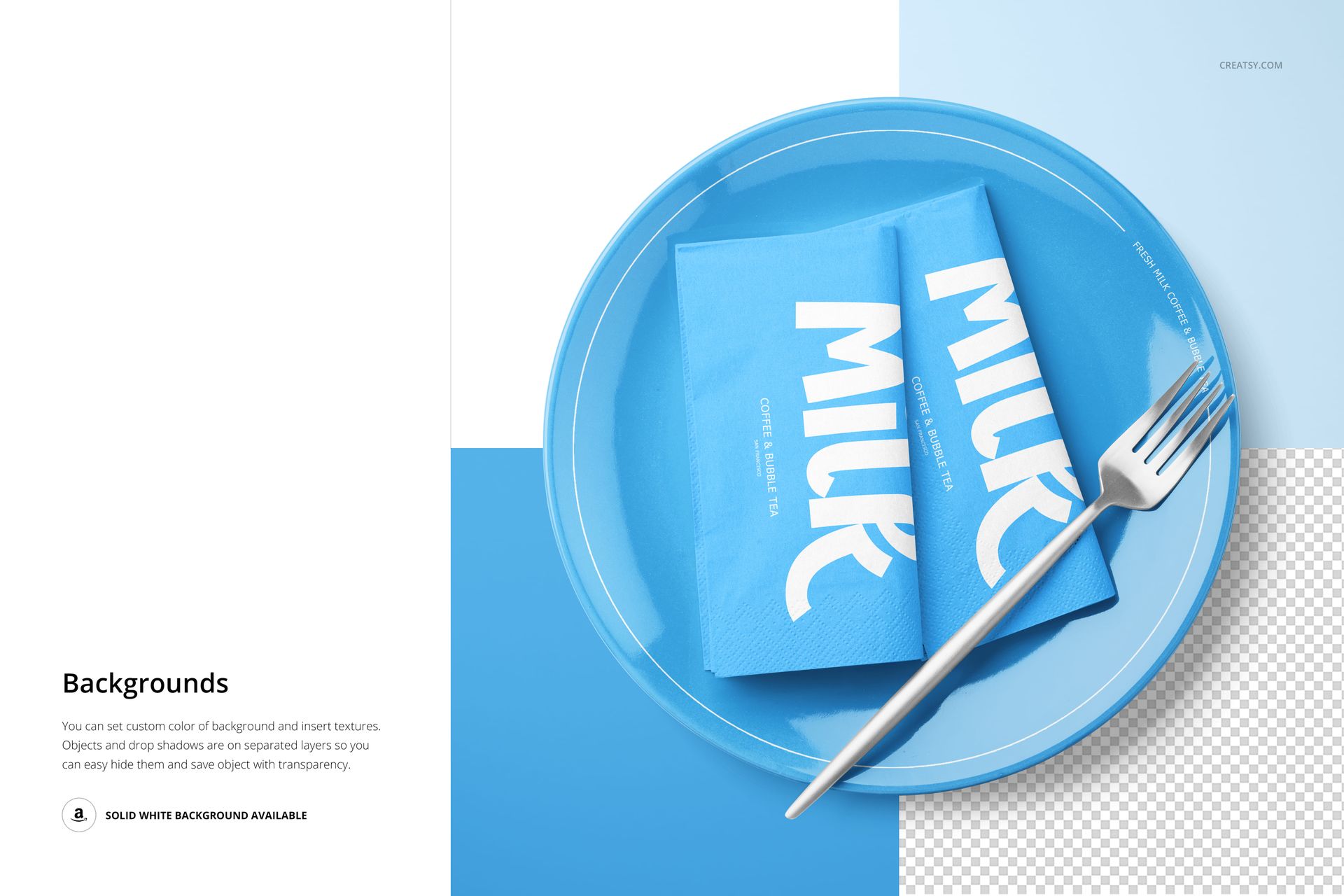
Present the napkin on its own for a focused artwork review, then introduce the plate, fork and styled arrangements to show how the identity performs across a place setting. The range is useful for comparing colorways, checking pattern density and building a product gallery without photographing physical samples.
What Is Included
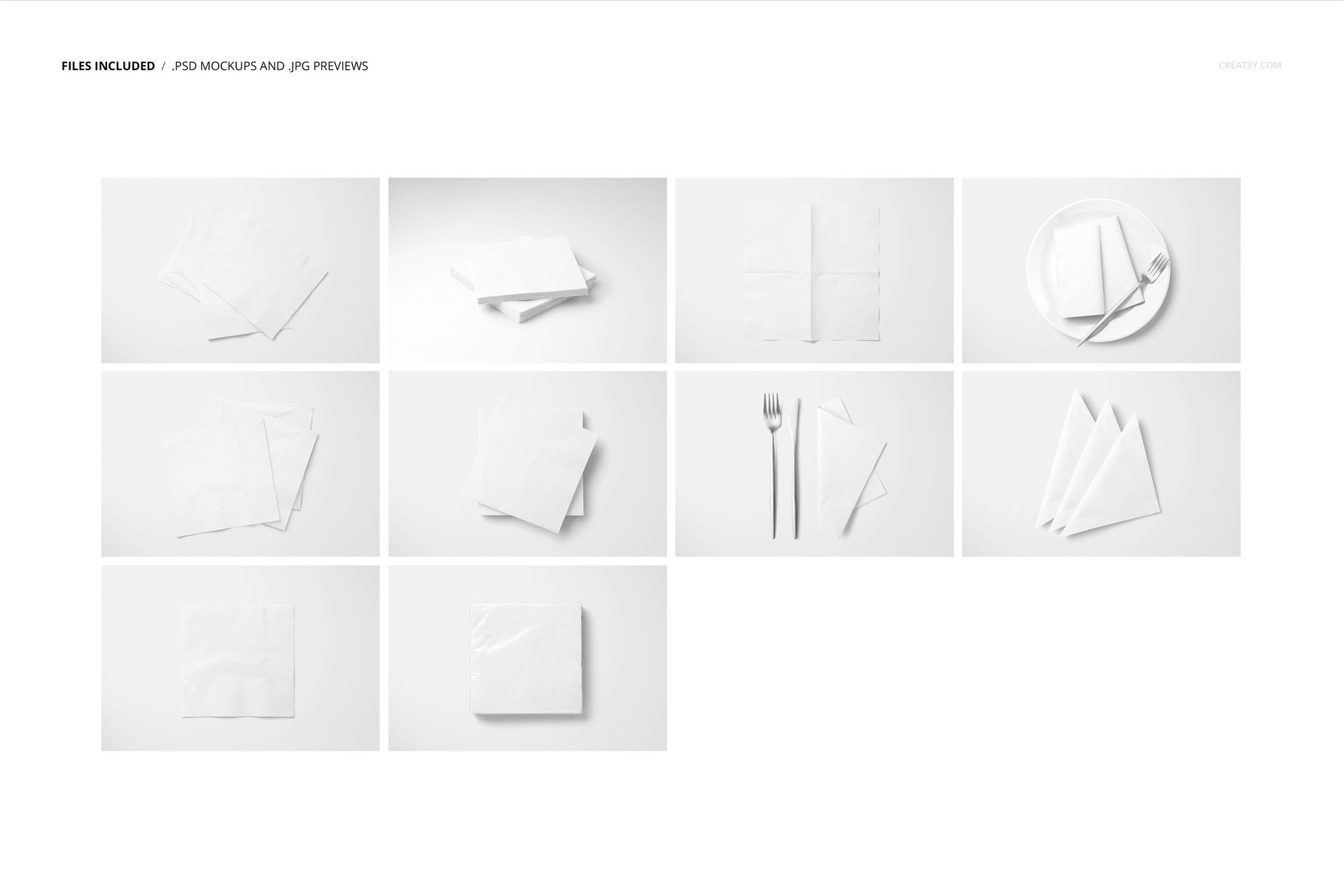
10 layered PSD mockup scenes
10 matching JPG previews, 20 files in total
6000 × 4000 px horizontal layouts
300 DPI resolution
Single, overlapping, stacked, folded and fan arrangements
Scenes with a plate, fork and flexible backgrounds
Present Pattern, Plate and Place Setting Together
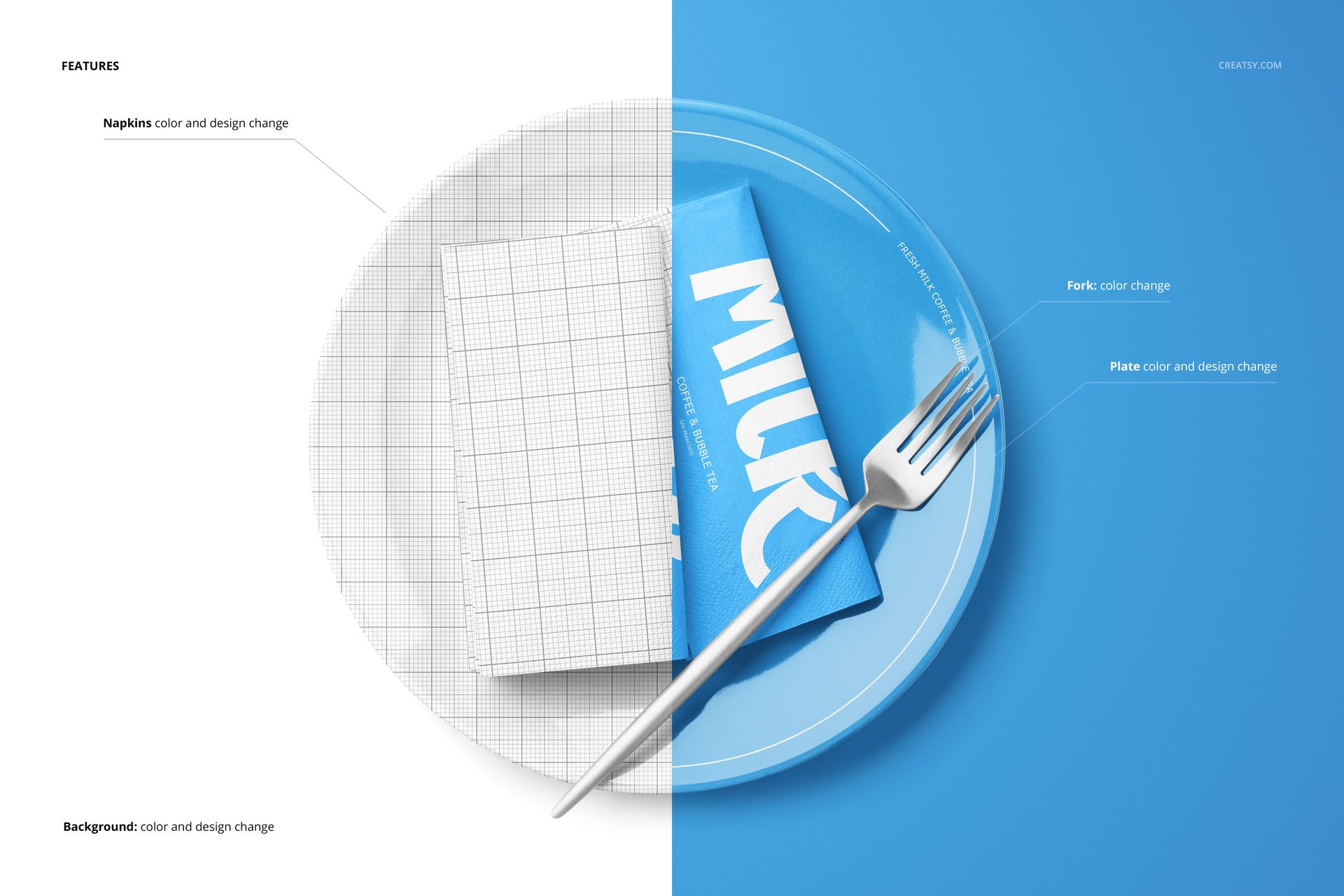
Artwork and color controls are available for the napkins and plate, while the fork color can be adjusted to suit the palette. This makes it possible to build a coordinated place setting rather than treating the napkin as an isolated square.
Flexible Layers for Clean Cutouts
Objects and drop shadows are kept on separate layers. You can hide selected elements, remove shadows, use the solid white background for a clean catalog image or export a composition with transparency for further art direction.
Easy Smart Object Editing
Replace napkin and plate artwork through Smart Objects, refine colors, then set a background color or add a texture. The PSD files are compatible with Adobe Photoshop CC 2020 or newer and Photopea.
Perfect For
Restaurant, cafe and catering branding
Wedding and party table styling
Surface pattern and paper goods presentations
Hospitality client approvals and menus
Portfolio case studies and online shop galleries
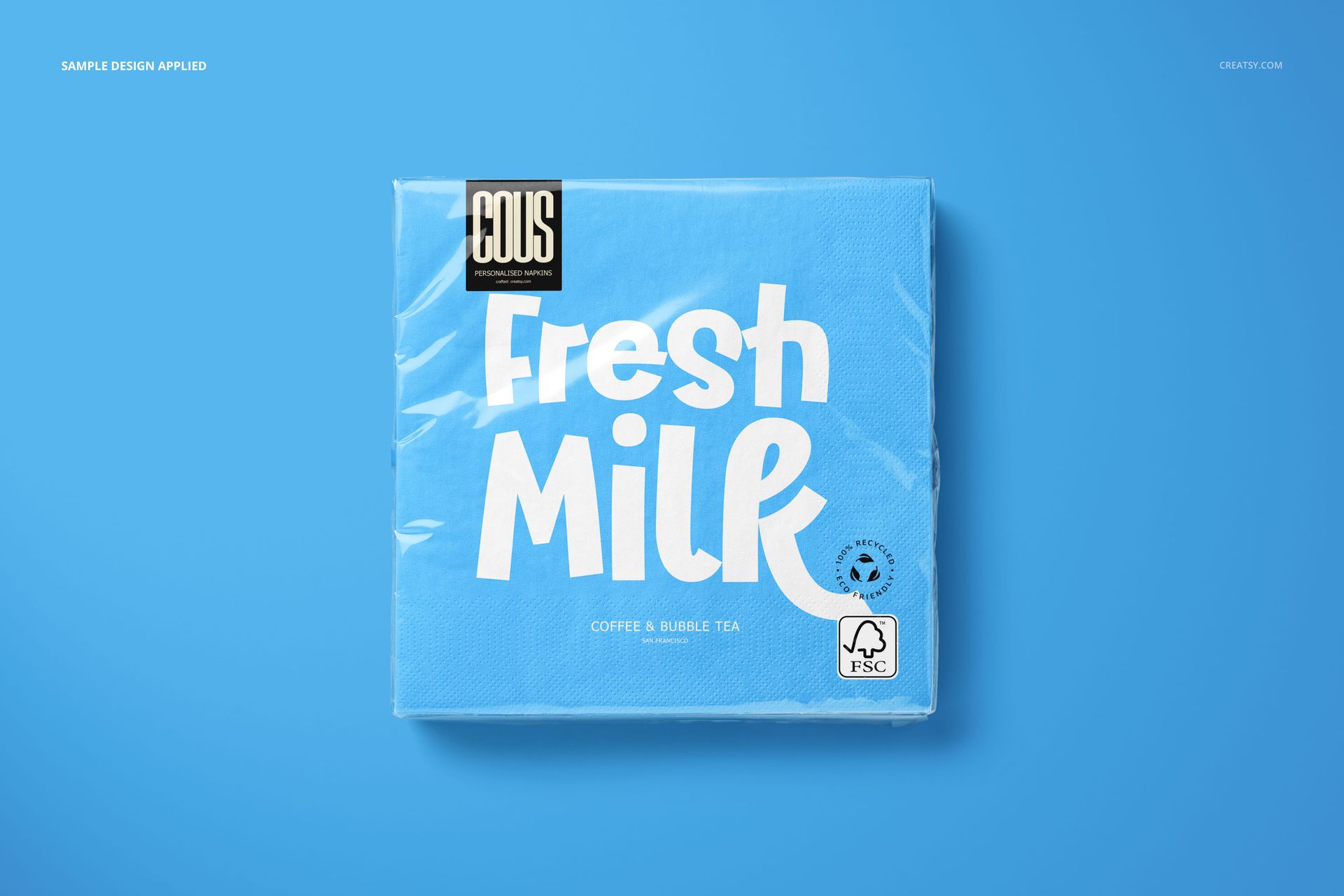
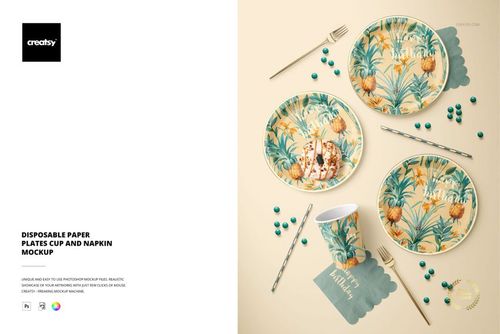
This is a digital mockup set, not a napkin production file. The Fresh Milk artwork and other graphics shown in the previews demonstrate possible uses and are not included as reusable assets.