Women's Baseball Jersey Mockup Set
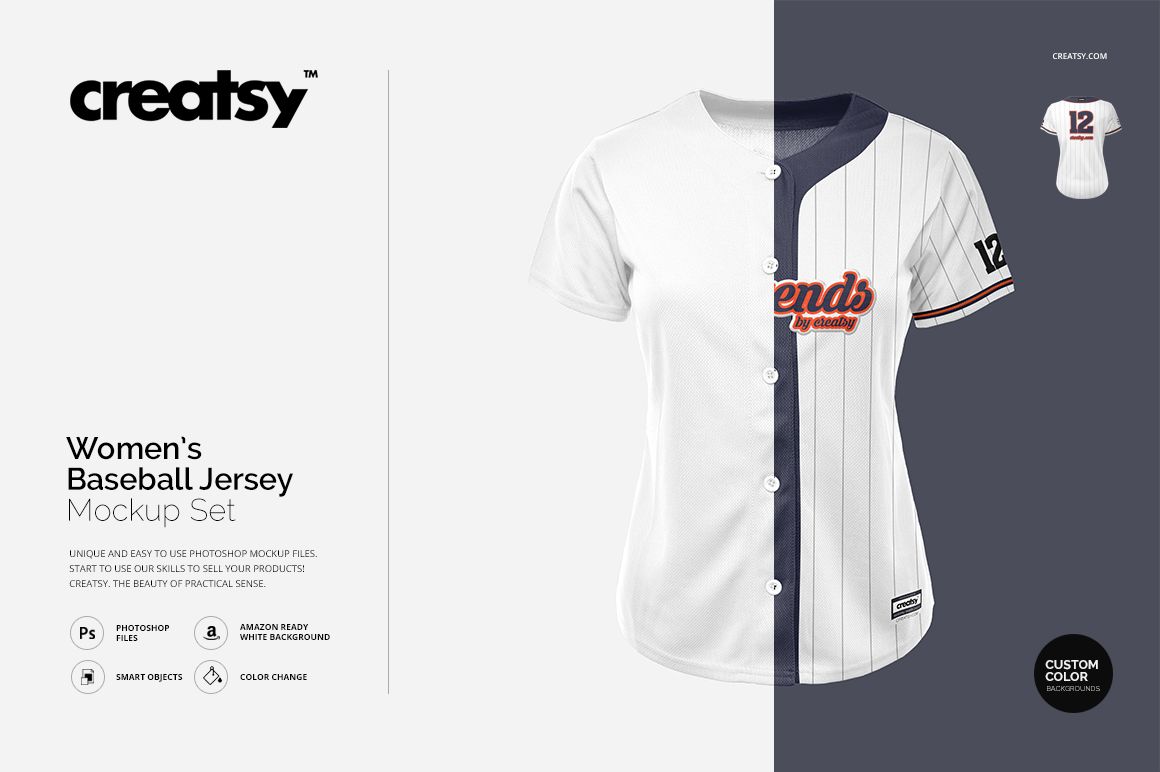
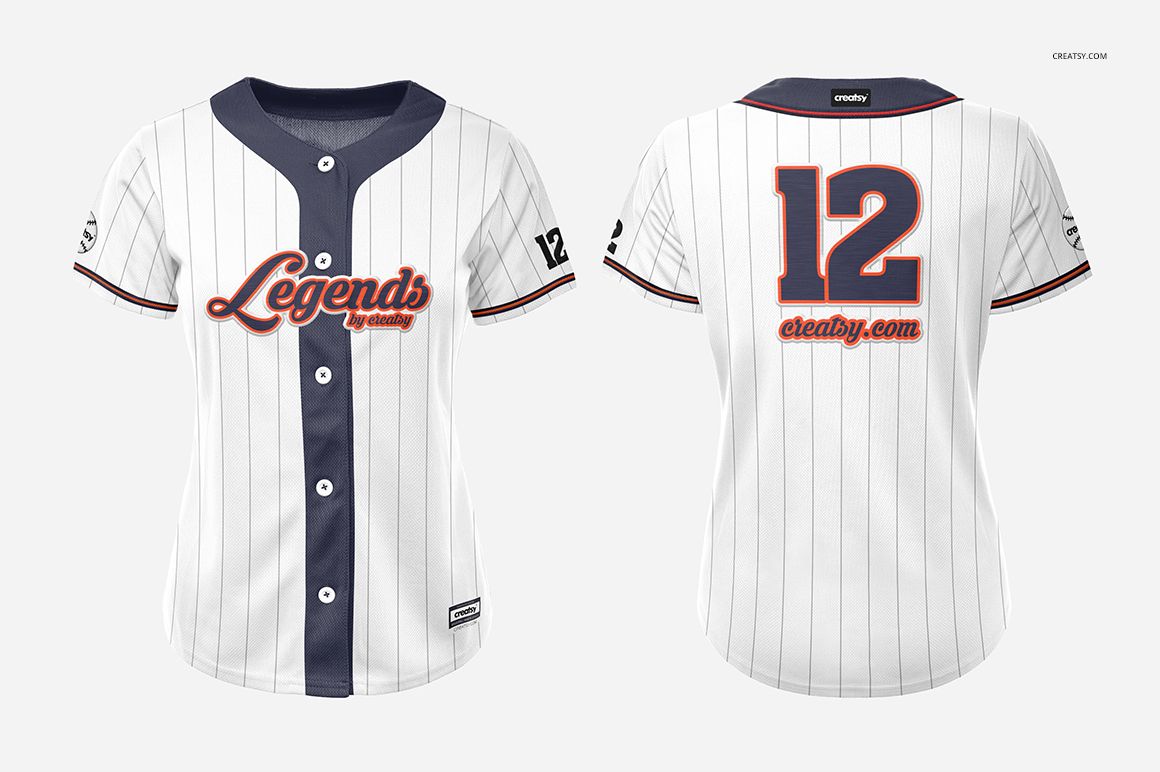
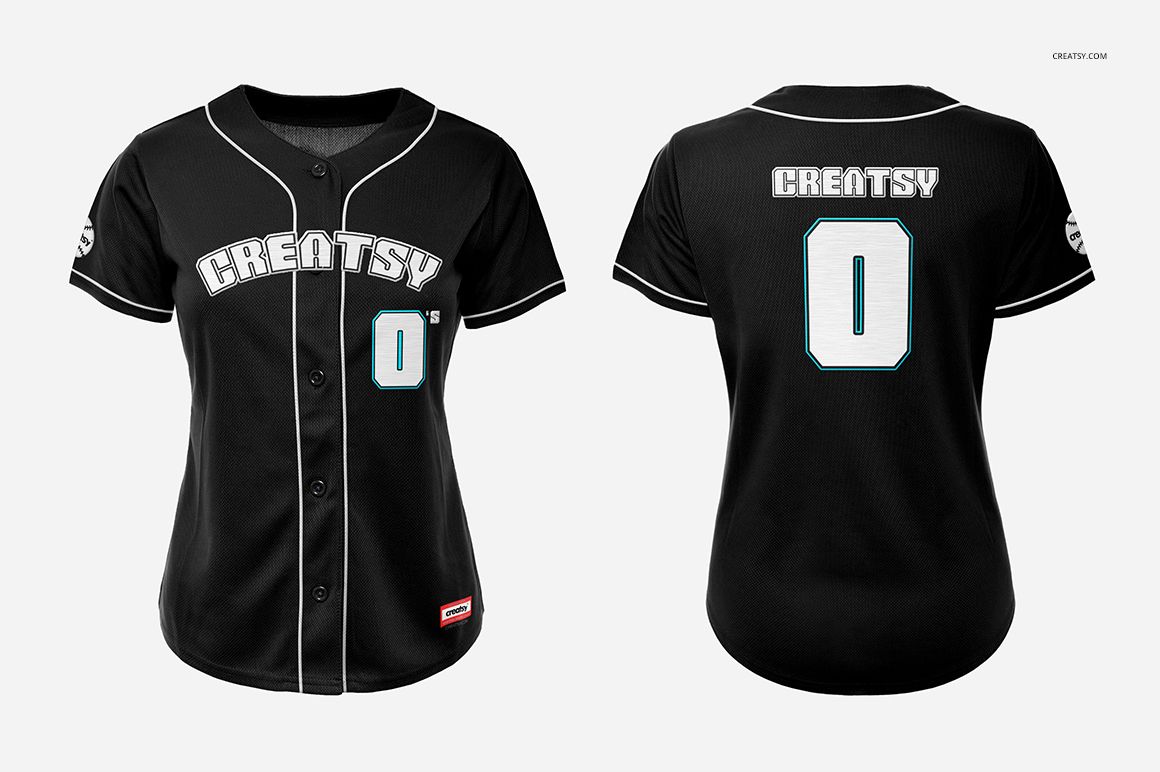
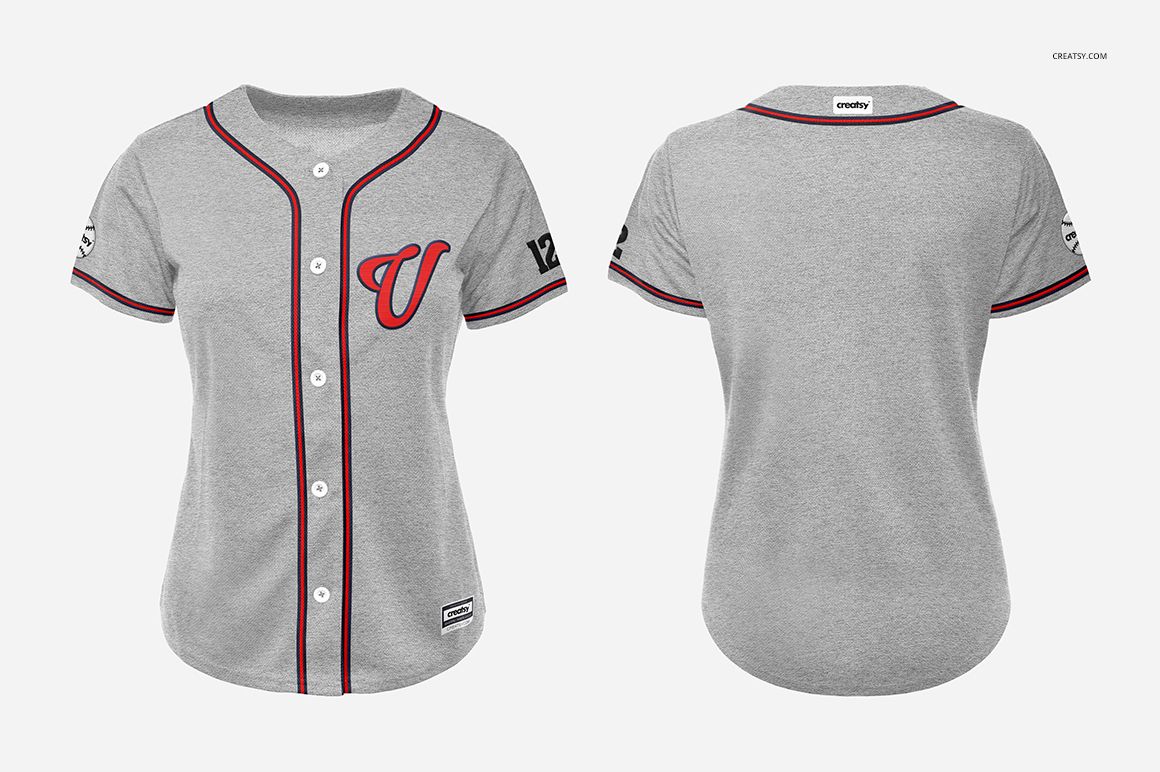
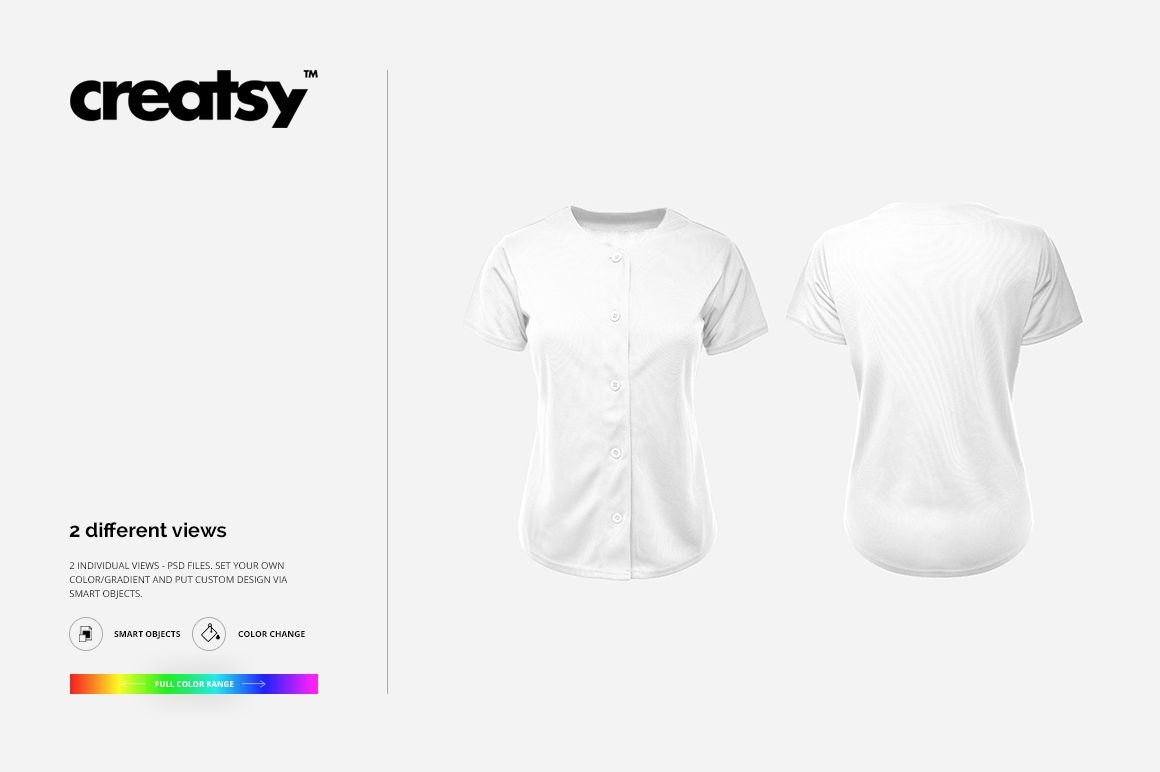
Present a women's baseball jersey design from both sides with two editable square PSD scenes. The fitted, short-sleeve, button-front silhouette is shown in separate front and back views, making it easy to develop a coordinated uniform concept and display chest graphics, sleeve artwork, stripes, team lettering, and player numbers.
The paired views help you check how branding and color choices work across the whole jersey before preparing a client proof, team presentation, or online product gallery.
What Is Included
2 layered PSD mockup files: one front view and one back view
2 JPG preview images at 2500 × 2500 px
1 TIF guide at 1883 × 1414 px, 5 files in total
2500 × 2500 px PSD scenes at 300 DPI
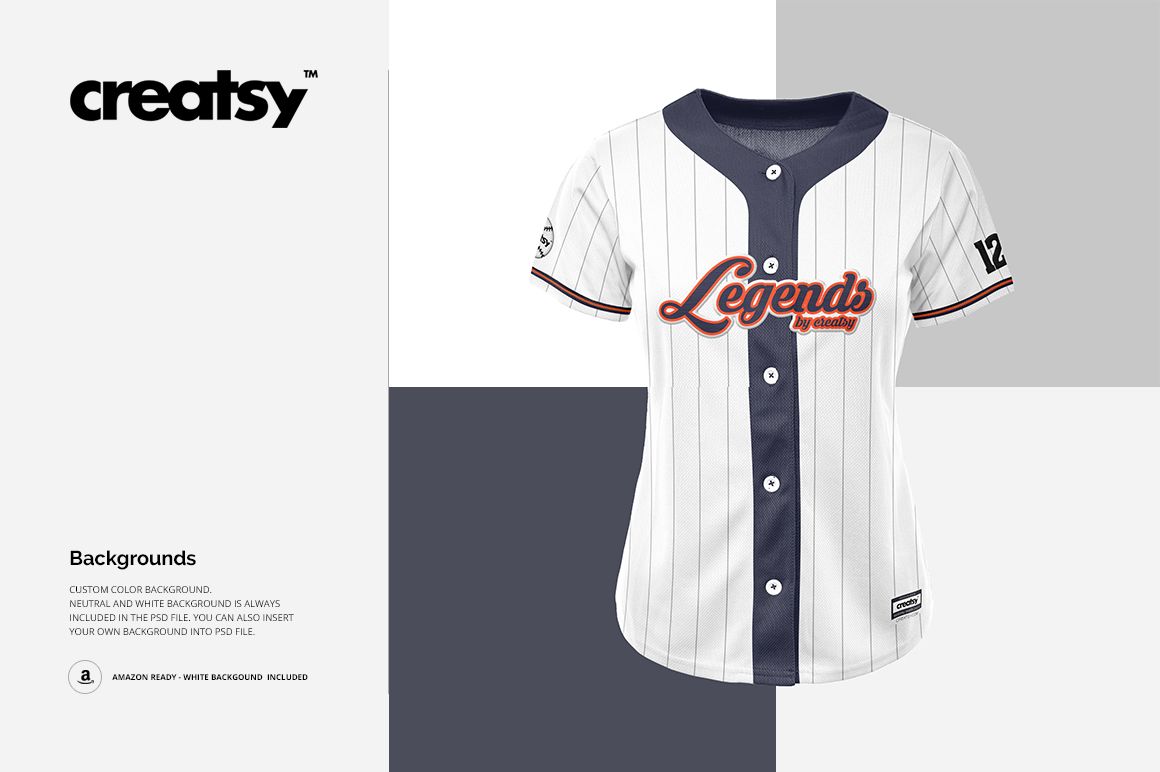
Custom, neutral, and white background options
Front and Back Jersey Presentation
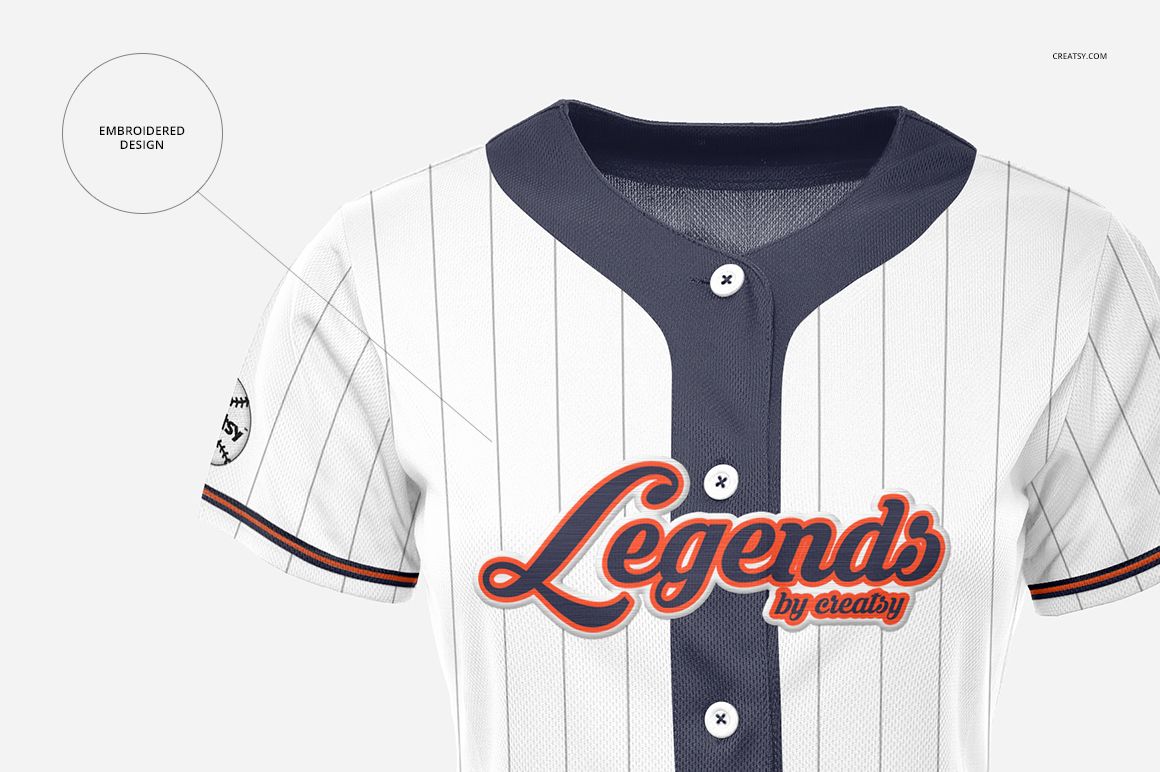
Use the front scene to showcase chest logos, button-placket details, sleeve marks, and pinstripe layouts. The back scene provides space for large player numbers, team lettering, and coordinated graphics. The gently shaped body and curved hem communicate a women's baseball jersey concept rather than a generic unisex silhouette.
Editable Jersey Details
Change the material color and apply artwork through Smart Objects
Adjust button colors to match the uniform palette
Edit jersey stripes and piping details
Remove or customize the garment tags
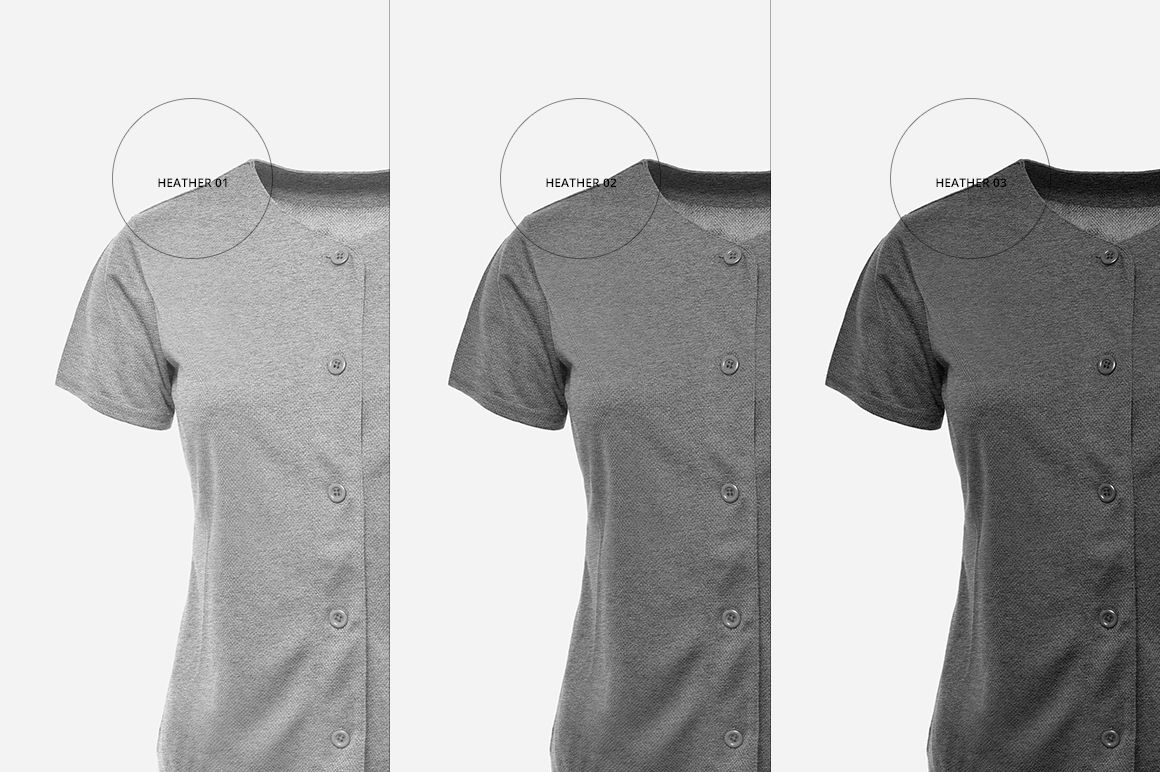
Choose from three gray heather tones
Create an embroidery-style effect for applied artwork
Easy Smart Object Editing
Open the layered PSD in Adobe Photoshop CS4 or later, or edit it in Photopea through the current Creatsy workflow. Replace the Smart Object artwork with a logo, pattern, number, or team graphic, adjust the available colors, and export the finished presentation. Organized layers keep both jersey views easy to navigate.
Perfect For
Women's baseball and softball team branding
Sportswear and athletic apparel designers
Uniform suppliers and sports clubs
Team logo, number, and colorway approvals
Portfolio, client presentation, and online product imagery
Digital product: No physical jersey is included or shipped. Logos, lettering, numbers, and other sample artwork shown in the previews are not included.