Matte Pillow Box Mockup Set
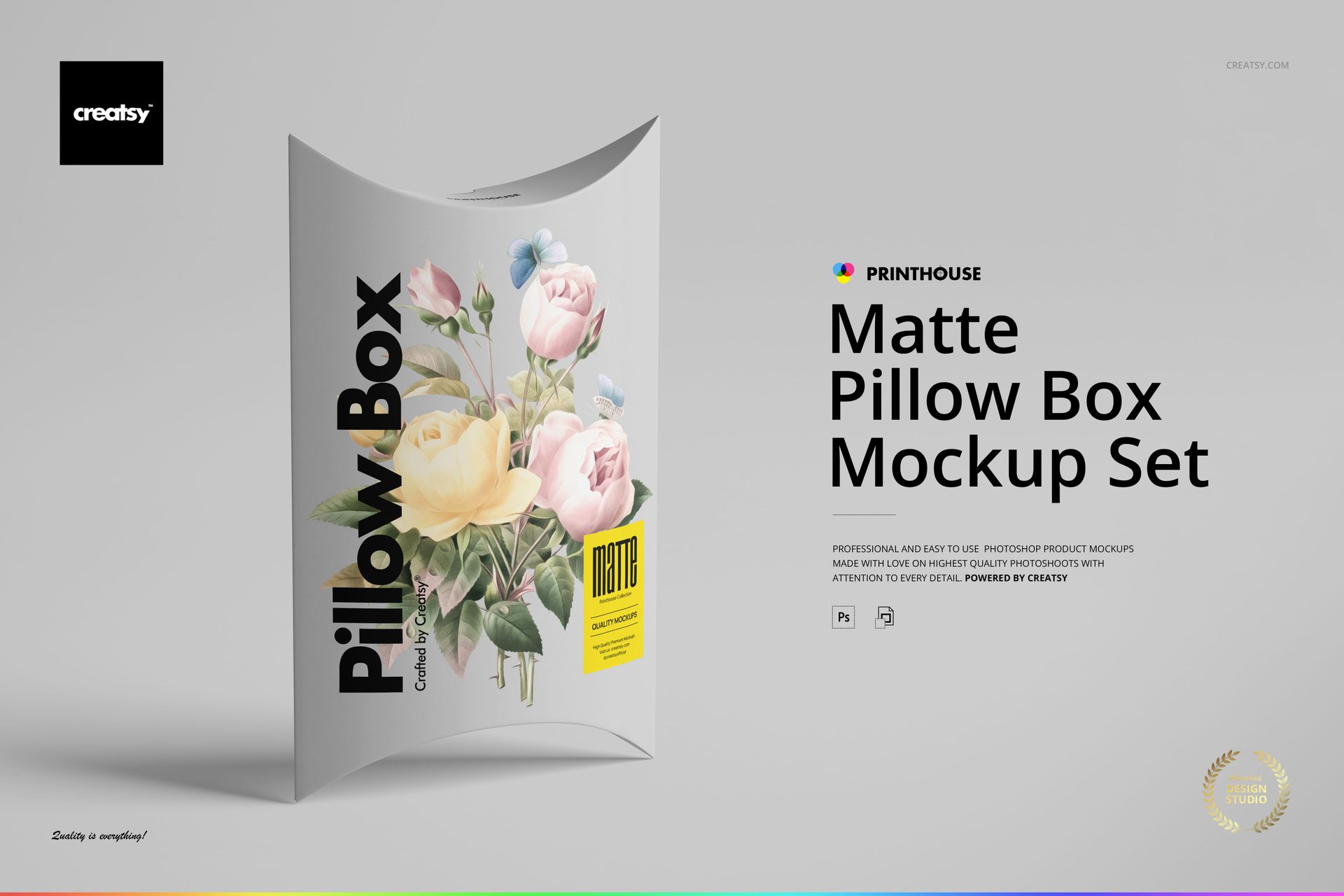
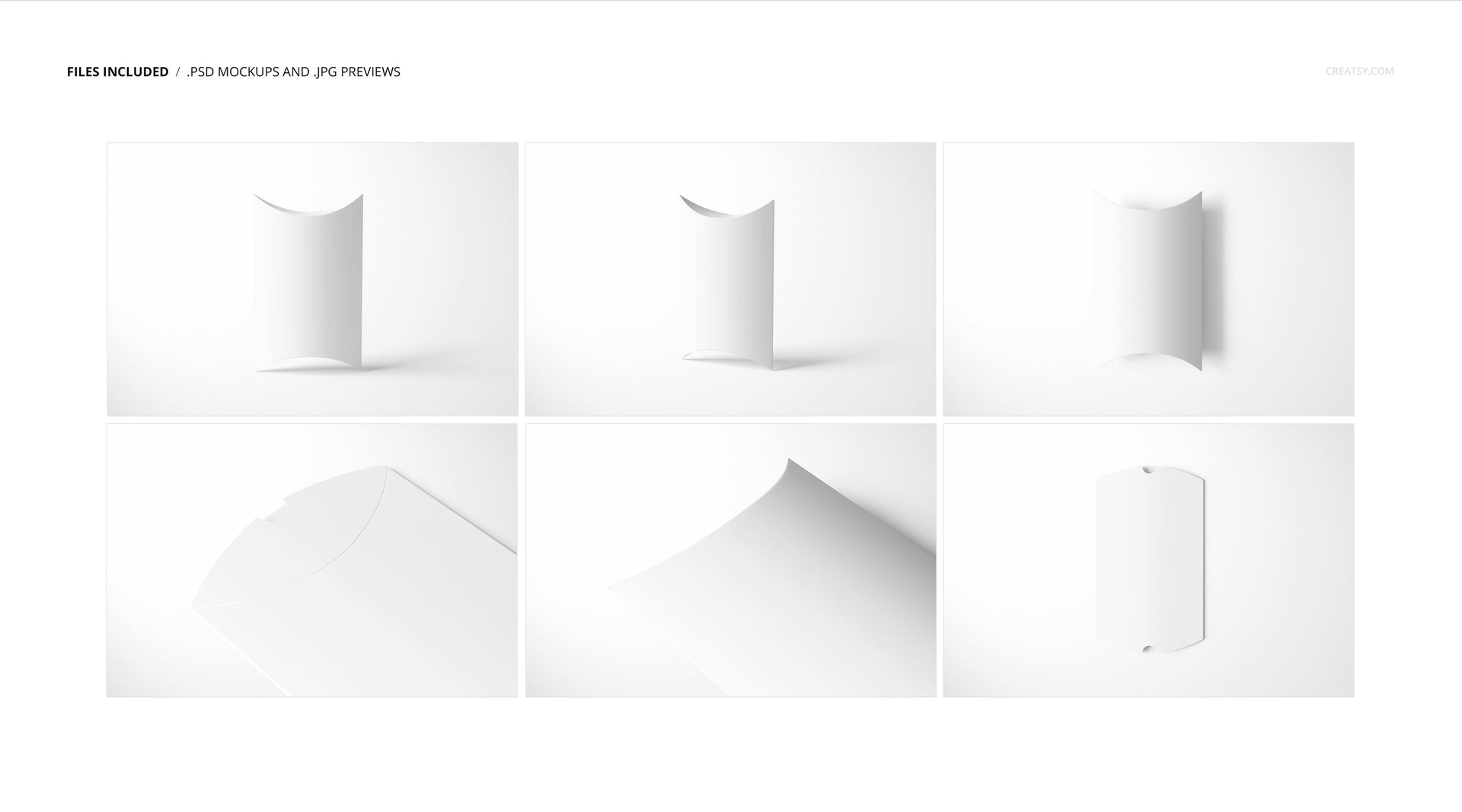
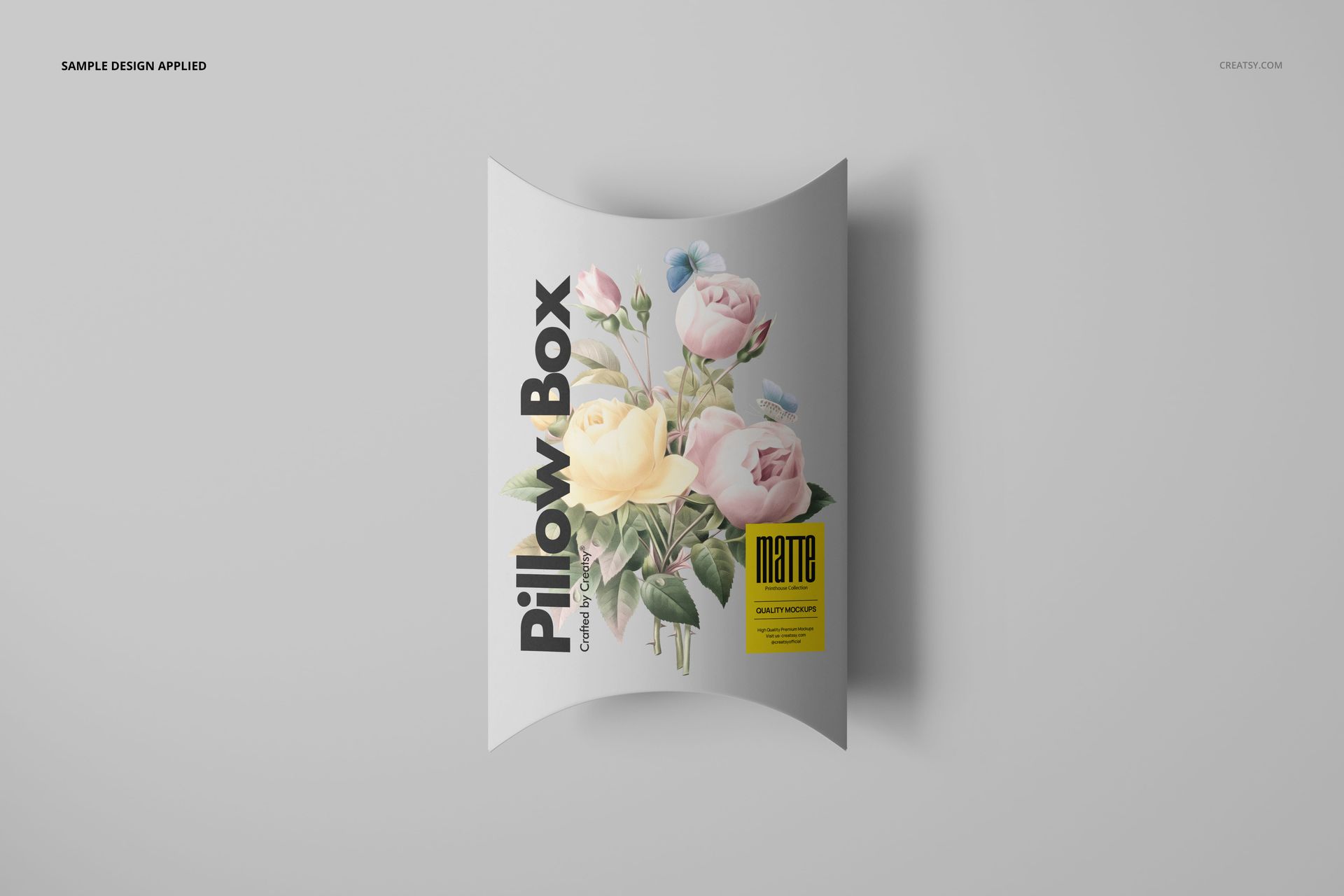
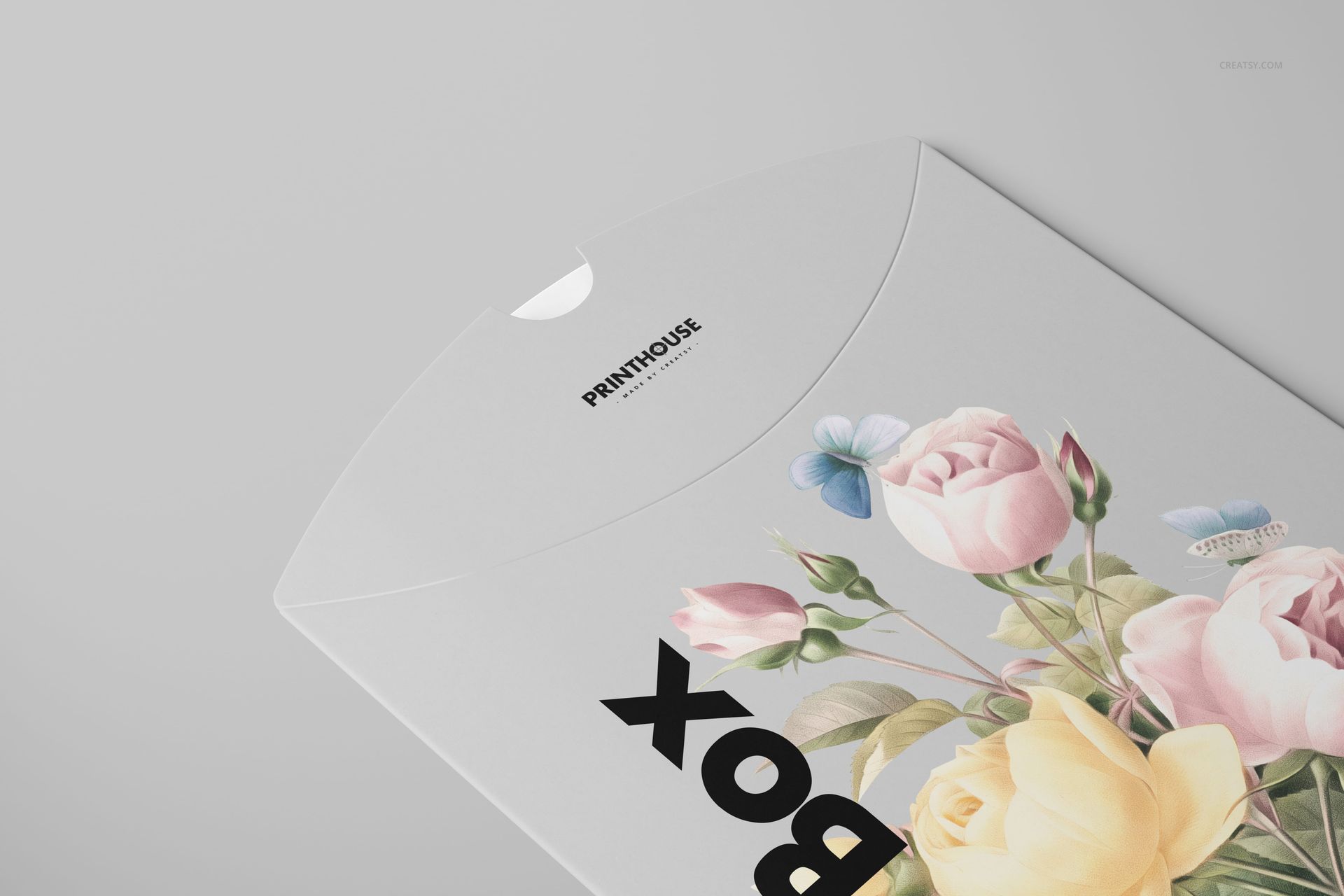
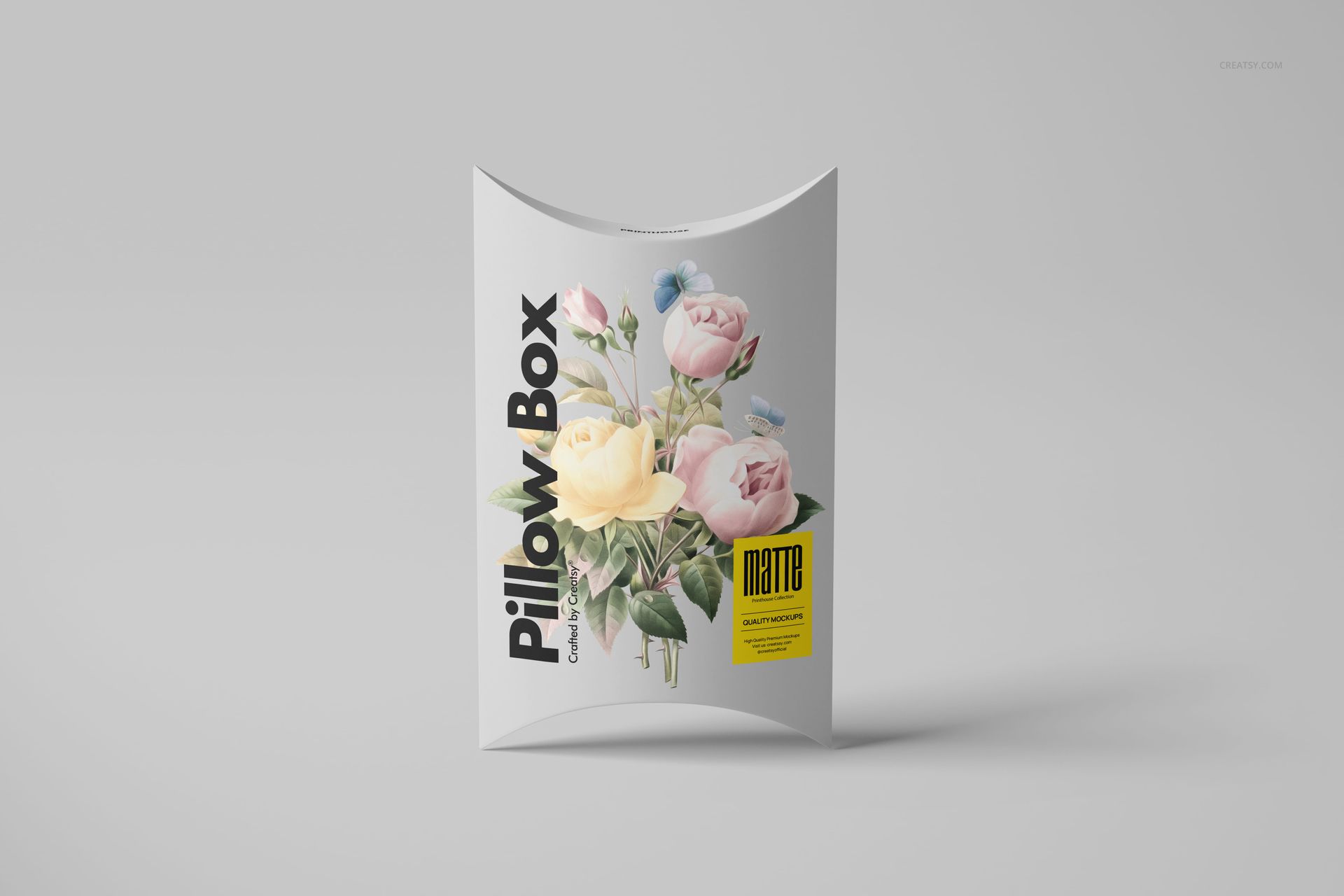
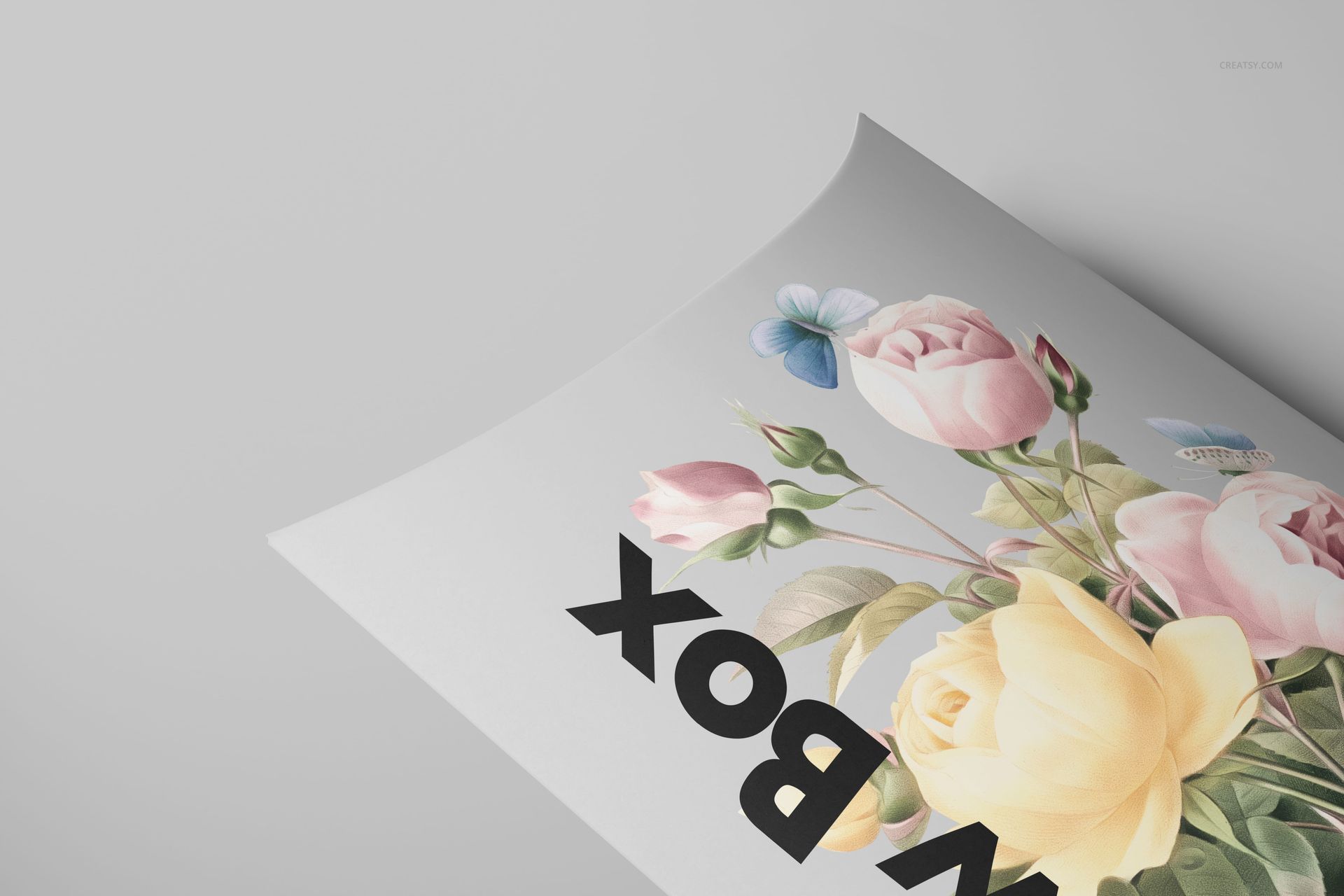
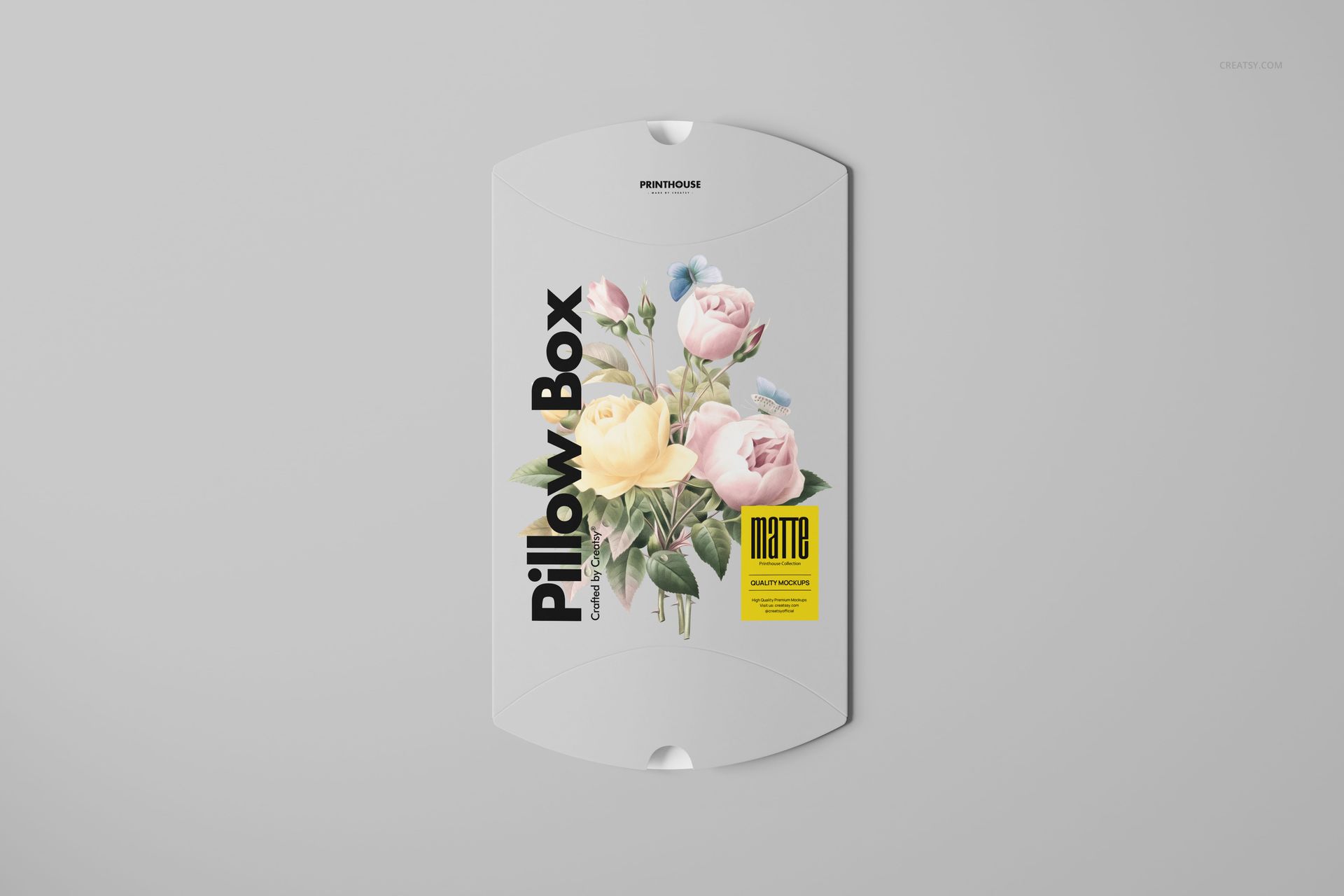
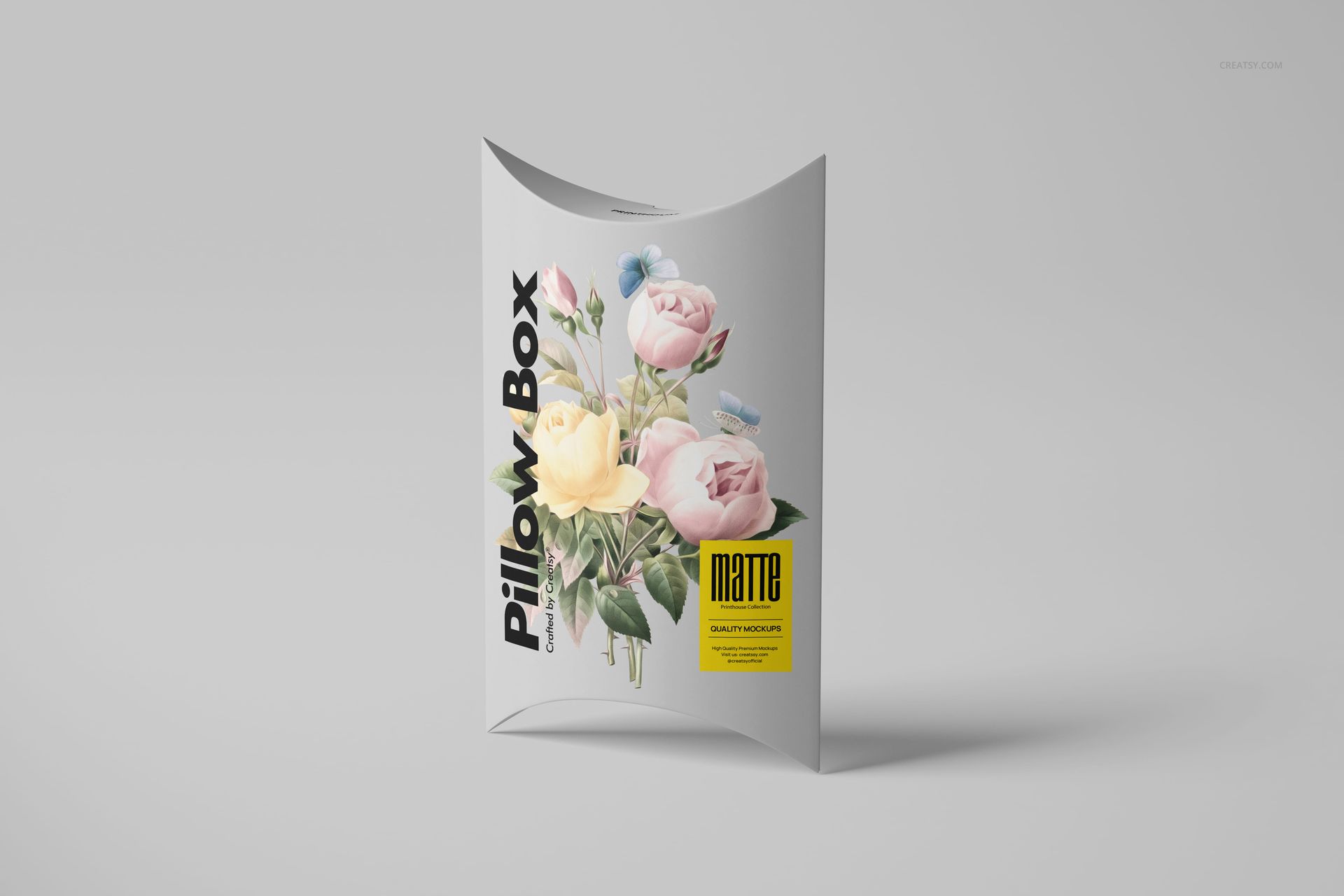
Matte Pillow Box Mockup Set by Creatsy presents a 185 × 130 × 37 mm pillow-shaped carton with a gently curved front and folded end flaps. Six photographic scenes include upright views, a top-down presentation and close-ups of the curved closure. The matte surface gives typography and illustration a soft, understated setting for gift packaging and boutique branding concepts.
What Is Included
6 layered PSD mockups and 6 JPG previews.
All 6 PSD files: 6000 × 4000 px at 300 dpi.
Packaging dimensions represented: 185 × 130 × 37 mm.
Compatible with Adobe Photoshop CC2020 or later and Photopea.
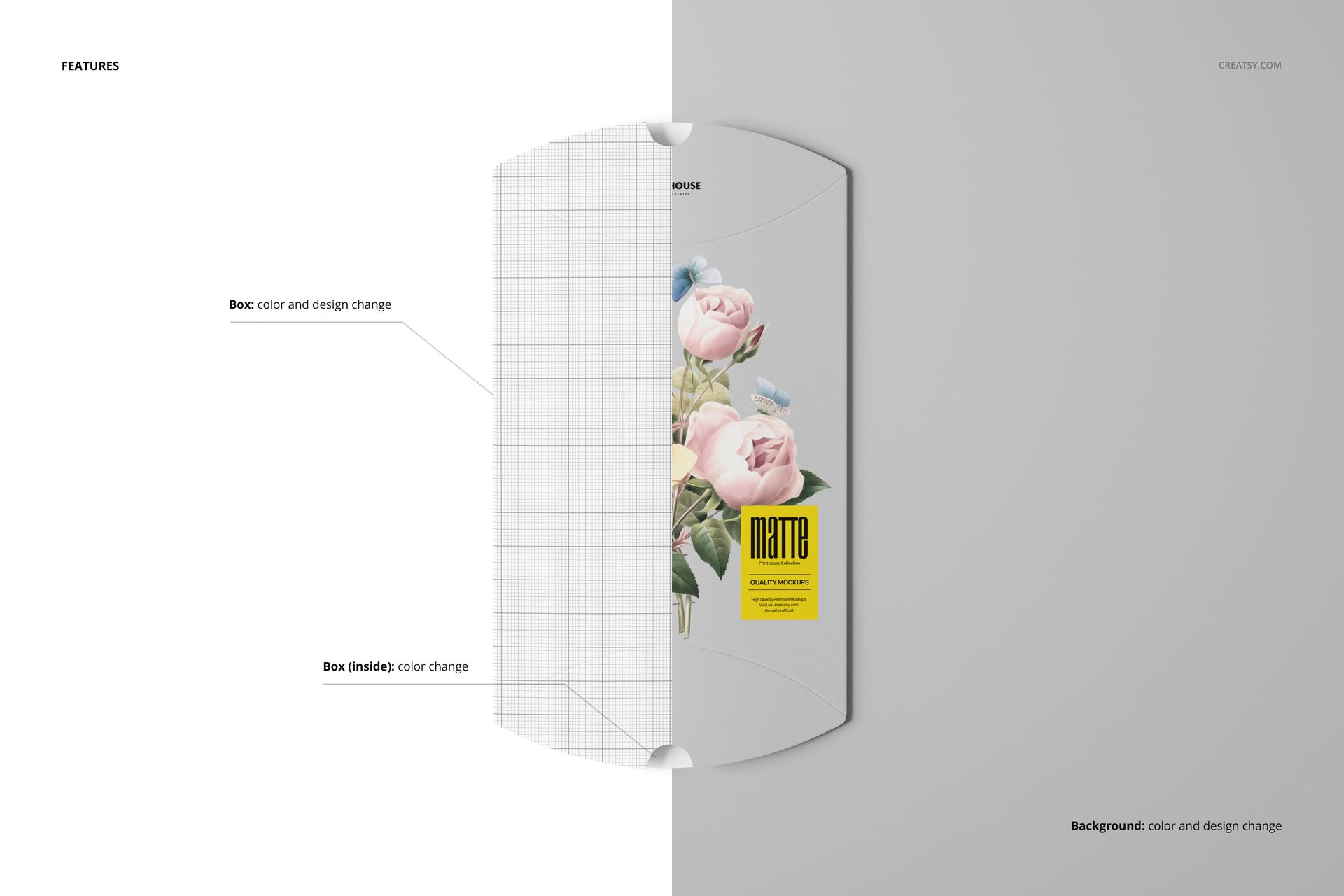
Customize the Box, Interior and Background
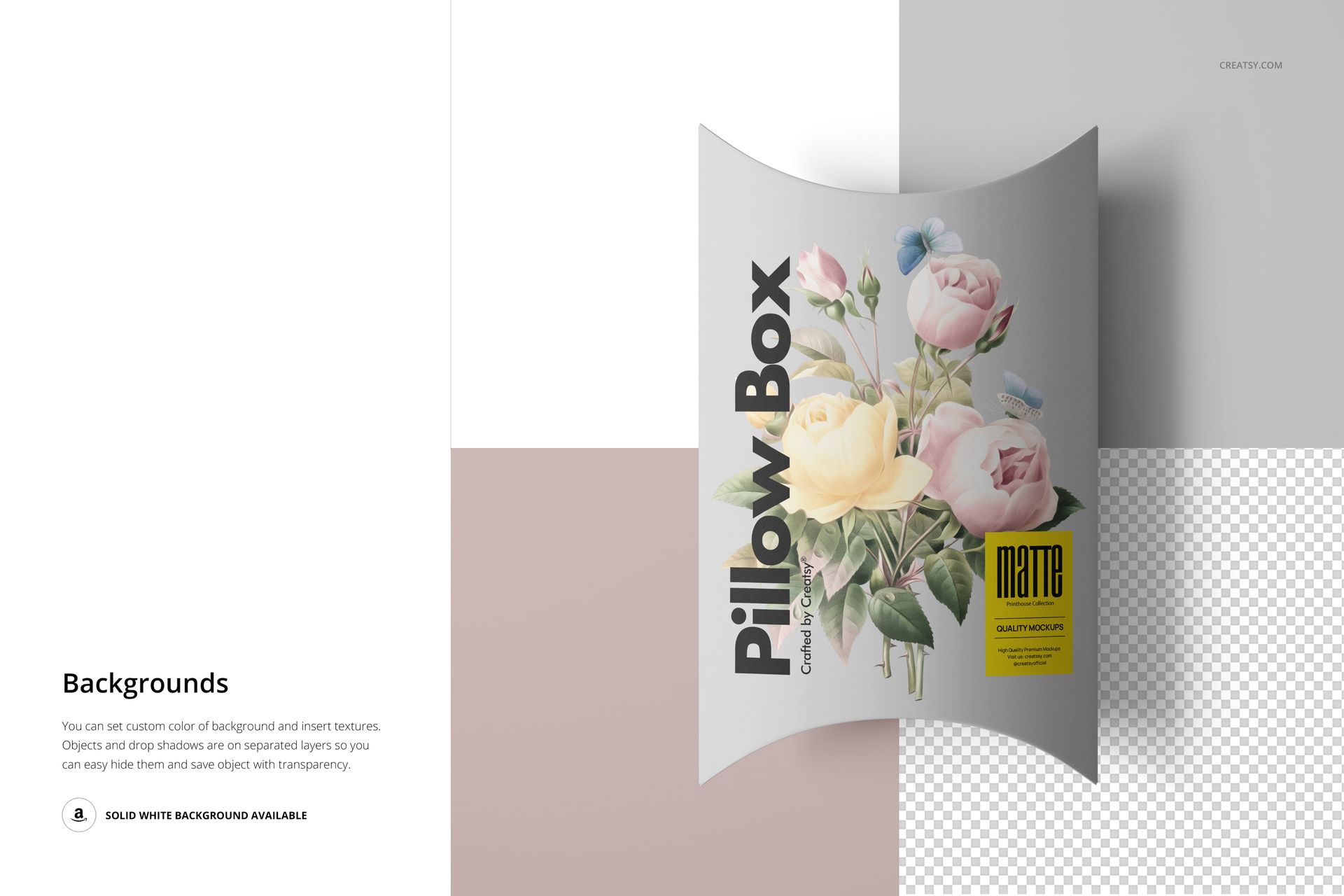
Replace the box artwork and change its color, adjust the interior color, and customize the background with your own color or texture. Objects and drop shadows are on separate layers, with white-background and transparent-background options shown in the previews. Close-up scenes bring the curved flap, opening notch and folded edge into focus.
Smart Object Editing
Open a PSD in Photoshop or Photopea, locate the artwork Smart Object and place your design inside it. Save the Smart Object to apply the artwork to the curved packaging surface. Adjust the box, interior and background color layers, then export the scene for a client presentation, portfolio or product concept page.
Perfect For
Boutique gift packaging and small-accessory branding concepts.
Wedding favor and seasonal gift presentations.
Surface-pattern portfolios and illustrated packaging proposals.
Client reviews of front-panel artwork and curved-flap placement.
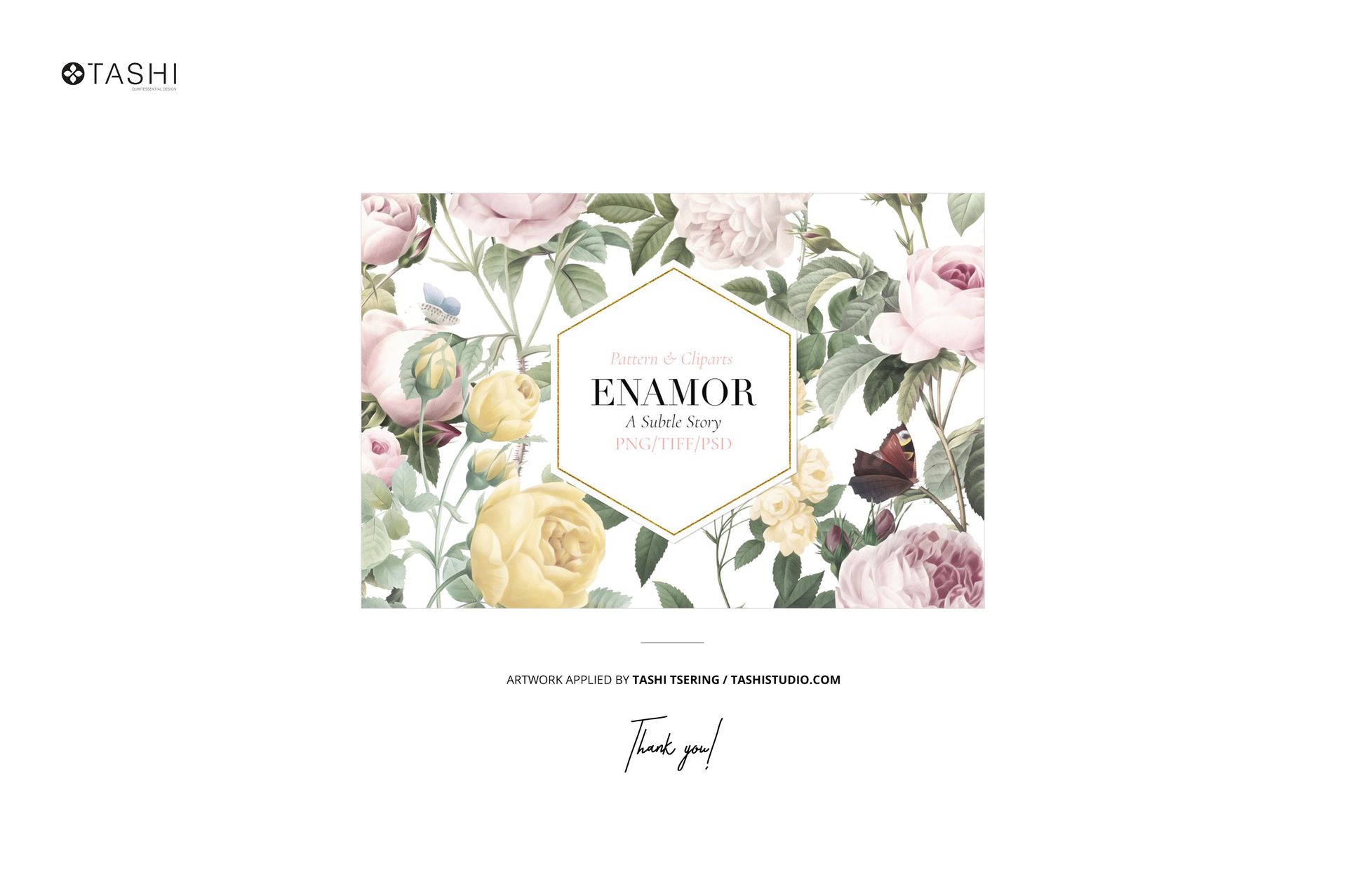
Preview artwork is by Tashi Tsering of Tashi Studio, from the Enamor collection. It is shown for presentation only and is not included. This download contains digital mockup files, not physical boxes or a print-production template.