Trisuit Mockup Set
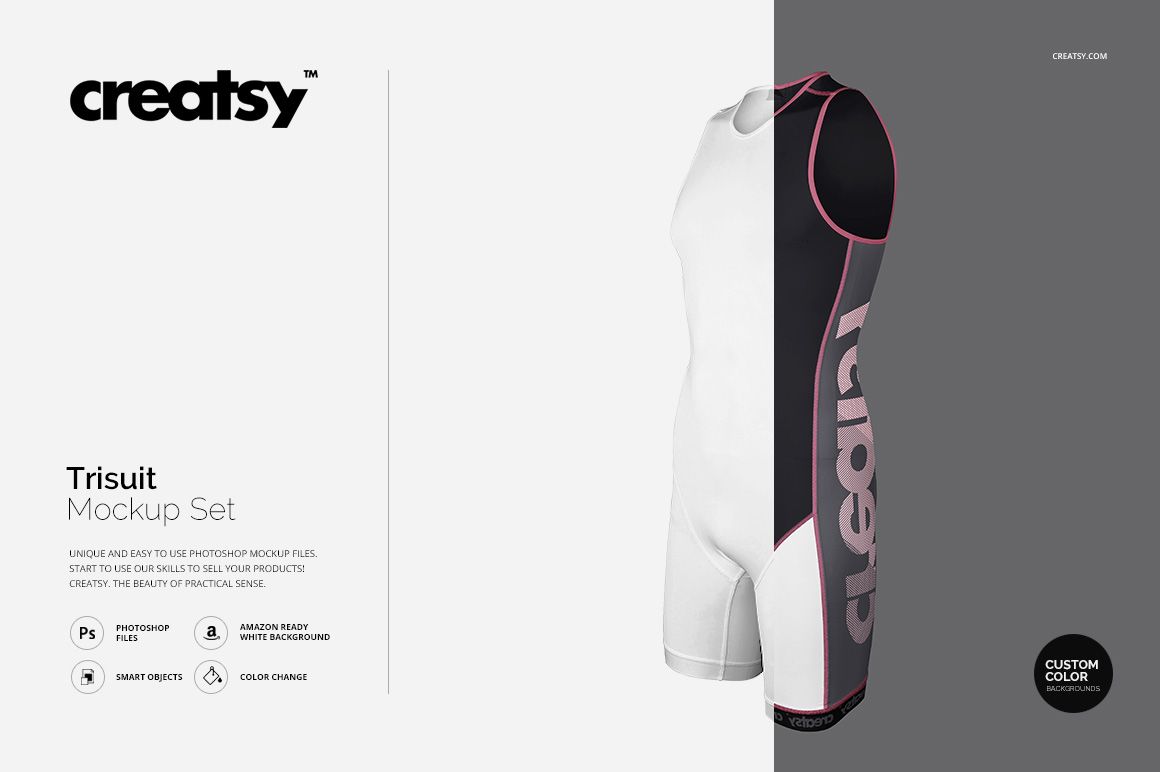
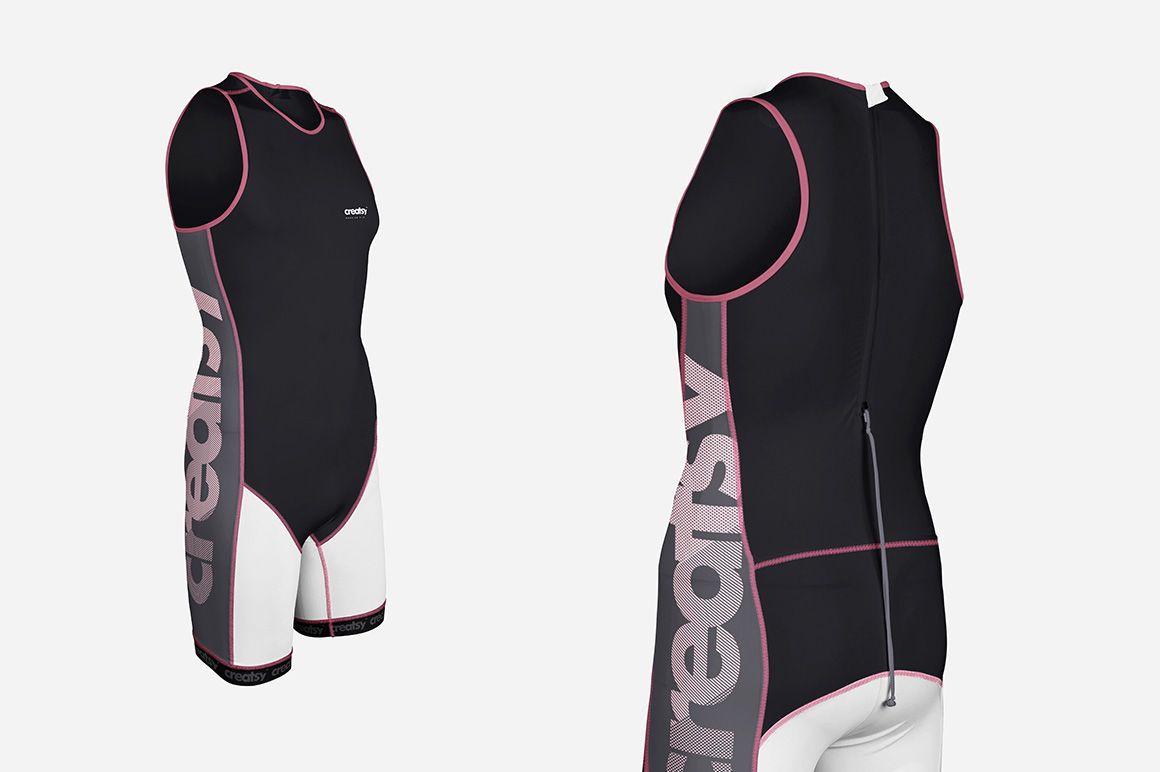
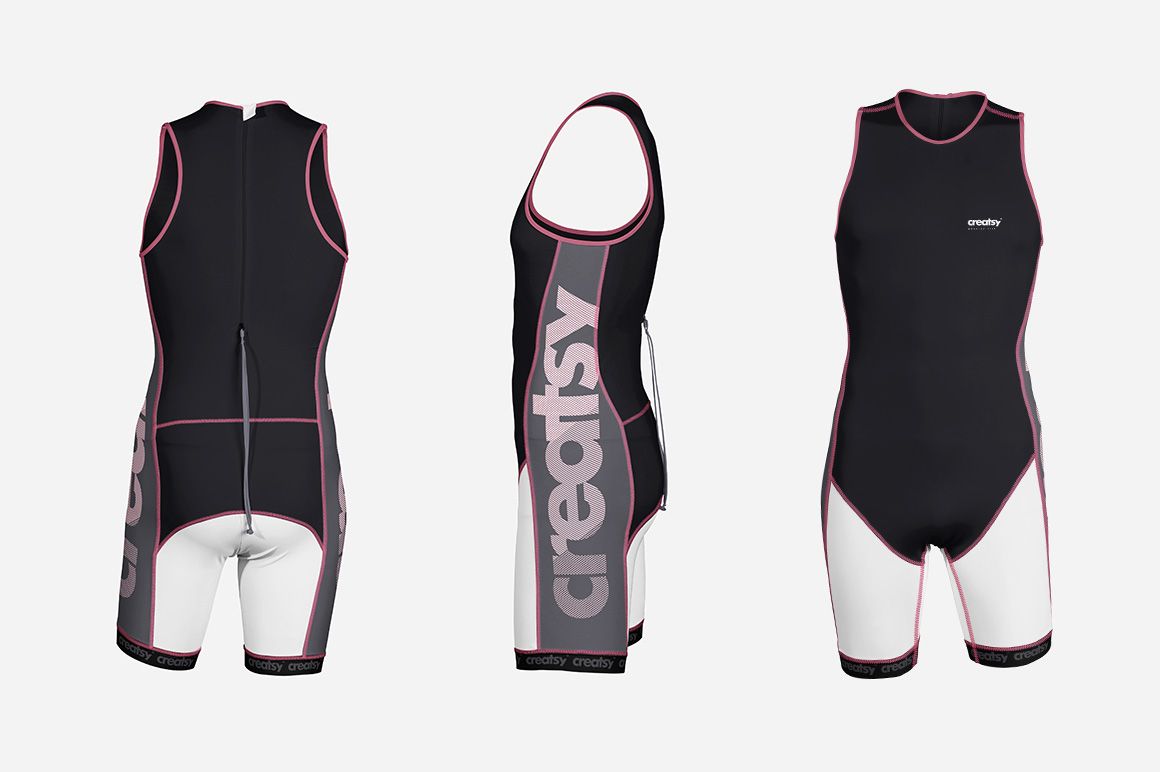
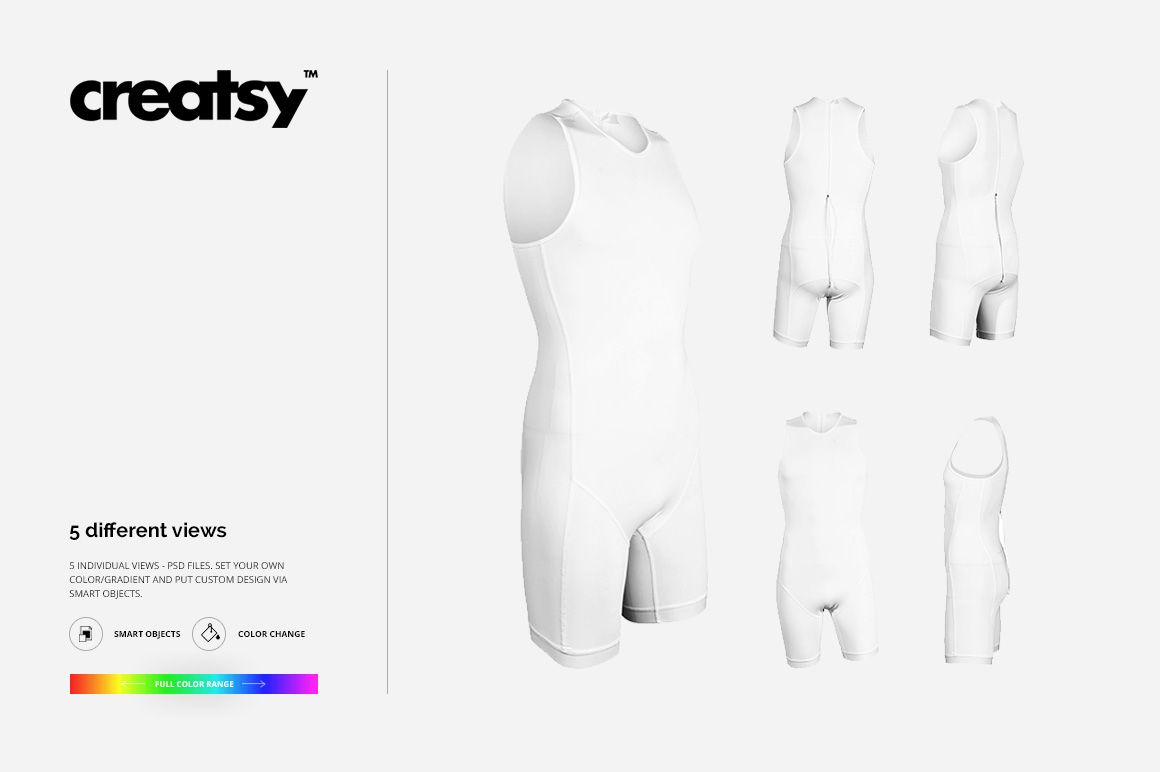
Present a sleeveless, one-piece triathlon suit from five individual angles so the front, sides, and back can be reviewed as one coordinated race kit. The portrait scenes make it easy to judge sponsor graphics, team colors, and artwork flow around the garment before a physical sample is produced.
Use the set to compare colorways, prepare athlete kit approvals, build product imagery, or show clients how a concept reads from every important viewpoint.
What Is Included
5 layered PSD mockup files, one individual trisuit view per PSD
5 matching JPG previews at 3200 × 4800 px
1 TIFF guide at 1000 × 1414 px
Front, side, back, and angled portrait views
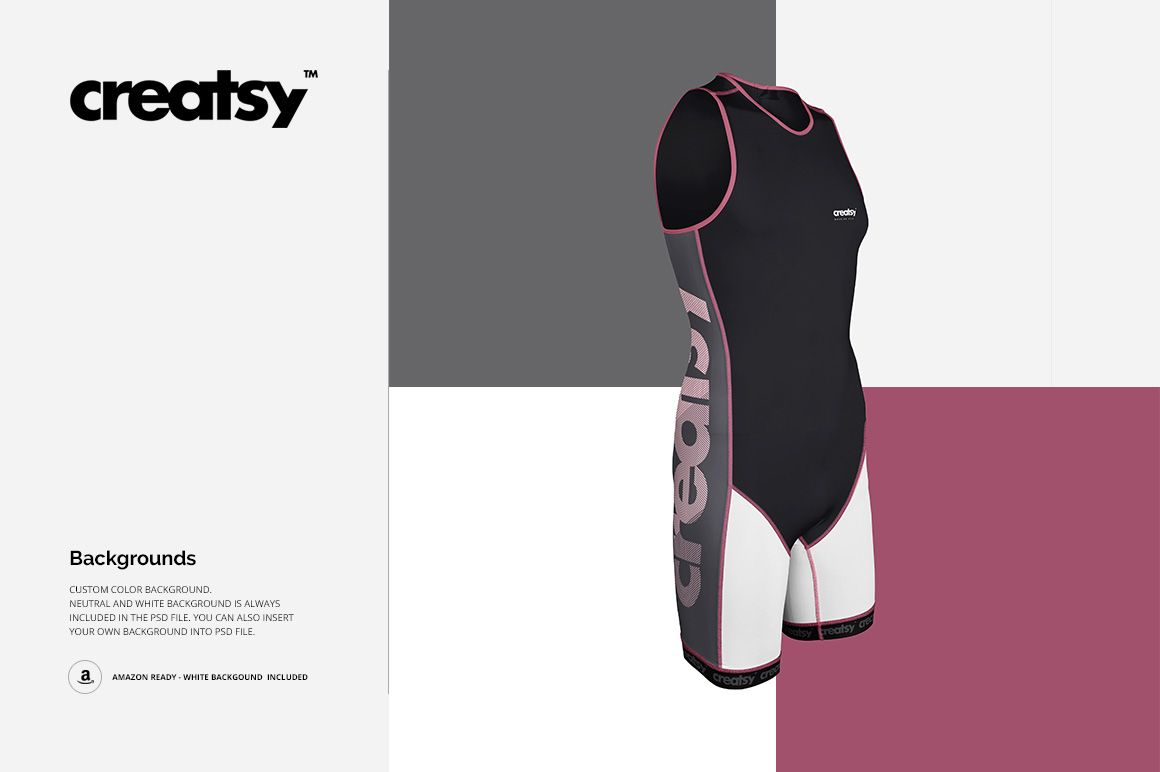
Neutral, white, custom-color, and user-supplied background options
Five Views for a Complete Kit Preview
Across the five files, the trisuit is shown from front, back, side, and angled perspectives. Review artwork placement from more than one viewpoint, compare color directions, and assemble a balanced presentation without photographing a sample.
Easy Smart Object Editing
Open the relevant Smart Object, place your artwork, and save to update the garment. Use the available color and gradient controls to explore alternatives, then choose a neutral, white, custom-color, or user-supplied background for the final scene. The organized layers keep the workflow clear in Adobe Photoshop and Photopea.
Perfect For
Triathlon team and club kit concepts
Race apparel branding and sponsor graphics
Sportswear client approvals and presentations
Performance apparel portfolios and lookbooks
Multi-angle ecommerce product galleries
This is a digital mockup product. The preview graphics are presentation examples, and no separate artwork file is listed in the confirmed package.