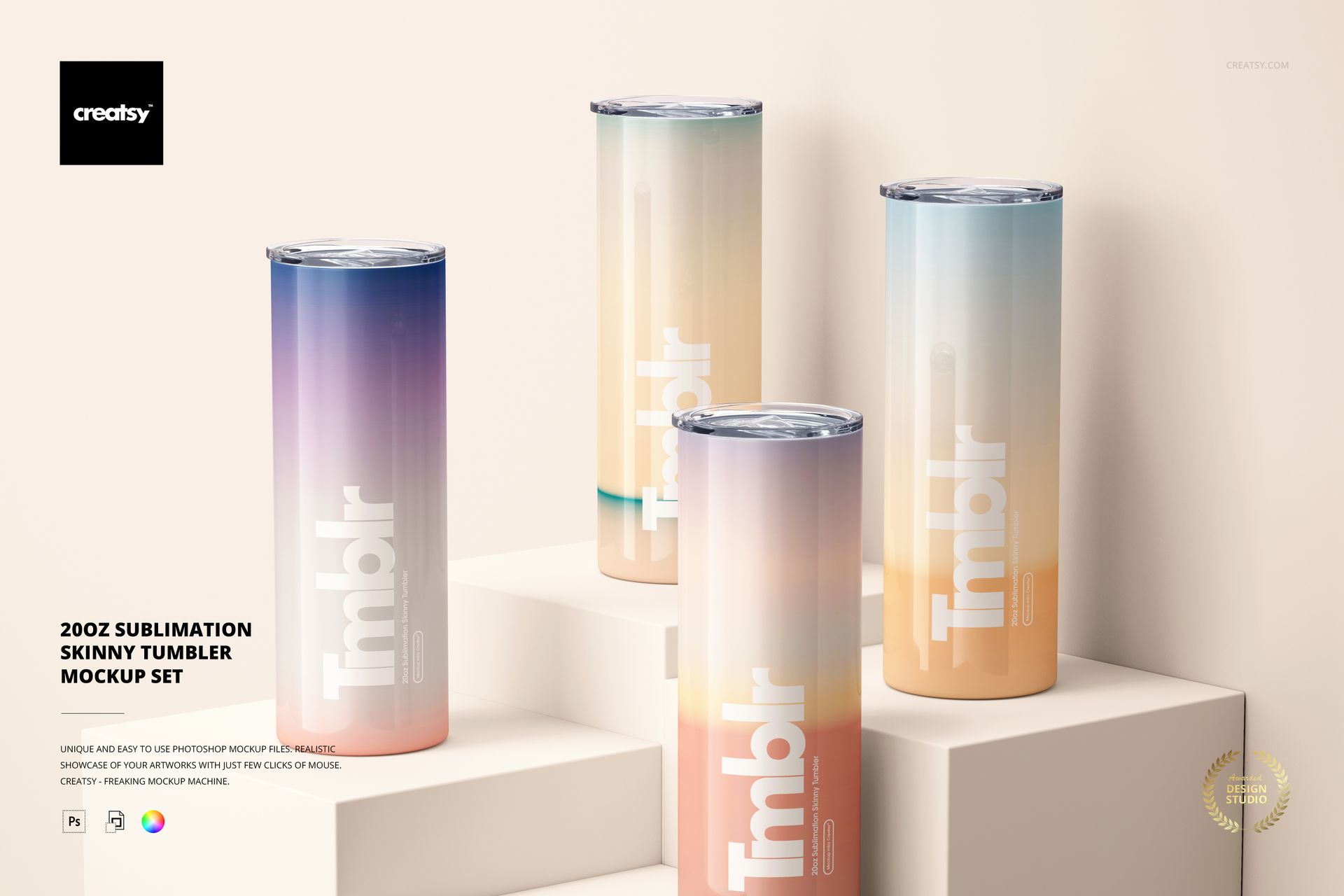
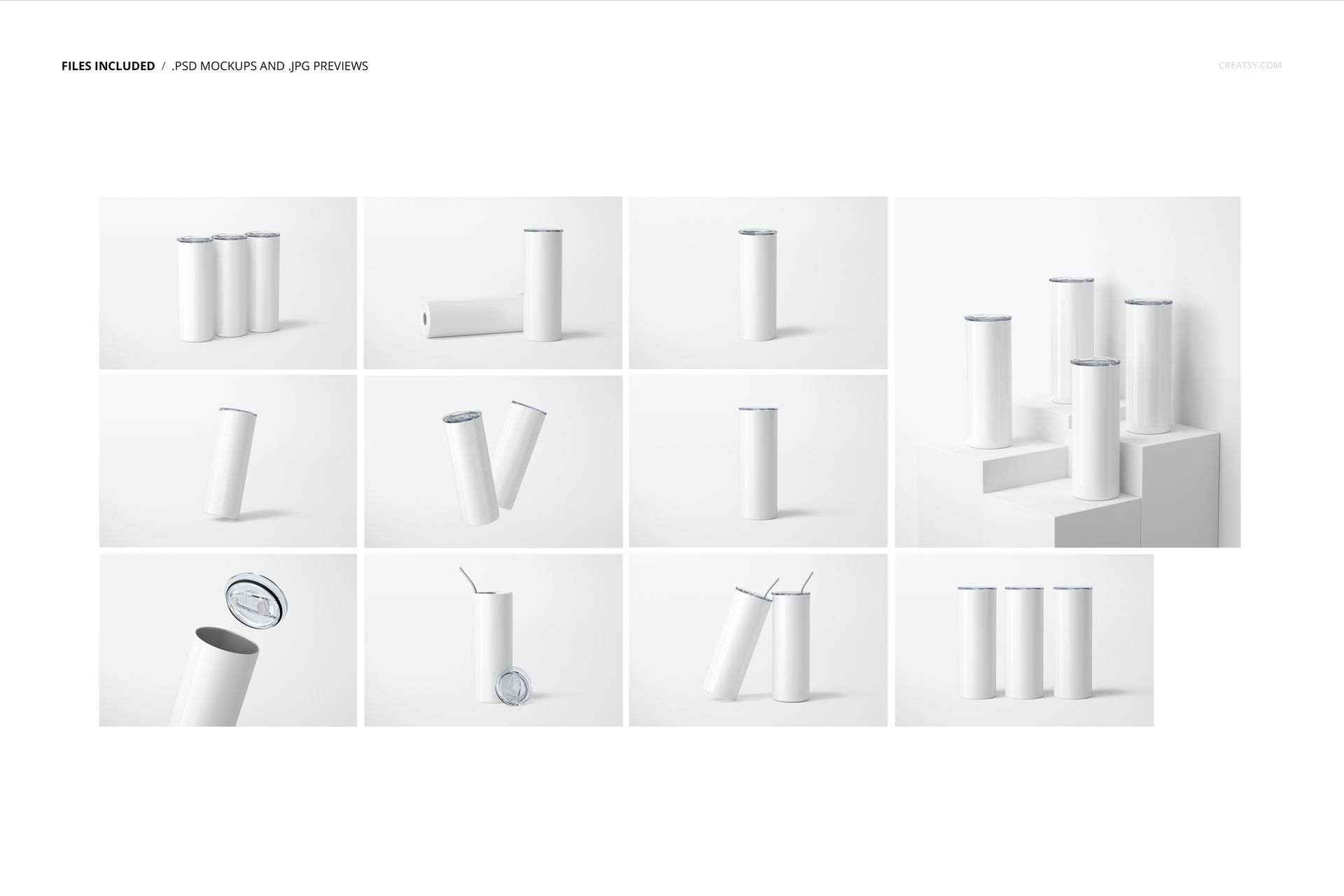
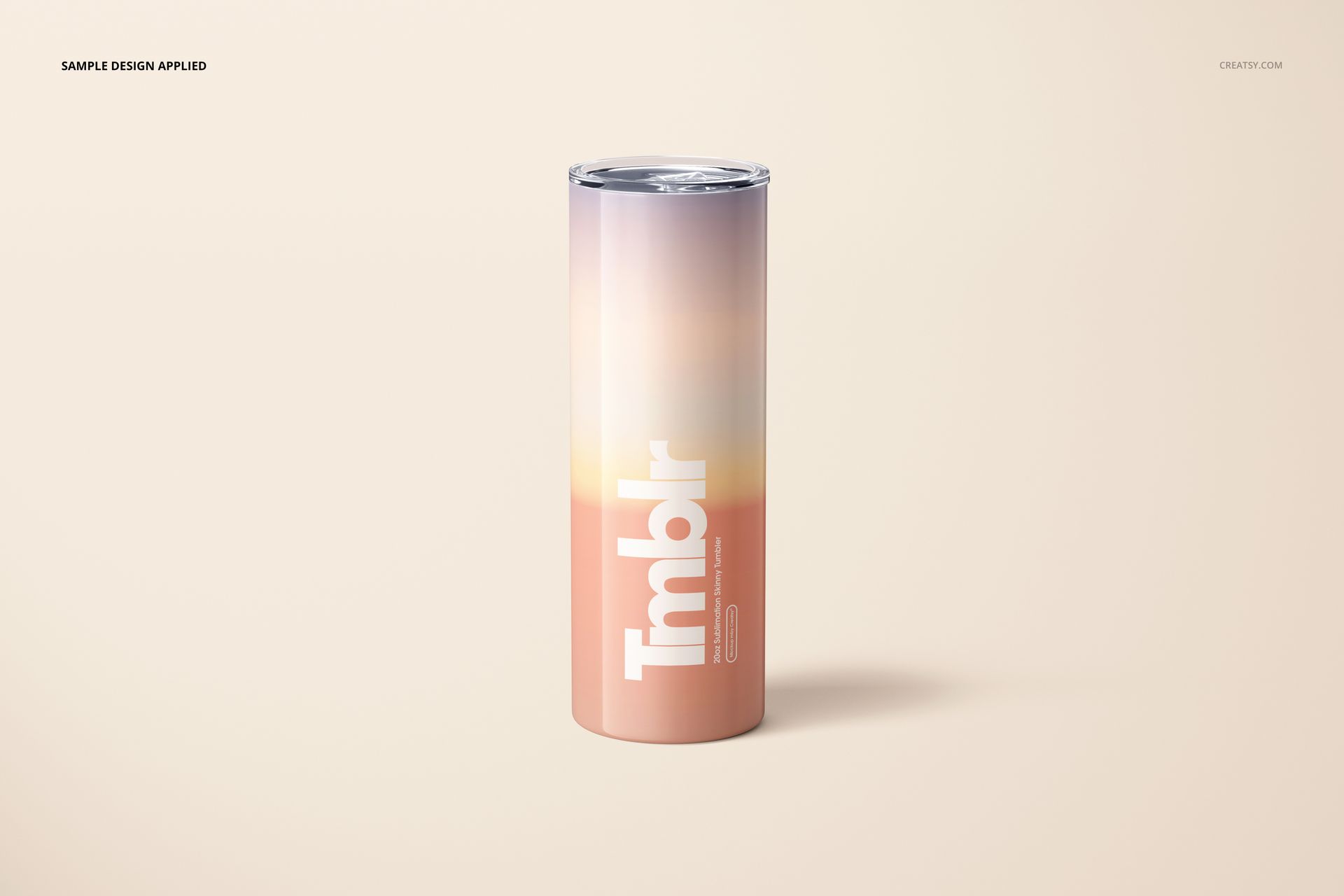
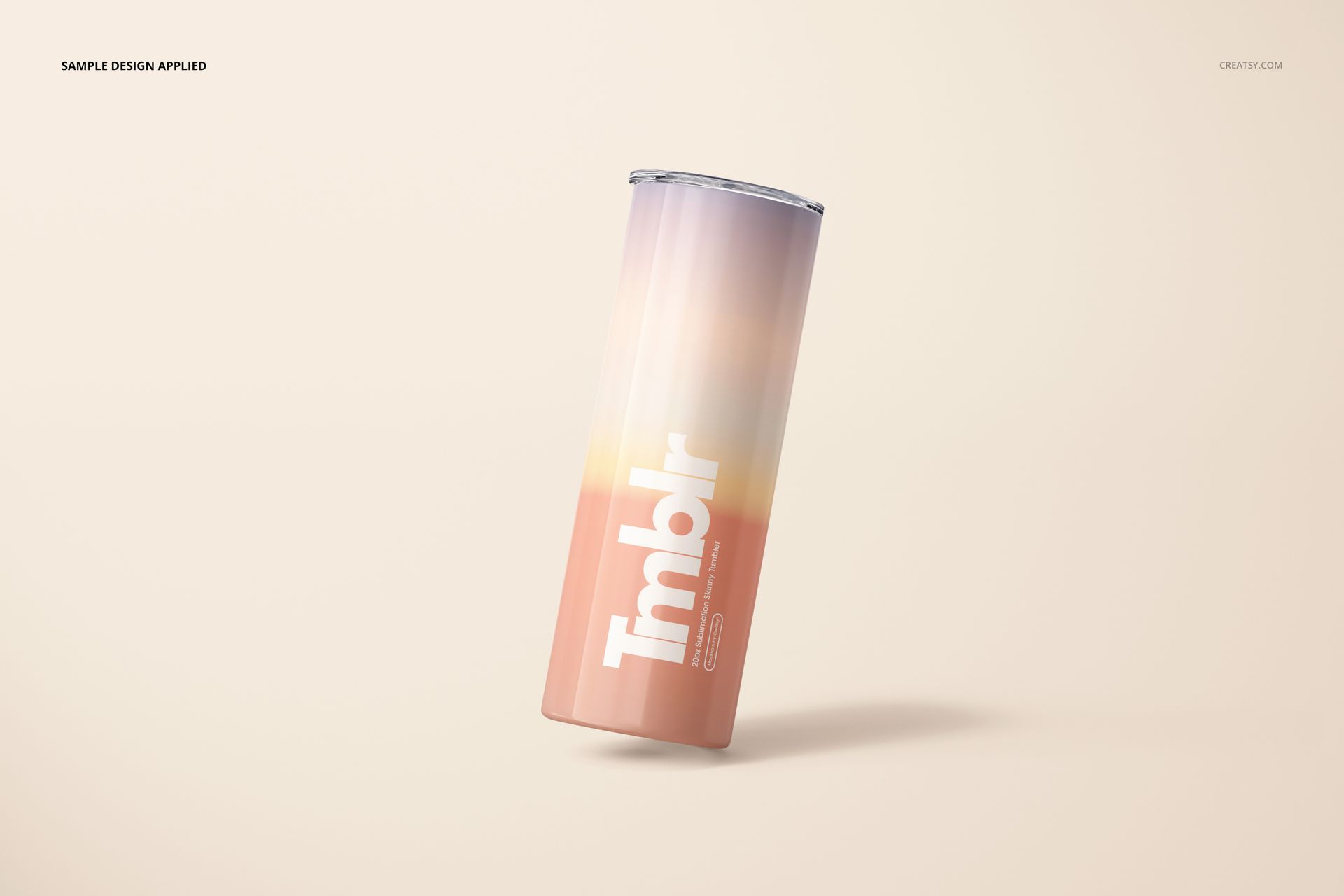
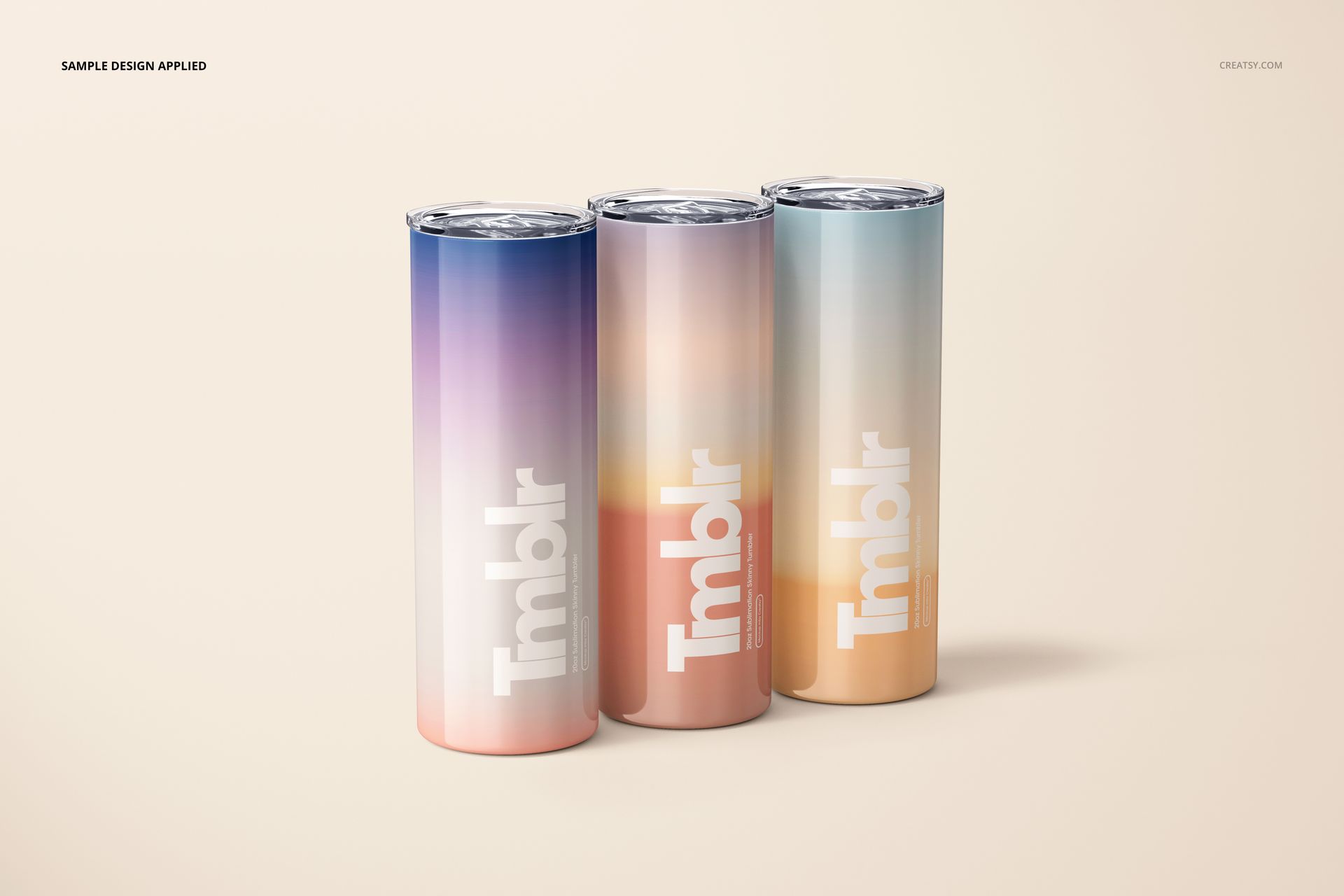
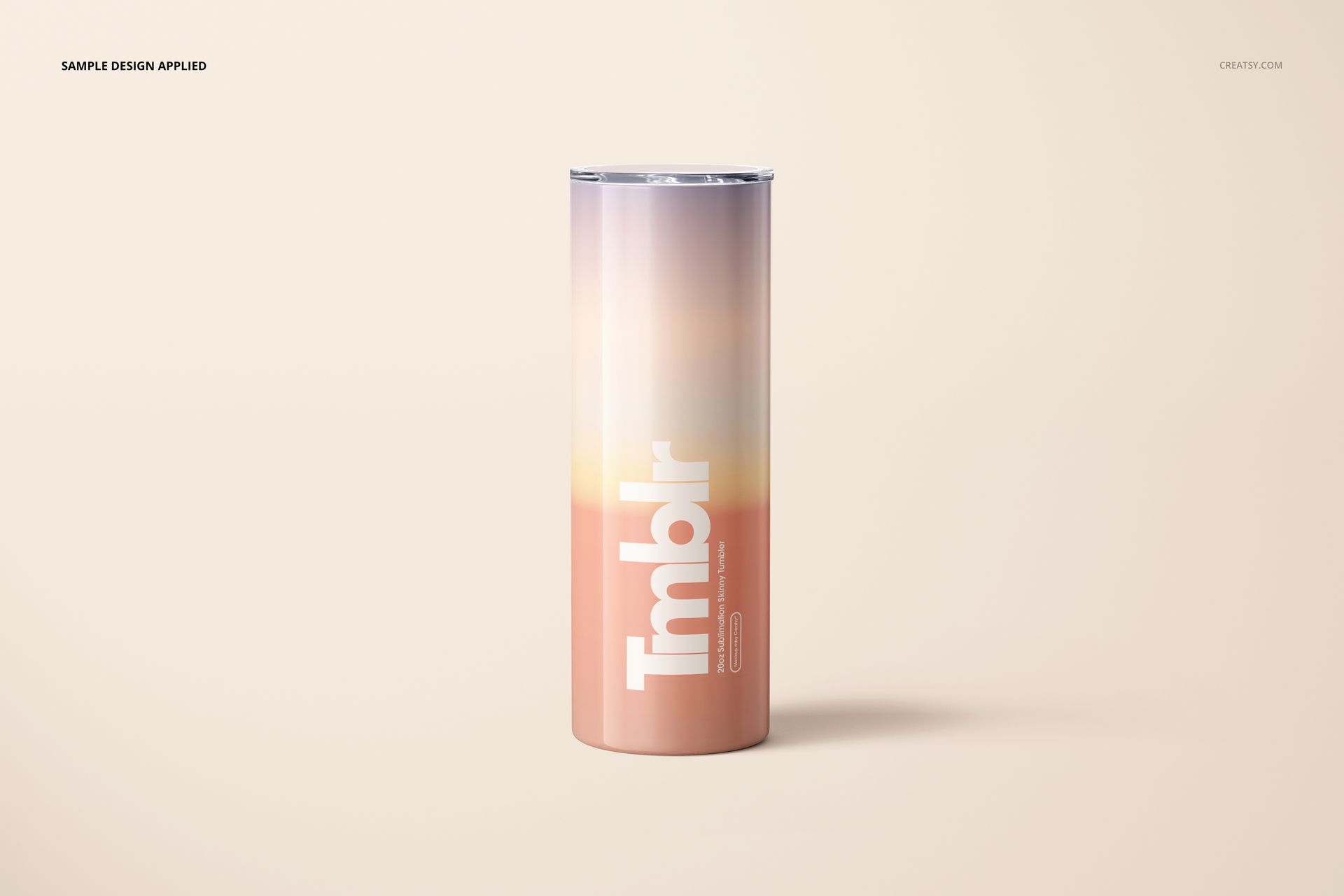
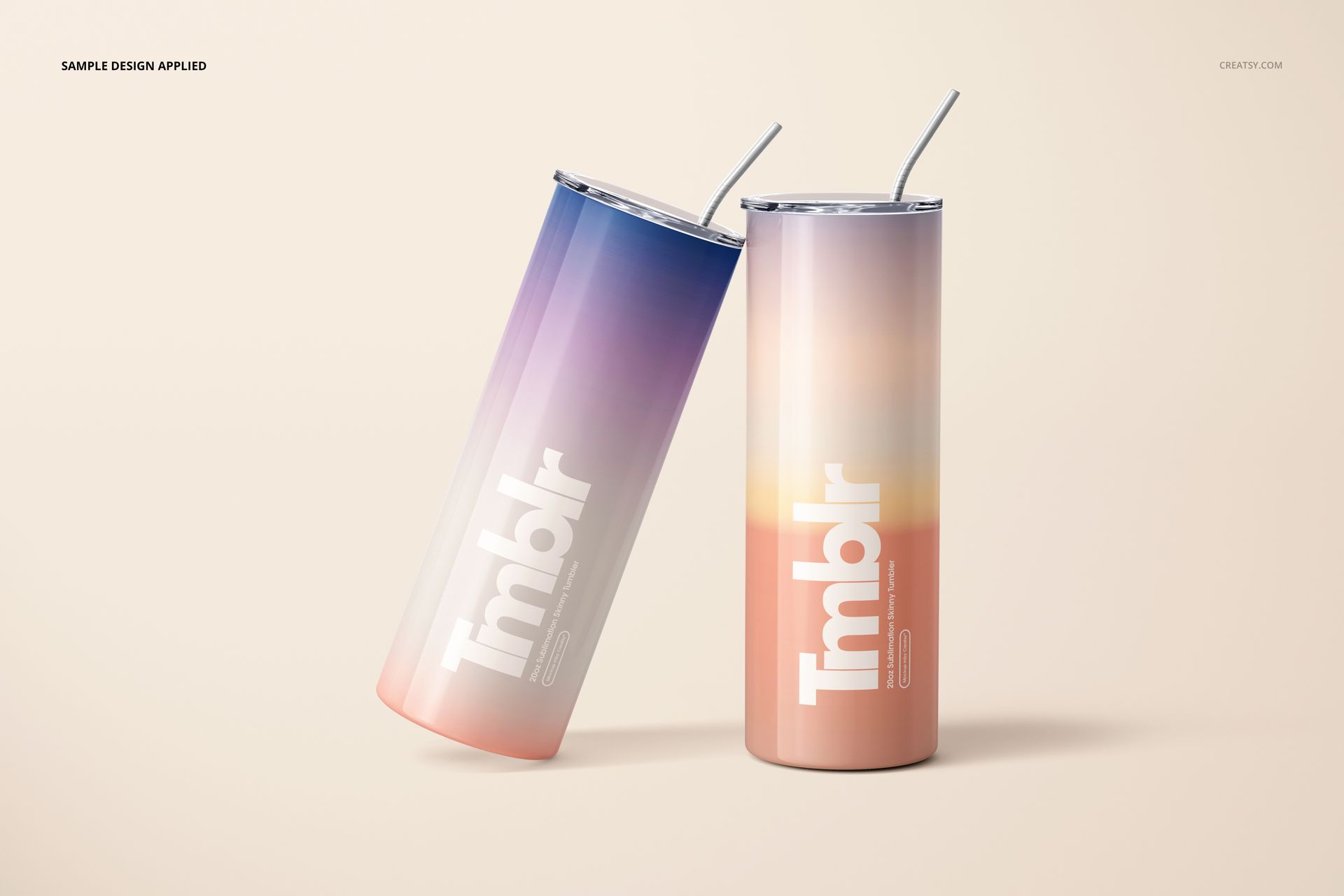
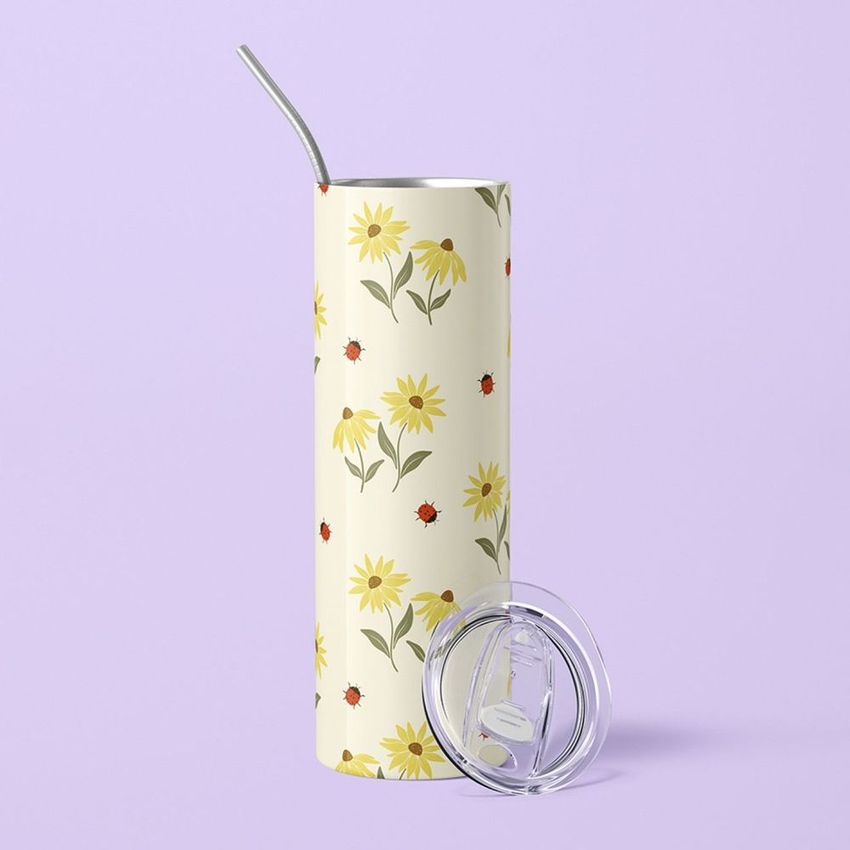
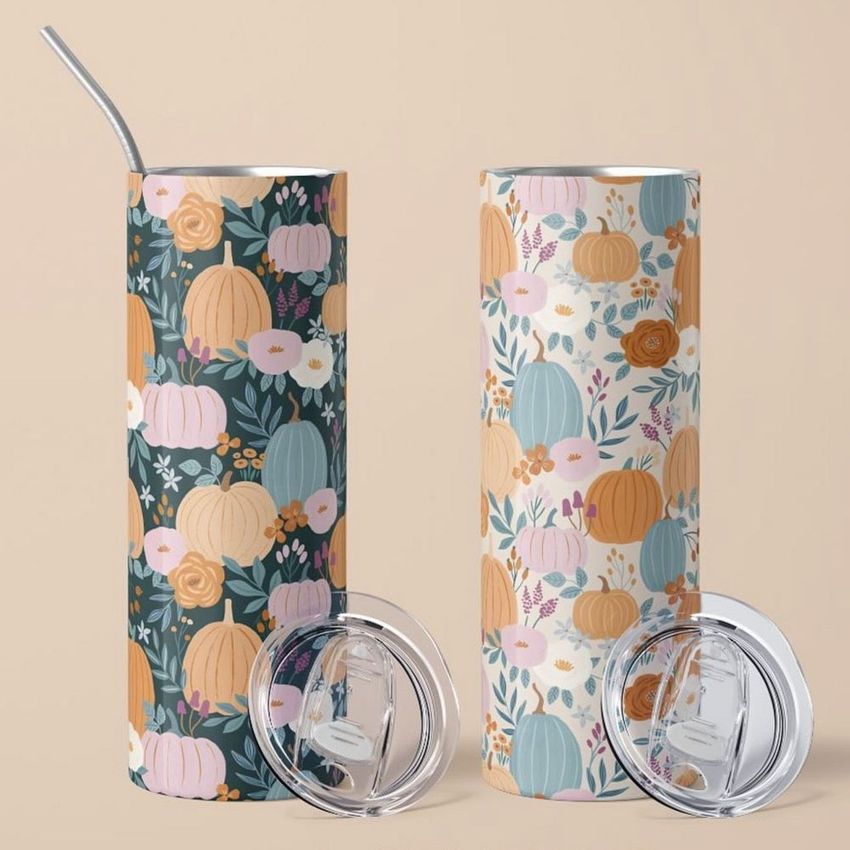
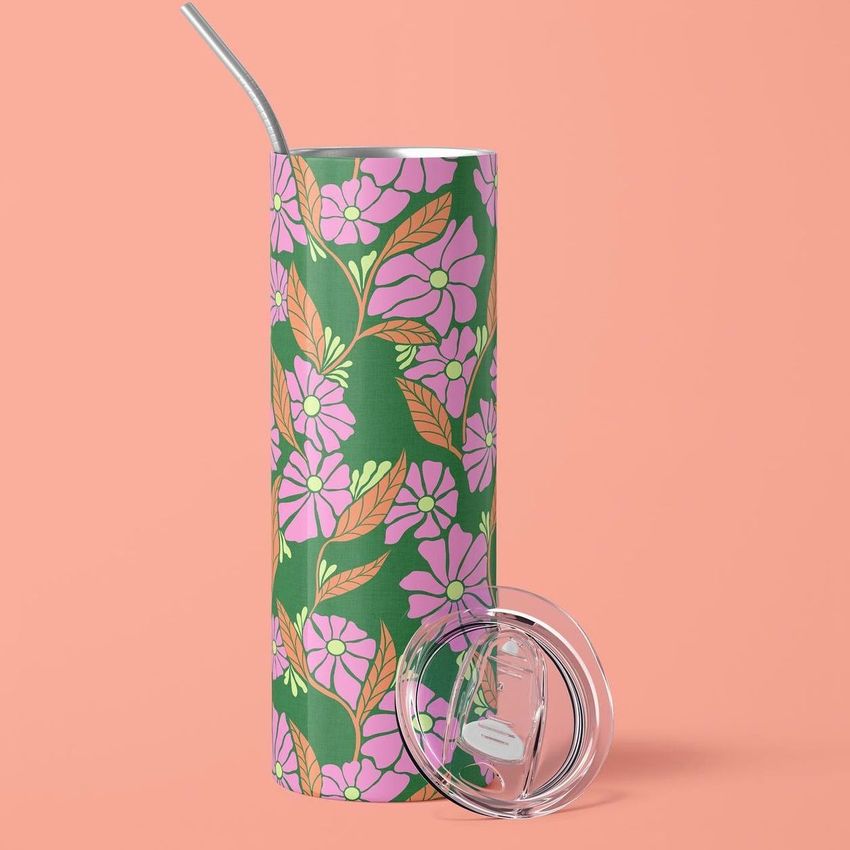
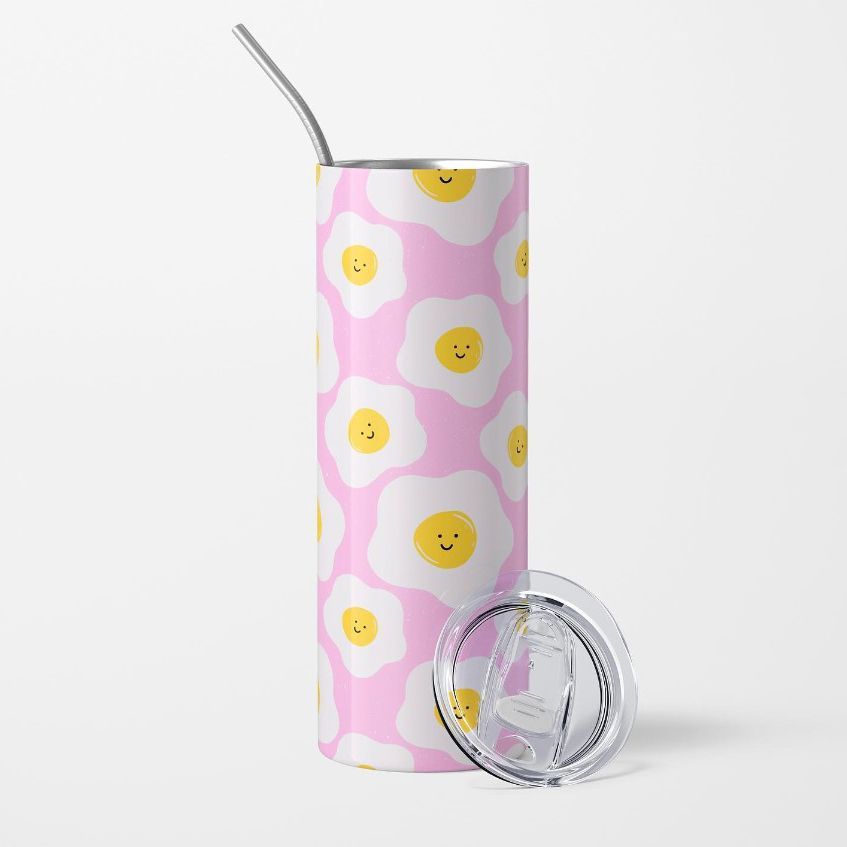
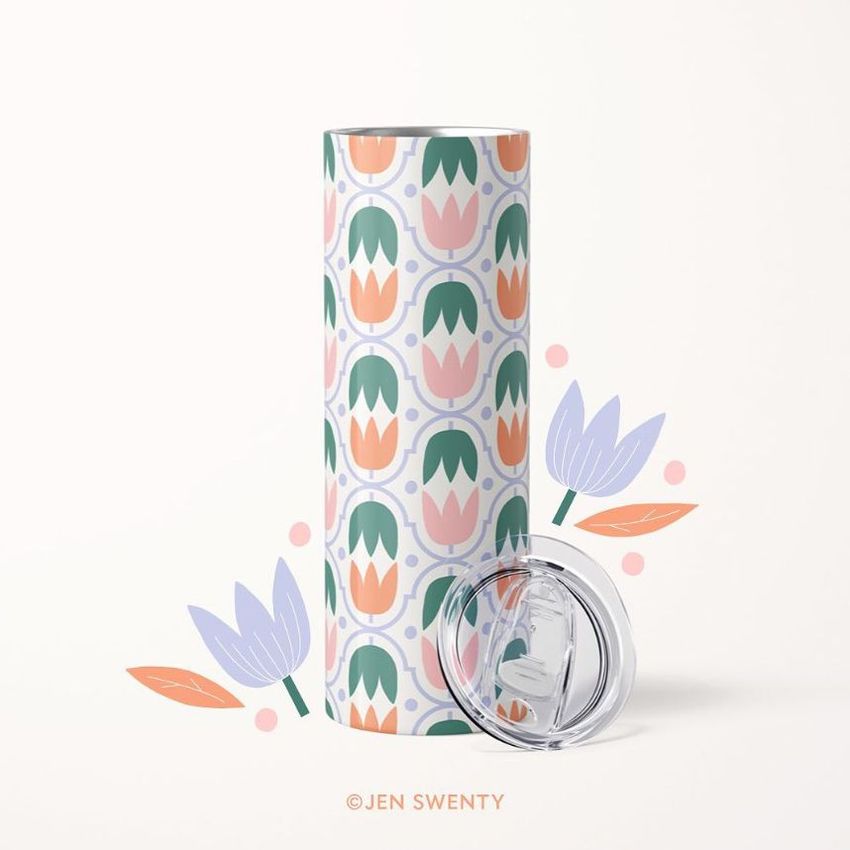
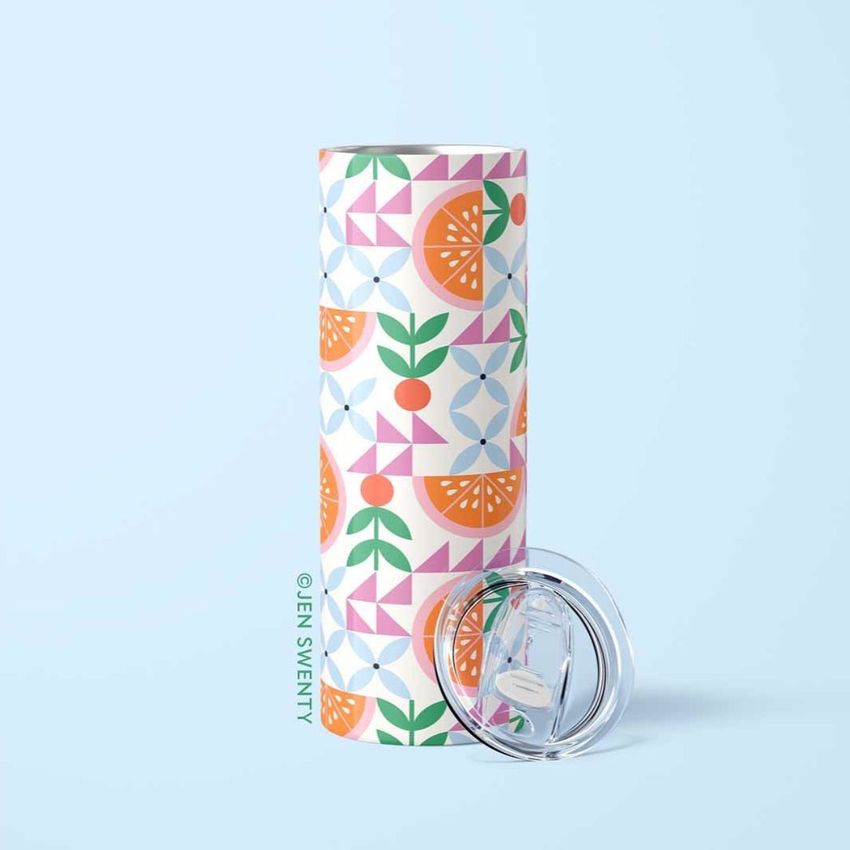
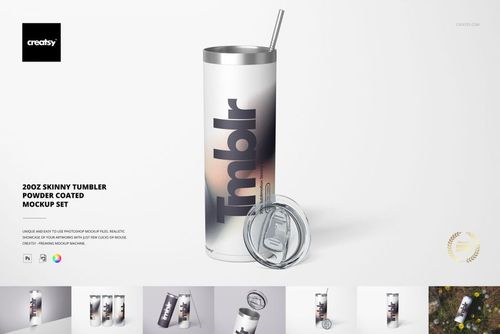
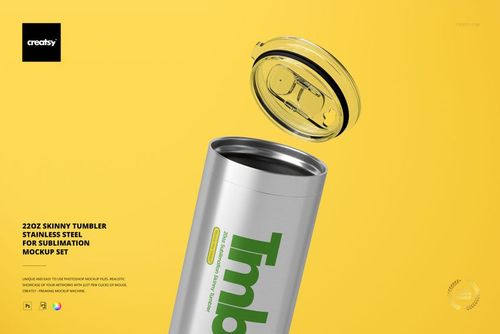
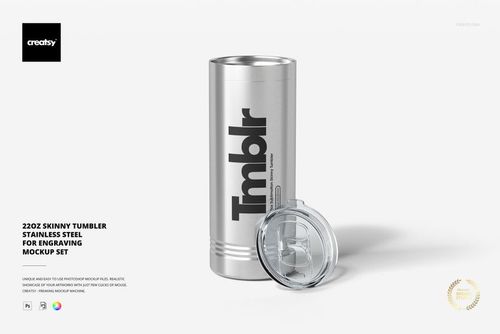
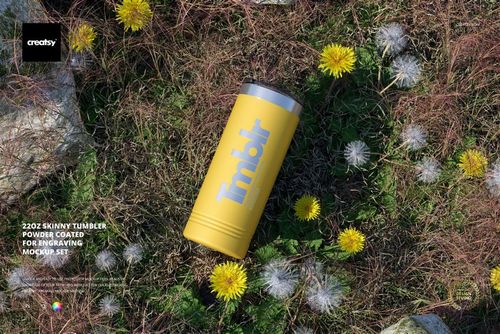
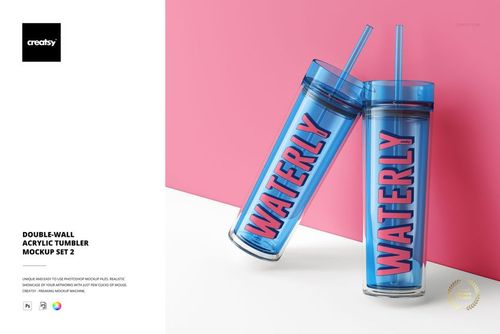
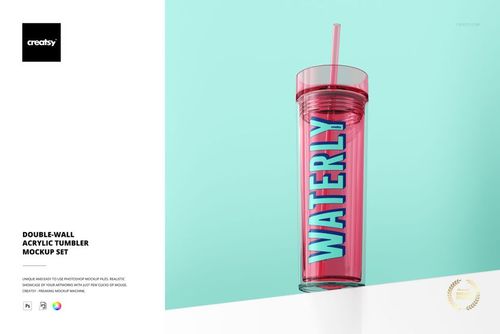
Show your sublimation designs on a 20oz skinny tumbler from every angle a customer needs to see before buying. This mockup set includes 12 PSD files covering front views, side angles, top-down shots, grouped arrangements, and close-ups with the straw and lid visible. Each file contains smart objects for placing your wrap-around artwork and adjusting the tumbler color. One set, twelve perspectives, and a complete visual library for your product listings.
Why This Mockup Set Works
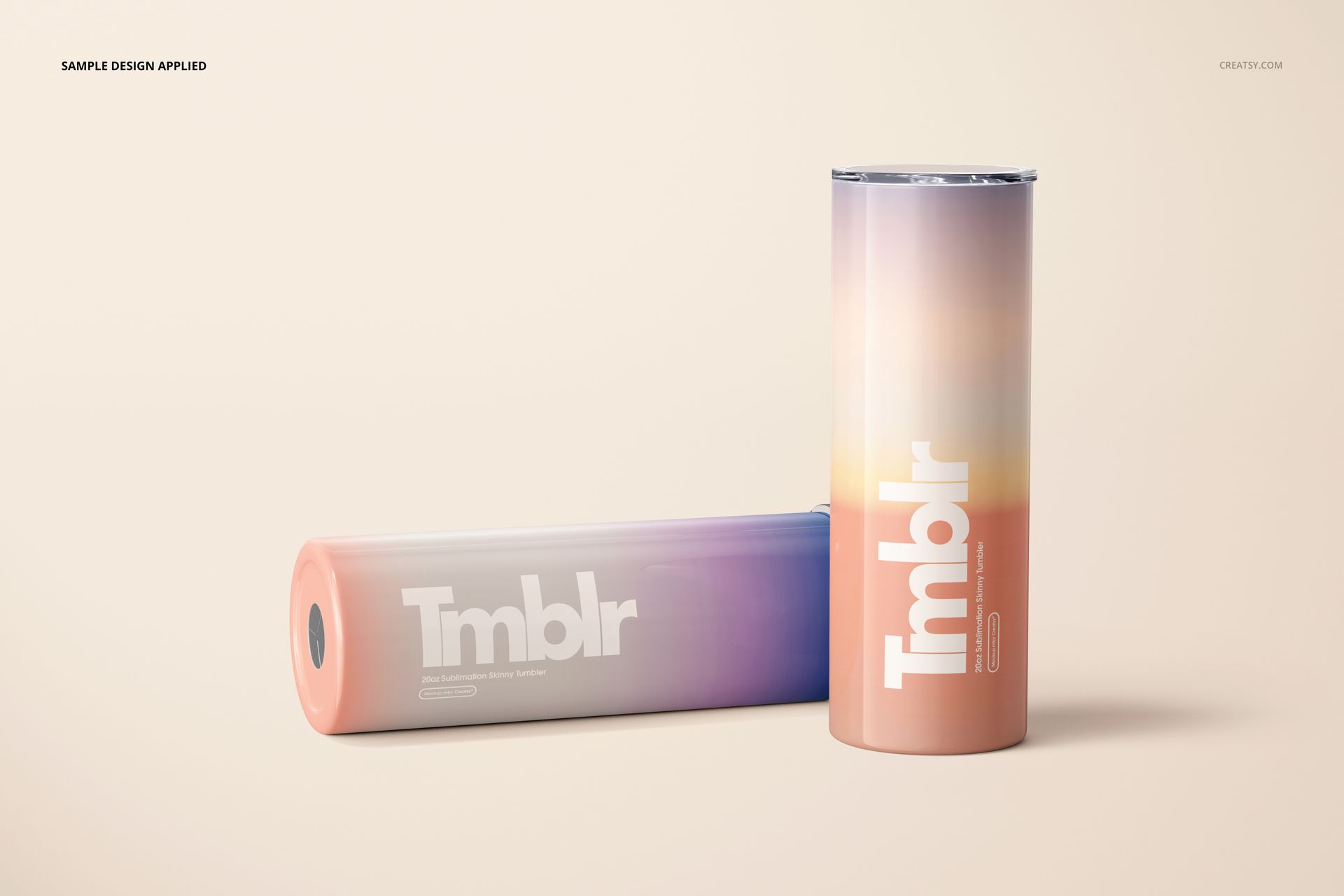
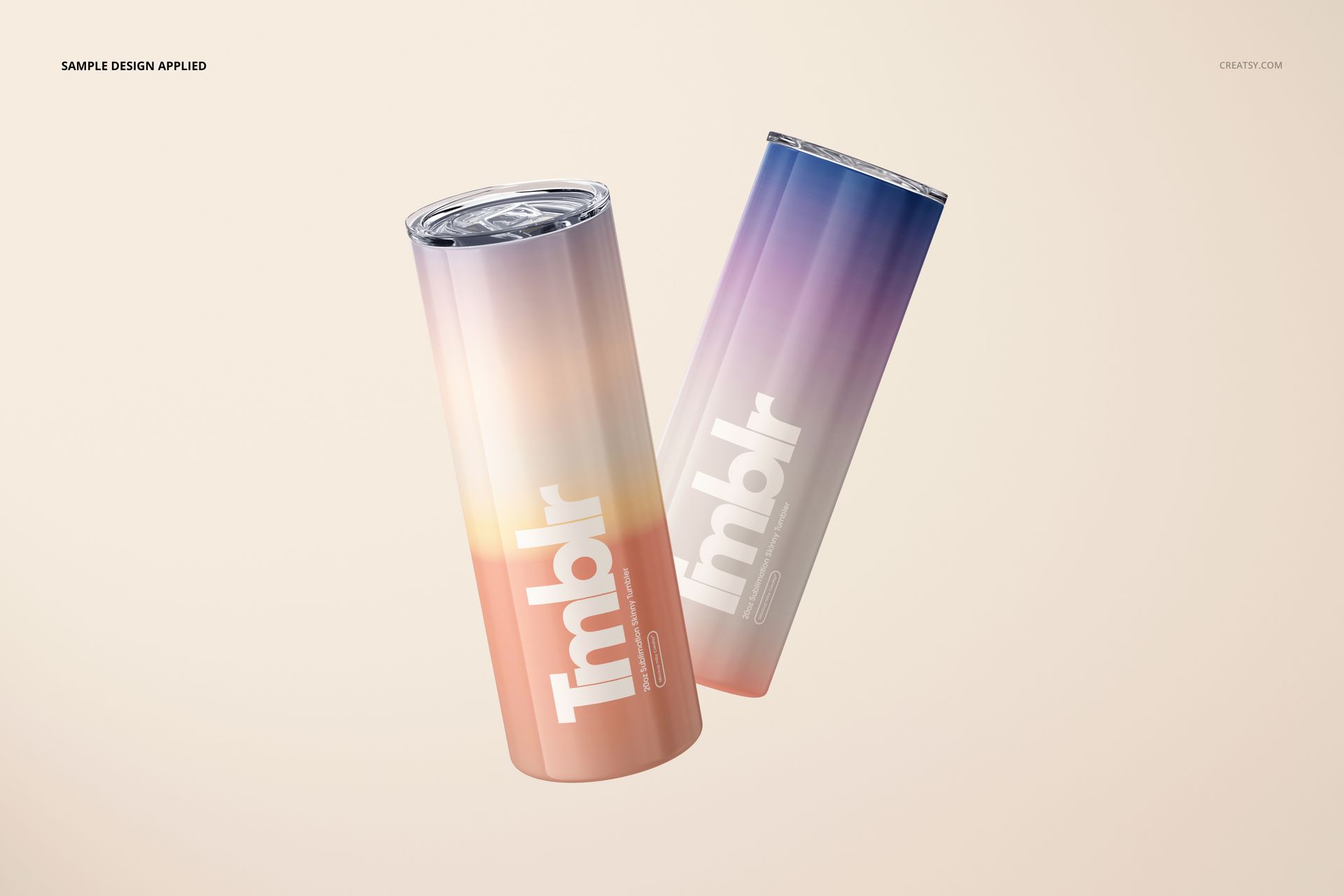
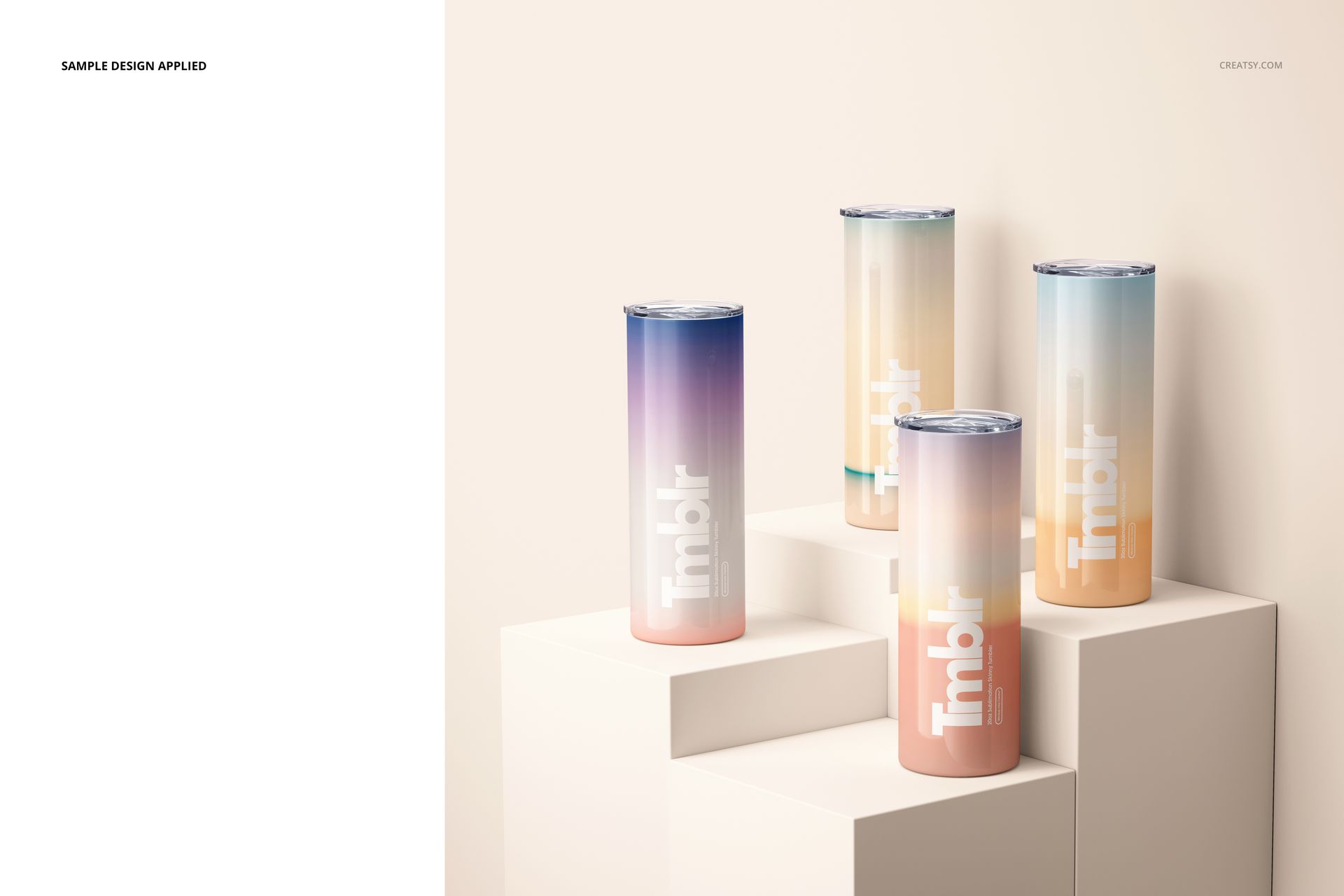
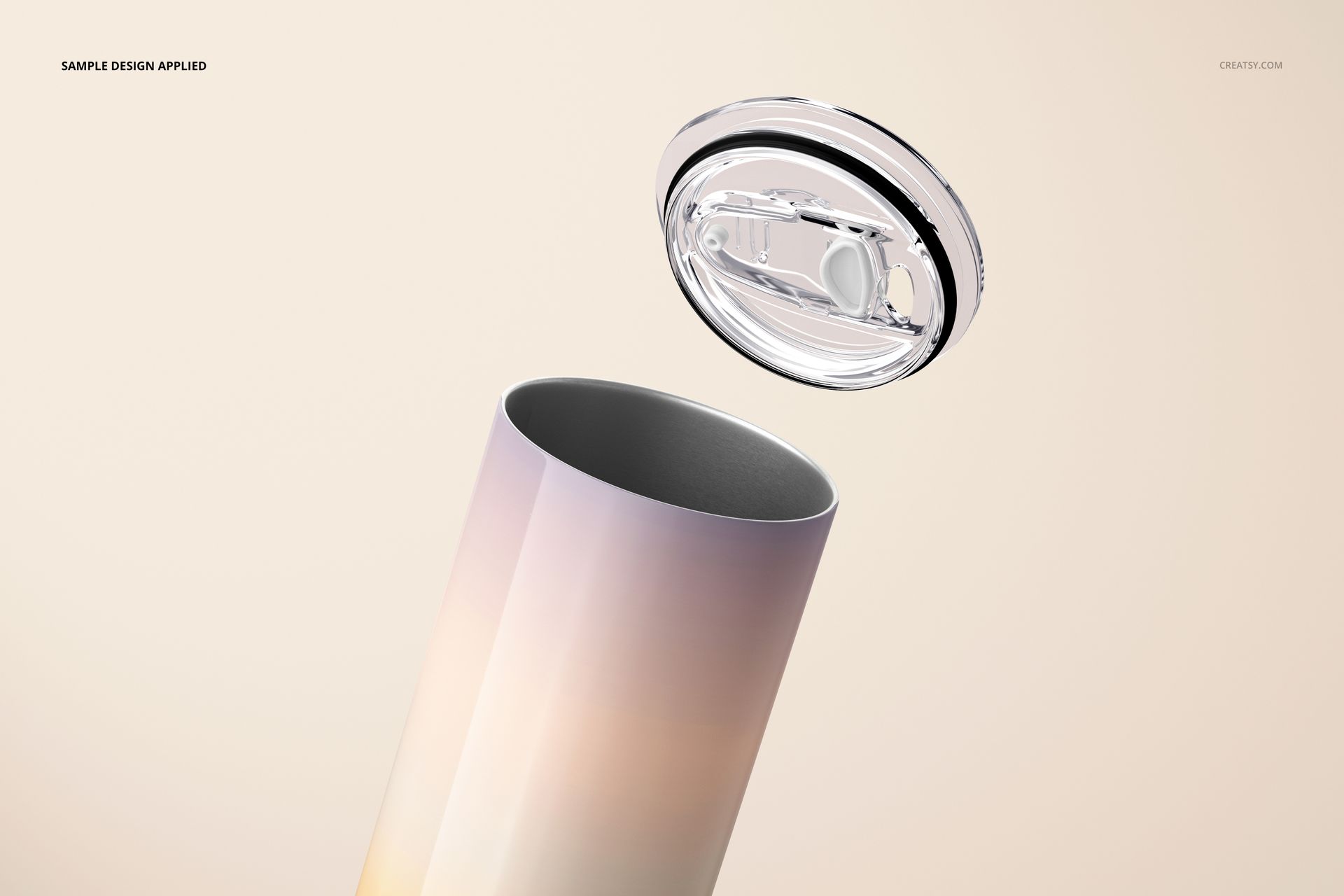
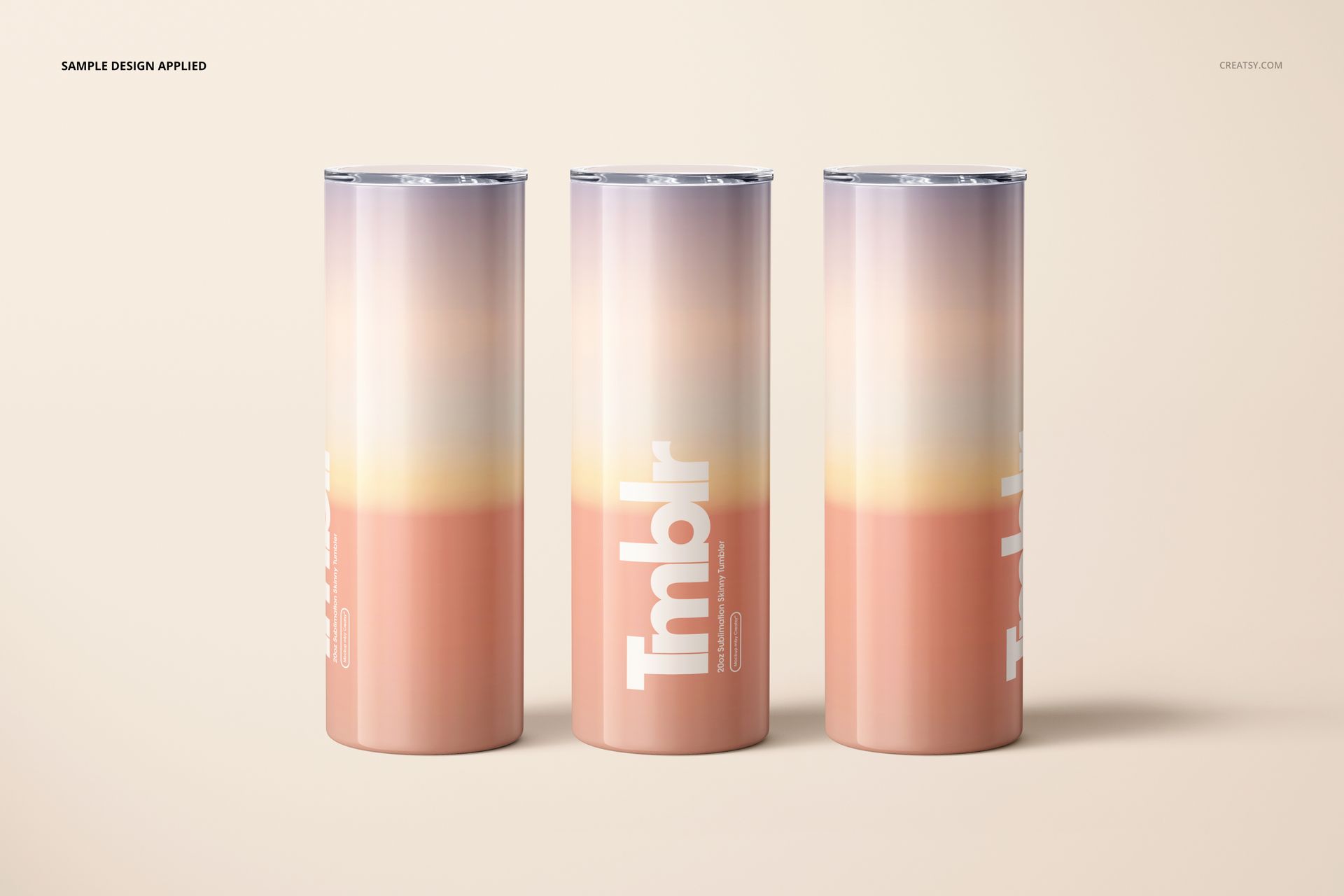
Sublimation tumbler buyers want to see the full wrap - front, back, and how the design transitions around the curve. A single-angle mockup leaves gaps that lead to customer questions and returns. This 12-file set solves that problem by covering the tumbler from every commercially relevant perspective. The front and side views show the primary design area. The angled shots reveal how the artwork wraps around the body. The top-down view displays the lid and straw detail. The grouped arrangements give you lifestyle-style imagery for social media, hero banners, and collection pages. At 300 dpi, the output works for Etsy listings, Amazon product images, Shopify storefronts, social ads, and print catalogs without upscaling.
What Is Included
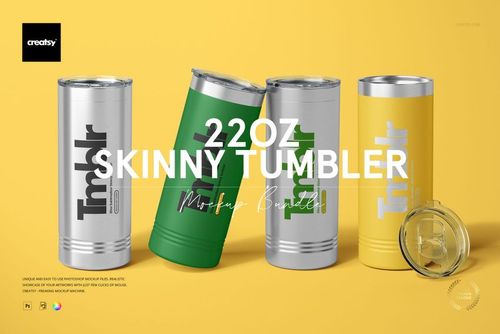
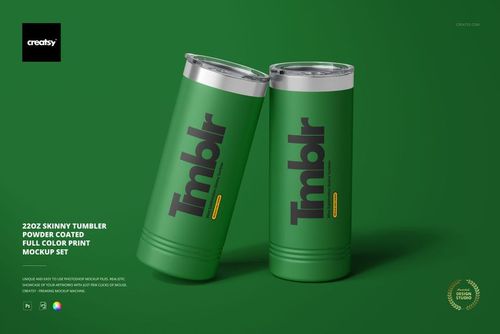
The download contains 12 high-resolution PSD mockup files plus JPG previews. You get single tumbler views from multiple angles - front, side, three-quarter, and back - as well as top-down perspectives showing the lid and straw. Group compositions feature two or three tumblers arranged together on styled surfaces, suitable for collection shots and hero images. Each PSD includes organized, clearly labeled layers and smart objects for design placement and color adjustment. The total download size is approximately 3.06 GB. Example artwork shown in preview screenshots is for demonstration only and is not included.
What You Can Customize
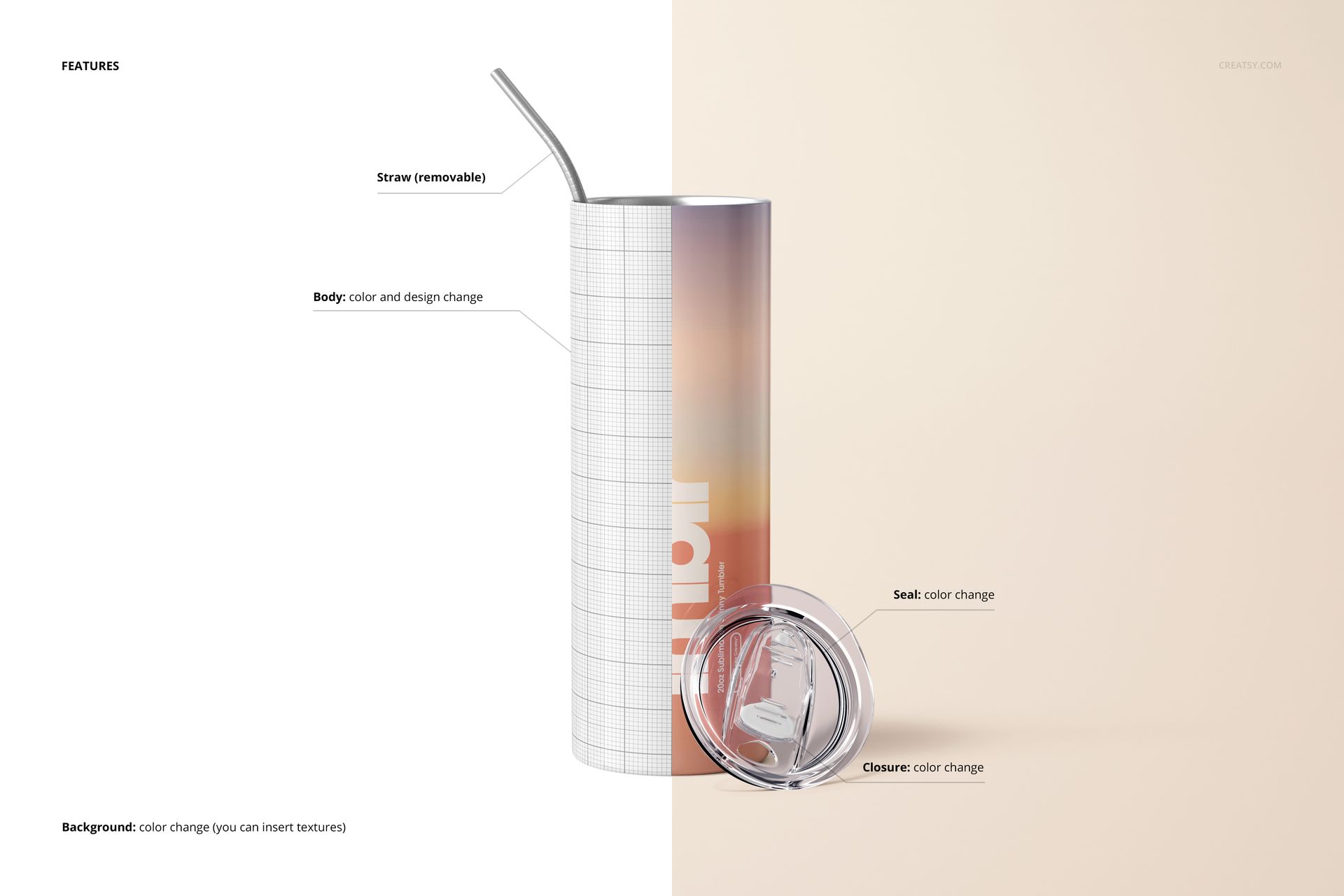
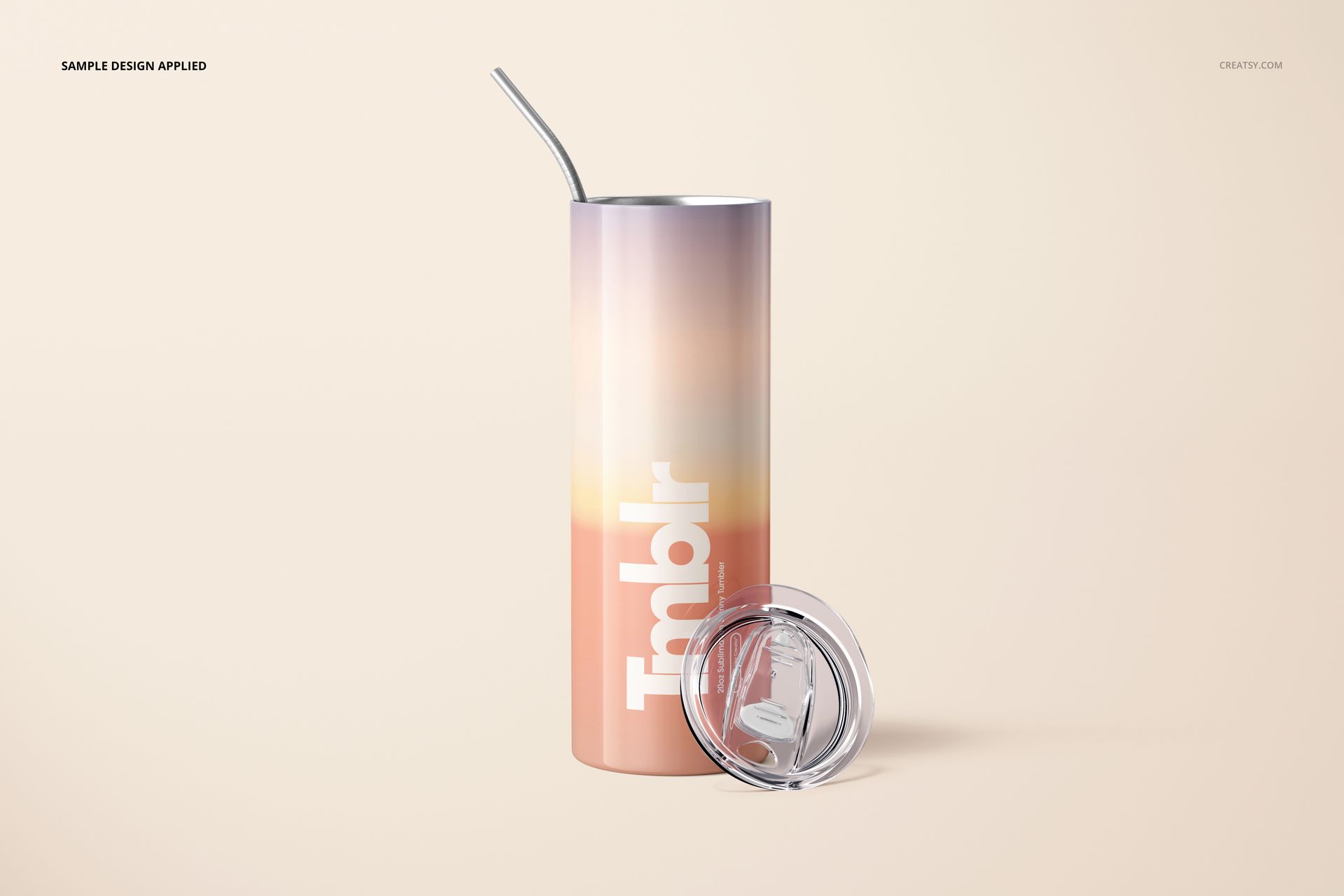
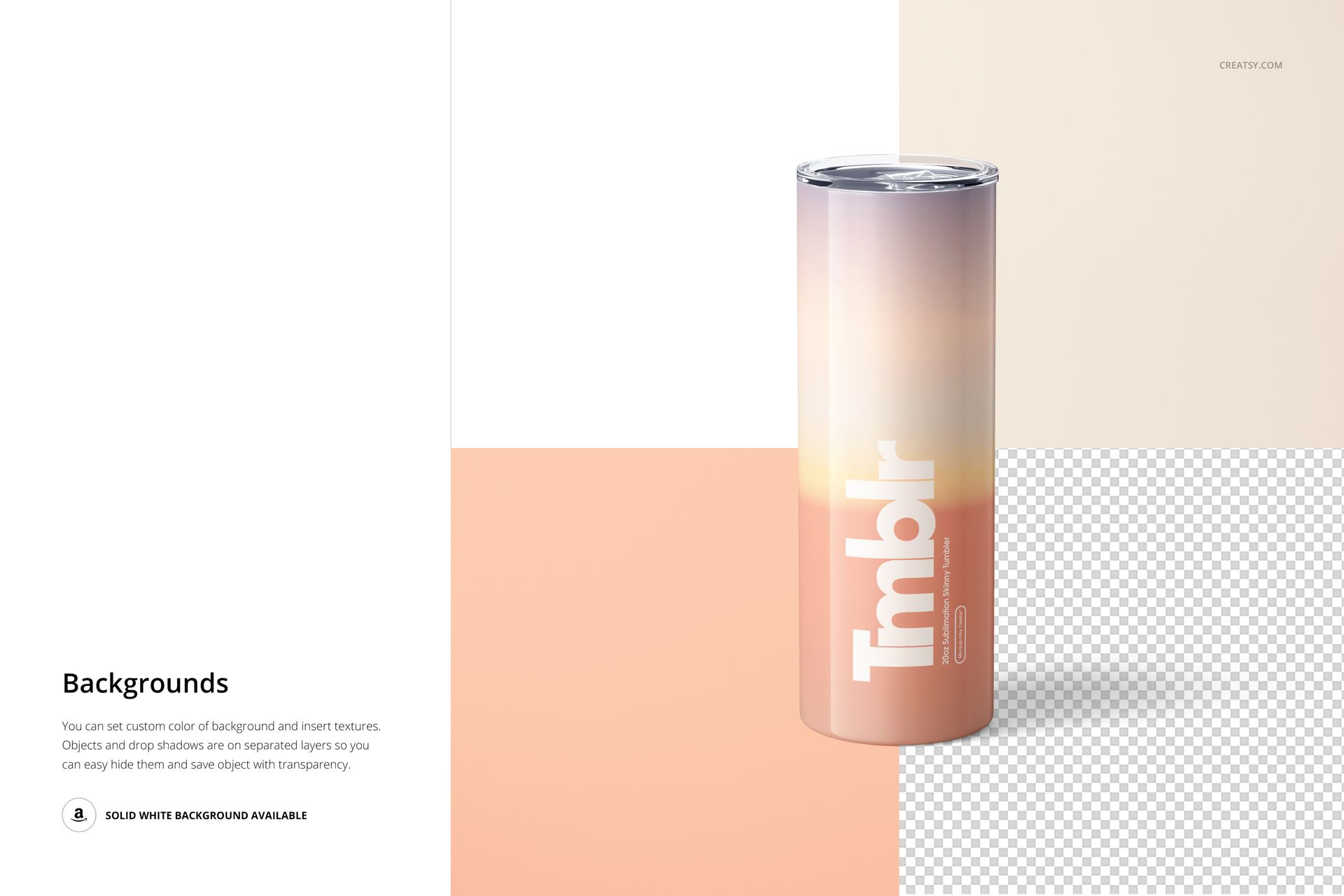
Each PSD contains smart object layers for the tumbler surface - double-click, paste your sublimation artwork, save, and the design wraps around the tumbler body with realistic curvature, lighting, and reflection mapping. You can also adjust the base tumbler color to white, black, metallic, or any custom shade that matches your product line. The straw and lid remain consistent across views, giving your listing images a cohesive look. Generate front, back, and detail shots of the same design in one session, or swap in different artwork for each file to build a full product catalog across multiple designs.
Who This Mockup Set Is For
Sublimation print sellers listing custom tumblers on Etsy, Amazon, or their own Shopify store. Print-on-demand sellers who need professional product images before physical samples exist. Graphic designers selling downloadable sublimation PNG files who want to show buyers how the design looks on the actual tumbler. Custom drinkware brands building product pages, wholesale catalogs, or trade show materials. Small craft businesses producing sublimation tumblers who need listing images that match the quality of larger competitors. Marketing teams launching branded tumbler merchandise for corporate gifts, events, or promotional campaigns.
File Specifications
Format: PSD (Adobe Photoshop) plus JPG previews. Files included: 12 mockup scenes. Resolution: 300 dpi. Smart objects: design wrap and tumbler color per file. Minimum software: Adobe Photoshop CC 2020. Layers: organized and labeled. Total download size: approximately 3.06 GB.














The best mockups I've ever used i just wish they had more