About the Product
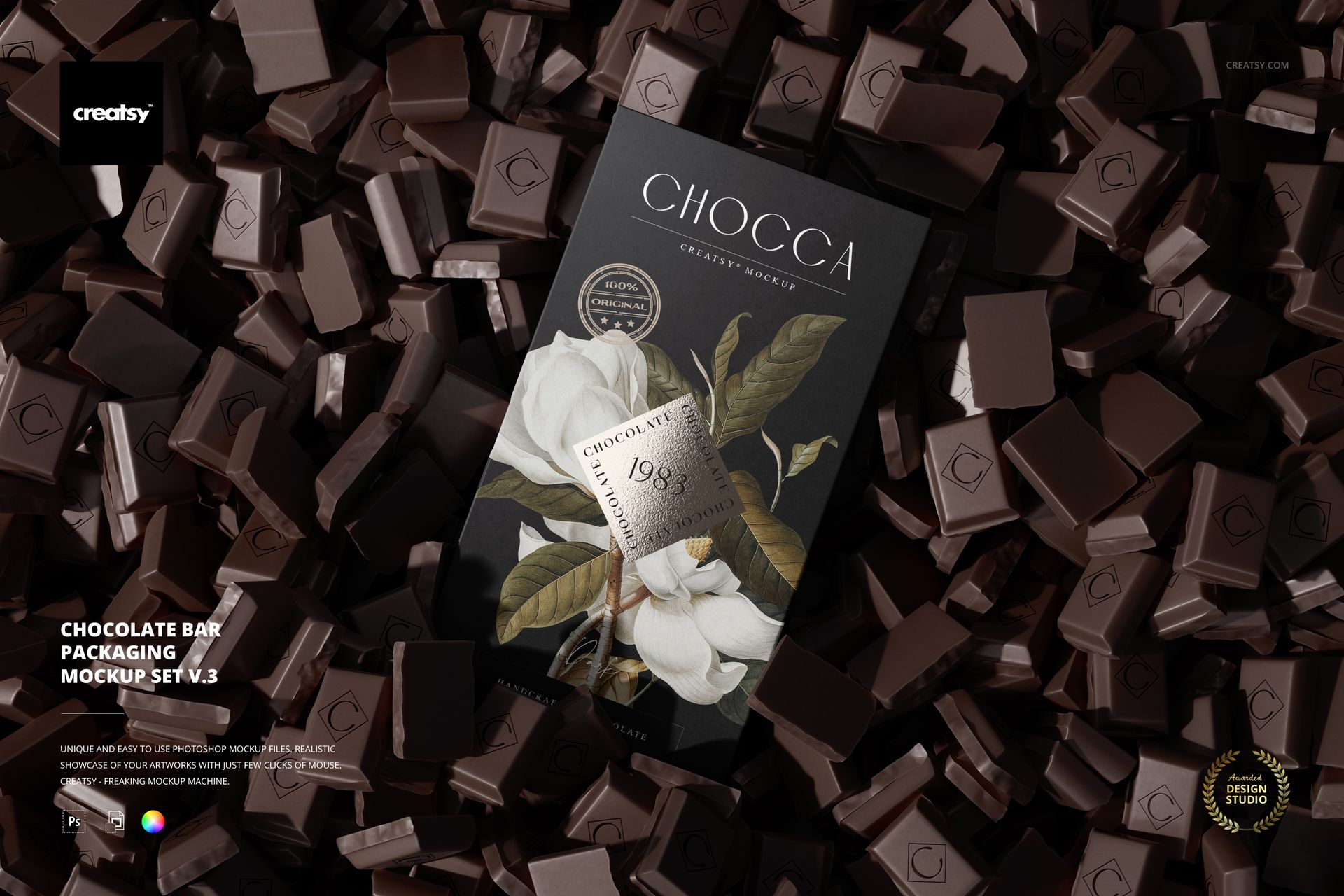
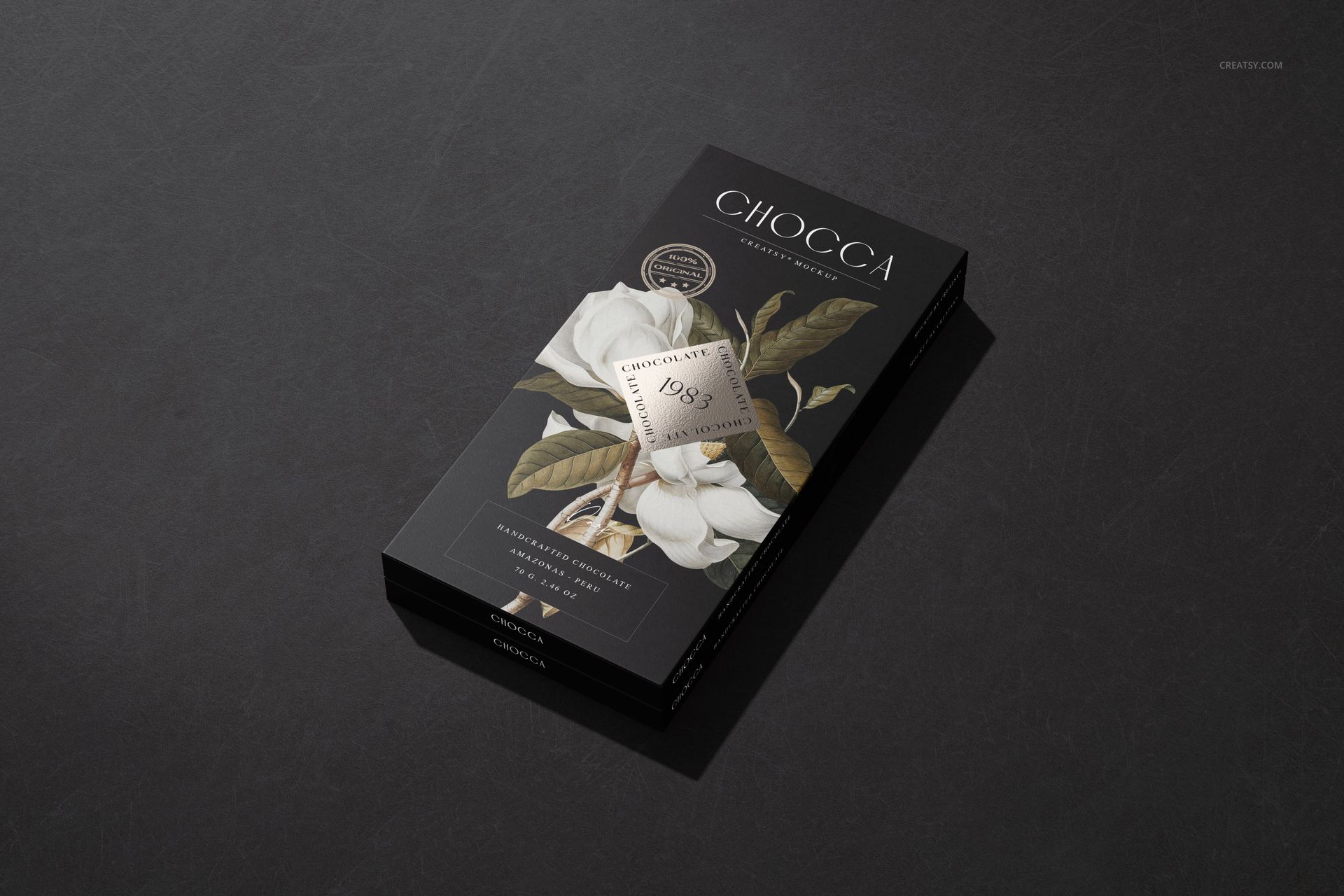
Chocolate Bar Packaging Mockup Set v.3 by Creatsy is a chocolate bar mockup that puts your wrapper design on a real bar, with seven layered Photoshop PSD scenes at 6000 by 4000 px and 300 dpi and smart objects for the artwork.
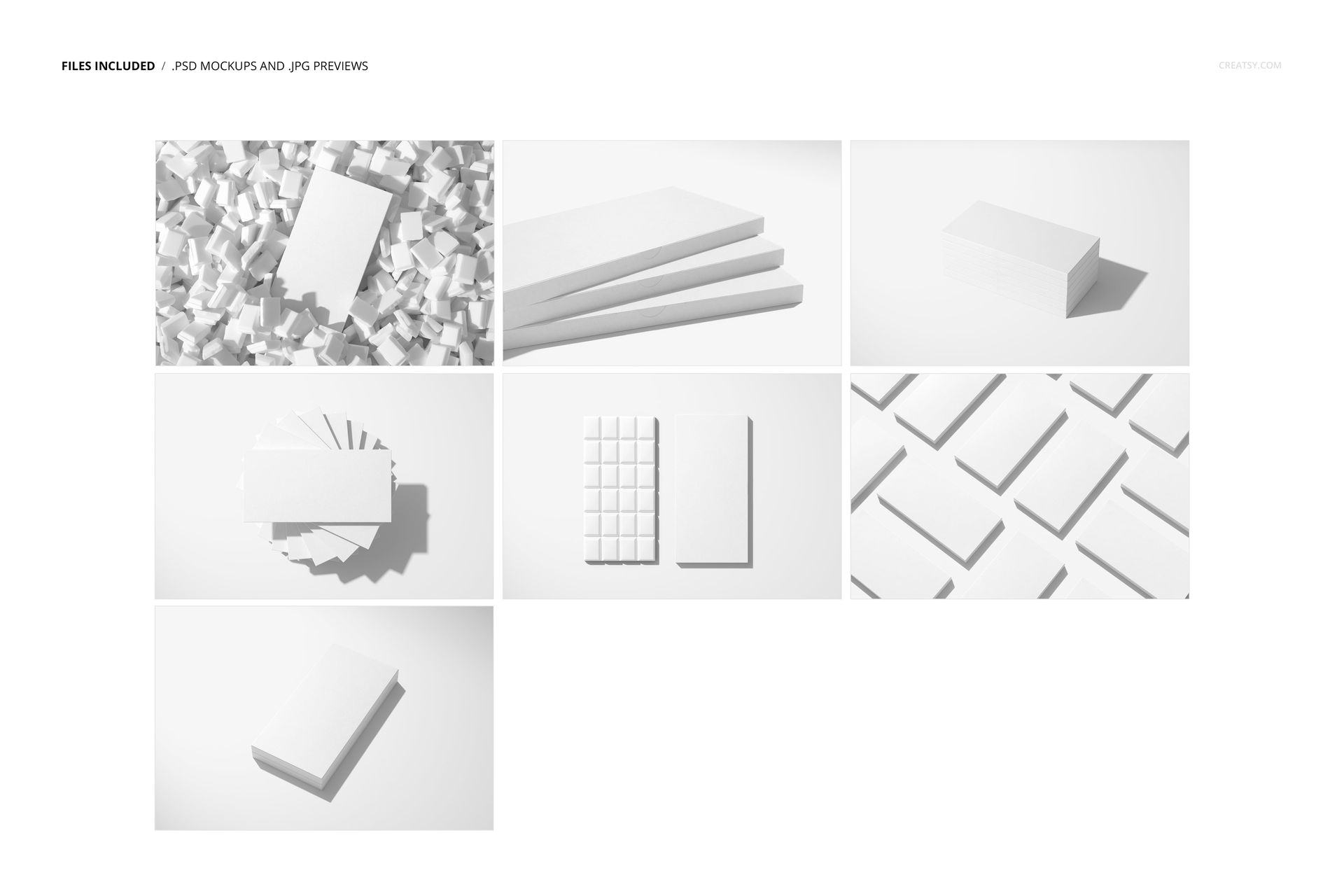
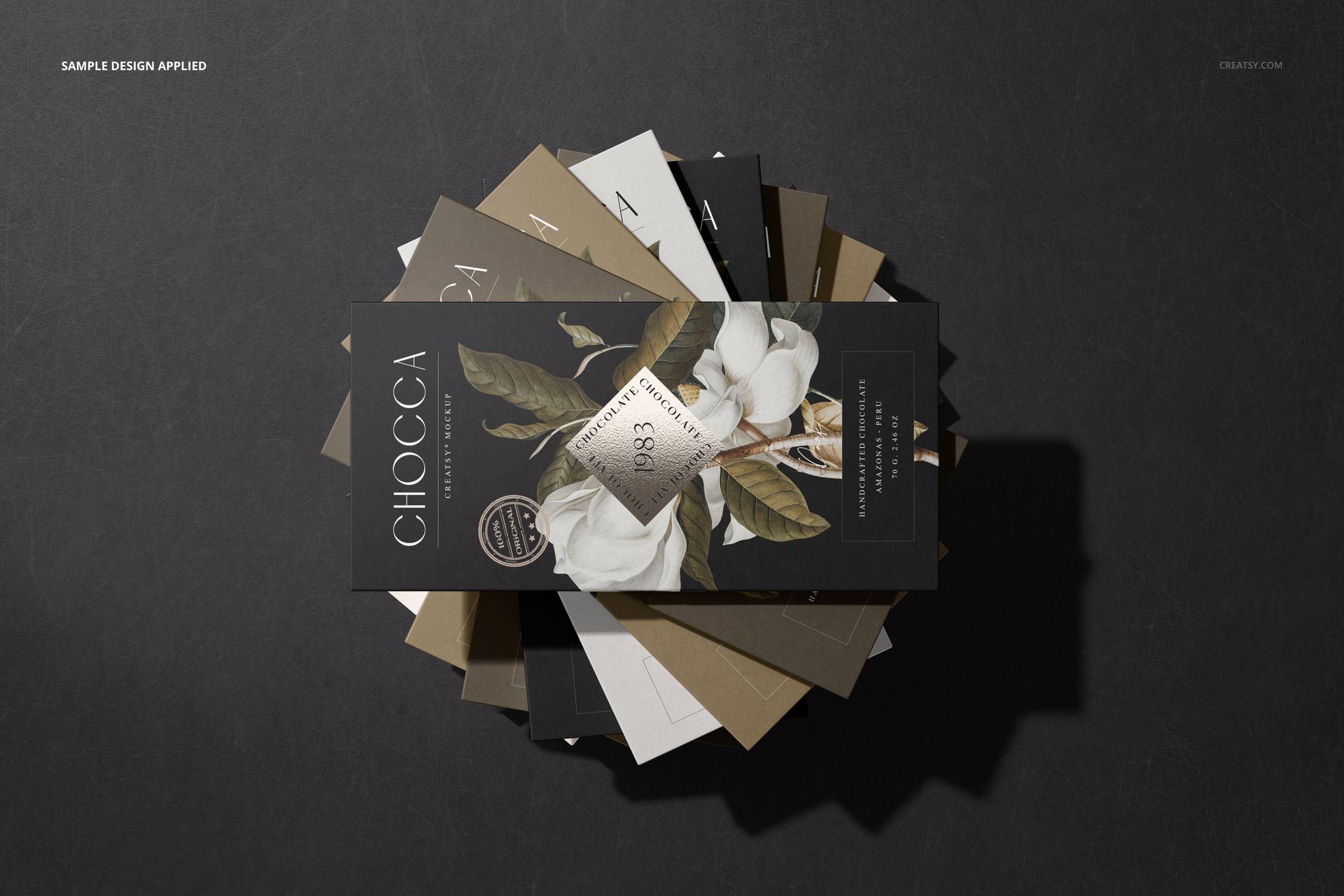
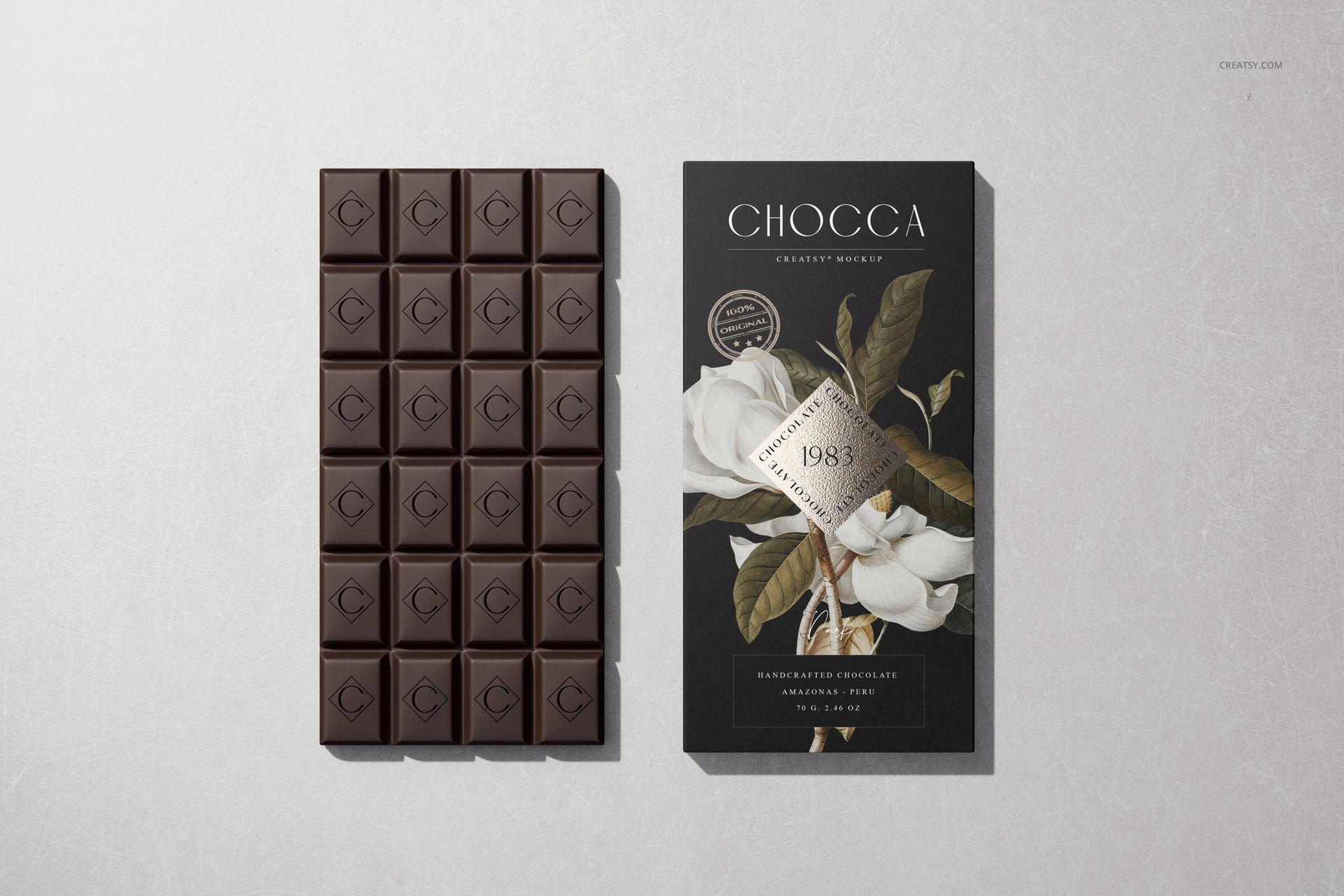
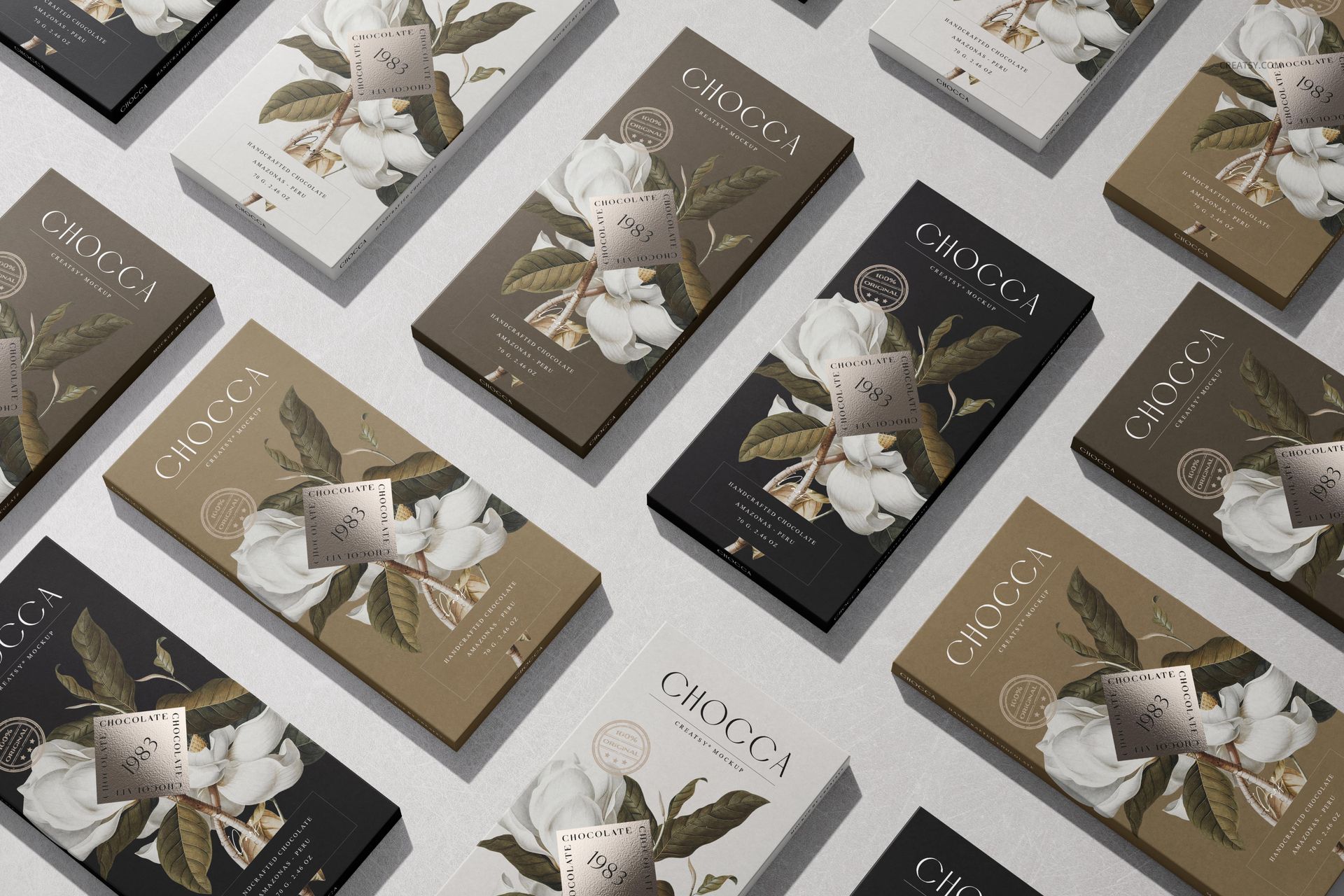
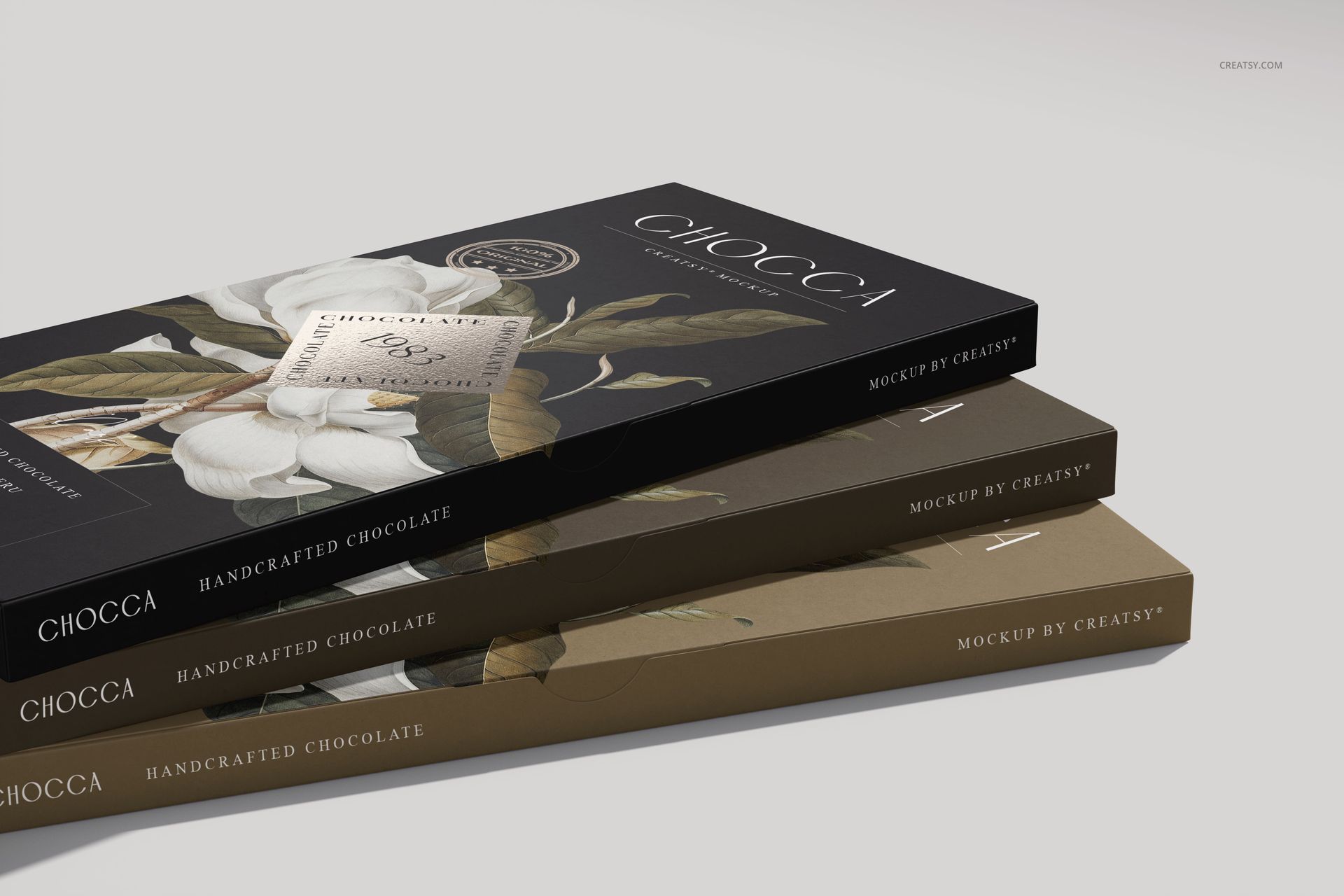
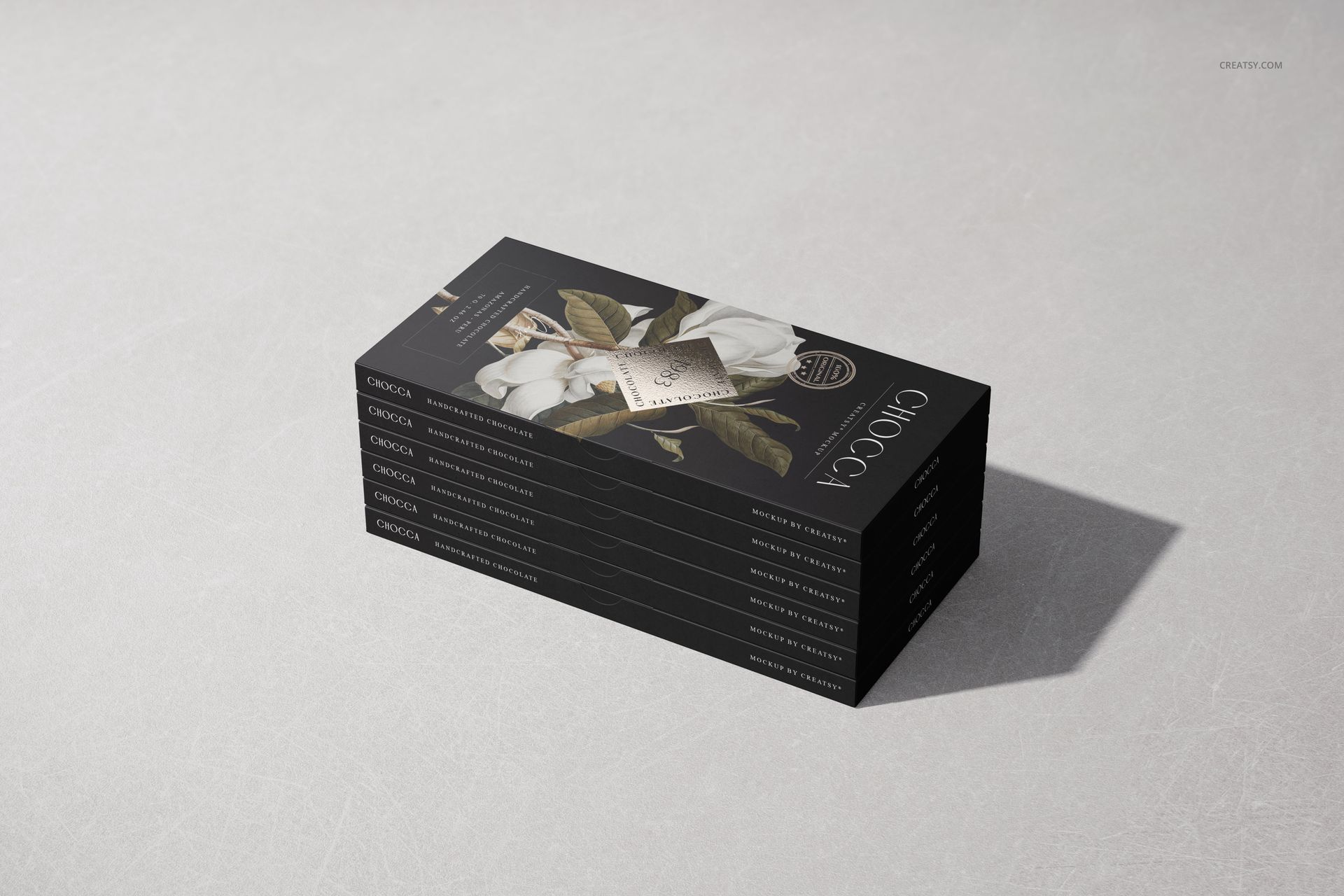
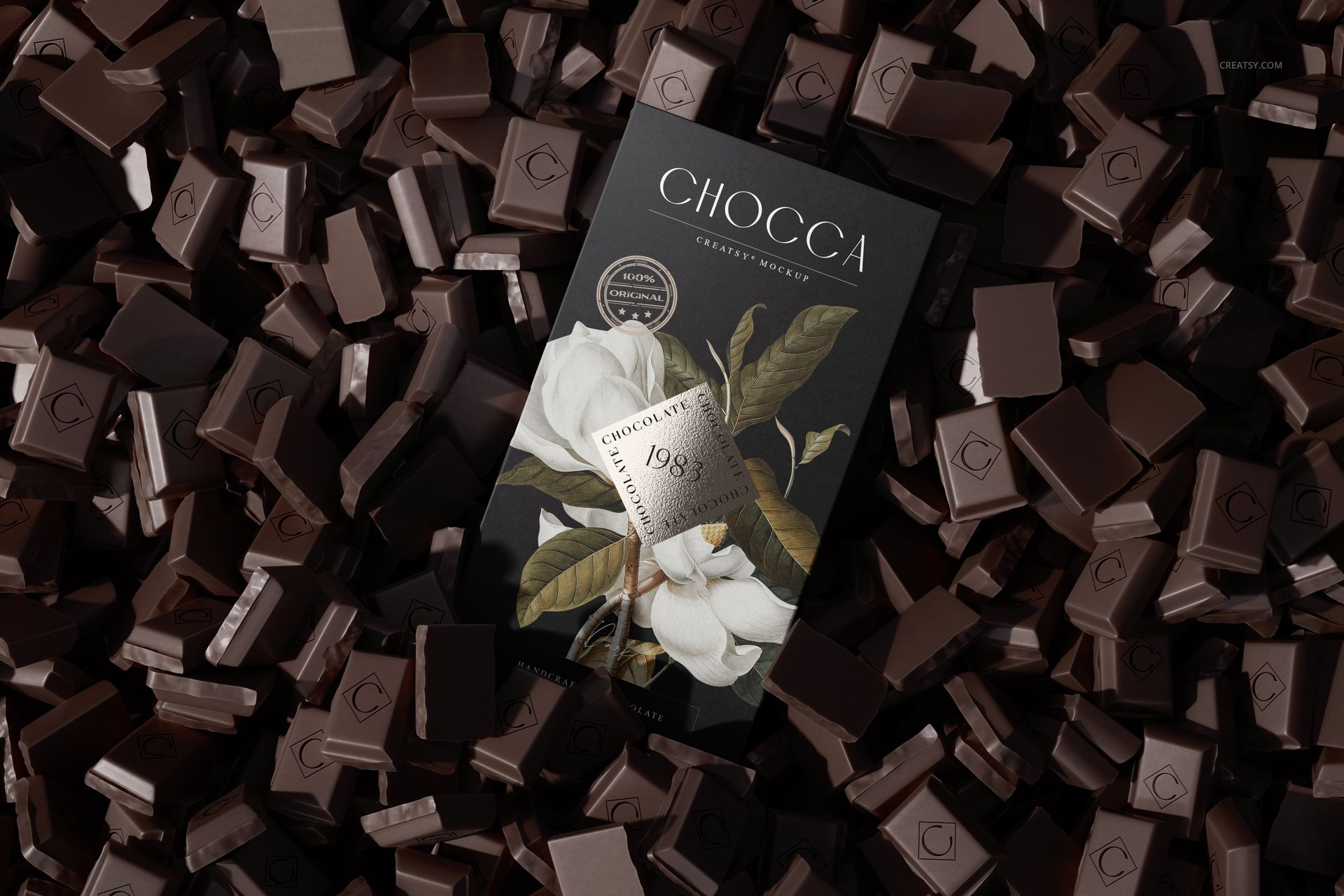
Every scene runs on the same idea: drop your packaging design into the smart object, save, and it wraps the bar with the right folds and highlights. You get the bar fully wrapped, a bar half-unwrapped next to its chocolate segments, a top-down pile, and a diagonal grid, so one purchase covers a clean product shot, a hero image, and a few scroll-stoppers for a listing. The wrappers start blank, and the botanical art in the previews is only there to show the idea, not to ship with the file.
It earns its place the moment a chocolate or confectionery brand needs to see a label on the actual bar before print, or when a packaging designer wants a tidy set of images for an Etsy listing, a pitch deck, or a portfolio case study. No food styling, no studio time.
What you get
Seven layered Photoshop PSD scenes at 6000 by 4000 px, 300 dpi
The wrapper as a smart object, so your packaging design wraps the bar
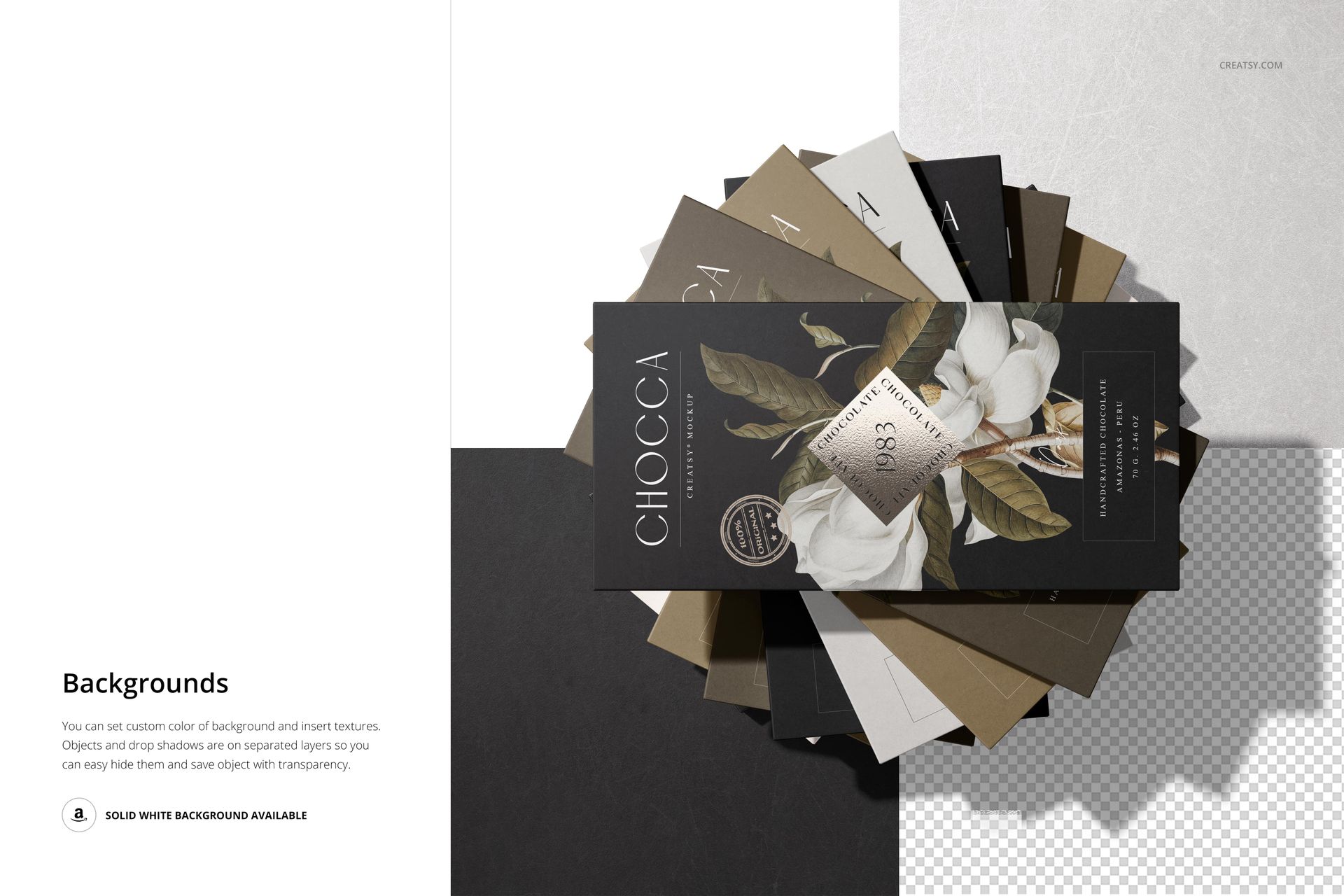
Wrapped, half-unwrapped, stacked, top-view, and grid arrangements
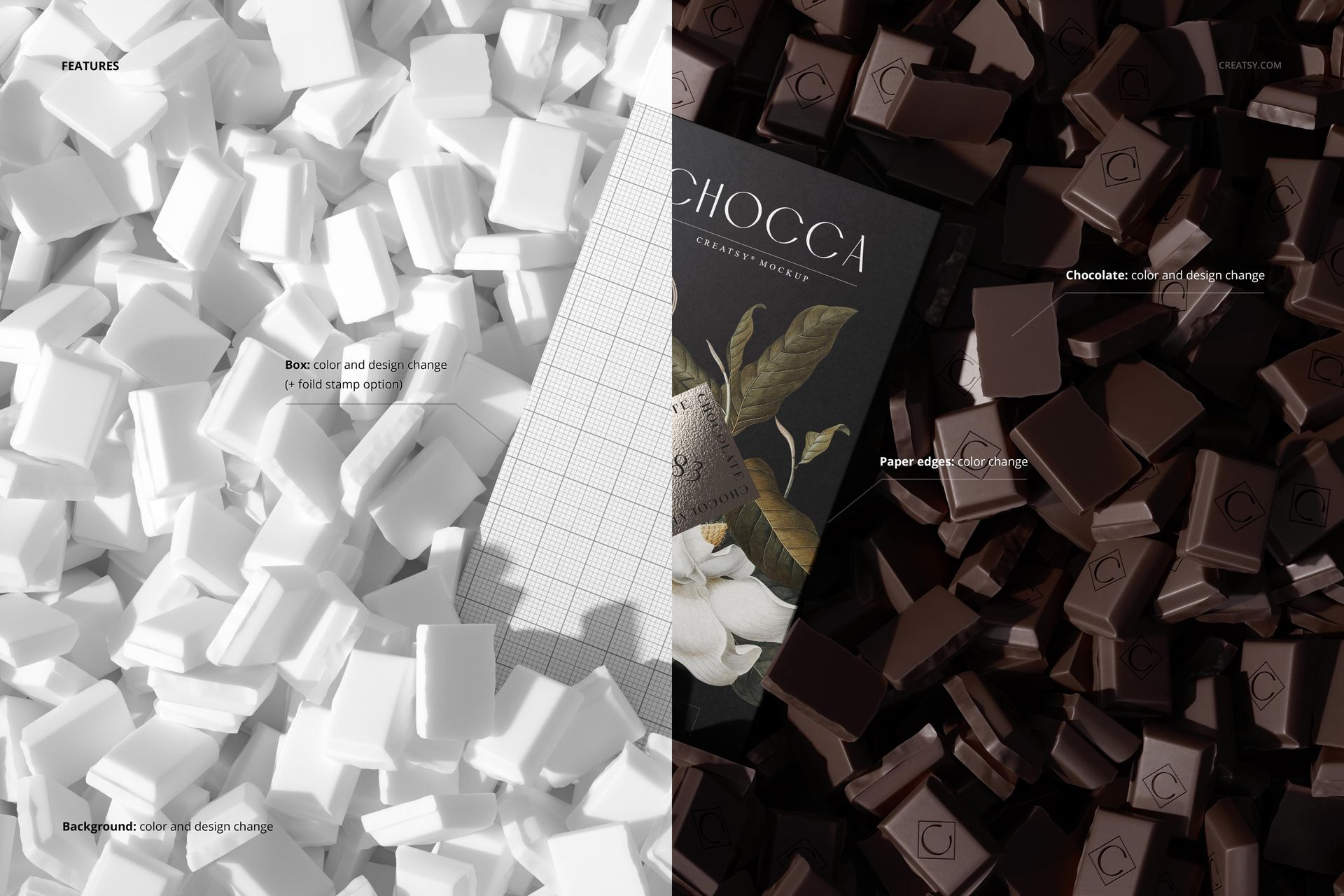
Blank wrappers with visible chocolate segments, and an editable background
14 files in the download (.psd, .jpg, .pdf); package 479 MB on Windows, 502 MB on macOS
Opens in Adobe Photoshop CC or later, and free in the browser with Photopea
How it works
Open a PSD in Adobe Photoshop, or free in your browser with Photopea.
Double-click the wrapper smart object and paste your packaging design.
Save, and your label wraps the bar with its folds and shadows.
Export the JPG for your shop listing, pitch, or portfolio.
Specifications
Files: 7 layered PSD scenes (download includes .psd, .jpg, .pdf)
Resolution: 6000 by 4000 px, 300 dpi
Editable: wrapper is a smart object; background is editable
Scenes: wrapped, unwrapped, stacked, top view, and grid
Software: Adobe Photoshop CC or later, or Photopea (free)
Package size: 479 MB (Windows) / 502 MB (macOS); 14 files
License: Standard, $19














Great! This included in my bundle purchase. Thanks!
Thank you so much! We’re delighted to hear you enjoyed this mockup from the bundle. We truly appreciate your support.