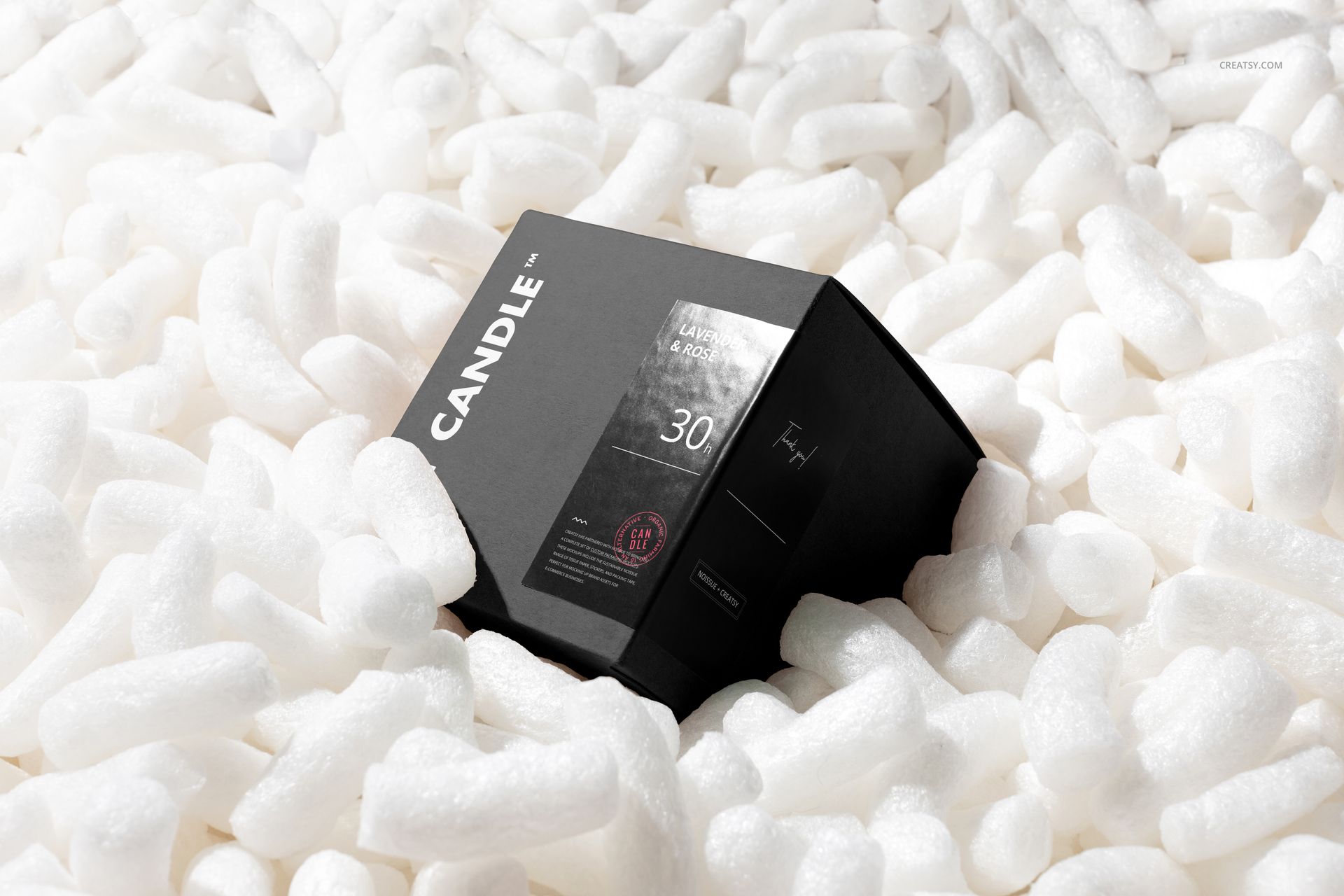
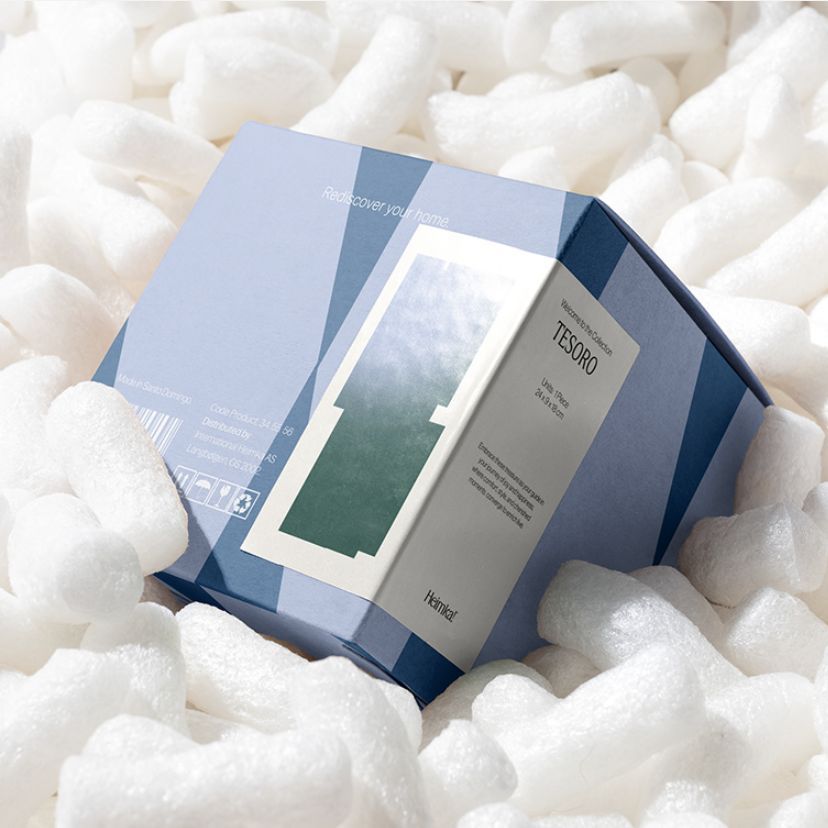
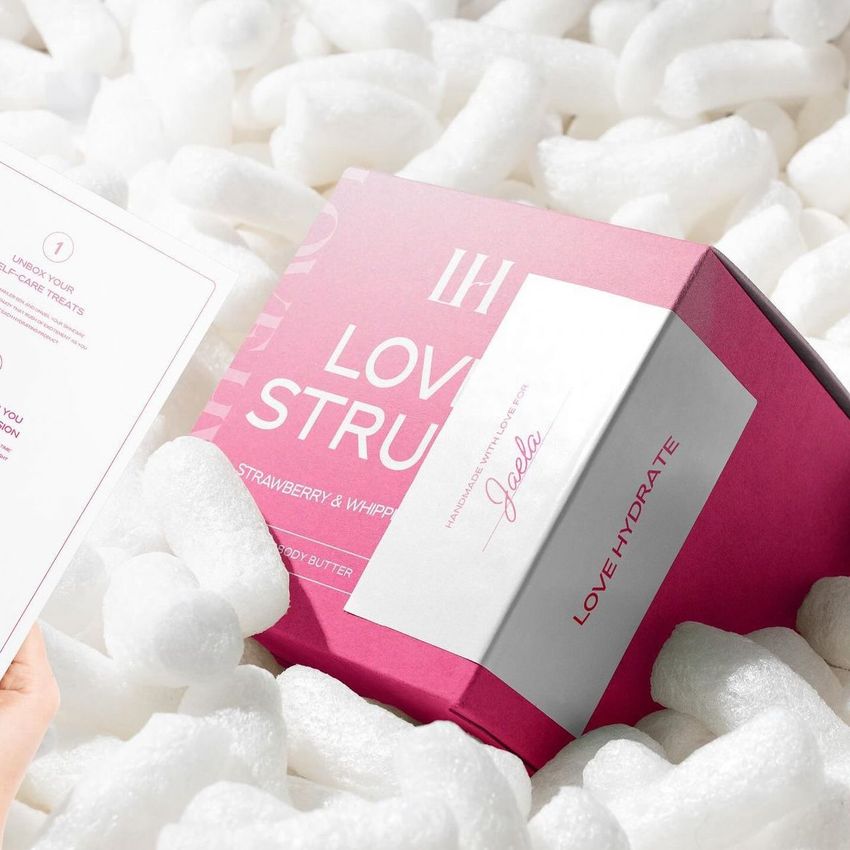
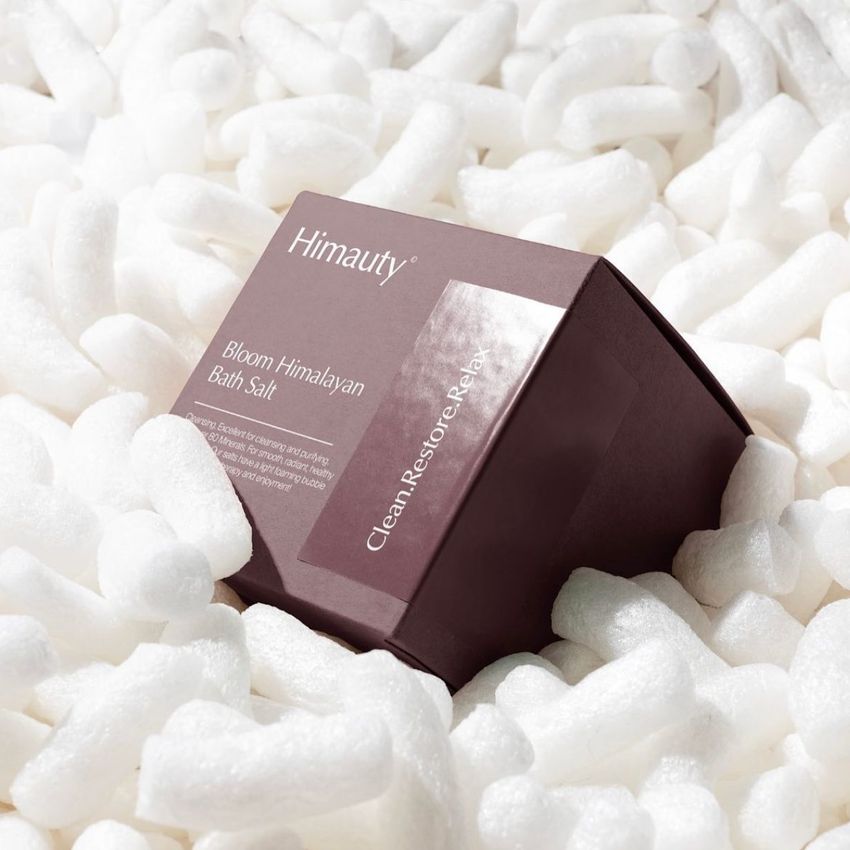
Square Box in Packaging Peanuts Mockup Set
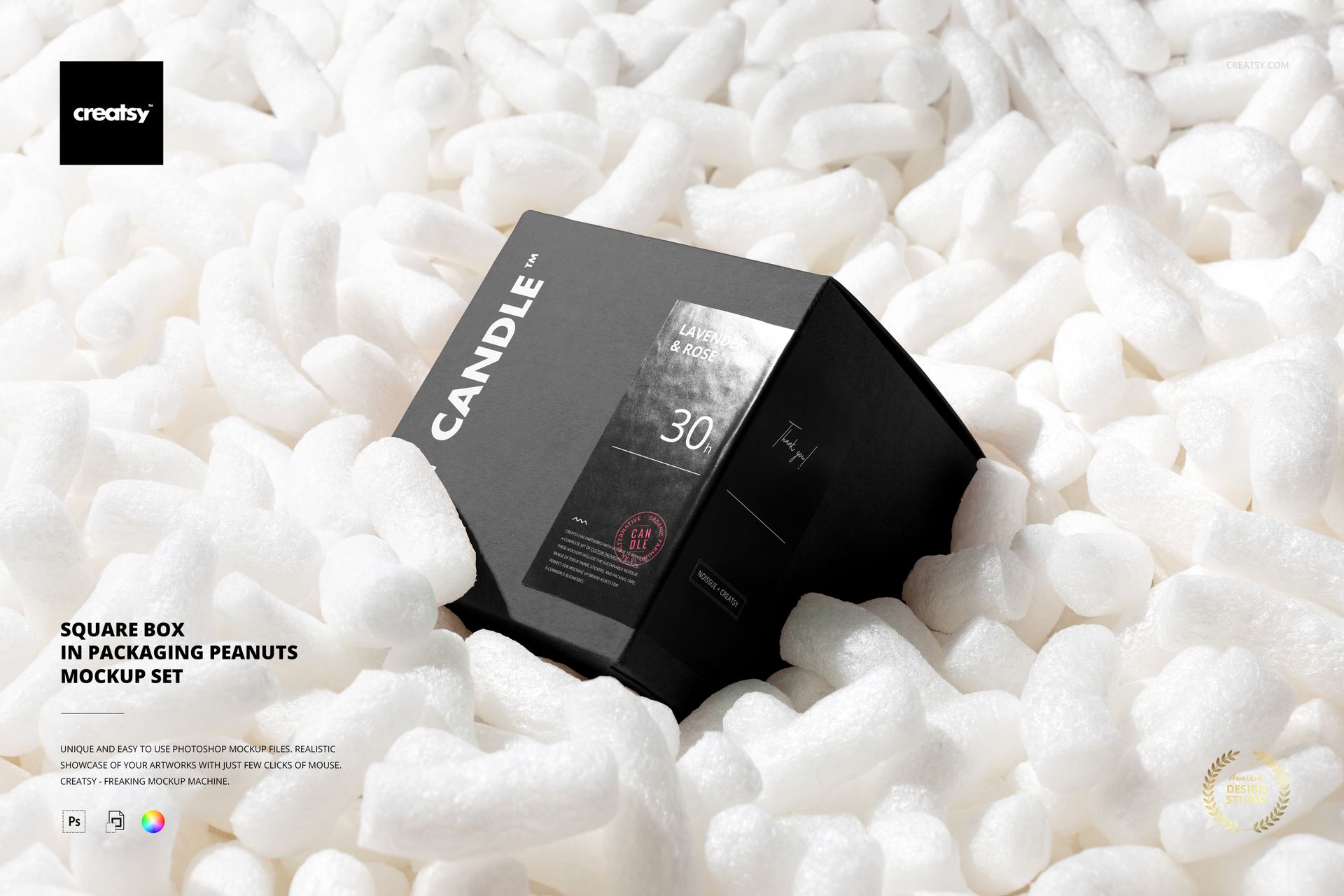
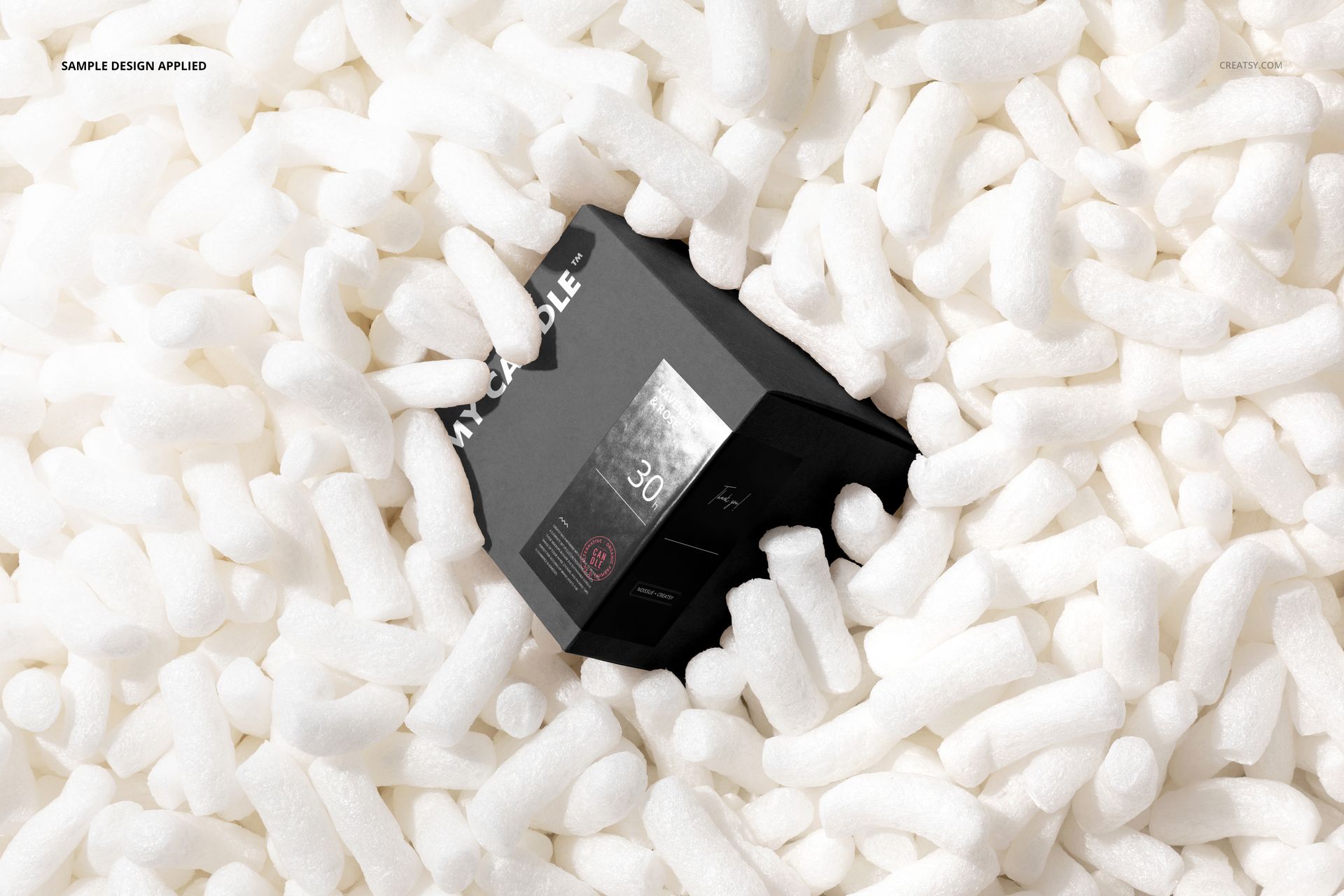
A branded box nestled in white packing peanuts tells a different story from an isolated packshot: it puts your design in the moment of delivery. This two-scene square box mockup set pairs printed carton artwork with a sticker that wraps across a corner, helping you present both parts of a packaging identity together.
What Is Included
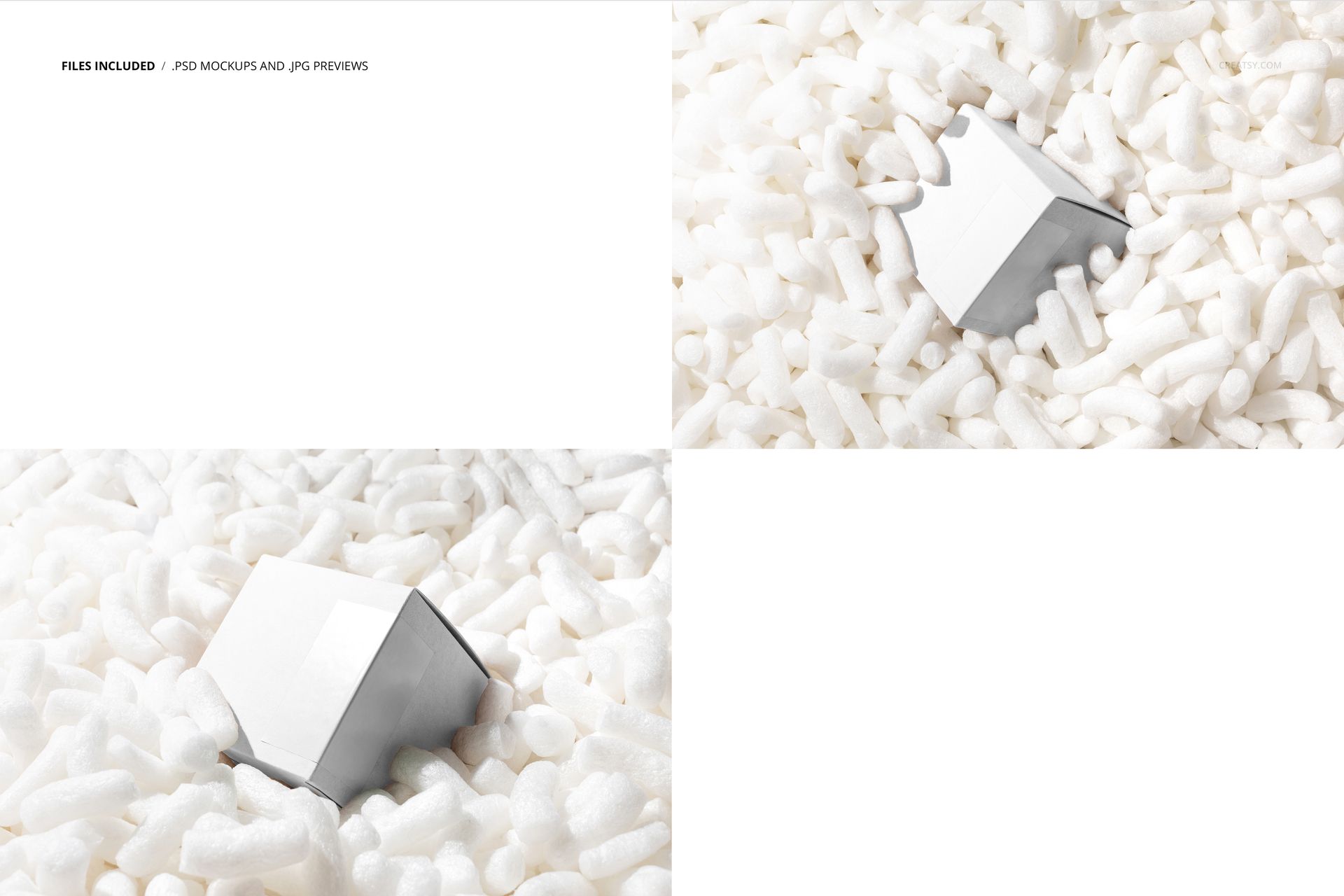
2 layered PSD mockups with two views of a square box in packing peanuts.
6000 × 4000 px landscape scenes at 300 DPI.
2 small JPG previews and 1 PDF user manual, 5 files in total.
Compatible with Adobe Photoshop CC2018 or newer and Photopea.
Box Artwork and a Corner-Wrapping Sticker
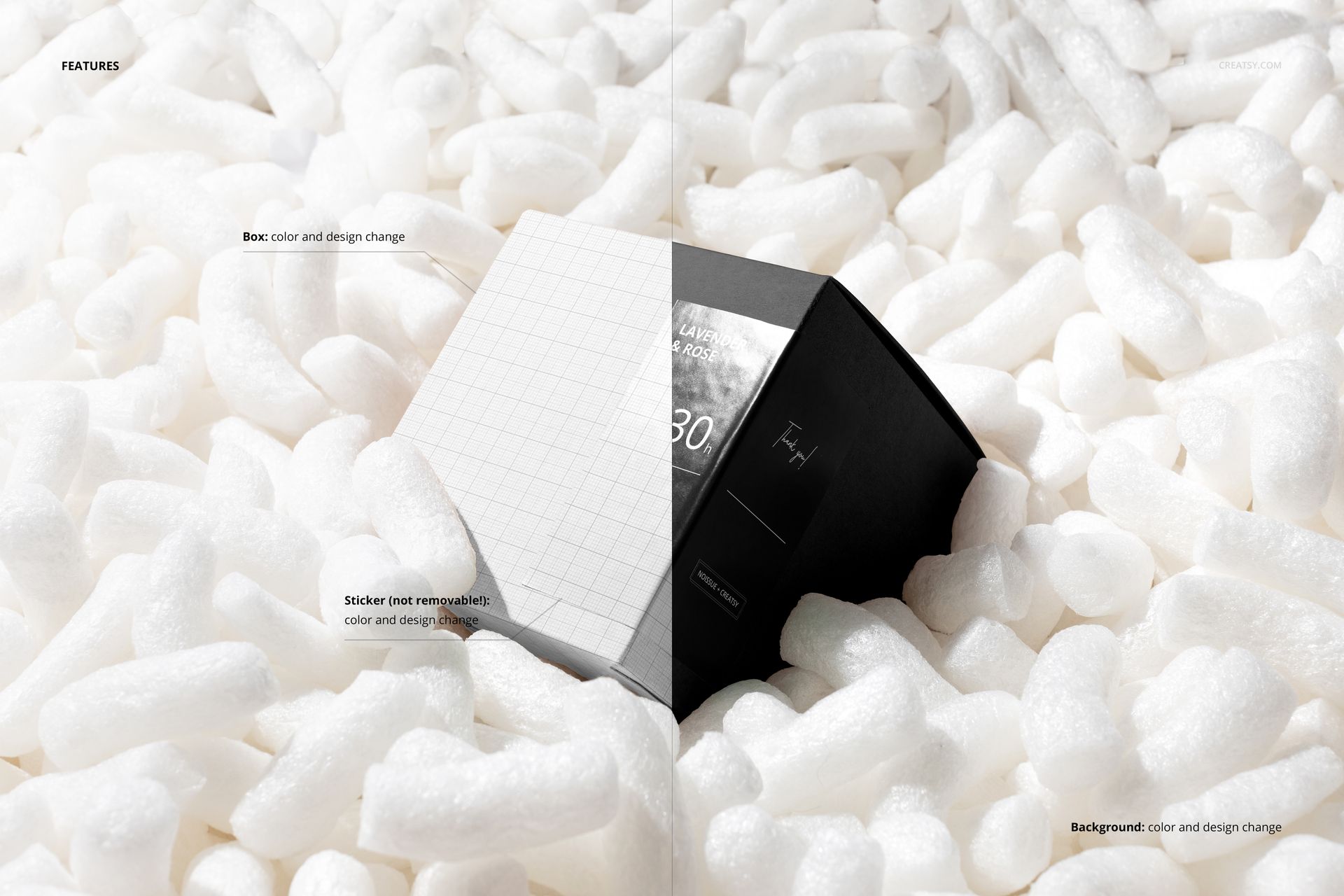
Change the box color and design, customize the sticker color and artwork, and use the background color and design controls to coordinate the scene. The sticker is not removable. Its position across a panel edge gives you a useful view of how a label reads when the design turns a corner.
Easy Smart Object Editing
Open a PSD, place your artwork into the relevant Smart Objects, save the edited contents, and return to the scene to review the result. Use the organized layers to adjust colors and keep the box and sticker visually coordinated. The included PDF manual supports the editing workflow.
Perfect For
Packaging and branding designers can use these scenes for candle-box concepts, gift packaging identities, label presentations, and client previews of a delivery experience. Compare a quiet carton with a bold sticker against a patterned box with a simpler label.
This is a digital mockup product, not a physical box or packing material. Sample artwork shown in the previews is not included.