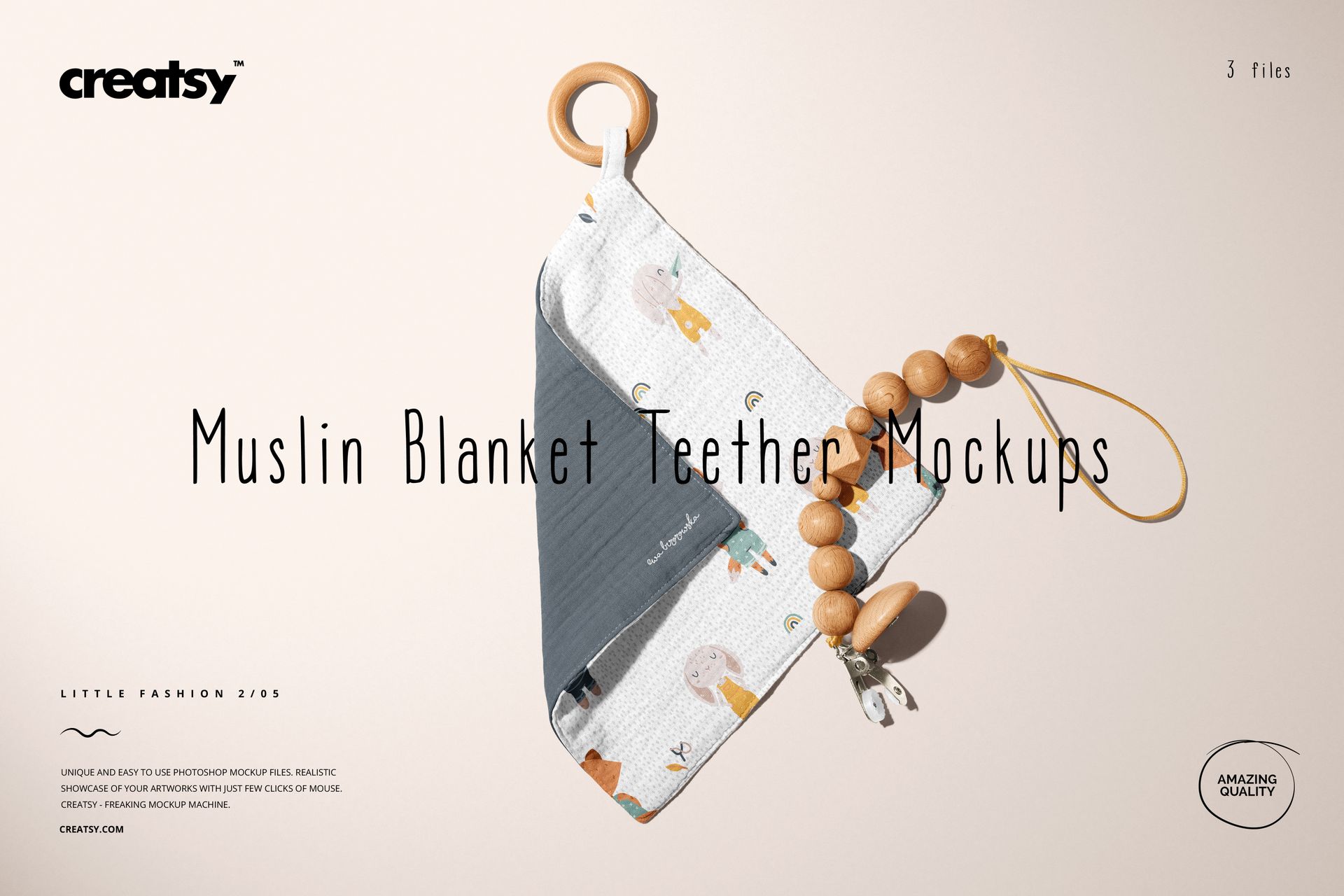
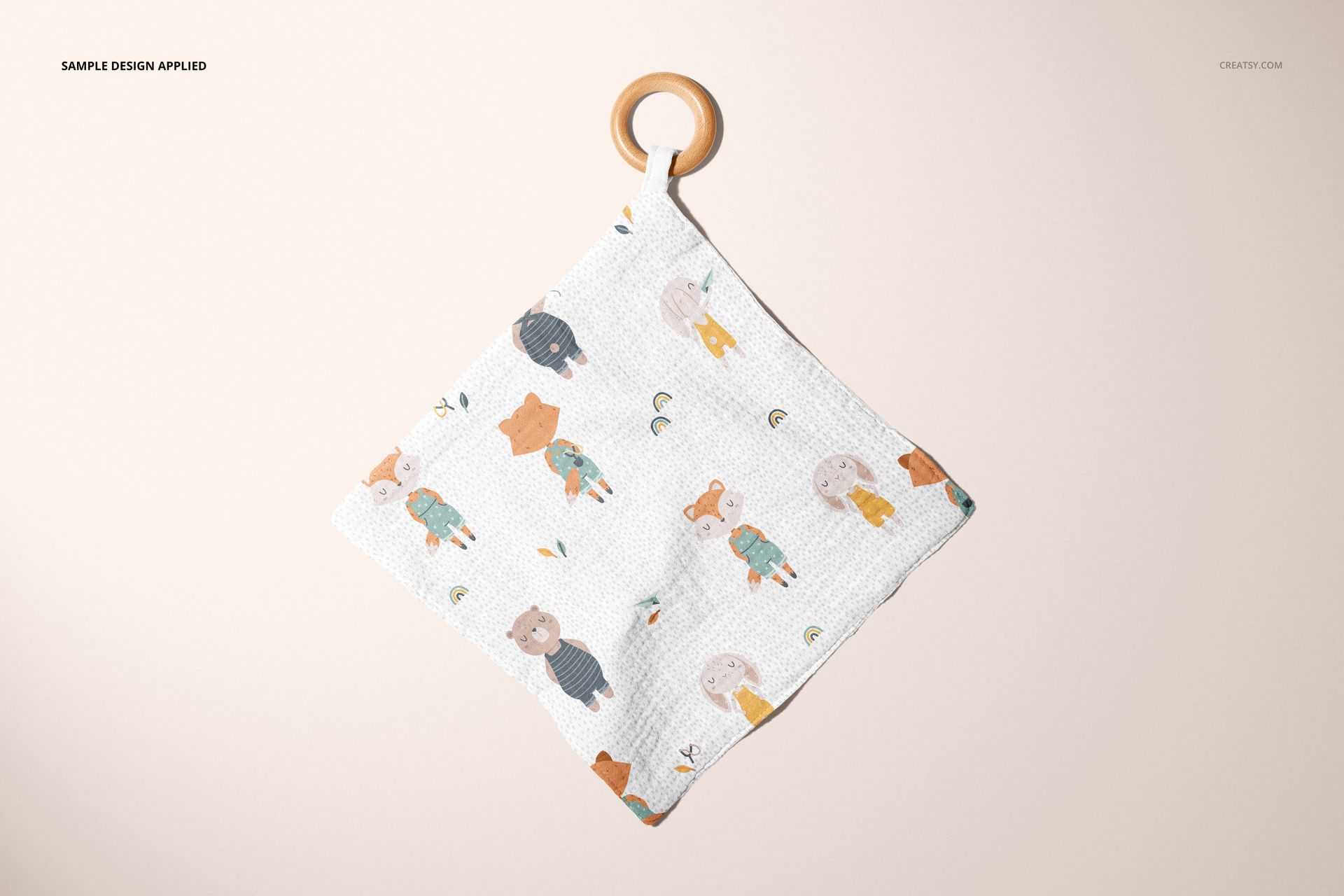
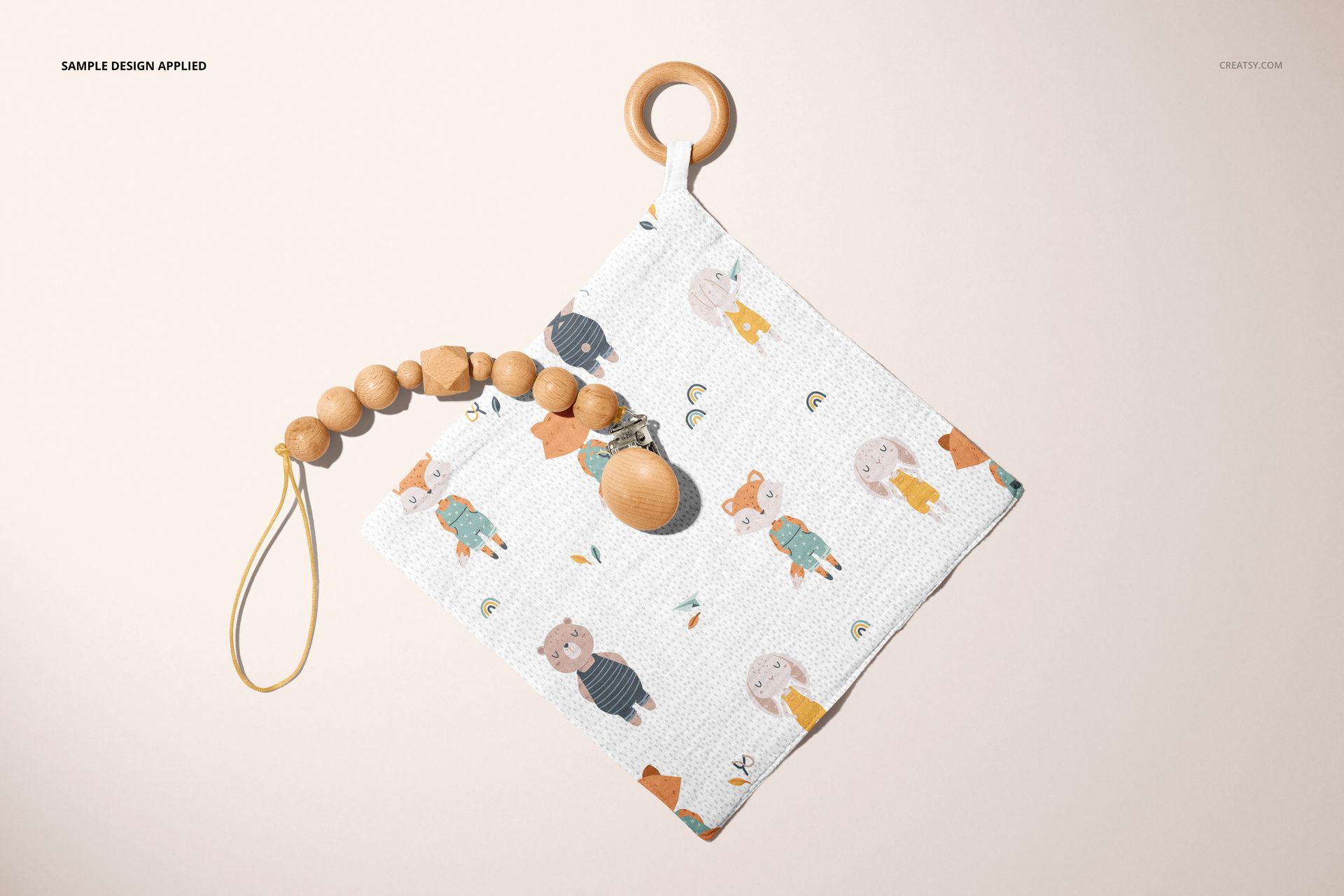
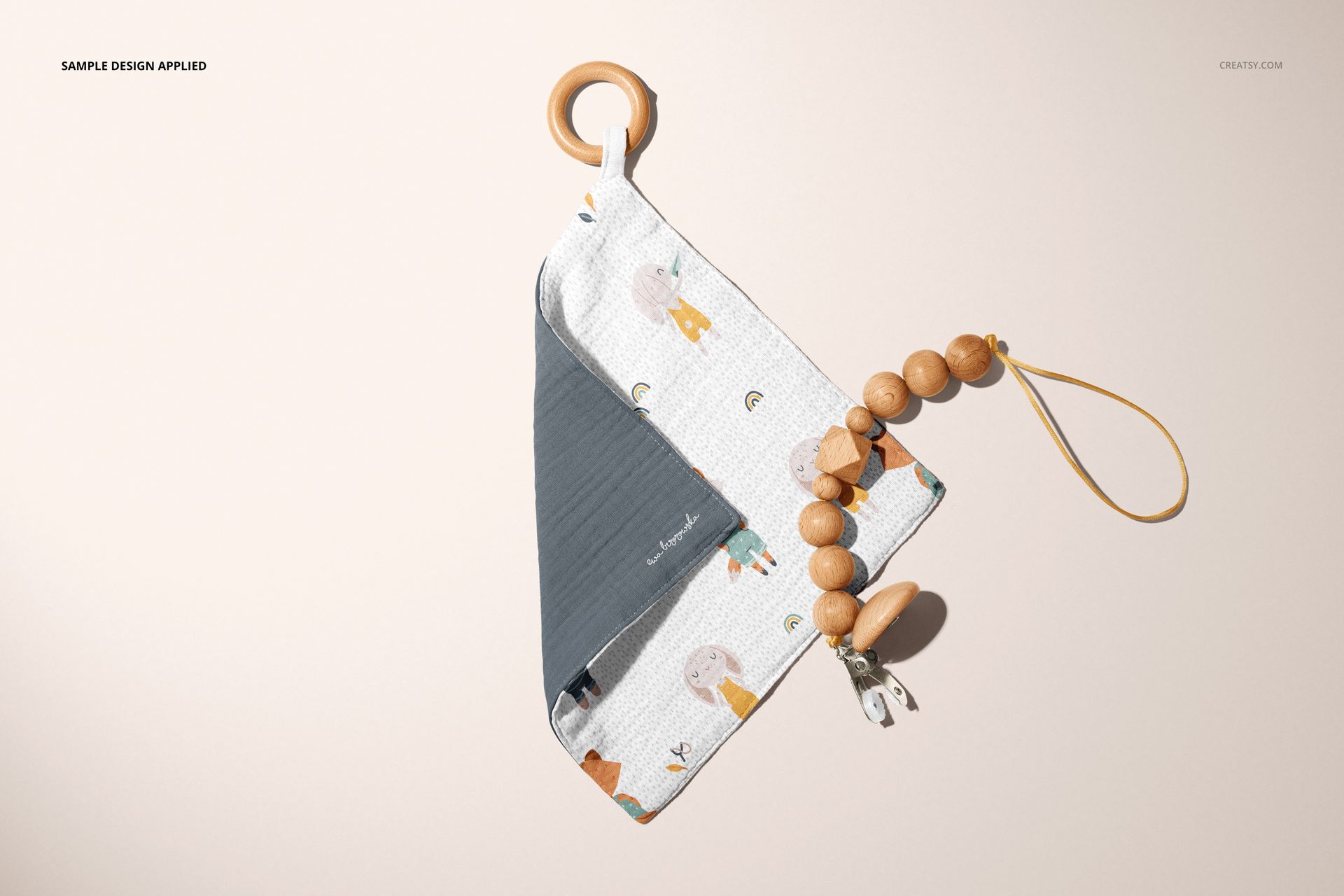
Muslin Swaddle Wooden Teether Mockup Set (05/LFv.2)

Product Details
What is Muslin Swaddle Wooden Teether Mockup Set (05/LFv.2)?
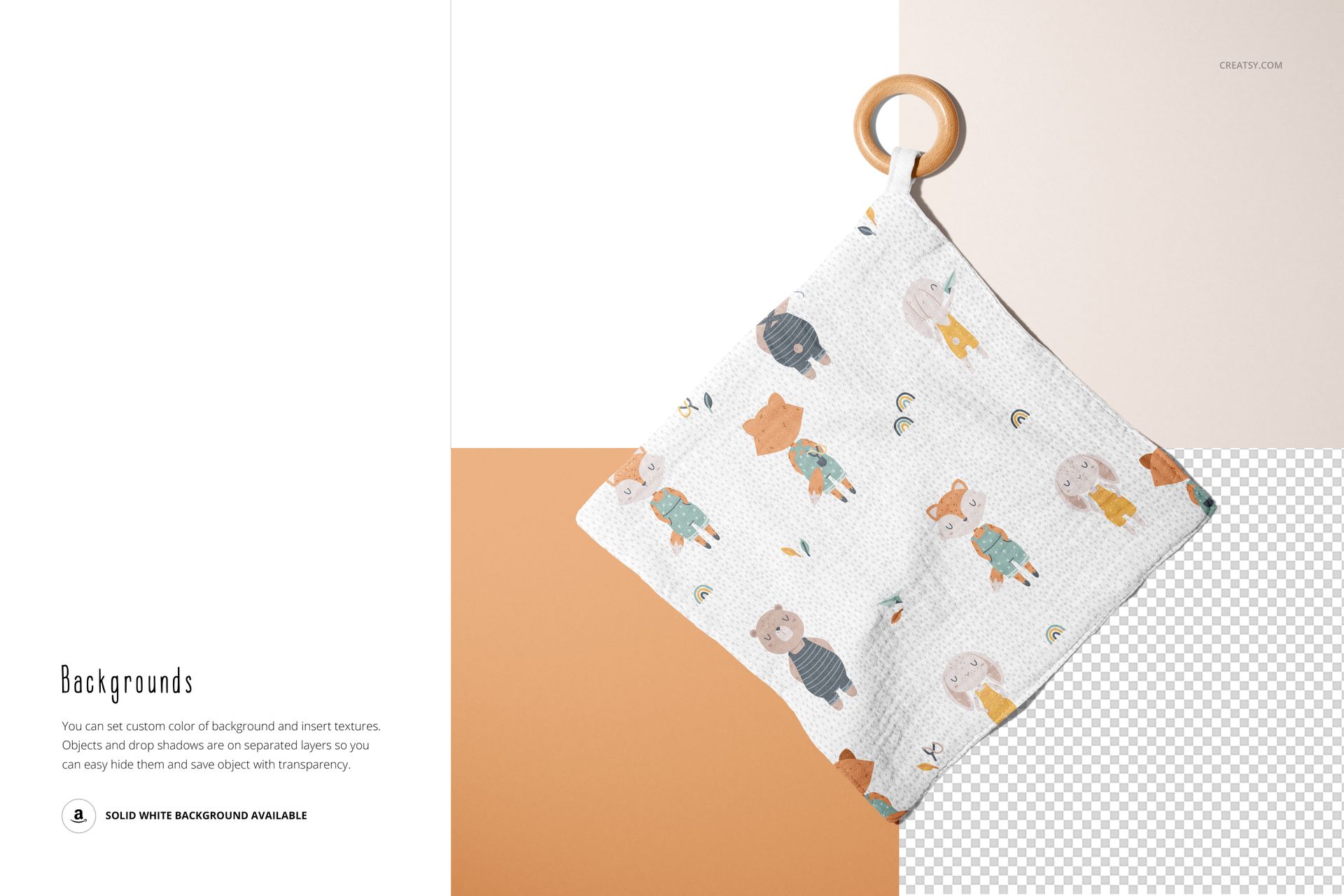
Muslin Swaddle Wooden Teether Mockup Set (05/LFv.2) is an Adobe Photoshop file set for you to showcase your designs using smart objects and color layers. Editable PSD layers enable you to showcase your designs in a realistic setting. When you display your designs in a mockup, achieving a competitive edge is easy.
What makes Creatsy mockups better than other brands?
Creatsy is known for its excellence. We provide only the highest-quality mockup files for you to showcase your artwork in a realistic setting. Our goal is to provide the tools you need to help you achieve your business goals and expand your customer base. Well-organized mockup files are vital for every designer, artist, or illustrator who wants to present their artwork or products in a realistic way that catches the eye of potential customers. Muslin Swaddle Wooden Teether Mockup Set (05/LFv.2) is a perfect mockup to expand your audience, beef up your portfolio, and attract new customers.
- Compatibility: Adobe Photoshop min. version CC 2015,
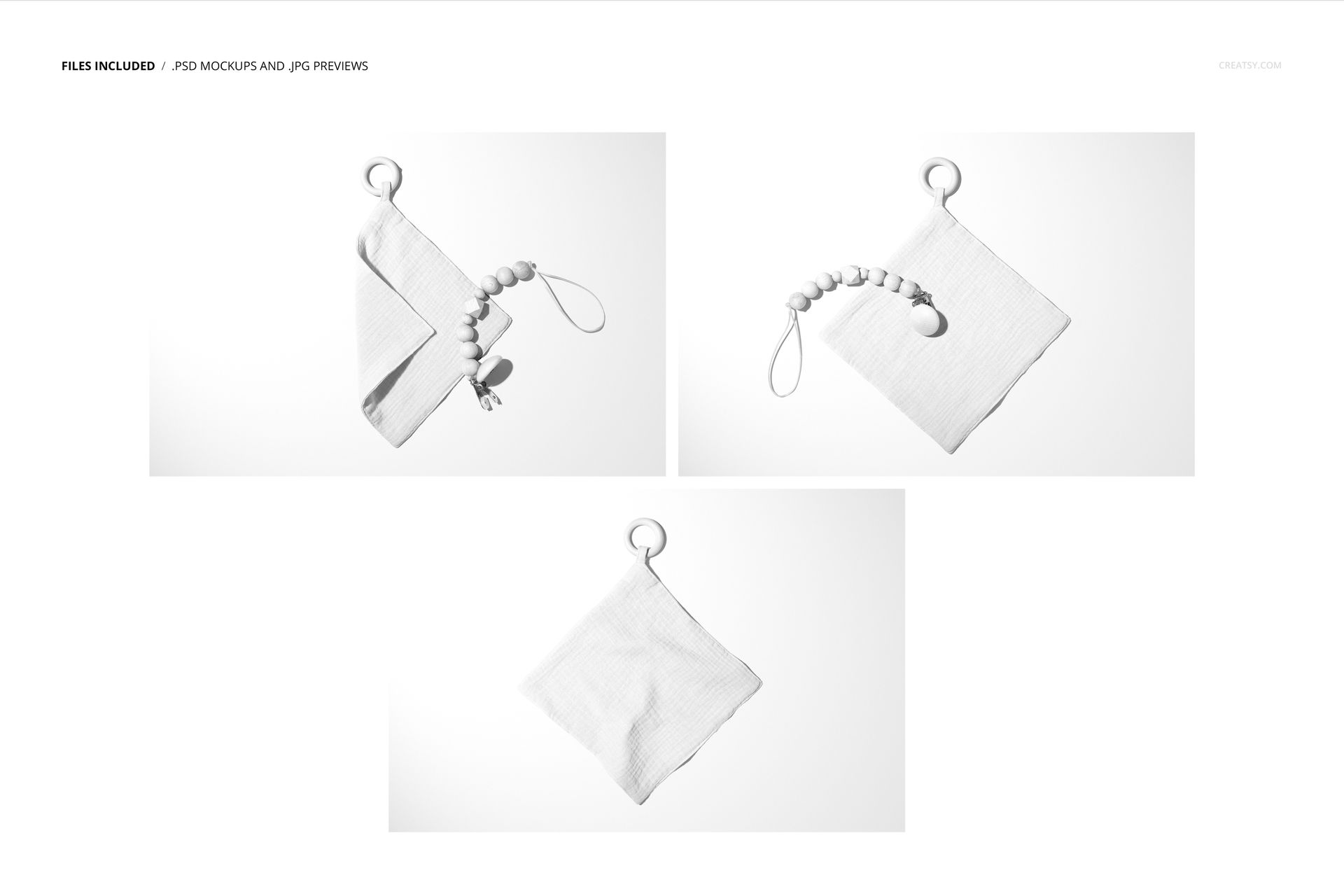
- Includes: 3 PSD files with well-organized layers: 6000x4000 px, 300 dpi,
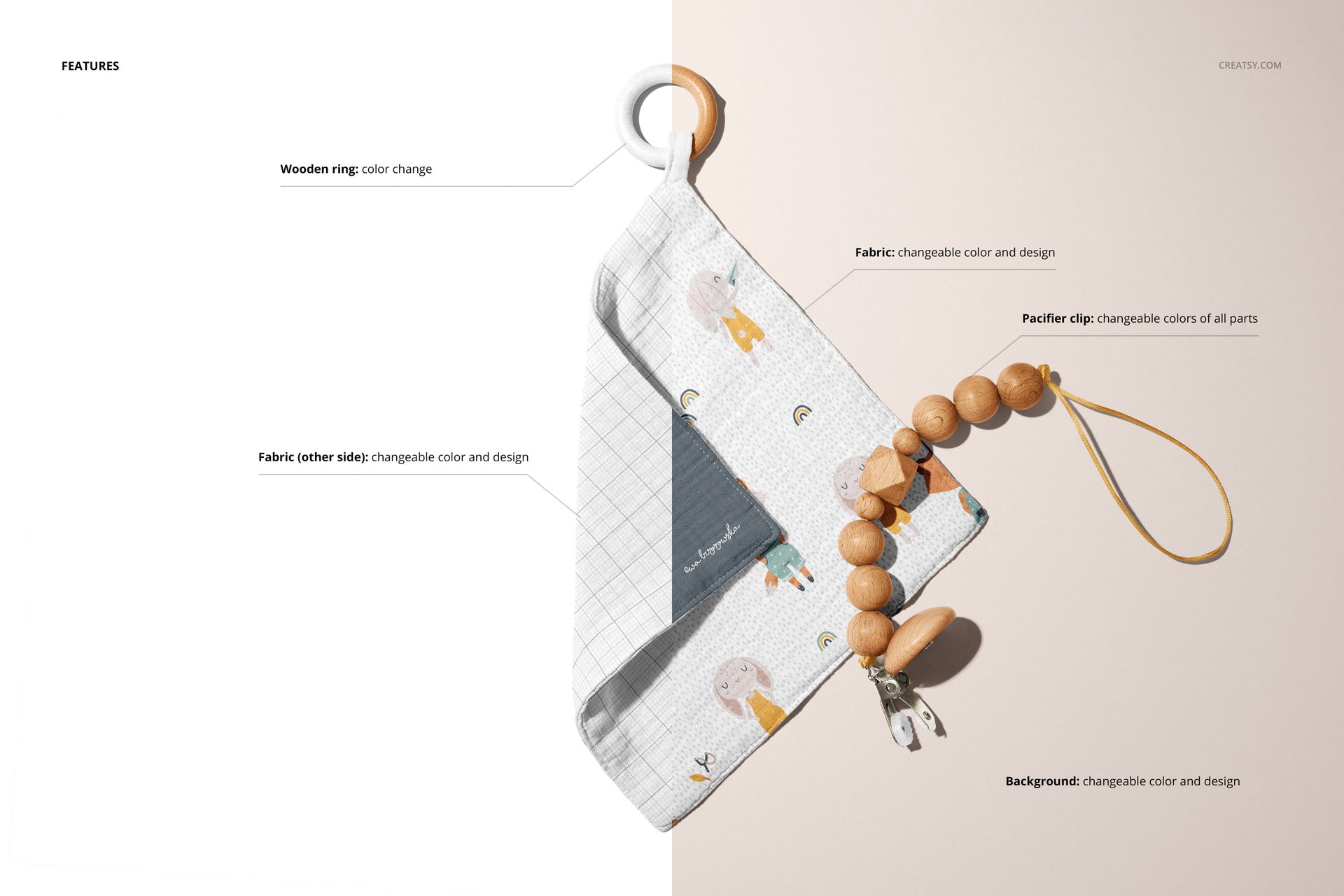
- Editable components: color and design change,
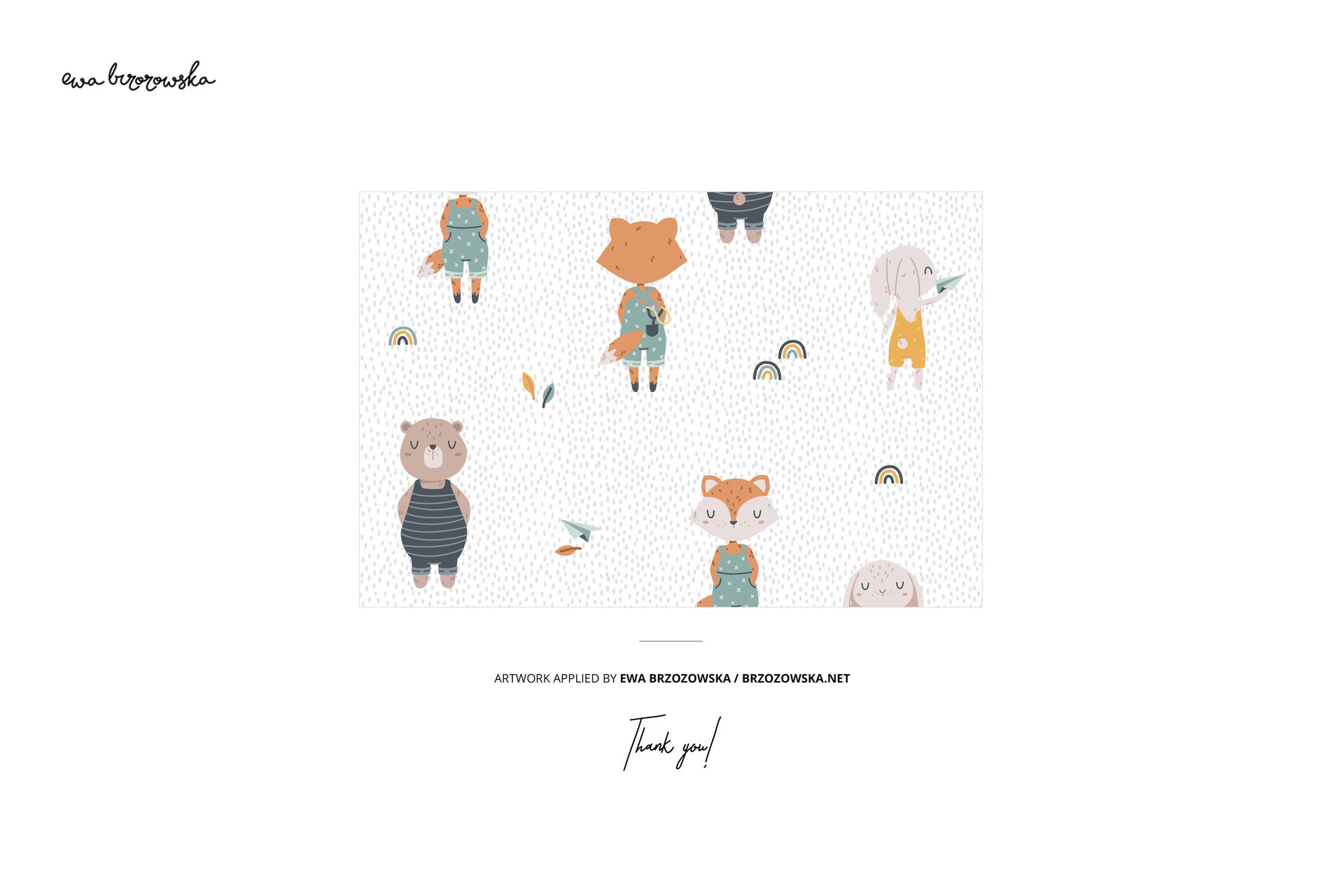
- Example artwork by Ewa Brzozowska / brzozowska.net,
- (patterns are NOT included, this product is a mockup intended for you to add your own designs).
File details
- Compatibility
- Number of files included
- 7
- Package size
- 1 GB
|1.07 GB
- Files type
- .psd, .jpg, .pdf
- Files size
- 6000x4000


MEET THE SHOP

HOW IT WORKS
3 clicks. That's it.
No tutorial needed. If you can copy-paste, you can use this.
- 1OpenDouble-click the smart object inside the PSD - in Adobe Photoshop, or free in your browser with Photopea.
- 2PasteDrop in your pattern, print, or artwork. Any design, any style.
- 3SaveHit save and the mockup wraps it in for you - shadows, folds, and lighting included.
FROM IDEA TO IMAGE
Built for real workflows
Skip the photo shoot Show your artwork on the real product type for approvals or listings - no studio, no model, no sample.
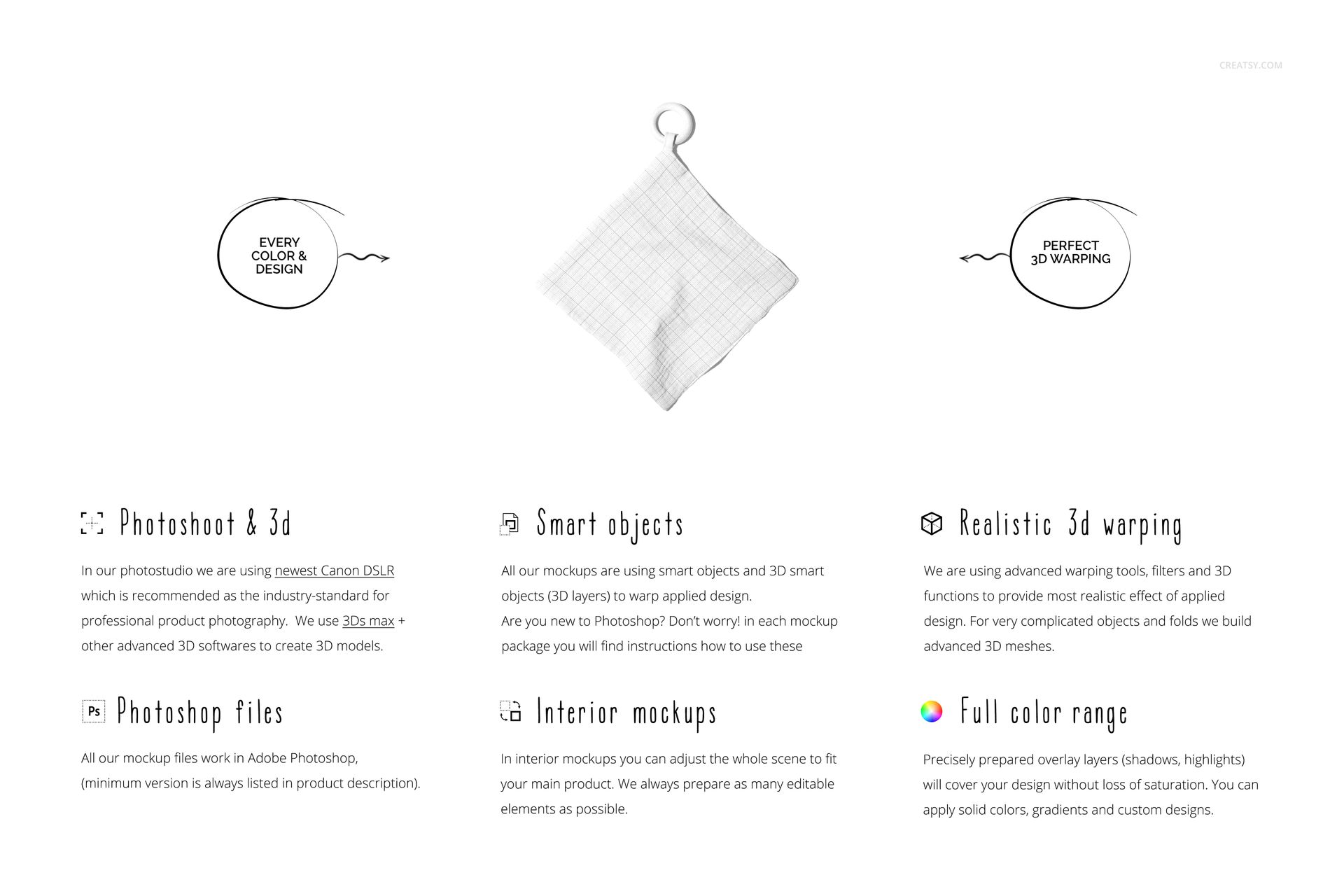
See it on the product, not a swatch Drop your file into the smart object and the scene's lighting and folds wrap around it, so you judge the real thing before you commit.
Smart Objects
Edit once and you're done. Your artwork drops into a smart object and the mockup updates itself - no masking, no warping by hand.
Perfectly Organized
Named layers and folders you can actually navigate. Find what you need, change what you want, and get out fast.
Print-Ready
High-resolution files built to hold up on screen and in print. Exact size and DPI are in this product's Details above.