Moving Box 2 Mockup Set
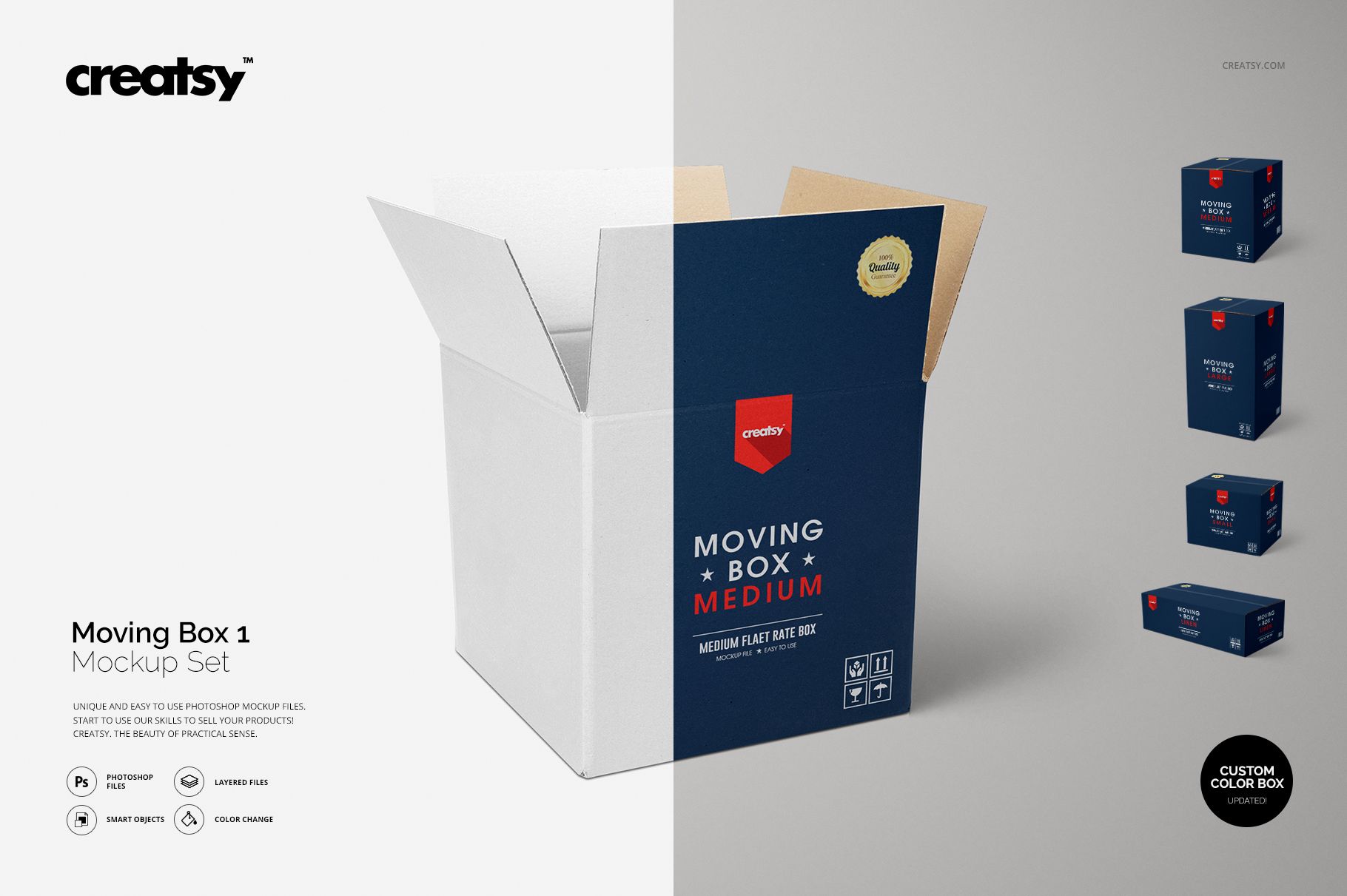
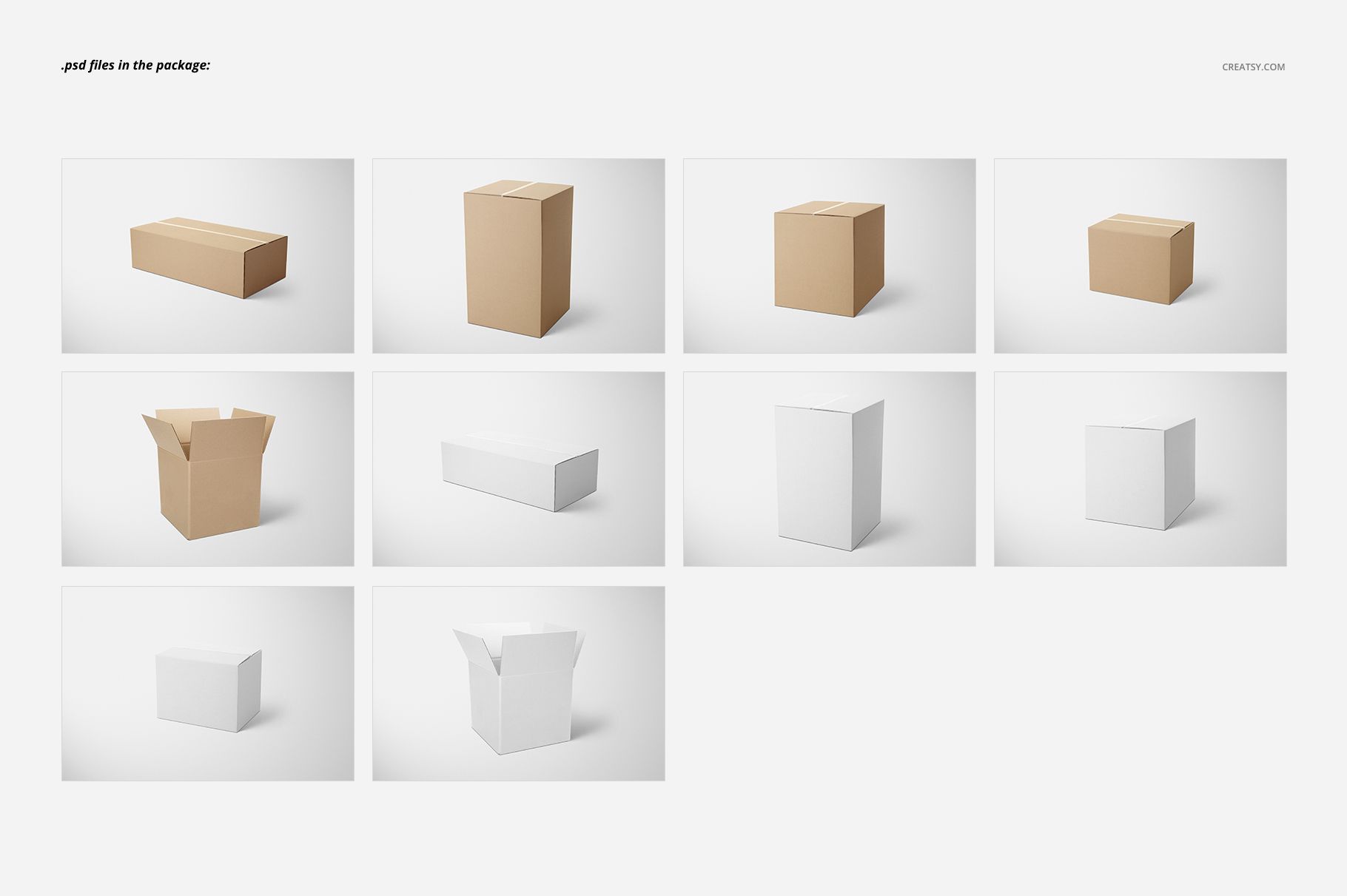
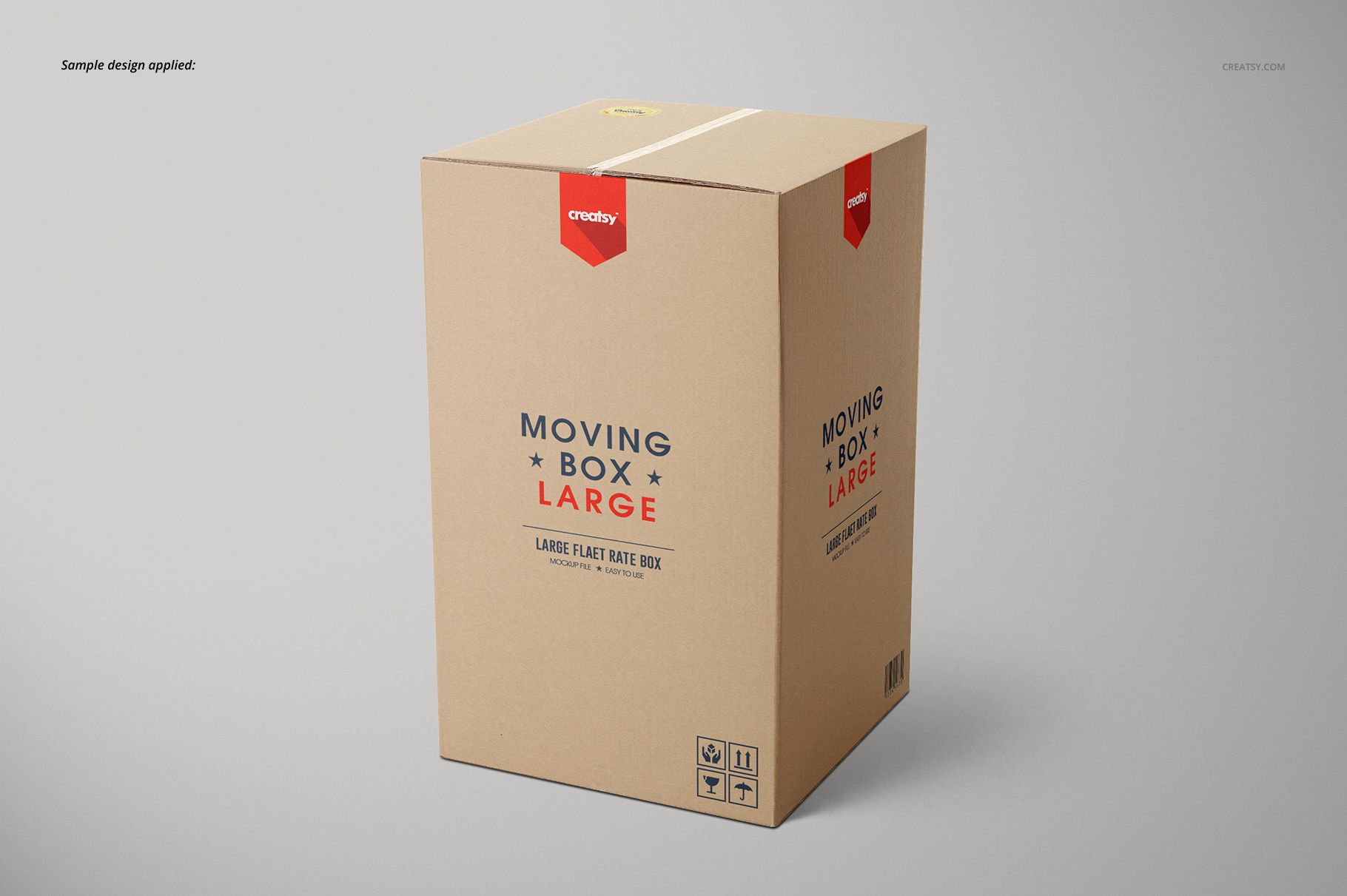
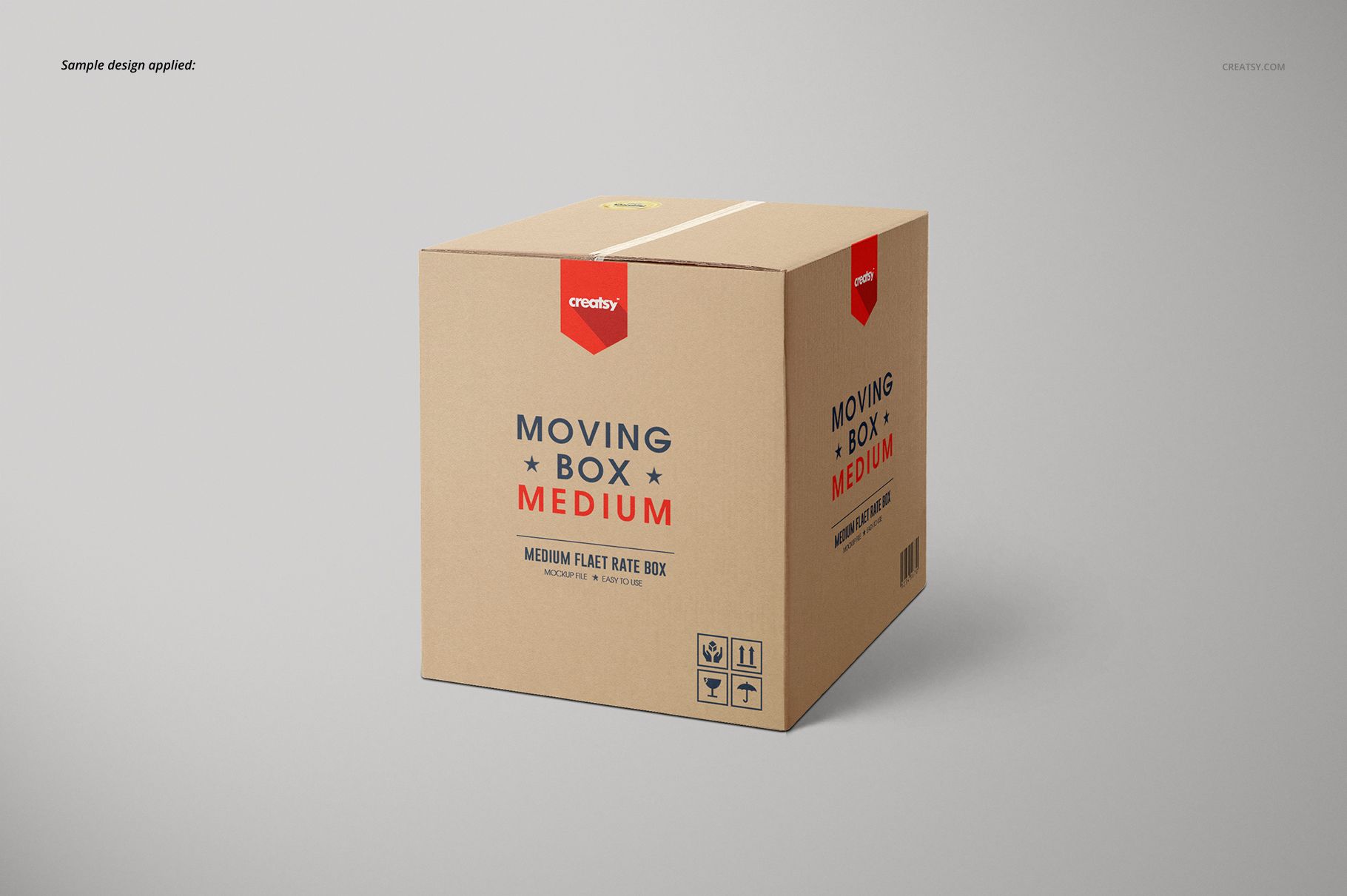
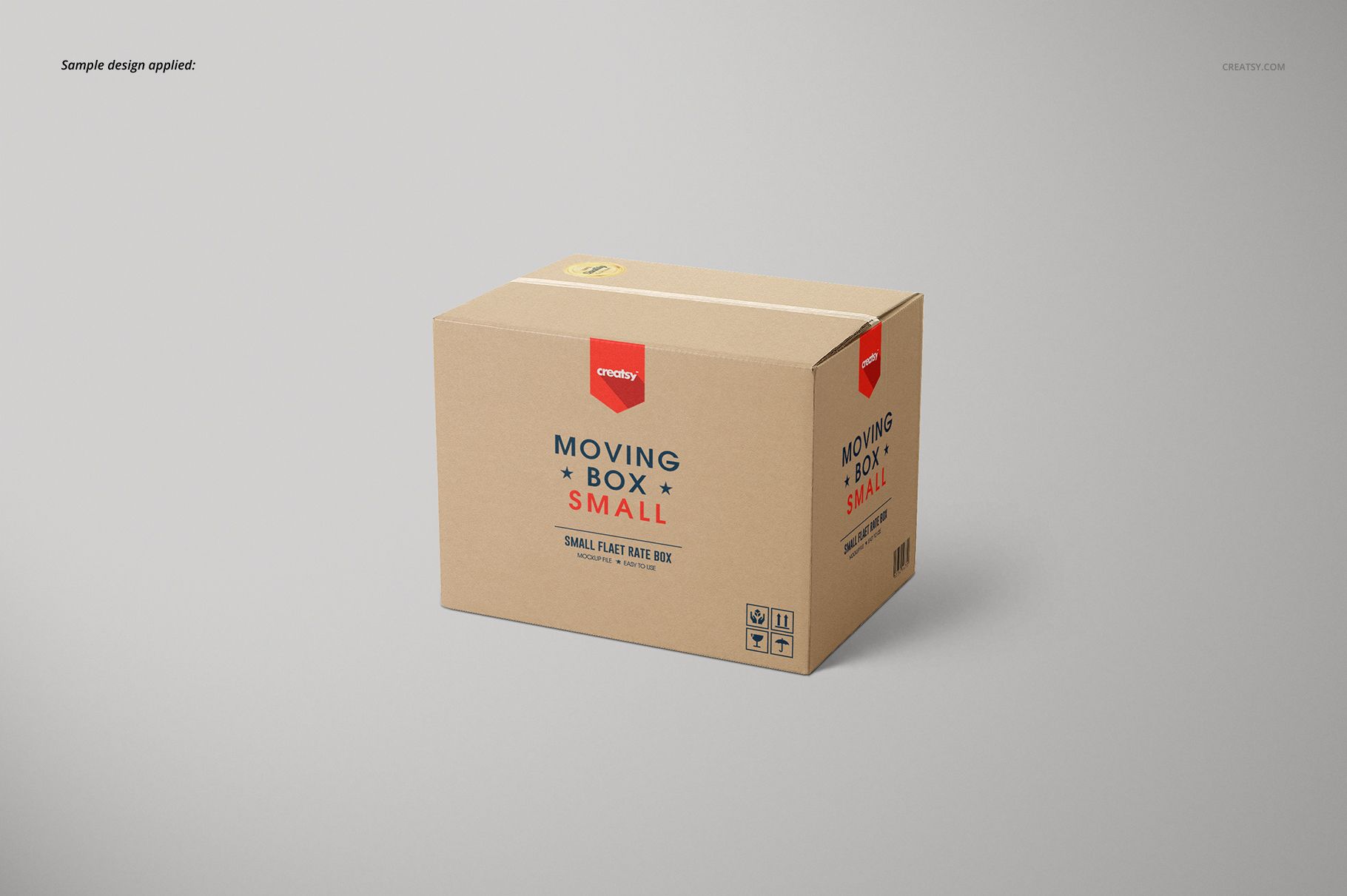
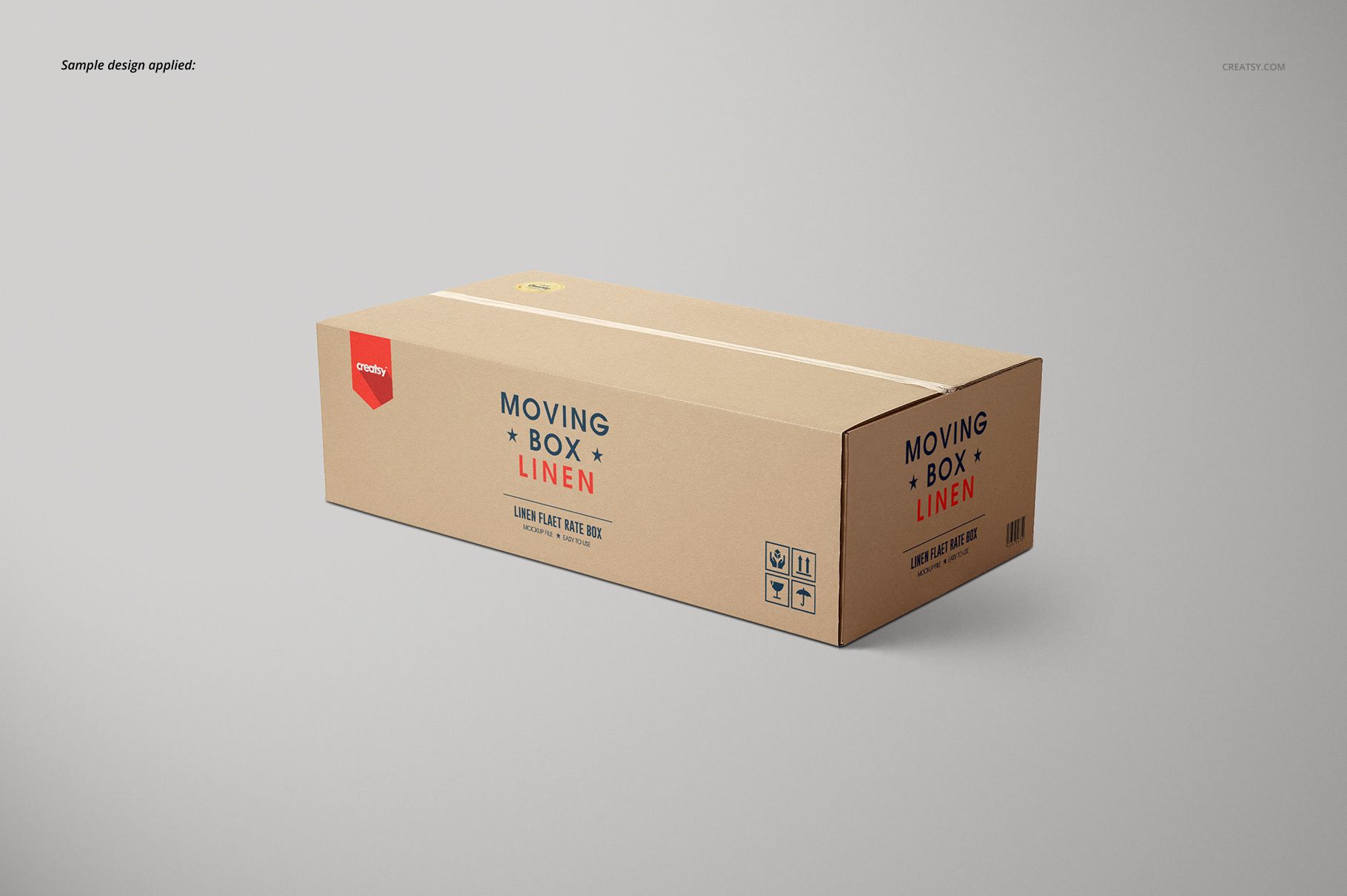
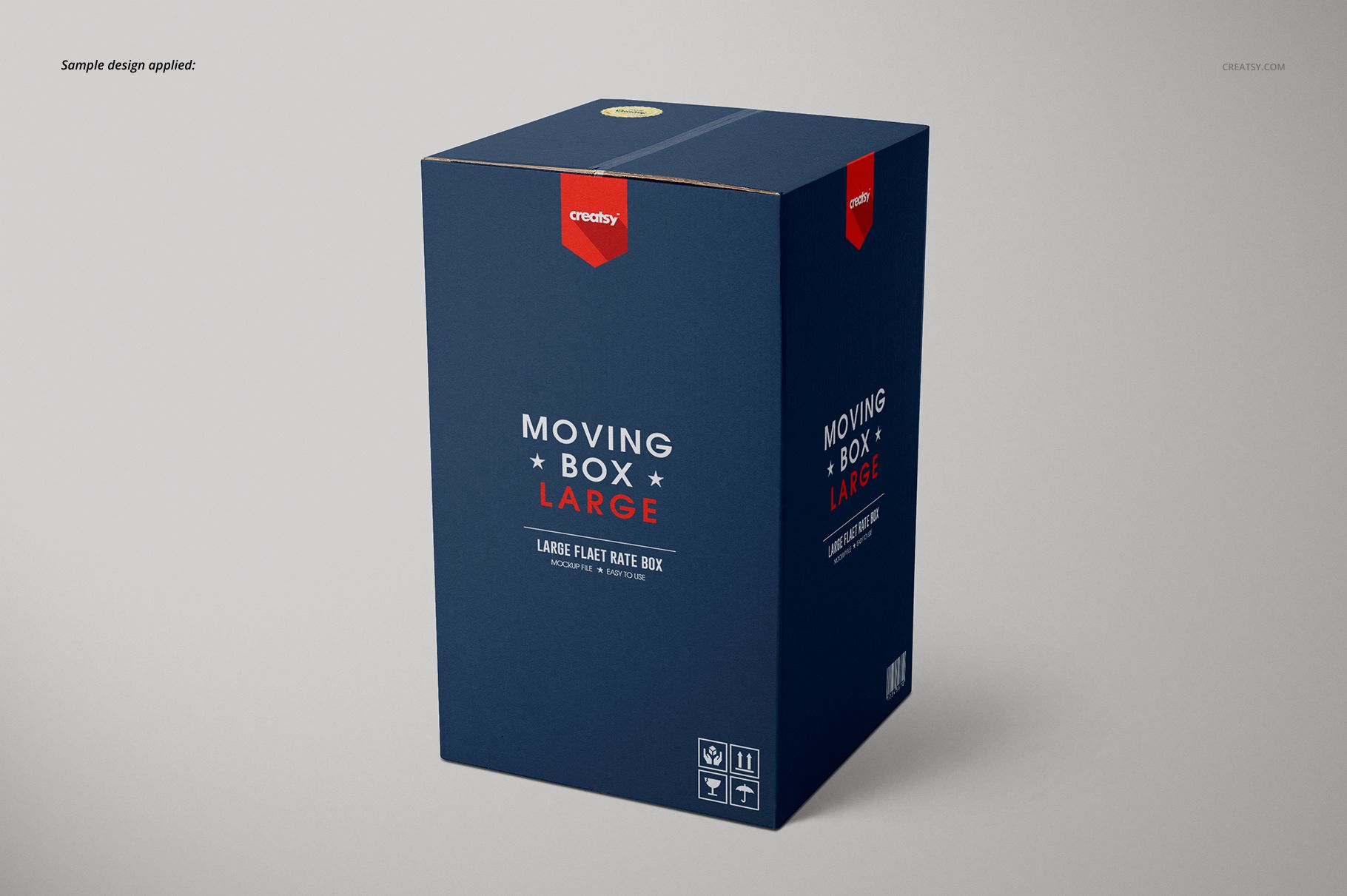
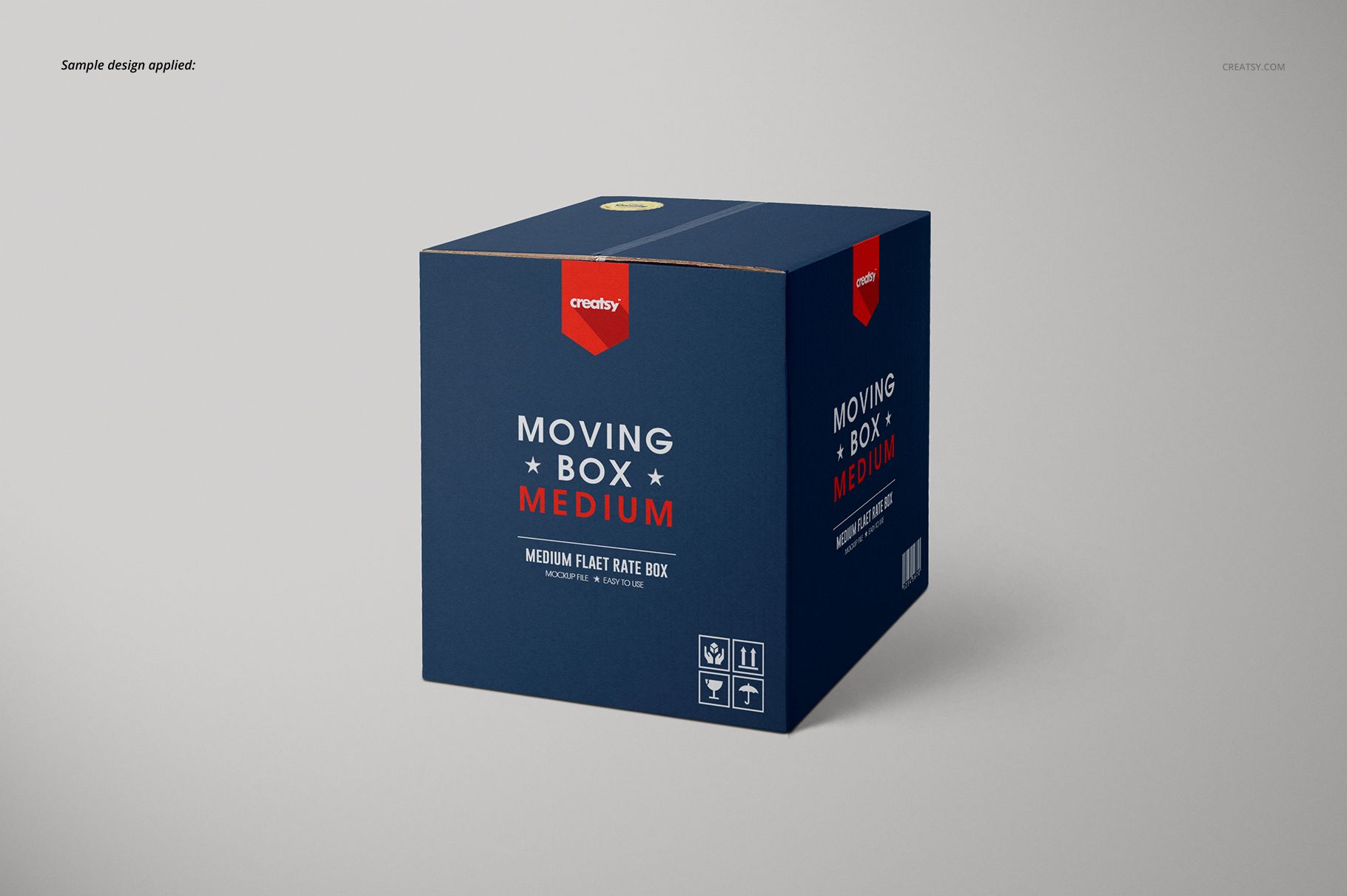
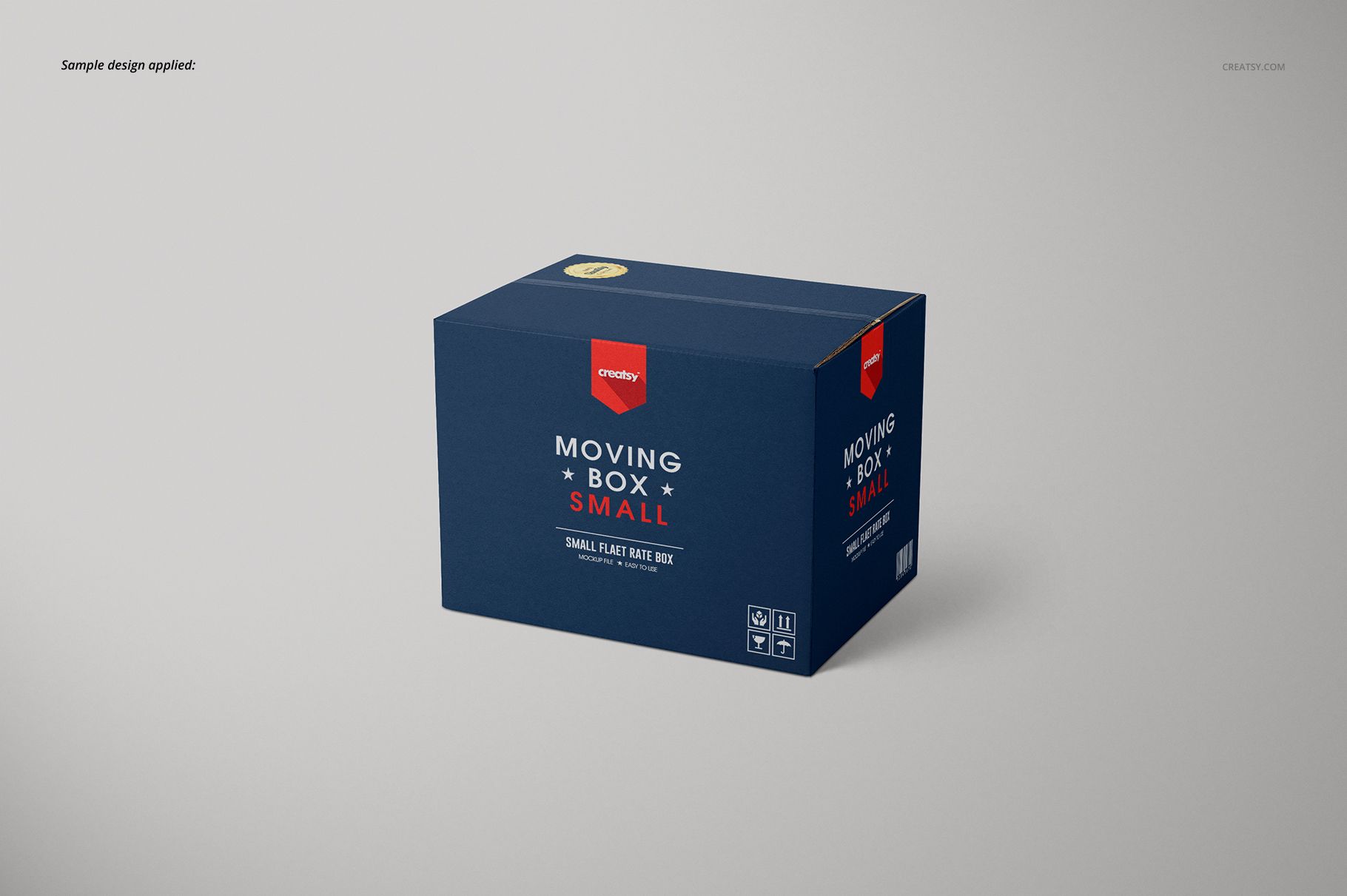
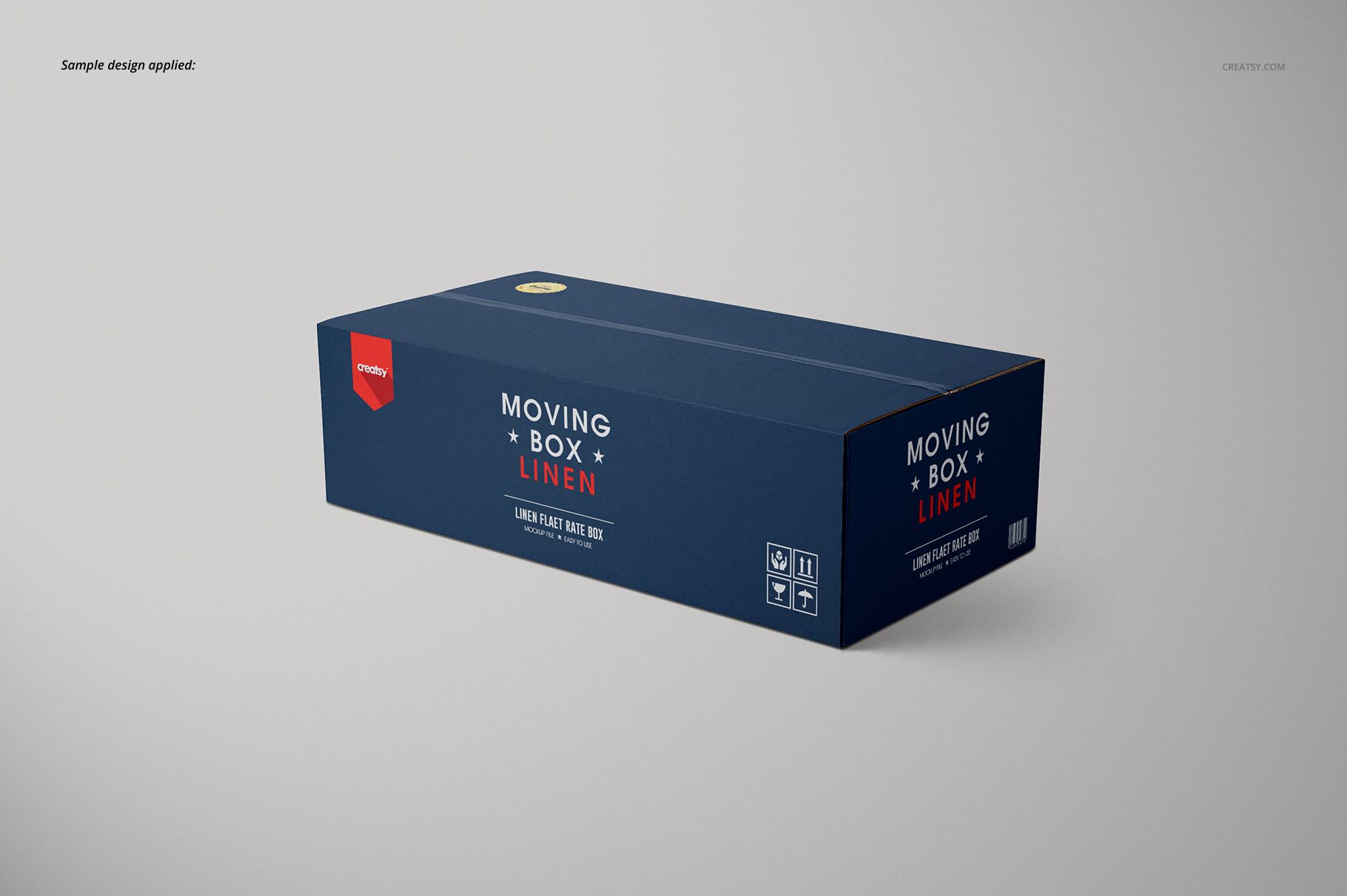
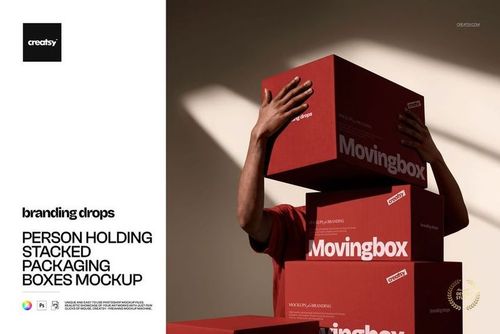
One packaging identity can feel very different on a tall carton, a compact box and a long, shallow package. This cardboard and color moving box mockup set brings those proportions together in five prepared box views, each supplied as a cardboard version and a color-editable version.
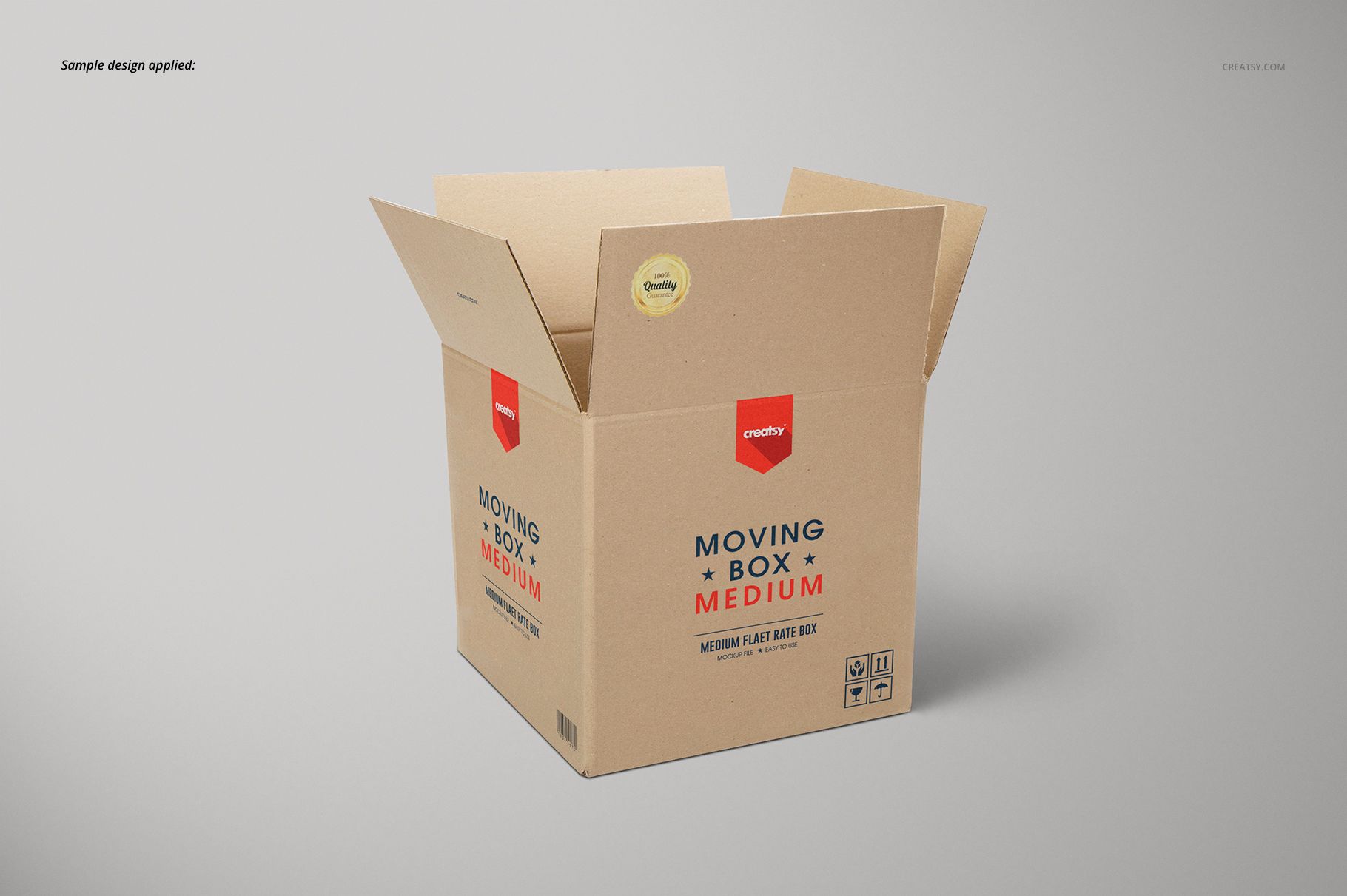
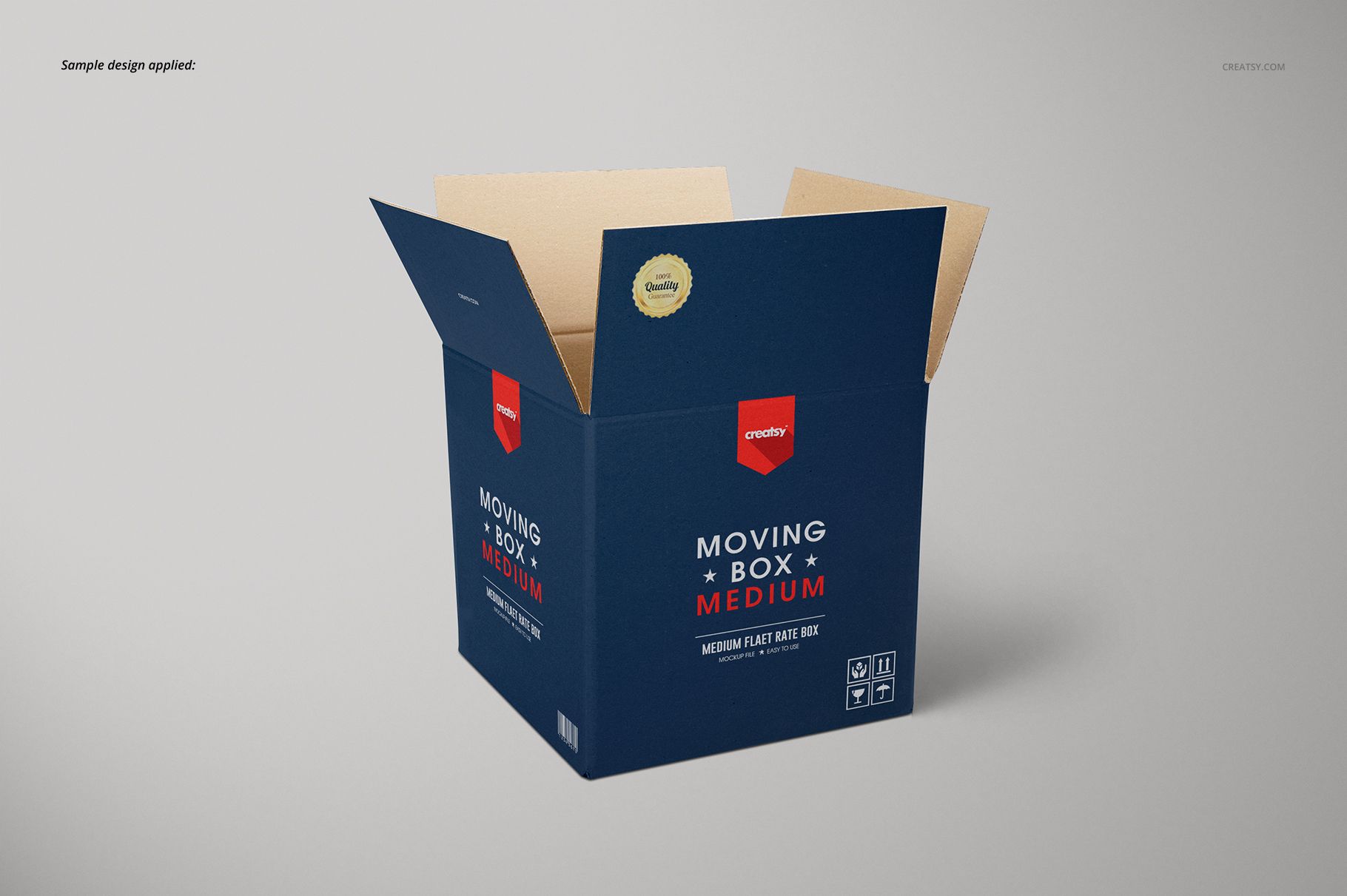
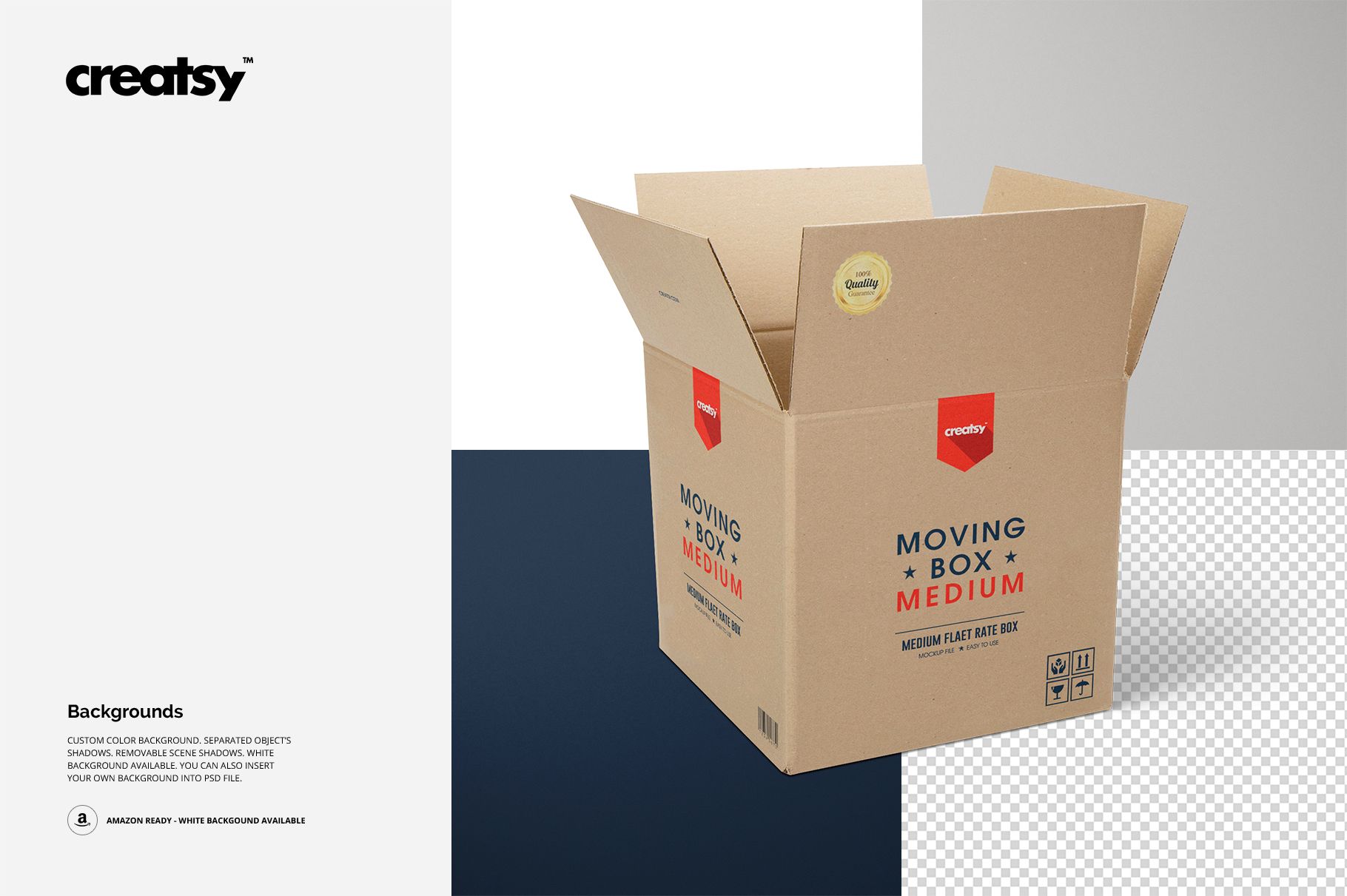
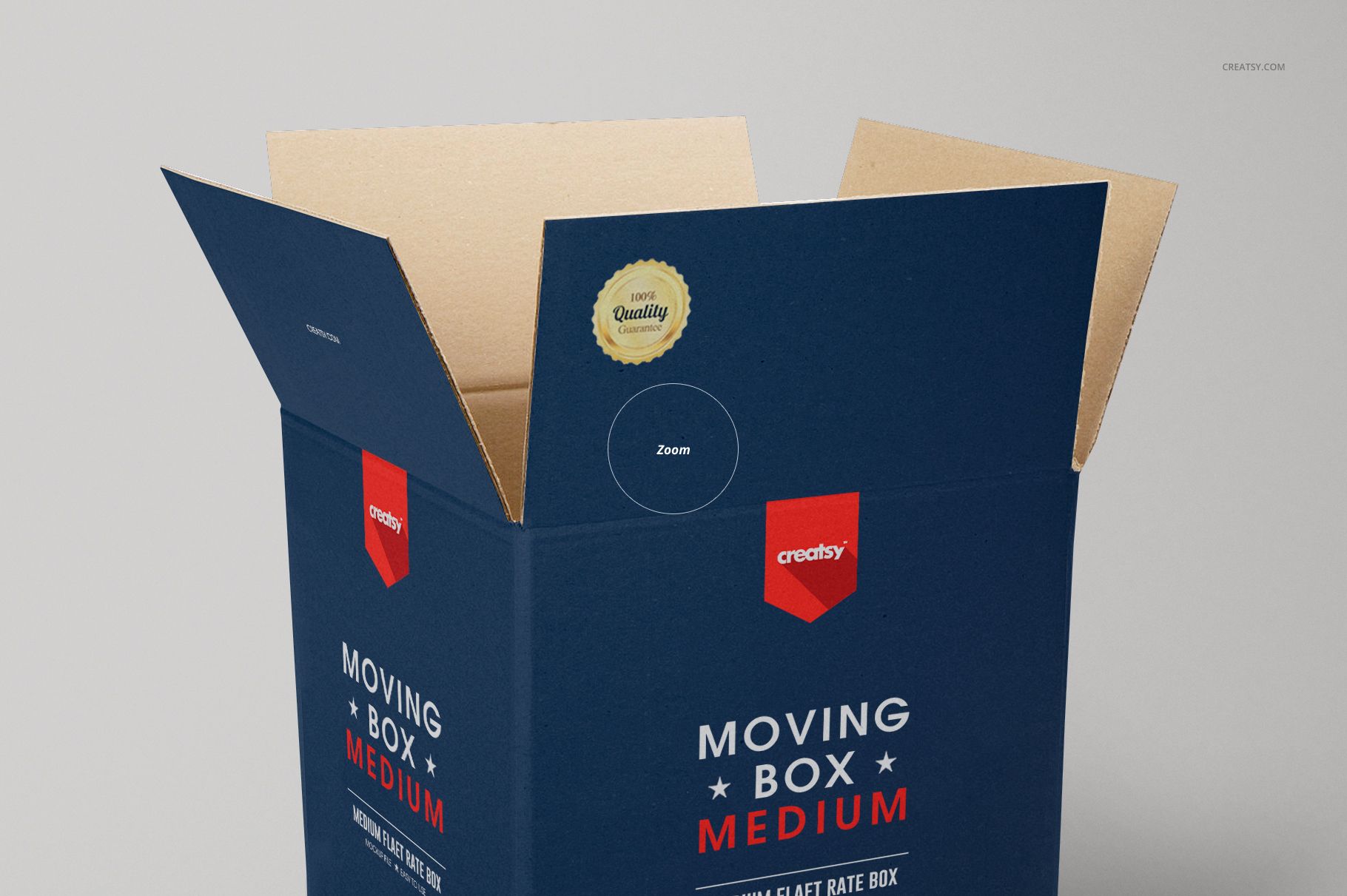
Four closed box forms and one open-flap view let you review branding across a coordinated range. Compare a restrained print on brown board with a full-color treatment, then see how the visible edges and interior affect the result.
What Is Included
10 layered PSD mockup files: 5 Cardboard files and 5 Custom Color Box files.
Five prepared box views with different proportions, including an open carton.
10 JPG preview images and a separate Guide.jpg, 21 files in total.
PSD canvas size listed as 2000 × 2000 px at 300 DPI.
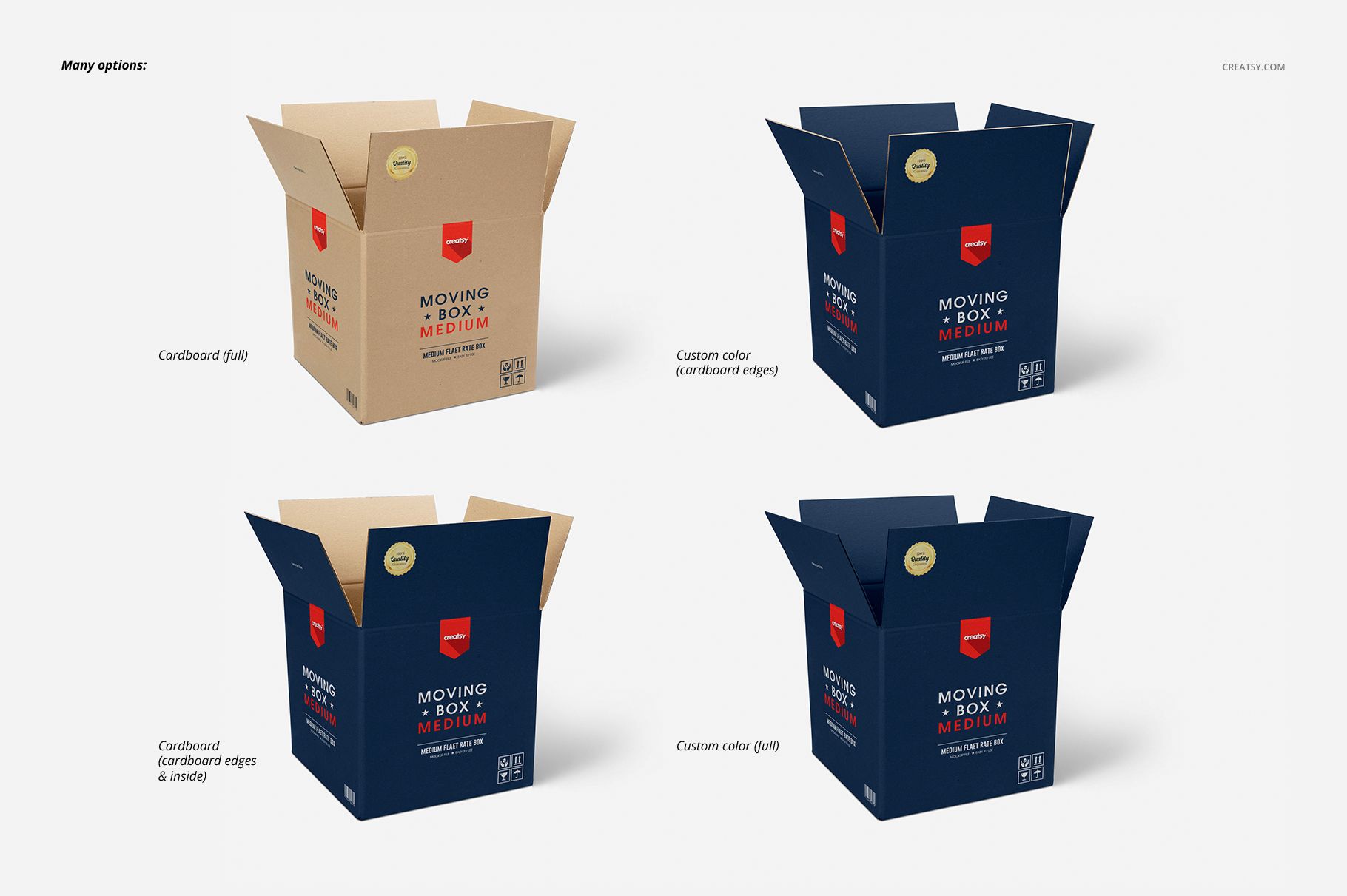
Cardboard Character or Full-Color Branding
The previews demonstrate natural cardboard, printed exteriors with cardboard interiors and edges, and full-color treatments. Use these options to judge whether your identity works best with the board showing through or with color carrying the entire package.
Easy Smart Object Editing
Open the relevant PSD in Adobe Photoshop or Photopea, replace the artwork inside its Smart Objects and save the Smart Object to update that mockup. Work through the separate files individually. Organized layers, color-editable backgrounds, a white background option and removable scene shadows help you prepare a consistent presentation. You can also insert your own background.
Perfect For
Moving and storage businesses developing a branded box range.
Packaging designers comparing typography across tall and wide cartons.
Packaging suppliers preparing catalog visuals and client proposals.
Brand studios presenting cardboard and full-color directions side by side.
Digital mockup files only. No physical boxes are supplied, and the example artwork is for presentation only and is not included.