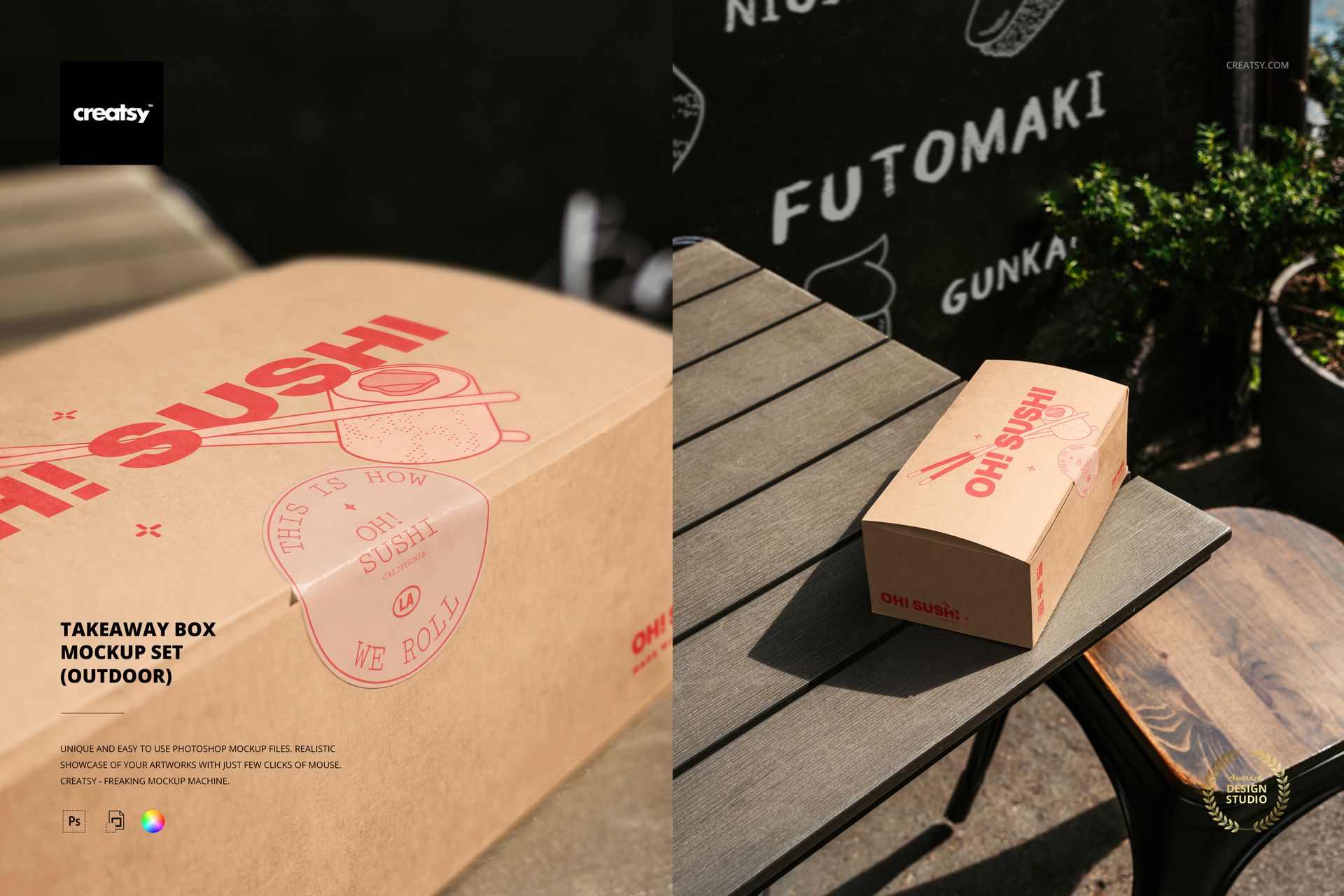
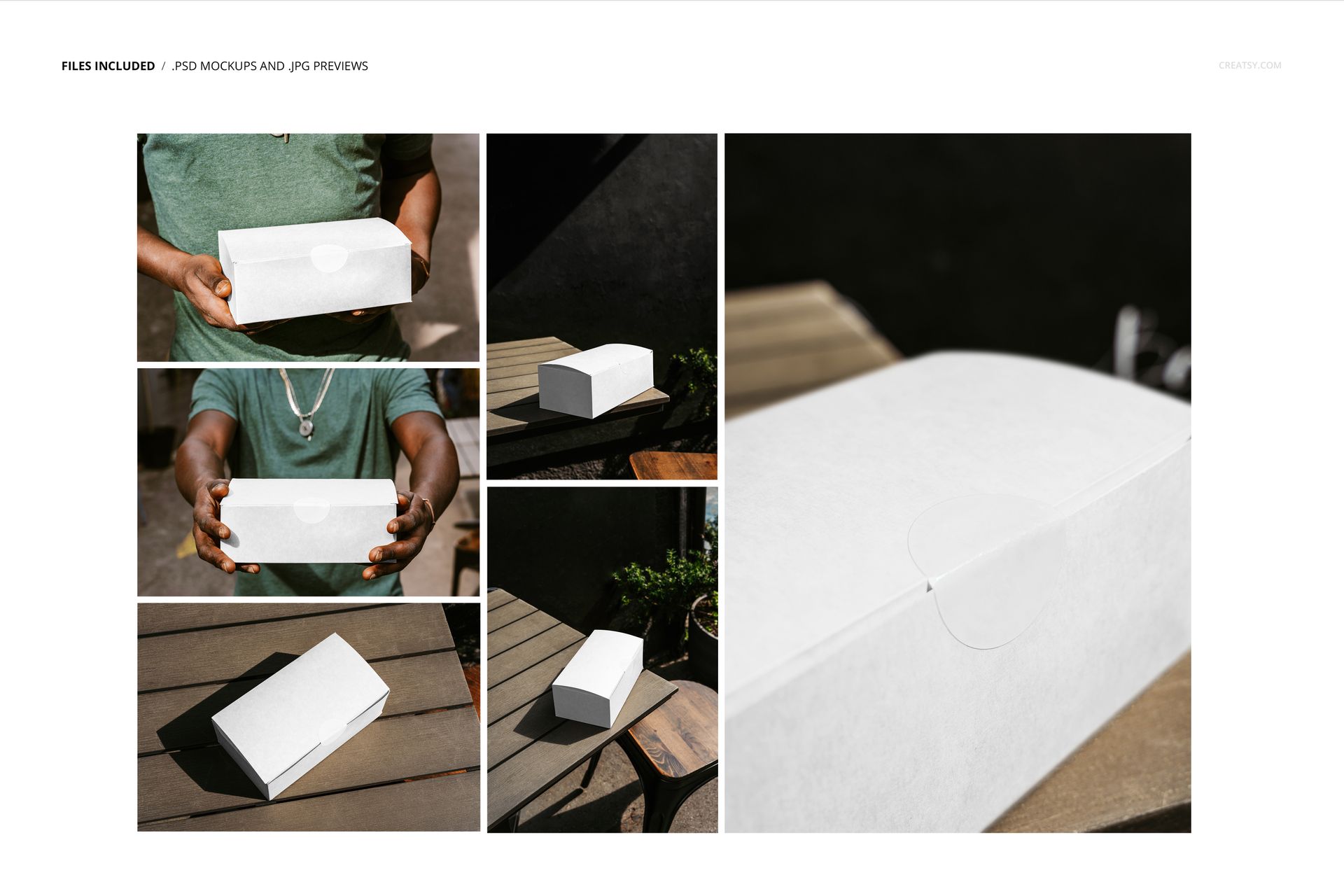
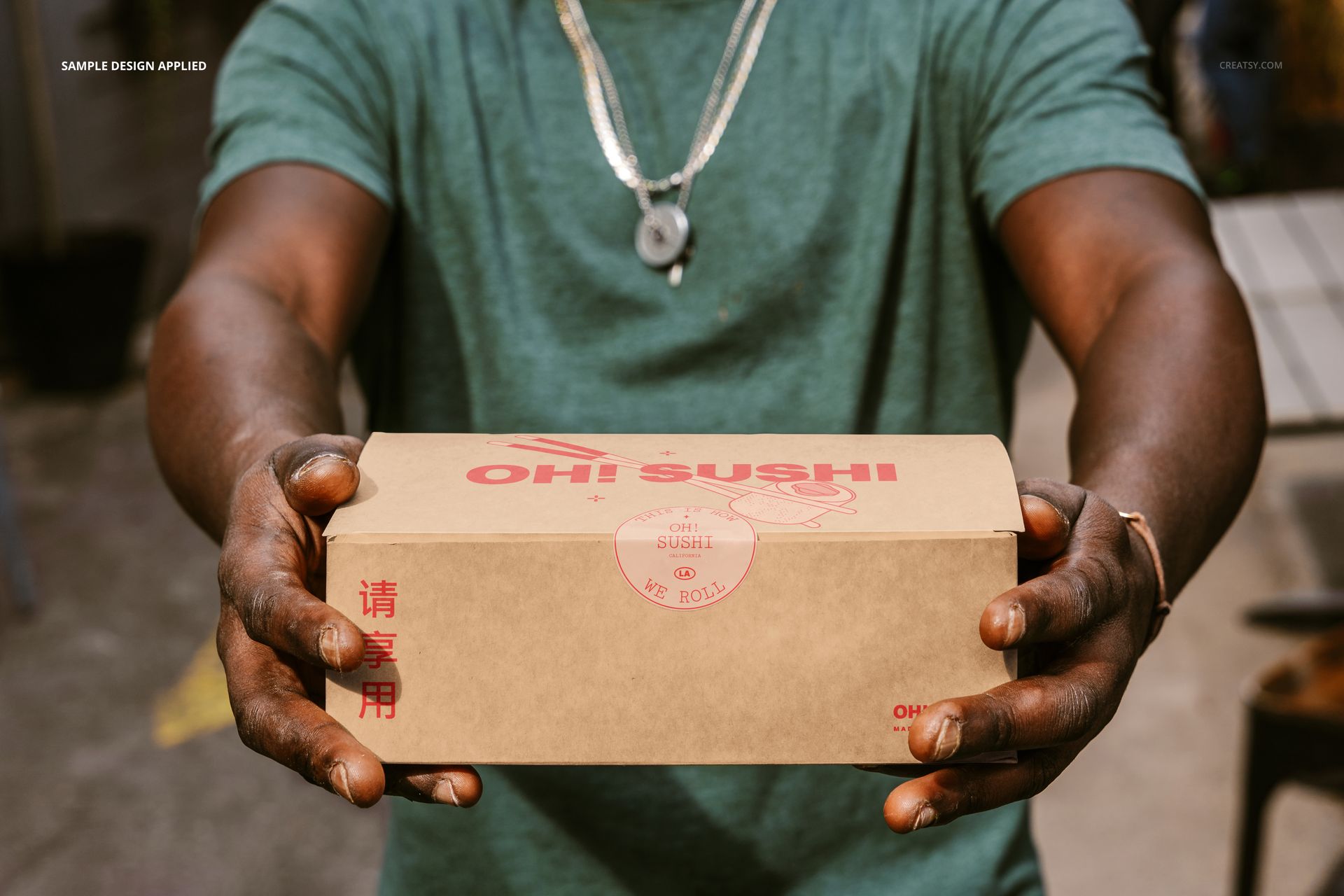
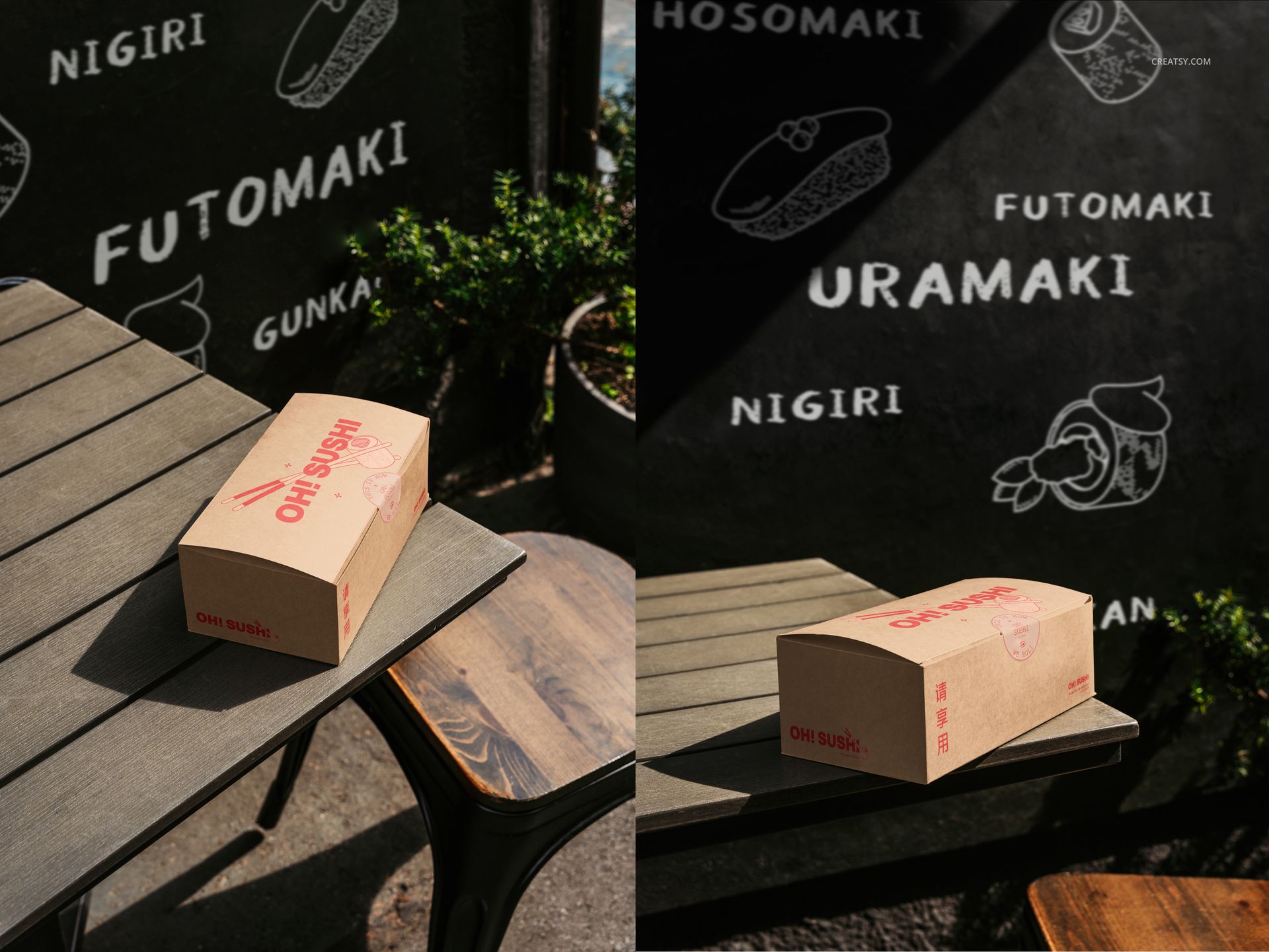
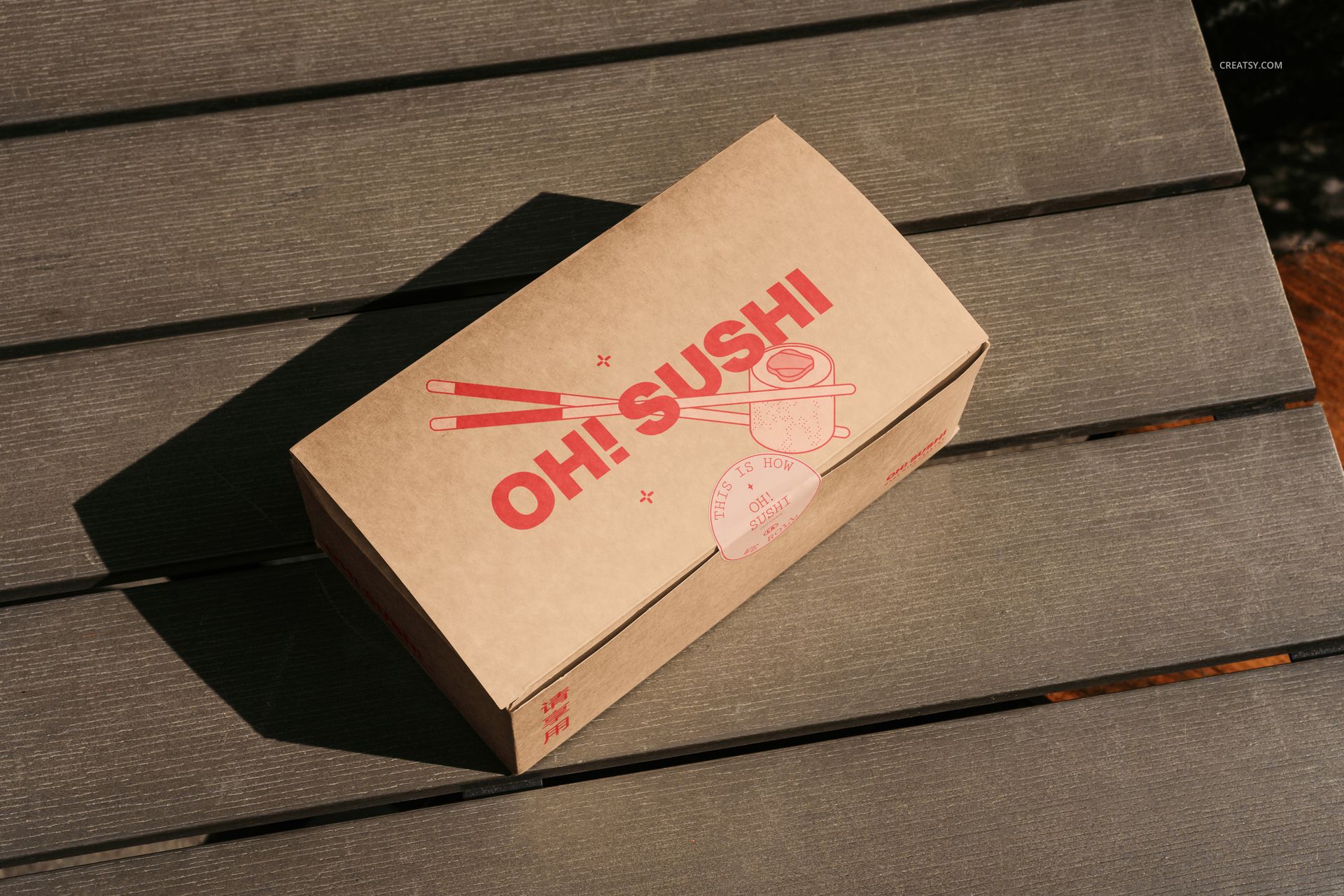
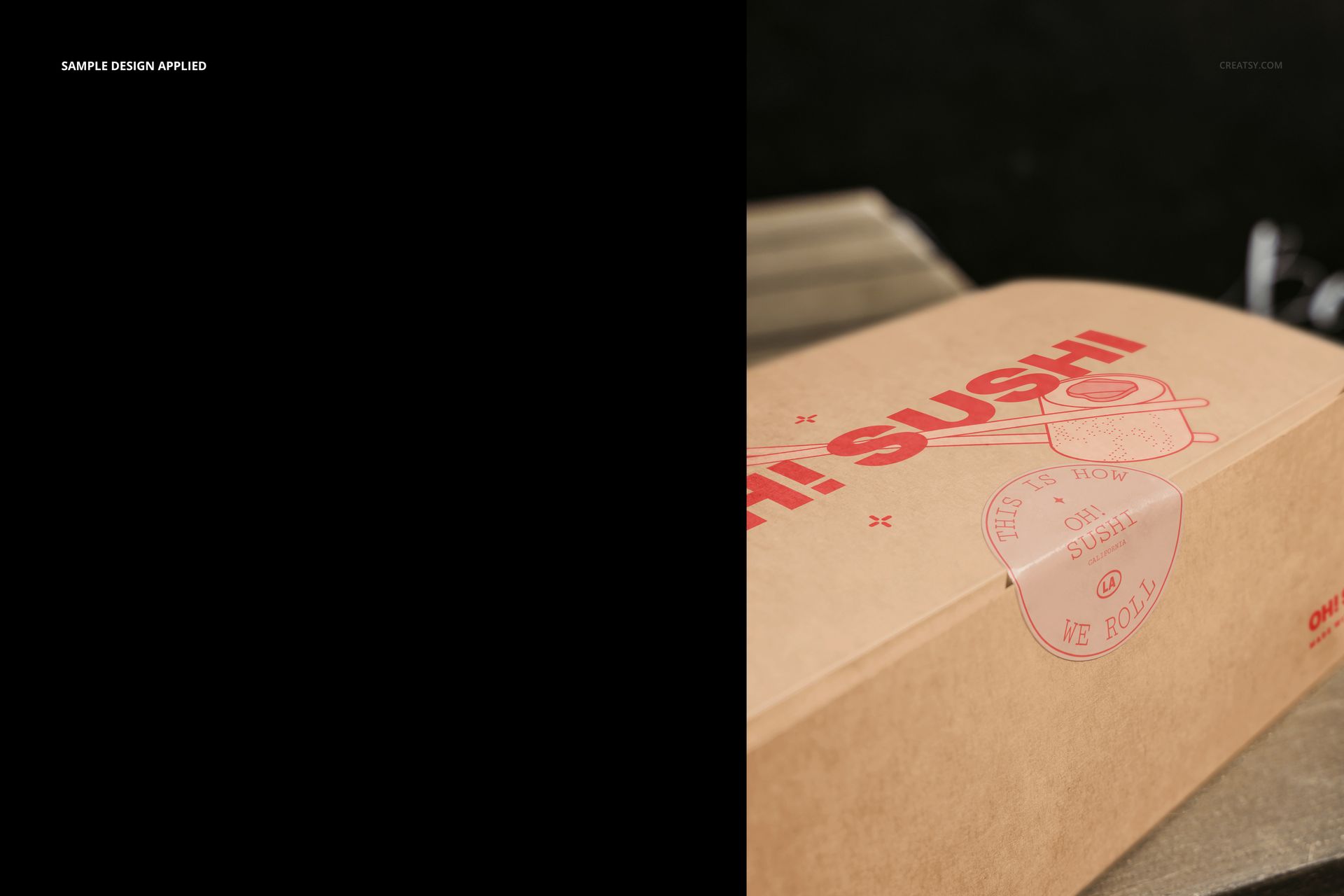
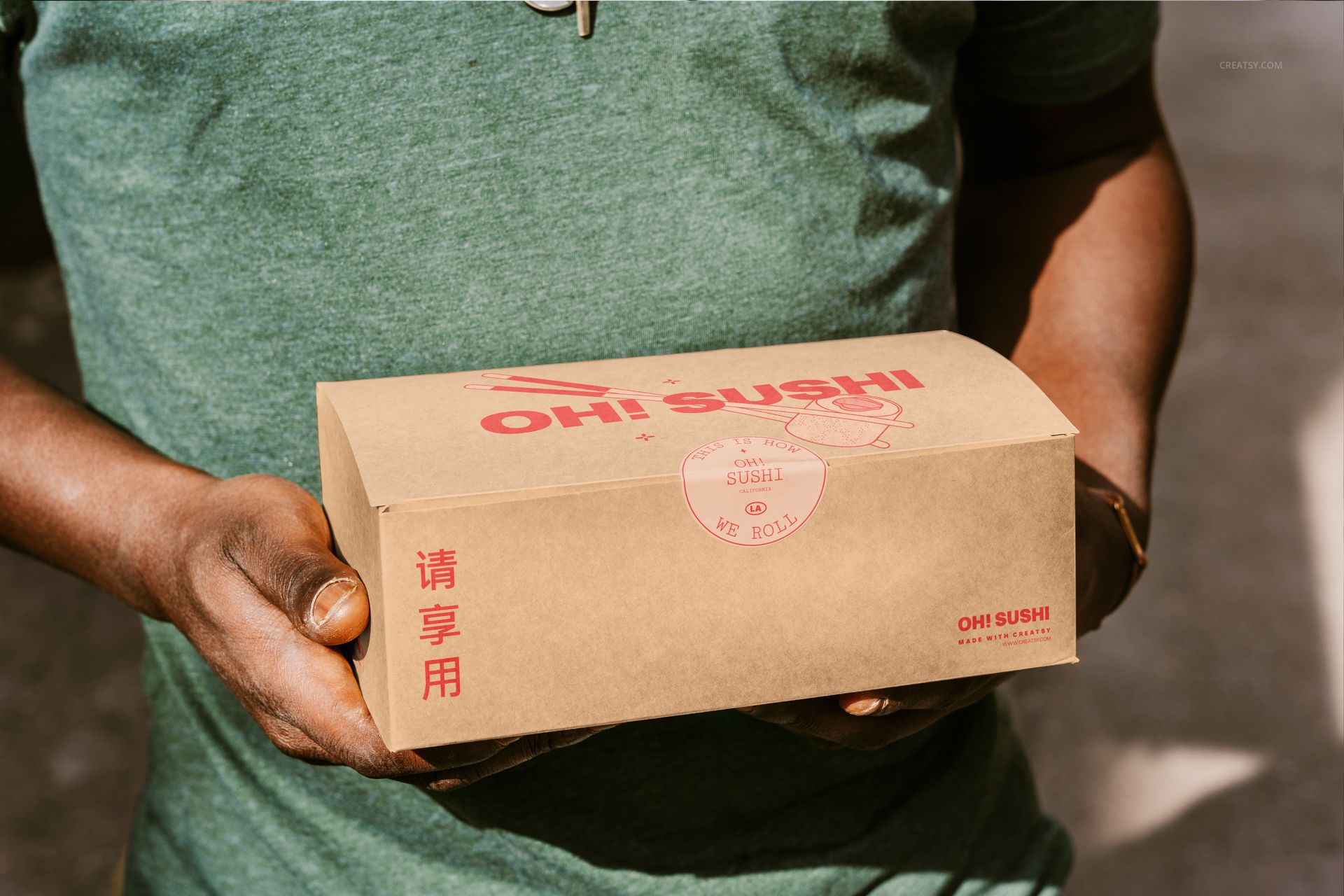
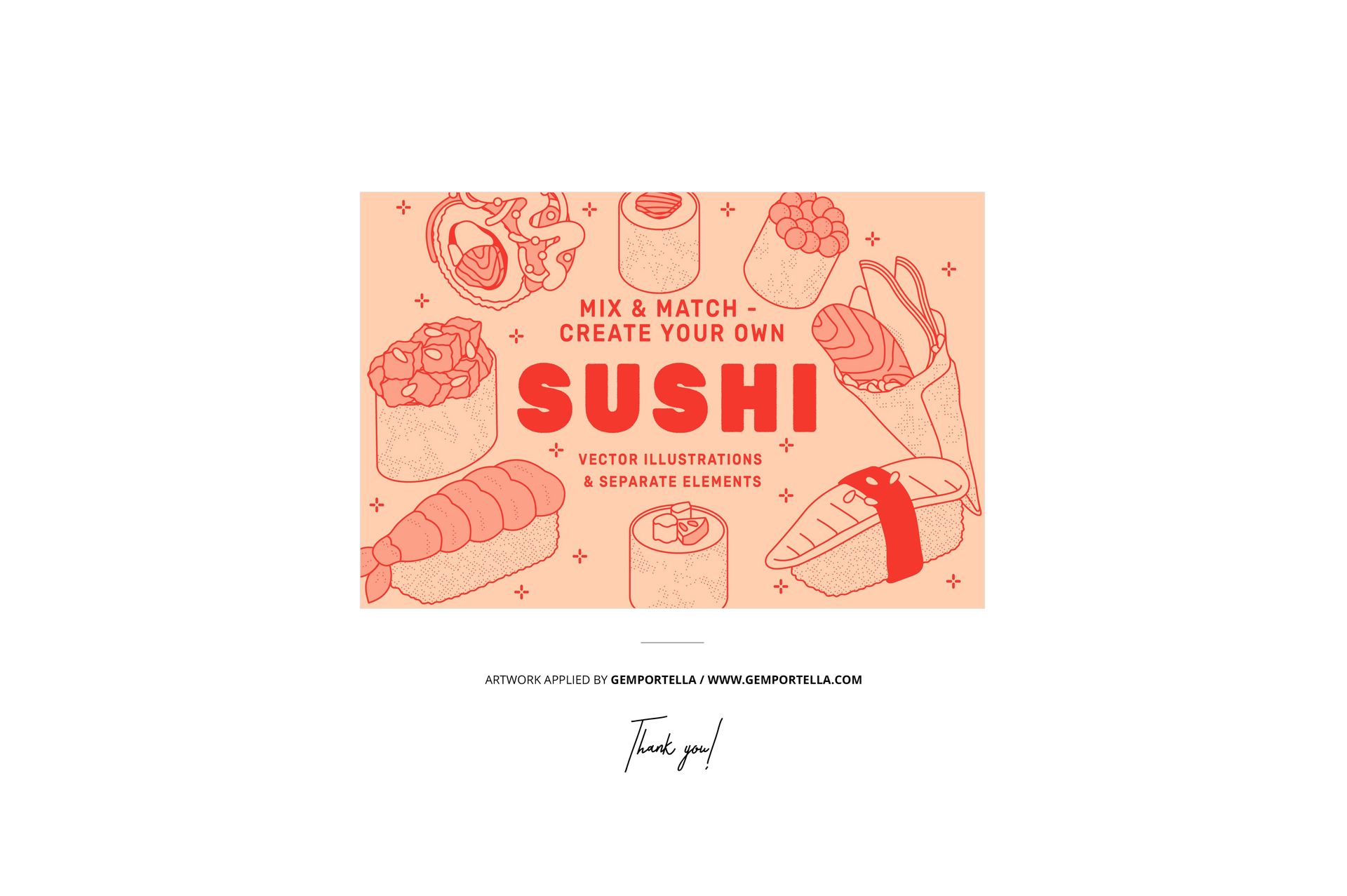
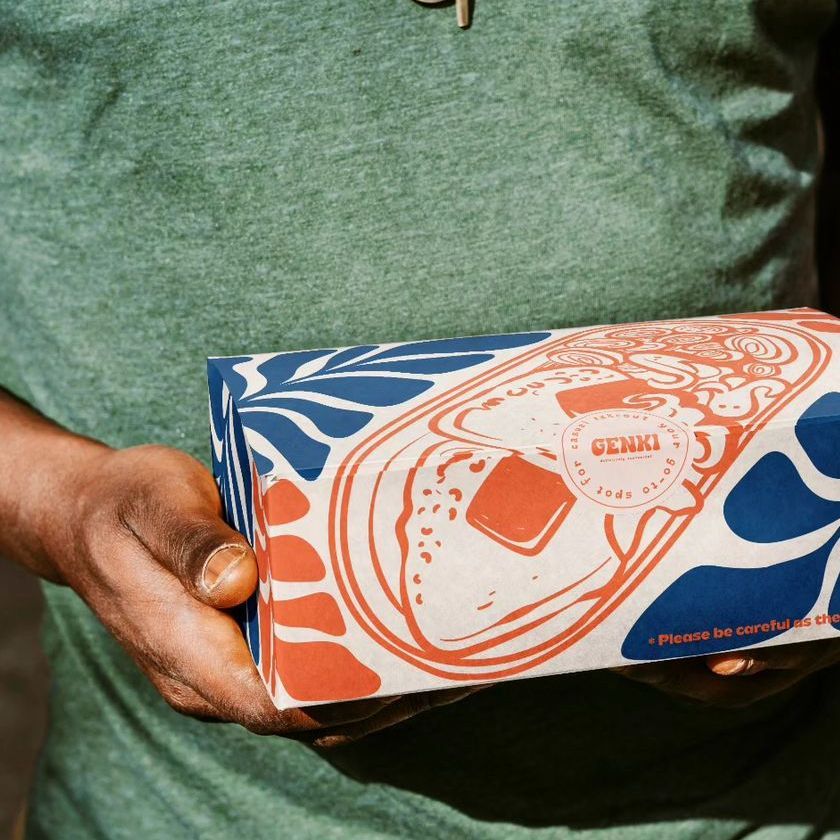
The Takeaway Box Mockup Set (outdoor) includes 6 PSD files showing a takeaway food box photographed outdoors in natural light. The scenes feature the box held in hand, resting on wooden surfaces, and positioned in casual outdoor settings that capture the look and feel of real takeaway food being picked up and carried. Each file uses smart object layers to apply your packaging design to the box surface with accurate paper texture and natural lighting, producing images that look like genuine product photography shot on location. The example artwork shown in screenshots is by gemportella.com and is not included in the download. All files measure 6000x4000px at 300 DPI with organized layers. Compatible with Adobe Photoshop CC 2020 or newer. This product does not support Photopea or other free PSD editors.
Why This Mockup Works
Takeaway packaging photographed in a studio looks like packaging. The same box photographed outdoors, held by a real person, resting on a sun-warmed wooden table, looks like lunch. That distinction matters for marketing because customers connect emotionally with images that show the product in context rather than in isolation. This set provides 6 outdoor scenes that place your takeaway box in the moments that matter: being picked up, being carried, sitting on a table waiting to be opened. The natural lighting and outdoor textures give every exported image the warmth and authenticity that studio shots cannot replicate, making them significantly more effective for social media, delivery apps, and brand storytelling.
What Is Included
The download contains 6 layered PSD files. Each file shows the takeaway box in a different outdoor scene with natural lighting. The compositions include the box held in hand, placed on wooden surfaces, and positioned in outdoor environments that suggest a casual dining moment. Smart object layers control the design on the box surface, and the natural light produces realistic paper texture and shadow detail across all views.
What You Can Customize
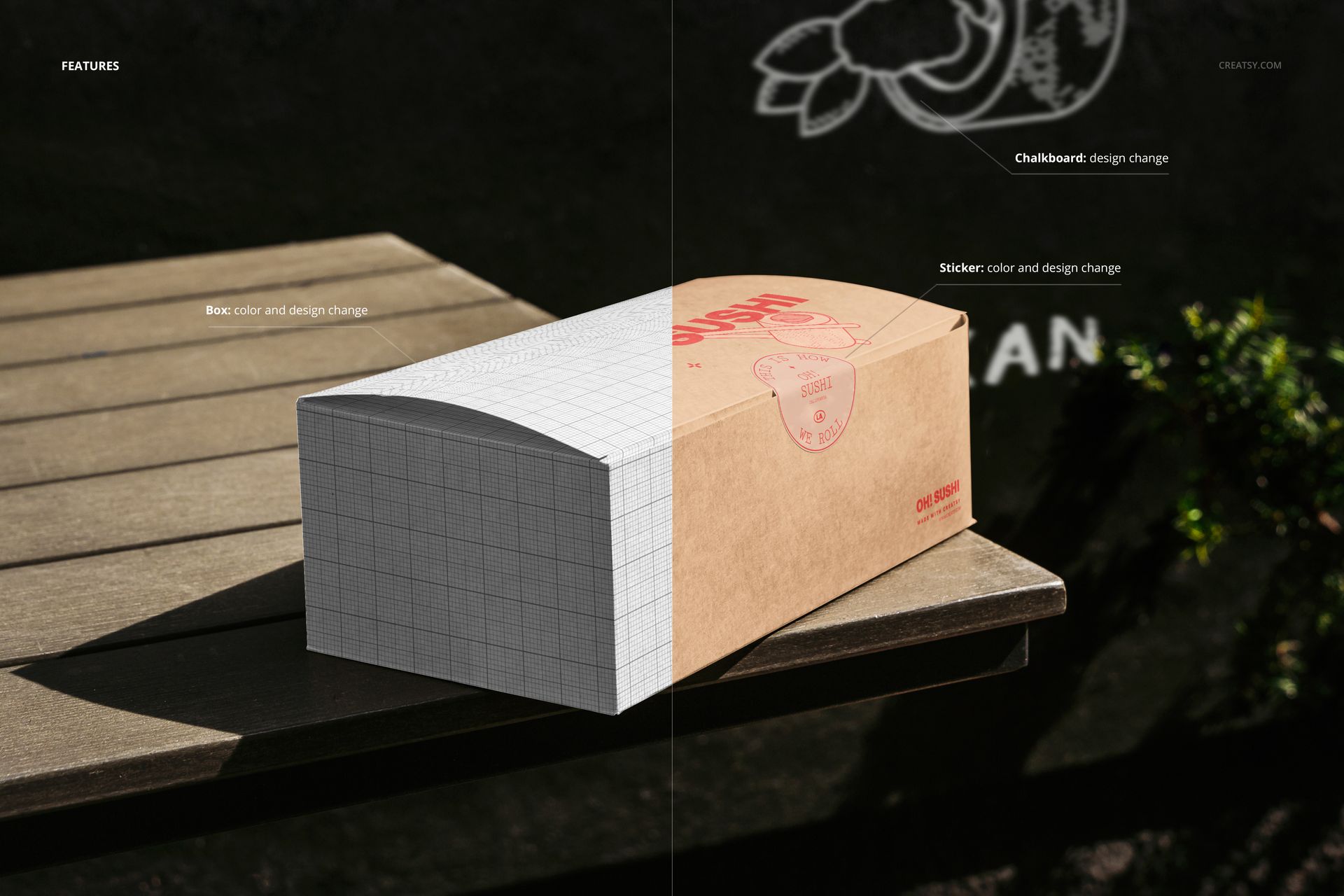
The smart objects control the design on the box surface. Double-click the smart object layer to place your logo, brand pattern, menu information, or promotional graphics. The design wraps around the box shape with accurate paper grain and natural outdoor lighting. Each file updates independently, so you can apply the same brand design across all 6 scenes for a consistent campaign or test different designs in different settings. Adjustment layers let you modify brightness, contrast, and color temperature to match your brand aesthetic while maintaining the natural outdoor feel.
Who This Mockup Is For
Takeaway restaurants and food businesses that need marketing images showing their branded packaging in real outdoor settings rather than on a studio backdrop. Marketing teams at food brands creating social media content, delivery platform listings, and promotional materials where outdoor lifestyle imagery drives higher engagement than standard product photography. Packaging designers presenting takeaway box concepts to food business clients in the context where the packaging will actually be seen and used. Food photographers and content creators who need customizable base images for restaurant and food delivery clients where outdoor authenticity is essential to the brand message.
File Specifications
Files: 6 PSDs. Dimensions: 6000x4000 px. Resolution: 300 DPI. Color mode: RGB. File size: 242.16 MB. Compatibility: Adobe Photoshop CC 2020 or newer. Does not support Photopea or other free PSD editors. Example artwork by gemportella.com (not included).