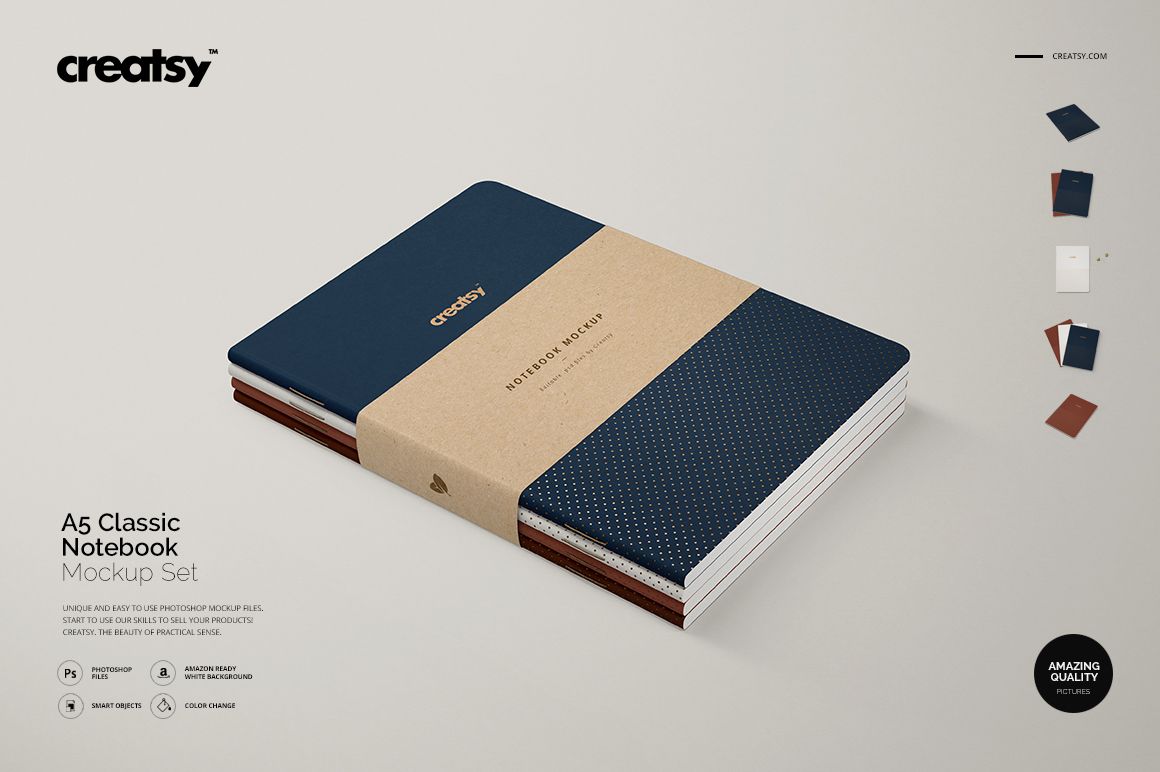
A5 Classic Notebook Mockup Set
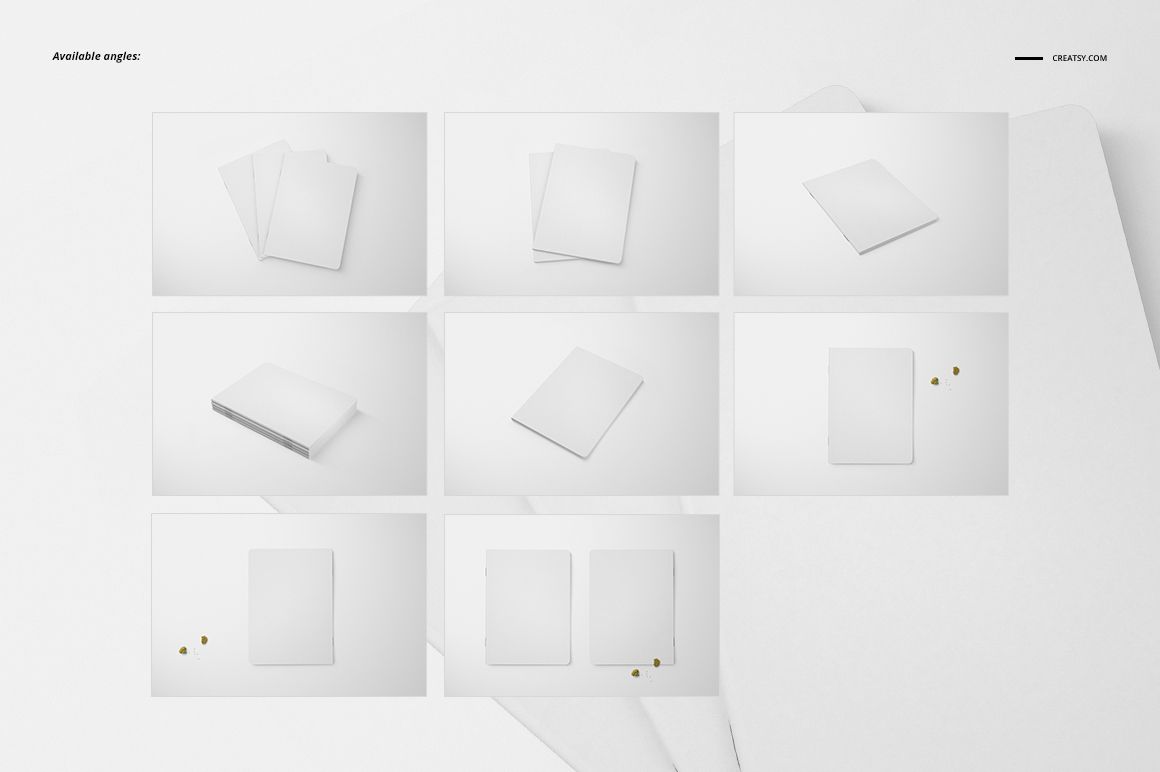
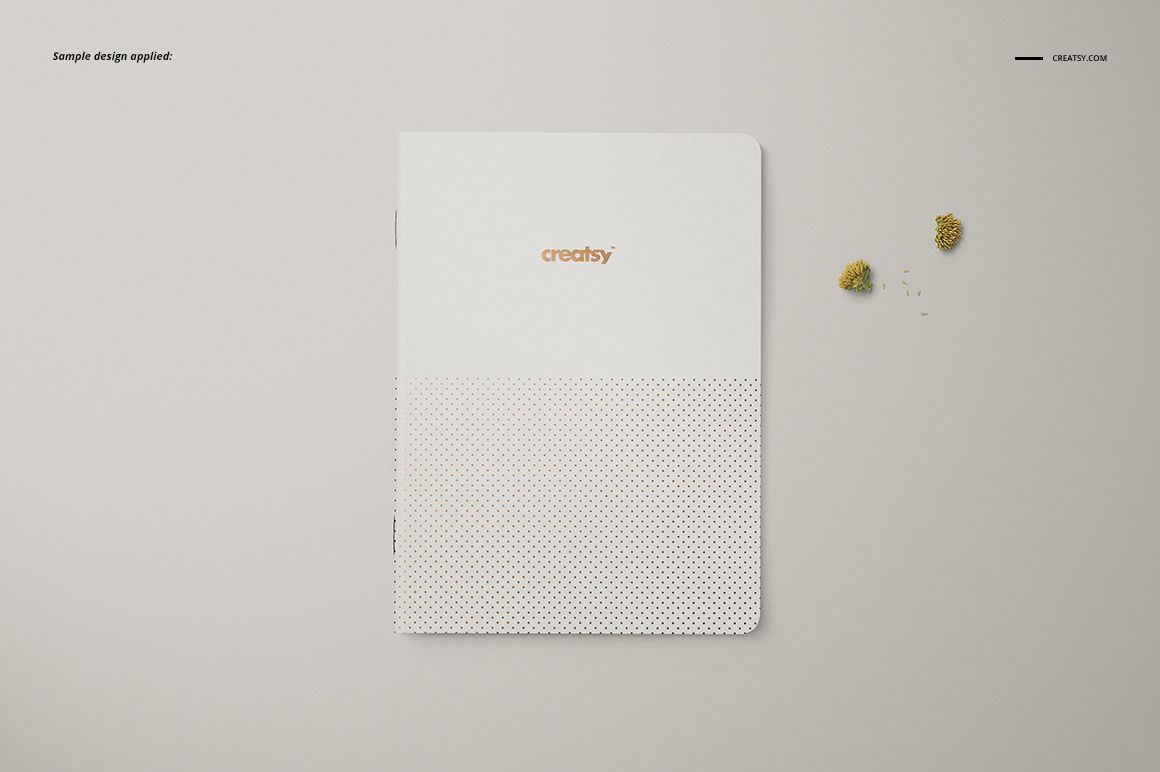
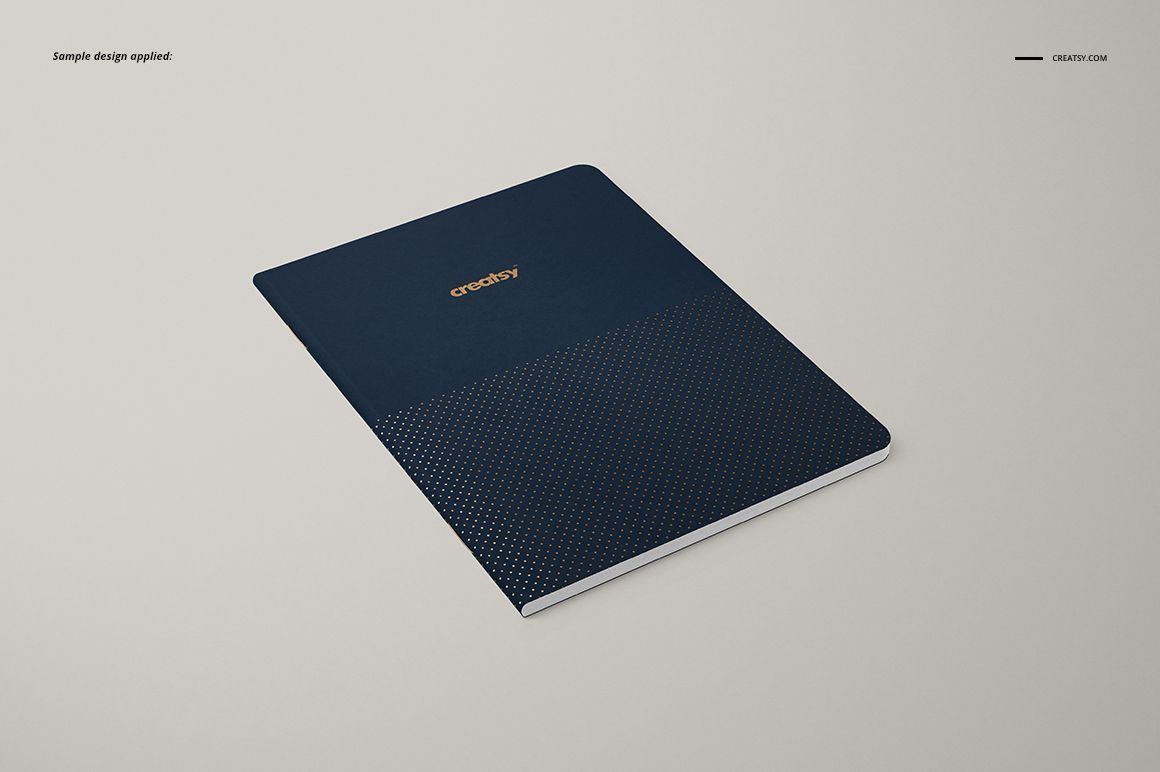
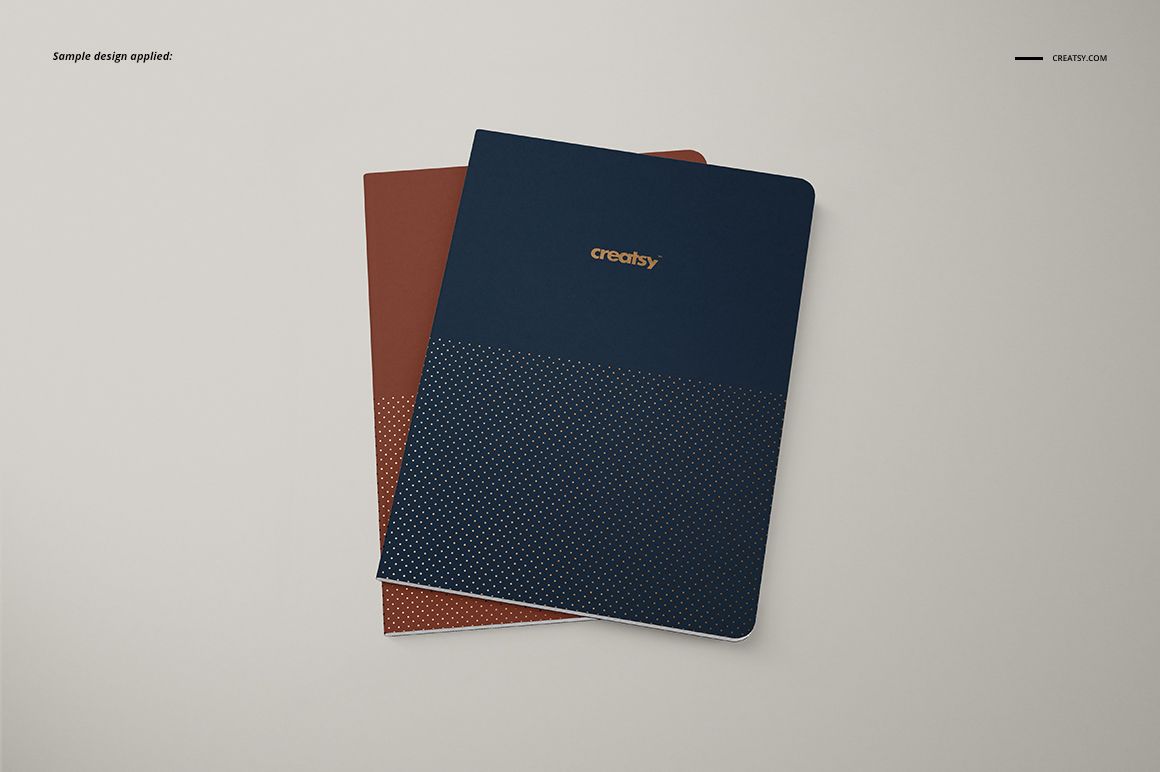
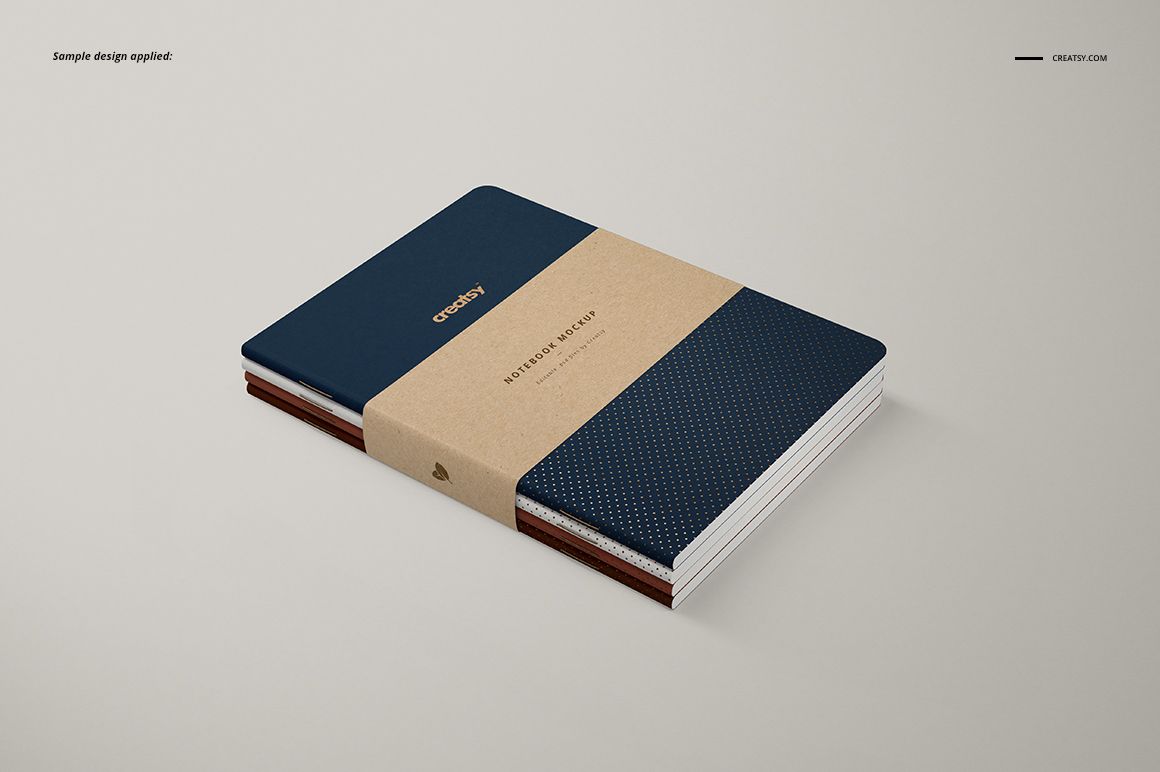
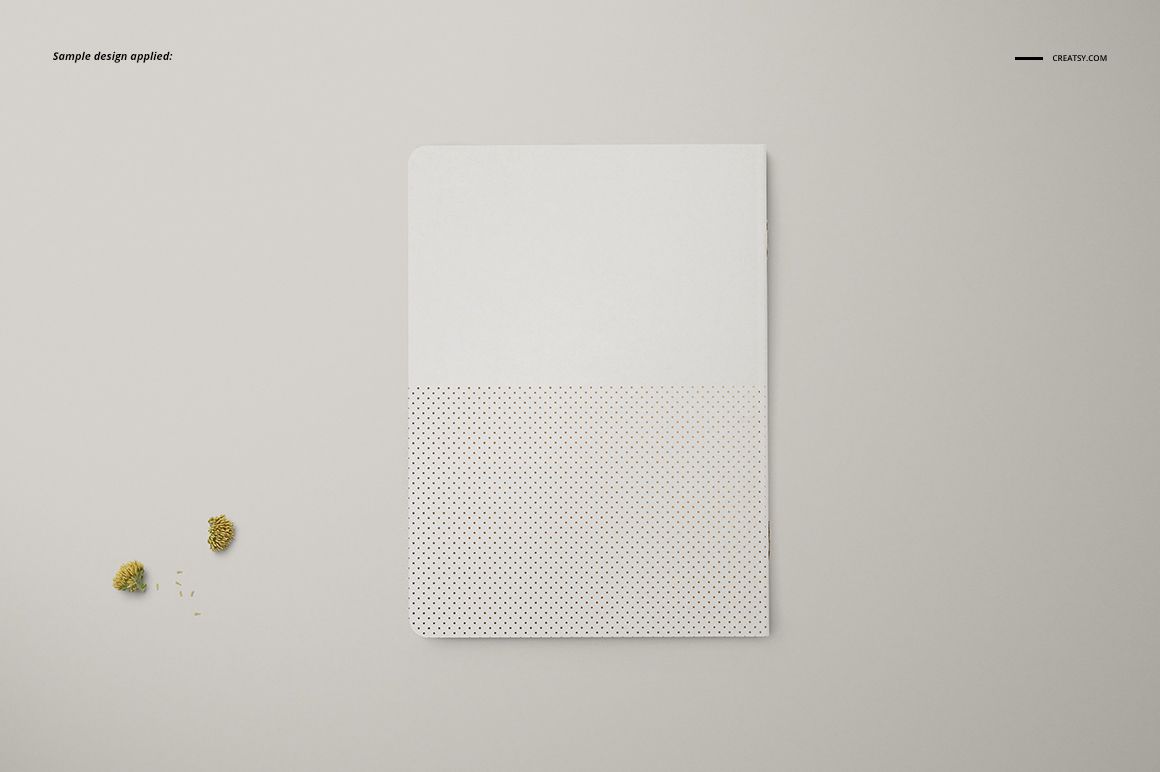
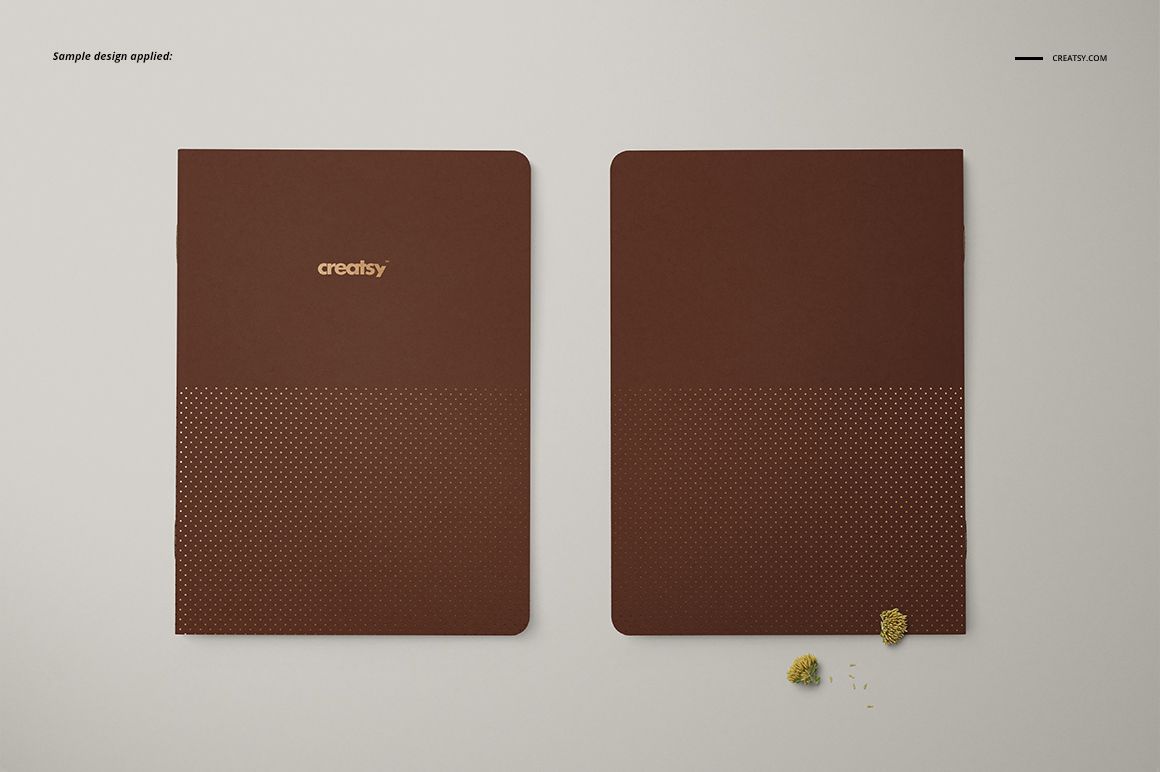
Present a complete A5 cover collection through eight clean perspectives and two matching binding variations. Each scene is supplied with visible staples and without staples, making it easy to compare finishing details while keeping every image consistent.
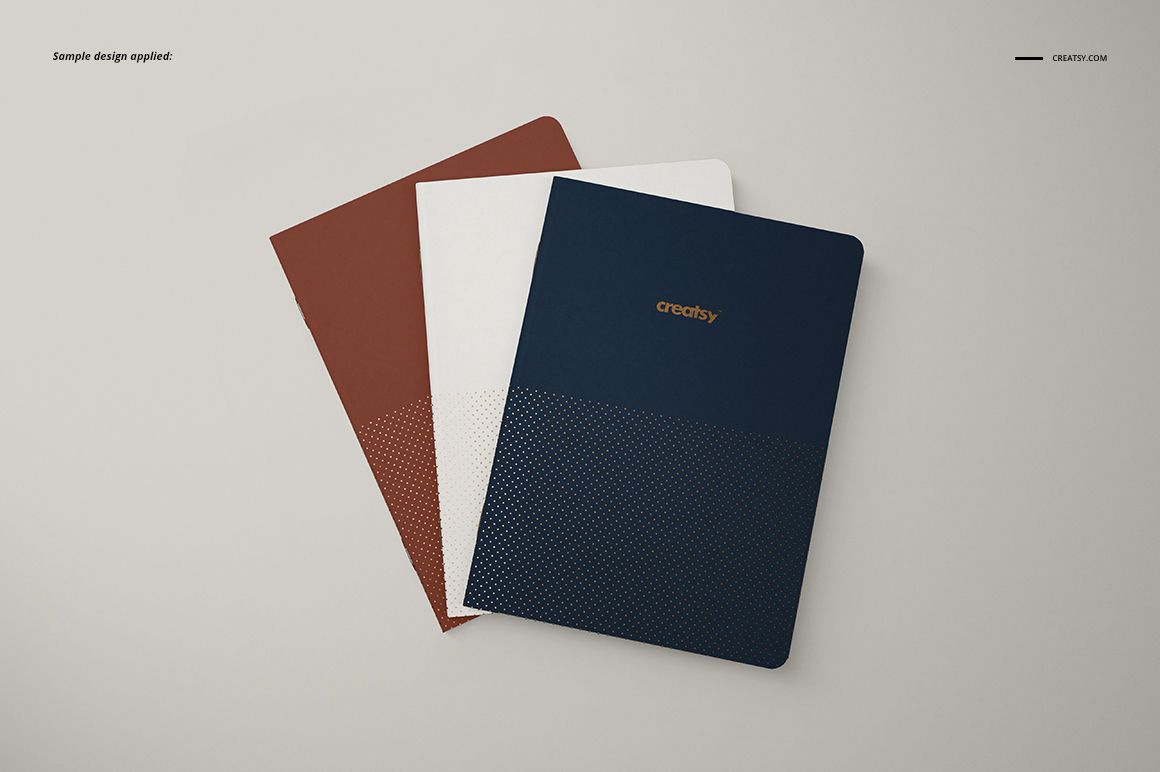
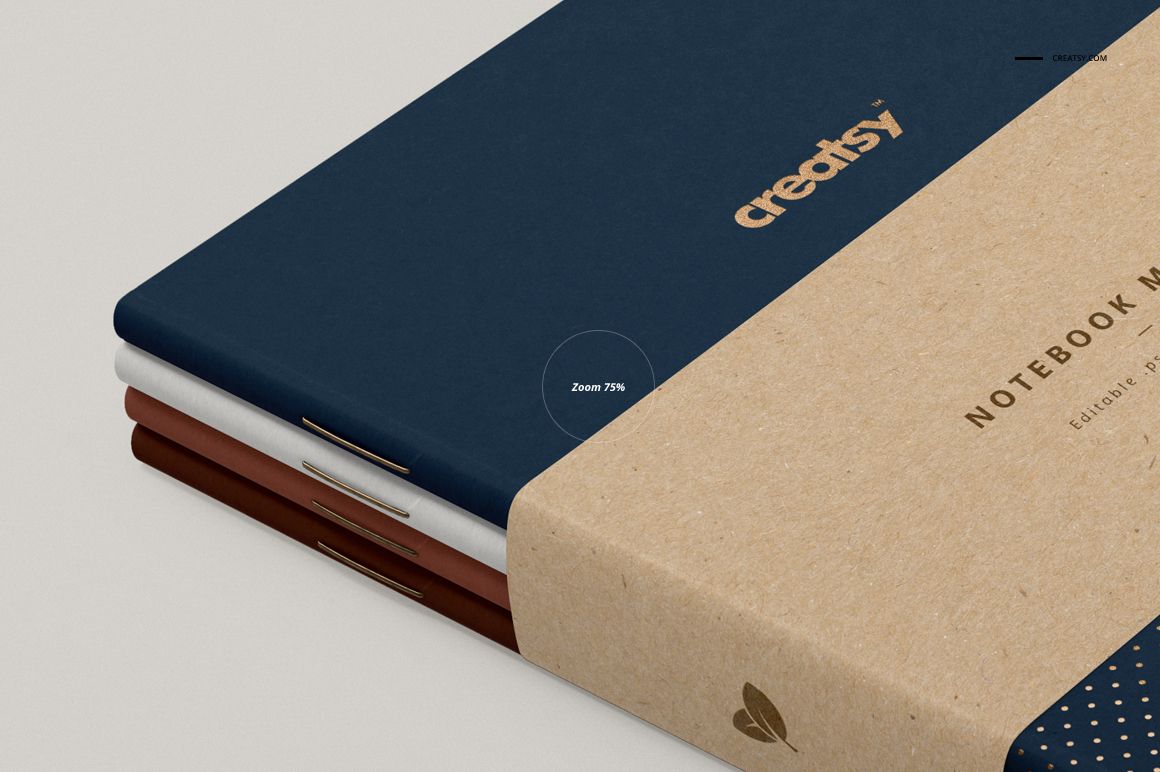
Single notebooks, paired layouts, layered arrangements, and a wrapped stack give you a flexible sequence for showing artwork scale, coordinated colorways, logos, and repeating patterns.
What Is Included
16 layered PSD mockup files, 8 scenes with staples and 8 matching scenes without staples
17 high-resolution JPG preview files
4 TIF guide files and 1 PDF guide
5250 × 3500 px at 300 DPI per PSD
Two Binding Variations, One Cohesive Set
Compare a realistic stapled edge with a clean staple-free version across the same eight viewpoints. The paired options help you choose the presentation that best reflects a notebook concept without rebuilding the gallery from scratch.
Flexible Cover and Finish Controls
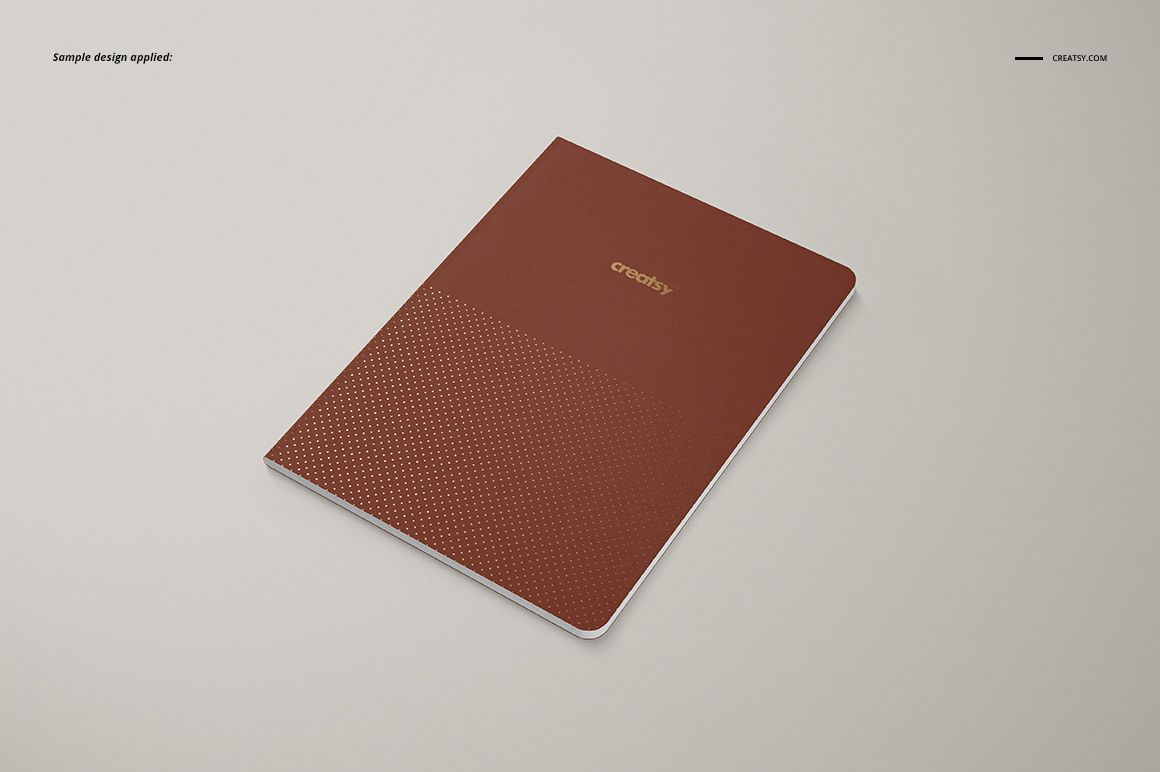
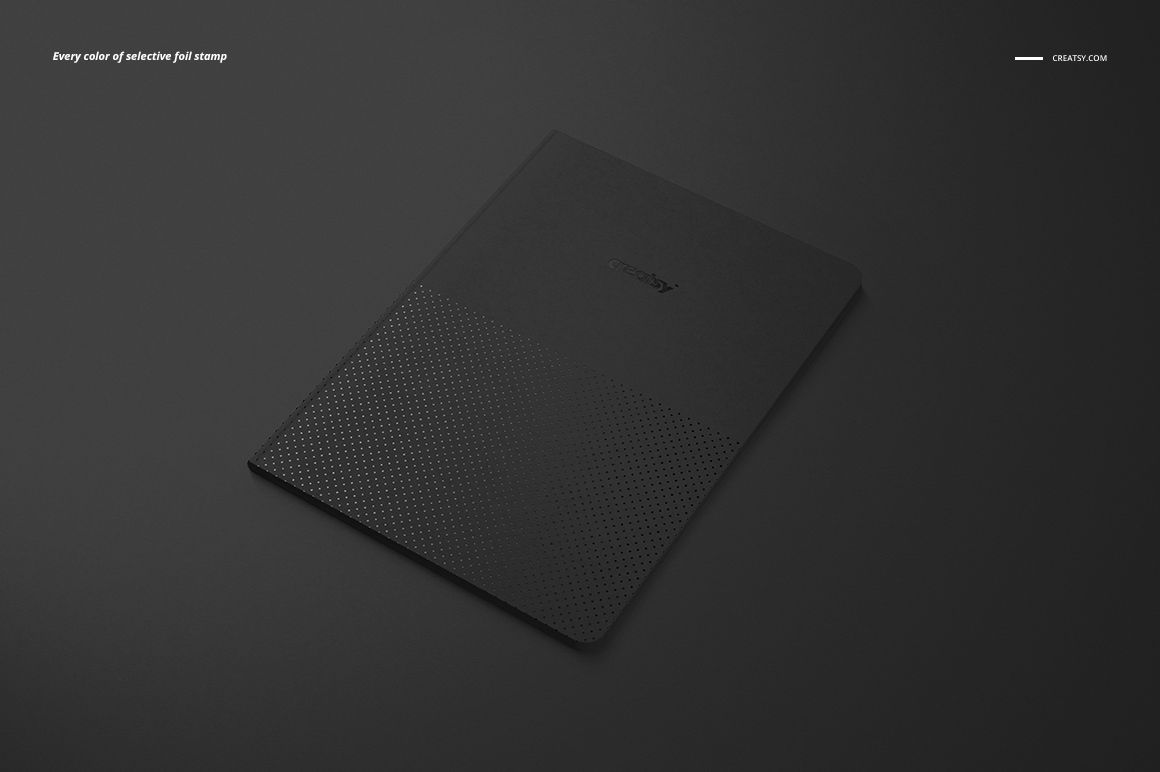
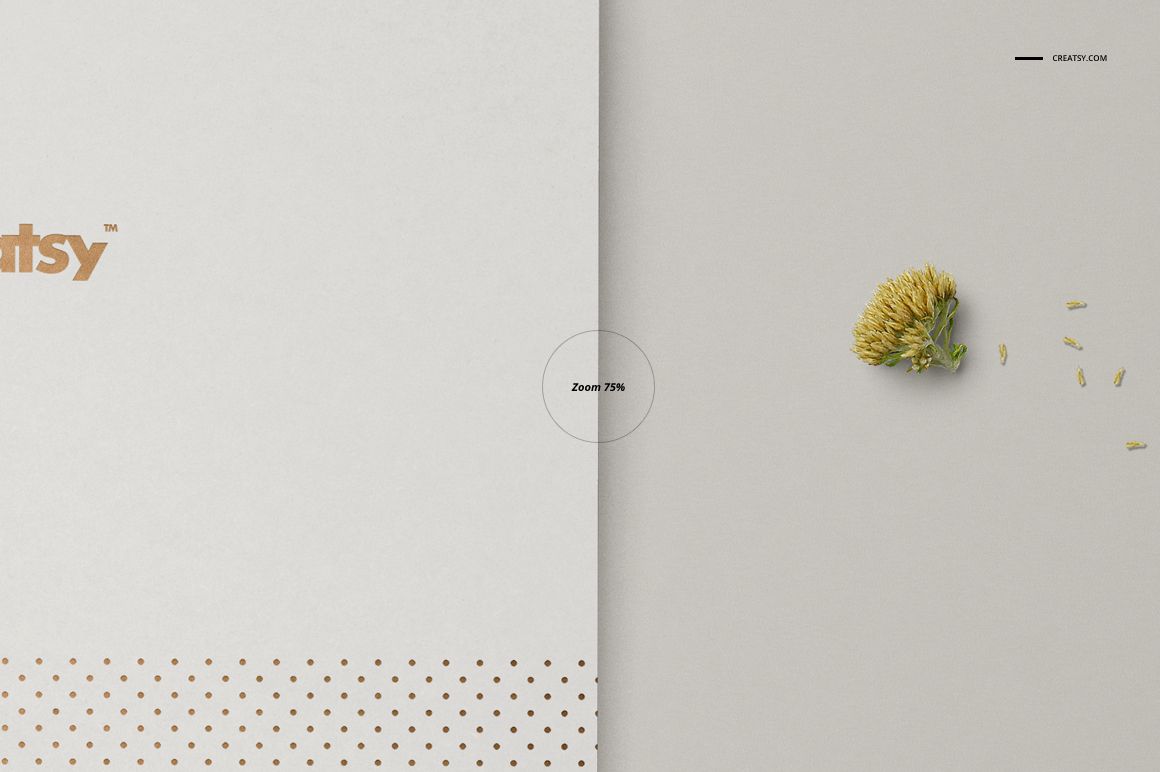
Apply cover artwork through Smart Objects, adjust colors, and change the selective foil stamp color. The varied straight, angled, stacked, and grouped views let subtle patterns and small logo details remain visible.
Easy Smart Object Editing
Open the relevant Smart Object, insert your design, save it, and return to the main PSD to see the artwork placed in perspective. Well-organized layers keep repeated edits efficient across all scenes.
Backgrounds Built for Presentation
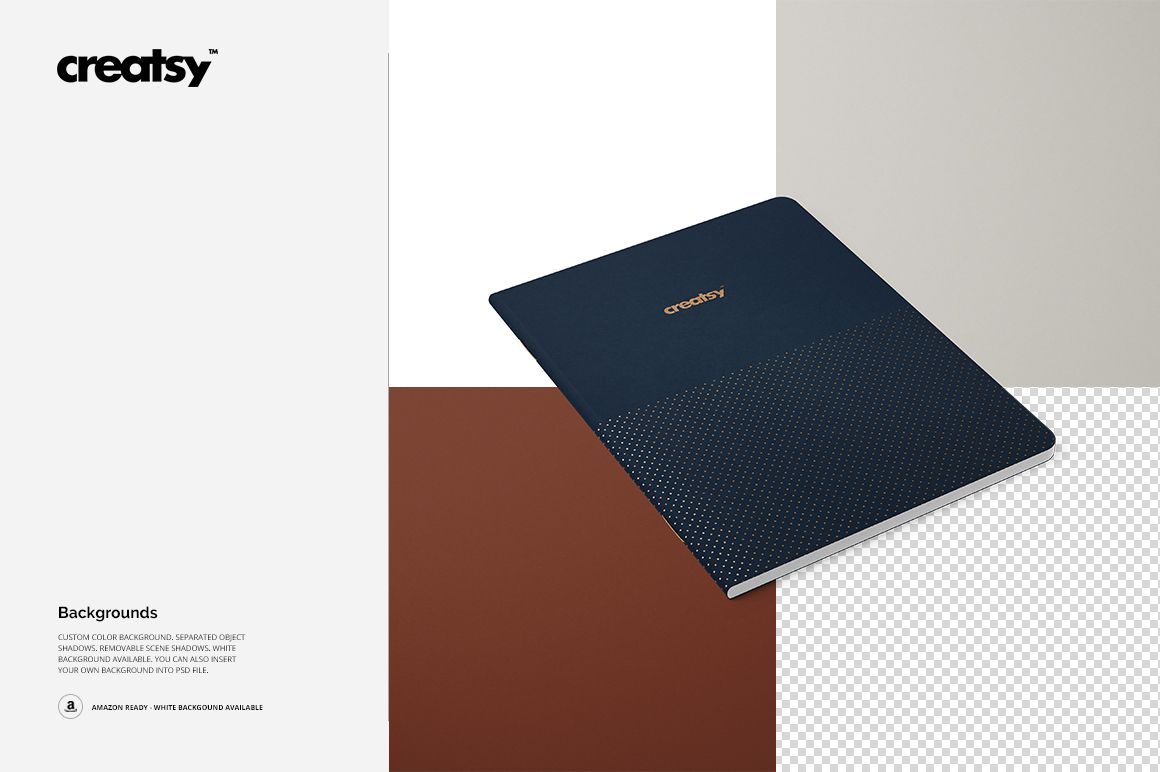
Use a custom color or white background, remove scene shadows when needed, work with the separated notebook object, or place your own background inside the PSD.
Perfect For
Stationery brands presenting coordinated notebook collections
Branding designers preparing polished client previews
Surface pattern designers testing scale and colorways
Artists and illustrators building portfolio or shop imagery
Compatibility and Product Notes
Compatible with Adobe Photoshop CC2018 or newer and Photopea. This is a digital presentation mockup, not a technical print-production template. Sample artwork and patterns shown in the previews are not included.