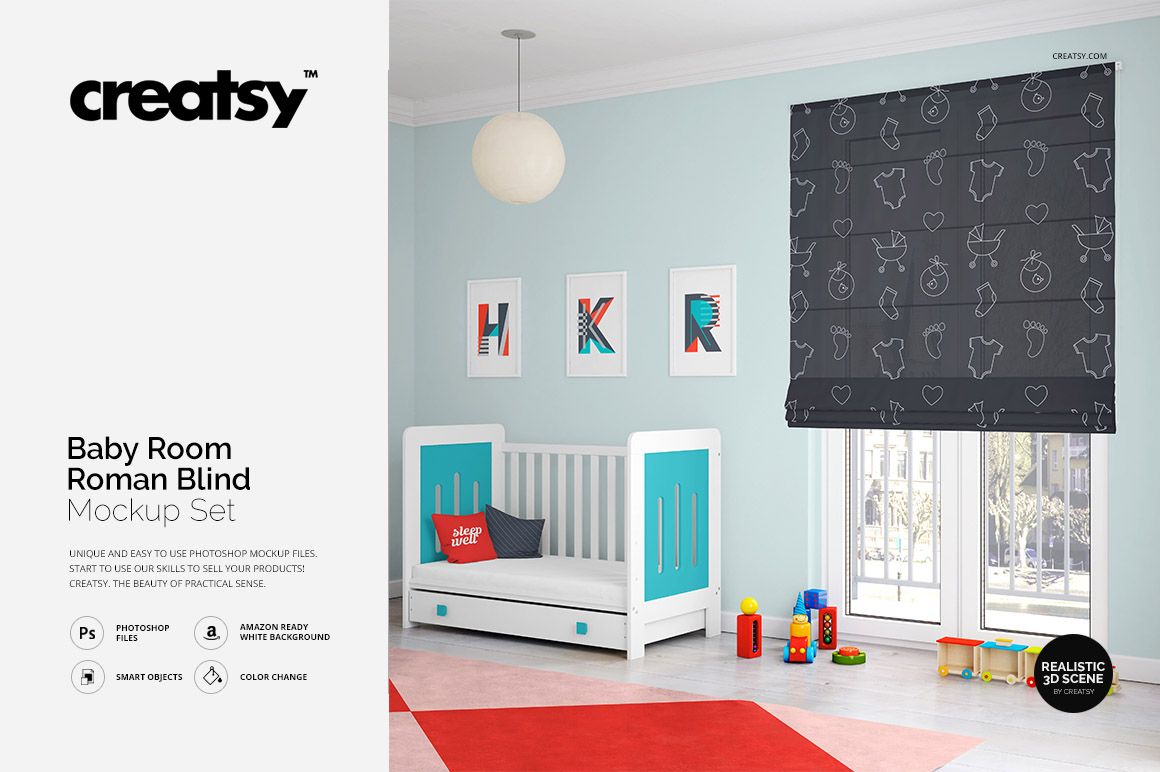
The Roman Blind Kids Room Mockup Set by Creatsy is a kids room roman blind mockup built on four PSD files, 4000x4000 px at 300 dpi. Your pattern goes on the fabric blind, and the nursery around it is already lit and styled.
The blind isn't the only thing you can change. The three picture frames above the crib have their own smart objects, and so do the pillows and the rug. One file can show a matching set rather than a single product. The walls, the bed and the frames sit on separate layers, so you recolor them one at a time, flat color or a gradient. Keep the pale blue room, or make it almost white for a cleaner catalog shot.
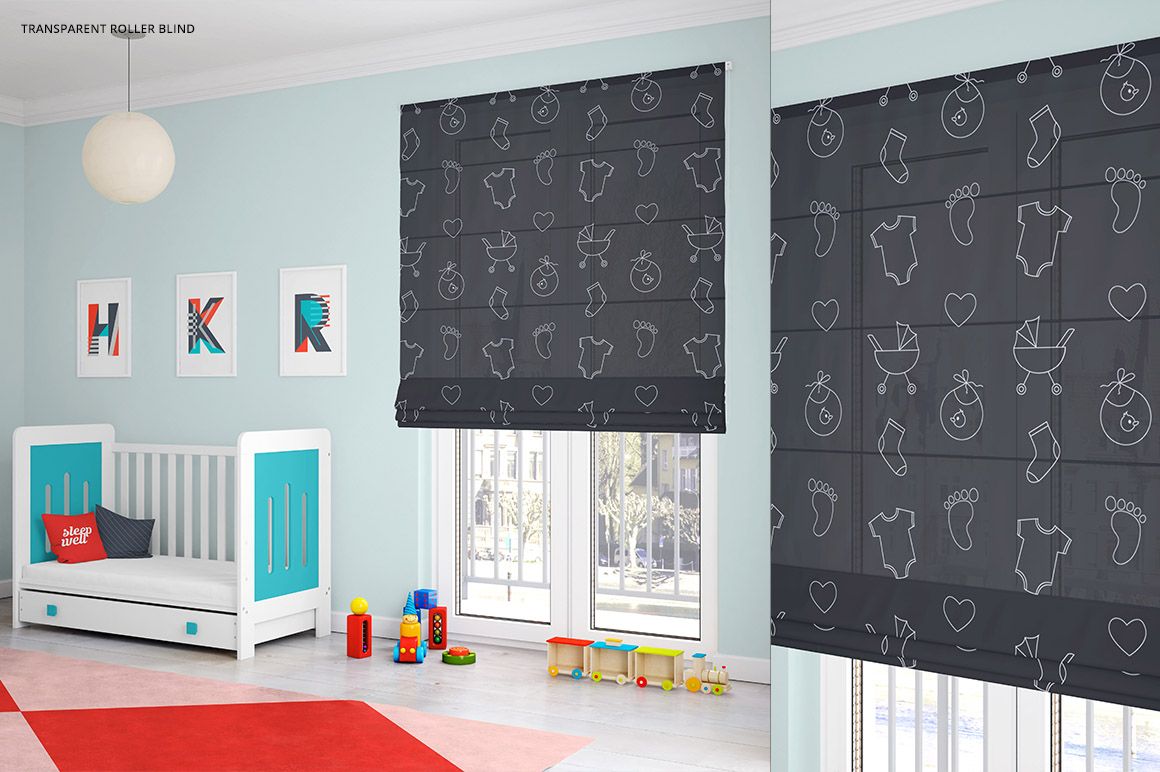
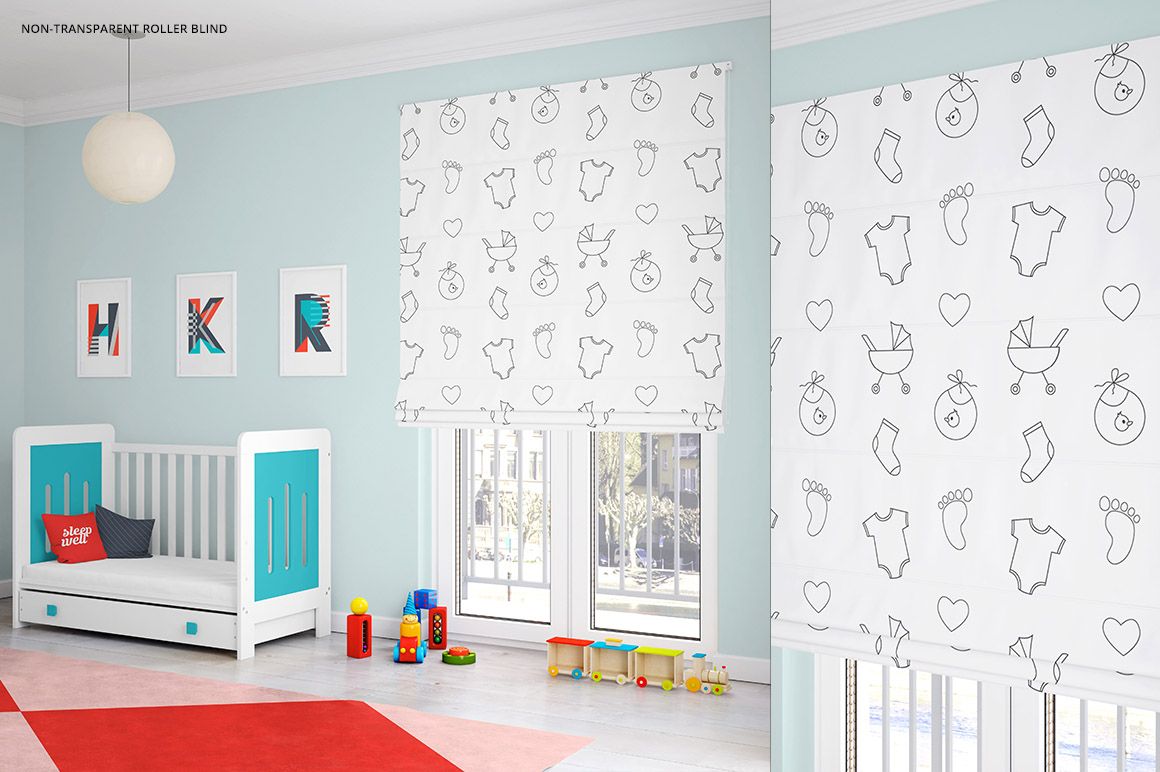
The two fabric versions look quite different with the same pattern on them. Non-transparent holds your colors dense, the way a room-darkening blind does. The transparent one lets window light through the print, so it lightens and you can see the window behind it. The close-up is where you check whether a fine line or a small repeat still holds up.
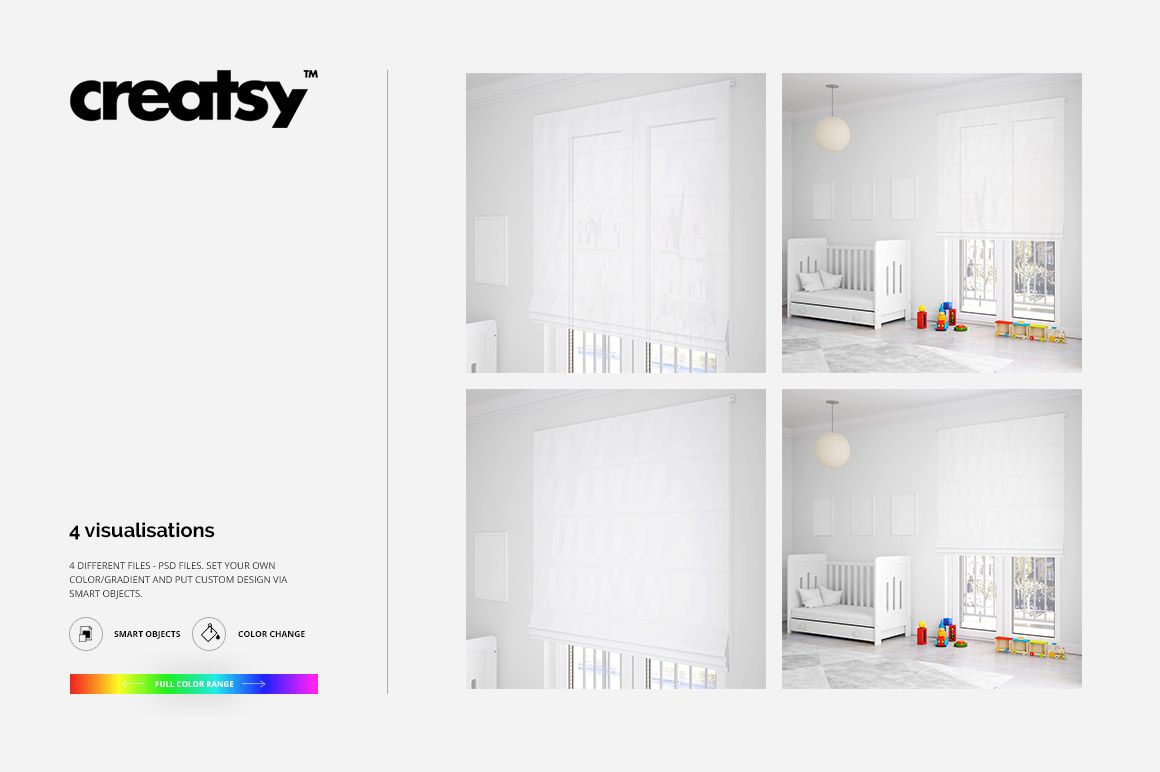
The designs in the previews are only examples. You start with a blank blind and empty frames.
It saves a photo shoot. The exports drop straight into Etsy and Shopify listings, client decks, or a textile portfolio.
What you get
Smart objects on the blind, the three wall frames, the pillows and the rug
The blind in two fabrics, non-transparent and light-filtering
A wide interior shot and a close-up of the same room
Separate layers for the walls, the bed and the frames, so each recolors on its own, flat or gradient
A full 3D nursery around it: crib, pendant lamp, wooden toys, daylight from the window
Well organized, easy to follow layer stack
How it works
Open the PSD in Photoshop (CS4 or newer) or Photopea.
Double-click the smart object layer for the blind, a frame, a pillow or the rug.
Paste your artwork, scale it to fit, then save and close the smart object.
Recolor the walls, bed or frames if the scene needs it, then export.
Specifications
Files: 4 PSD
Dimensions: 4000x4000 px, 300 dpi
Download: 9 files, .psd and .jpg
Package size: 723 MB (Windows), 758 MB (macOS)
Software: Photoshop CS4 or newer, or Photopea in a browser
License: Standard or Extended
Who it is for
Built with surface pattern designers and textile studios in mind. It also fits nursery decor brands, made-to-order blind and curtain shops, and anyone selling kids wall art who wants the print shown in a real room instead of floating on a white square.