ID: 1388994901 | Updated: Nov 15, 2022

Product Details

Jacquard Fringed Woven Throw Blanket Mockup Set v.5

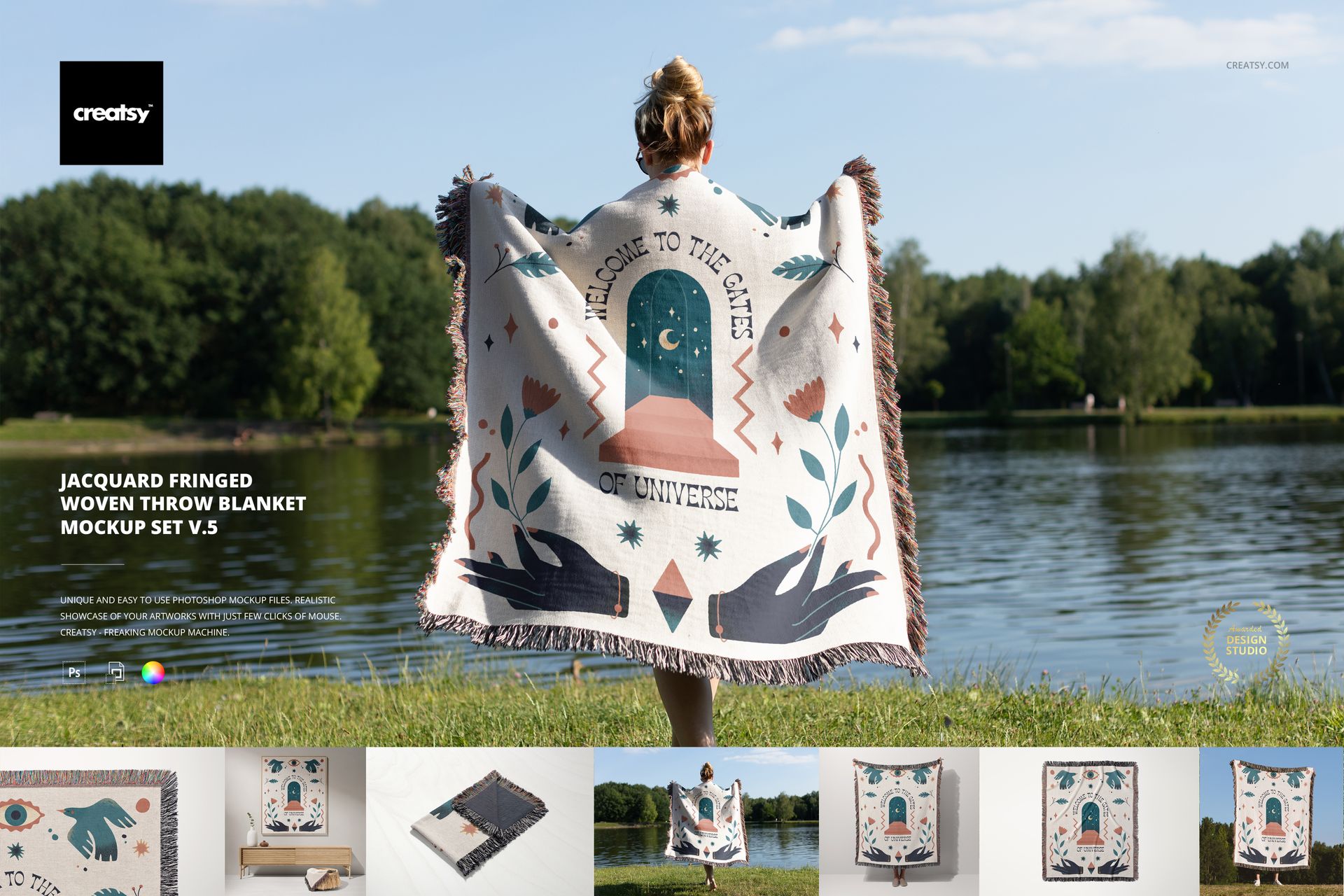
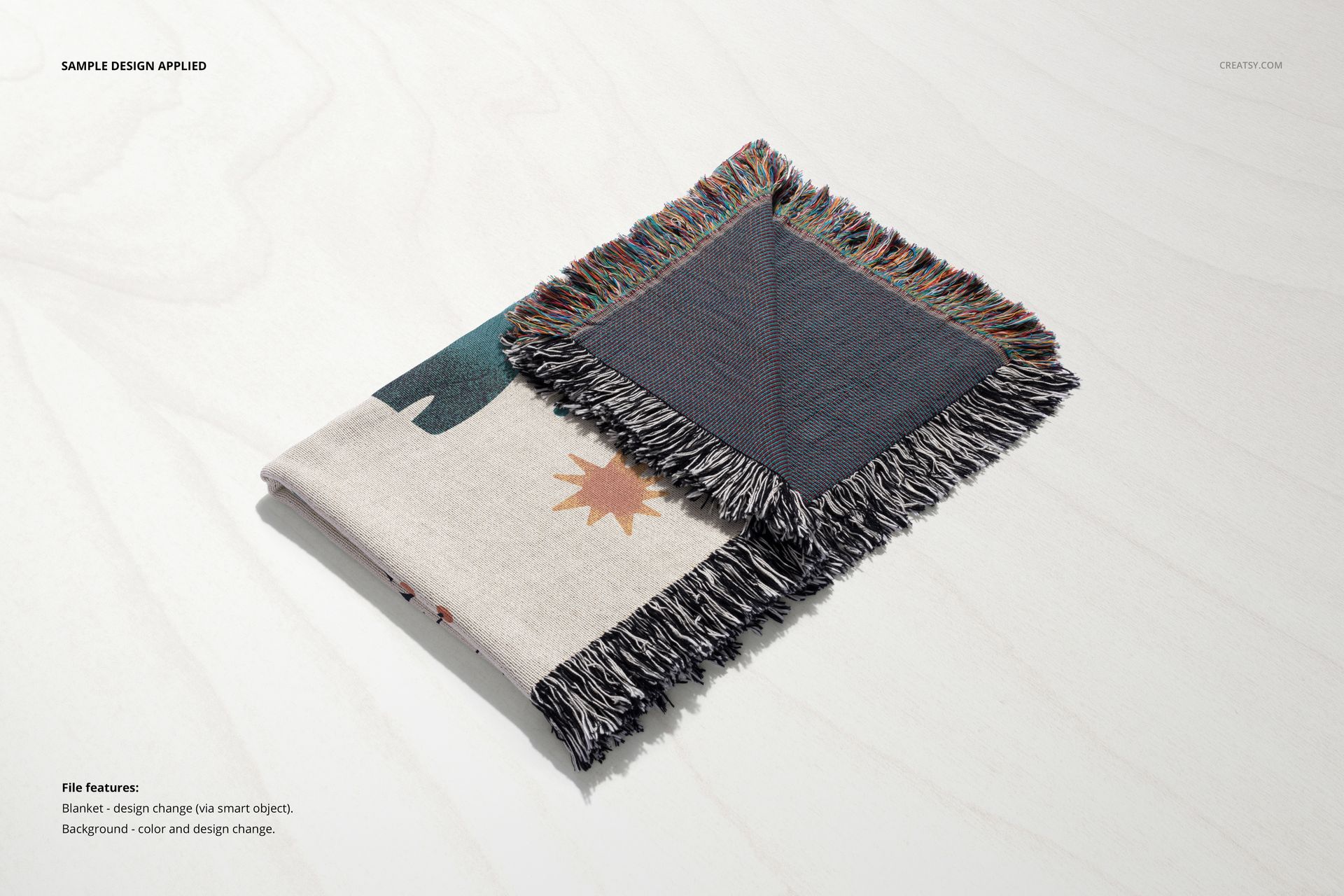
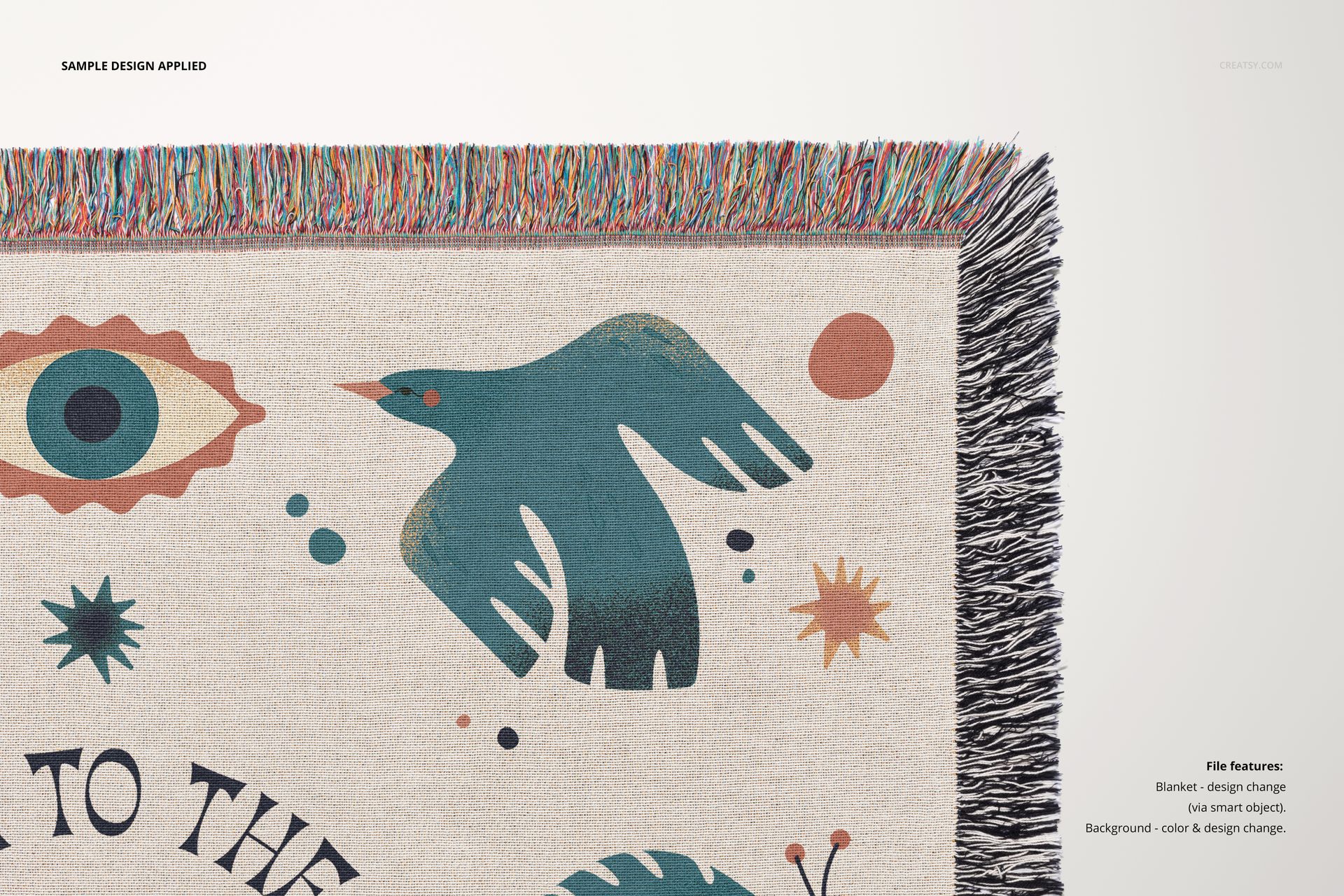
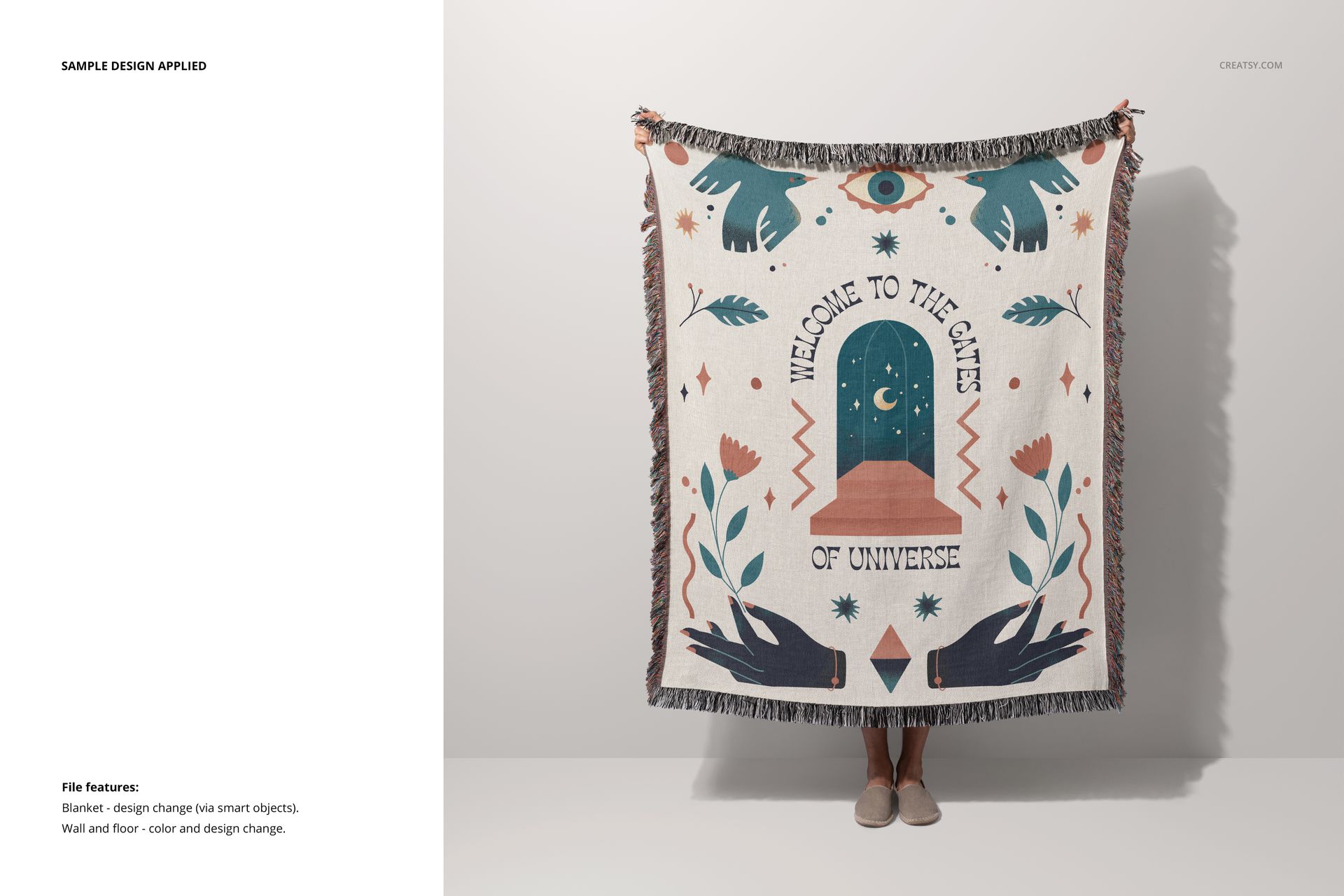
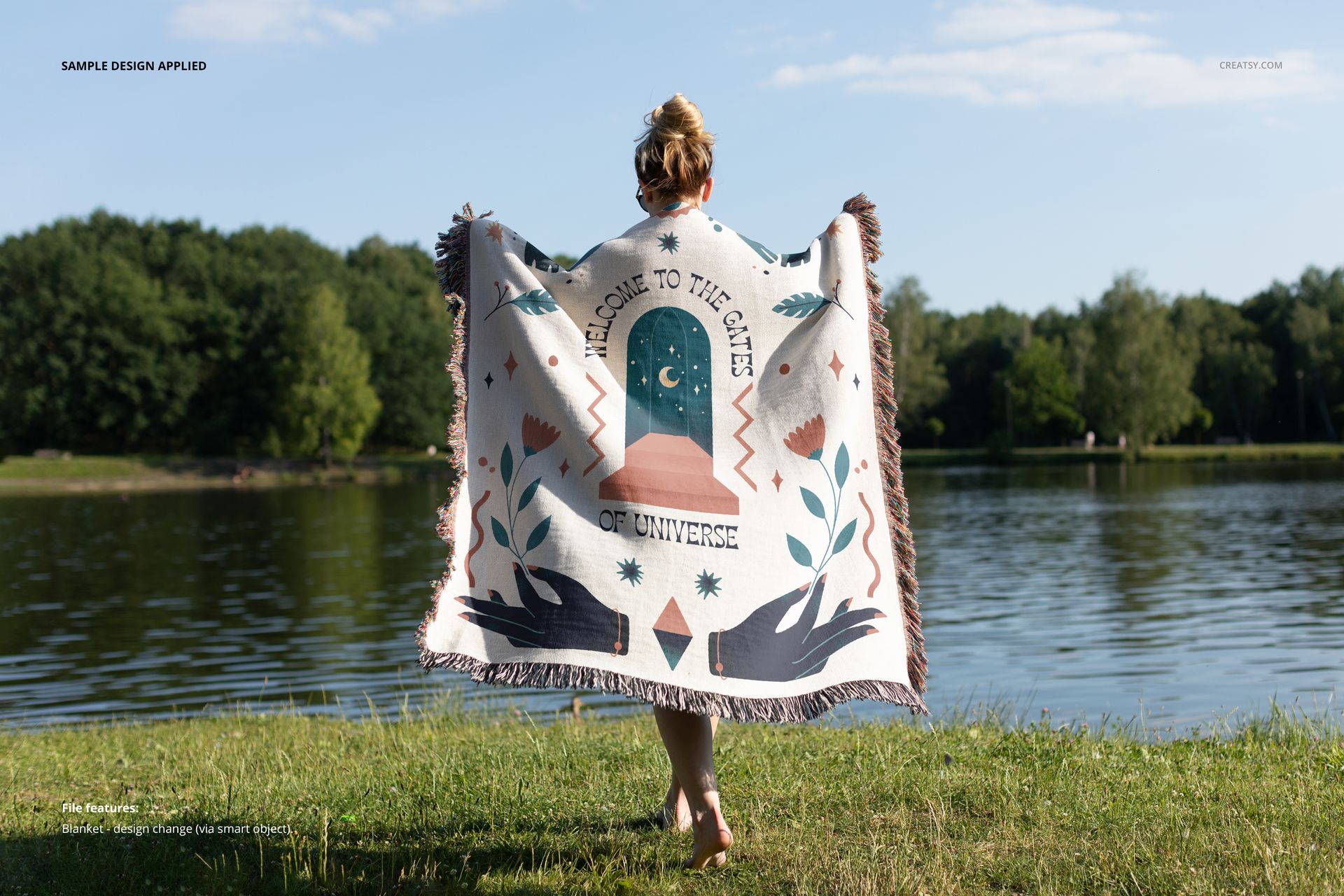
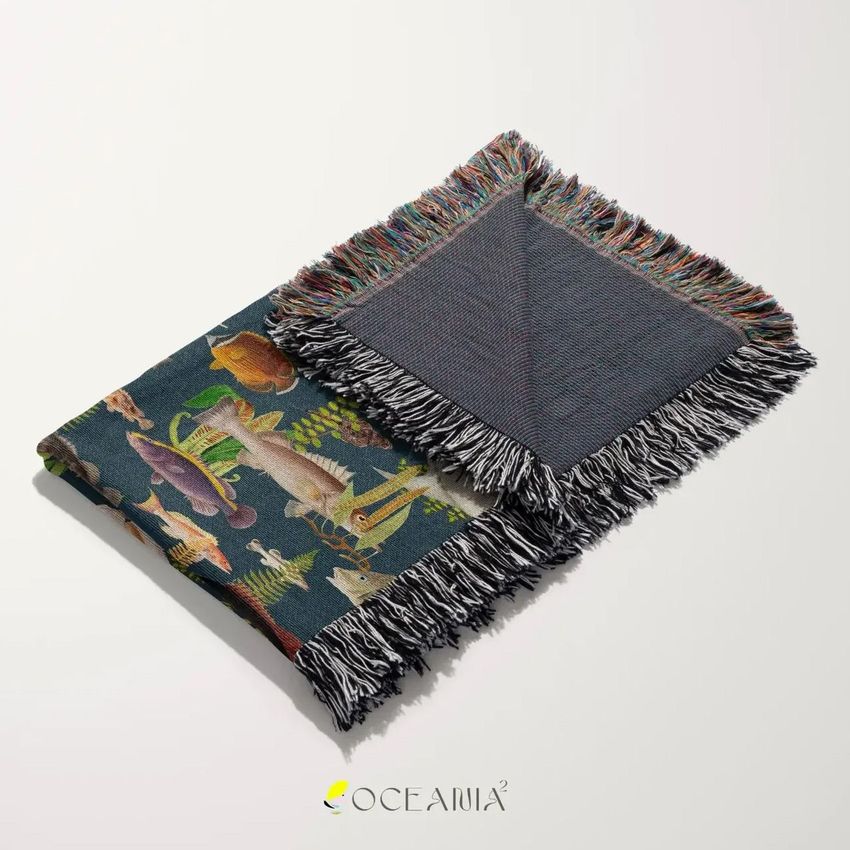
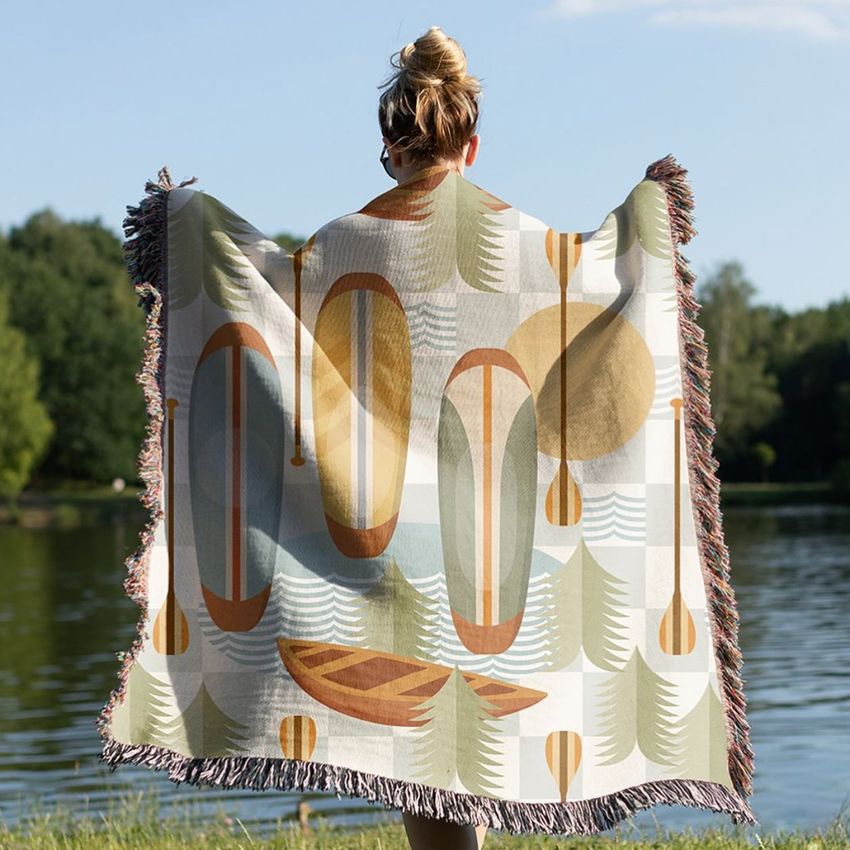
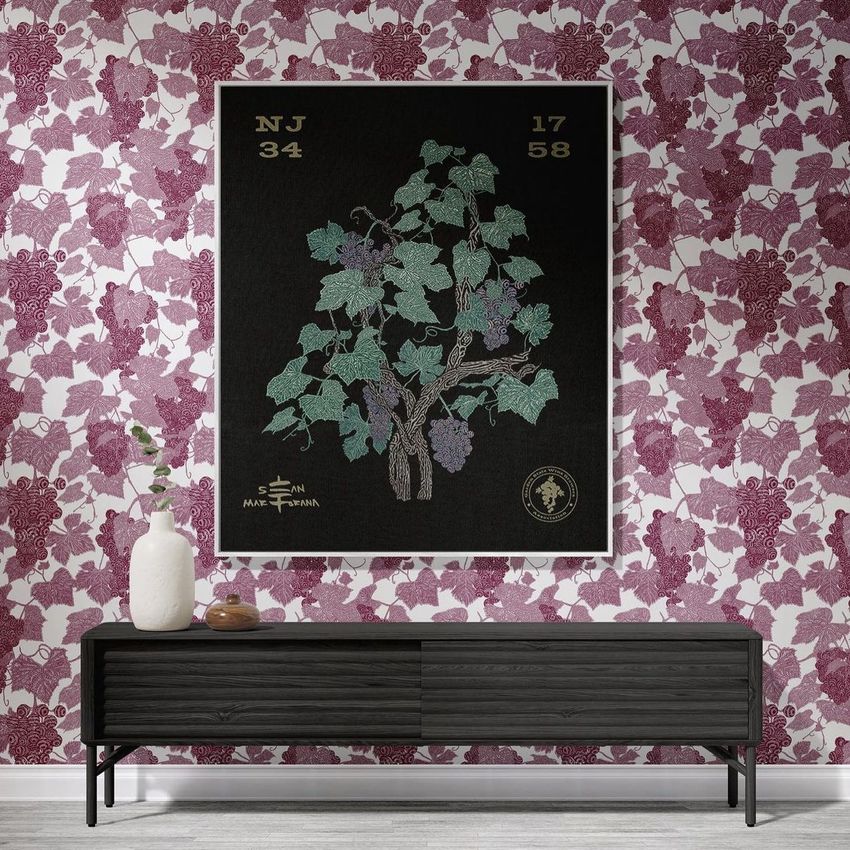
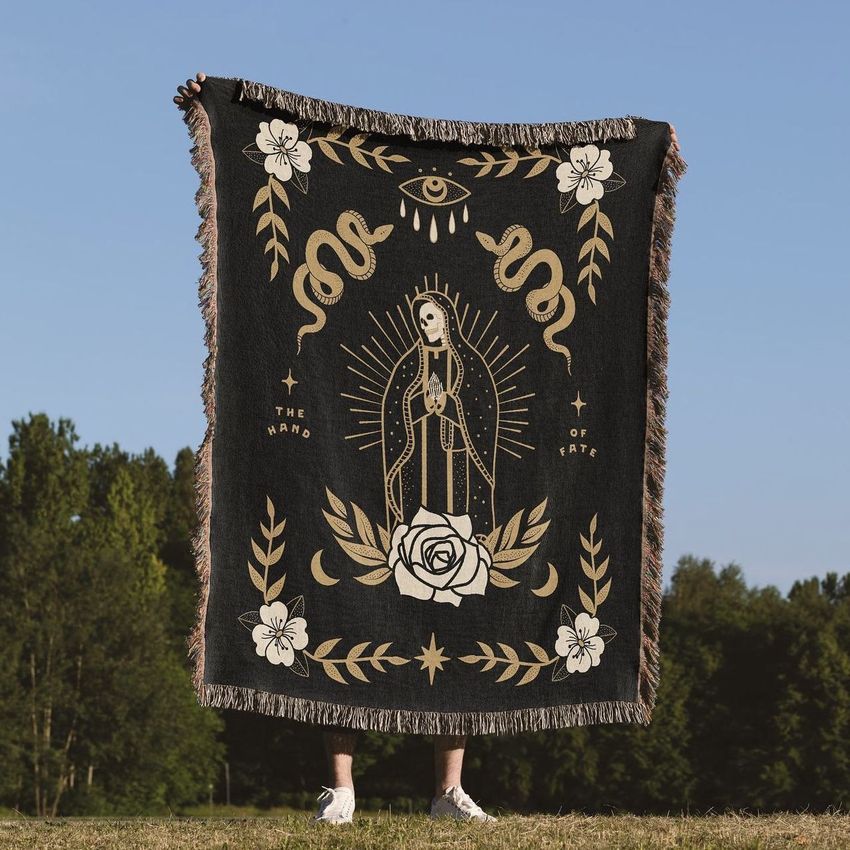
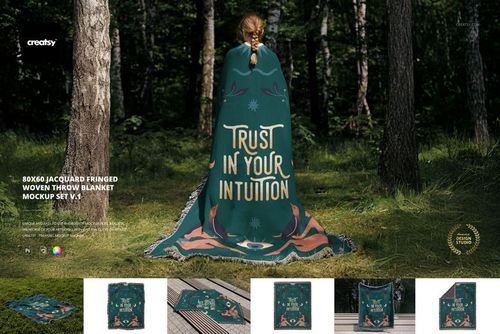
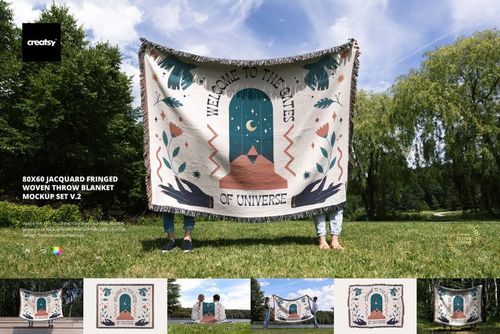
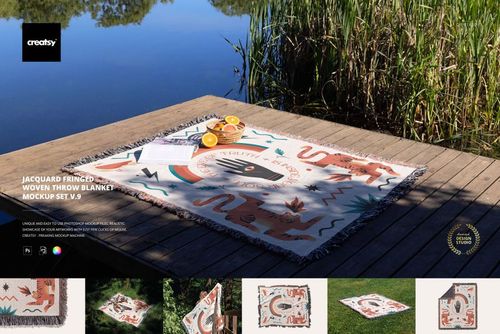
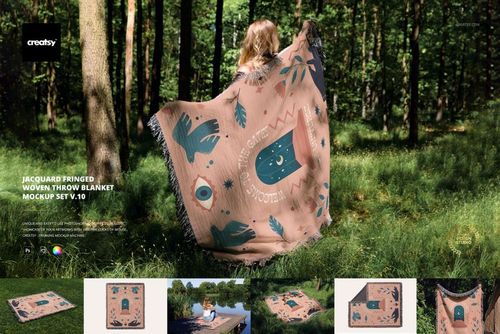
Present your artwork across seven jacquard blanket scenes, from a full design held against the sky to folded fabric and a framed interior display. Pair the larger views with fringe details to show how an illustration or repeating pattern reads across the textured throw.

Scenes and editing options

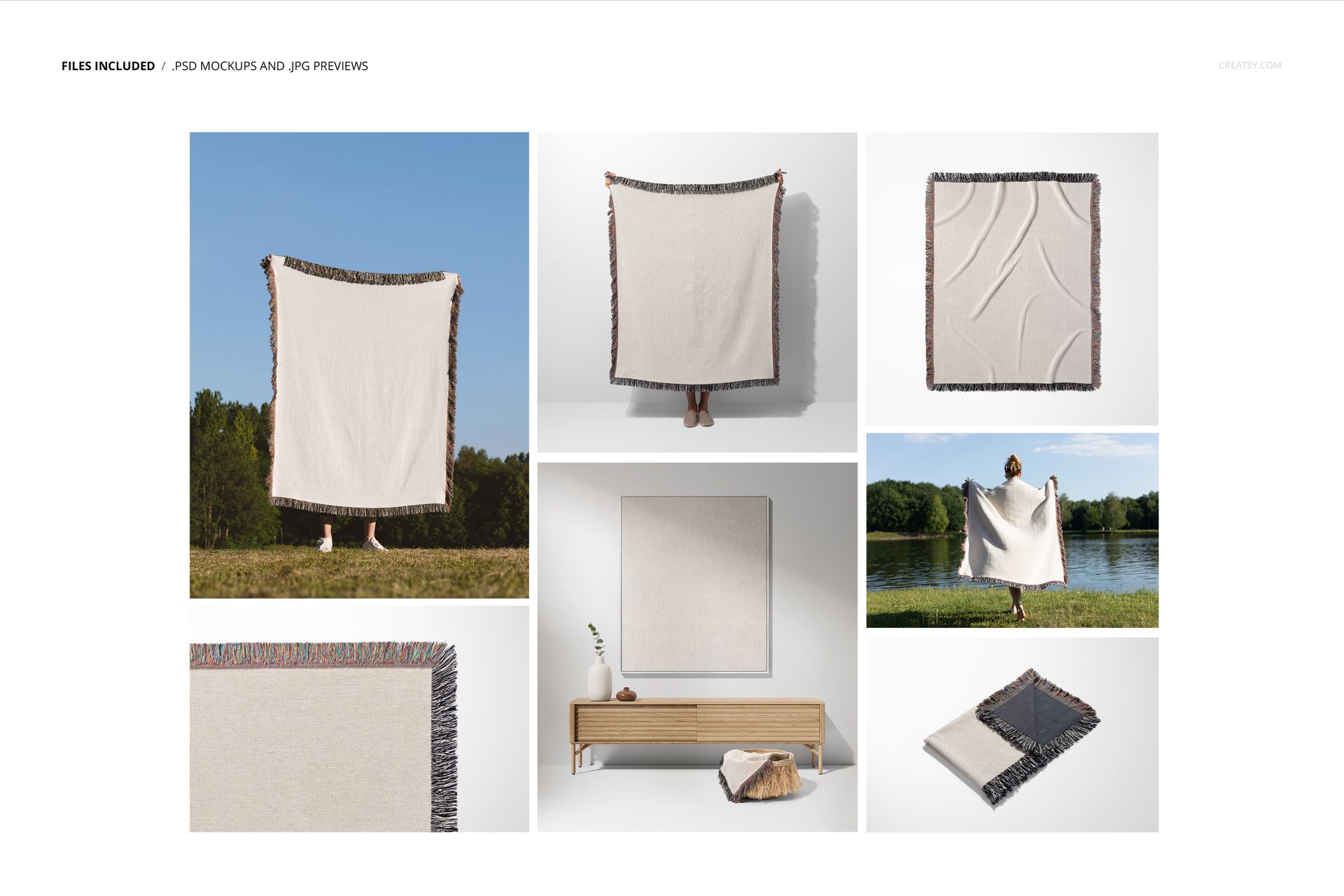
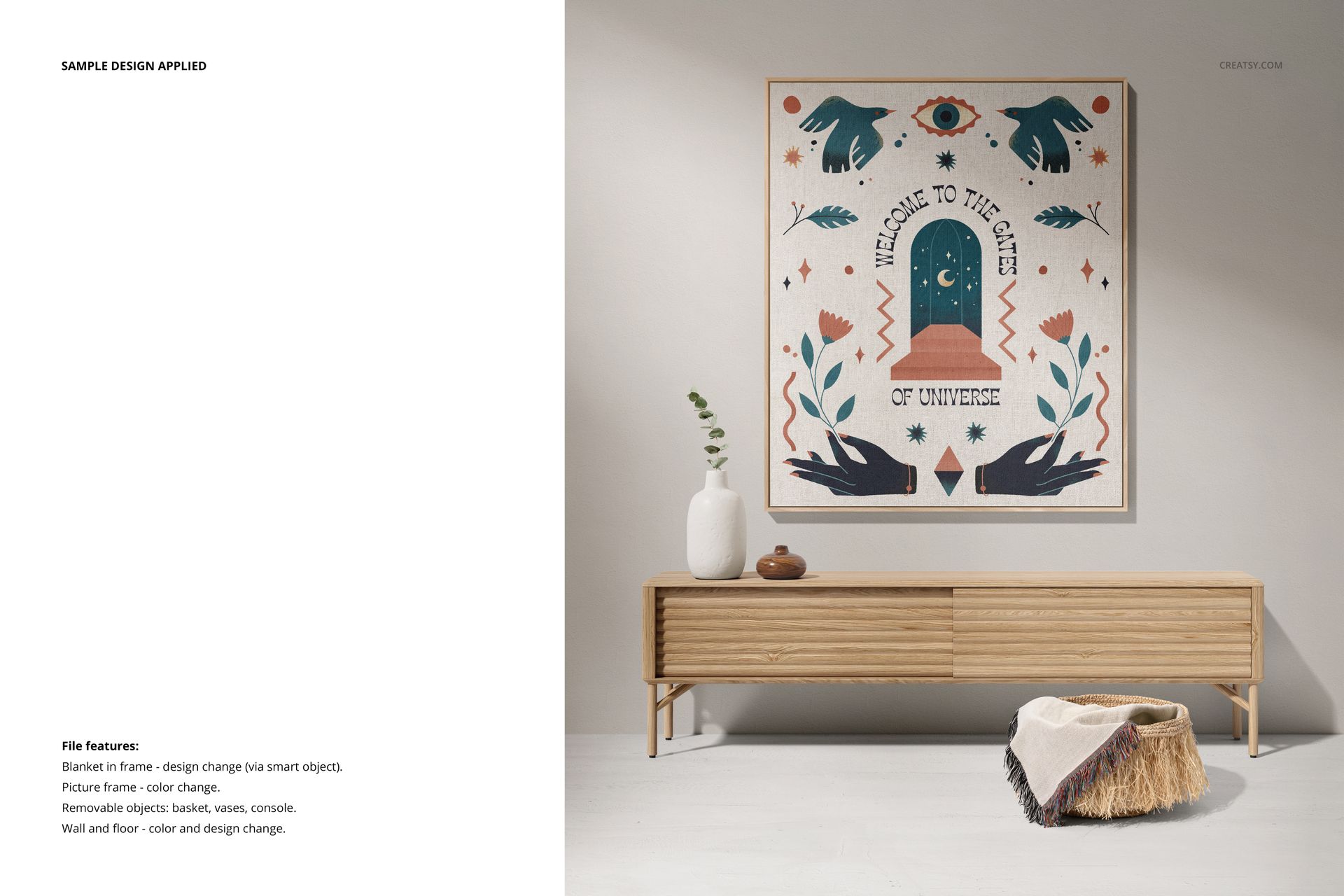
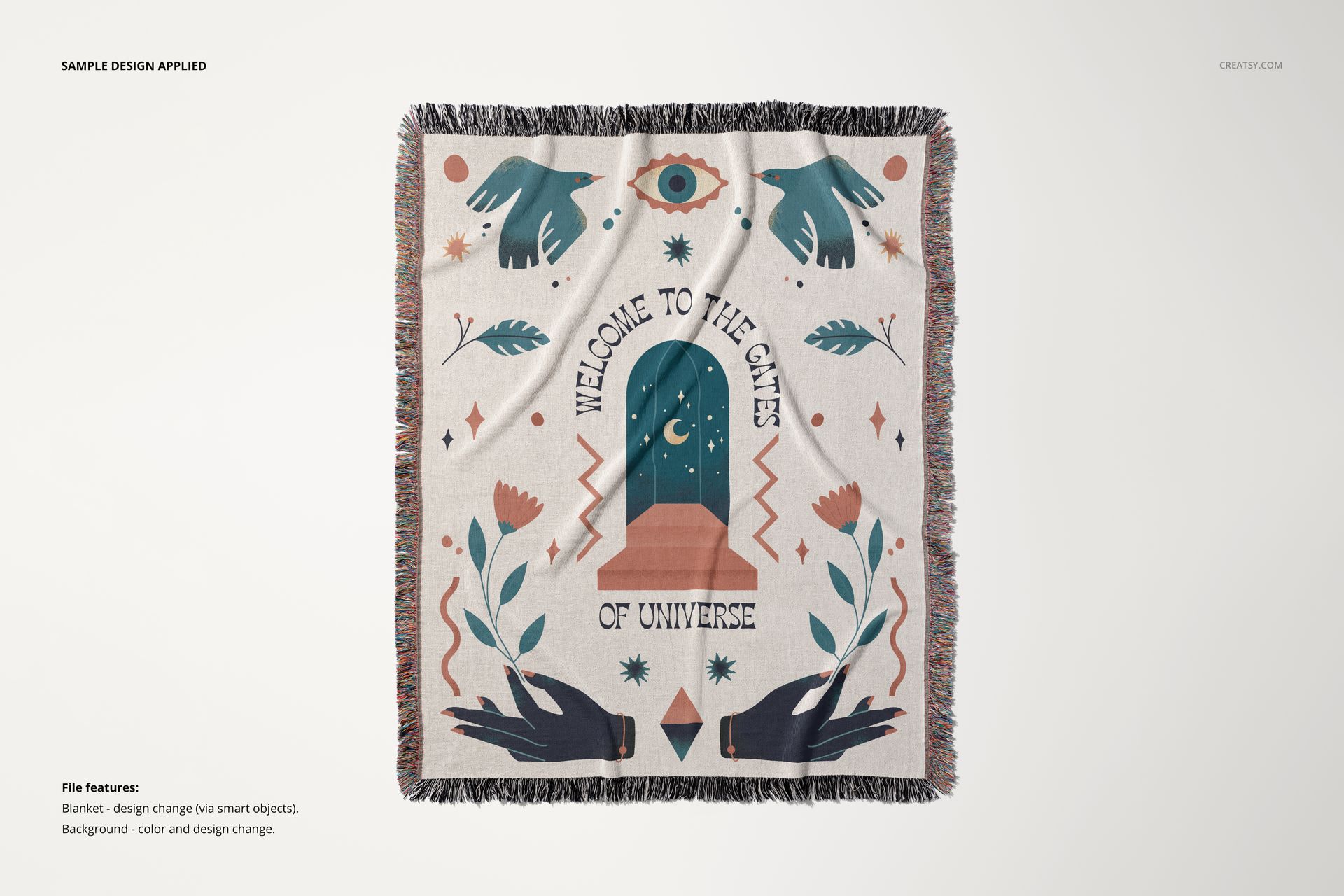
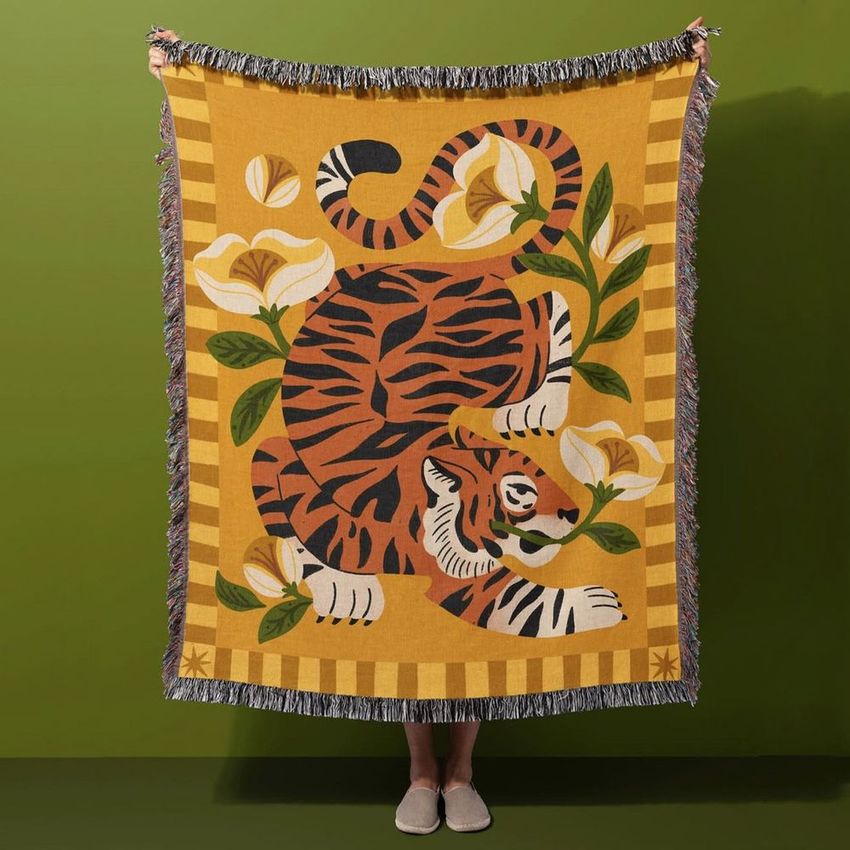
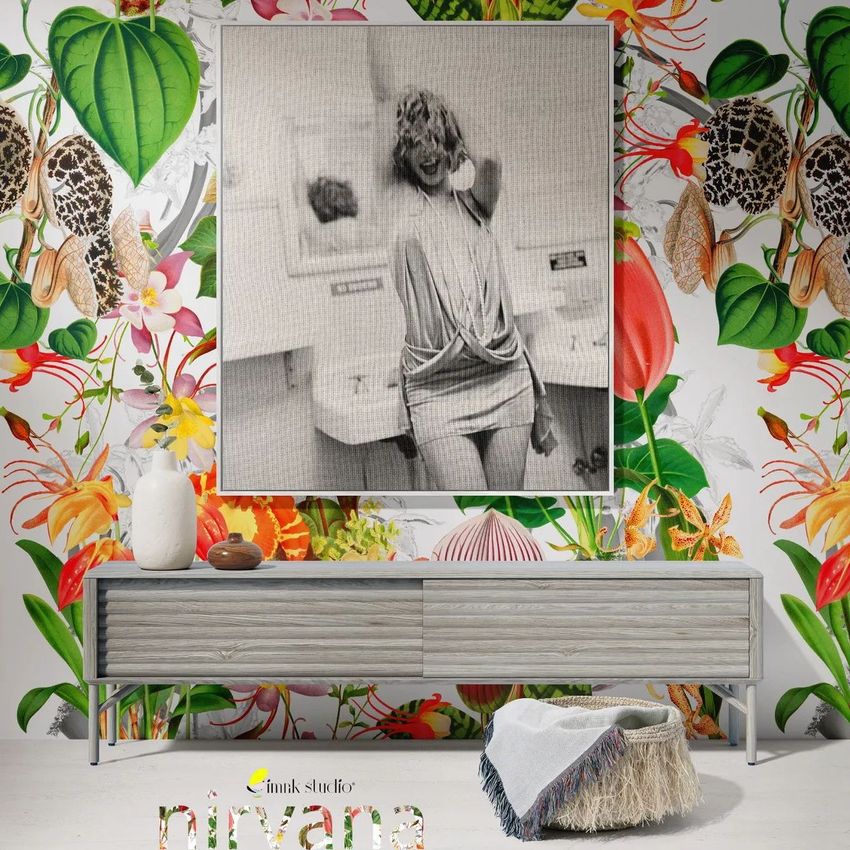
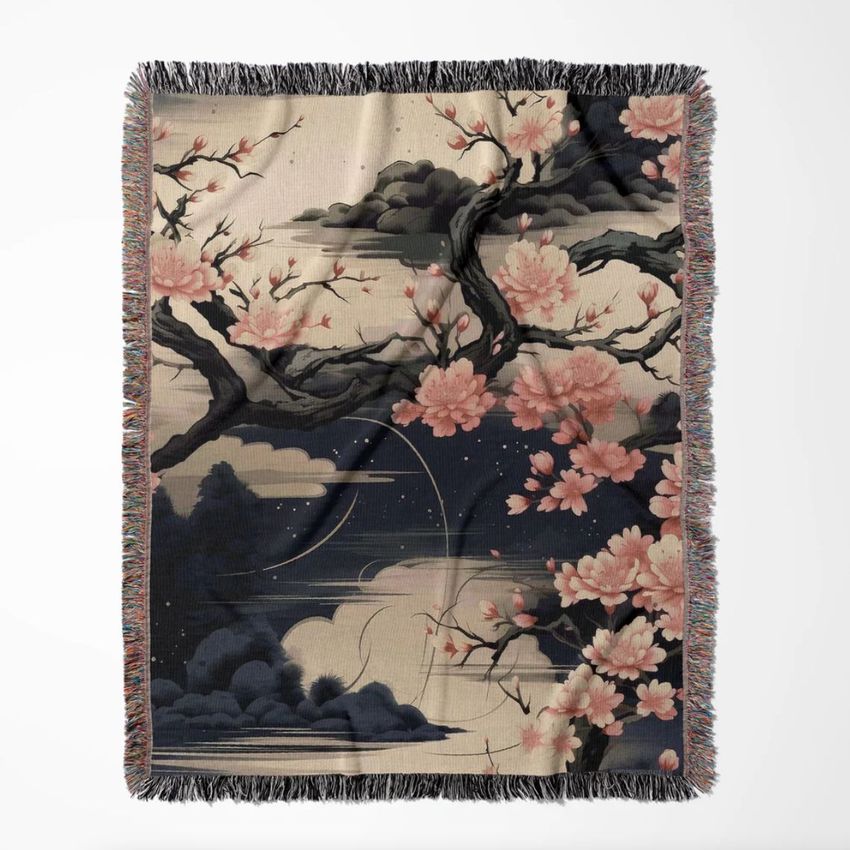
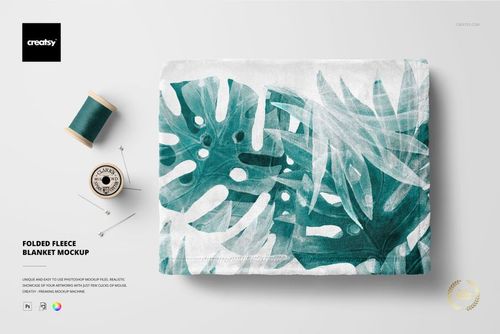
  • Two full blanket views held outdoors and in a studio, a flat blanket, a folded blanket with a turned corner, a fringe closeup, a person wrapped in the blanket by a lake, and a framed blanket in an interior.

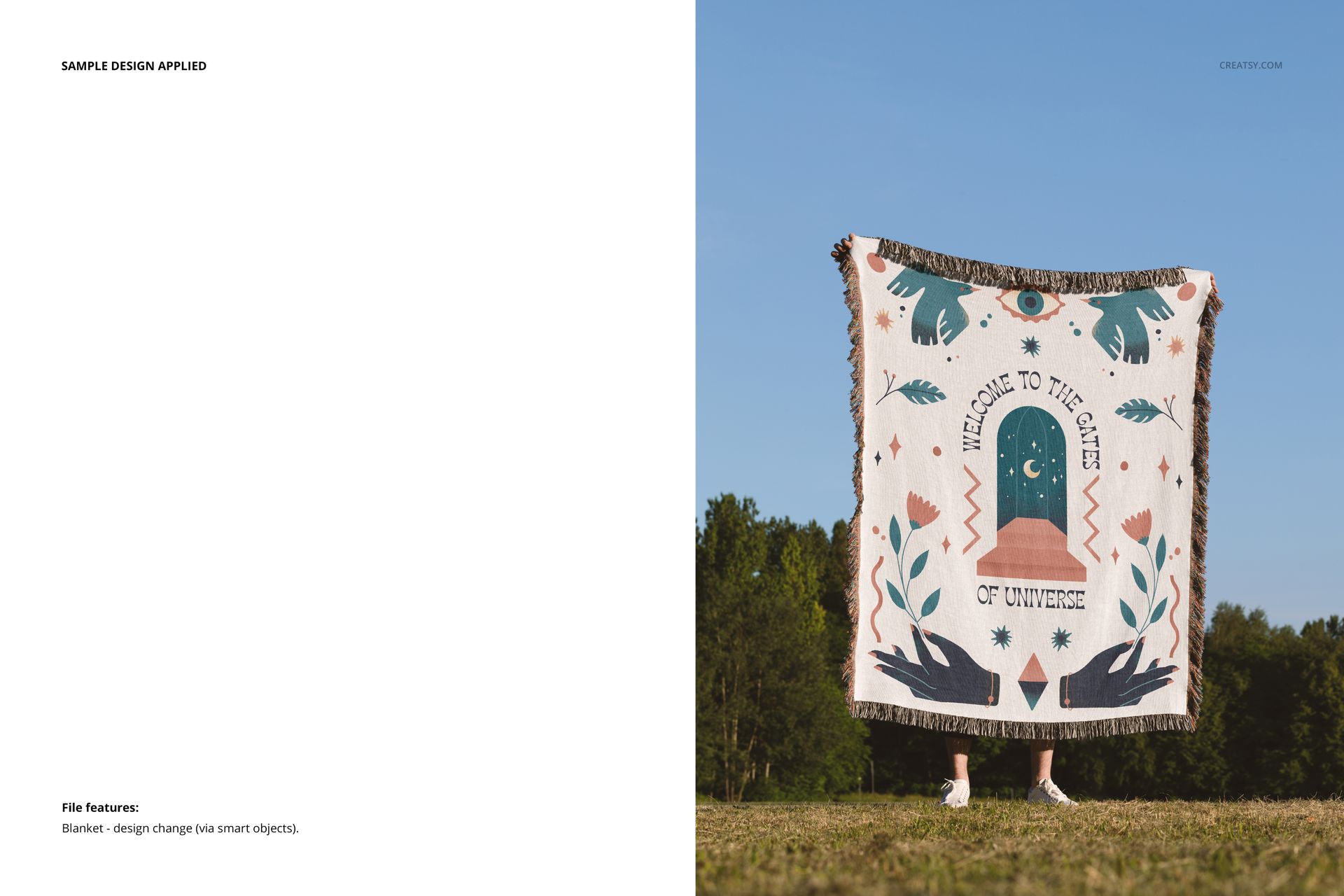
  • Replace blanket artwork through Smart Objects.

  • Change background colors and designs in the folded, flat and closeup views; adjust wall and floor colors and designs in the studio and framed scenes.

  • In the framed scene, change the frame color and hide the basket, vases or console.

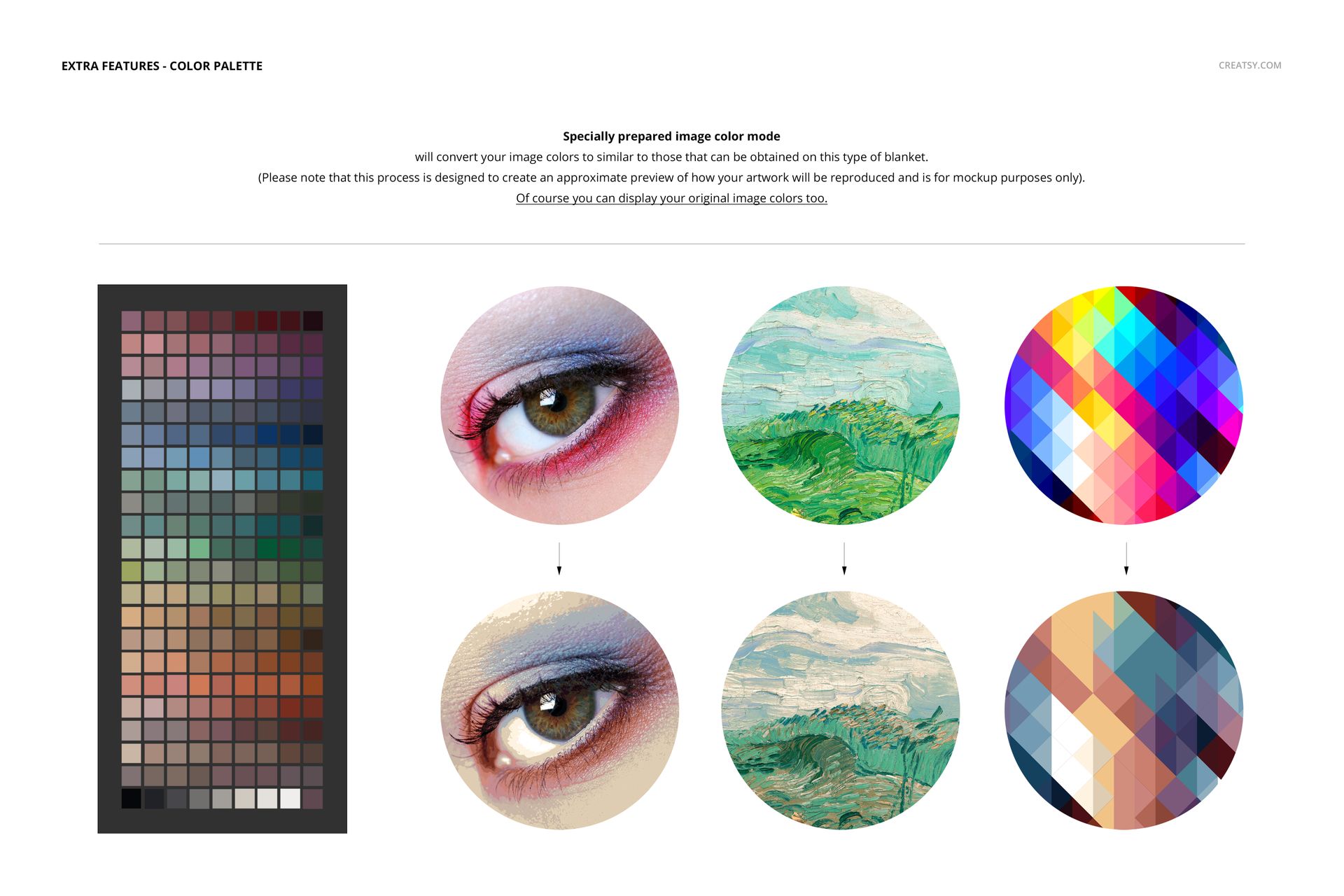
Woven color preview

Use the Woven Colors workflow to approximate how your artwork may look in a woven color palette, or keep the original artwork colors. This is a visual simulation for mockup presentation, not a production color proof. Follow the included Woven Colors guide when using the ACT palette.

What is included

  • 7 layered PSD files and 7 JPG previews.

  • 2 PDF guides: User Manual and User Manual Woven Colors, plus 1 ACT color palette.

  • Editable document sizes across the set: 6000x6000 px, 6000x4000 px, 4500x5188 px, 4000x5500 px at 300 dpi.

  • Requires Adobe Photoshop CC 2020 or later.

Artwork credit

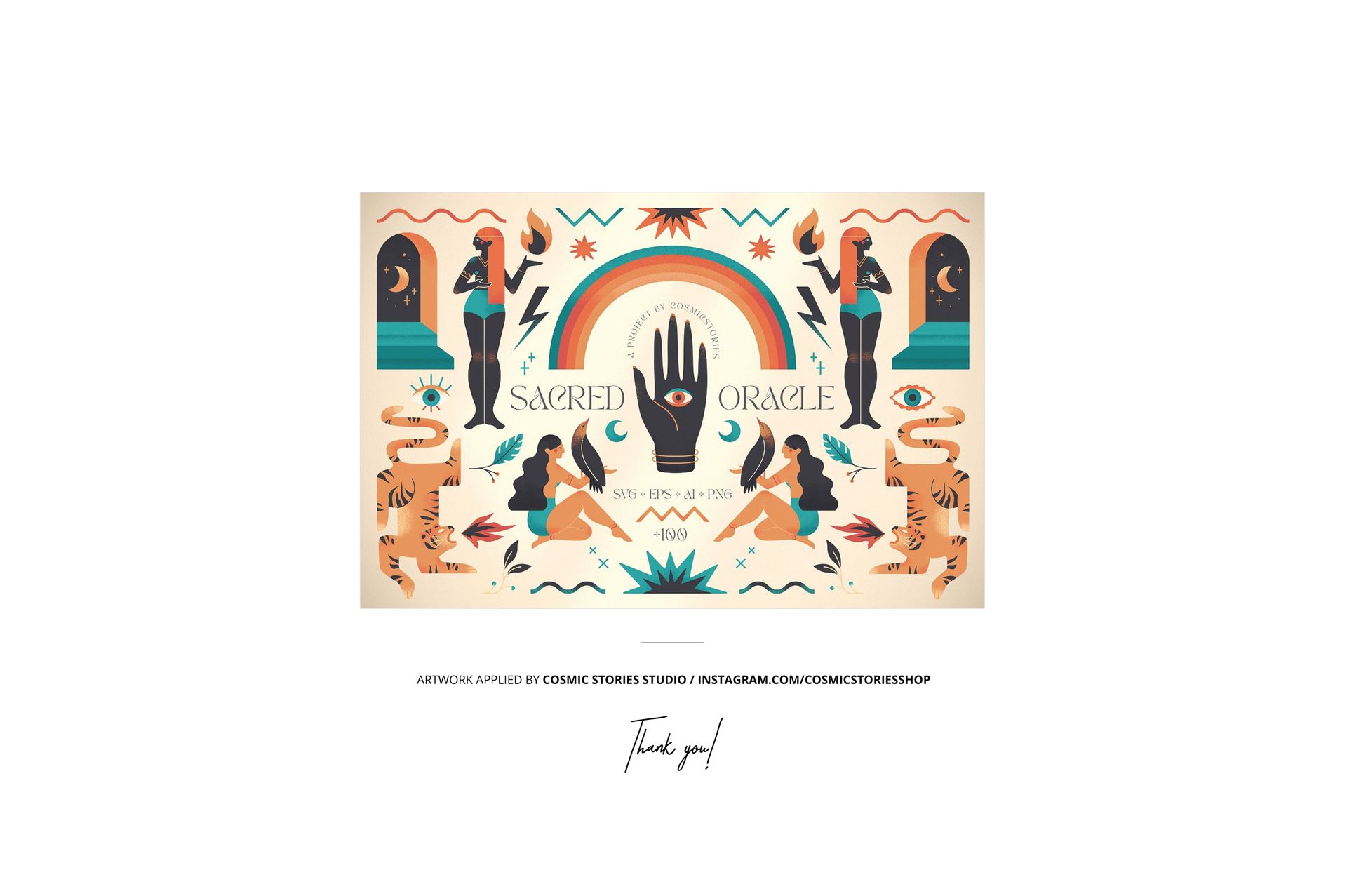
Preview artwork by Cosmic Stories Studio. Sample artwork and patterns are not included; add your own designs.


File details

Compatibility
Adobe Photoshop
Package size
1.77 GB1.77 GB|1.9 GB1.9 GB
Files type
.psd, .jpg, .pdf
Files size
6000x6000
TEST FOR FREE

Reviews

Professional PSD mockups built in-house - editable, realistic, high-resolution, and supported by real people.

5 (3 ratings)
Sort by:

marushabelle avatar
marushabelle
Jul 24, 2025

Love this set. the options give diversity, all files are easy to use and I'm very happy with how my work looks as a final product. Thank you!

Malgorzata Hapon avatar
Malgorzata Hapon Author
Jun 8, 2026

Thank you so much! We’re so glad you love the set and that the variety of options and ease of use helped you get the final look you wanted. We truly appreciate your support. Happy creating ✨


lydigugu avatar
lydigugu
Jul 7, 2025

Very realistic mock-ups. The texture of the woven throw blanket shows well. One of my favorites to use. I have many options to choose from, it allows me to not have the same photo over and over through out the store. I also like that you need Photoshop to edit the mock-up, my preferred software. Always come here for my mock-ups. Highly recommend.

Malgorzata Hapon avatar
Malgorzata Hapon Author
Jun 8, 2026

Thank you so much for your amazing review! We’re thrilled to hear you love the realism, visible woven texture, and variety of scenes. It means a lot to know the set helps you create more diverse product photos - and we’re so happy Photoshop fits your workflow perfectly. Happy creating ✨


Darius_S avatar
Darius_S
Oct 27, 2024

Love these mockups .

Malgorzata Hapon avatar
Malgorzata Hapon Author
Jun 8, 2026

Thank you so much! We’re so happy to hear you love the mockups. We truly appreciate your support and hope you enjoy using them.


Made with Creatsy

Real designs. Real customers. See how creatives use Creatsy mockups to turn their artwork, branding, and product ideas into polished visuals.

MEET THE SHOP

Creatsy logo

Creatsy

Poland
4.8 (696)

Bring your ideas to life.

We're a family-run studio in Katowice, Poland, making PSD mockups by hand since 2016. Everything in this shop starts in our own studio. We shoot the photography, build the 3D, and put together every Smart Object PSD ourselves - then we test it, organize the layers, and only ship it once it actually works...
GO TO SHOP

HOW IT WORKS

3 clicks. That's it.

No tutorial needed. If you can copy-paste, you can use this.

  1. 1OpenDouble-click the smart object inside the PSD - in Adobe Photoshop, or free in your browser with Photopea.
  2. 2PasteDrop in your pattern, print, or artwork. Any design, any style.
  3. 3SaveHit save and the mockup wraps it in for you - shadows, folds, and lighting included.

FROM IDEA TO IMAGE

Built for real workflows

Skip the photo shoot Show your artwork on the real product type for approvals or listings - no studio, no model, no sample.

See it on the product, not a swatch Drop your file into the smart object and the scene's lighting and folds wrap around it, so you judge the real thing before you commit.

Smart Objects

Edit once and you're done. Your artwork drops into a smart object and the mockup updates itself - no masking, no warping by hand.

Perfectly Organized

Named layers and folders you can actually navigate. Find what you need, change what you want, and get out fast.

Print-Ready

High-resolution files built to hold up on screen and in print. Exact size and DPI are in this product's Details above.