Sublimation Ceramic Tiled Wood Jewelry Box Many Sizes Mockup Set
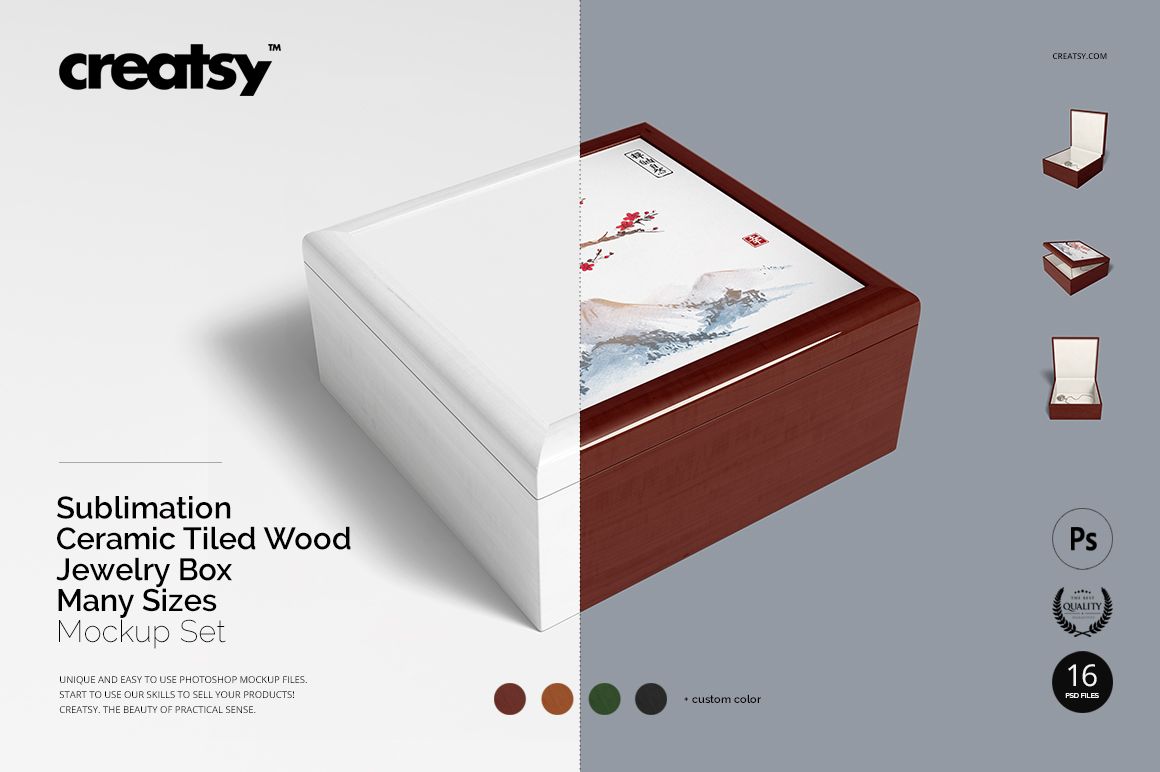
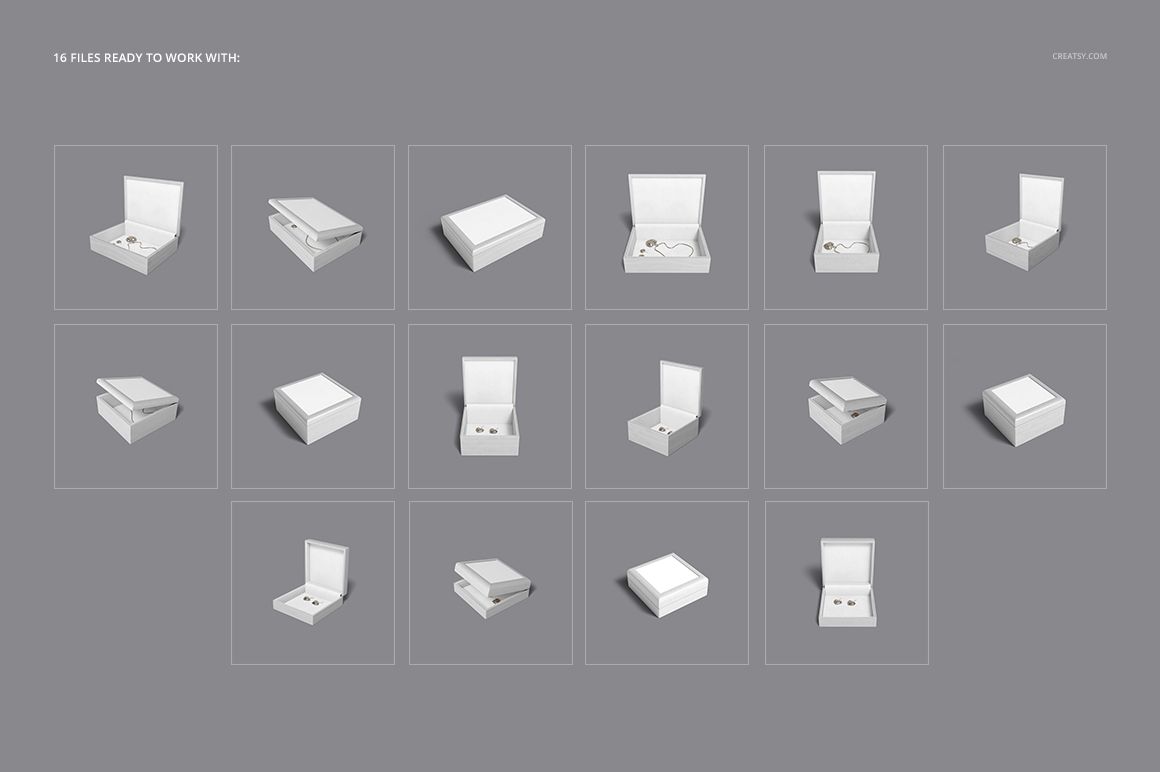
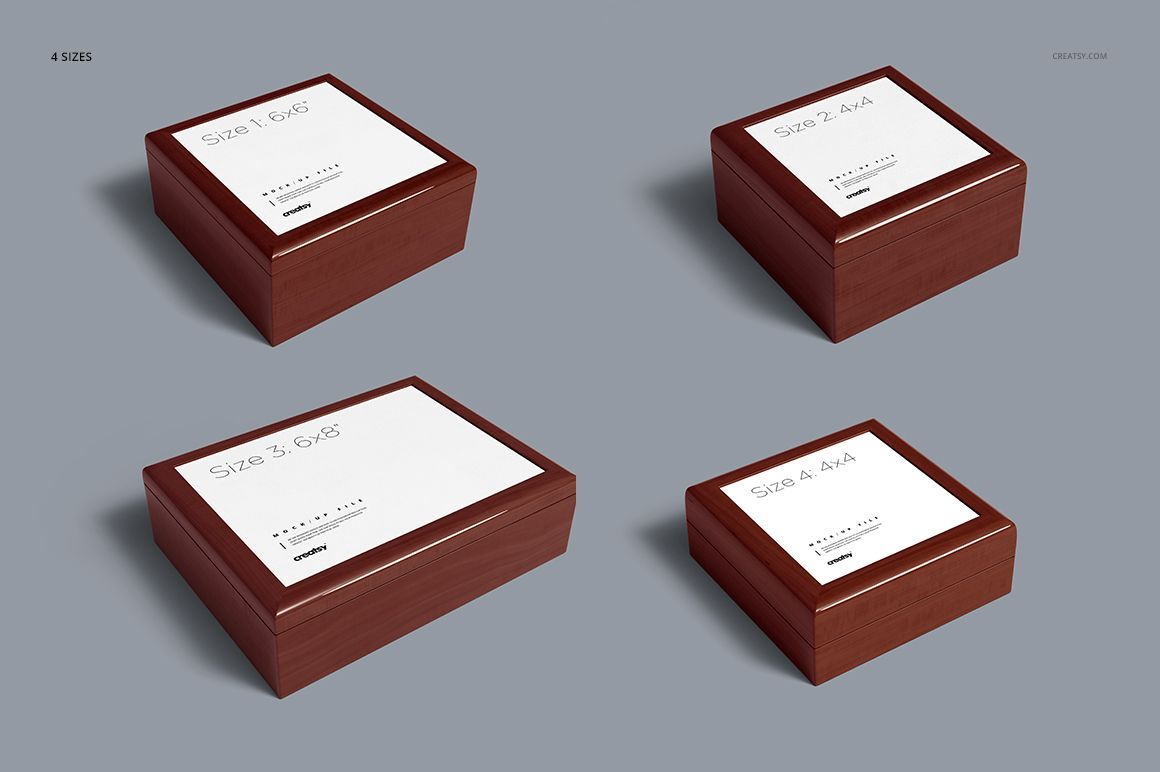
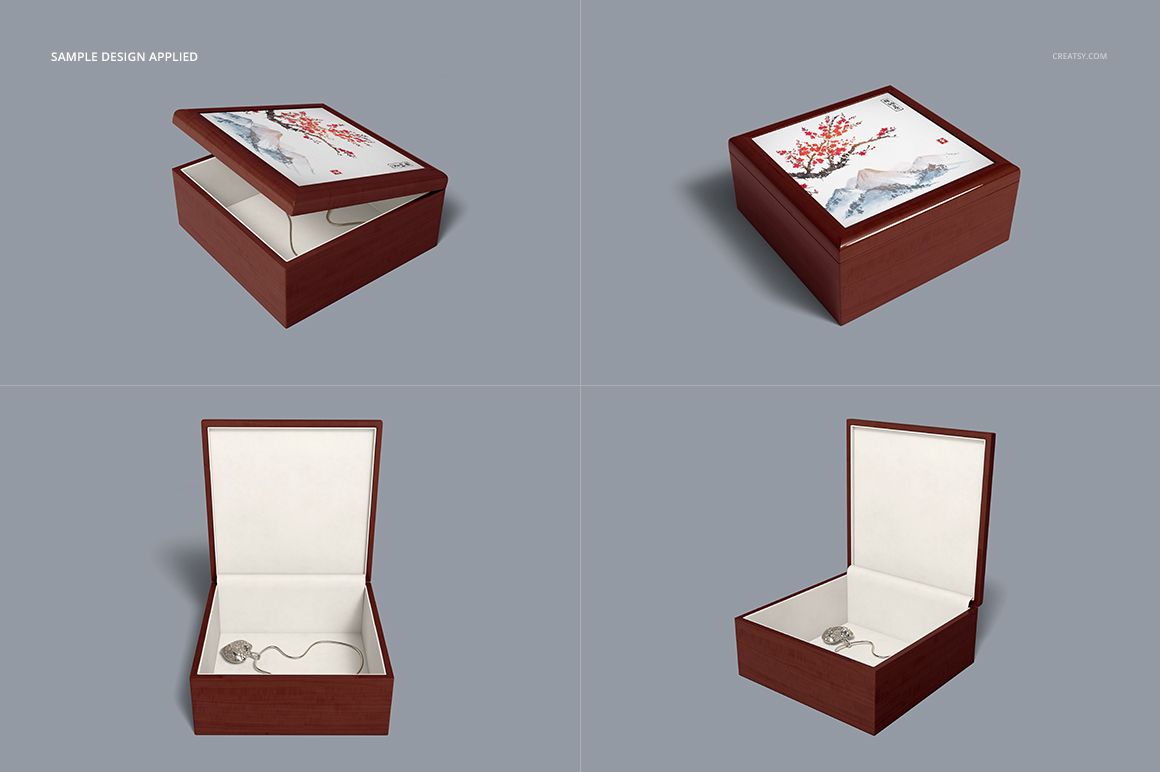
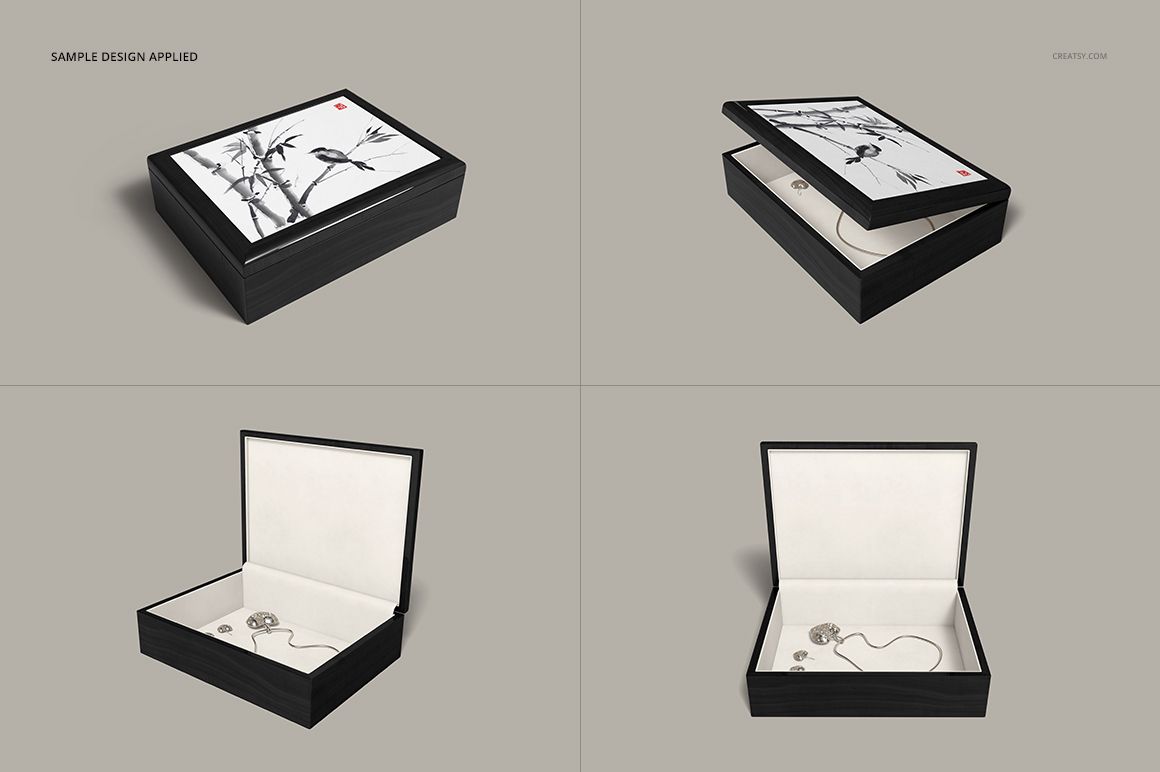
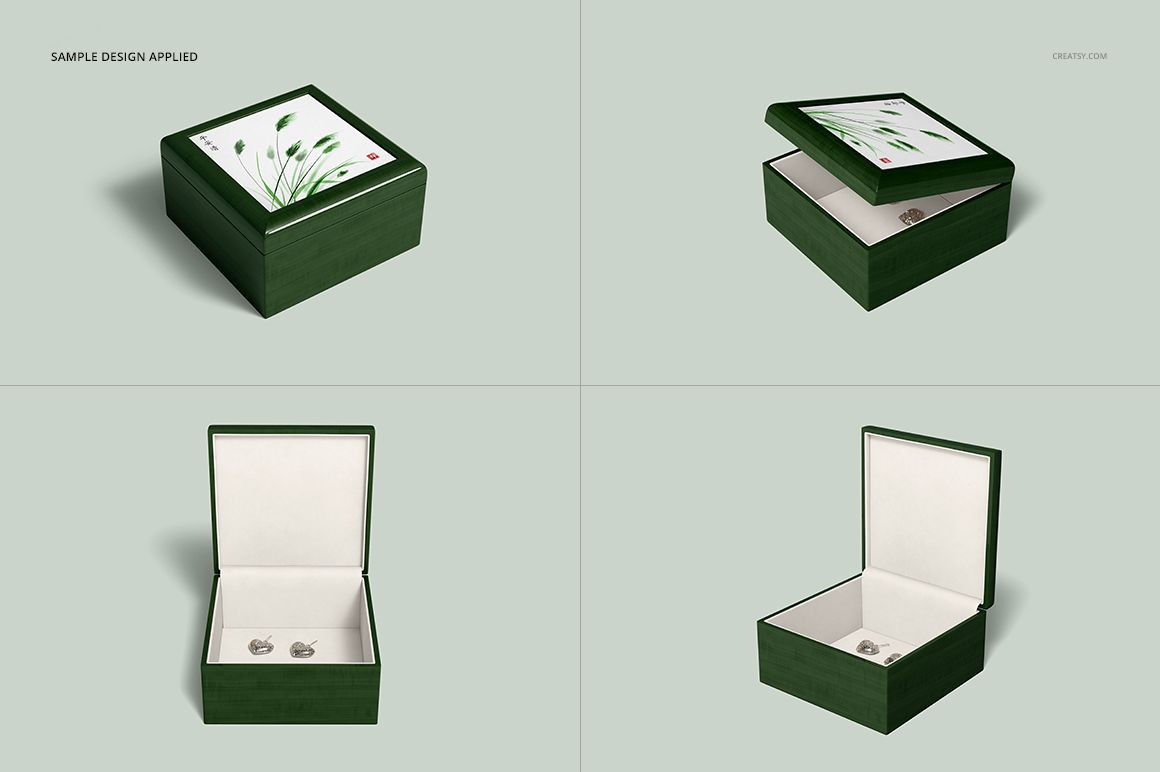
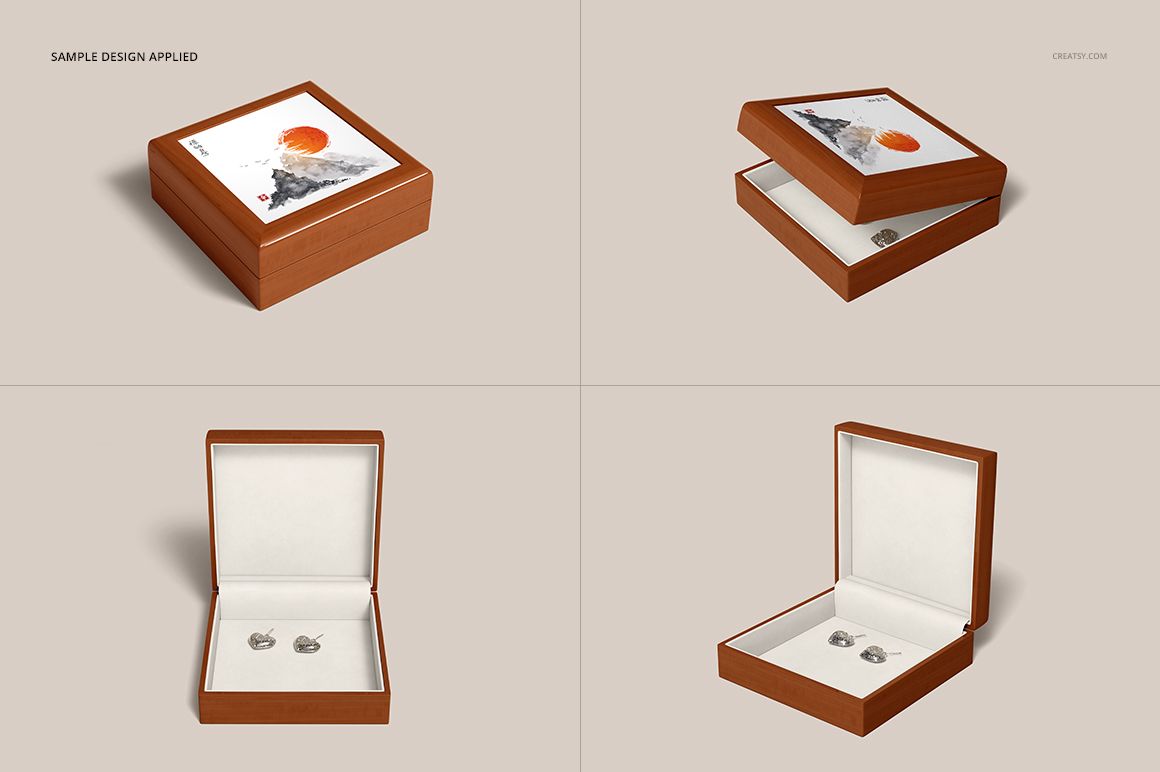
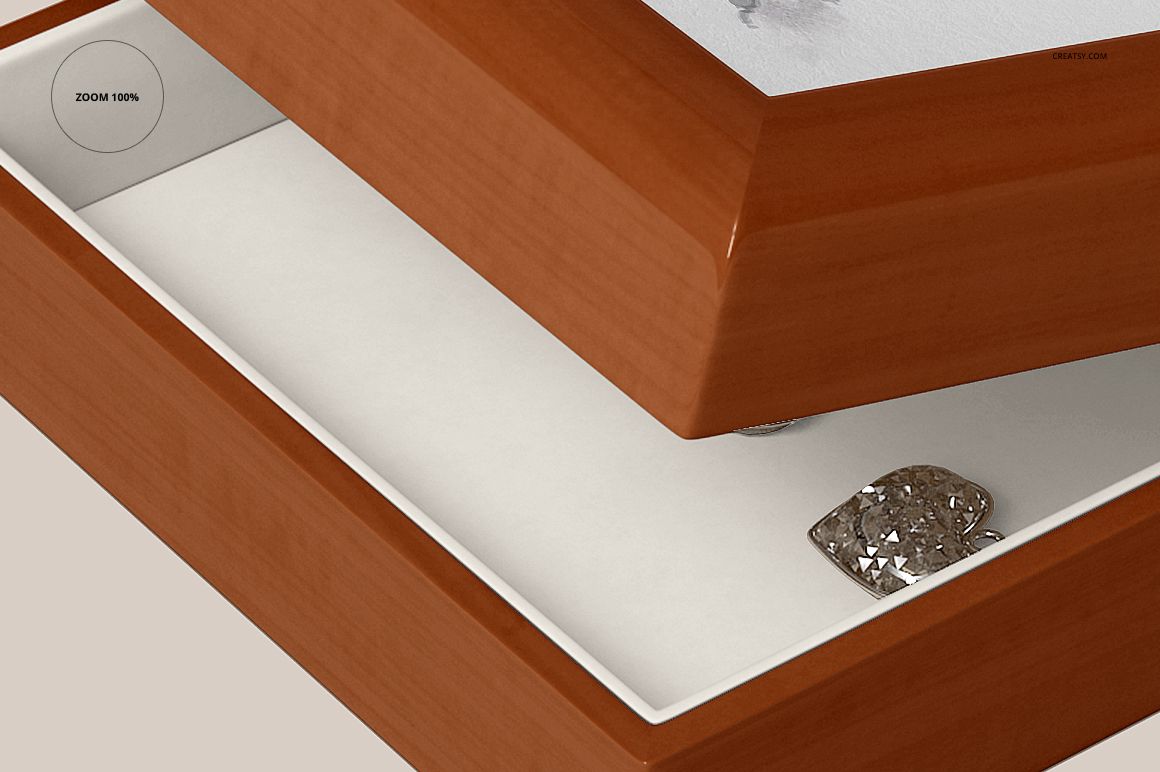
Give a ceramic tile design the context of a finished wooden keepsake box. Sixteen PSD scenes show four jewelry-box variants in open, partly open and closed views, so customers can see both the decorated lid and the lined interior. Square and rectangular formats offer different ways to frame an illustration, photograph or personalized message.
What Is Included
16 layered PSD mockup files, 4000 × 4000 px at 300 DPI each.
16 JPG previews and 1 TIF guide, 33 files in total.
Four box variants with four views each, including different proportions and depths.
Compatibility with Adobe Photoshop CS5 or newer and Photopea.
A Tile Design Framed by Wood
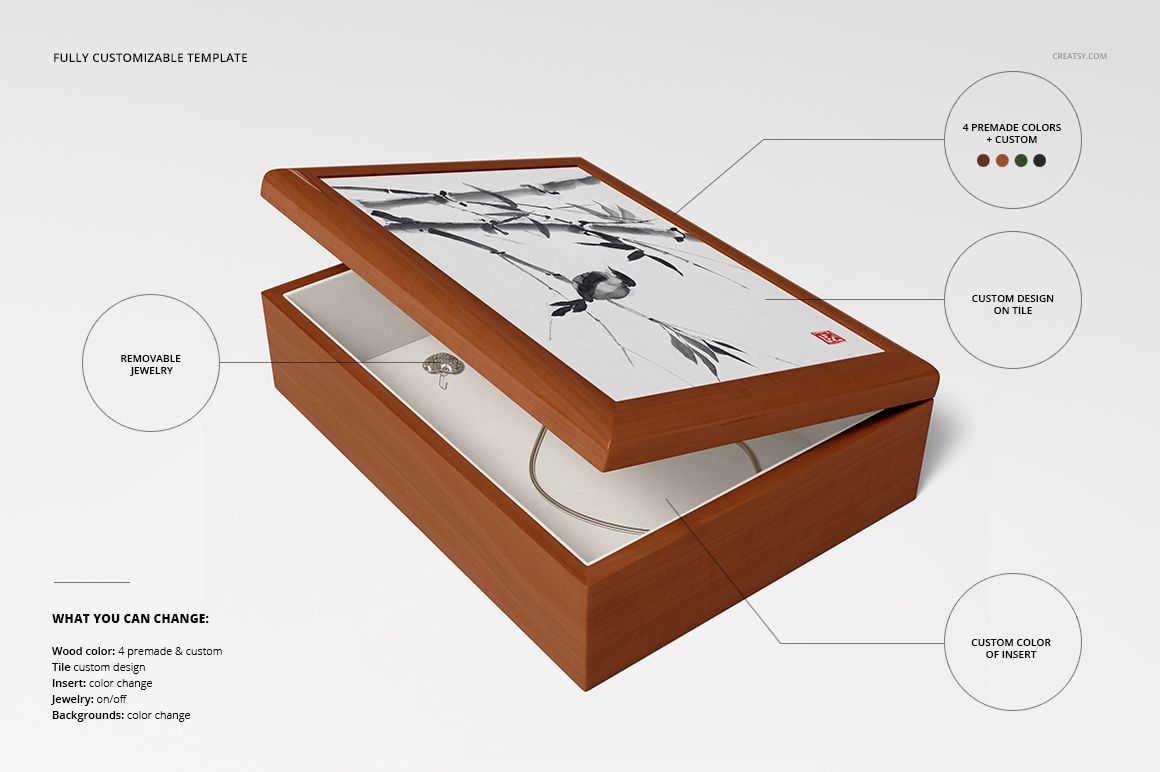
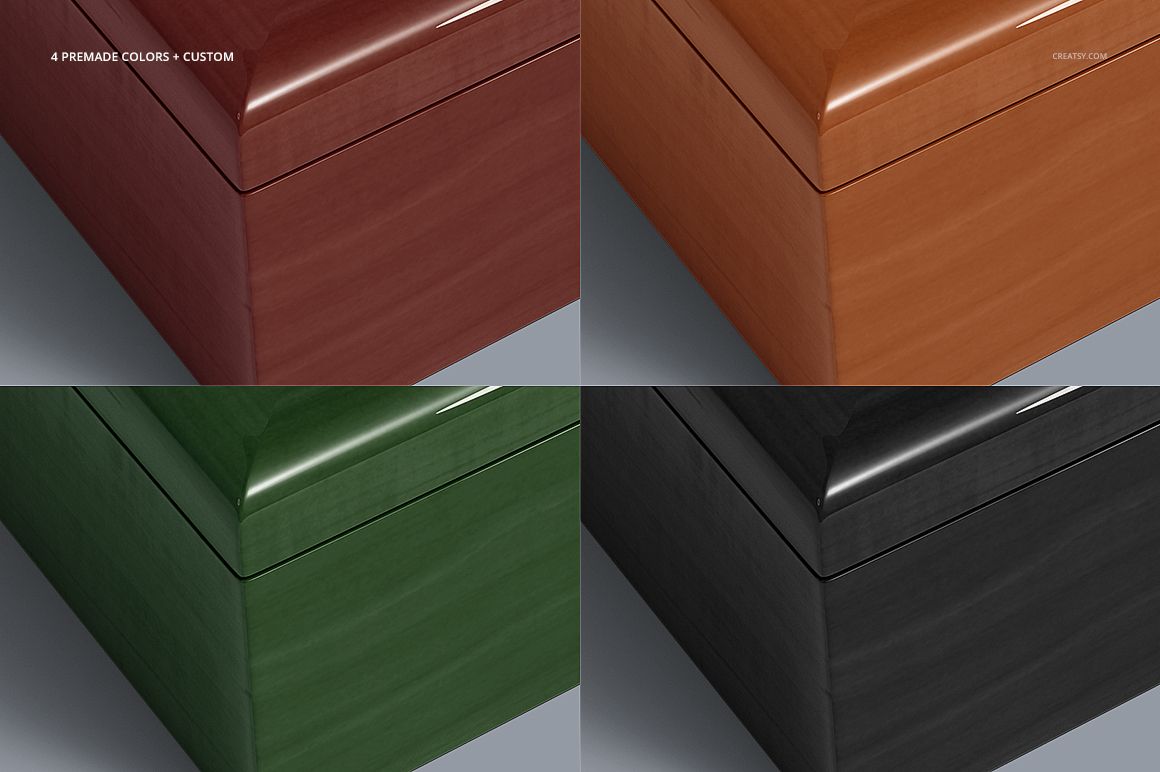
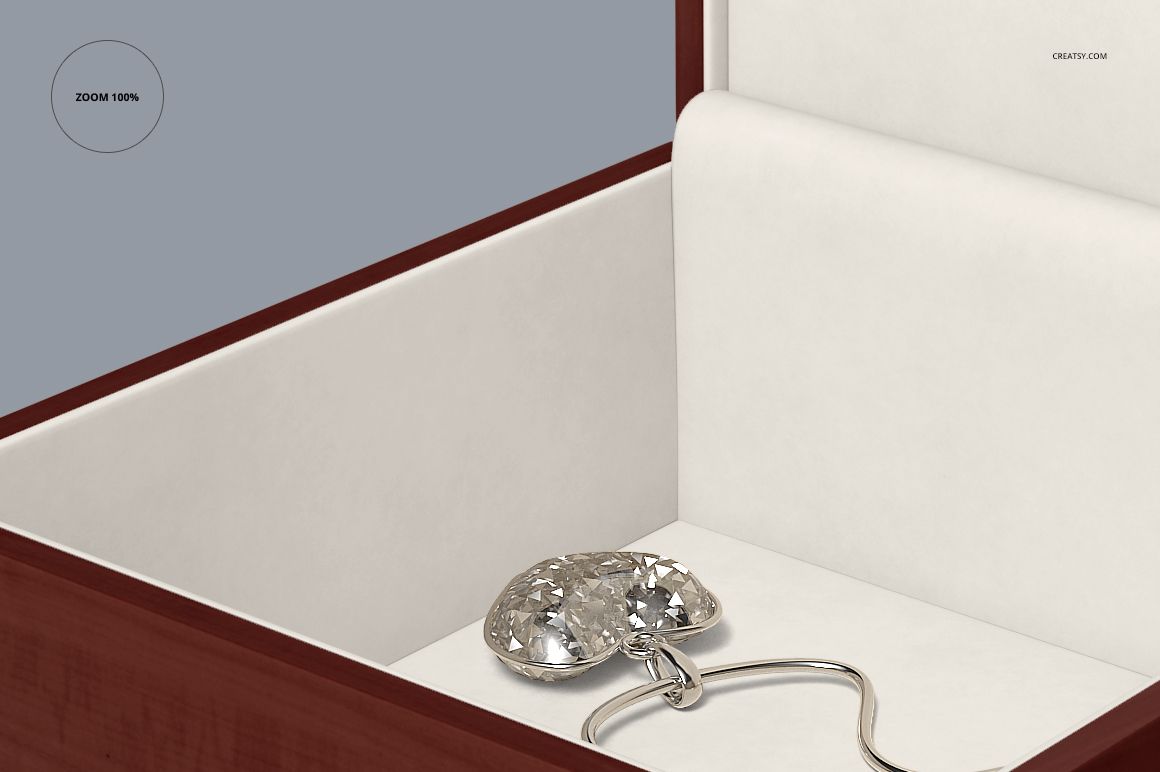
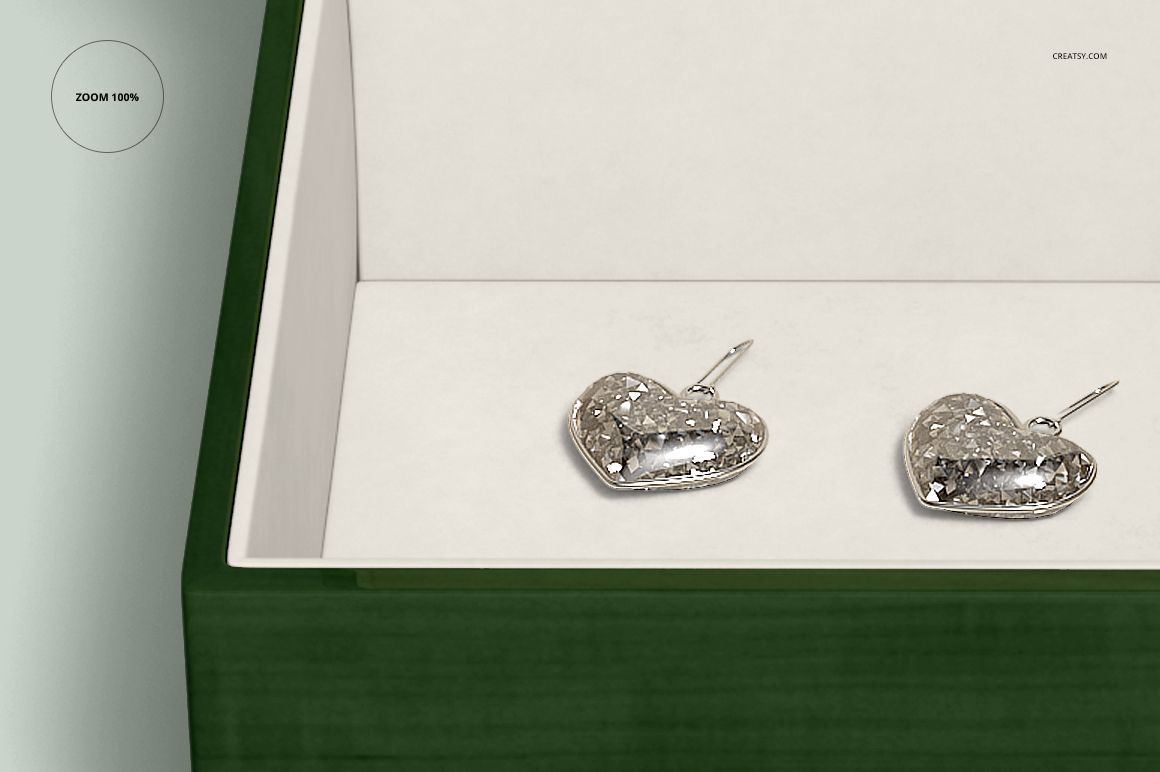
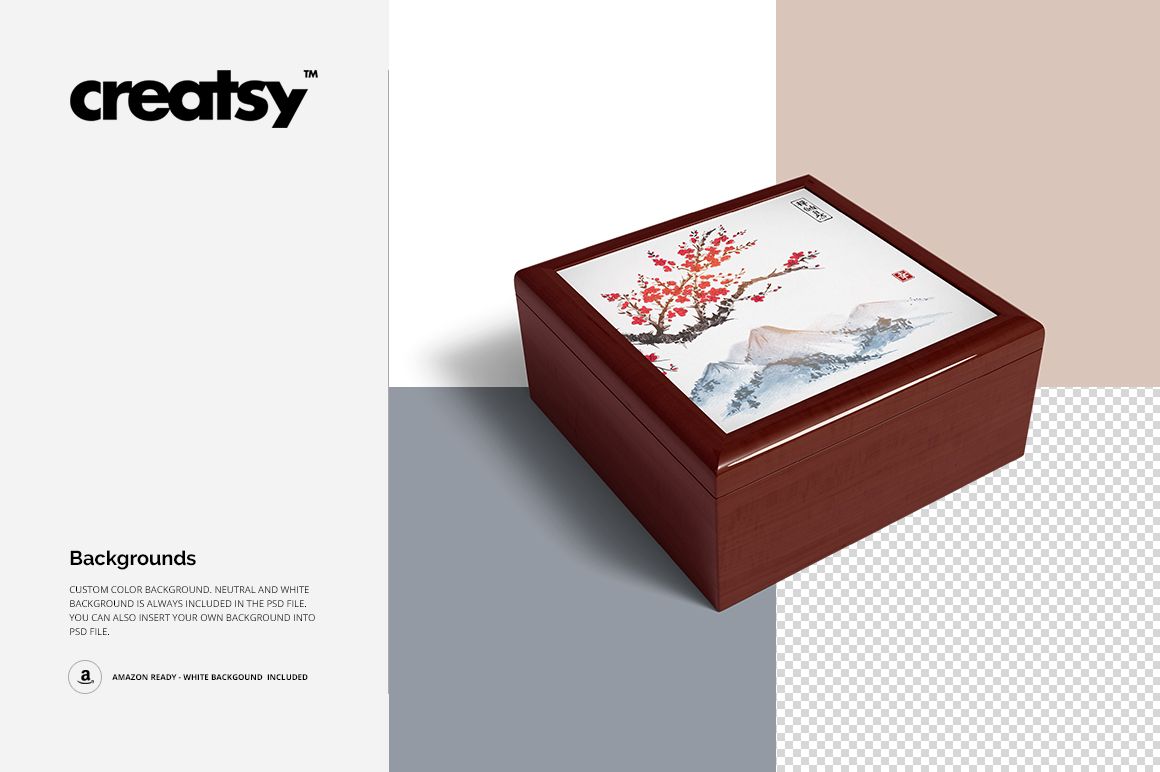
Place your artwork on the ceramic tile through Smart Objects. Choose from four prepared wood colors or set a custom color, adjust the insert color and switch the jewelry on or off. Background colors can also be changed, with neutral, white and transparent presentation options shown in the previews.
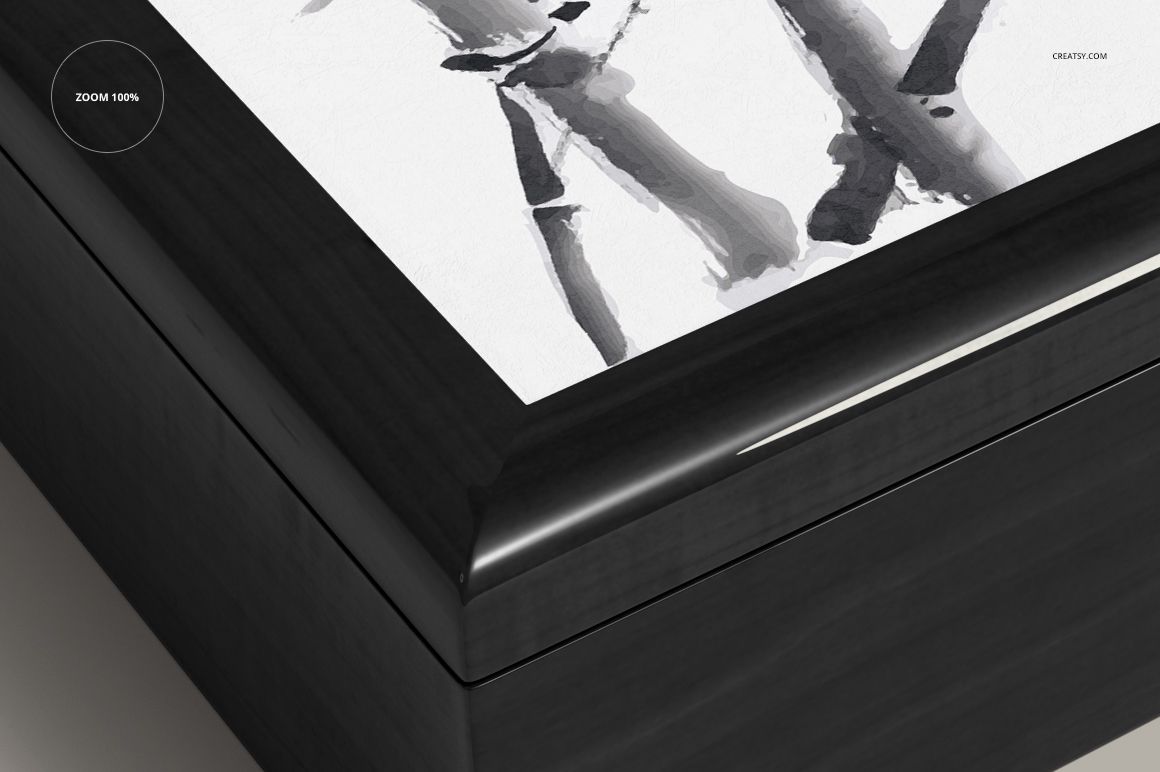
The wood border creates a visible frame around the tile. Use it to compare how a detailed illustration, a monogram or a photo crop sits within the finished object, rather than showing only a flat print file.
Easy Smart Object Editing
Open the required PSD, replace the tile artwork inside its Smart Object and save to update the view. Set the wood and insert colors, choose whether to show the jewelry, and export your presentation. Adapt the artwork crop for square and rectangular variants instead of stretching one design to fit both.
Perfect For
Sublimation businesses presenting personalized tile-top boxes.
Illustrators and photographers exploring keepsake gift products.
Jewelry brands planning coordinated packaging visuals.
Gift shops comparing monograms, patterns and seasonal artwork.
Digital mockup files only. Physical boxes and jewelry are not supplied, and the sample artwork shown on the tiles is not included.