Olive Oil Bottle Mockup Set
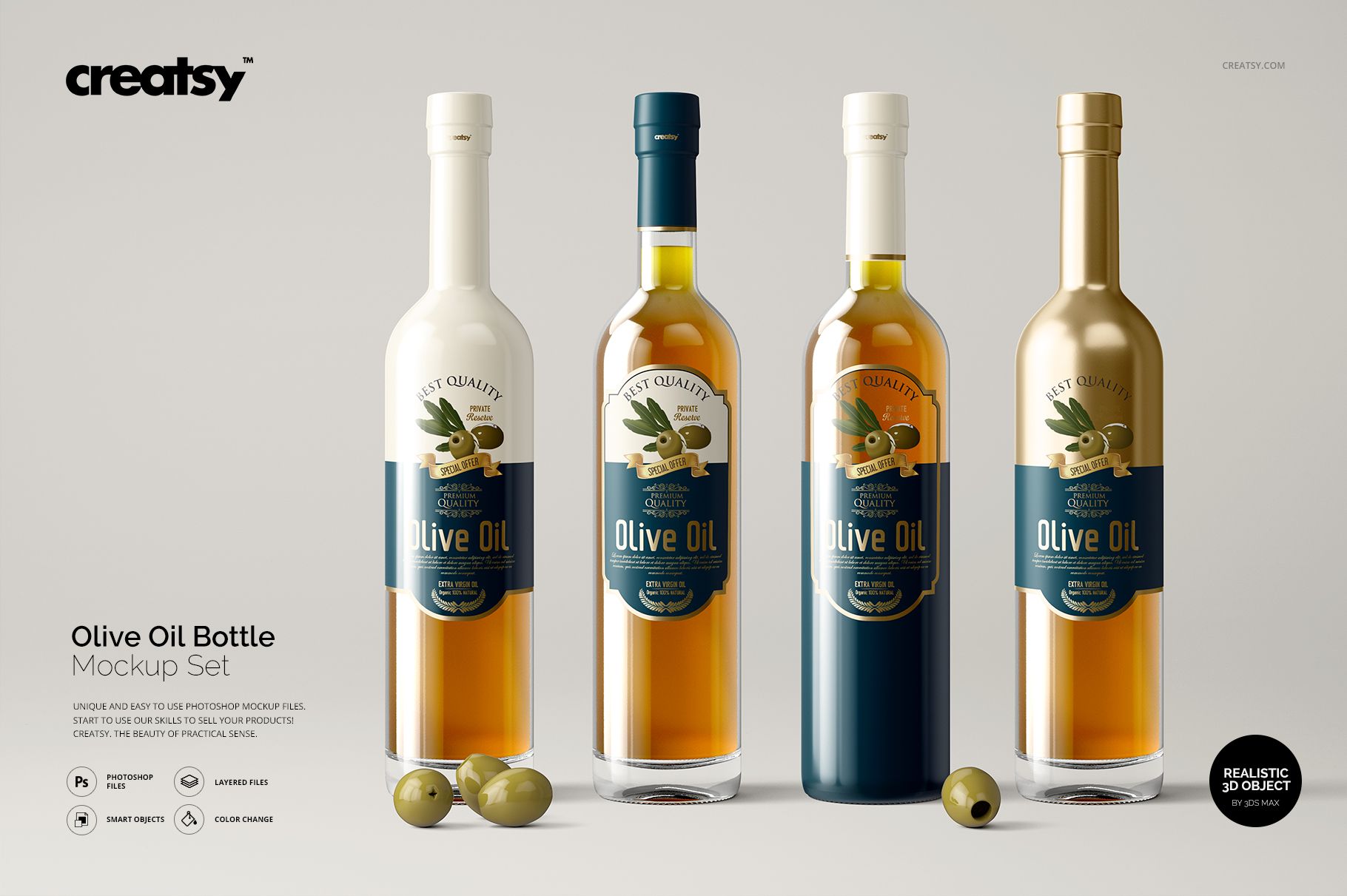
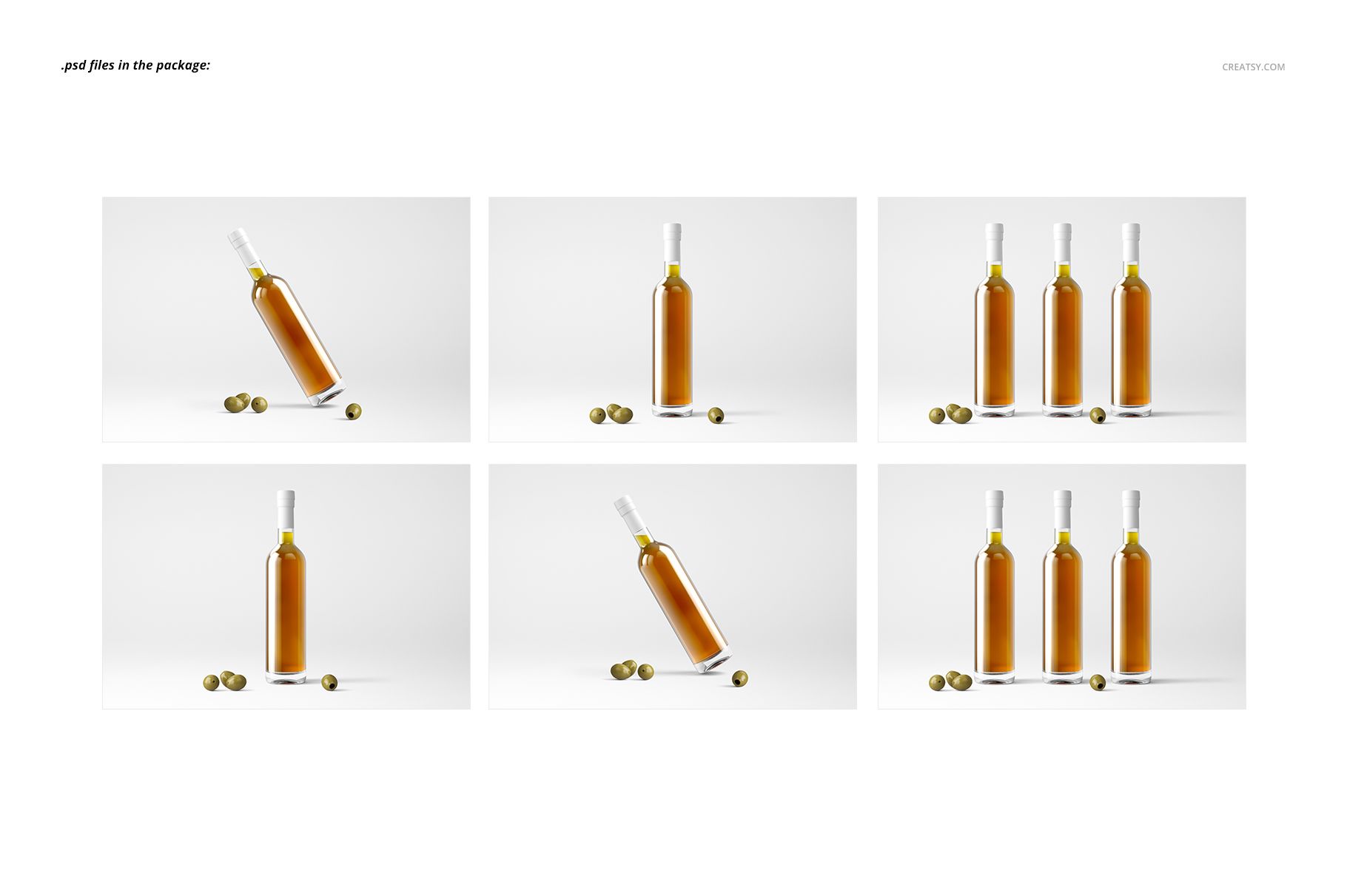
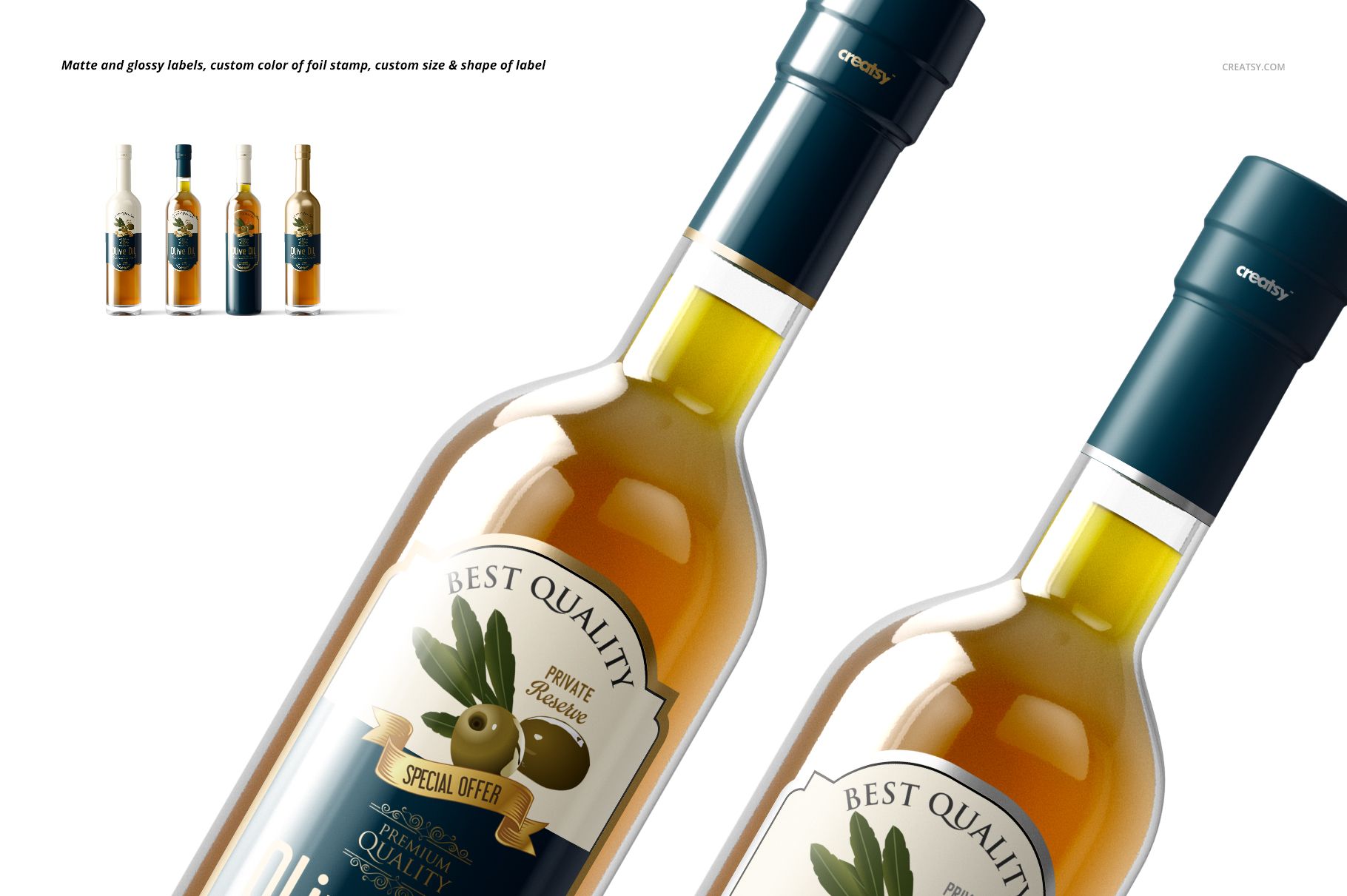
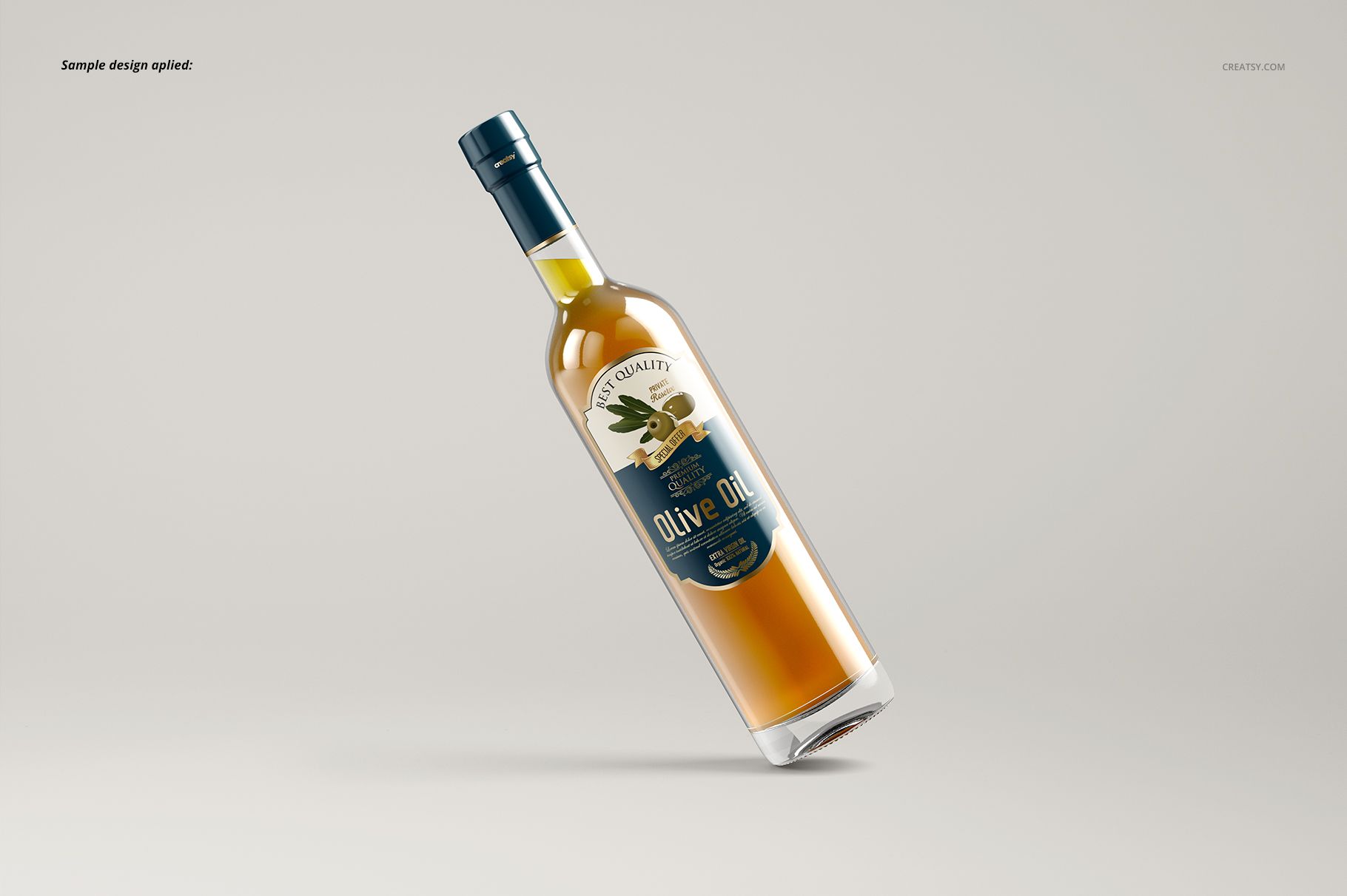
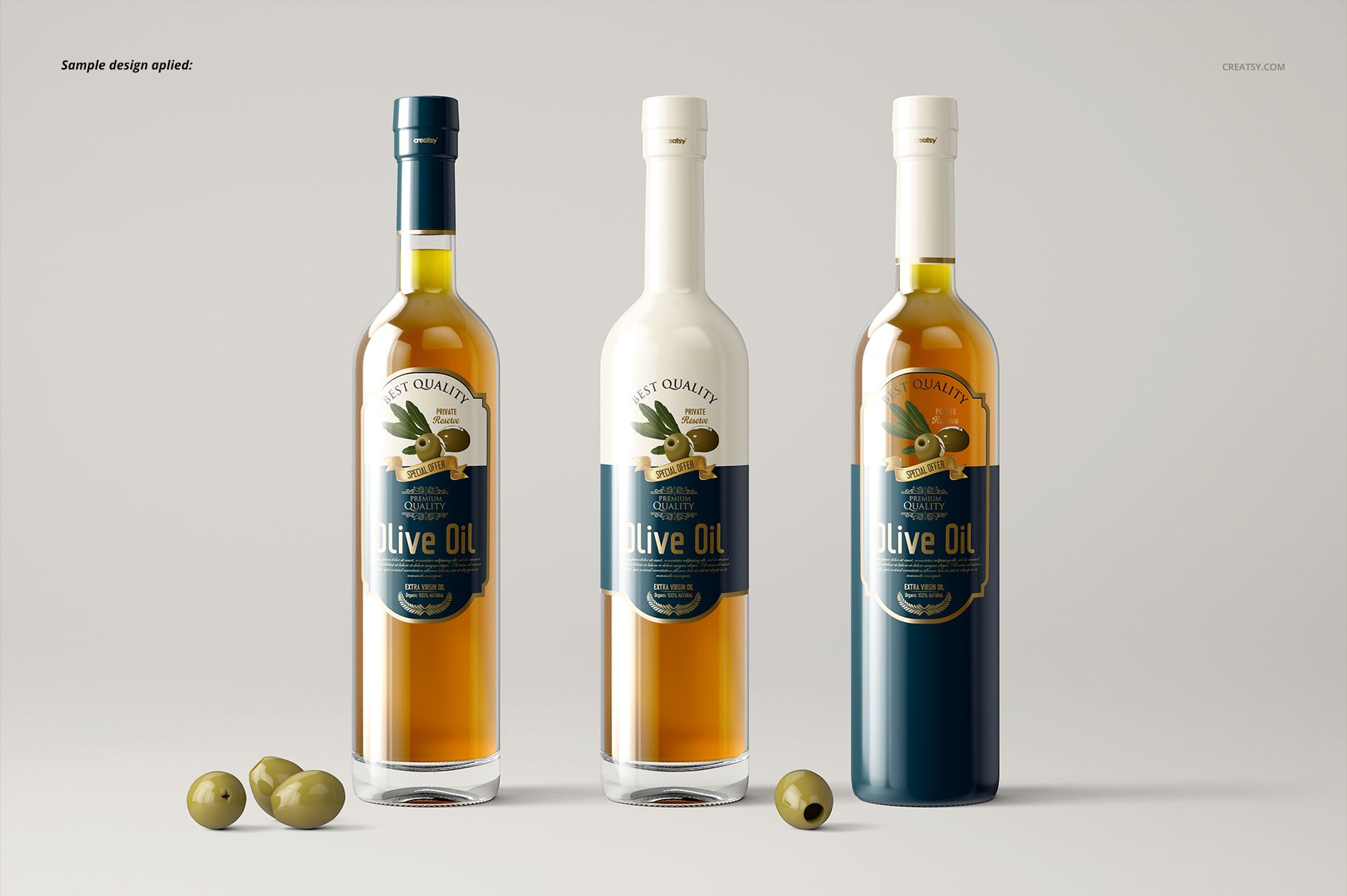
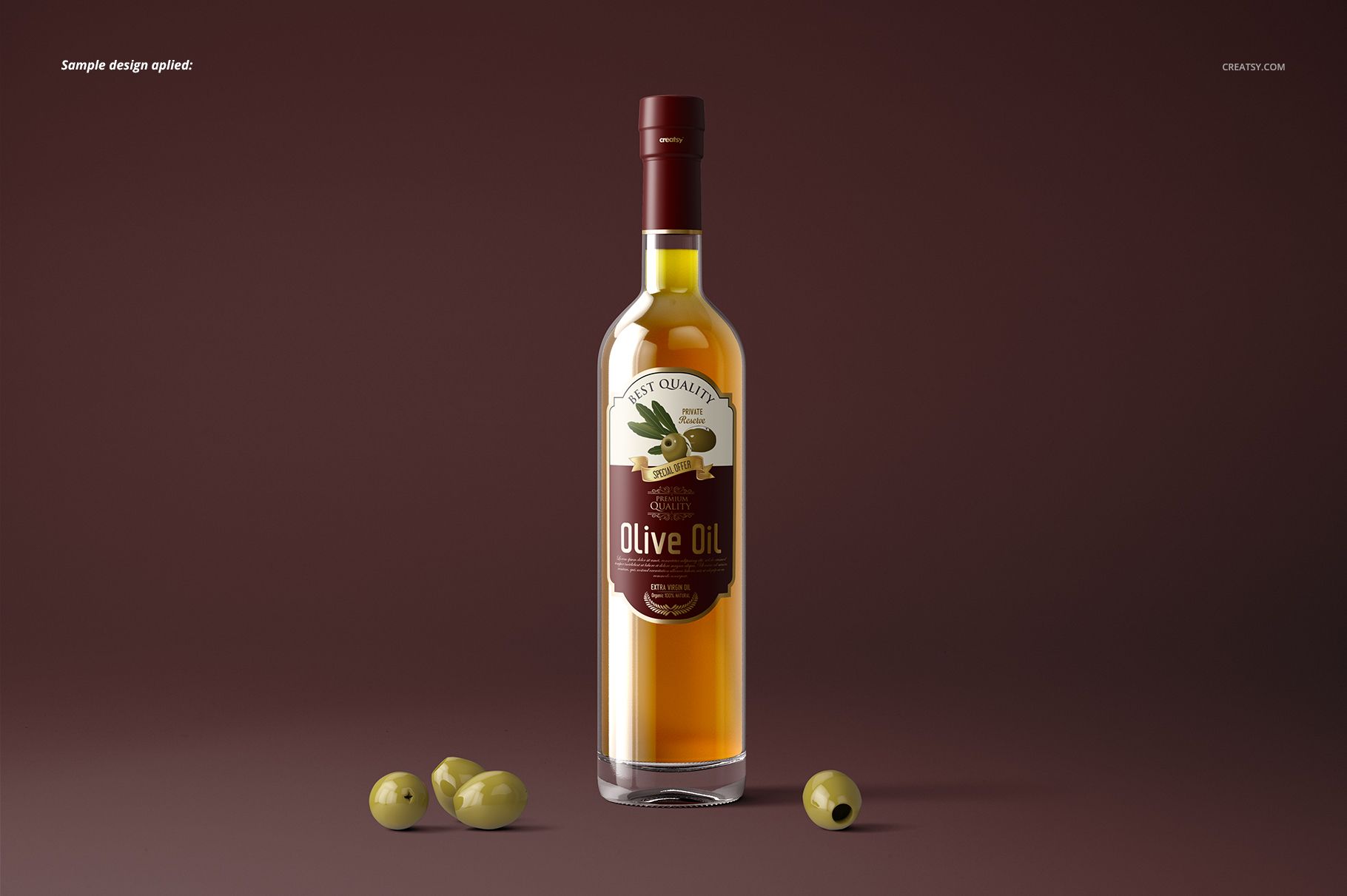
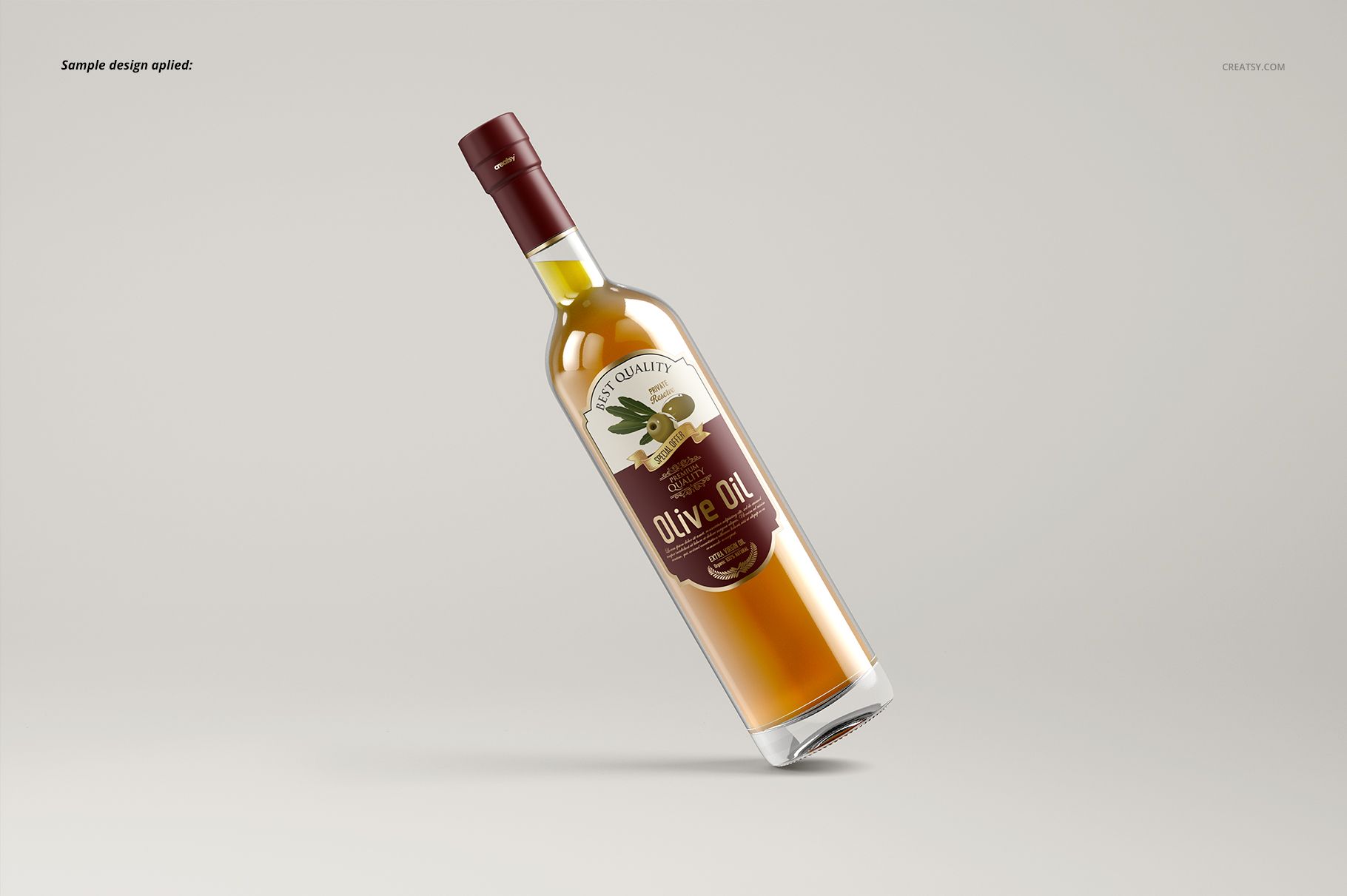
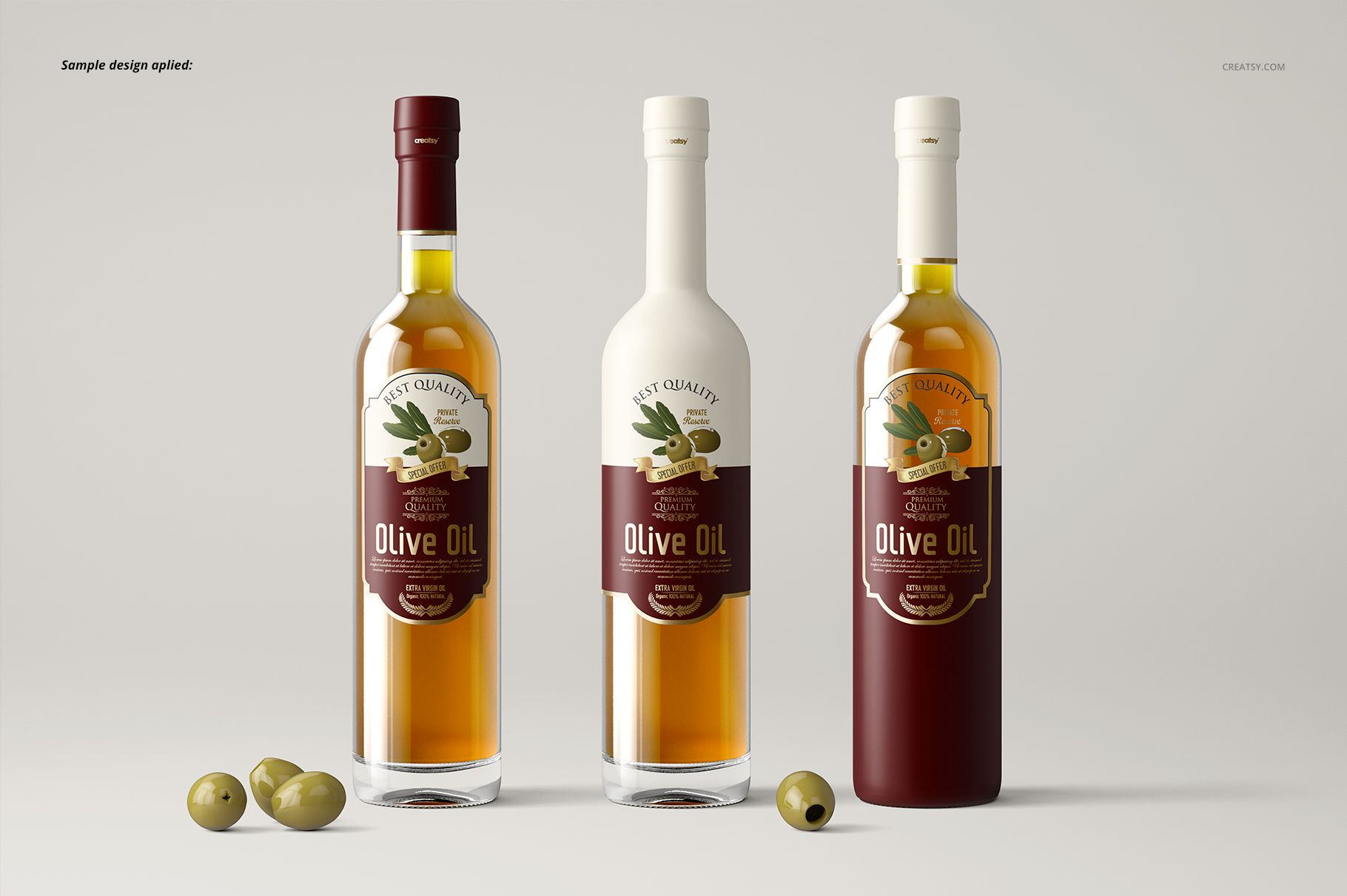
Matte and glossy branding can give the same label two different visual characters. This olive oil bottle mockup set with paired finishes lets you compare them in three compositions: an upright bottle, a tilted bottle and a three-bottle group. Each view comes in matte and glossy versions, for six editable PSD files in total.
What Is Included
6 layered PSD mockups: 3 views in 2 finish variants.
6000 × 4000 px landscape canvases at 300 DPI.
6 JPG previews and 1 PDF guide, 13 files in total.
Single and grouped glass-bottle presentations with removable olives.
Compare the Finish Without Changing the Layout
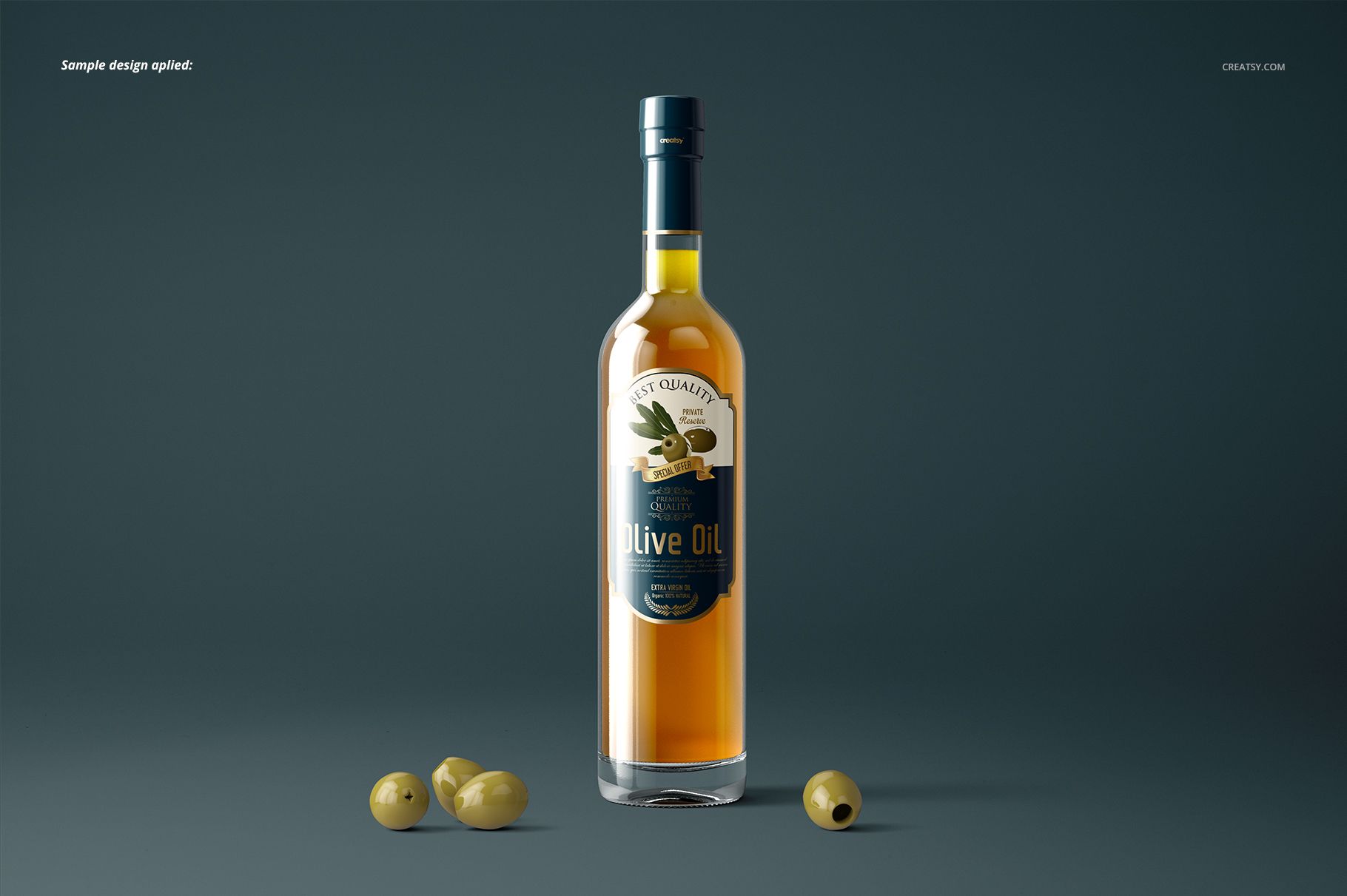
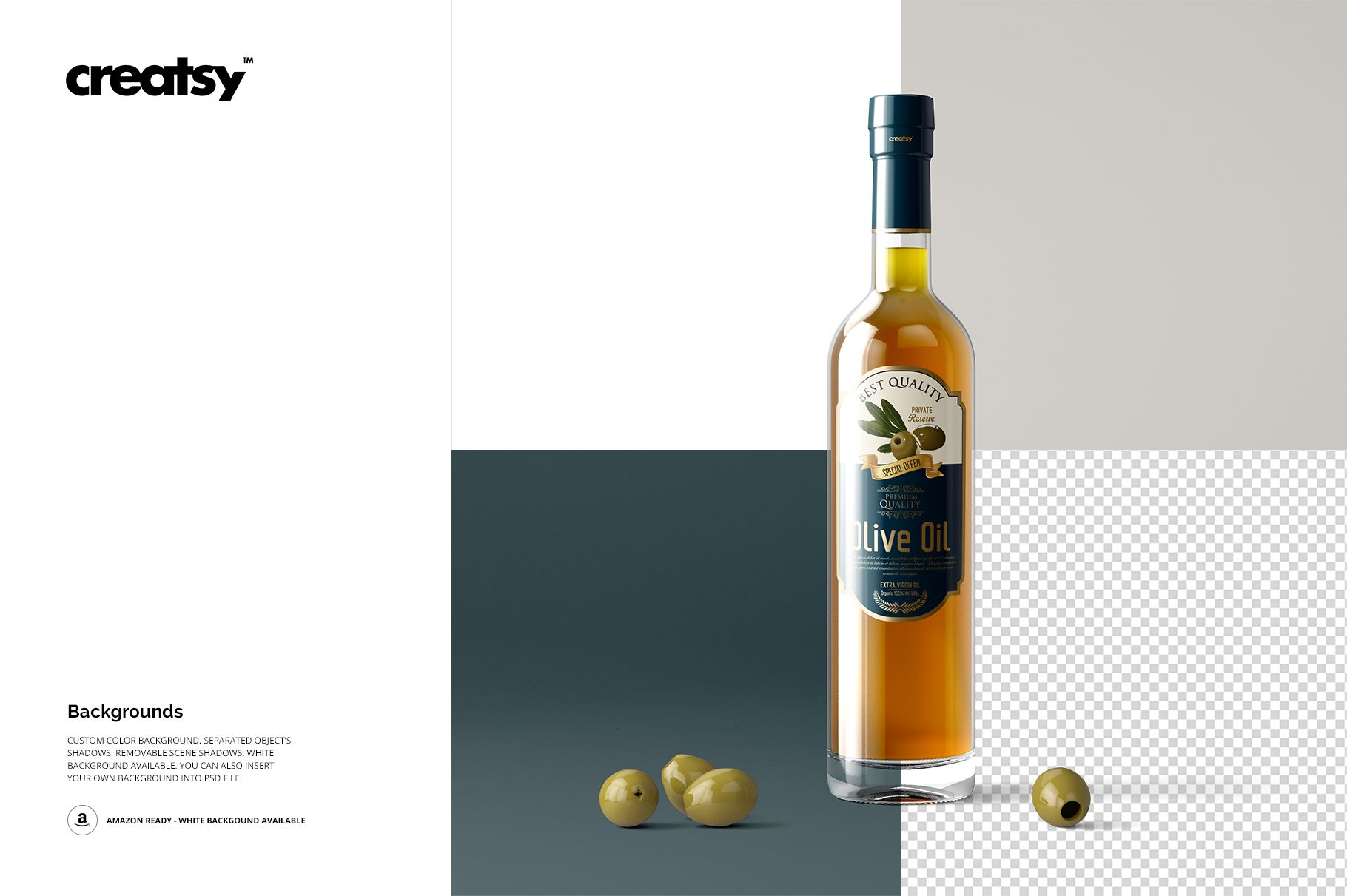
Try matte and glossy treatments for the branding elements using the same artwork and view. Change colors and explore different label sizes and shapes to find a balance between the graphics and the bottle. Keep the olives for a culinary presentation or remove them for a simpler packaging study.
Easy Smart Object Editing
Open the PSD files in Adobe Photoshop CC2015 or newer, or Photopea. Place your design inside the relevant Smart Object, save it and review the updated mockup. Use the corresponding matte and glossy files when you want to compare finish options directly.
Perfect For
Olive oil labels, producer identities and specialty-food ranges.
Packaging designers comparing label shapes and finishes.
Retail presentations, brand portfolios and client approvals.
This is a digital mockup set, not physical bottles or printed labels. The sample artwork and patterns used in the previews are not included.