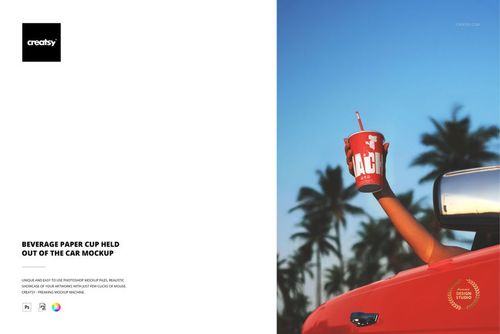
Paper Cup in Female Hands Mockup Set
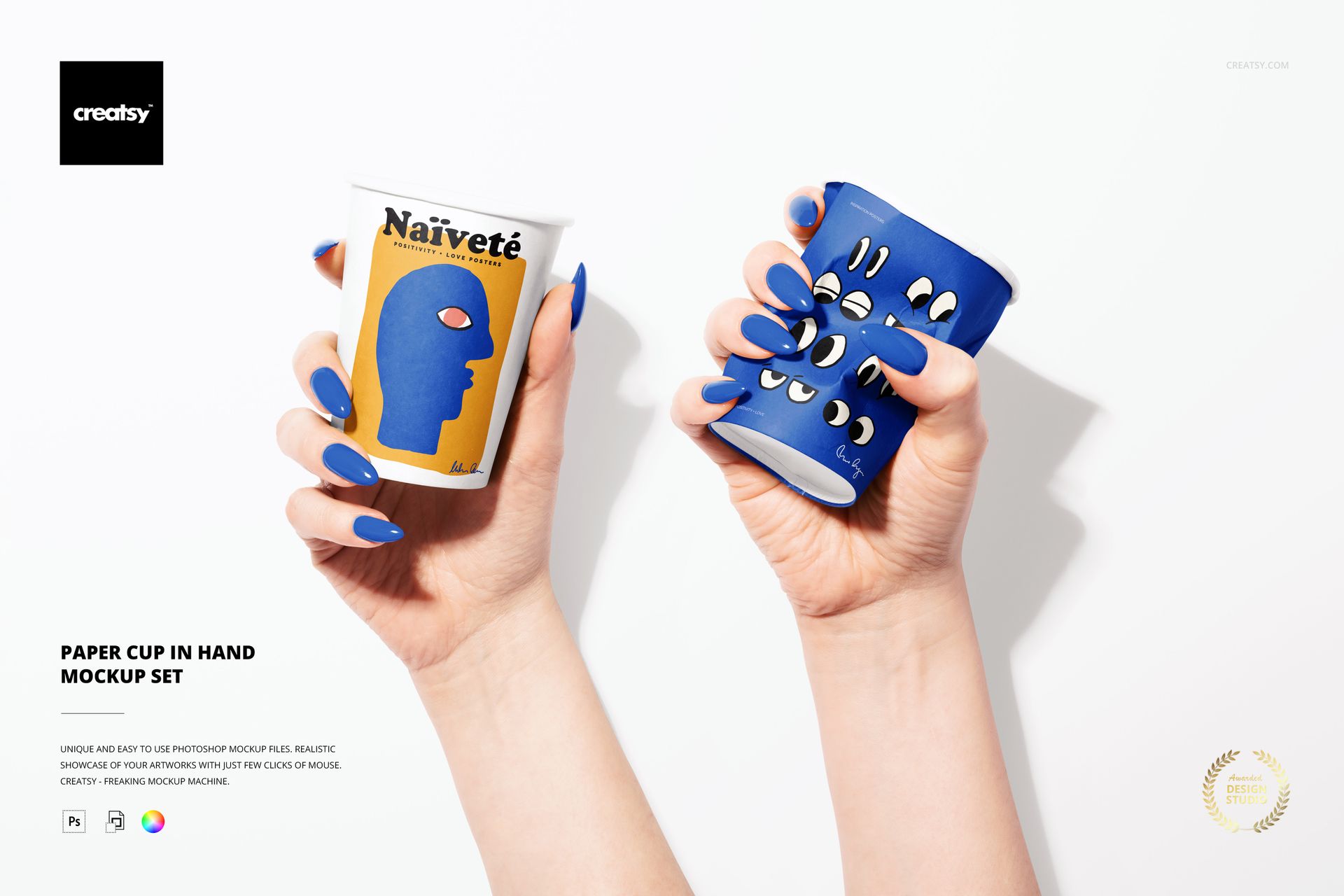
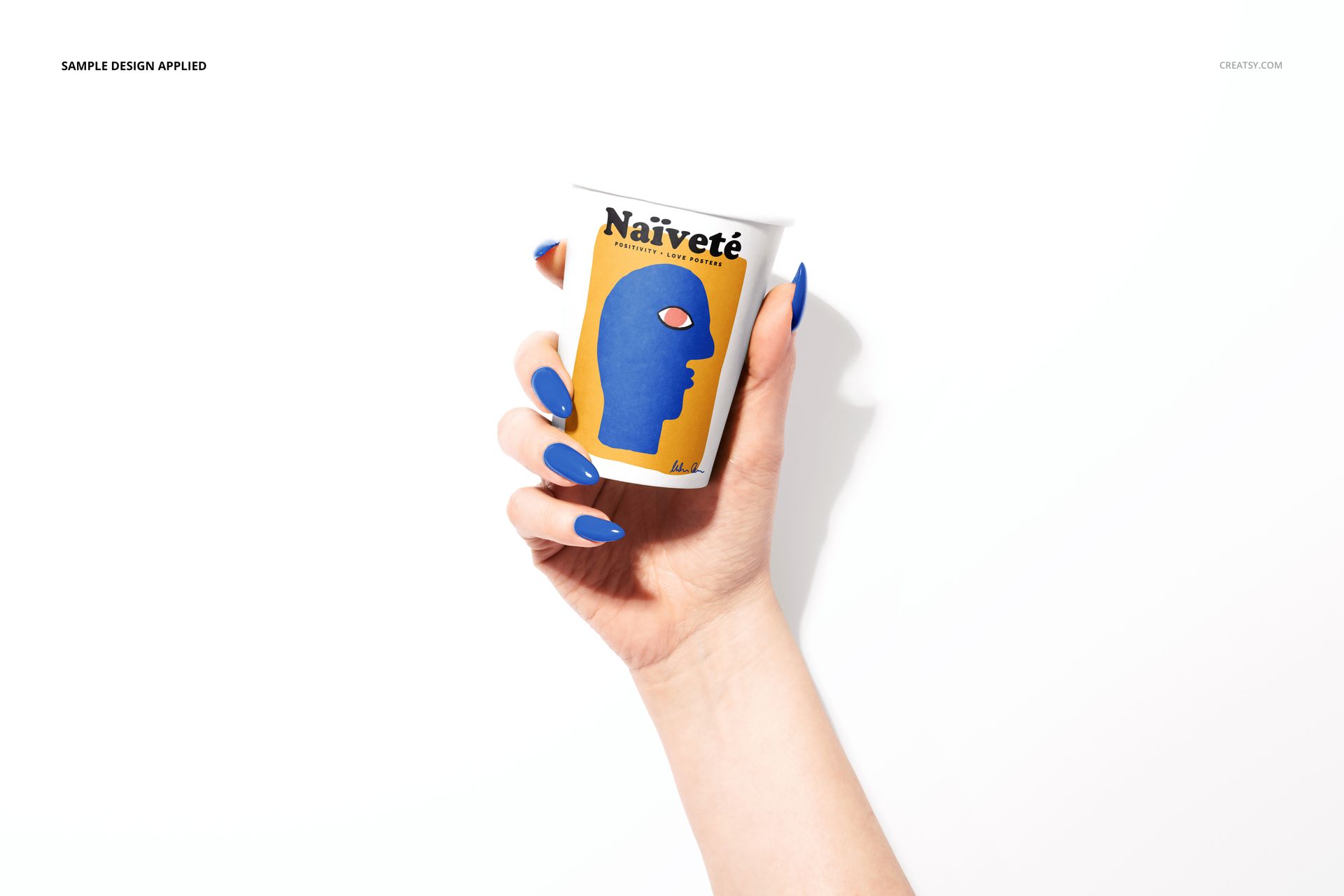
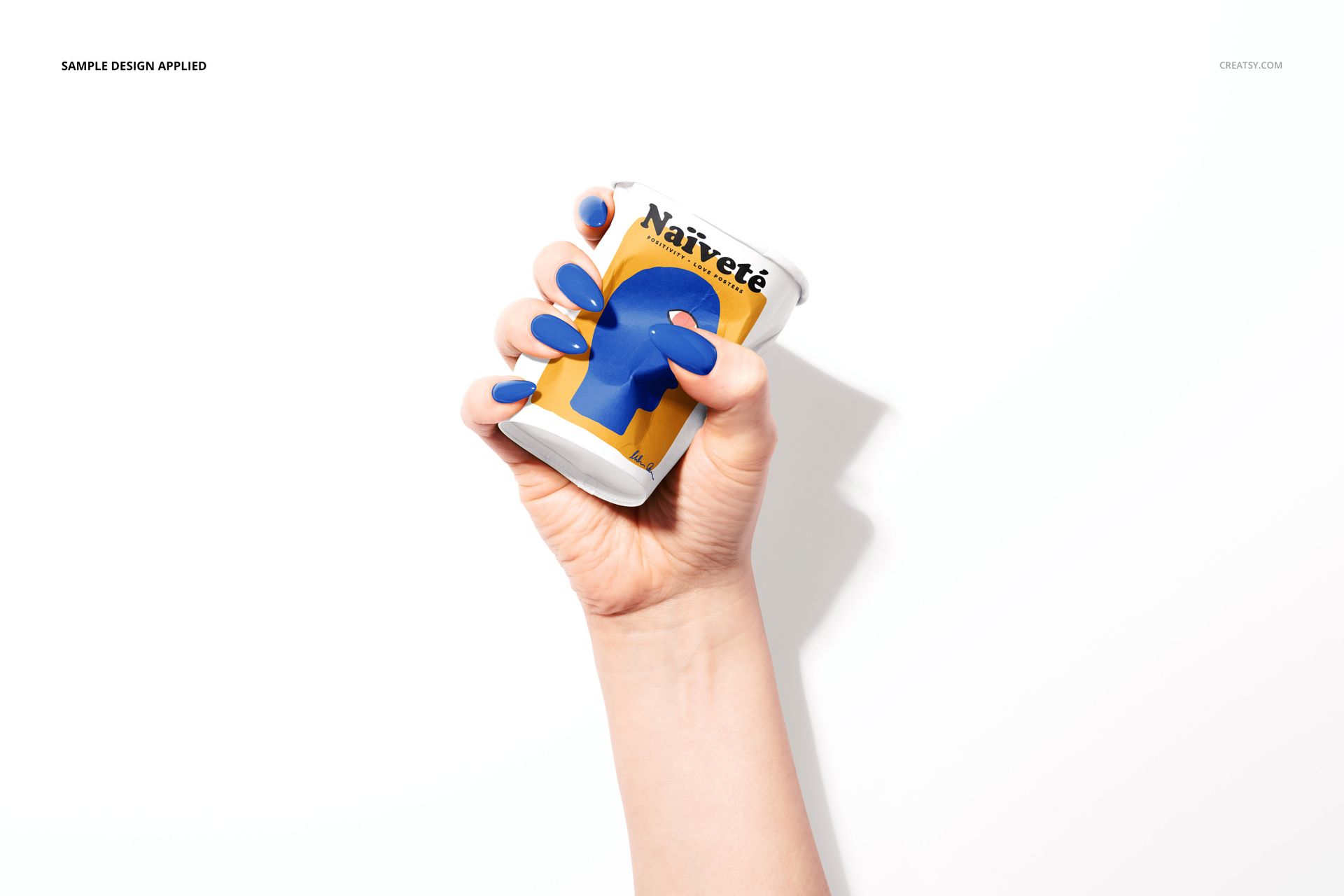
Give coffee shop logos, takeaway drink packaging and illustrated cup artwork a bright, human-centered presentation. Clean studio light, natural hand poses, manicure details and crisp cast shadows help viewers understand scale, grip, print placement and how a design follows the cup's curved surface.
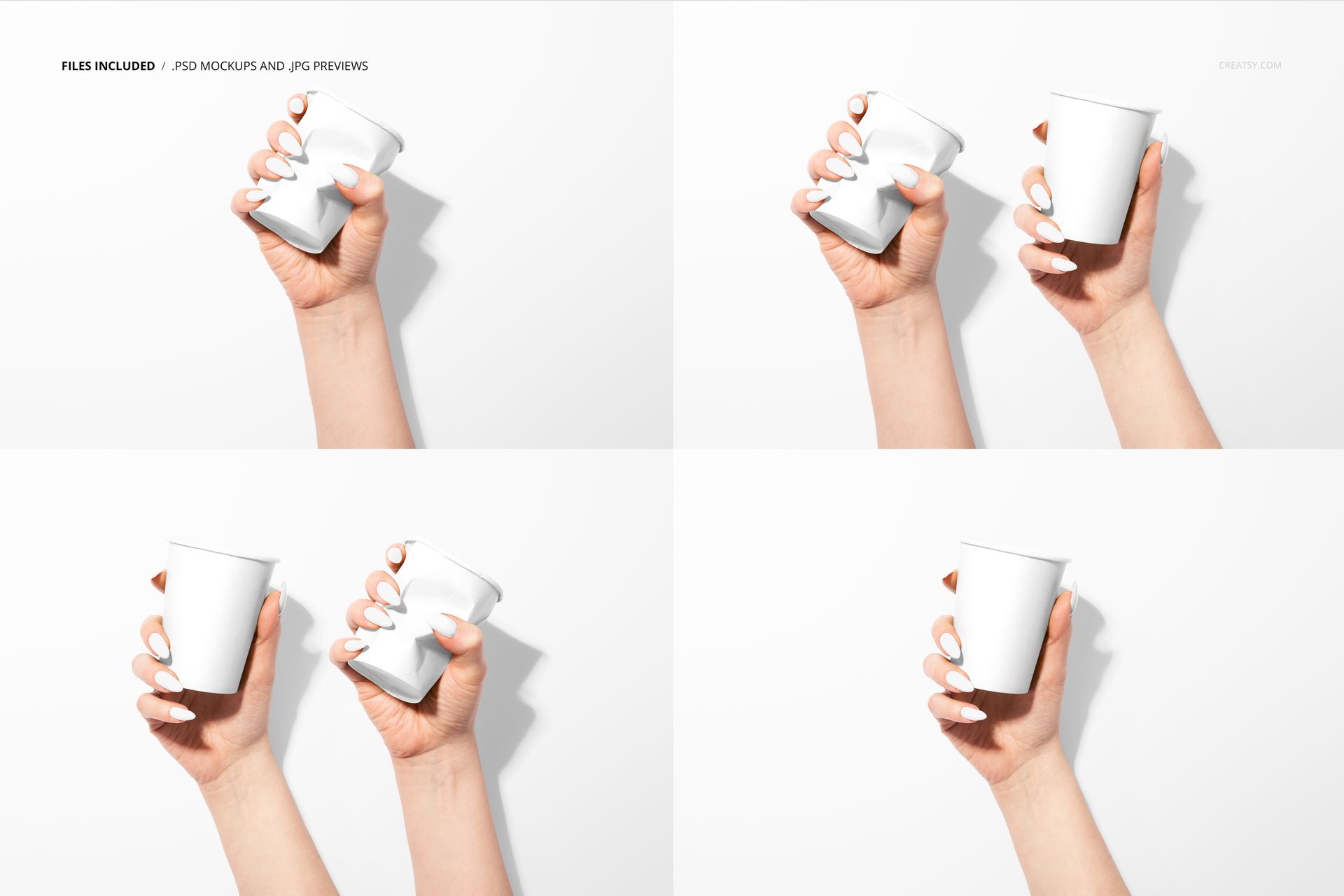
Four high-resolution PSD scenes cover one-cup and two-cup compositions, from an upright open-top paper cup to a realistically squeezed cup. Use the set to build a varied launch gallery, compare colorways or show how branding performs in both polished and tactile moments without photographing physical samples.
What Is Included
4 layered PSD mockup files with separate scene controls
4 matching JPG preview files
1 PDF user manual
6000 x 4000 px landscape scenes at 300 DPI
Adobe Photoshop CC2020 or newer compatibility
Scene Controls for a Flexible Presentation
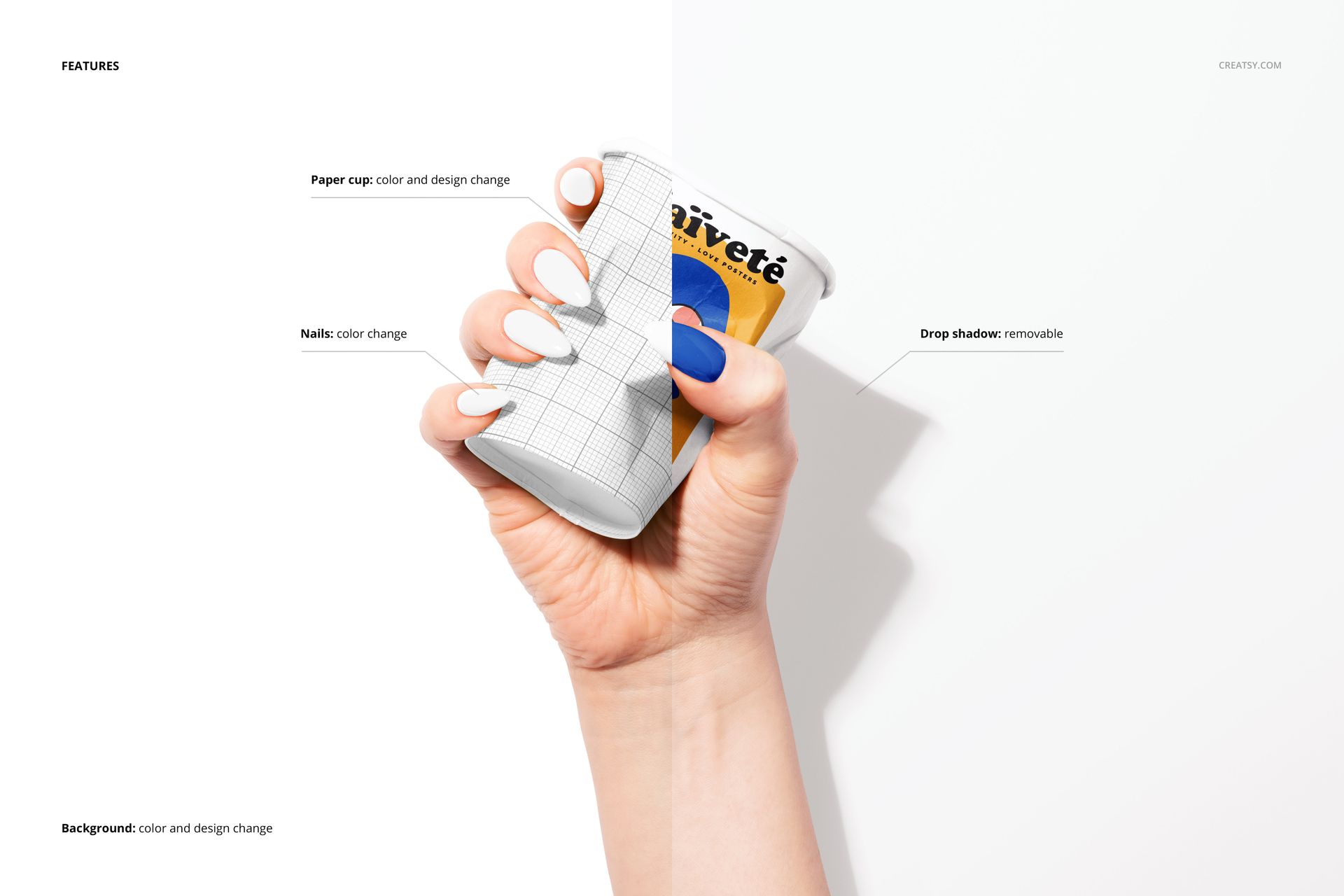
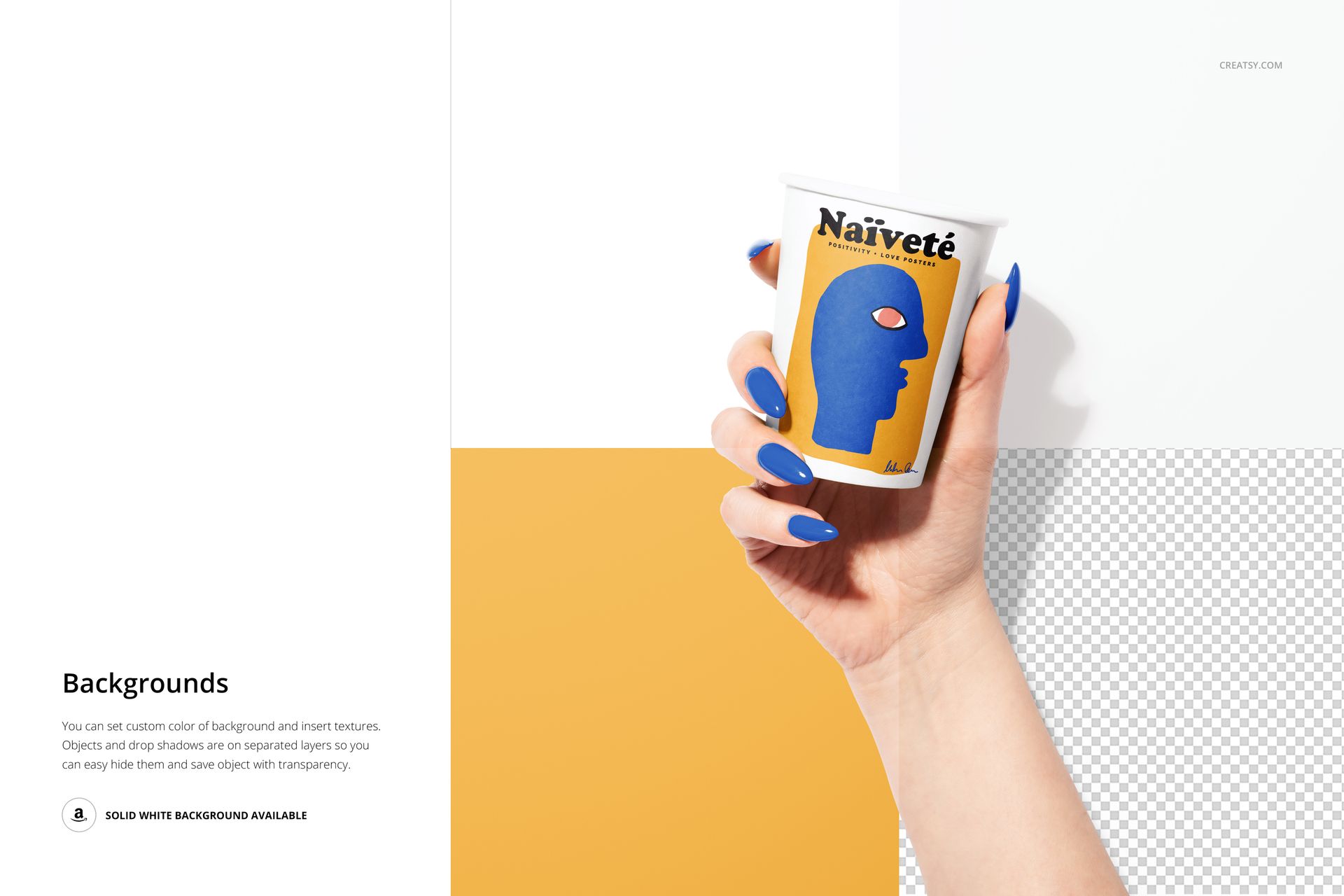
Replace the cup artwork, change the paper cup color, recolor the nails, and set a new background color or insert a texture. Objects and drop shadows are kept on separate layers, so you can remove the shadow, isolate the hand-held cup on transparency, or return to the supplied solid white background.
Easy Smart Object Editing
Open a PSD in Adobe Photoshop, place your artwork into the Smart Object and save it to review the result on the cup's curved or squeezed surface. The realistic form, lighting and hand contact stay in place while you focus on the design.
Perfect For
Coffee shop and cafe branding presentations
Takeaway beverage packaging concepts
Logos, patterns, lettering and illustration
Client approvals, portfolio case studies and online shop galleries
This is a digital mockup product. The example artwork and patterns shown in the previews are not included.
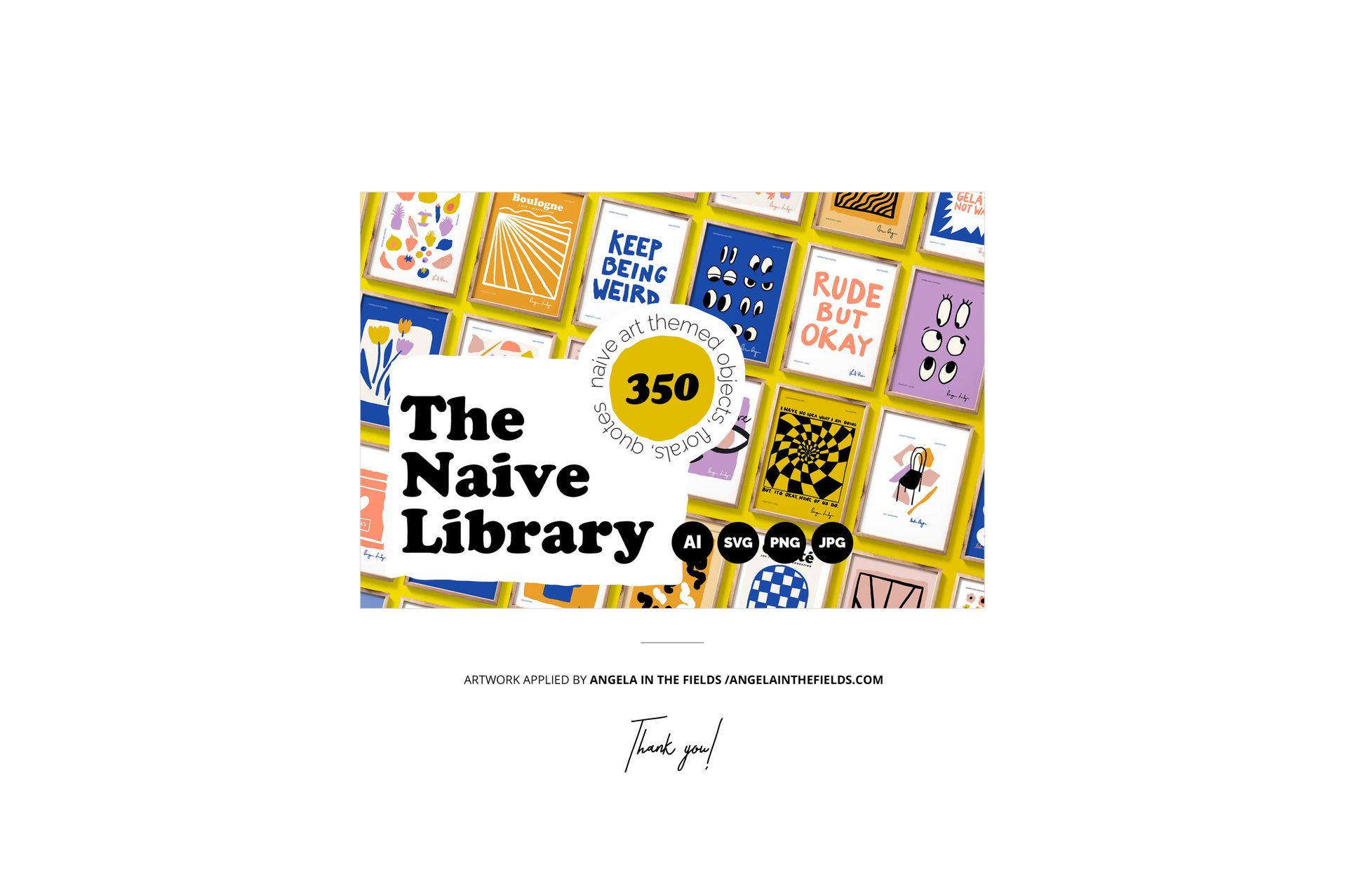
Preview Artwork Credit
The example design featured in the product previews is by Angela in the Fields. The artwork is used for presentation purposes only and is not included with the mockup files.