Ikea Kura Kids Bedroom Creator Mockup Set
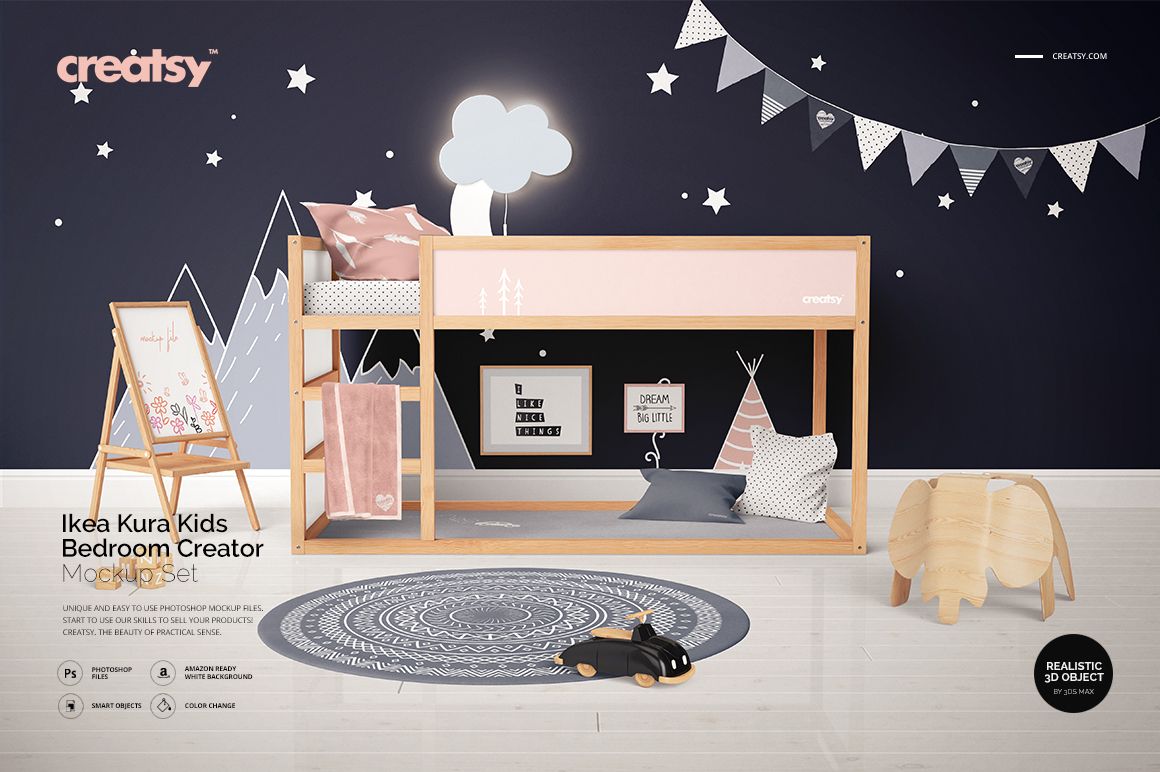
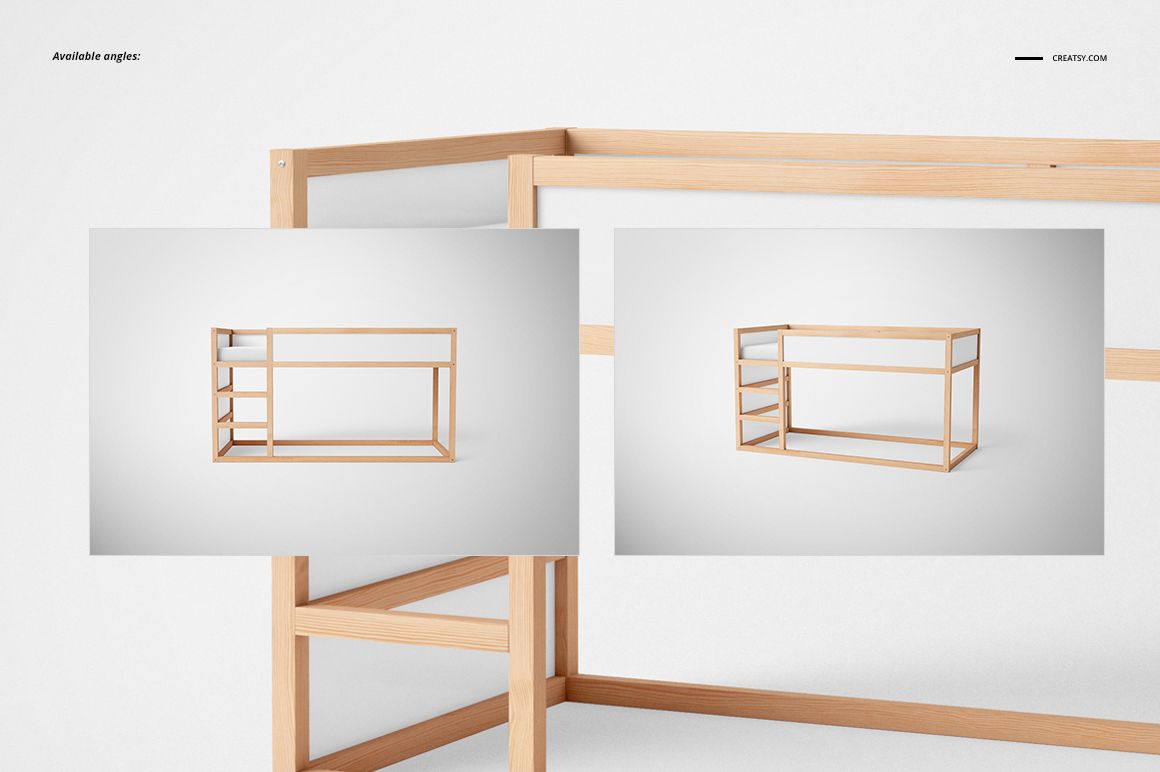
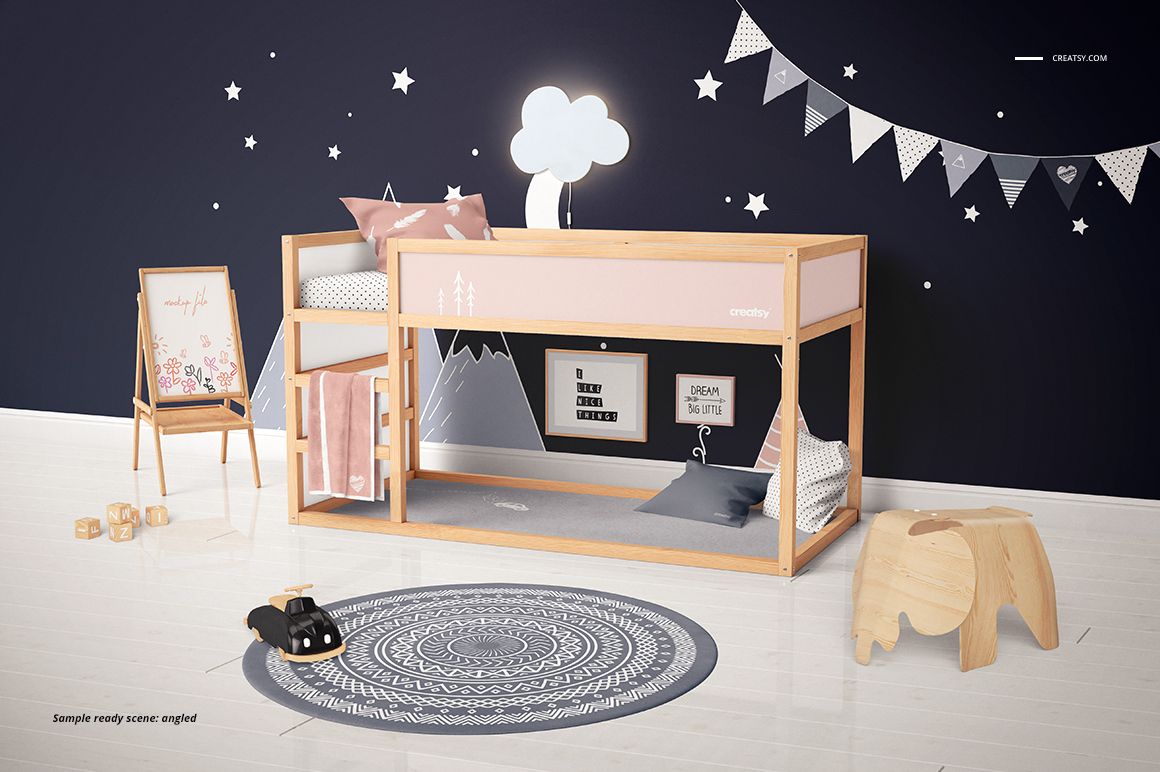
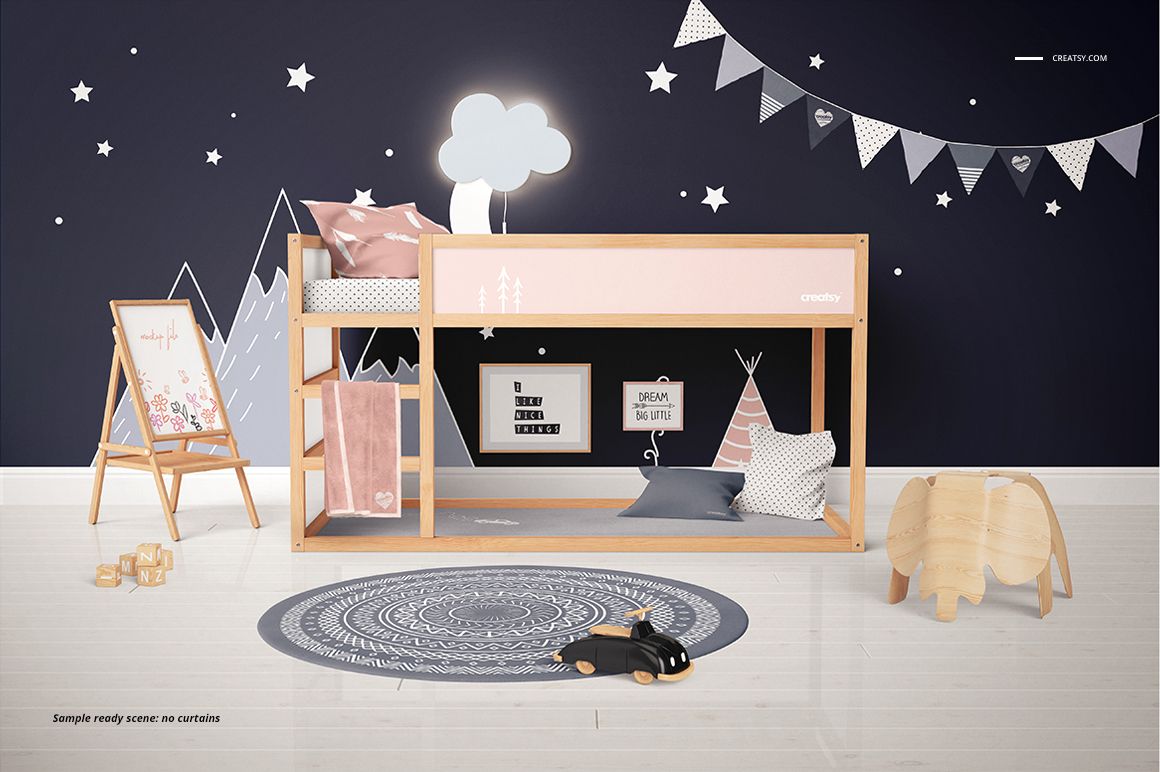
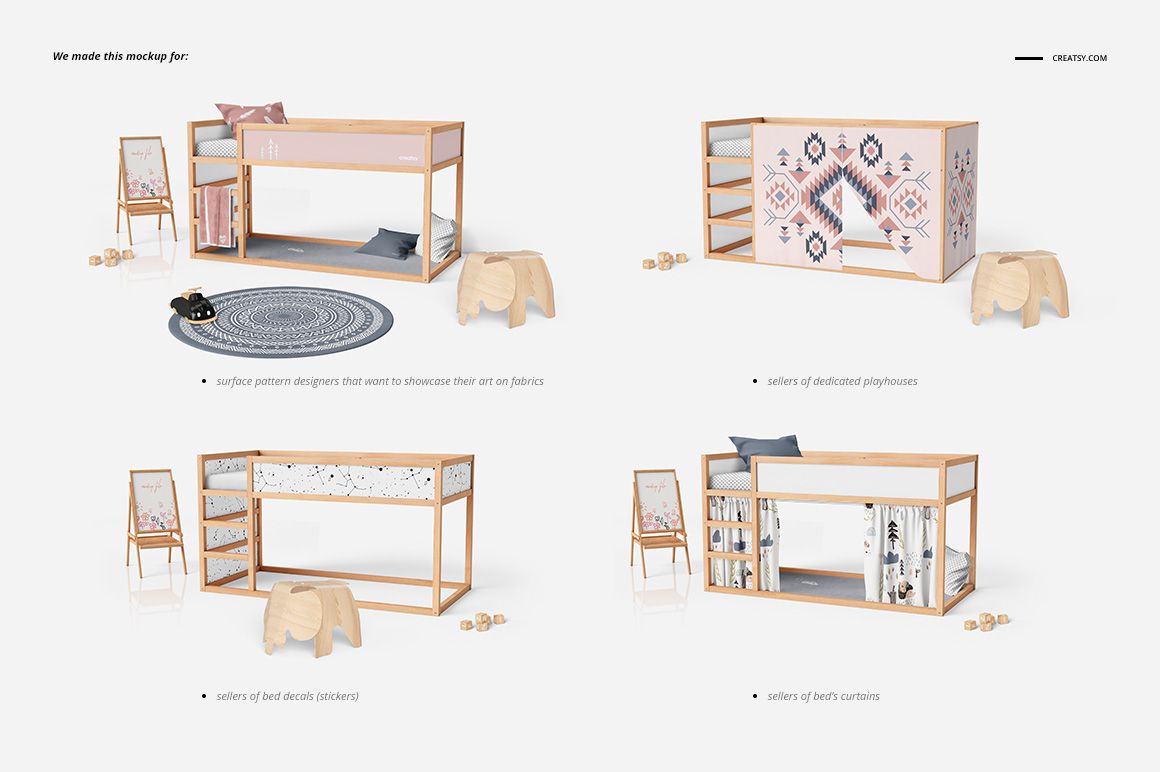
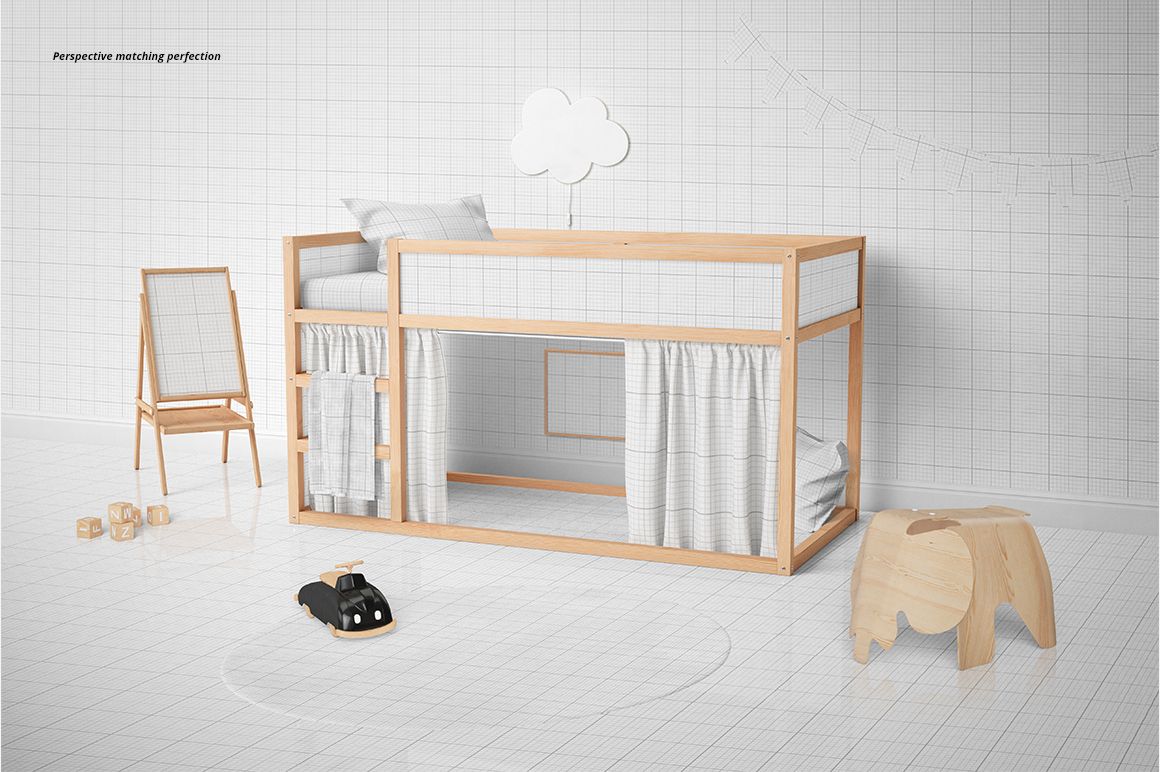
Build a coordinated children’s bedroom presentation around the Kura loft-bed scene. Two fixed viewpoints, front and angled, let you compare bedding, curtain prints, wall artwork and floor finishes within the same room concept. Use the organized PSD layers to move from an individual pattern swatch to a complete décor proposal.
What's Included
2 layered PSD scenes: front view and angled view.
Each PSD is 5250 × 3500 px at 300 DPI.
2 matching JPG previews, for 4 files in the download.
Customize the Bedroom Scene
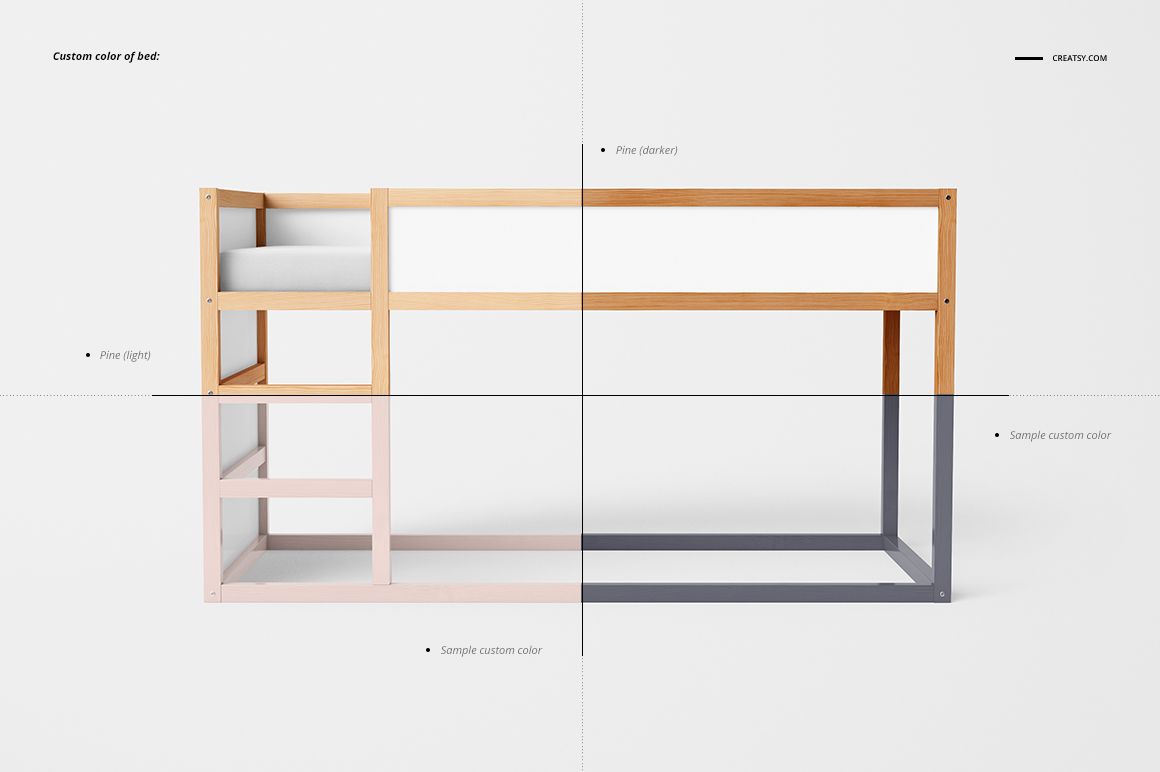
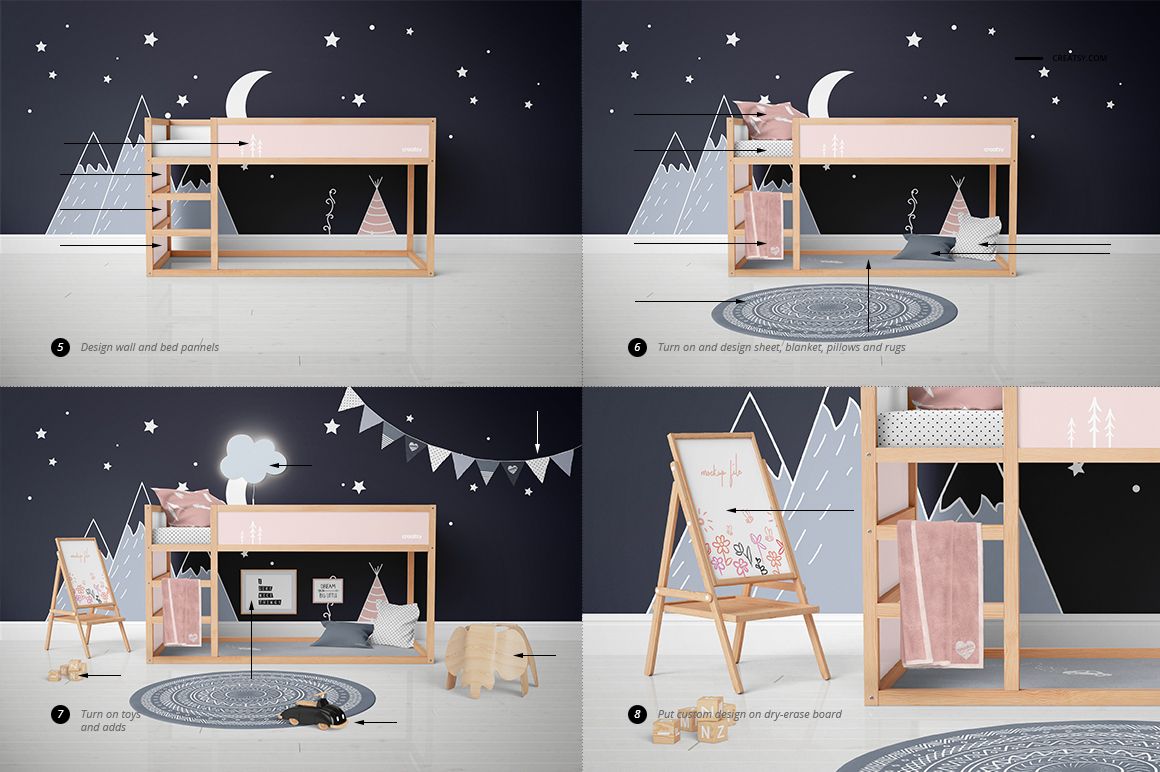
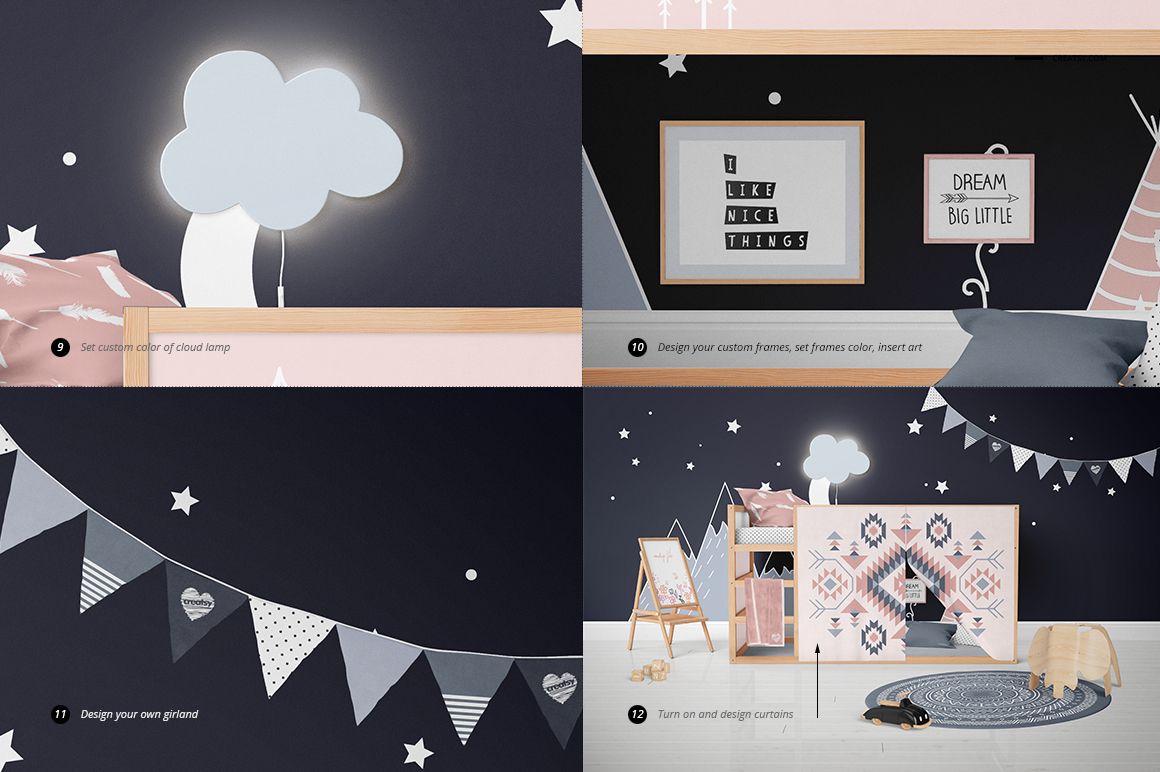
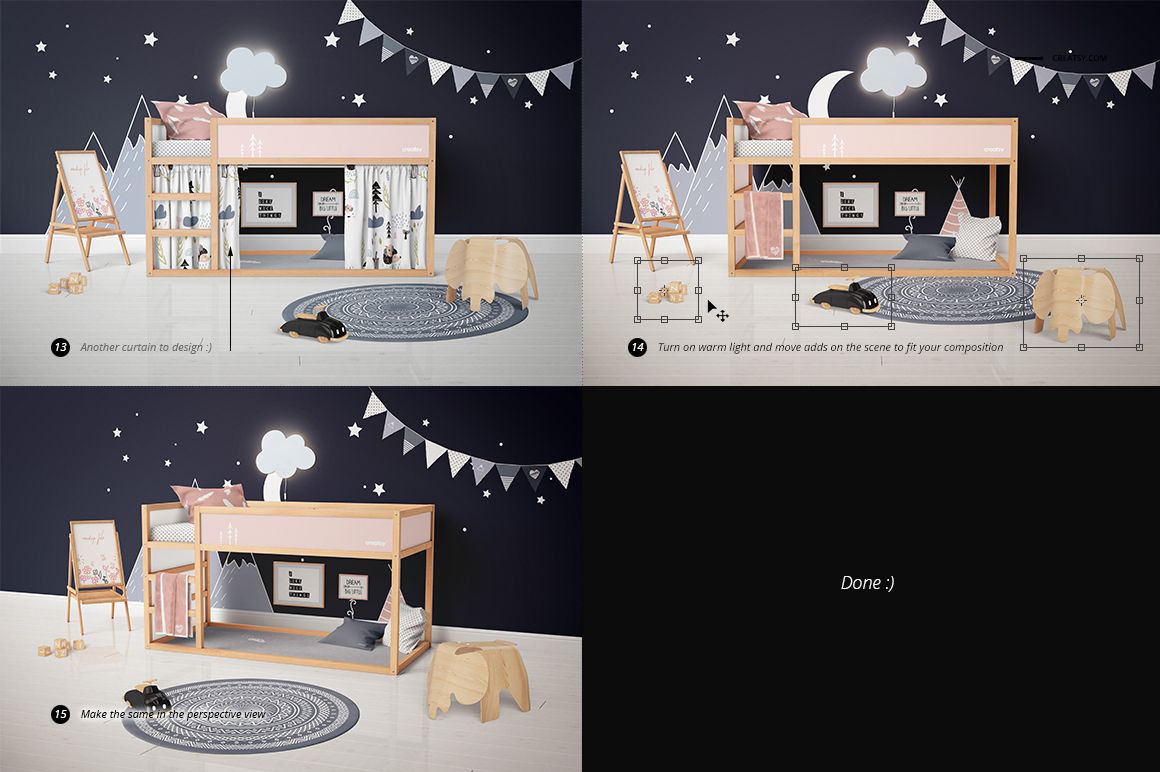
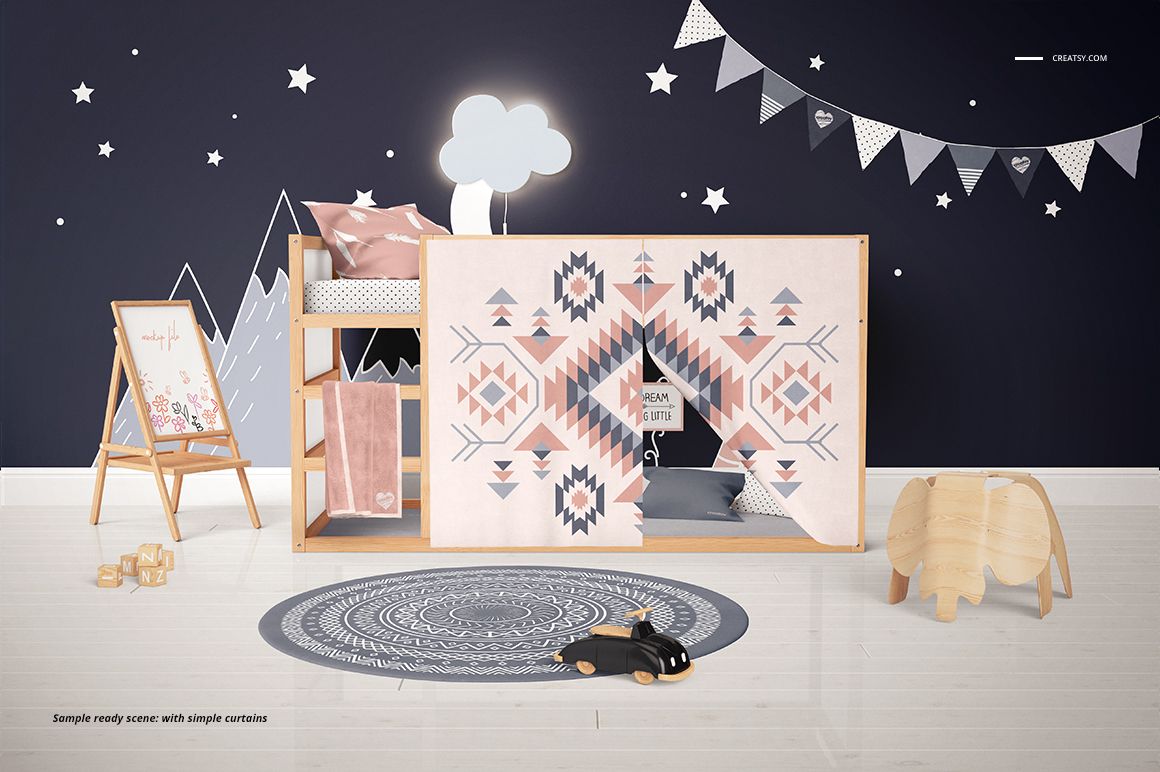
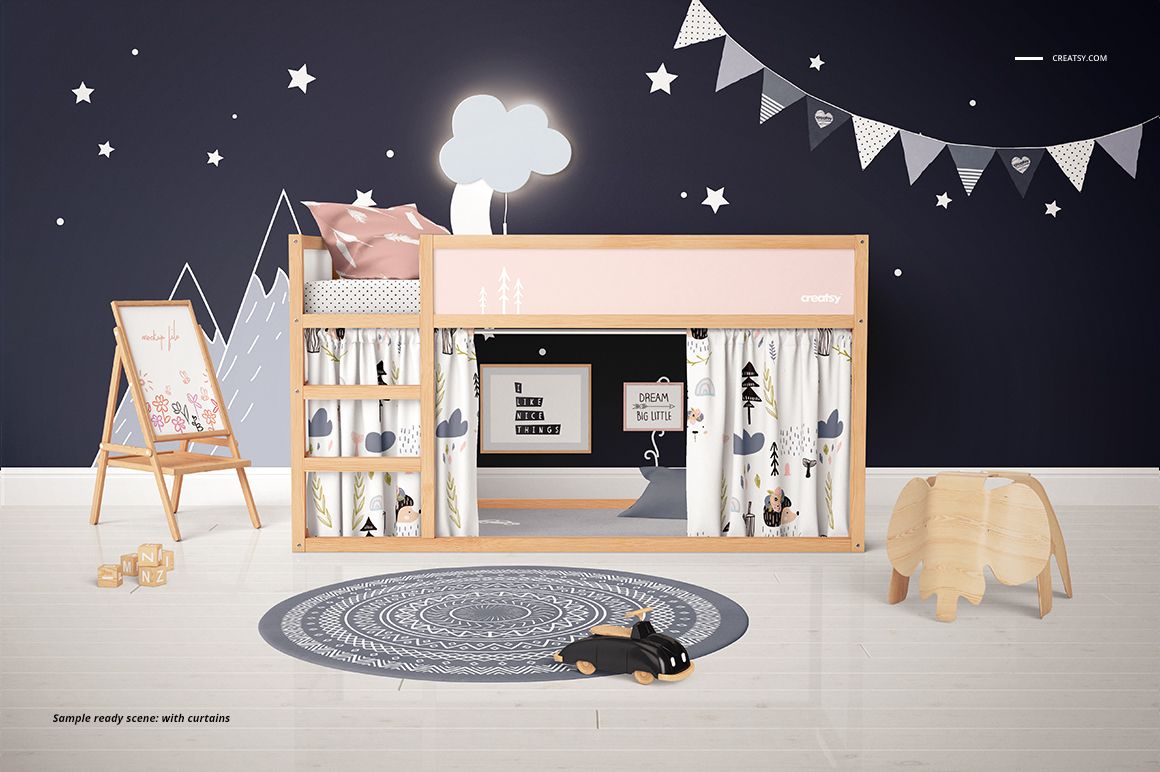
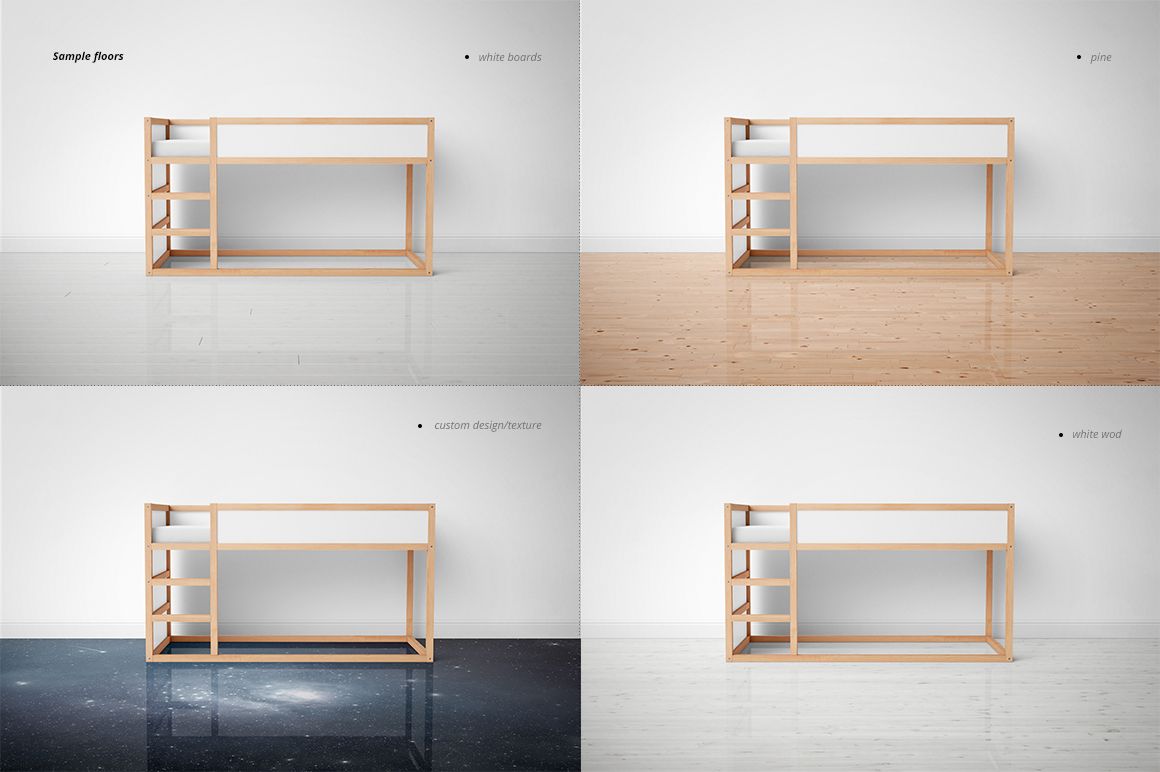
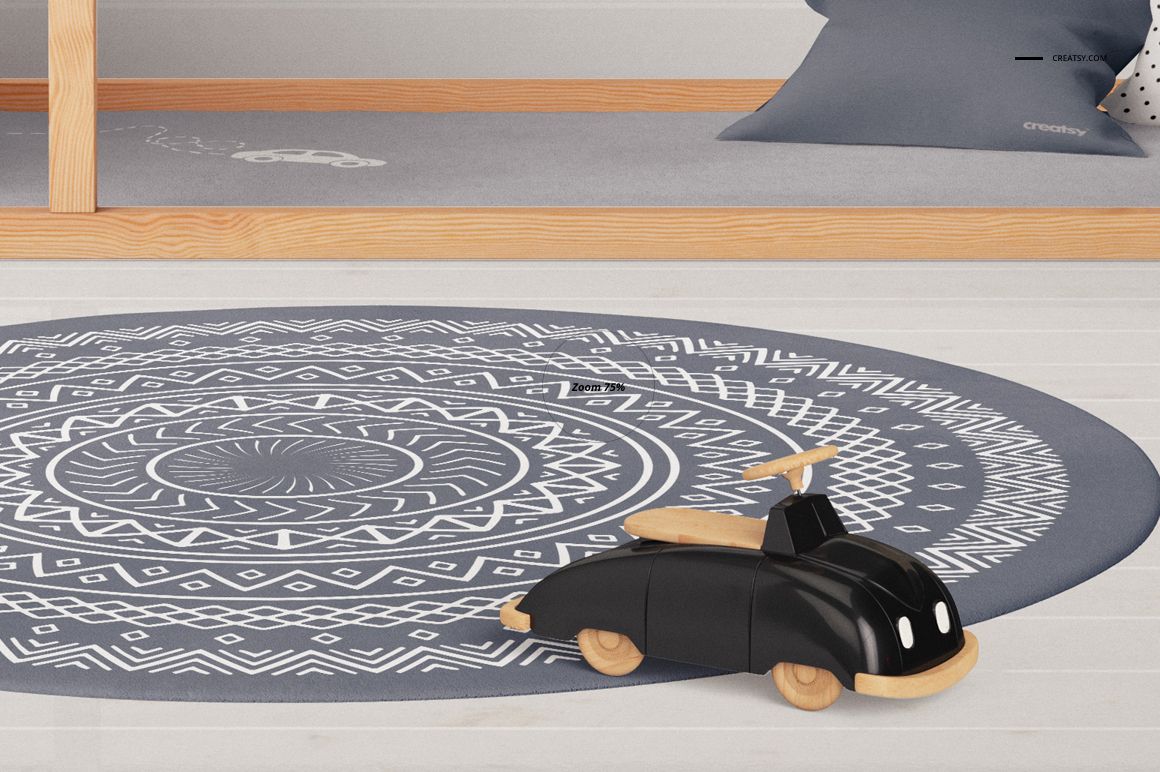
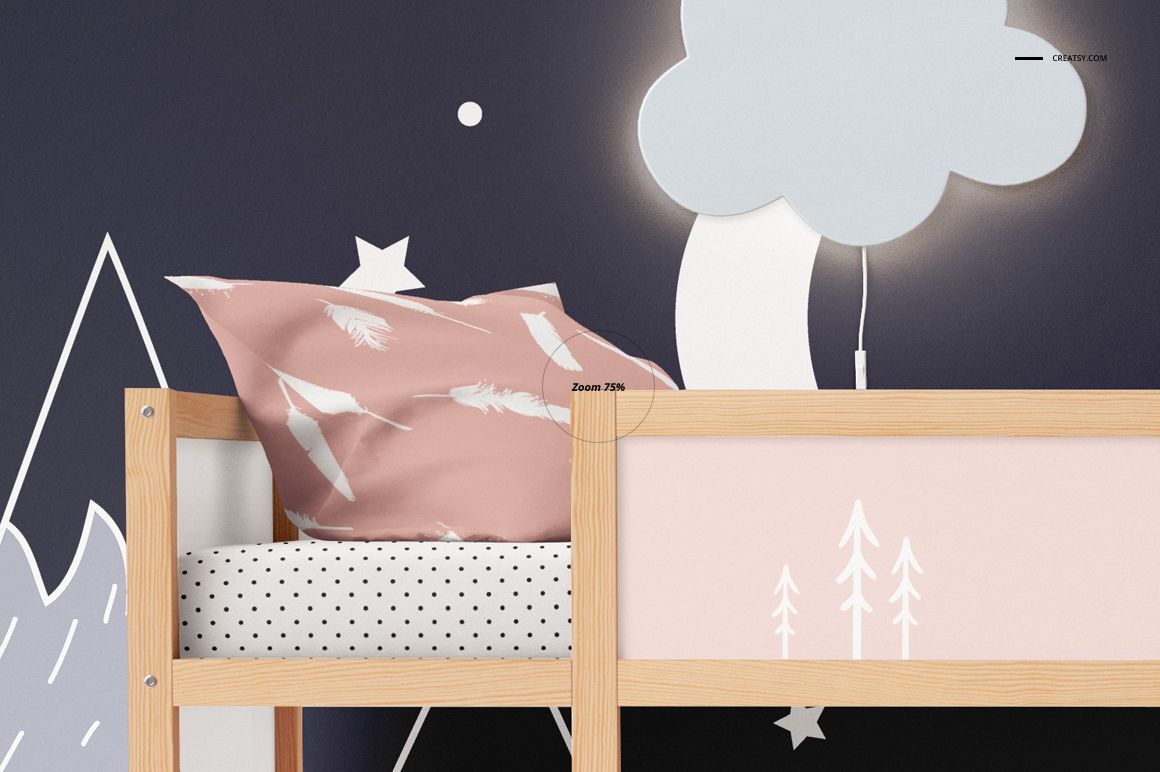
Change bed-frame colors, choose the demonstrated pine finishes, and apply artwork to bed panels and the wall. Customize the sheet, blanket, pillows and rugs to build a coordinated textile story. The set also shows two under-bed curtain styles: a simple playhouse-style entrance and gathered curtains.
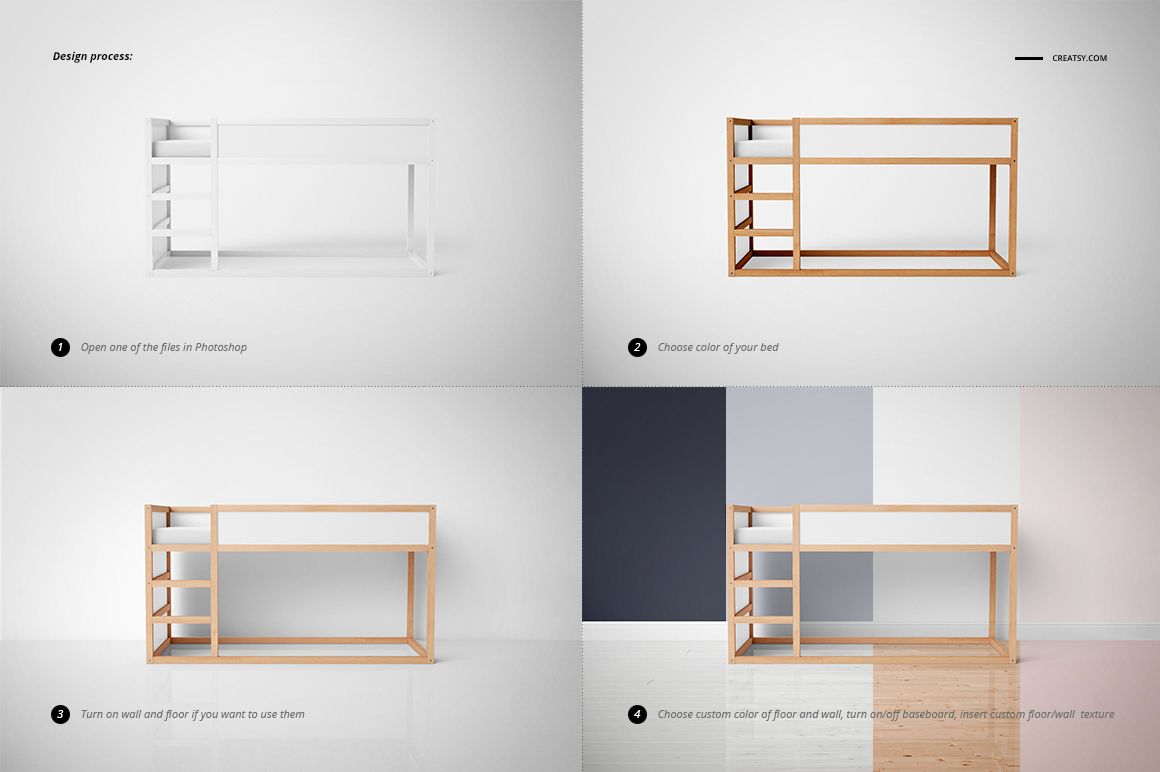
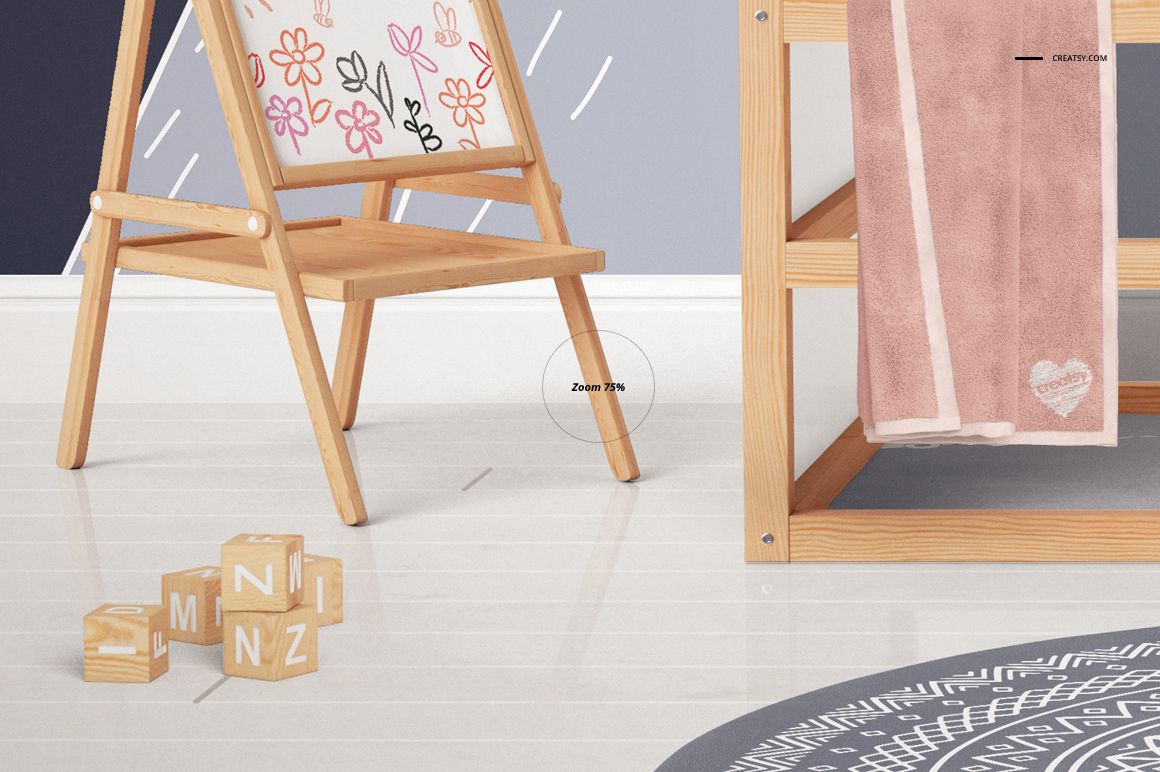
Adjust wall and floor colors or textures, toggle the wall, floor and baseboard, and work with the movable accessories and toys. Further options shown in the gallery include warm lighting, a cloud lamp color, framed artwork, a dry-erase board design and a pennant garland design.
Easy Smart Object Editing
Open the files in Adobe Photoshop CC2020 or later, or Photopea. Place your artwork inside the relevant Smart Object, save it and return to the room scene. Use the named layers to adjust colors, textures and accessory visibility, then export the front and angled presentations.
Perfect For
Children’s bedroom textile and surface pattern collections.
Curtain, bedding and wall-art combinations for client moodboards.
Room styling concepts, licensing portfolios and décor brand presentations.
This is a digital PSD mockup set, not furniture, a construction plan or a freely rotatable room model. Preview patterns are not included.