Glass Bottle Mockup Set v.2 (water edition)
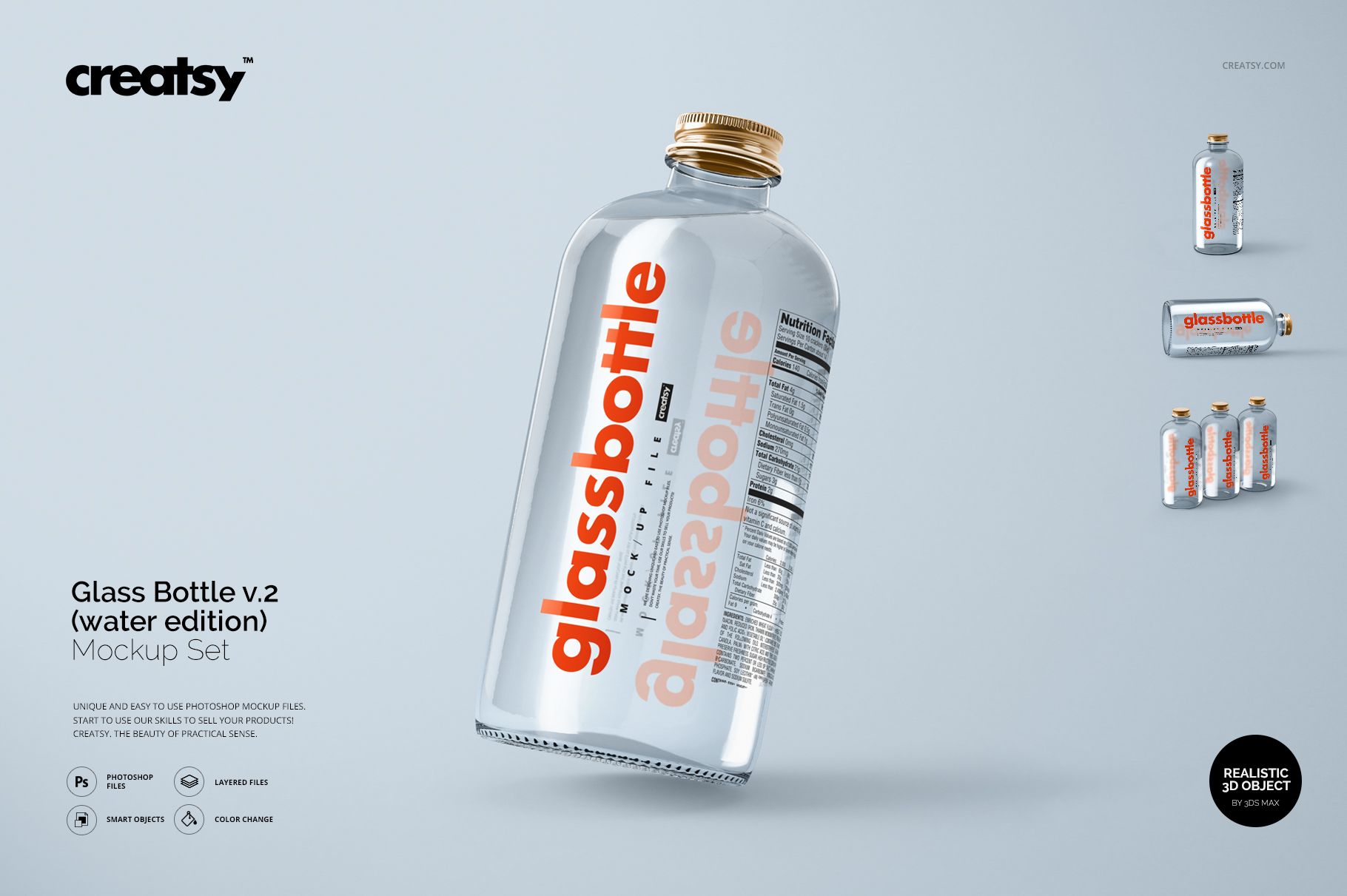
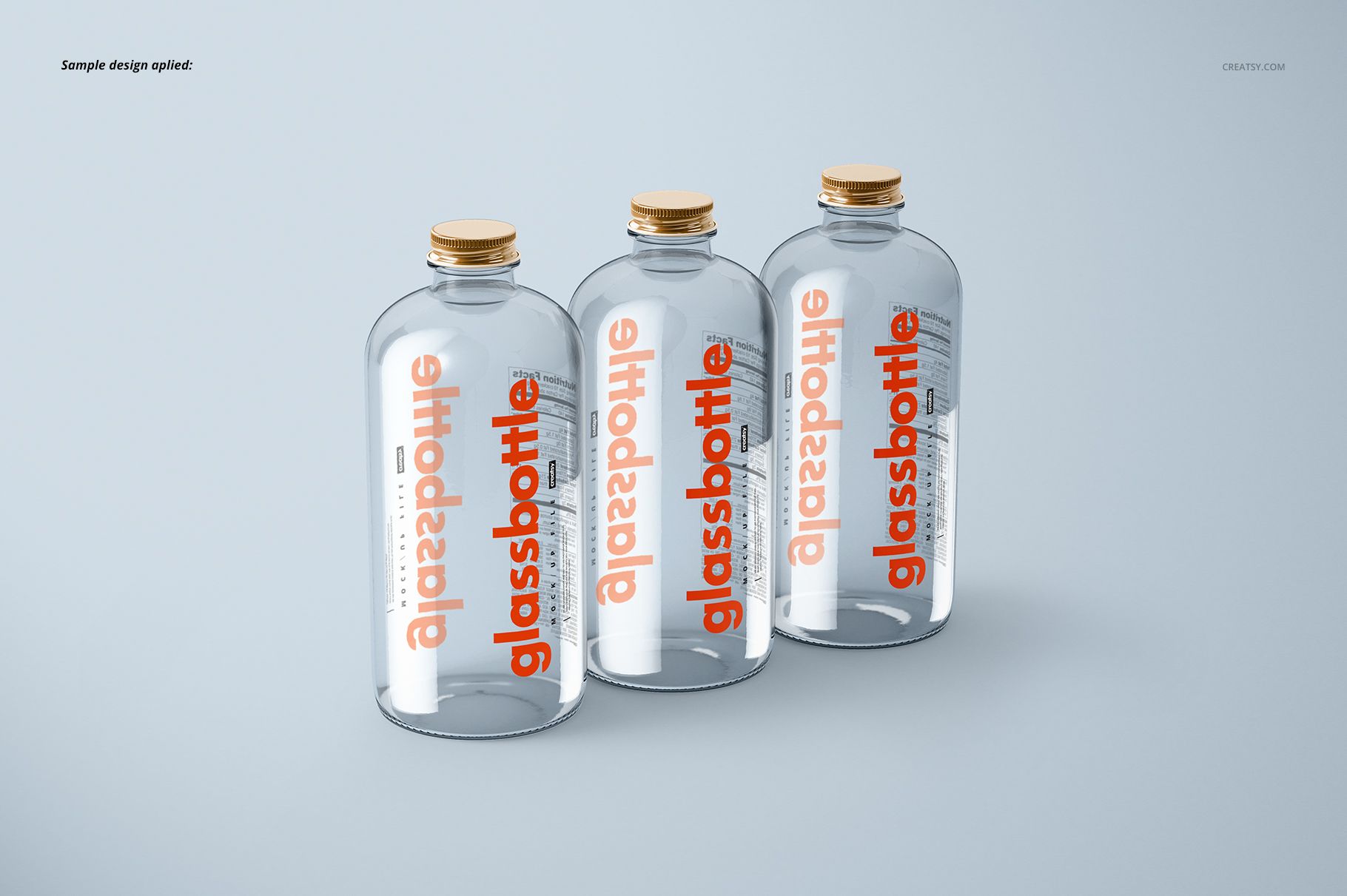
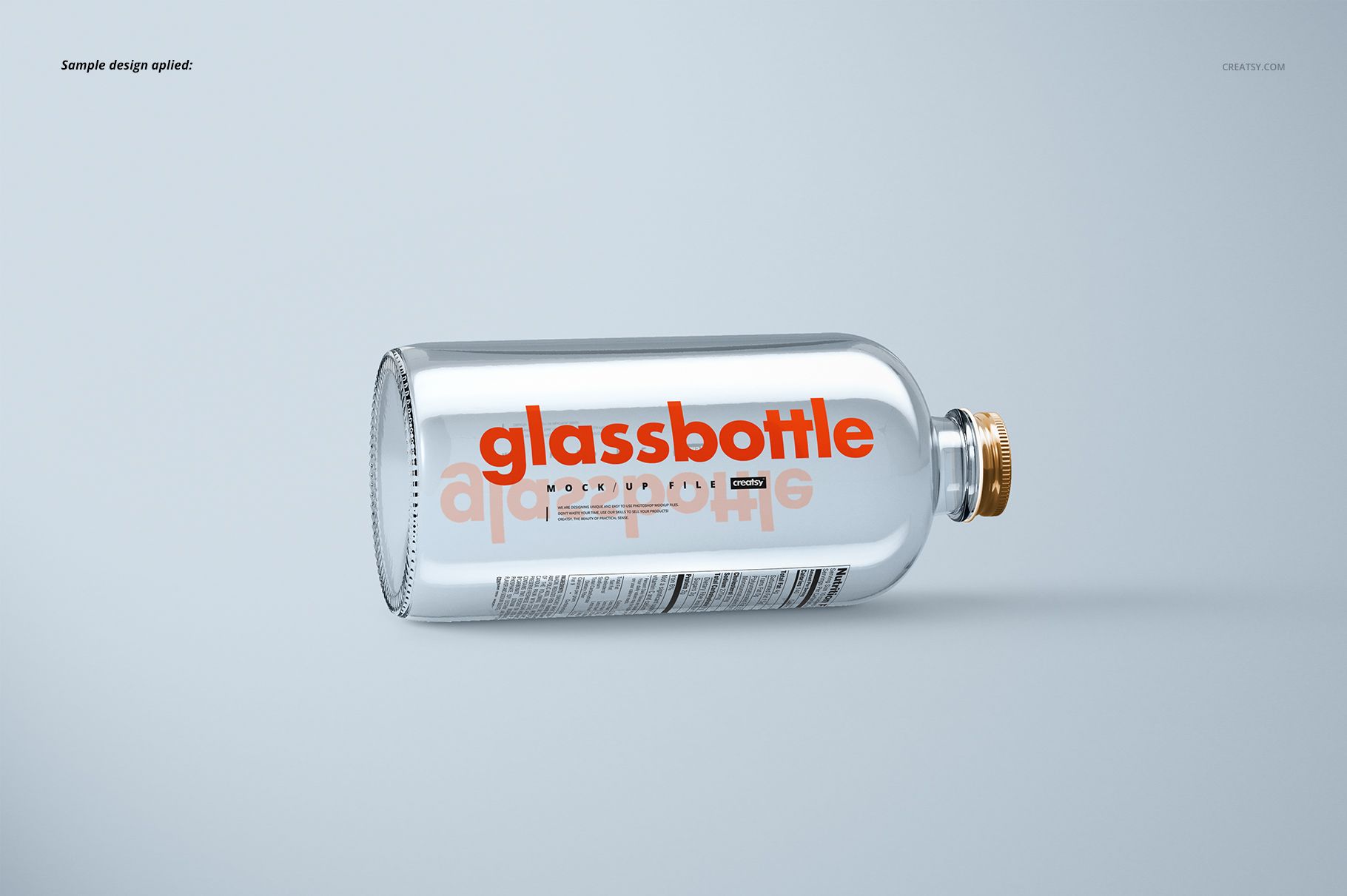
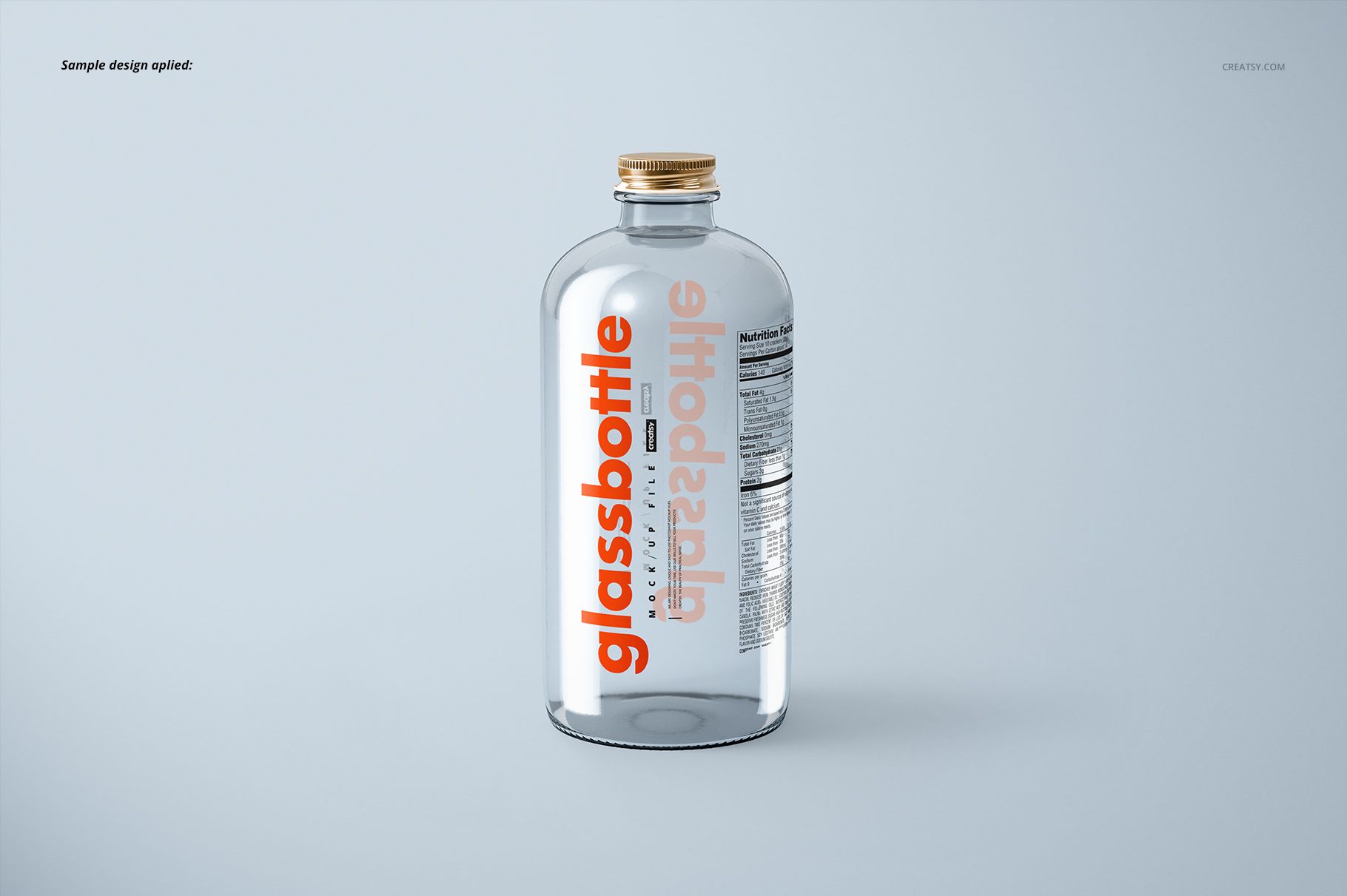
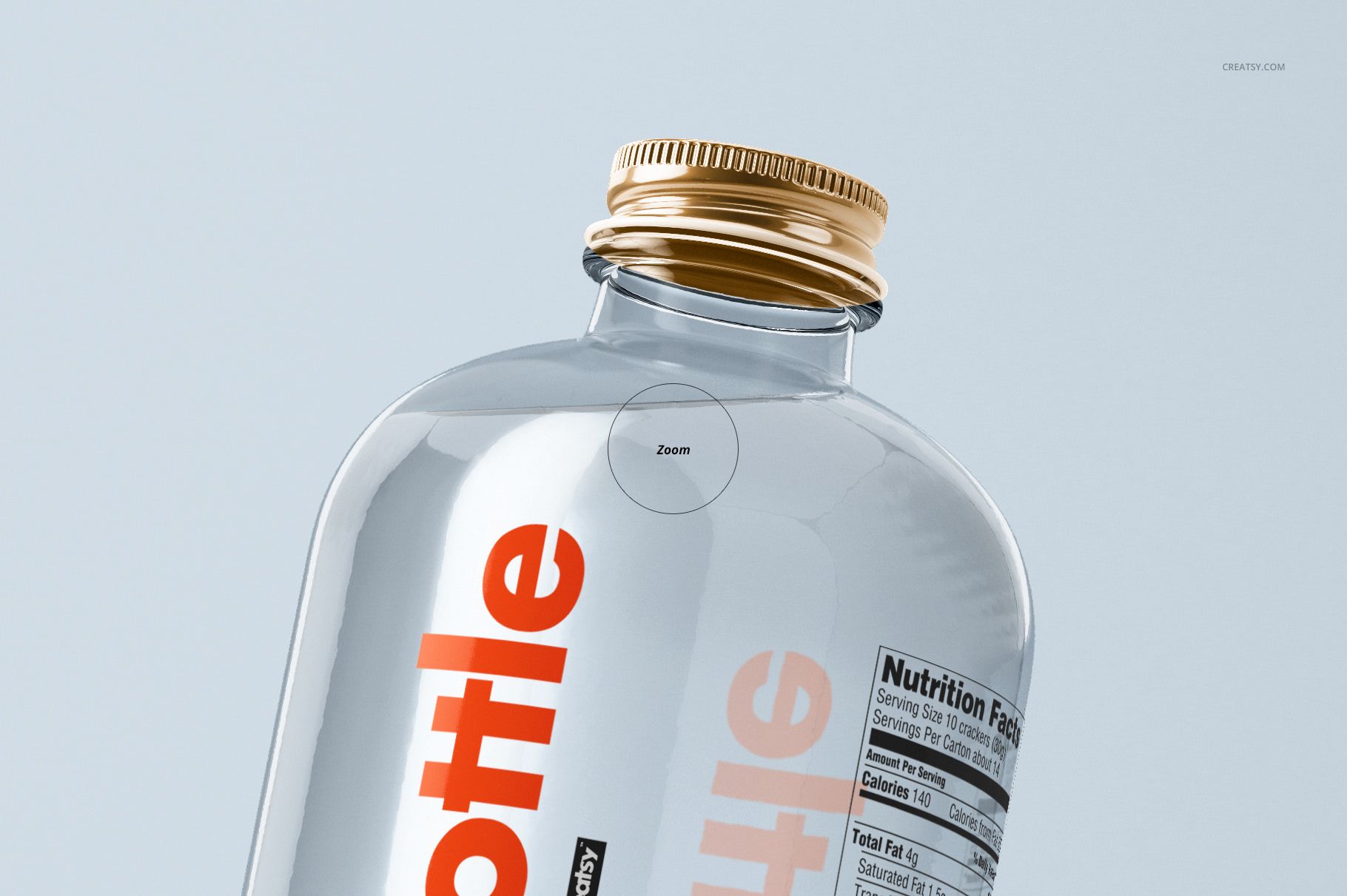
Clear glass makes the space behind a label part of the presentation. This glass water bottle mockup set shows transparent bottles with visible reflections and artwork seen through the body, helping you assess a water brand beyond the flat label layout.
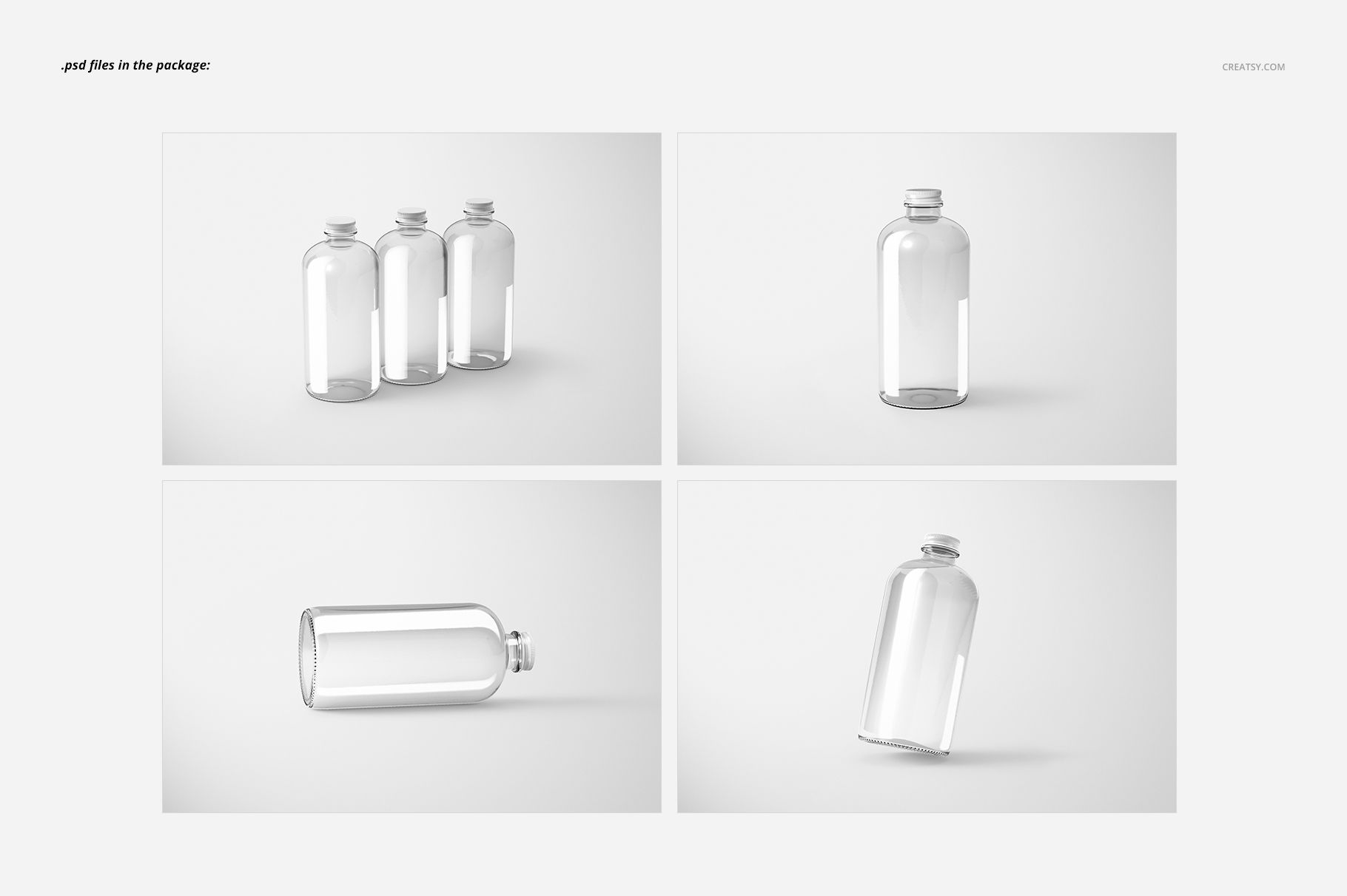
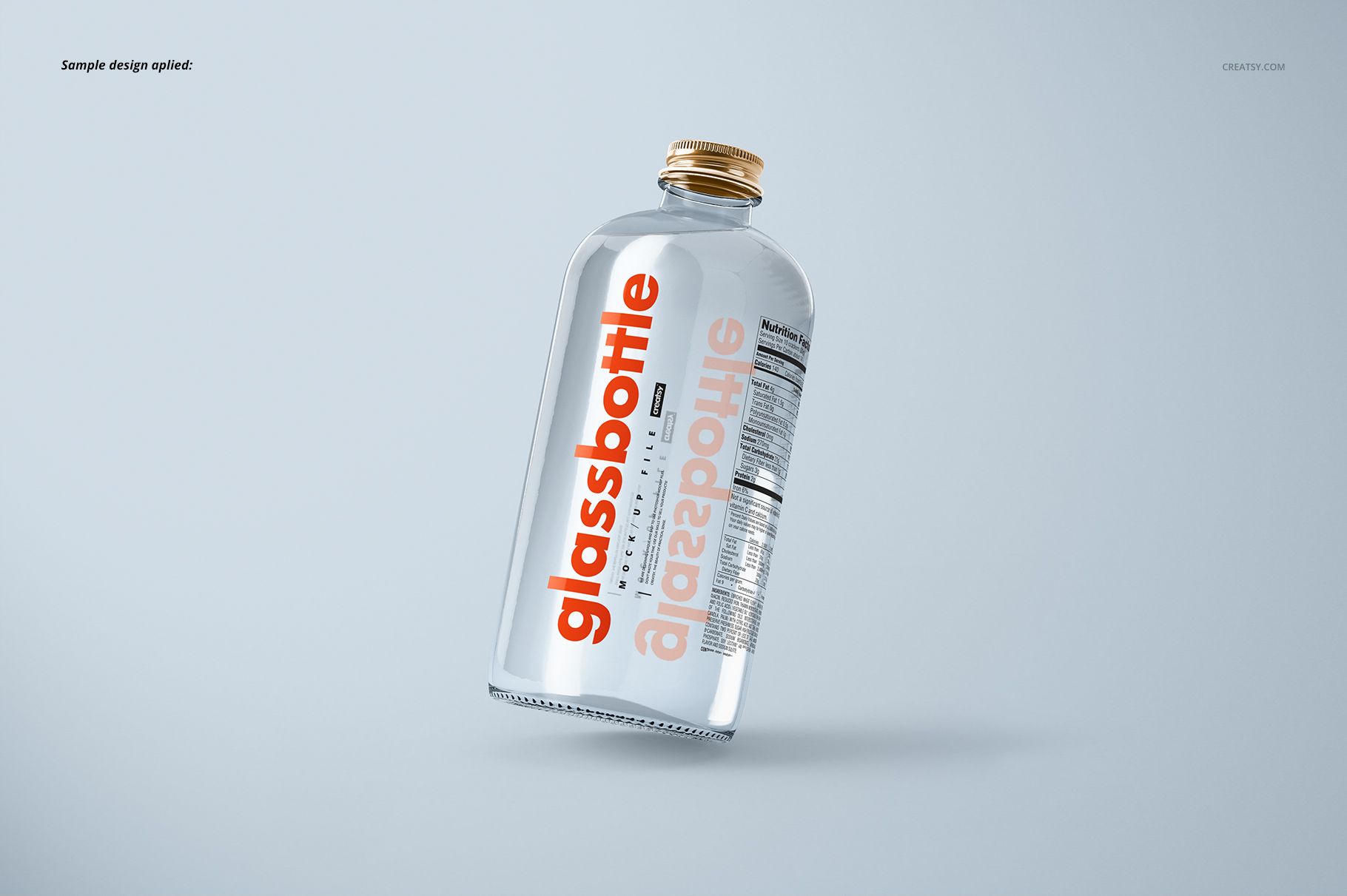
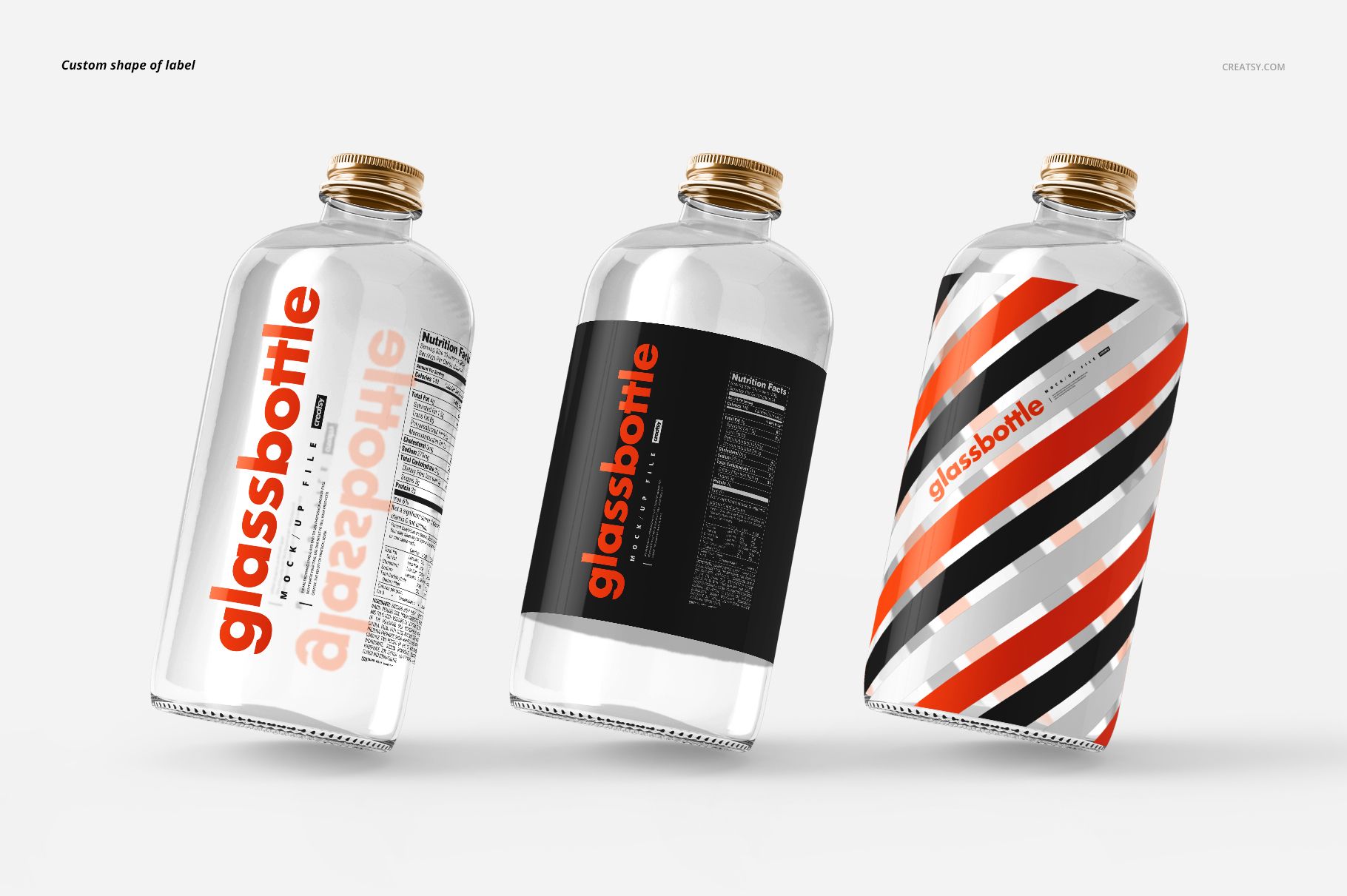
Four landscape PSD scenes cover a single upright bottle, a horizontal bottle, a tilted view and a three-bottle group. Use them to compare a minimal label with a more graphic packaging direction.
What Is Included
4 layered PSD mockup files, each 5250 × 3500 px at 300 DPI.
4 JPG preview images and 1 TIF guide, 9 files in total.
Four prepared compositions featuring clear glass water bottles.
Transparent Glass, Labels and Cap Finishes
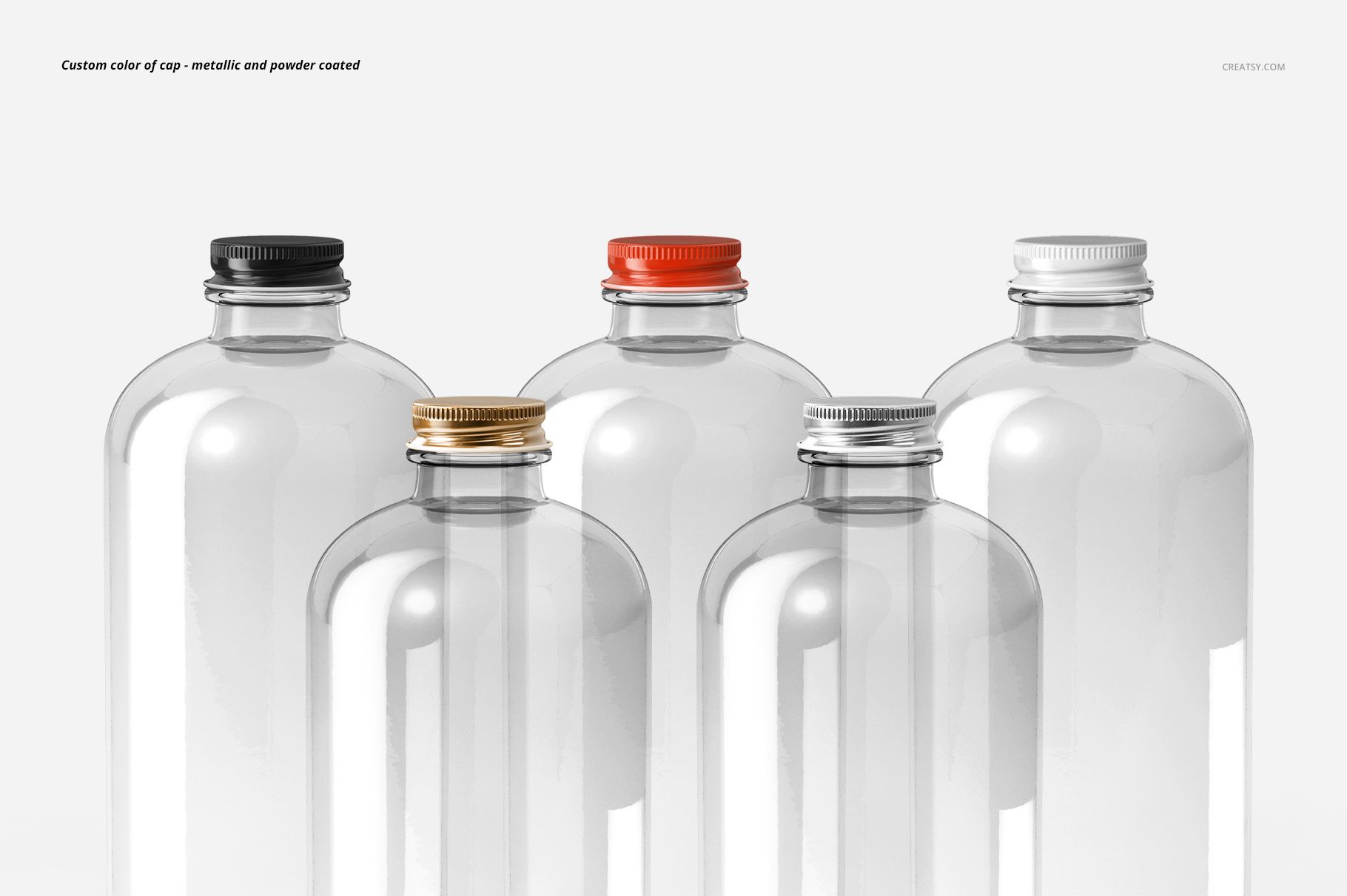
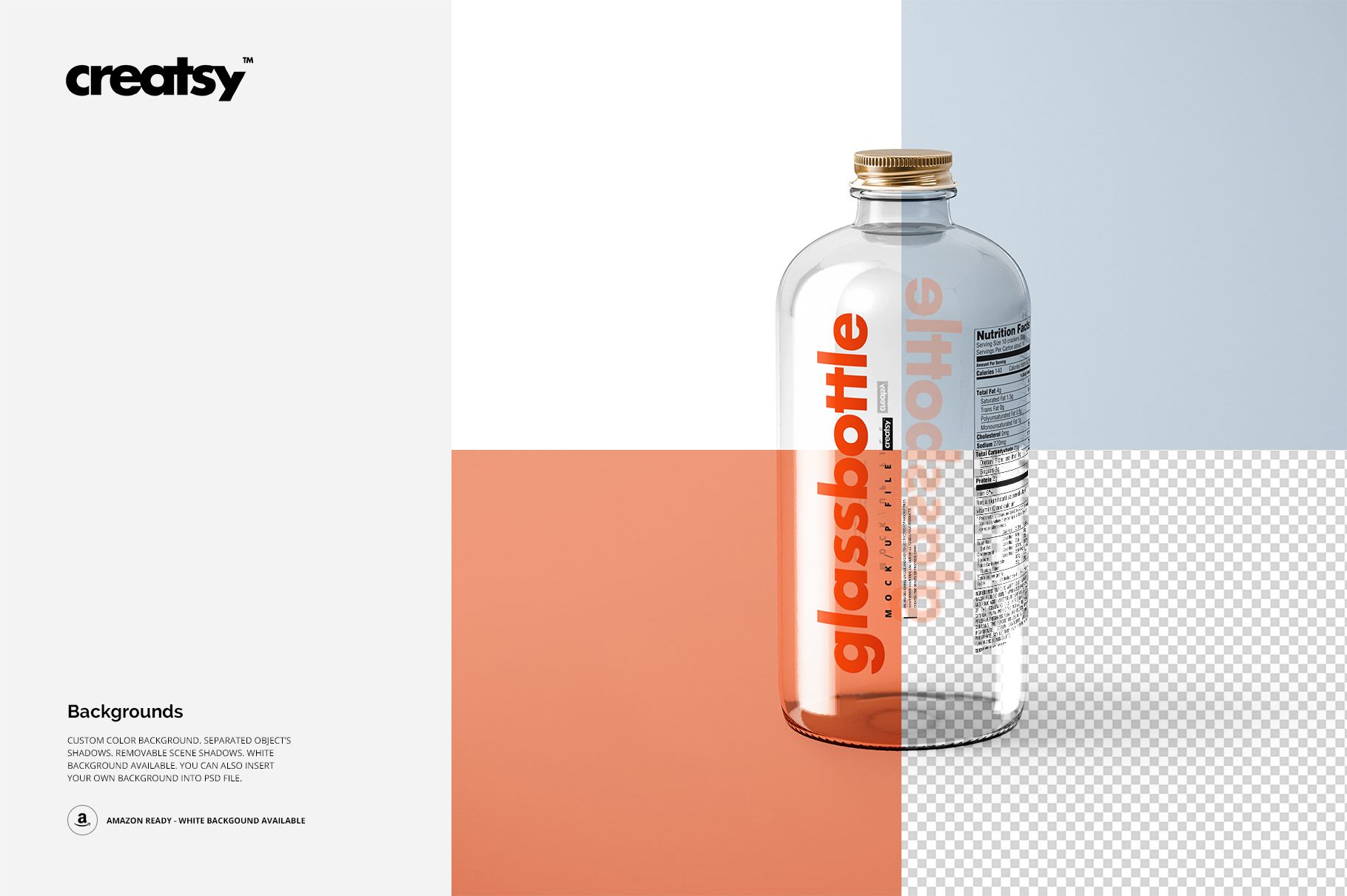
The bottle has a cylindrical body, rounded shoulders and a metallic screw cap. Edit your label artwork, colors and shape, then choose a metallic or powder coated cap treatment in a custom color. White and custom backgrounds, separate object shadows and removable scene shadows are demonstrated in the previews.
Easy Smart Object Editing
Use Adobe Photoshop CC2015 or newer. Open a PSD and the relevant artwork Smart Object, place your label design, then save the object to update the scene. Refine the available color and background controls using the organized layers and included TIF guide.
Perfect For
Bottled-water brand identities and label concepts.
Transparent packaging and custom sticker-shape presentations.
Beverage portfolios, client reviews and coordinated range visuals.
This is a digital mockup product. Physical bottles, water and the sample artwork used in the previews are not included.