Baseball Pants Long Mockup Set
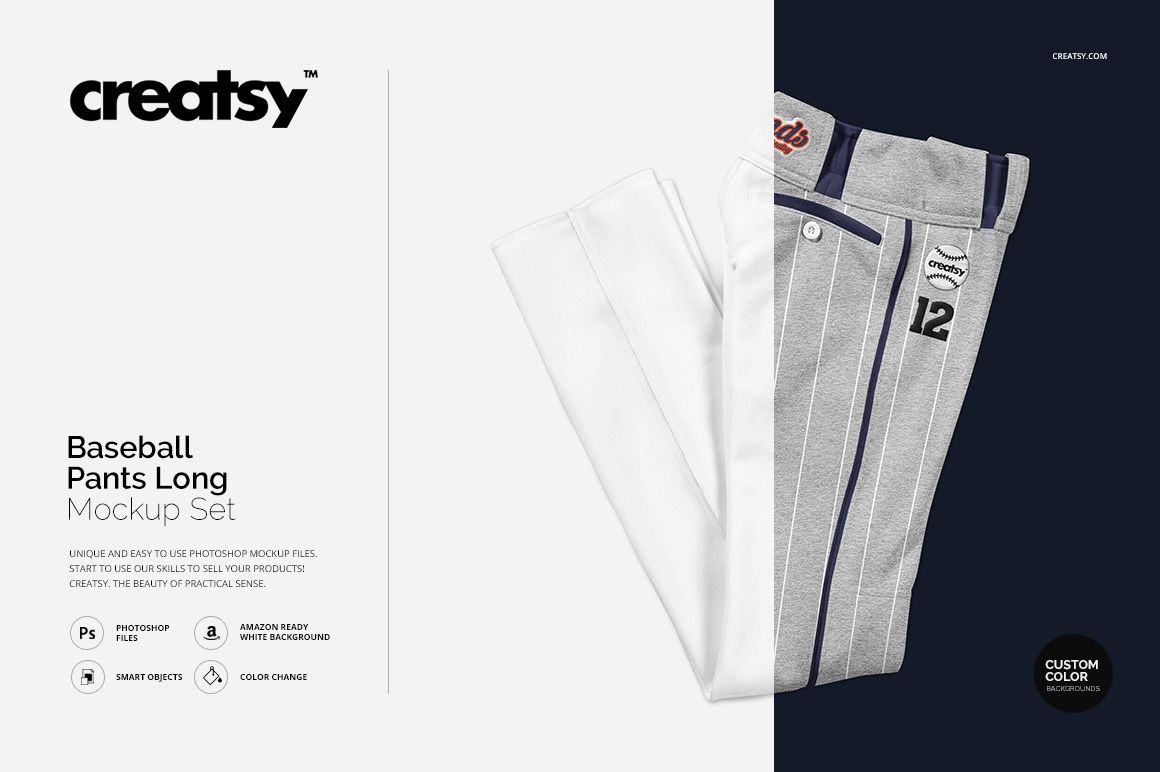
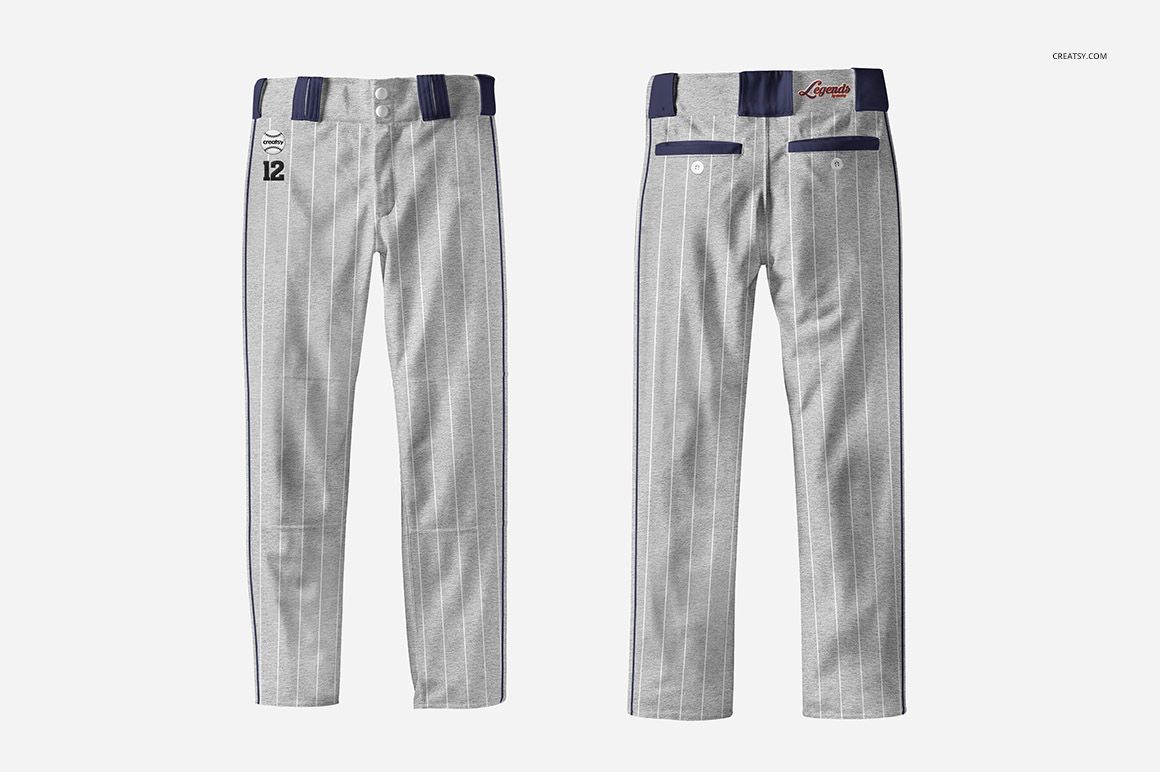
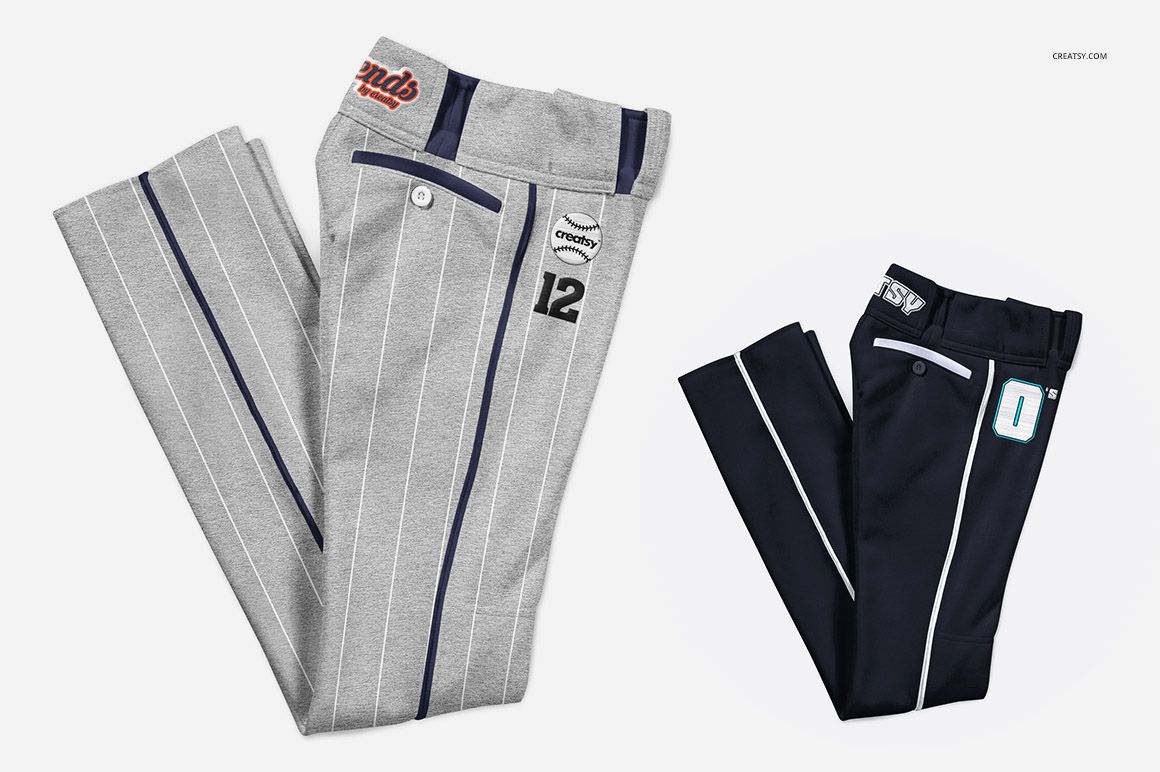
Present a complete long baseball pants design through front, back, and folded views. The two PSD scenes help you review artwork across the full garment, compare uniform colorways, and build a consistent presentation without arranging a physical photo shoot.
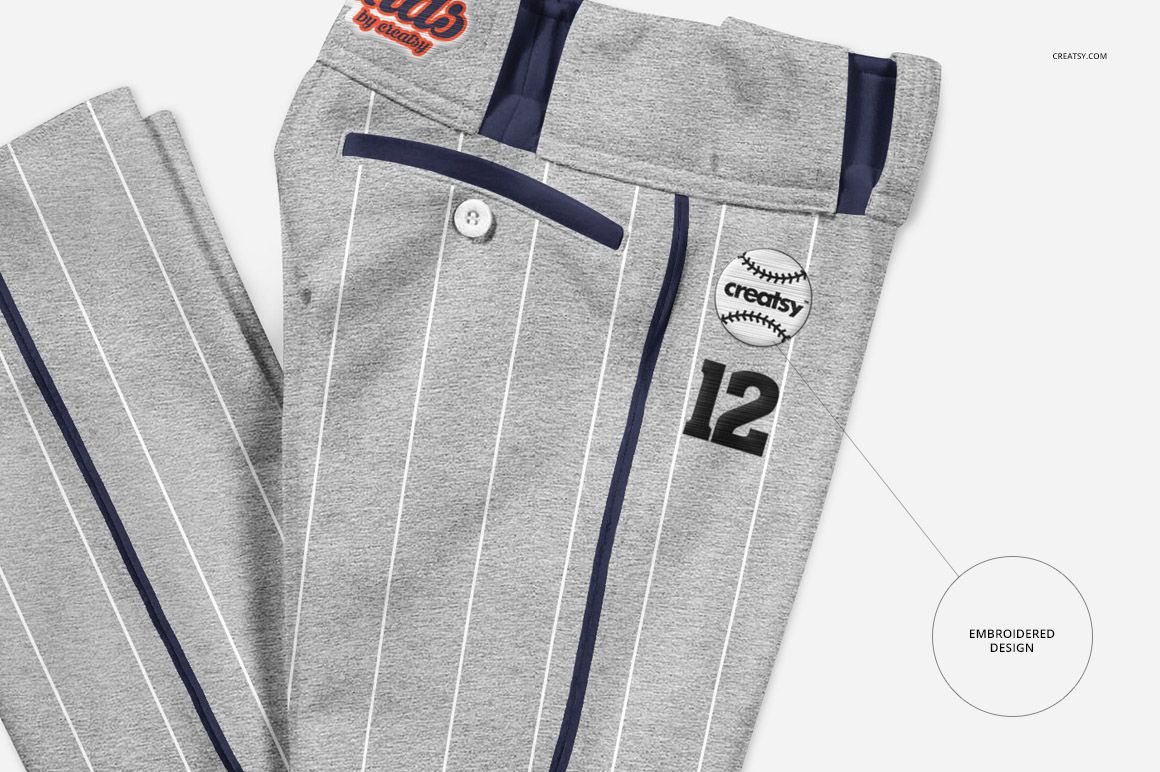
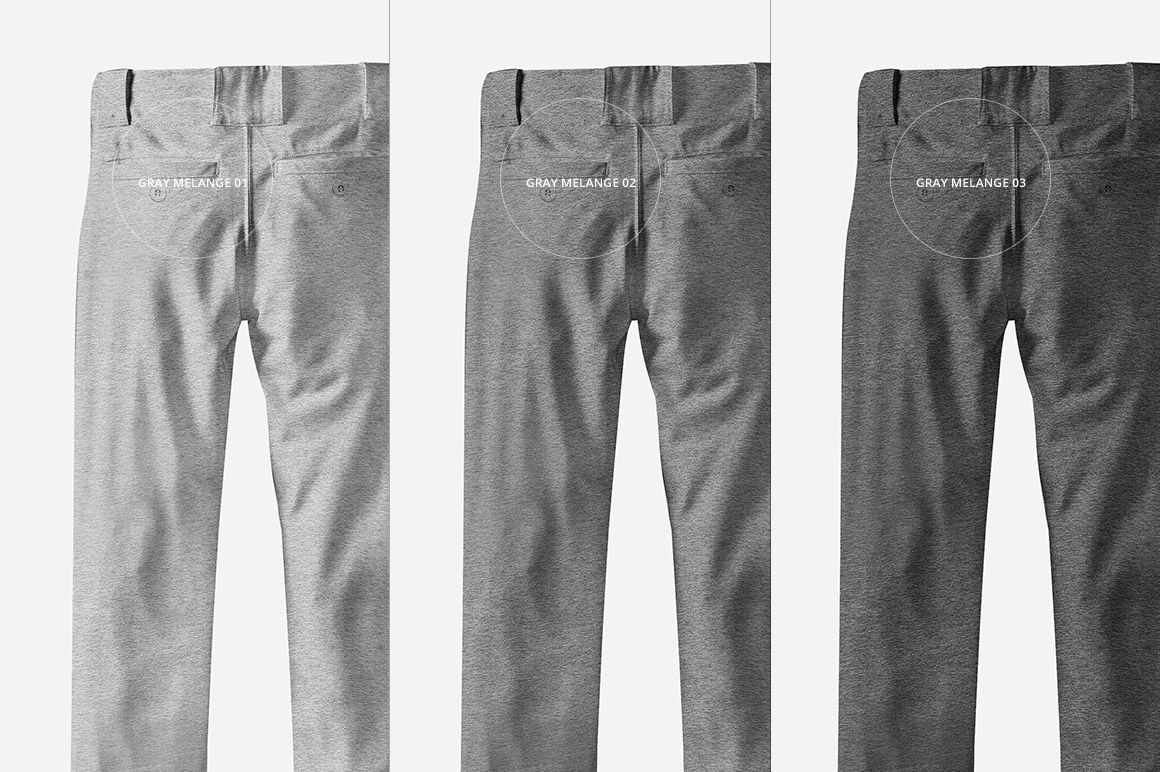
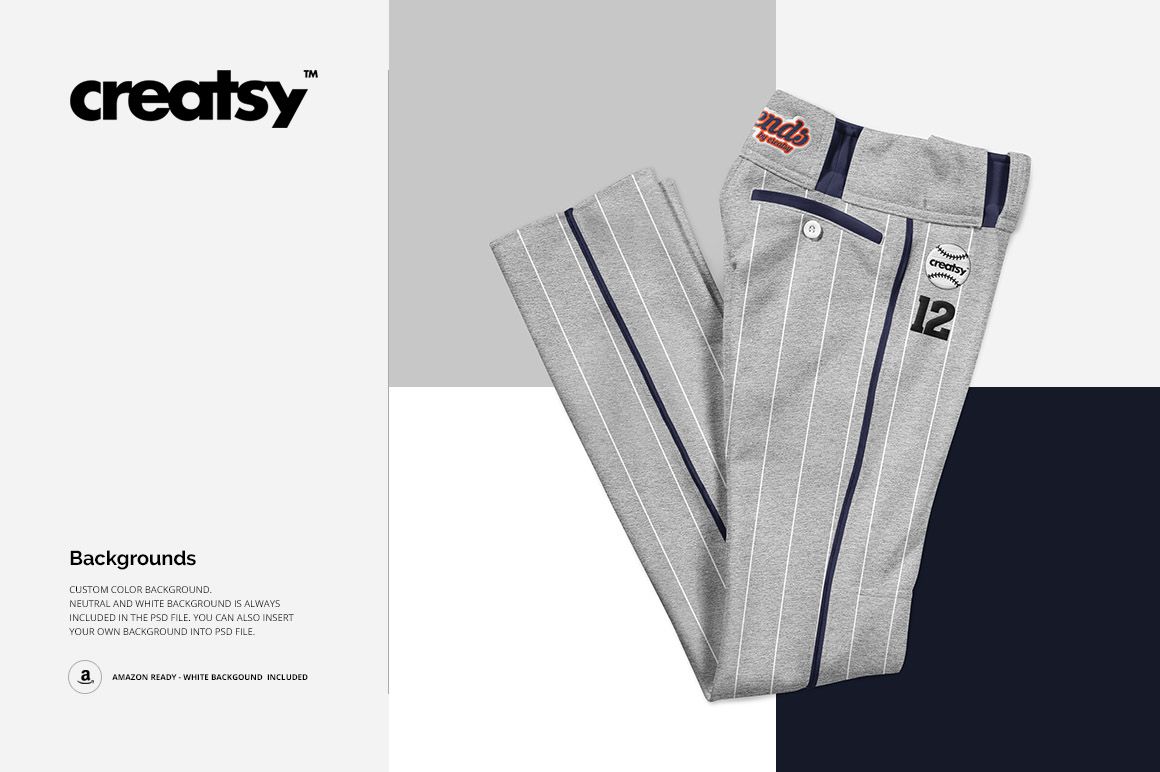
Gray melange options, classic pinstripes, contrast details, and an embroidery design effect make the set useful for team concepts, sponsor graphics, player numbers, and coordinated baseball apparel.
What Is Included
2 layered PSD mockup files: Back and Front.psd and Folded.psd
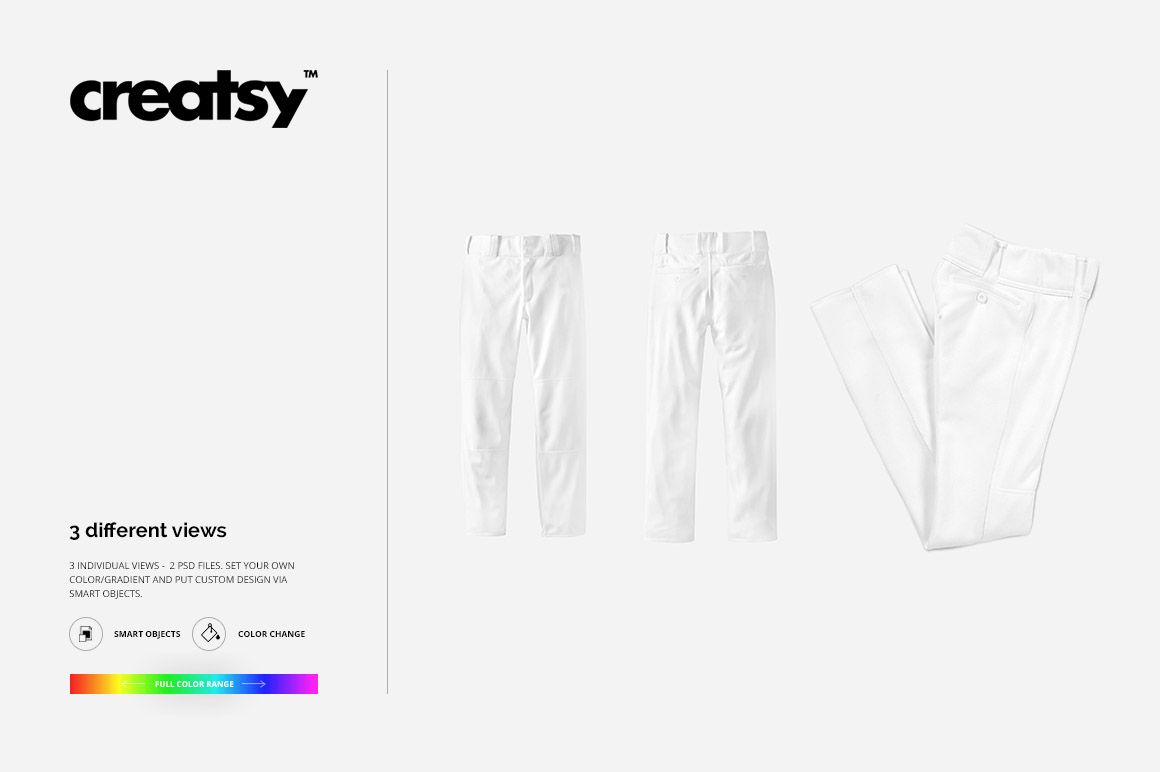
3 views in total: front, back, and folded
2 matching JPG preview files
1 TIFF guide
5 files in total
3 gray melange tone options
Neutral and white backgrounds, plus support for a custom background
Three Views Across Two PSD Files
Use the combined front and back scene to compare both sides of the pants in one layout, then add the folded scene for a closer product-focused view. Together, the three views can form a compact gallery for a uniform proposal, portfolio, or online store.
Smart Object Editing and Surface Options
Place custom artwork through Smart Objects, adjust the material and button colors, and explore pinstripes, solid colors, numbers, sponsor marks, or embroidery-style graphics. You can also choose a neutral or white background, set a custom color or gradient, or insert your own background.
Perfect For
Baseball teams and uniform suppliers
Sportswear and athletic apparel brands
Apparel designers and illustrators
Apparel print studios preparing visual previews
Client approvals, portfolios, catalogs, and ecommerce galleries
This is a digital mockup product. The logos, numbers, and graphics shown in the previews are presentation examples; no separate artwork asset is listed in the confirmed five-file package.