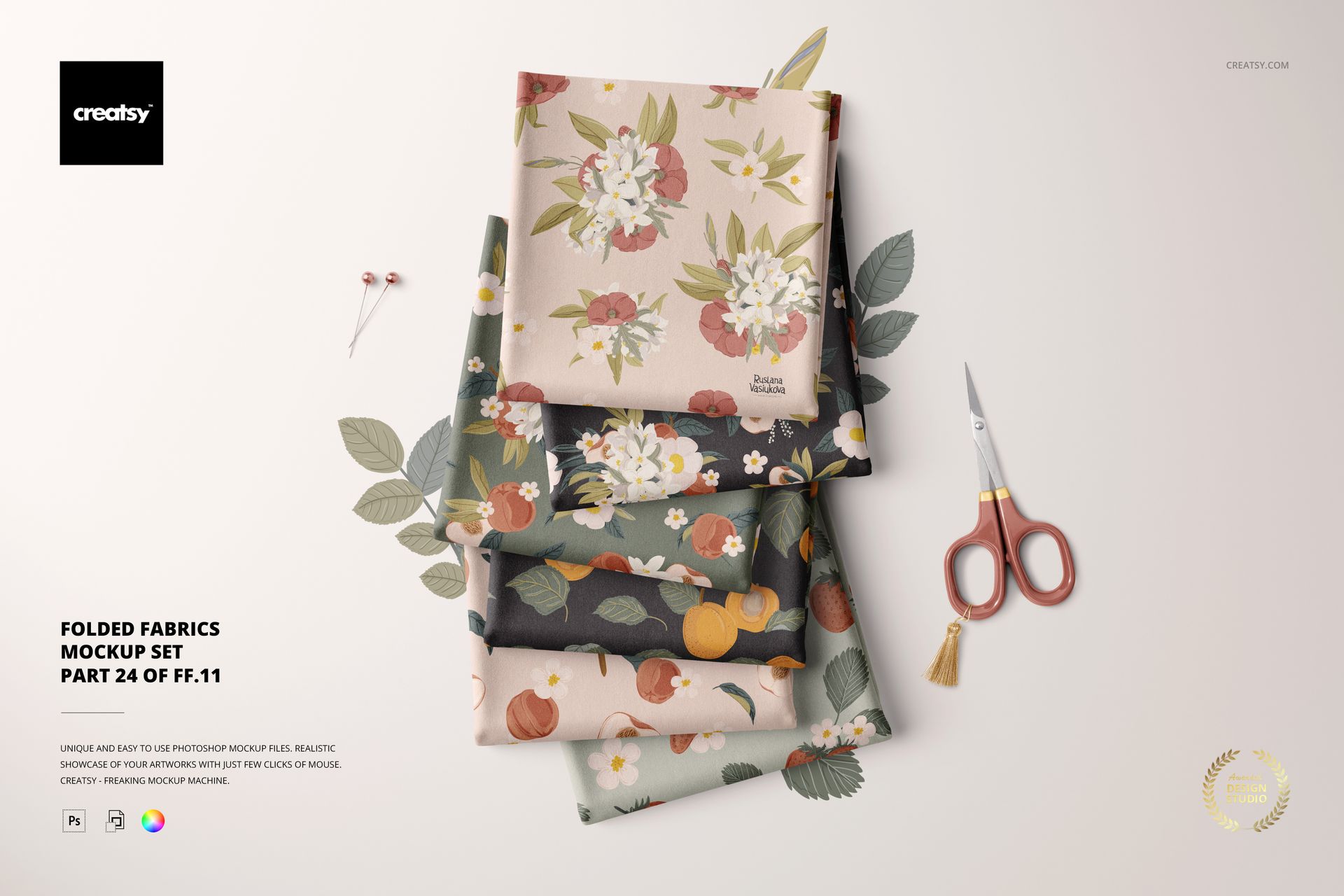
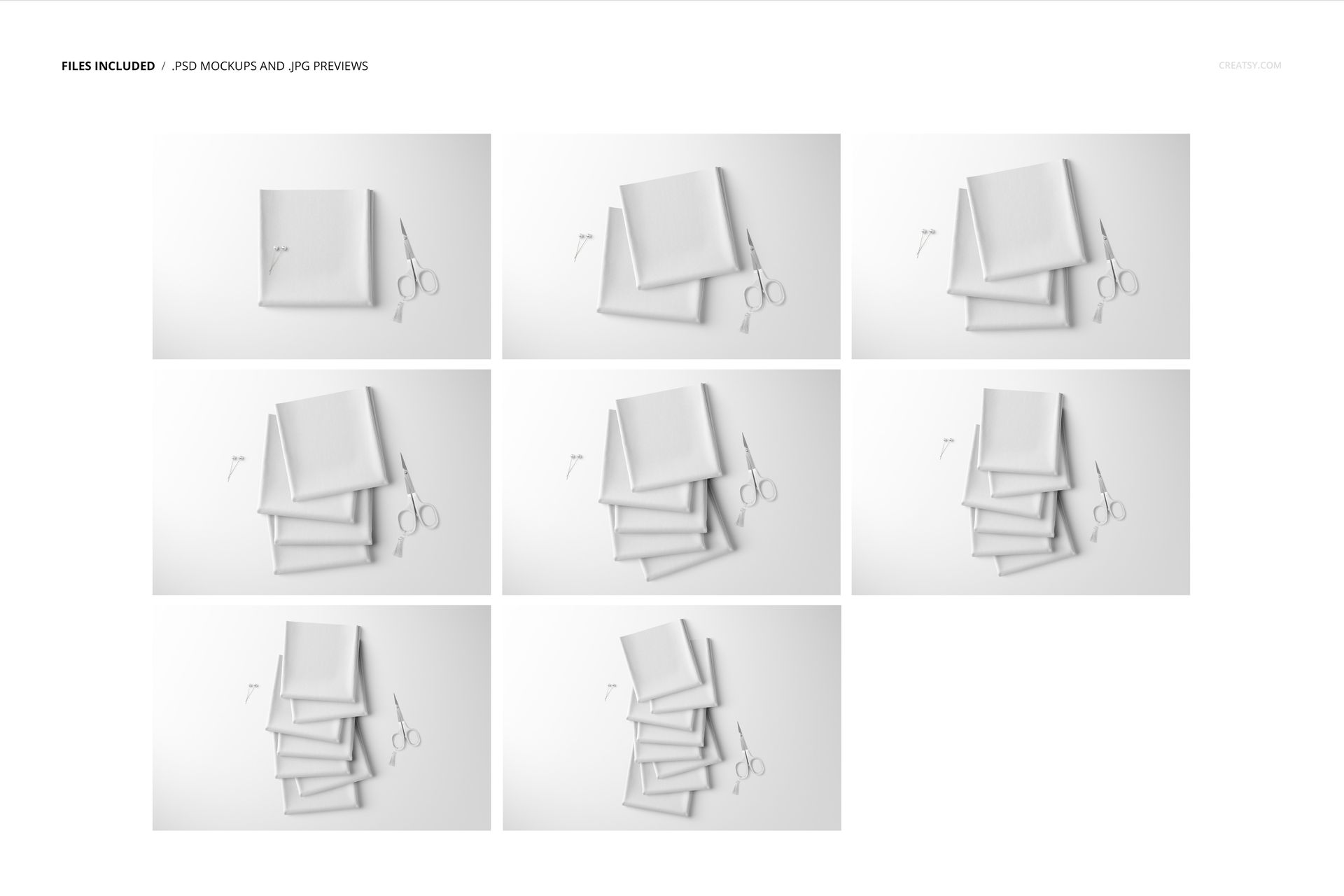
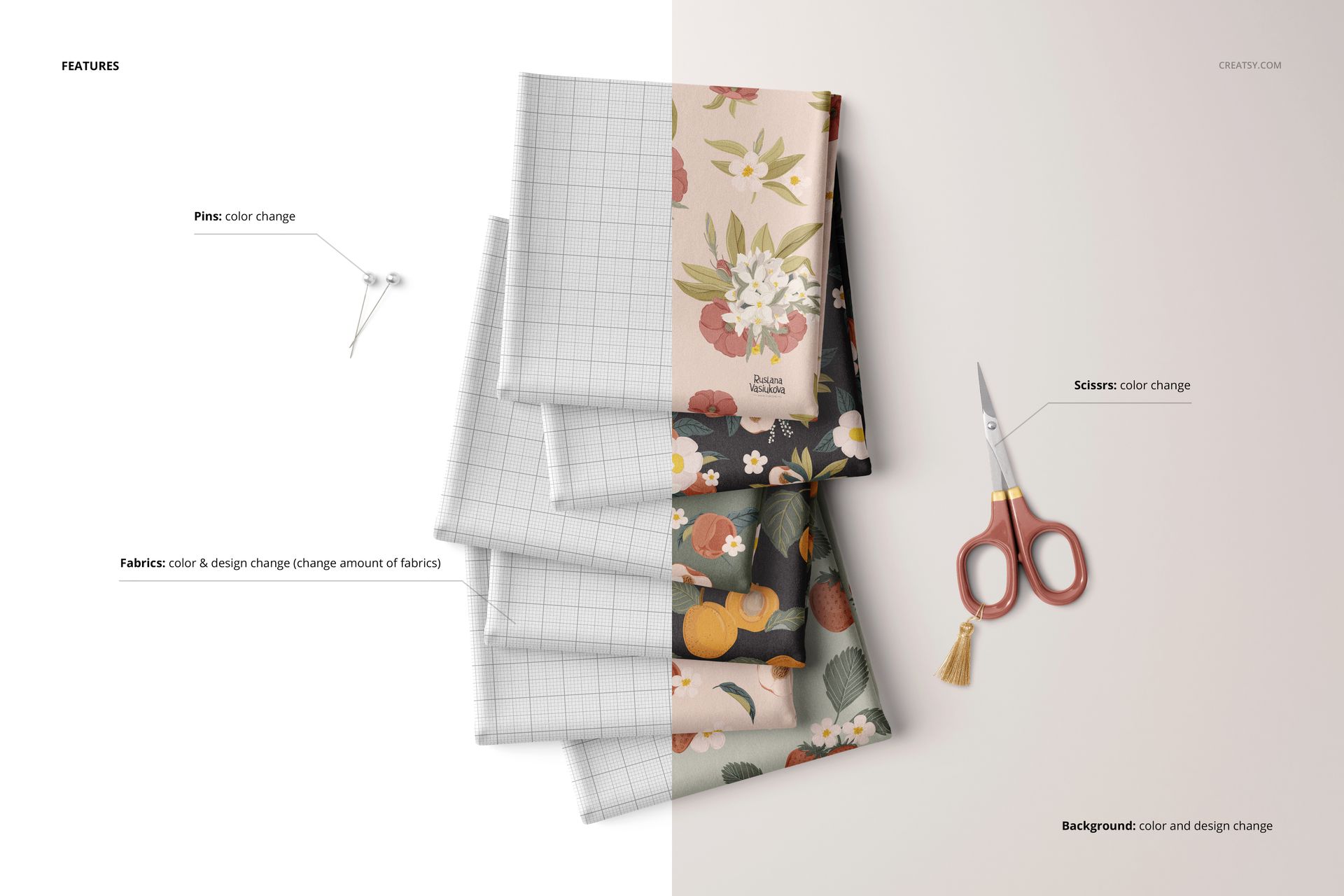
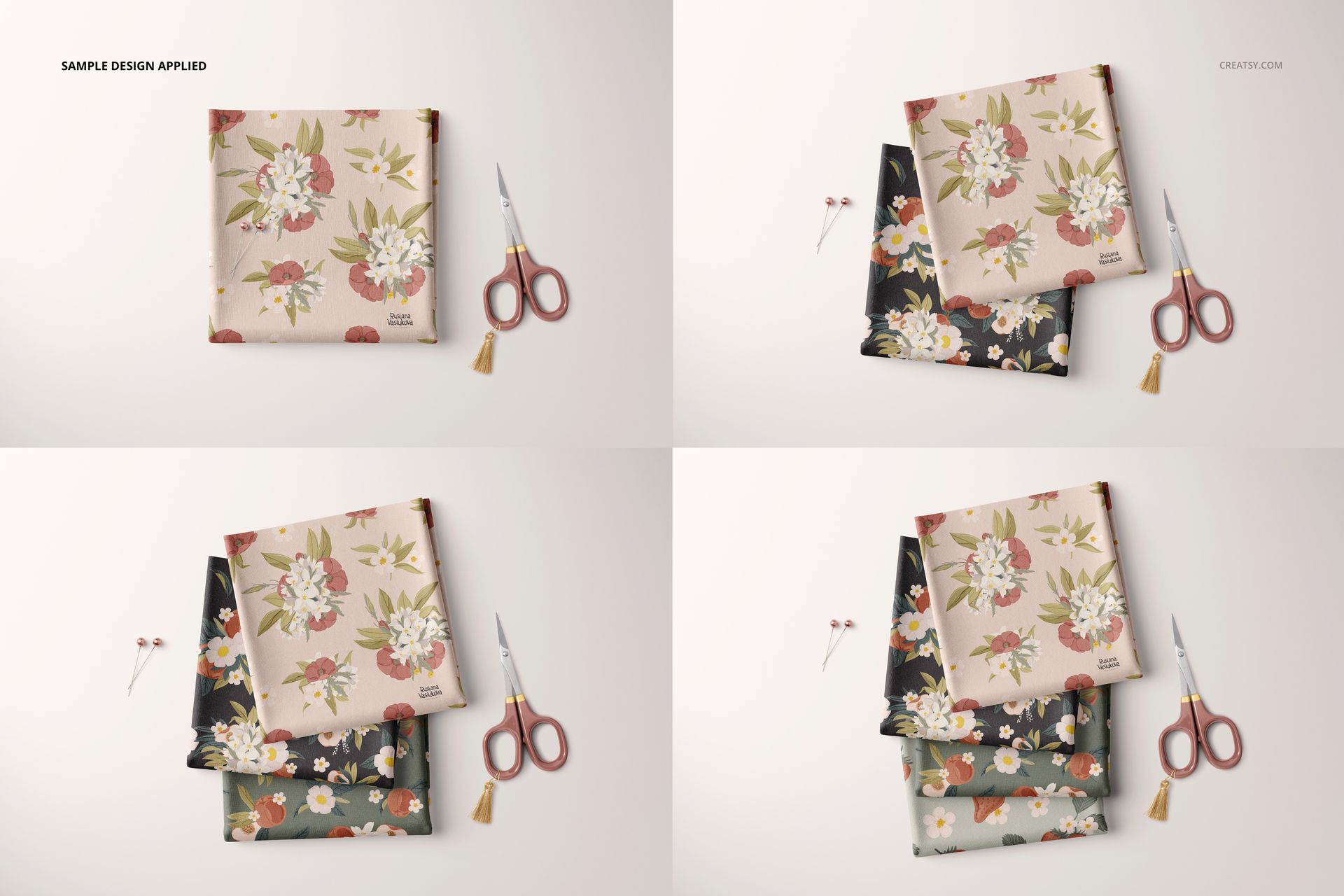
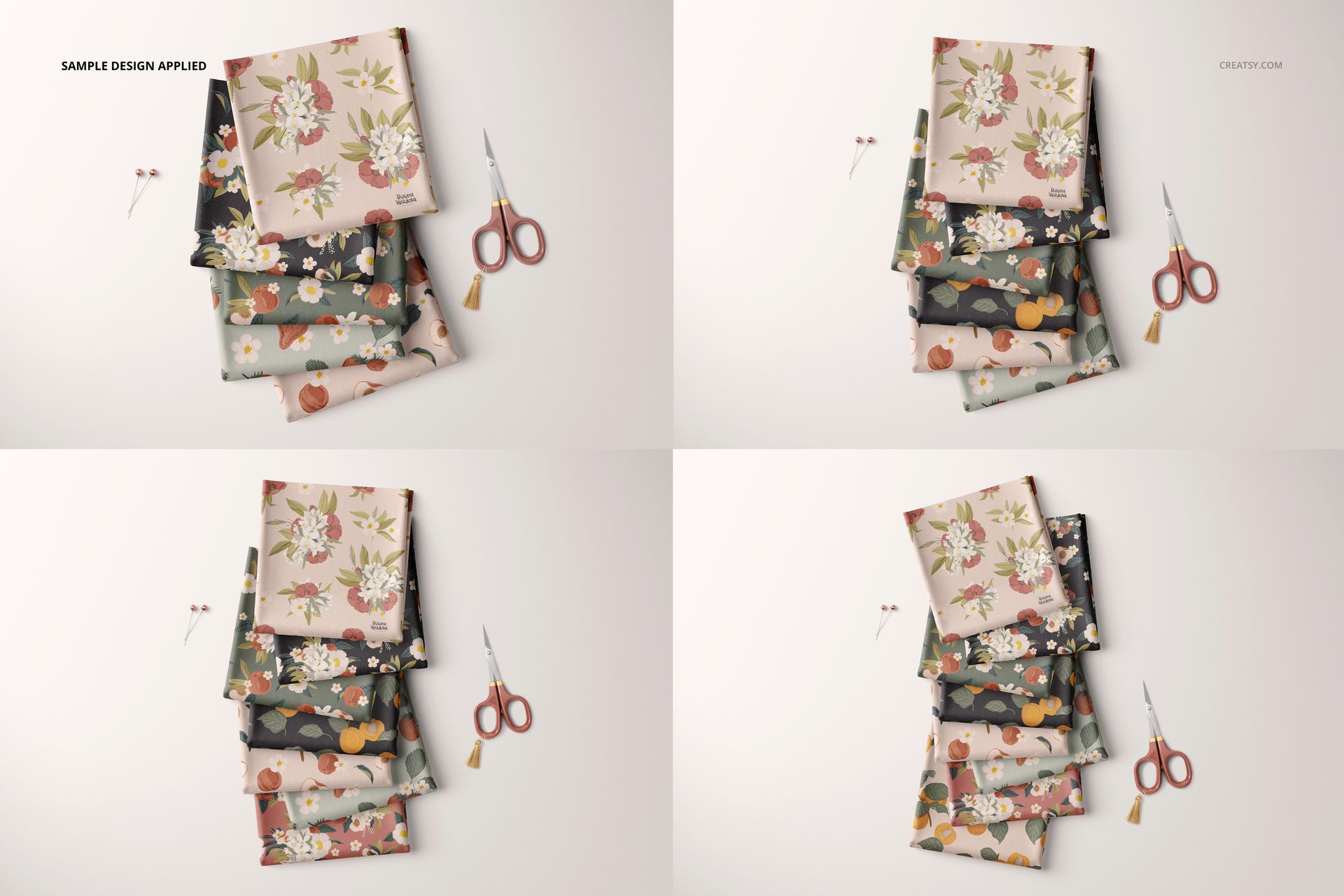
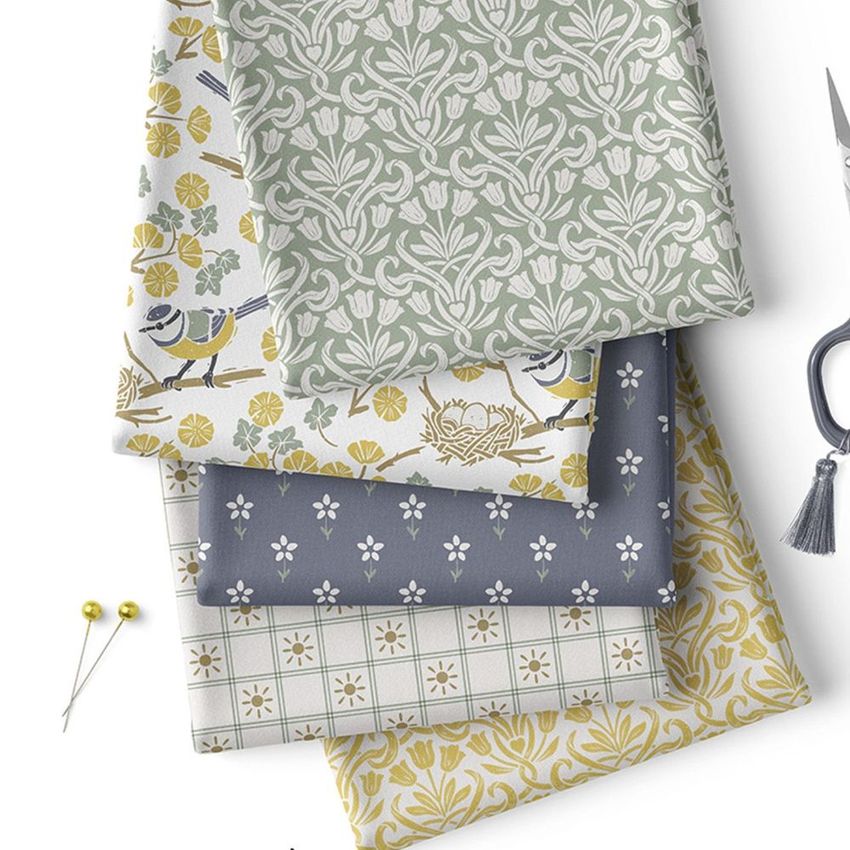
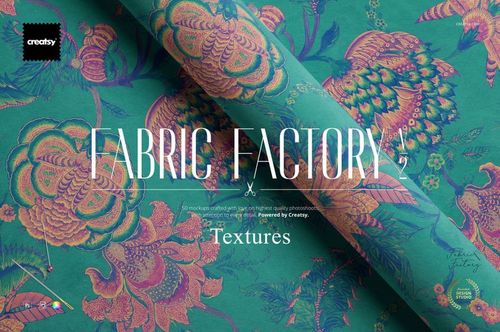
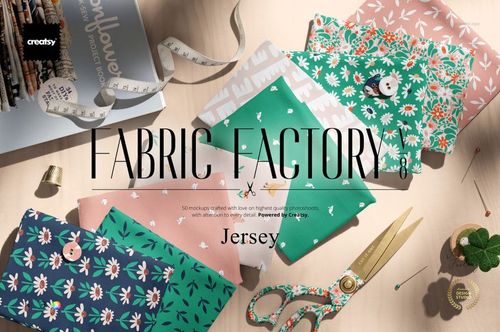
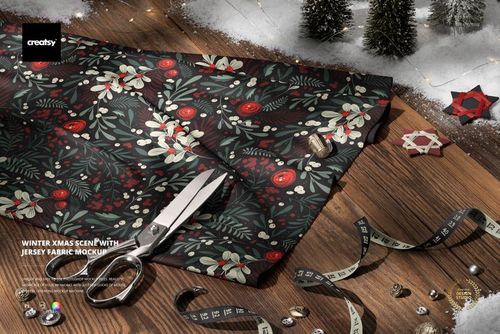
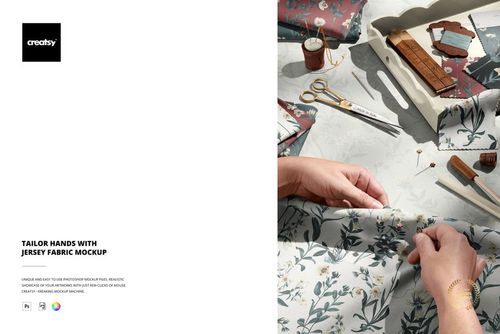
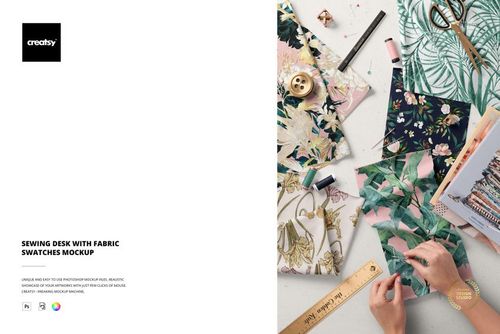
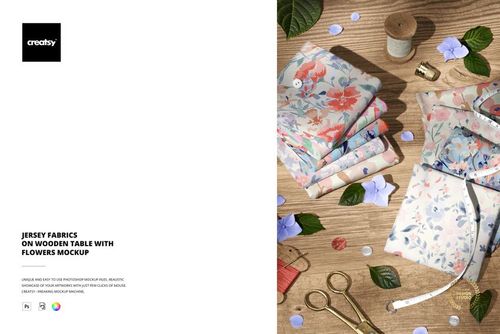
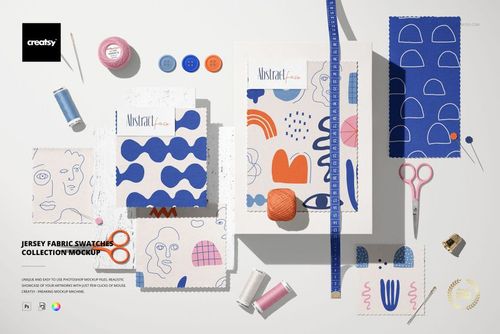
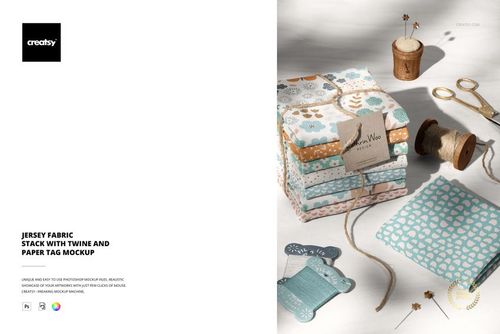
This is not a single-scene fabric mockup. It is a generator - a system of eight PSD files with interchangeable elements that let you build different folded fabric compositions by toggling layers on and off. You control the fabric design through smart objects, the number of visible fabric pieces through layer visibility, the background through switchable backdrop options, and the overall color mood through adjustment layers. The result is that eight files produce dozens of distinct final images depending on which combination of elements you activate. Example artwork shown in screenshots is by Ruslana Vasiukova and is not included in the download. These files require Adobe Photoshop CC 2020 or newer and do not support Photopea or other free PSD editors.
Generator vs. Standard Mockup
A standard fabric mockup gives you one composition with one smart object. You apply your pattern, export, and you are done. A generator gives you a construction kit. Each file contains multiple fabric piece layers that can be shown or hidden independently, which means you decide how many folded pieces appear in the frame. Show all of them for a rich, layered composition. Show just two for a minimal product shot. Show one for a focused single-swatch presentation. Multiply that flexibility across eight different base compositions with different fold arrangements and camera angles, and the number of unique images you can produce from this single purchase is substantially higher than what you get from a typical fabric mockup set.
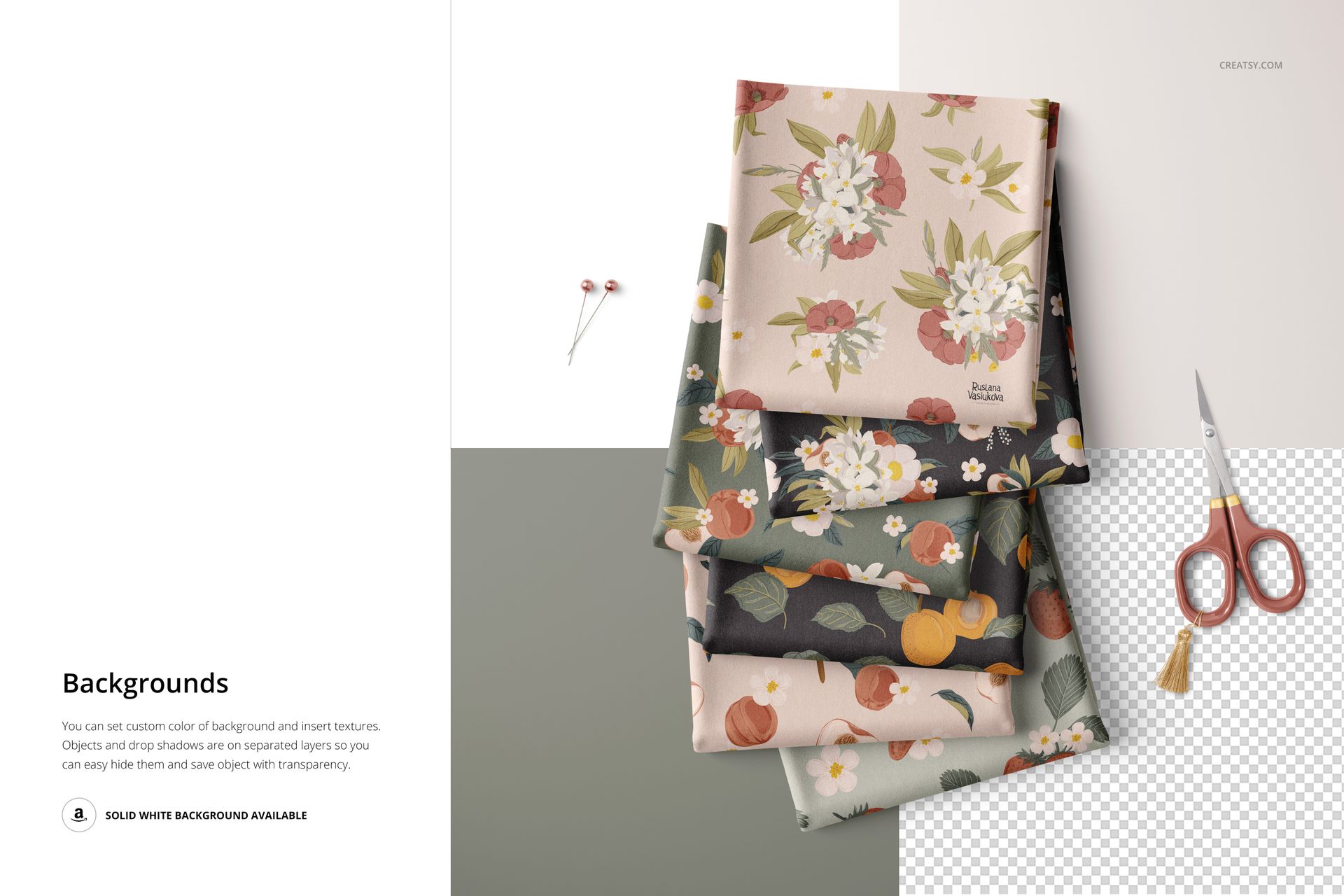
Background Control
Each file includes switchable background layers. Toggle between options in the layers panel to change the surface beneath the folded fabric without repositioning anything else in the scene. This means you can generate a white-background version for your e-commerce listing, a textured surface version for an Instagram post, and a colored backdrop version for a seasonal campaign, all from the same file with the same fabric design applied.
Editable Components
Smart objects handle the fabric pattern on every visible piece. Color layers let you change the overall fabric base color independently of the pattern, which is useful for testing how the same print looks on different colored grounds. The number of fabric pieces in the scene is adjustable through layer visibility. Background selection is handled through layer toggling. Drop shadows and lighting respond automatically to whichever fabric pieces are visible, maintaining realistic shadow behavior regardless of your configuration.
Compatibility
All eight files work exclusively in Adobe Photoshop CC 2020 or newer. They do not open correctly in Photopea, GIMP, Affinity Photo, or other alternative editors. The generator functionality - layer toggling, displacement mapping, shadow automation - depends on Photoshop-specific features that free editors cannot reproduce.
Technical Specifications
Eight PSD files, each at 6000 by 4000 pixels, 300 DPI, RGB color mode. Total download is 3.21 GB as a ZIP archive. The large file size reflects the complexity of the layered system: multiple fabric pieces with individual displacement maps, switchable backgrounds, and automated shadow layers all contribute to the weight. Layers are organized into clearly labeled groups within each file.