High Heels Soles Mockup Set
The sole of a bridal shoe is easy to overlook, but it can become one of the most personal details of the entire wedding look.
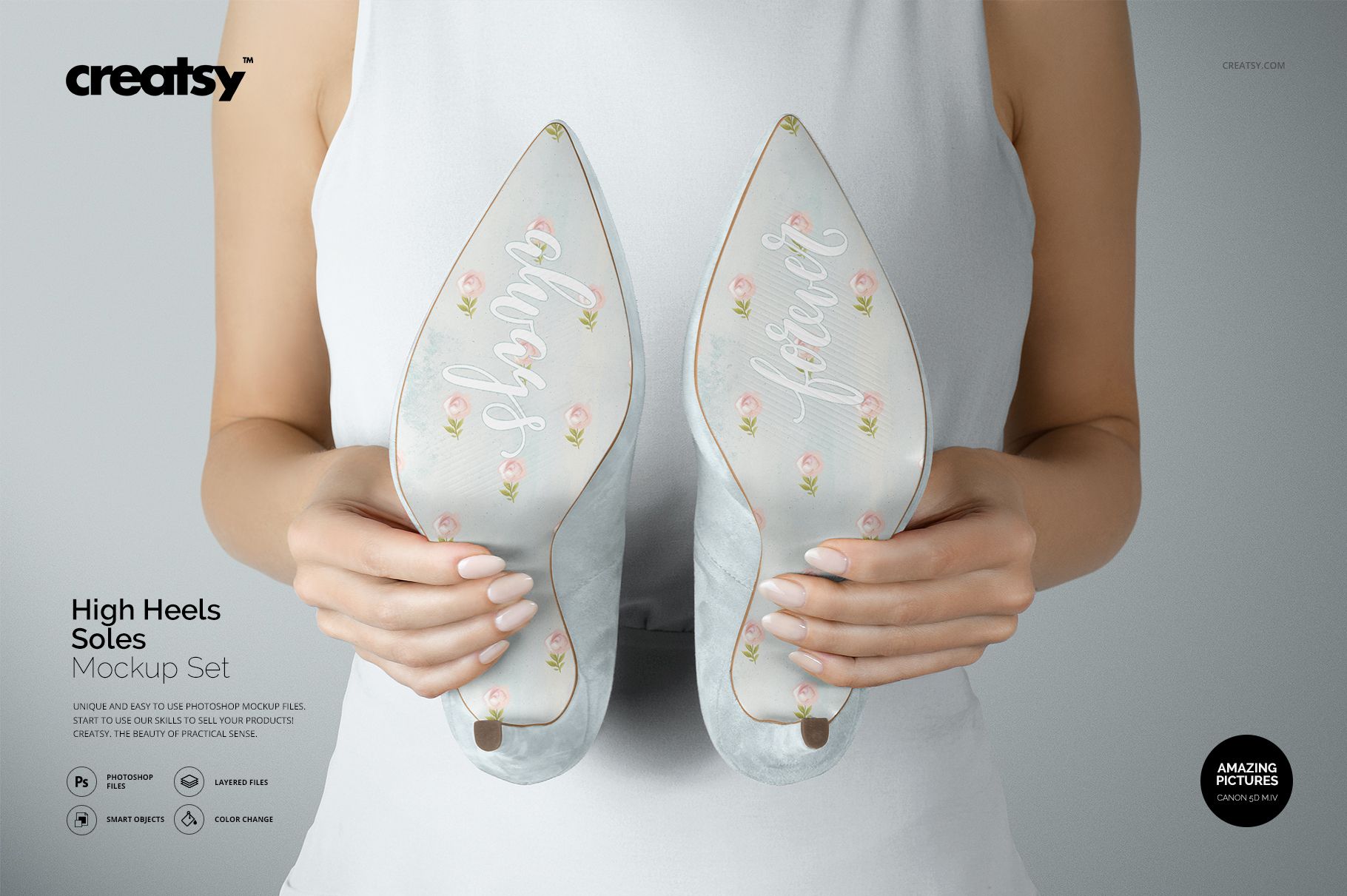
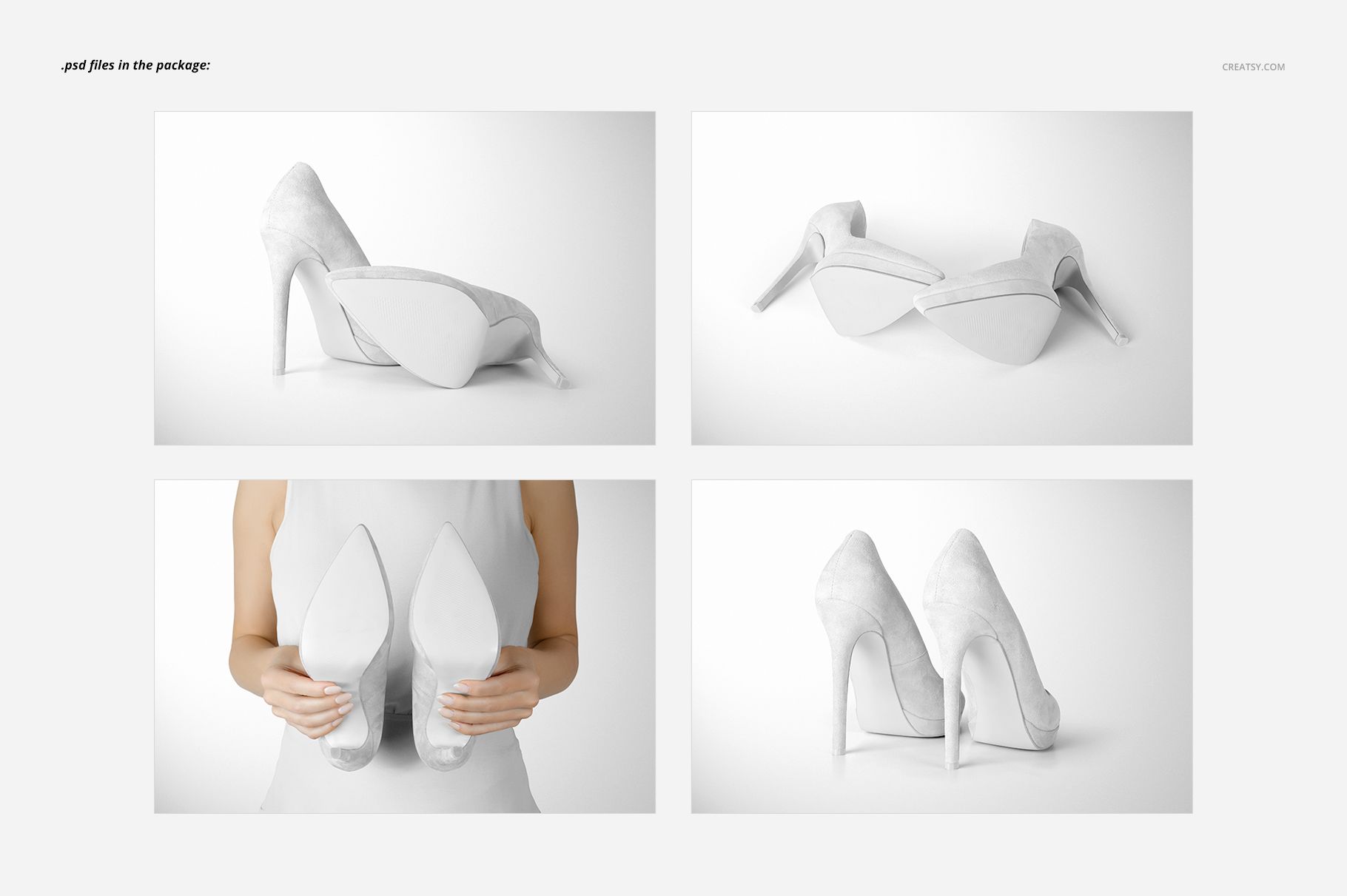
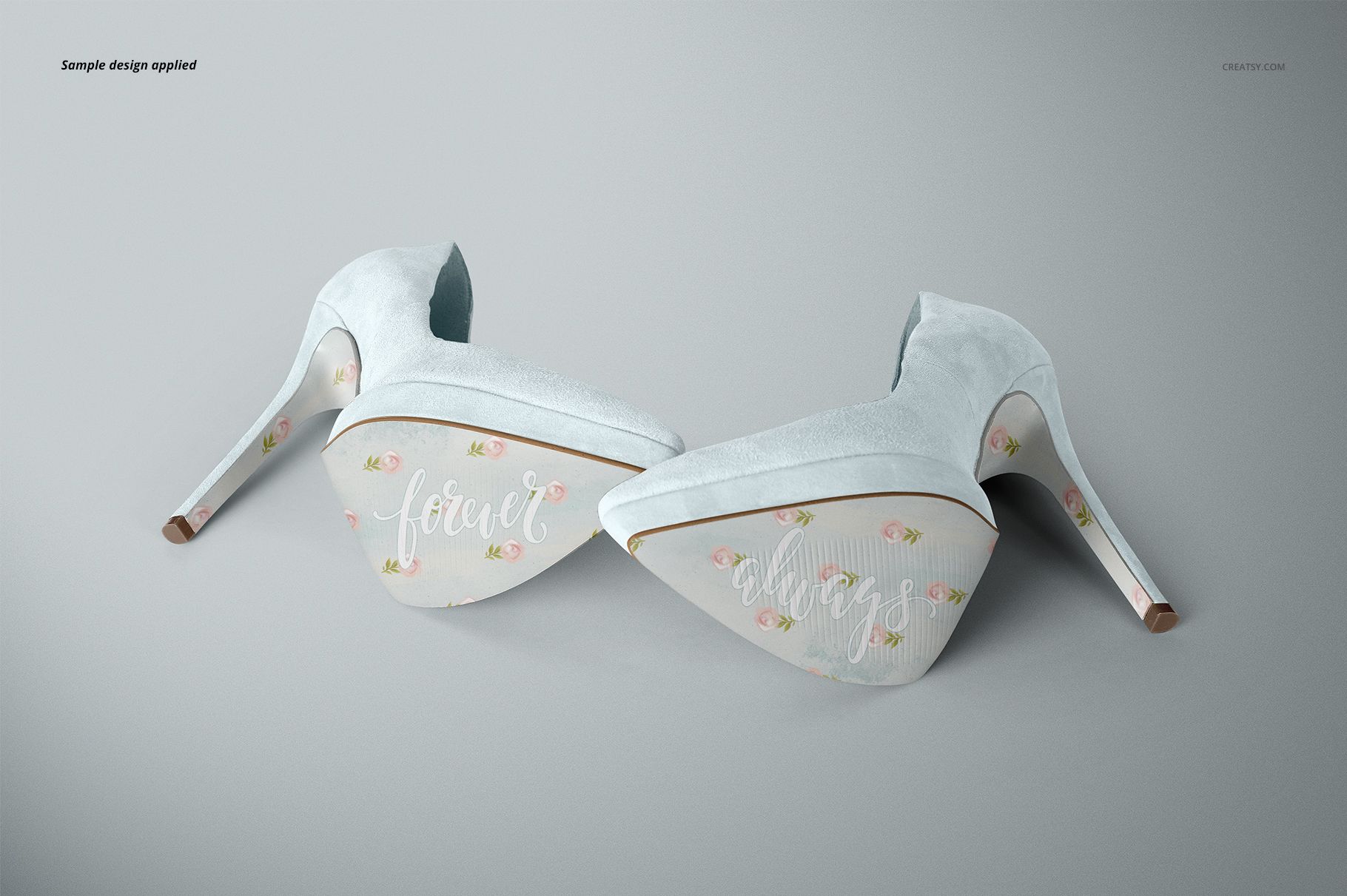
The High Heels Soles Mockup Set includes four editable PSD scenes created to present custom artwork on the soles of elegant high heels. Add names, wedding dates, initials, short messages, floral patterns, romantic lettering or personalized graphics, then show the finished concept from several realistic angles.
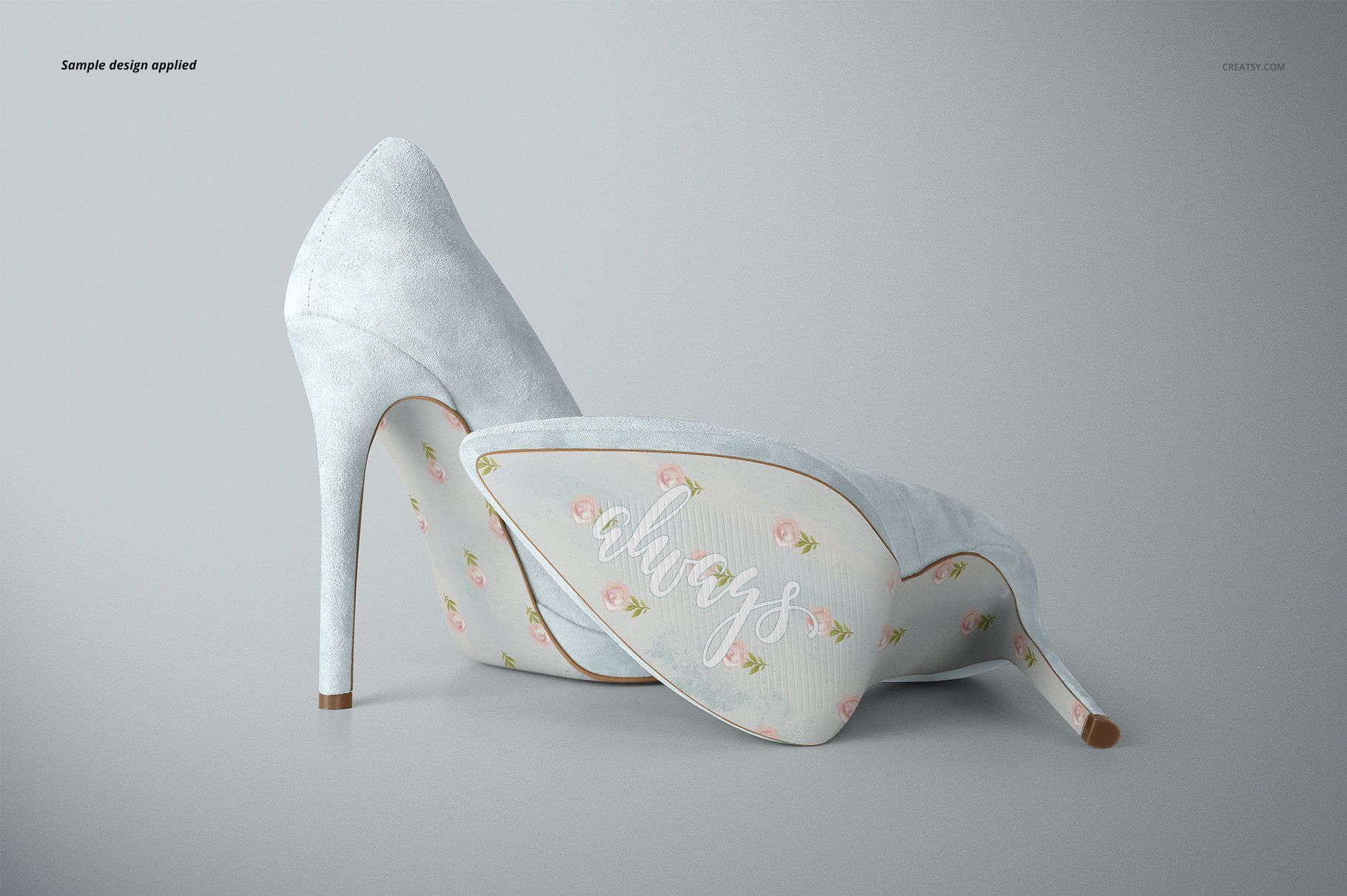
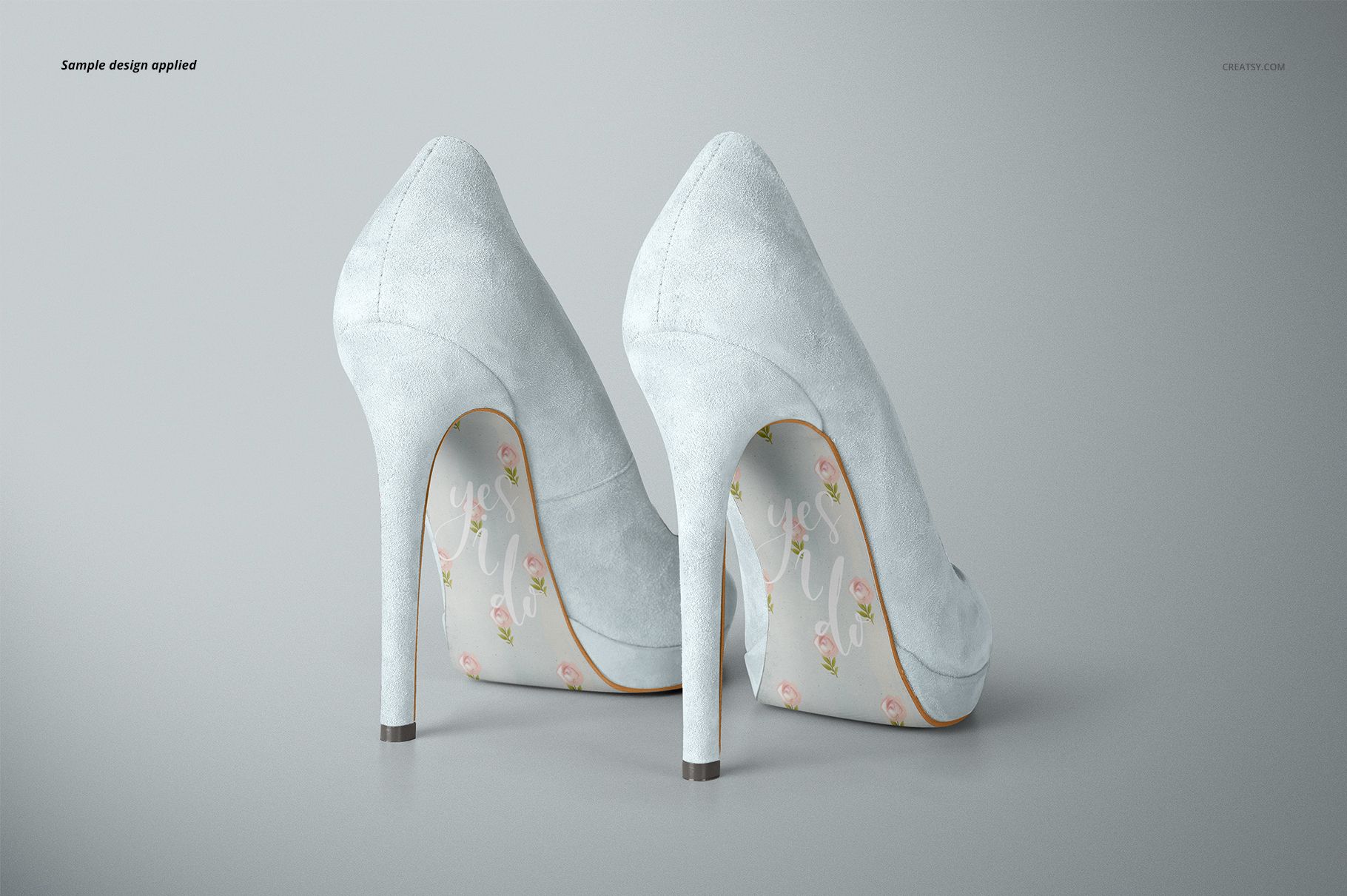
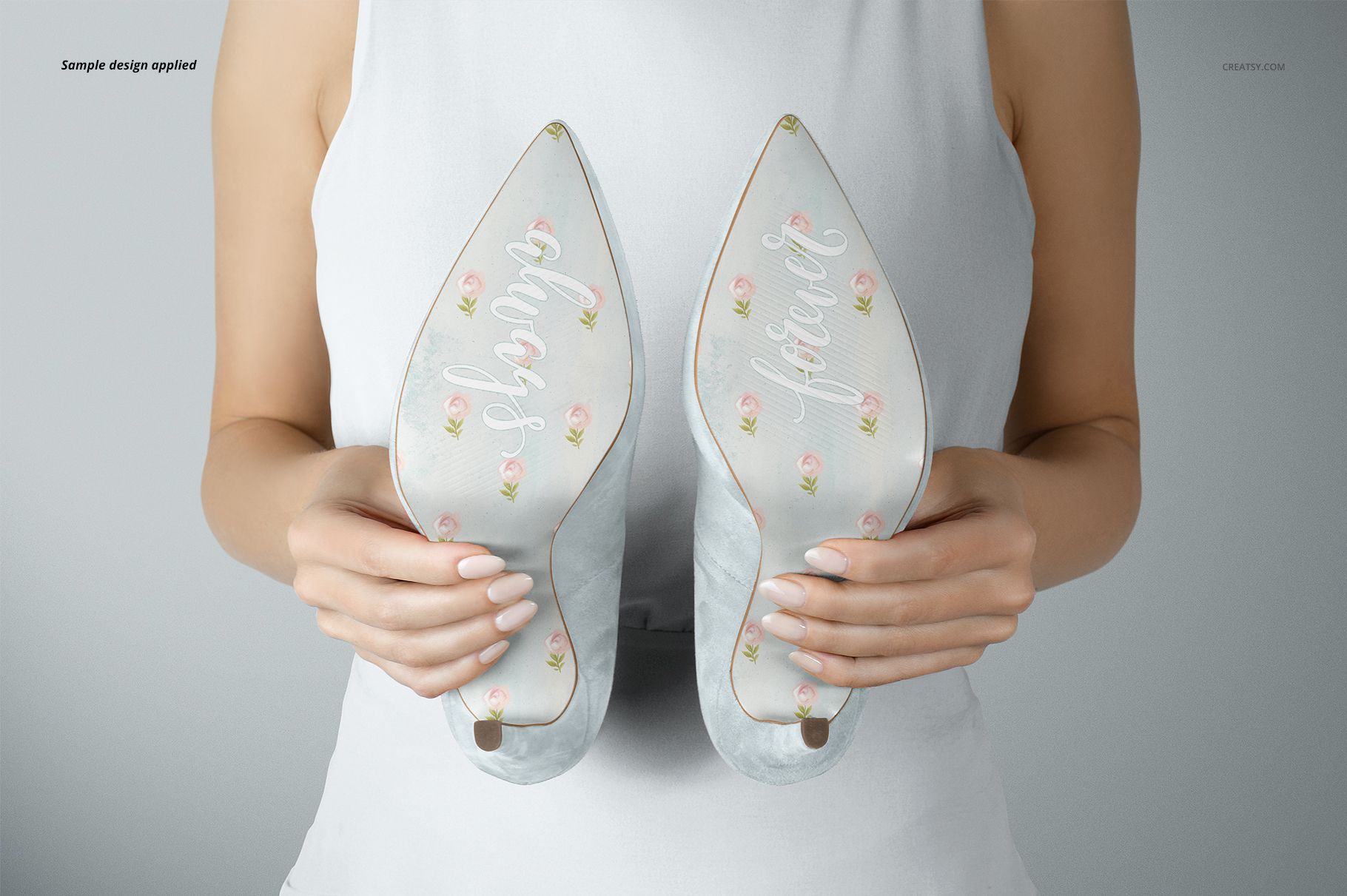
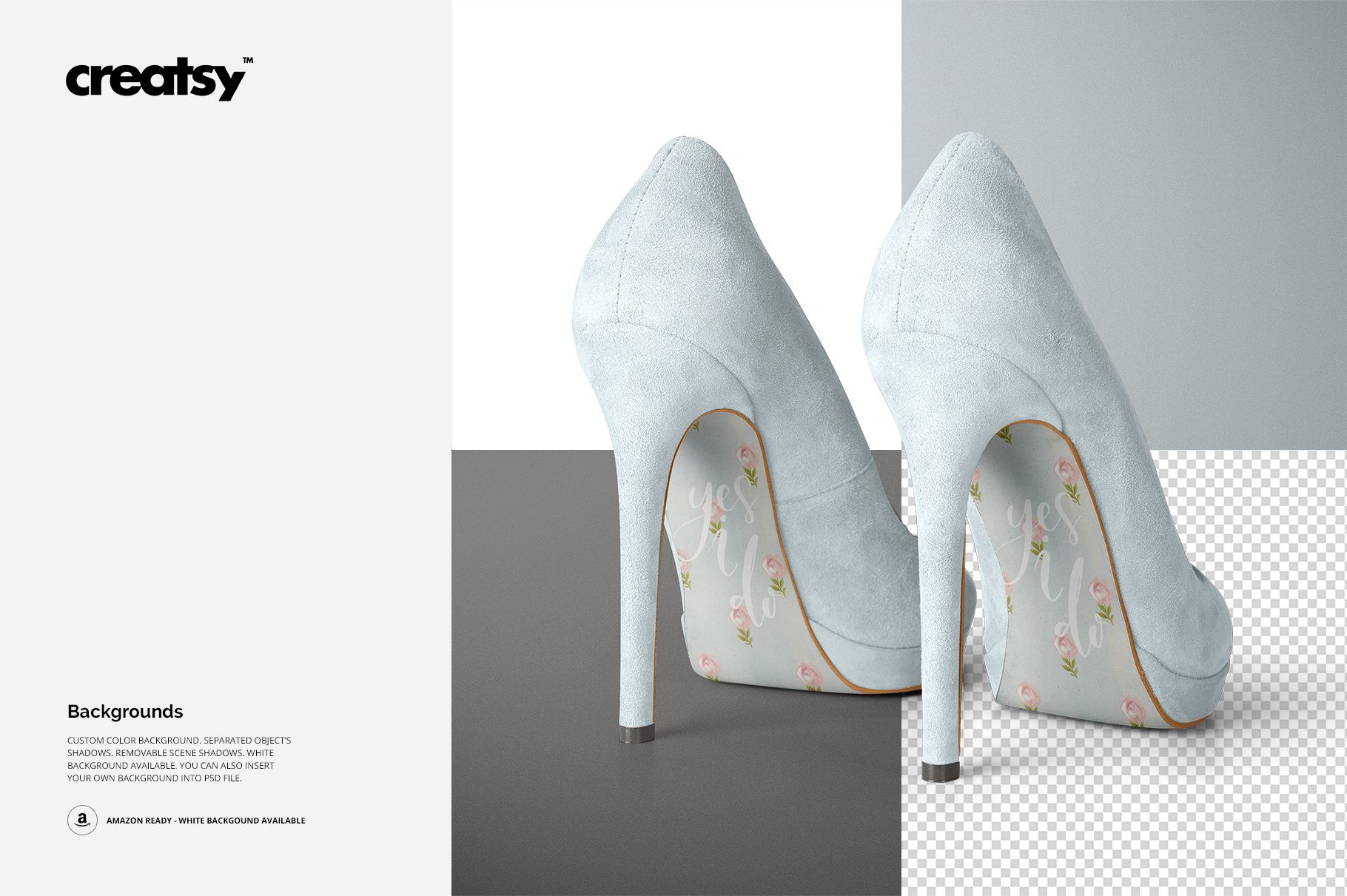
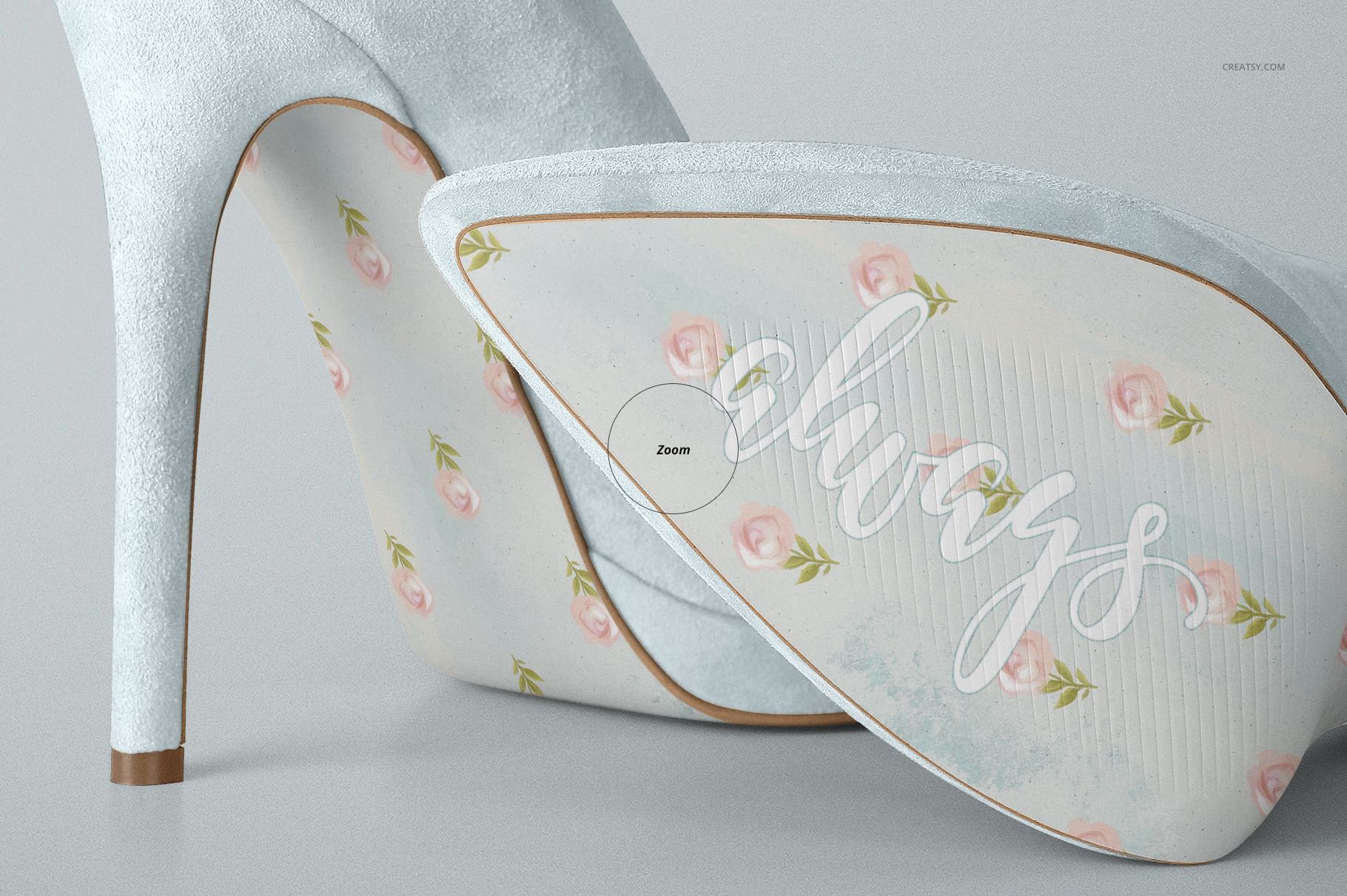
The collection combines close-up sole views, side and rear perspectives, paired shoe compositions and a hand-held bridal scene. This variety helps you present both the artwork itself and the complete high heel design, including the shoe color, heel tips and surrounding wedding styling.
What Is Included
4 layered PSD mockup files
4000 × 2667 px at 300 DPI per PSD
4 high-resolution JPG previews
1 JPG guide
9 files in total
Smart Object editing workflow
Well-organized layers
Compatibility with Adobe Photoshop CC2015 or newer
Compatibility with Photopea
Editable soles, shoe suede, heel tips, dress and background
The example patterns and lettering shown in the product previews are used for presentation purposes only and are not included with the mockup files.
Turn the Shoe Soles into Part of the Wedding Story
Personalized shoe soles can carry a detail that feels meaningful to the couple while remaining subtle throughout the day.
Use the mockups to present:
Bride and groom names
Wedding dates
Initials and monograms
“I Do” lettering
Short romantic messages
Song lyrics or meaningful phrases
Floral and botanical artwork
Something blue concepts
Personalized bridal shoe decals
Hand-painted sole designs
Bridesmaid shoe collections
Custom wedding gift ideas
The artwork can be decorative, sentimental or connected with the wider wedding identity. A floral pattern may coordinate with invitations and menus, while a handwritten message can create a more personal, one-of-a-kind result.
Present More Than the Bottom of the Shoe
A sole design does not exist in isolation. Its colors and style need to work with the rest of the high heel, including the upper, heel tip and surrounding bridal look.
The mockup set allows you to present the complete visual direction rather than showing the sole artwork as a flat template. Use the editable shoe elements to explore soft bridal neutrals, pastel colors, darker statement heels or more expressive combinations.
The different perspectives help viewers understand:
How the artwork fills the sole
Whether the lettering remains readable
How the pattern follows the shoe shape
How the sole design works with the upper color
Whether both shoes feel visually balanced
How the finished heels may look in wedding photography
How the customization fits the wider bridal style
Four Scenes for a Complete Product Gallery
Each PSD gives the shoes a different presentation role.
Use the closest sole view to highlight lettering, illustration and pattern detail. Choose a side or rear composition to show how the sole artwork works with the high heel silhouette. Add the hand-held scene to create a more emotional bridal image with a clear sense of scale.
A complete product gallery could include:
A hero image showing both personalized soles
A close-up focused on the artwork
A side or rear view showing the shoe profile
A hand-held bridal scene with the customized heels
This gives customers or clients enough information to understand both the design and the finished product concept.
Easy Smart Object Editing
Open one of the PSD files in Adobe Photoshop or Photopea, double-click the relevant Smart Object and add your sole artwork. Save the Smart Object and return to the main scene. Your design will appear within the existing shoe perspective, lighting and natural shadows.
You can also adjust the available colors and scene elements to create several product options without arranging a physical photoshoot. Use the same artwork across all four files to build a cohesive gallery, or compare different sole designs and color directions before selecting the final concept.
Perfect For
Wedding shoe designers
Bridal accessory brands
Personalized product sellers
Custom shoe artists
Wedding decal businesses
Calligraphers and lettering artists
Bridal boutiques
Wedding planners and stylists
Etsy and Shopify shops
Graphic designers creating wedding presentations
Photographers preparing bridal concept boards
Creative studios developing personalized wedding products
This is a digital PSD mockup set created for presenting your own designs. Physical shoes, printed decals and sample artwork are not included.