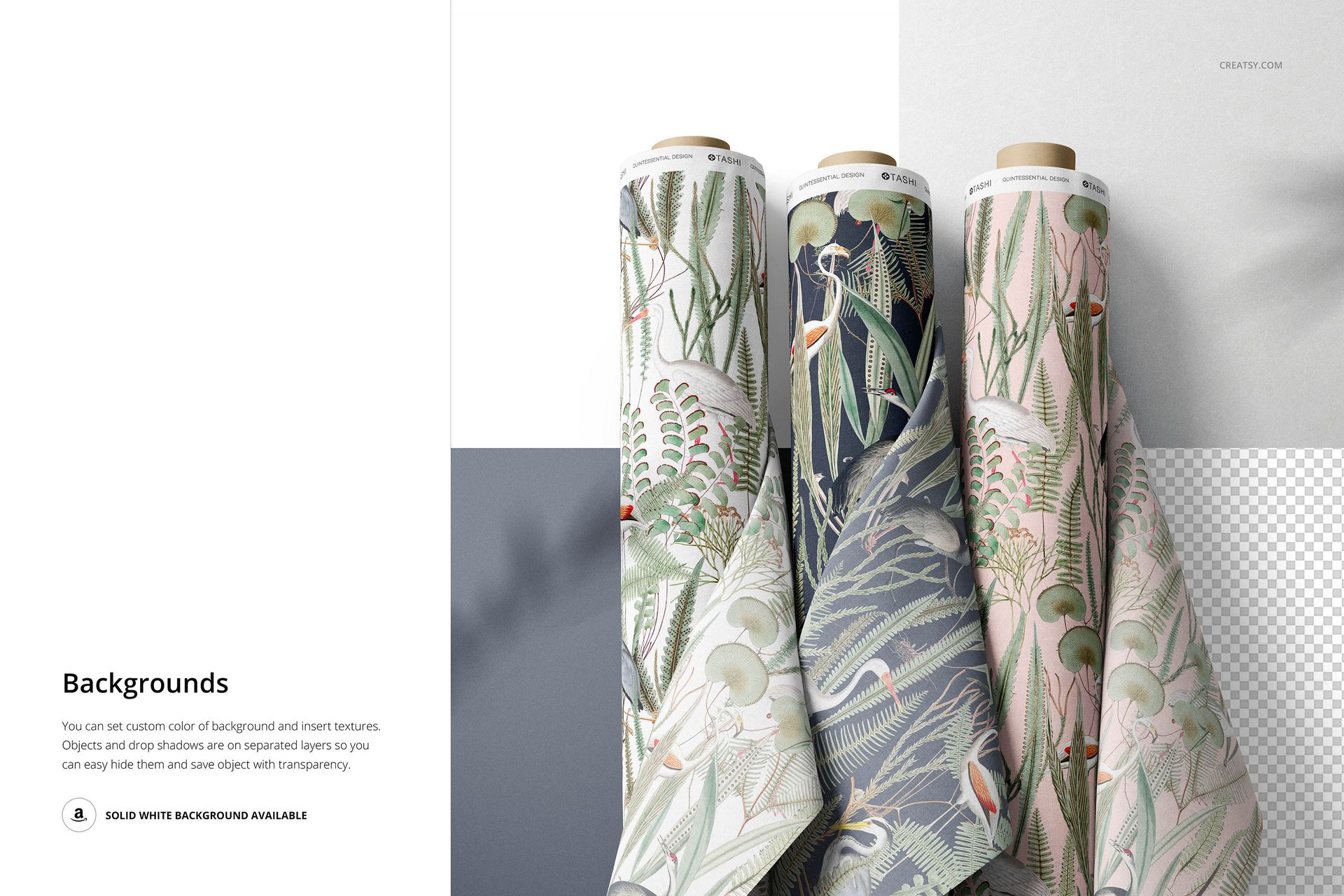
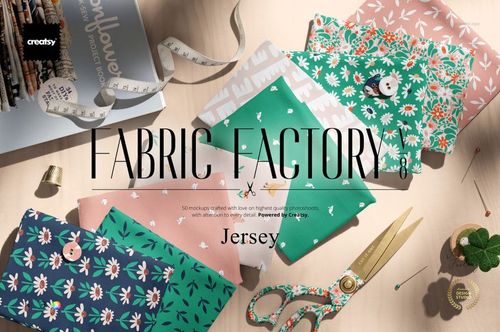
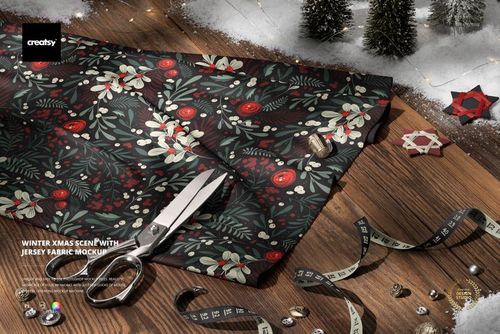
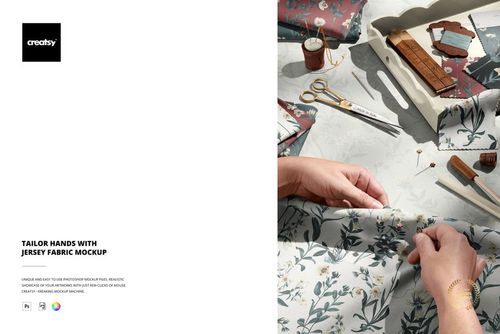
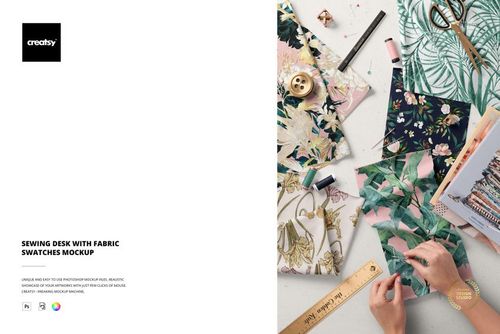
What is the Fabric Rolls Mockup?
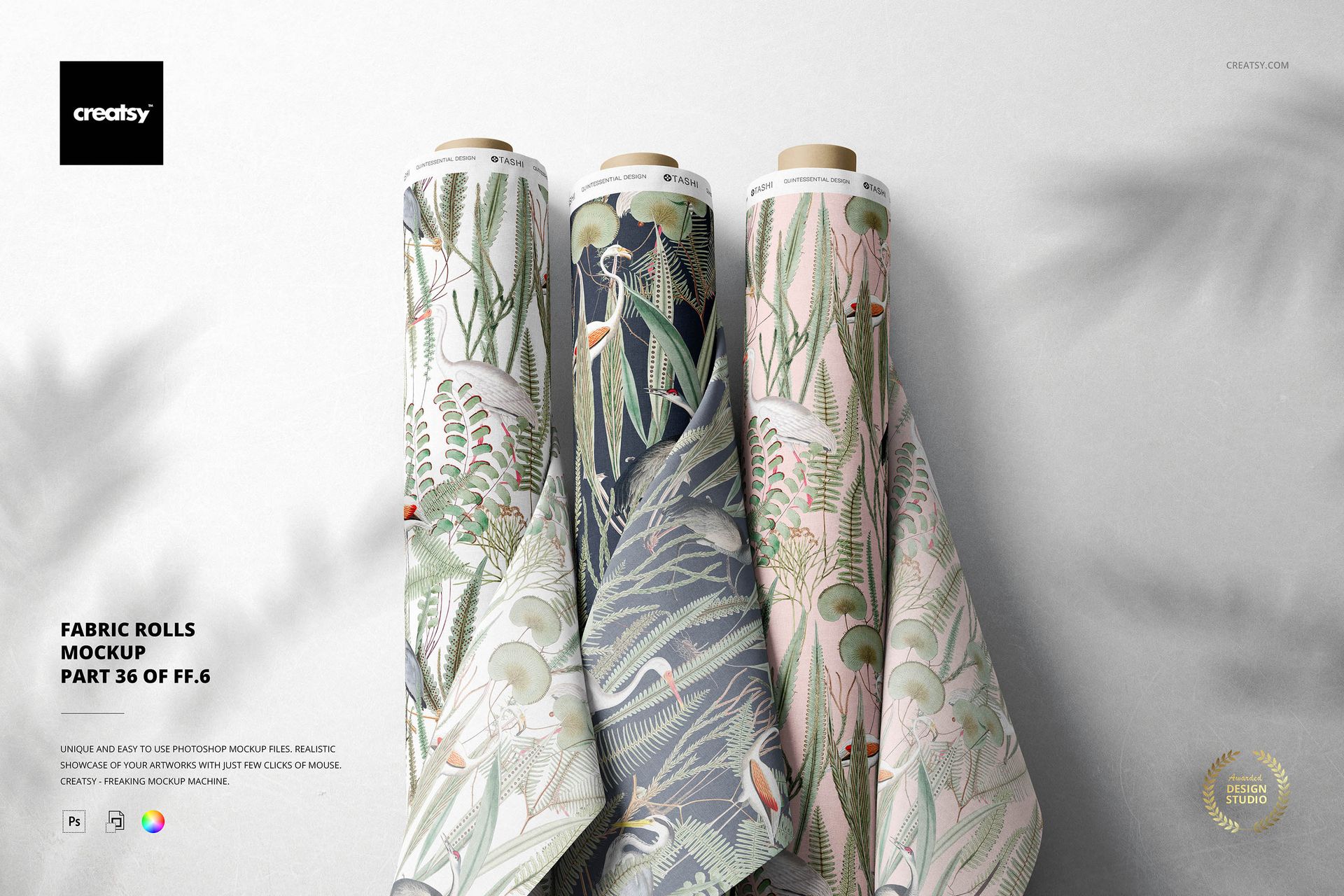
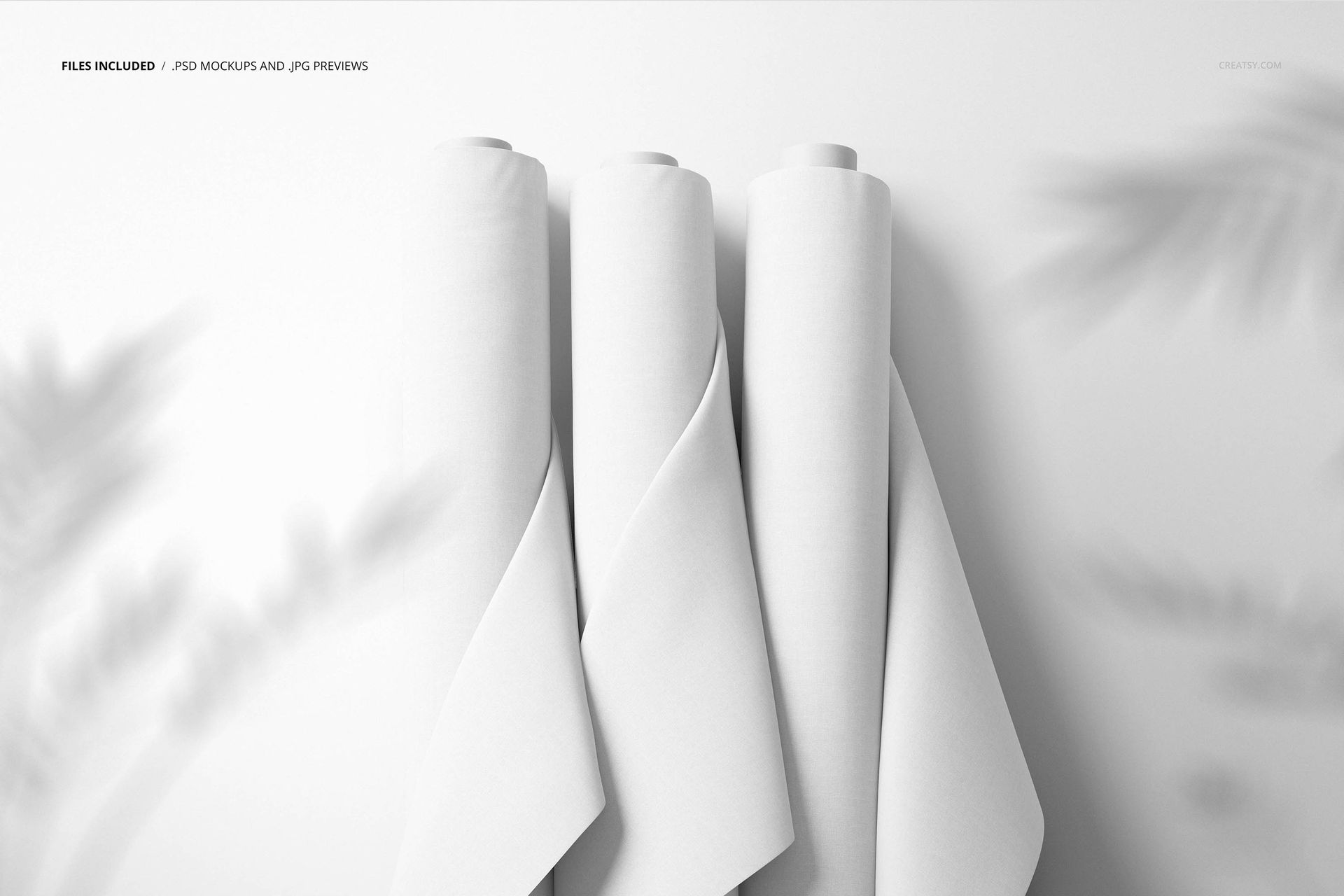
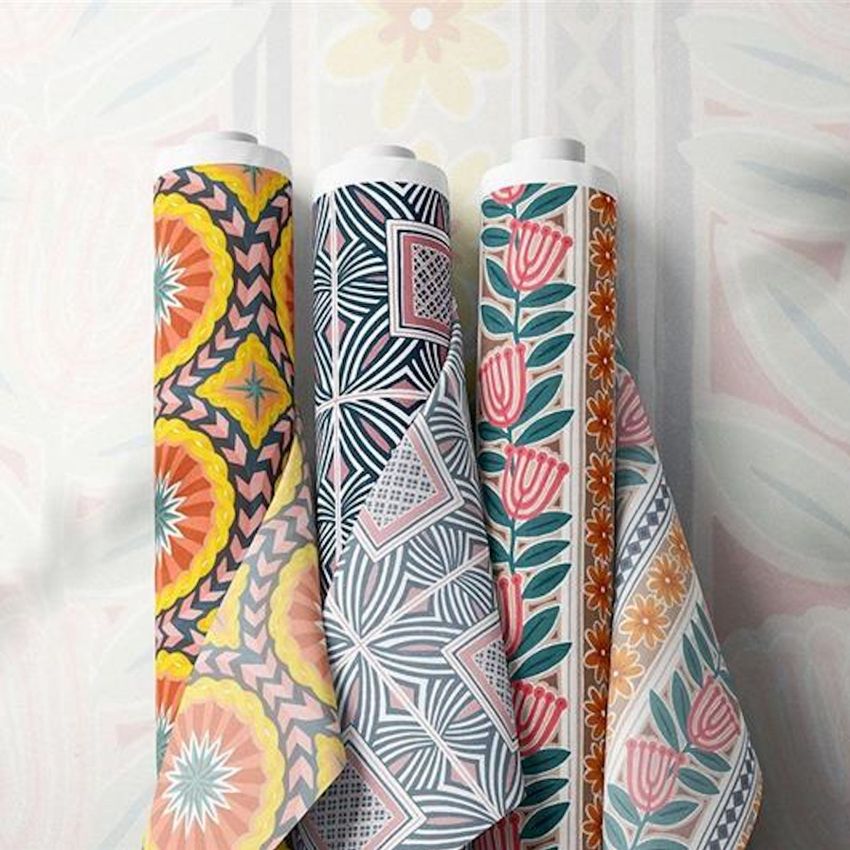
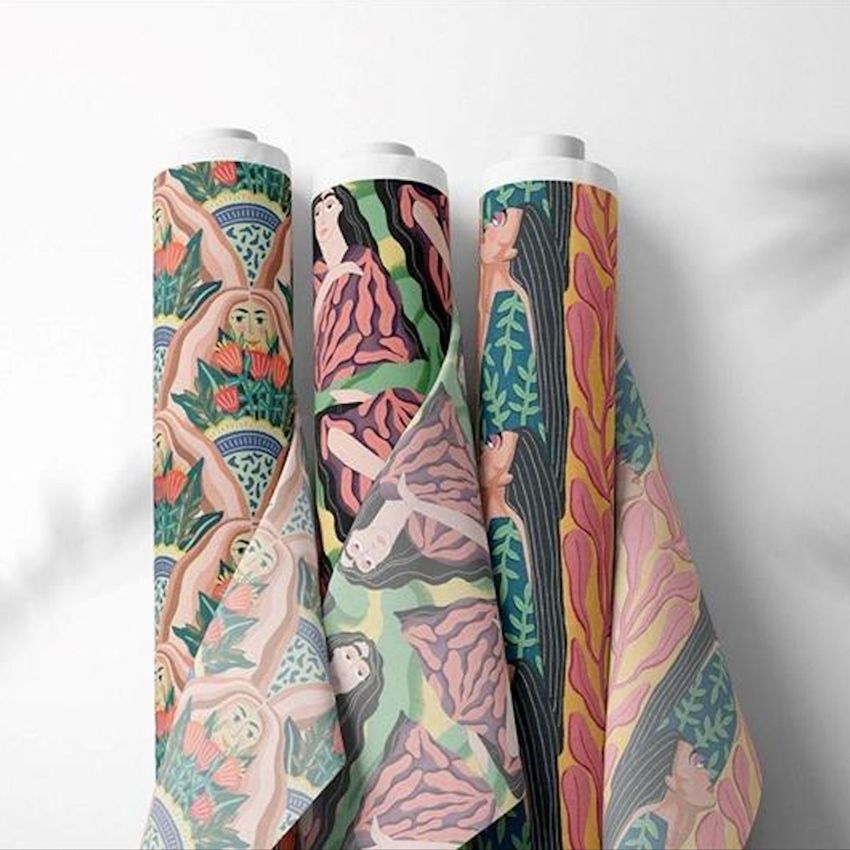
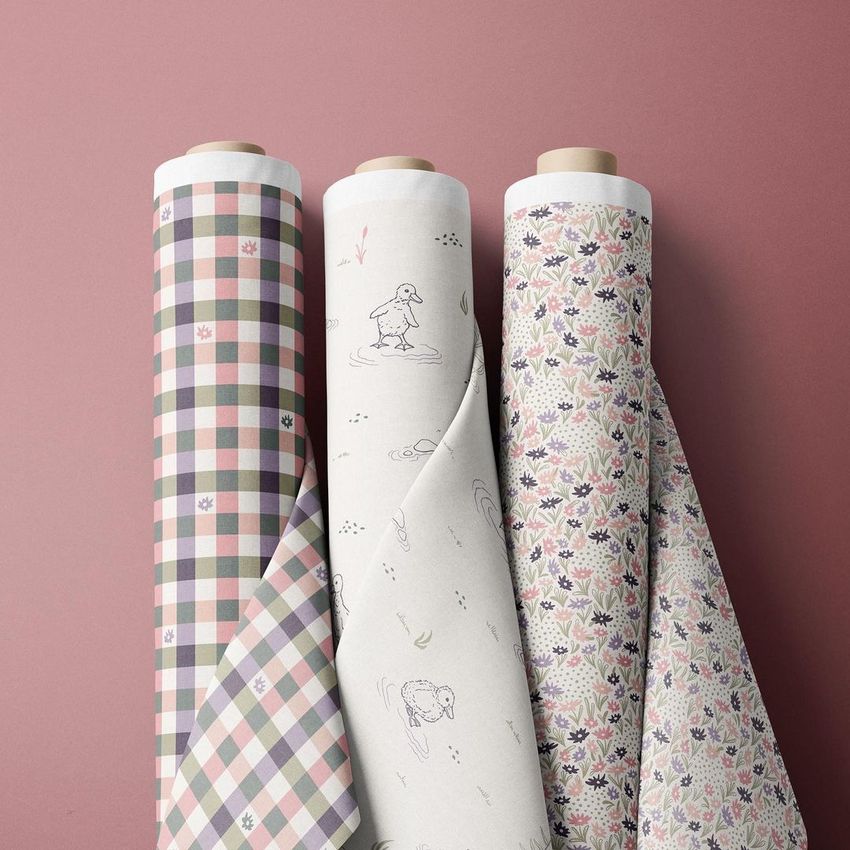
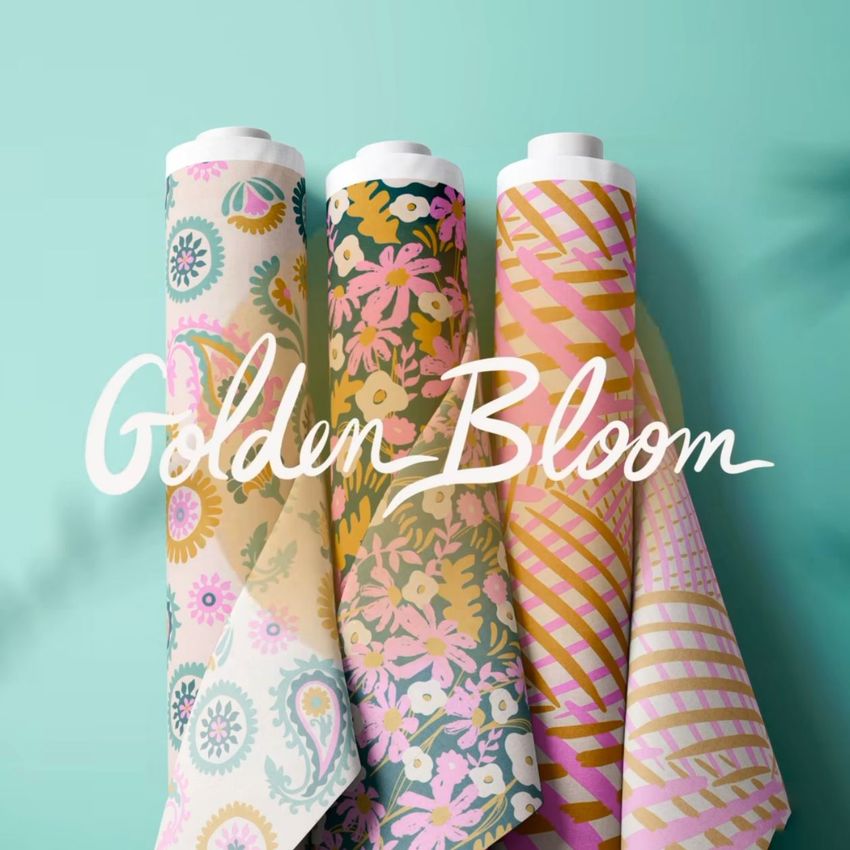
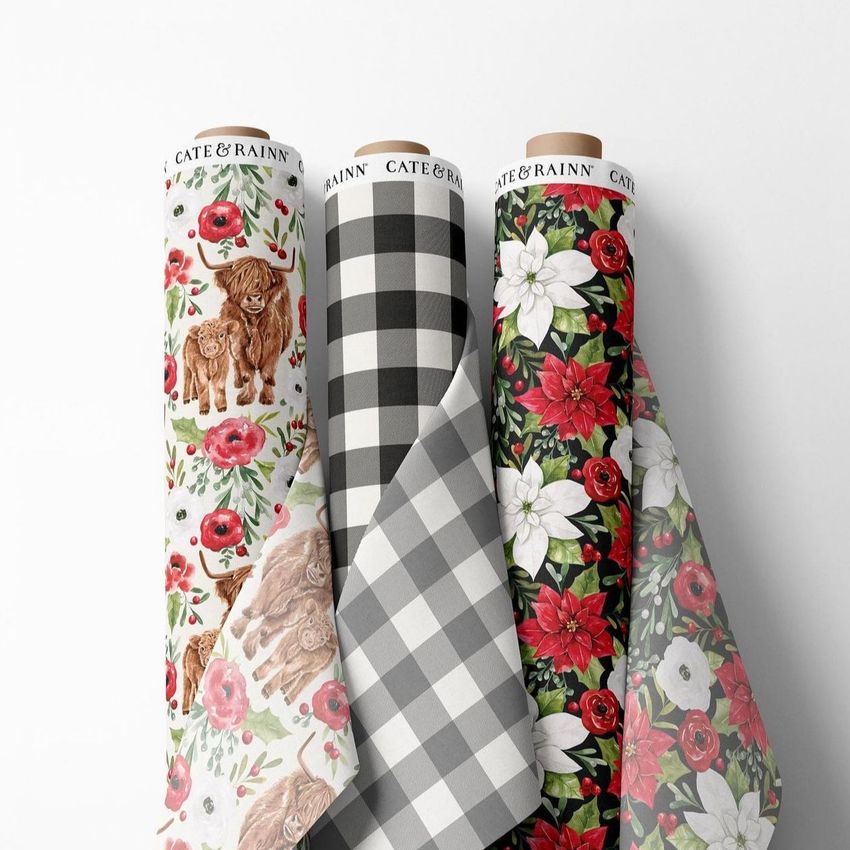
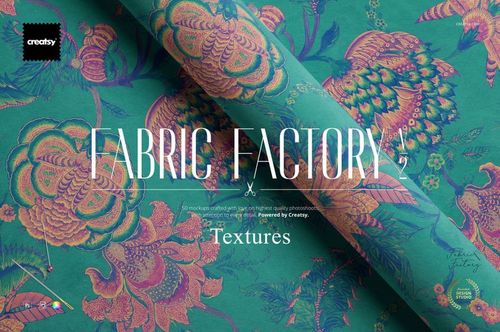
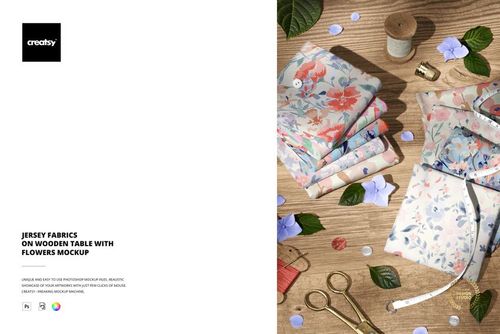
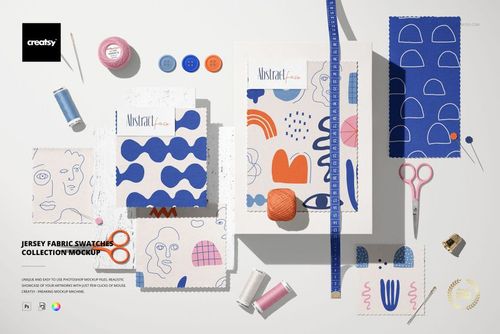
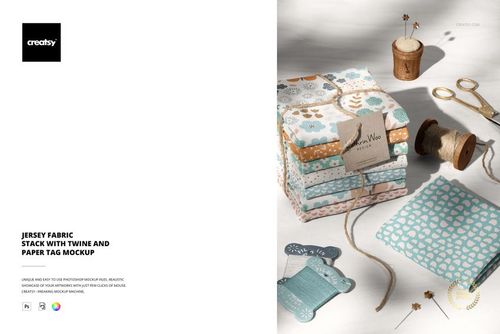
The Fabric Rolls Mockup is a high-resolution PSD scene developed for showing original prints on rolled textile surfaces. It helps surface pattern designers, illustrators, textile studios, and fabric retailers communicate how a repeat may look as part of a tangible collection rather than as an isolated digital tile.
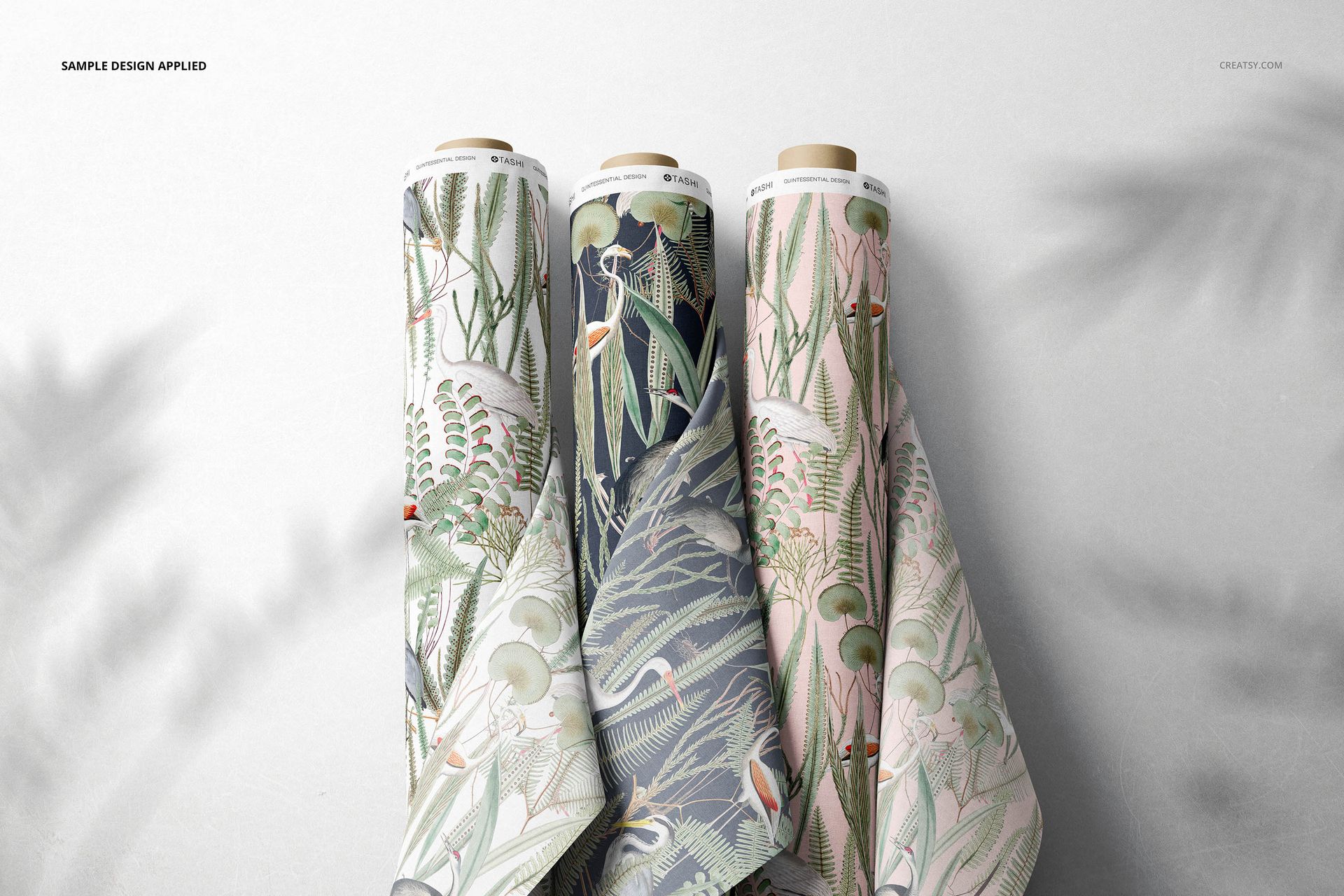
The arrangement provides a clear view of pattern rhythm, motif scale, palette, and coordination across several fabrics. Smart objects support efficient artwork replacement, and organized color controls allow the fabric and background presentation to be adapted to different brand styles. The result can be used for licensing decks, wholesale catalogs, ecommerce listings, collection launches, portfolio case studies, and social campaigns.
Presentation advantages
Visualize seamless repeats on dimensional rolls of fabric
Combine leading prints, secondary coordinates, and tonal designs
Evaluate pattern scale and color balance in a realistic context
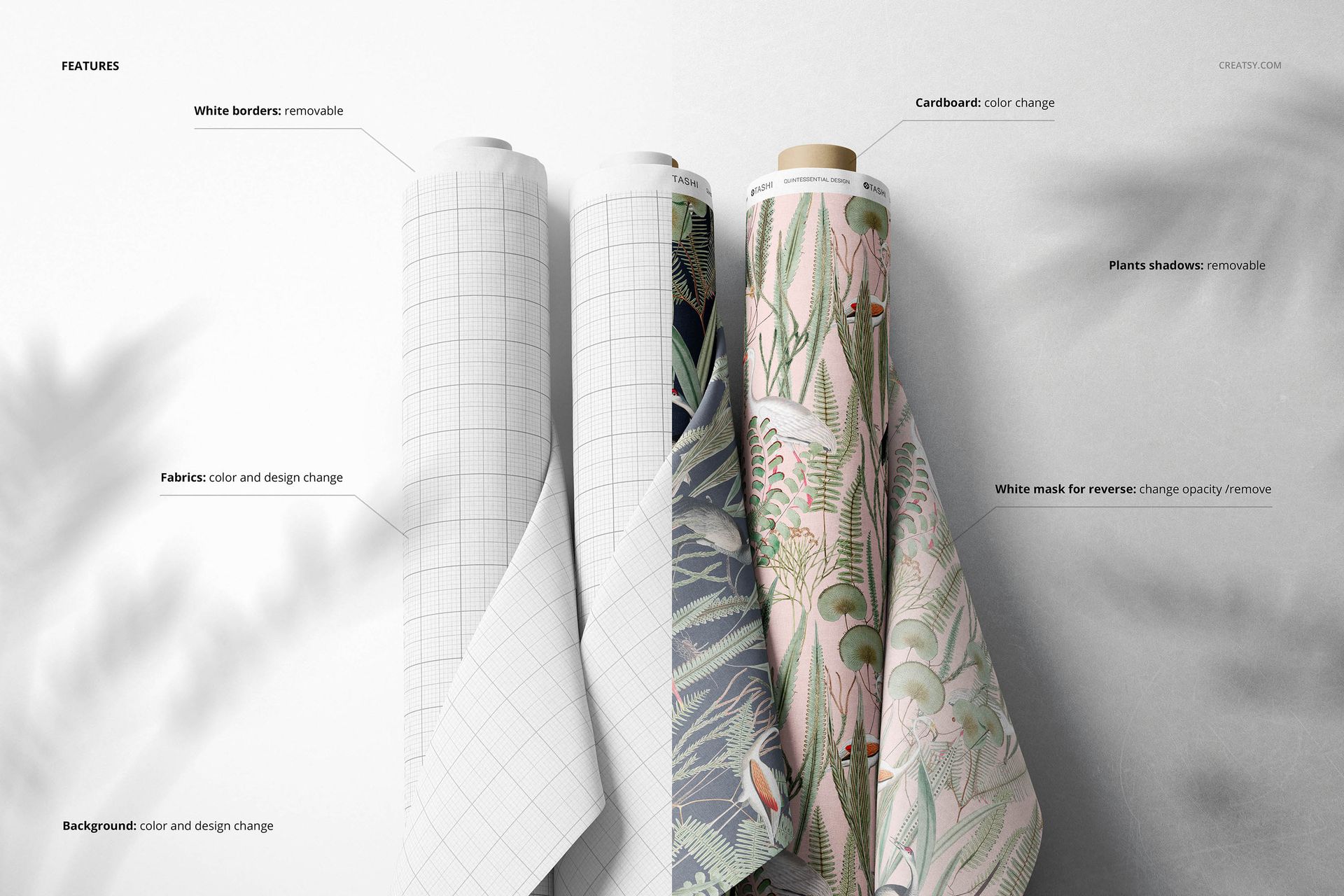
Customize artwork, fabric colors, and the surrounding background
Create consistent commercial imagery without arranging a photo shoot
Technical information
1 professionally organized PSD file
6000 × 4000 px at 300 dpi
Compatible with Adobe Photoshop CC 2015 or newer and Photopea
Smart objects for custom design placement
Editable colors and layered scene controls
Please note: Sample patterns are not included in the download. This mockup is intended for presenting artwork that you own or are authorized to use.
The main preview artwork is credited to Tashi Tsering of Tashi Studio.