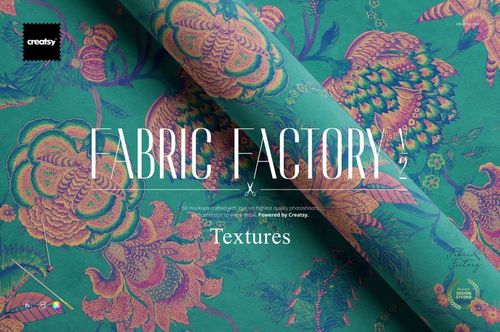
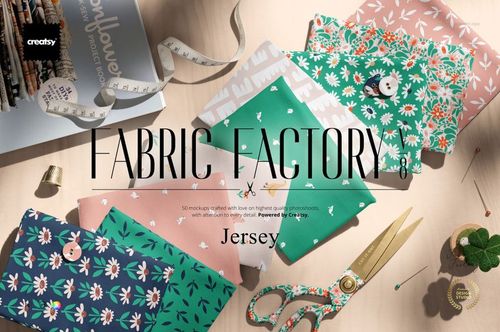
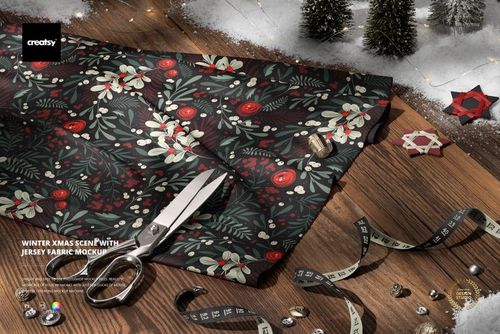
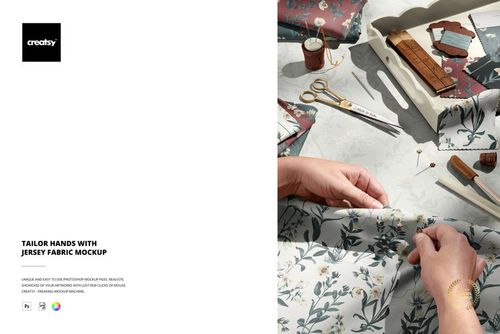
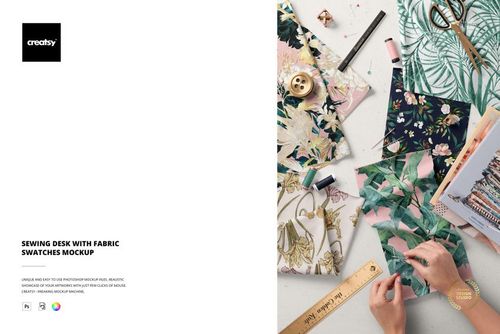
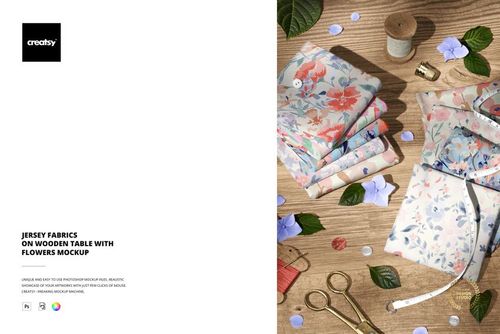
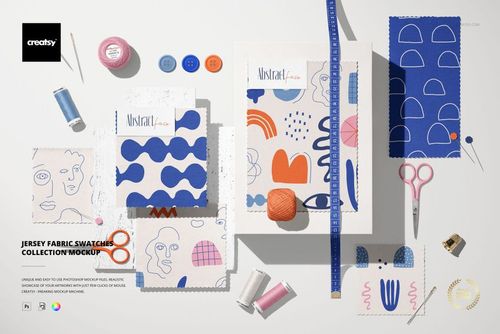
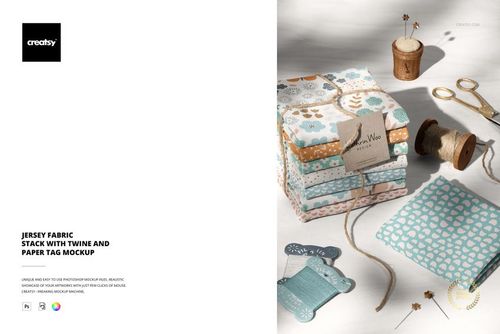
What is Folded Fabrics Mockup Set (57/FFv.6)?
Folded Fabrics Mockup Set (57/FFv.6) is a high-resolution PSD scene for presenting seamless repeats, coordinated textile collections, and custom fabric colorways on a realistic stack of folded materials. The front-facing composition makes pattern scale, contrast, and palette relationships easy to evaluate, helping clients and customers imagine flat artwork as a finished textile product.
Smart objects streamline artwork placement, while organized color controls support fast changes to the fabrics and surrounding scene. Use the mockup for surface pattern portfolios, licensing submissions, fabric shop listings, collection launches, client approvals, lookbooks, and social media campaigns.
Why use this folded fabric scene?
Present several coordinated patterns in one cohesive stack
Compare hero prints, secondary motifs, and supporting colorways
Show repeat scale and visual density on realistic folded surfaces
Adjust artwork and colors through clearly organized layers
Create professional textile imagery without arranging a photo shoot
Technical details
High-resolution PSD mockup supplied in standard and 3D-layer package versions
6000 × 4000 px resolution at 300 dpi
Standard PSD workflow for Adobe Photoshop and Photopea
Advanced 3D-layer version intended for Adobe Photoshop CC 2020 or newer
Editable fabric designs, colors, and background presentation
Please note: The patterns shown in the previews are not included. Add artwork that you own or are licensed to use.
The featured example artwork is credited to Julia Dreams.