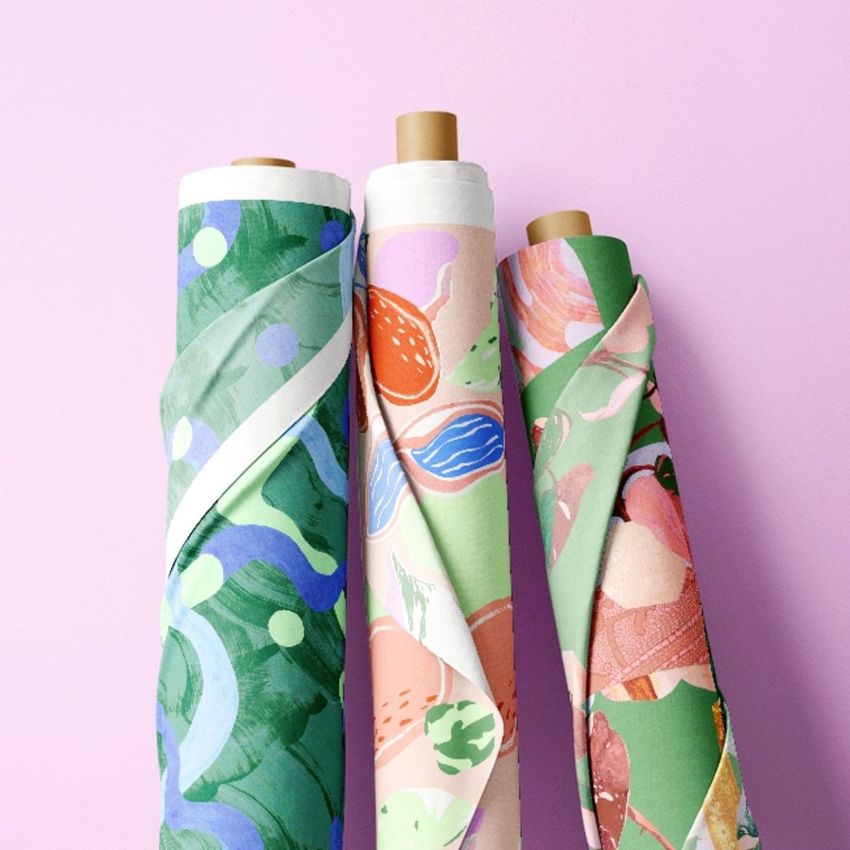
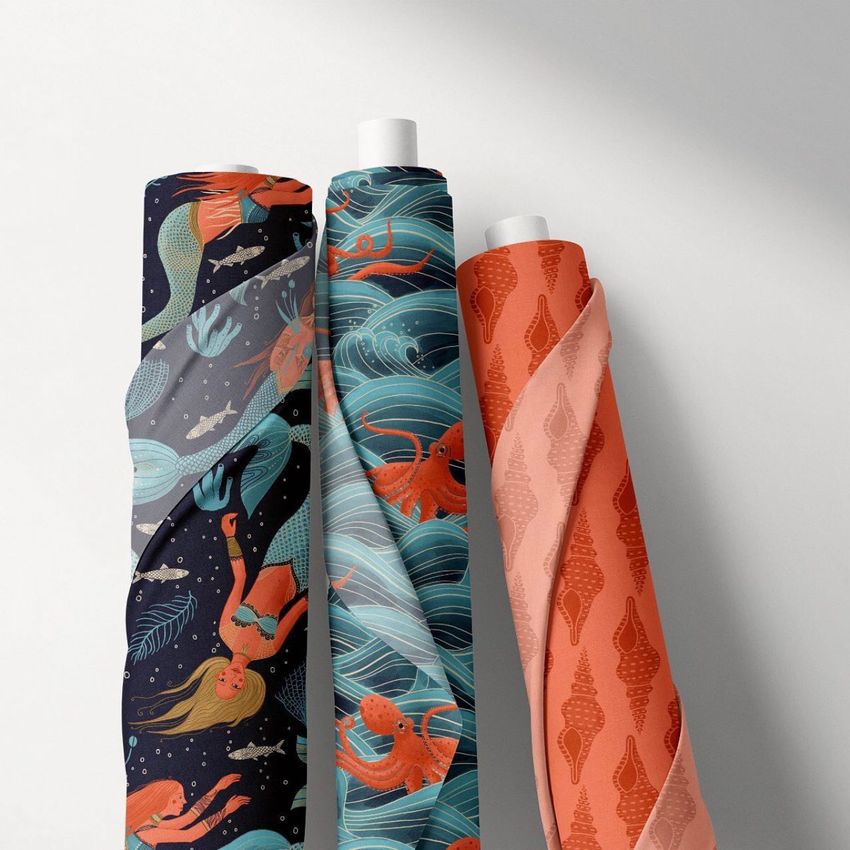
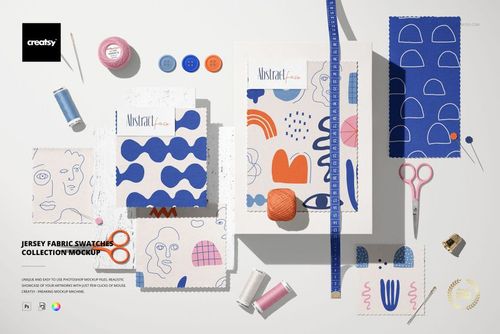
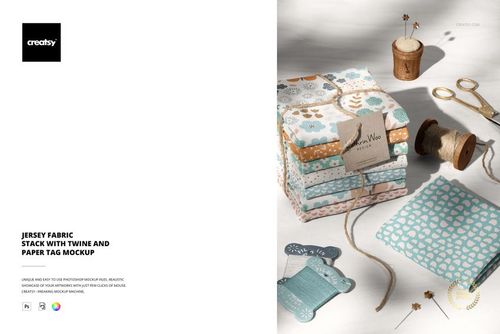
What is Fabric Rolls Mockup (17/FFv.11)?
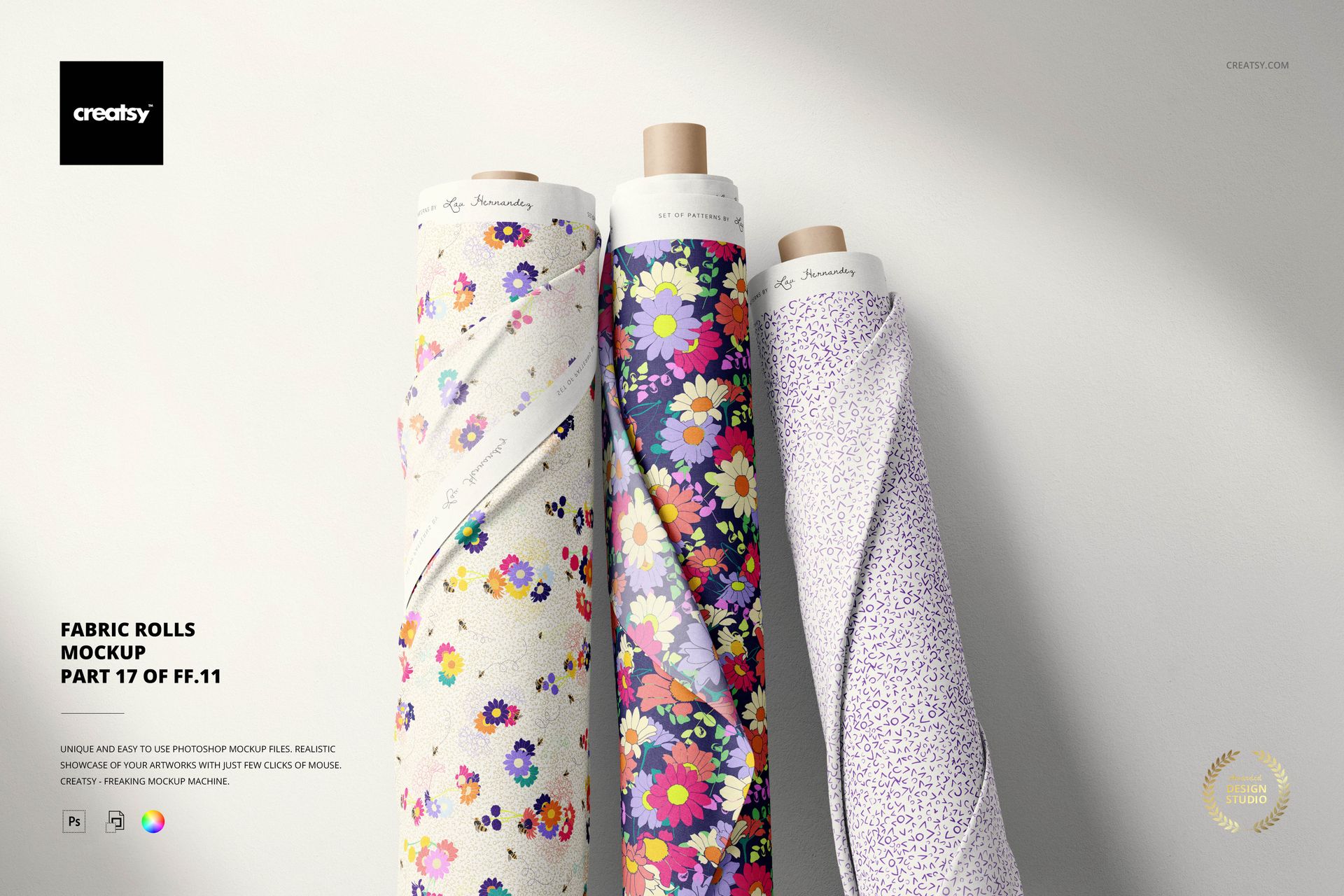
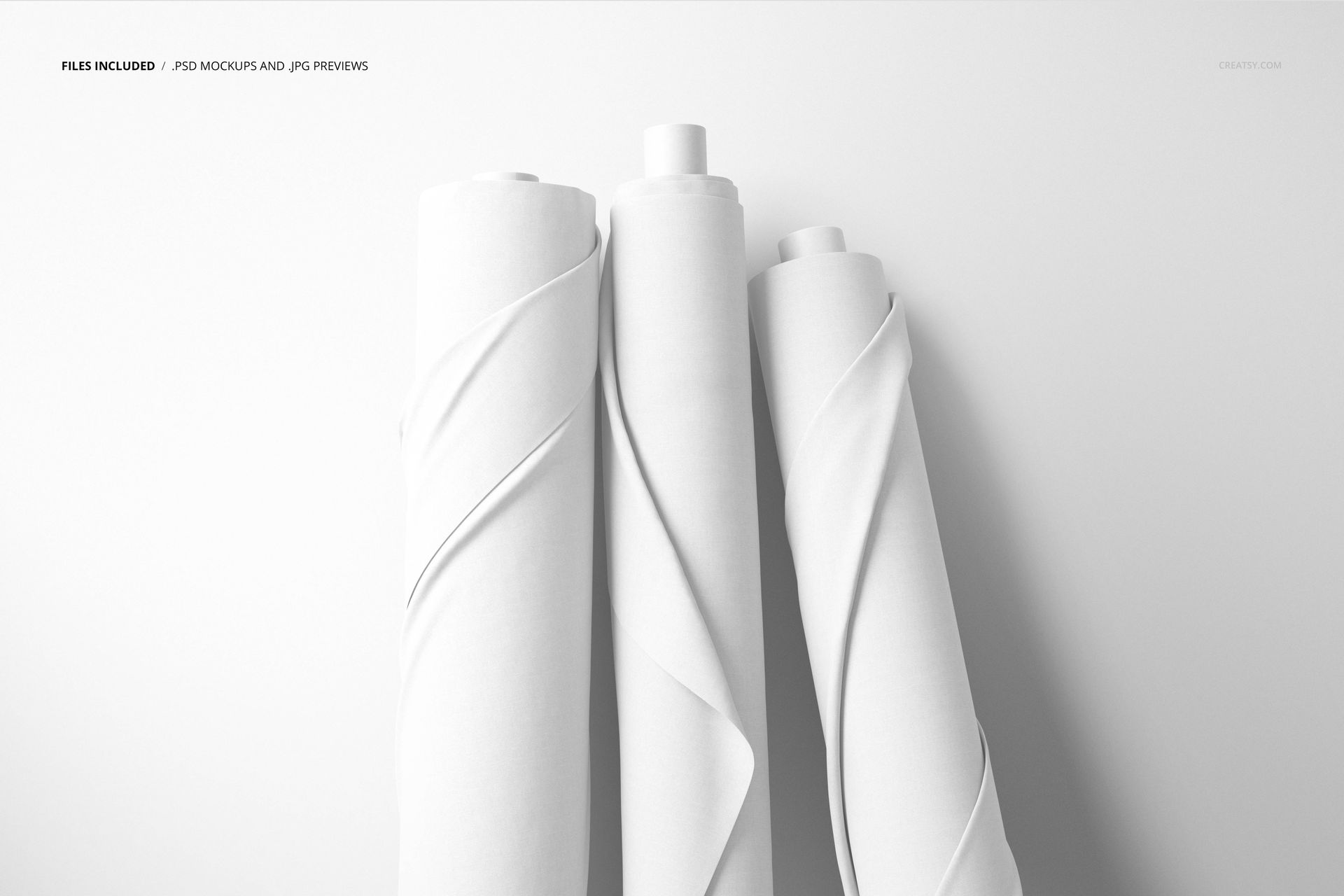
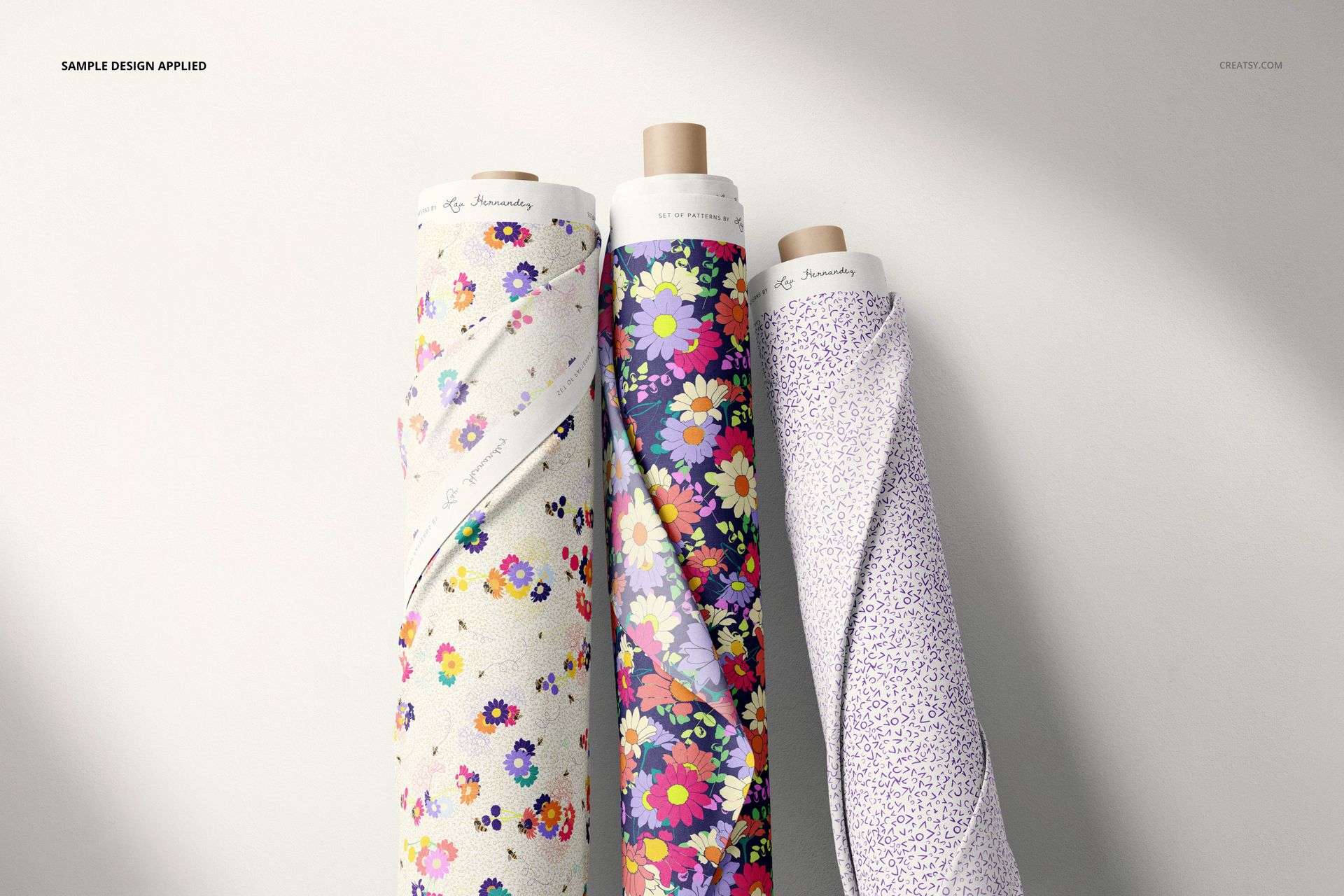
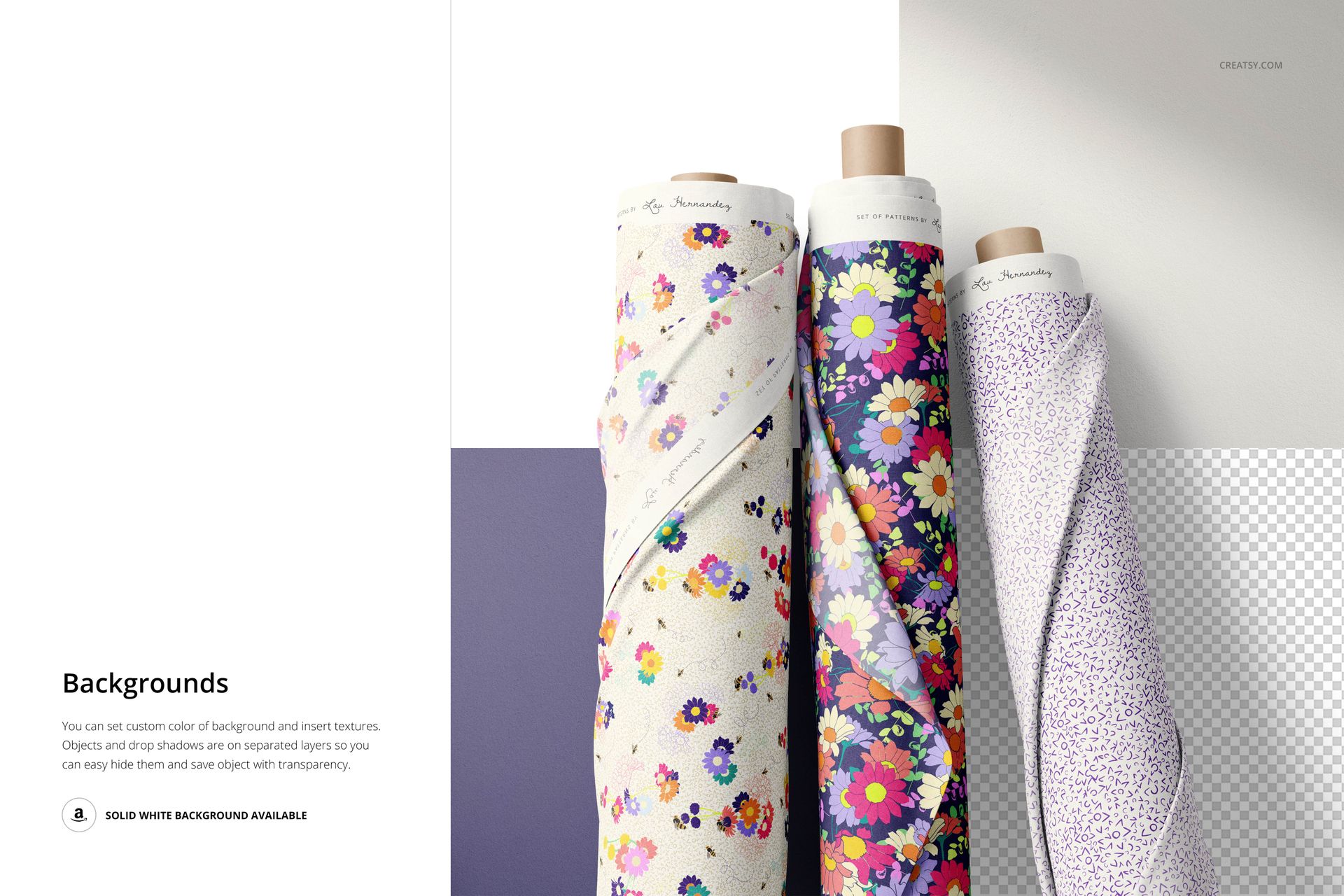
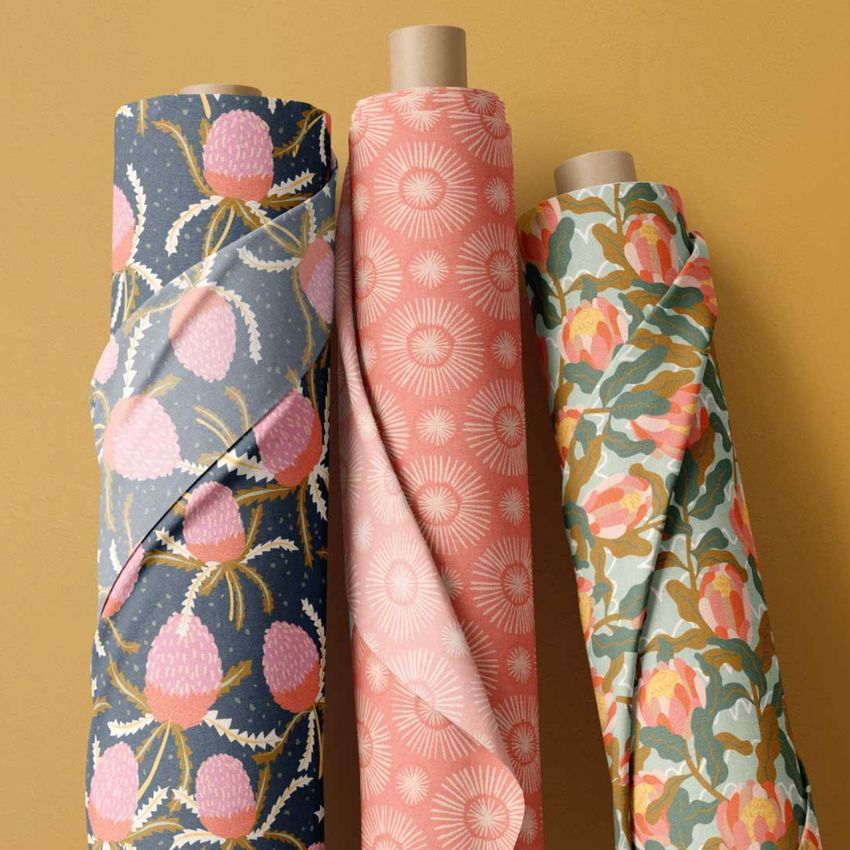
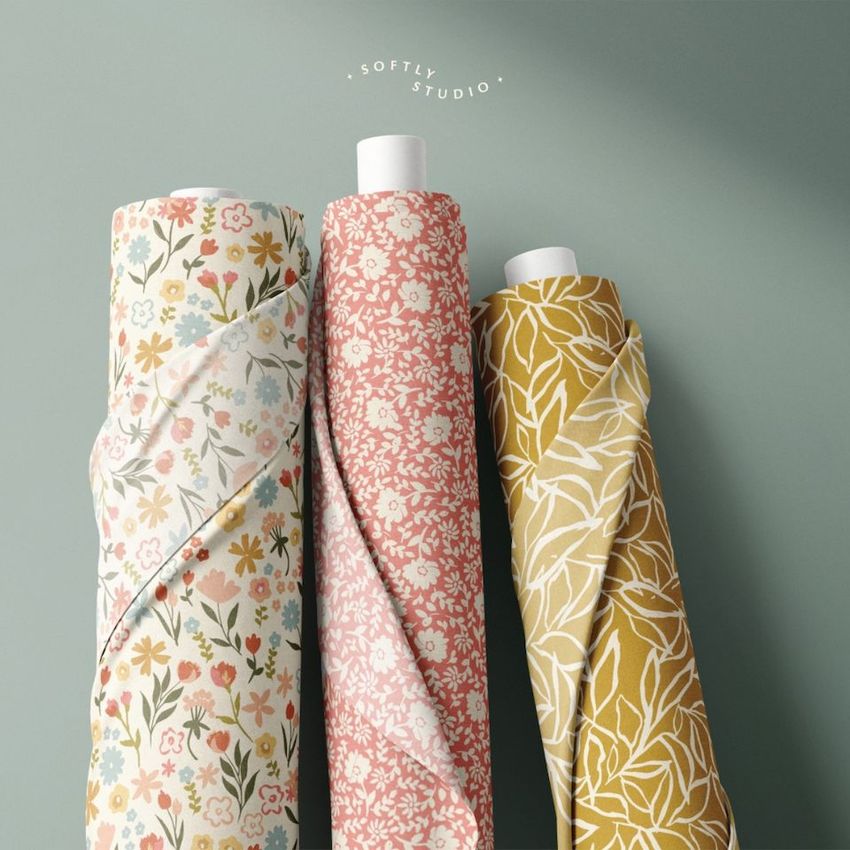
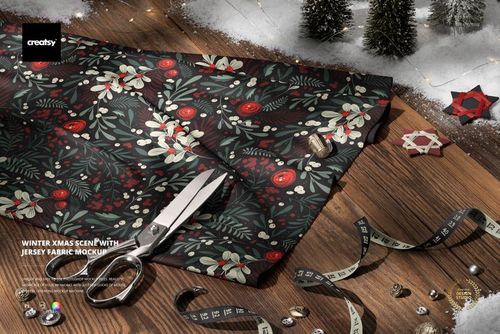
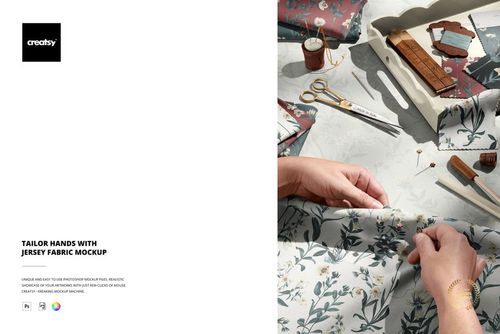
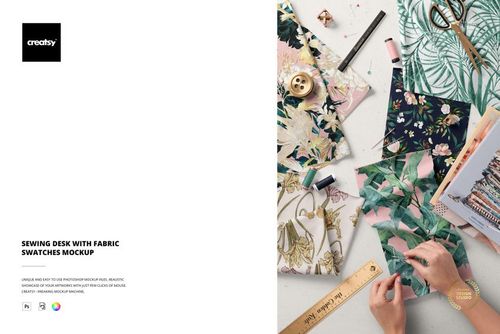
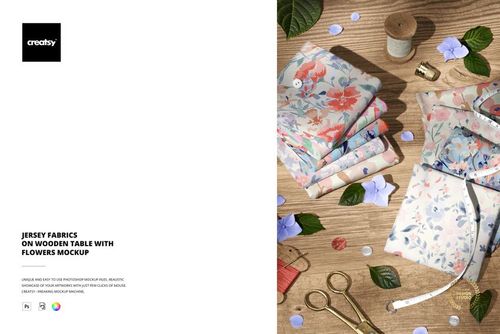
Fabric Rolls Mockup (17/FFv.11) is a high-resolution PSD template for presenting seamless repeats and textile collections on realistically arranged rolls of material. The composition gives pattern scale and color a physical context, making it easier for clients and customers to imagine an artwork applied to manufactured fabric.
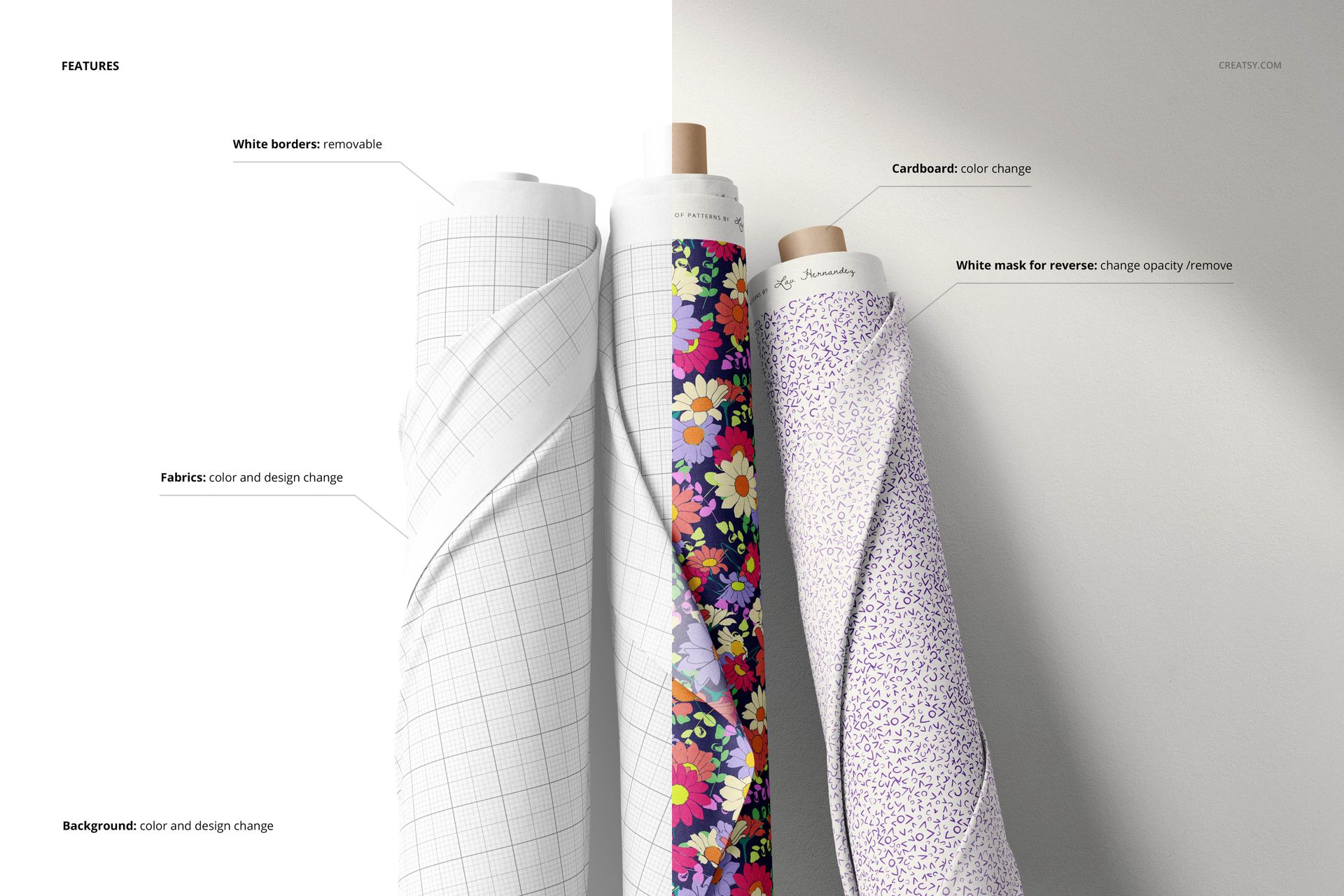
The mockup is designed for surface pattern portfolios, textile catalogs, fabric shop listings, licensing decks, collection launches, and client presentations. Smart objects simplify design replacement, while editable color layers support coordinated backgrounds and solid-color fabrics. Use one repeat throughout the scene or combine several related designs to communicate the breadth of a collection.
What can you present?
Seamless repeats for fashion, quilting, craft, and home textiles
Hero patterns with coordinating prints and tonal colorways
Fabric ranges prepared for licensing, wholesale, or retail
Custom illustrations, branding graphics, and abstract surface designs
Pattern scale variations before sampling or production
Technical details
1 layered PSD file with organized editing controls
6000 × 4000 px resolution at 300 dpi
Compatible with Adobe Photoshop CC 2015 or newer and Photopea
Smart objects for replacing designs
Editable fabric colors, artwork, and background
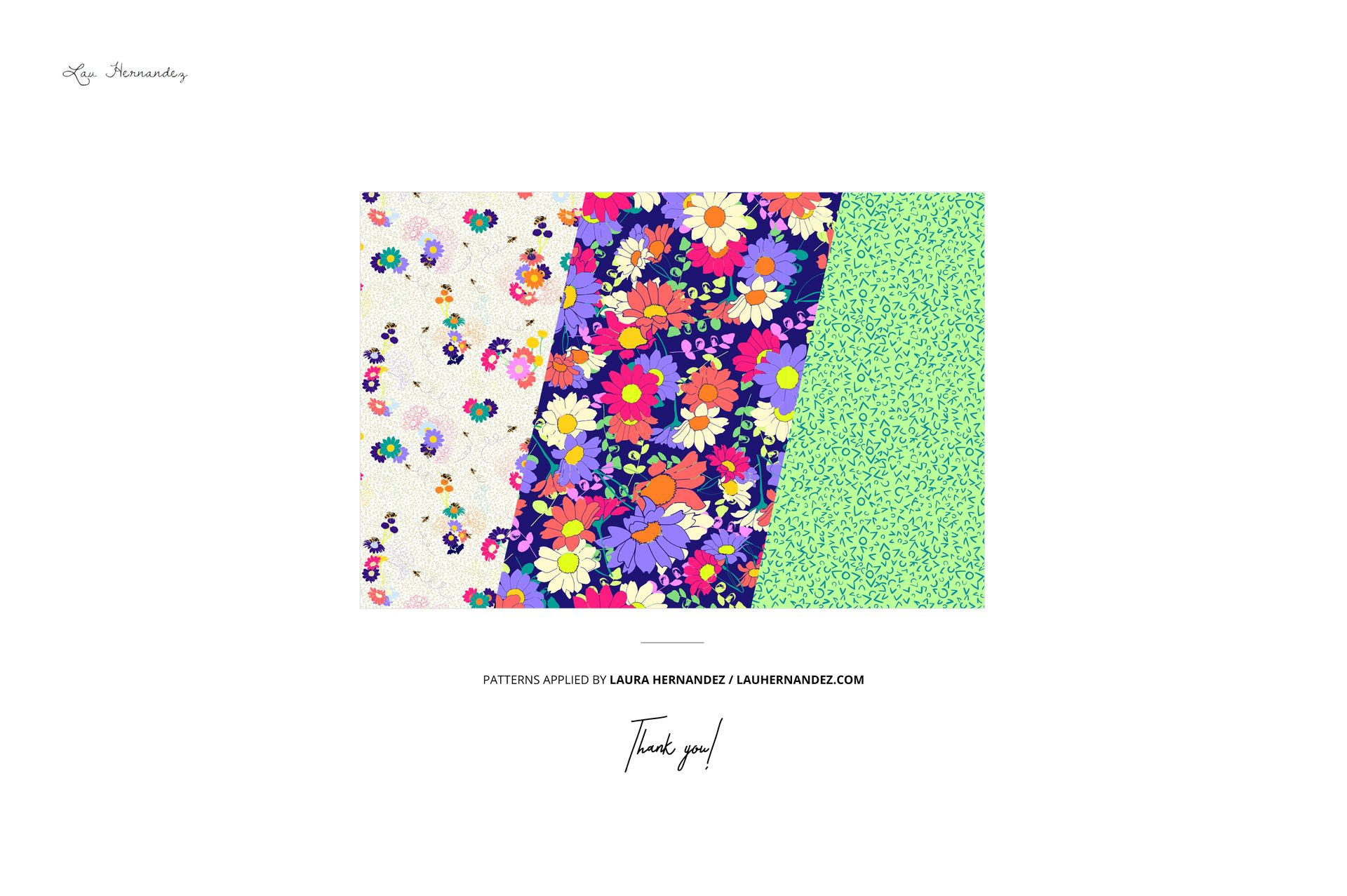
Please note: The patterns shown in the preview images are not supplied with the mockup. Add artwork that you own or are licensed to use.
Featured example patterns are credited to Laura Hernandez.