Fabric Tester Mockup Set

Product Details
Fabric Tester Mockup Set with Eight Fabric Types
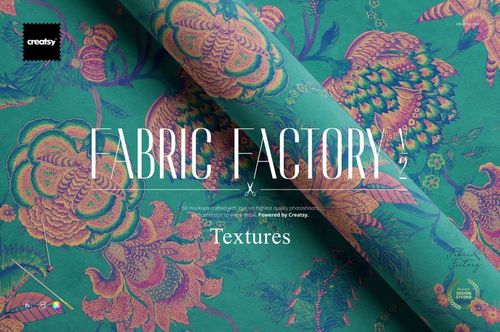
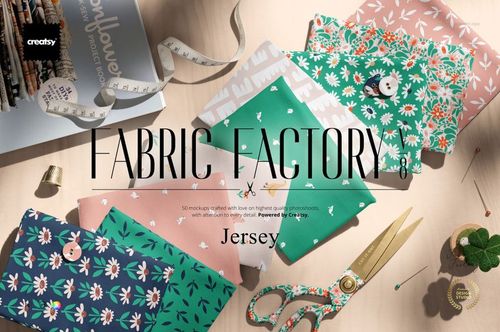
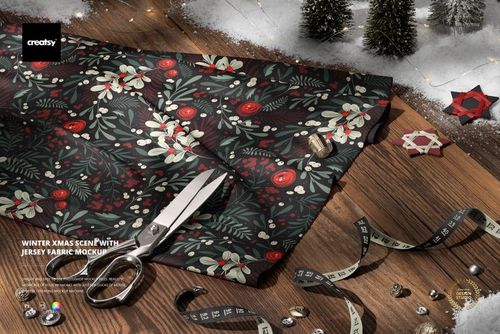
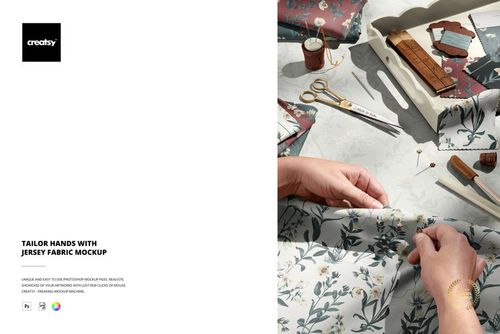
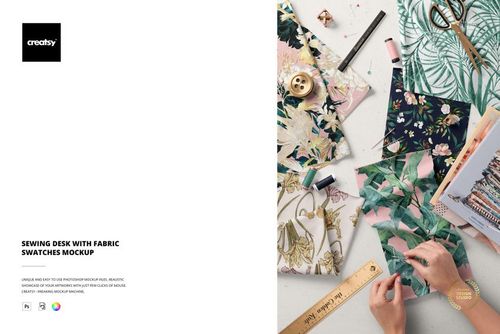
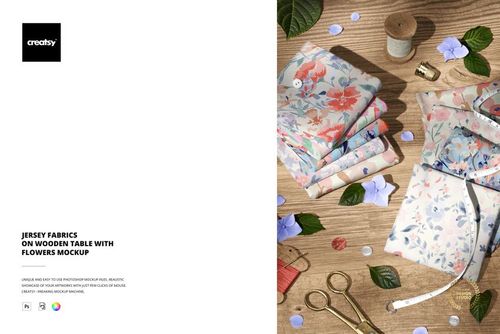
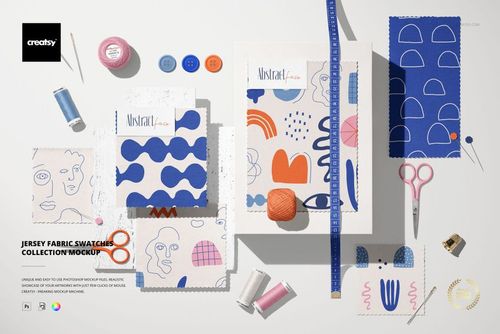
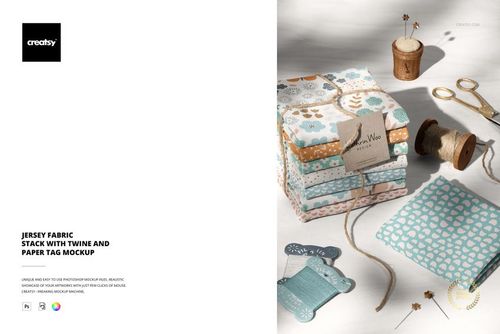
Explore how one pattern reads across different material treatments with Fabric Tester Mockup Set. Three layered Photoshop files provide eight fabric types, making this set useful for textile concept presentations, surface pattern portfolios, color studies, and discussions with clients about material direction.
Included Files and Features
3 layered PSD files
4000 x 4000 px, 300 dpi
Eight fabric types
Editable colors and artwork
Square image format
Organized layers and Smart Objects
Make Your Collection Easier to Evaluate
Apply a consistent design to the available fabric options to compare visual texture while keeping the artwork familiar. The square canvas is convenient for portfolio grids, collection boards, and online shop graphics. Use the previews as a design communication tool when discussing how a motif could translate to different textiles.
Compatibility: Adobe Photoshop CC 2020 or newer.
Sample artwork: Irene Demetri of YouAndIGraphics. Preview patterns are not included. Add your own designs to create your final presentation.
File details
- Compatibility
- Package size
- 1.05 GB
|1.13 GB
- Files type
- .psd, .jpg, .pdf
- Files size
- 4000x4000


Made with Creatsy
Real designs. Real customers. See how creatives use Creatsy mockups to turn their artwork, branding, and product ideas into polished visuals.
MEET THE SHOP
- $2550$30.00
- $1870$22.00
- $1615$19.00
- $2040$24.00

HOW IT WORKS
3 clicks. That's it.
No tutorial needed. If you can copy-paste, you can use this.
- 1OpenDouble-click the smart object inside the PSD - in Adobe Photoshop, or free in your browser with Photopea.
- 2PasteDrop in your pattern, print, or artwork. Any design, any style.
- 3SaveHit save and the mockup wraps it in for you - shadows, folds, and lighting included.
FROM IDEA TO IMAGE
Built for real workflows
Skip the photo shoot Show your artwork on the real product type for approvals or listings - no studio, no model, no sample.
See it on the product, not a swatch Drop your file into the smart object and the scene's lighting and folds wrap around it, so you judge the real thing before you commit.
Smart Objects
Edit once and you're done. Your artwork drops into a smart object and the mockup updates itself - no masking, no warping by hand.
Perfectly Organized
Named layers and folders you can actually navigate. Find what you need, change what you want, and get out fast.
Print-Ready
High-resolution files built to hold up on screen and in print. Exact size and DPI are in this product's Details above.