Fabric Bolt Mockup Set for Professional Textile Presentations
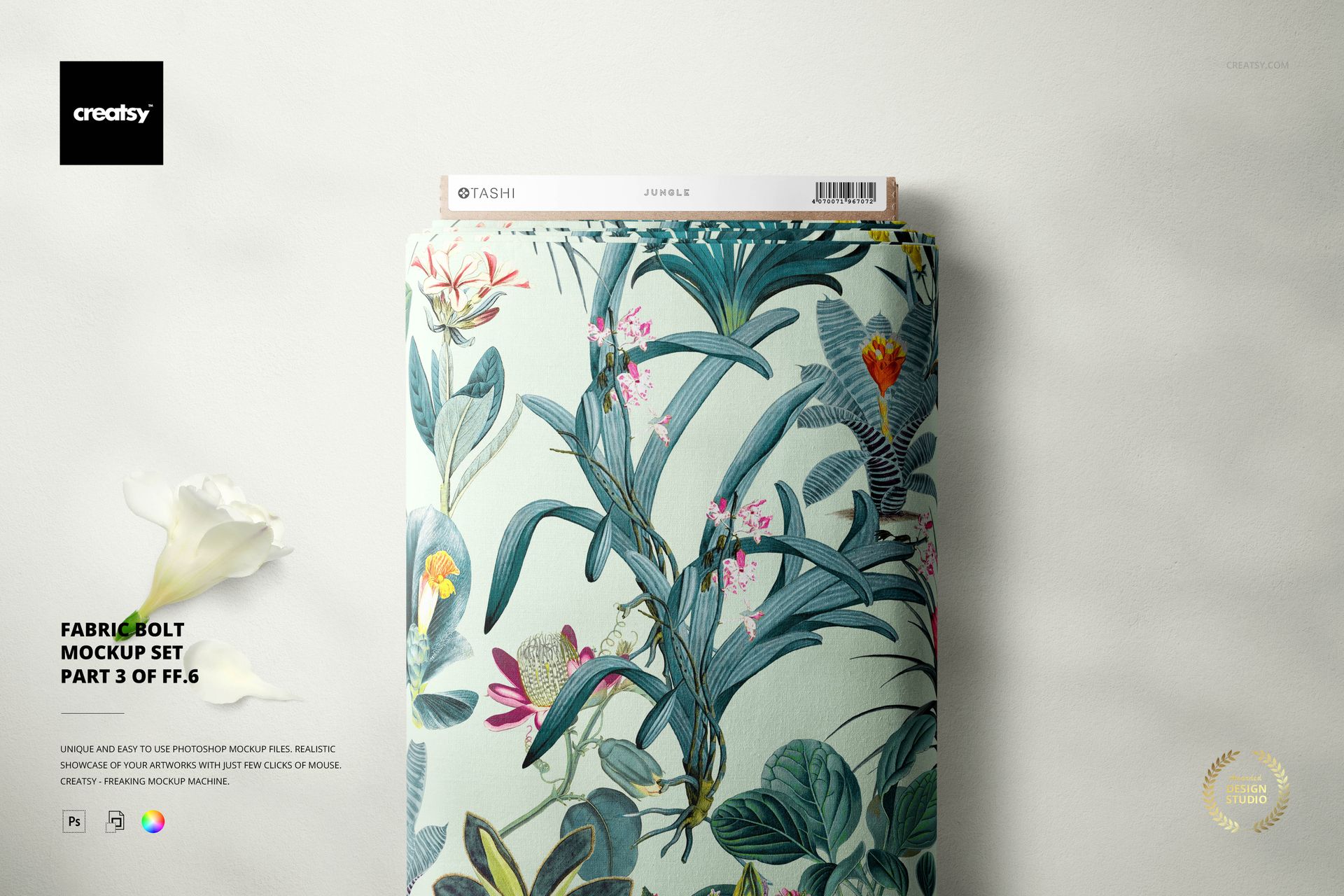
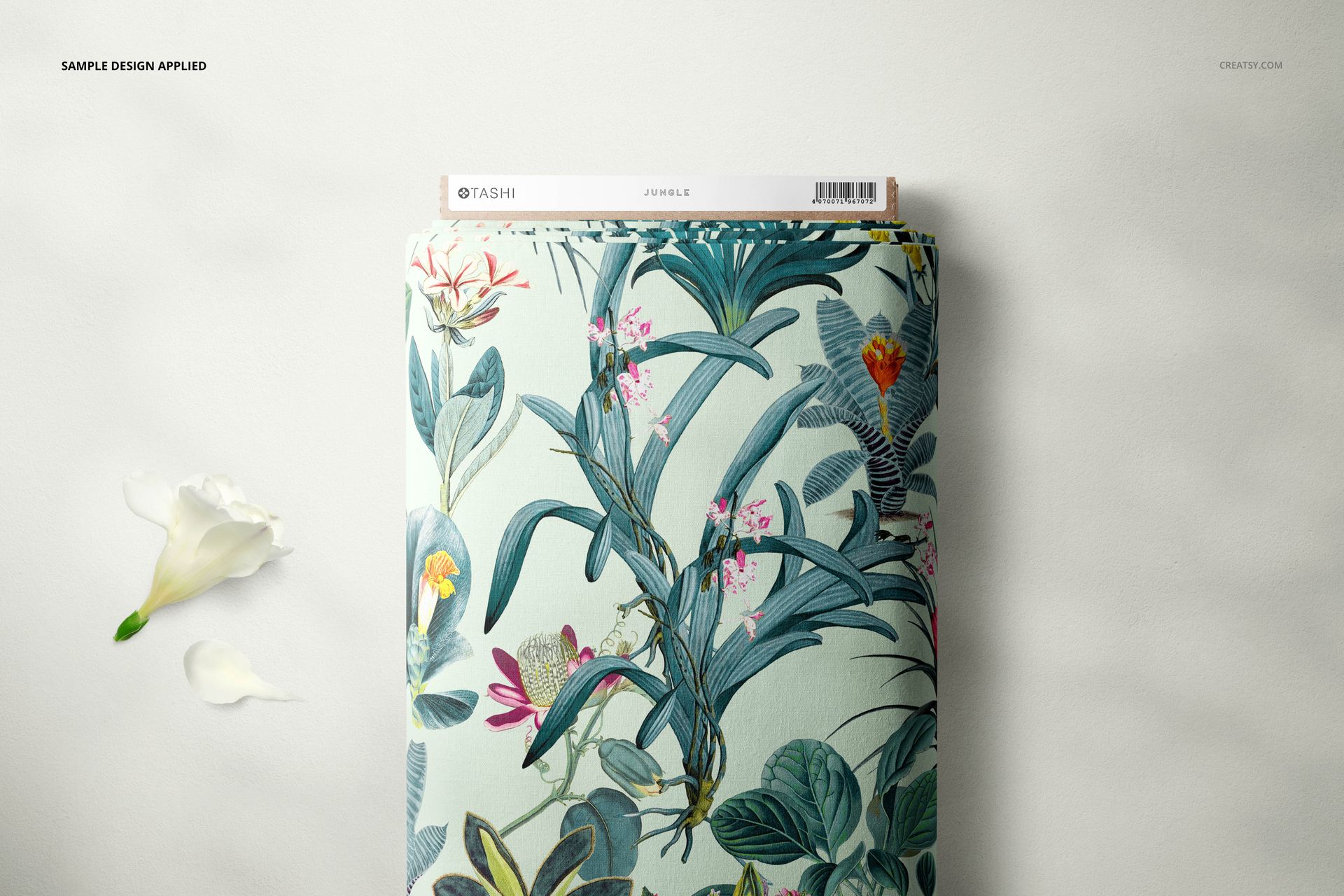
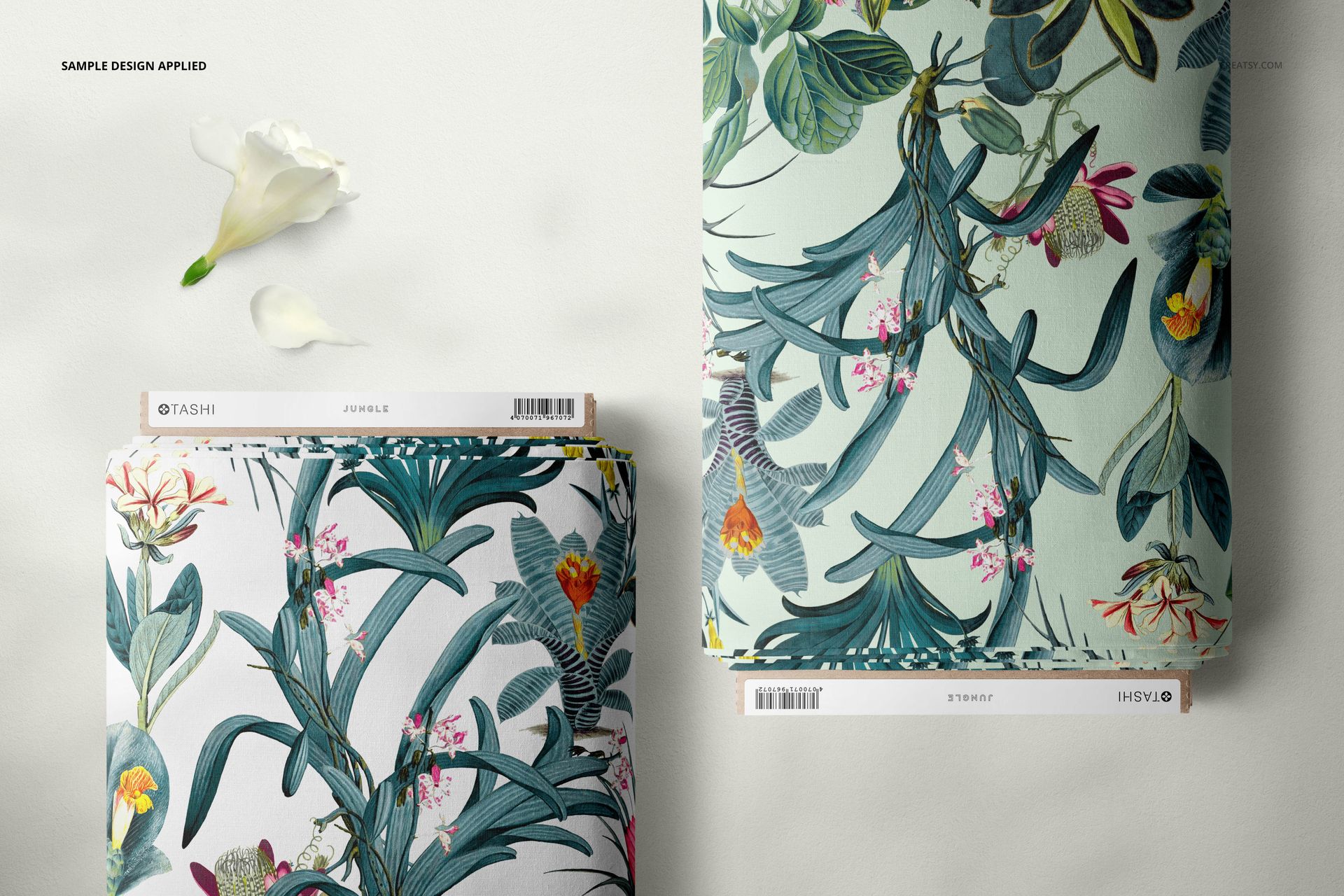
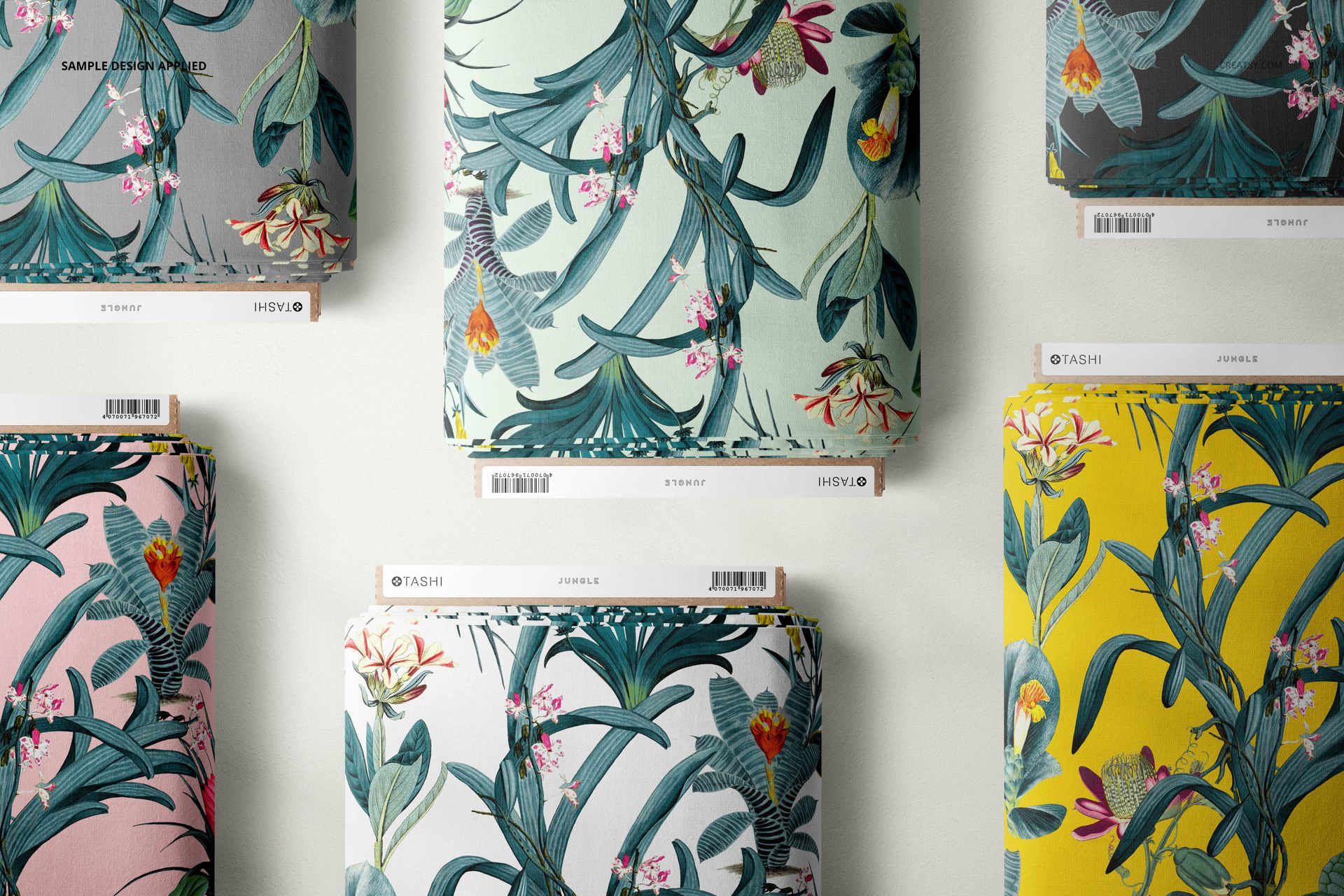
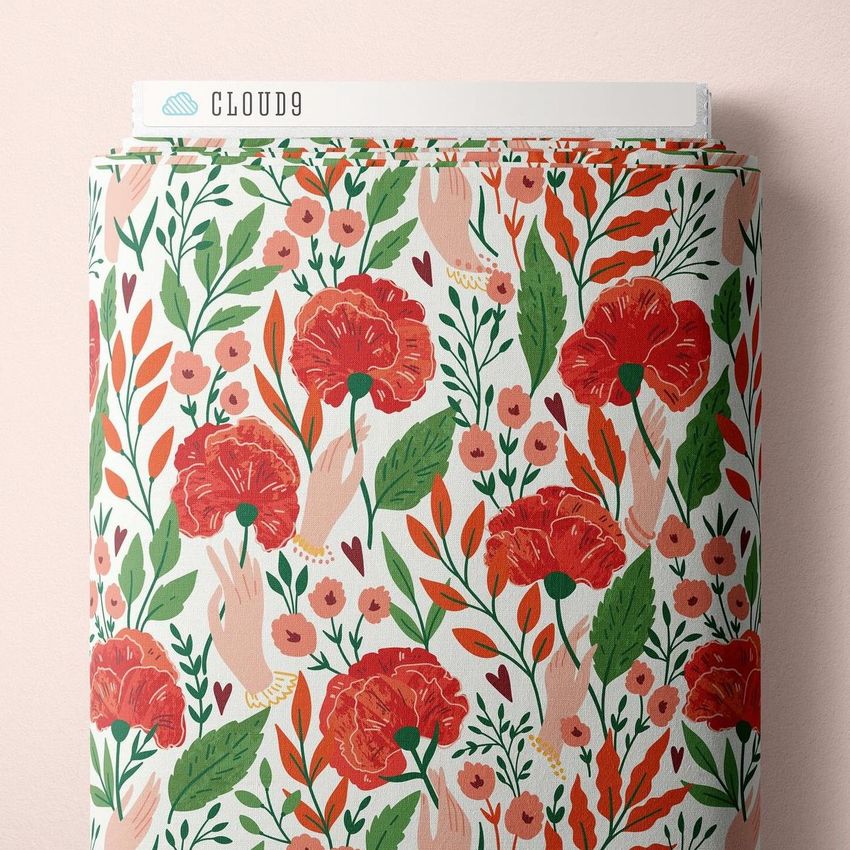
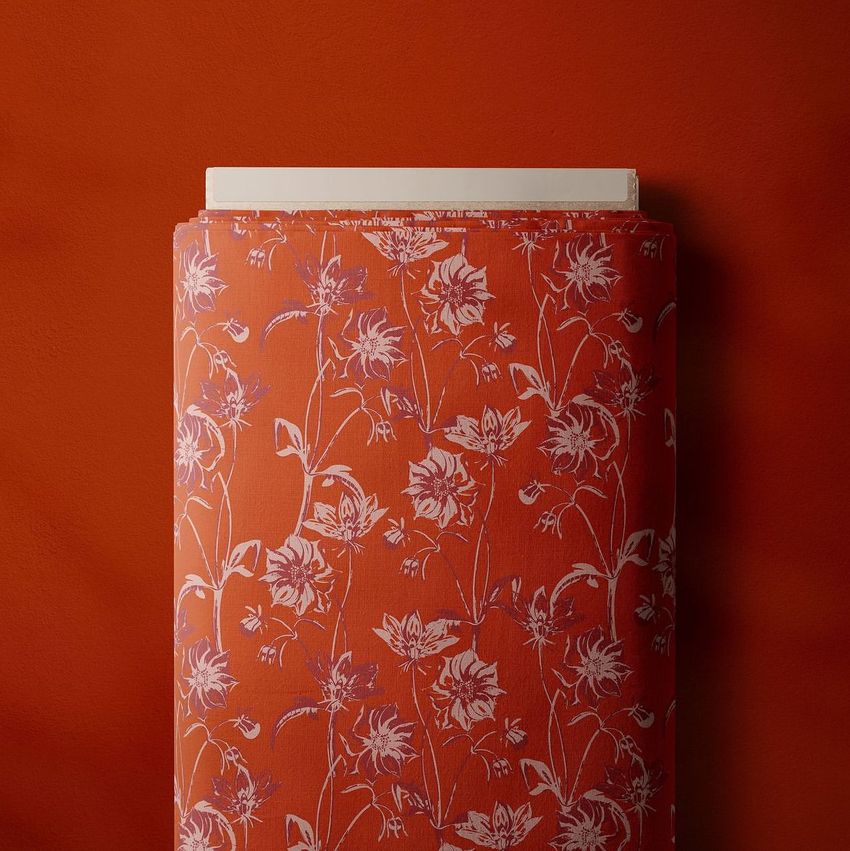
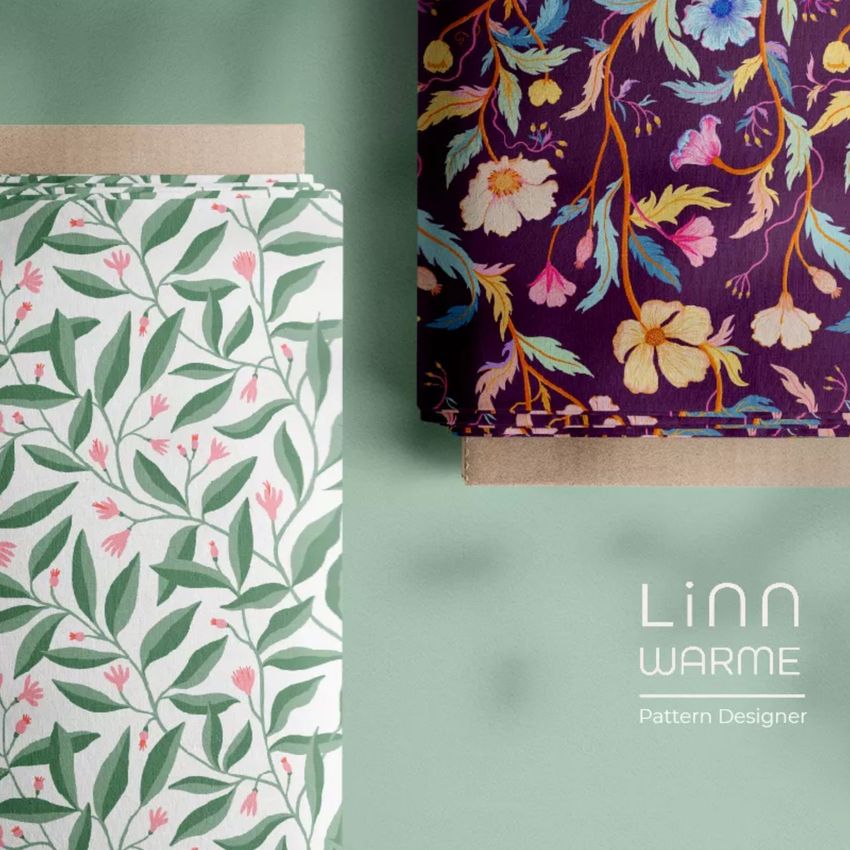
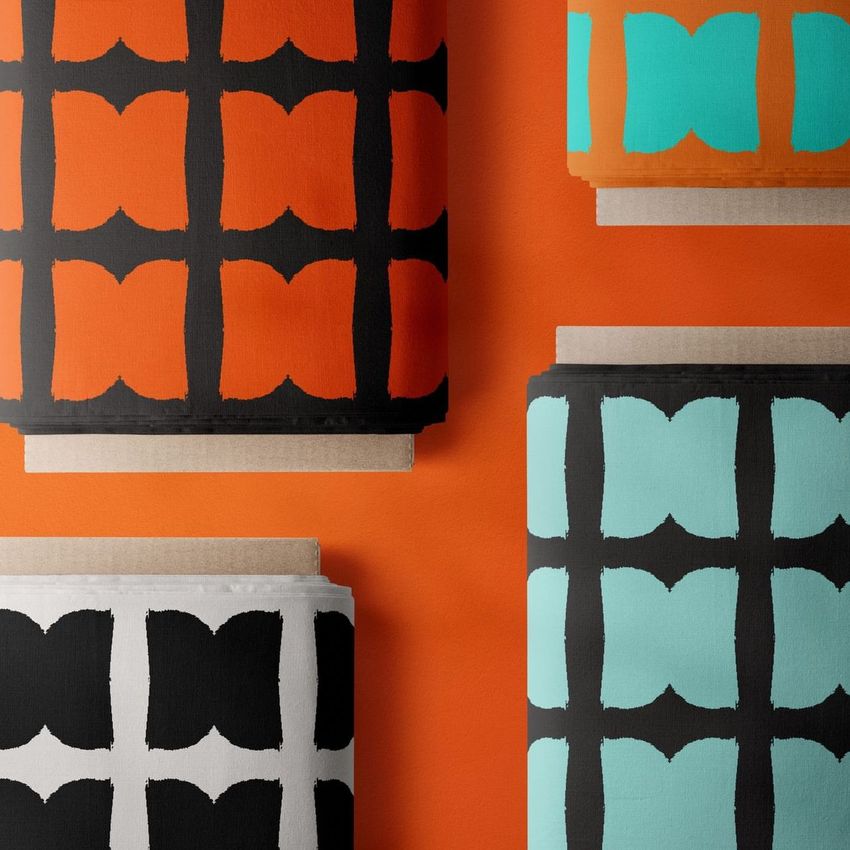
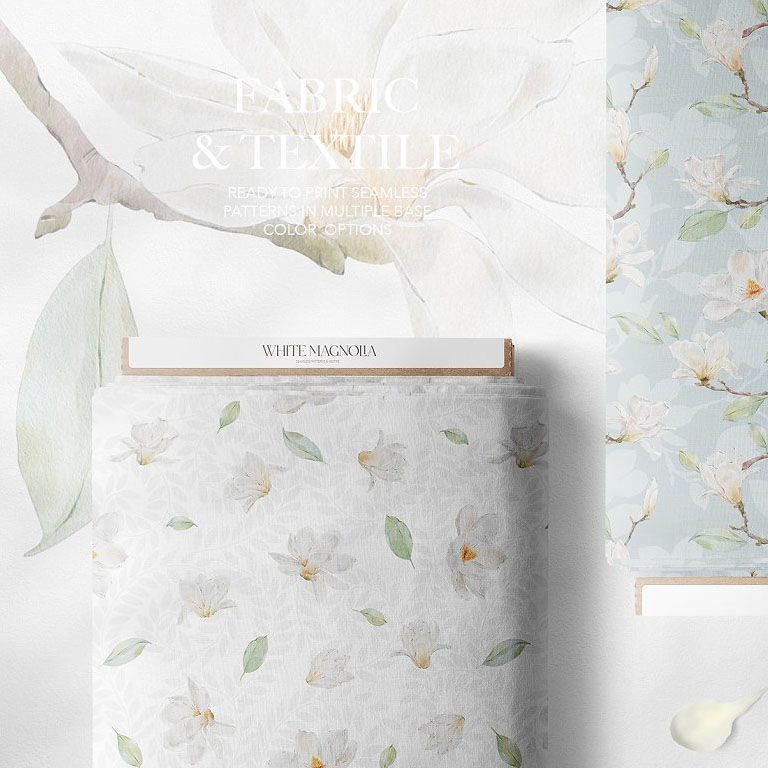
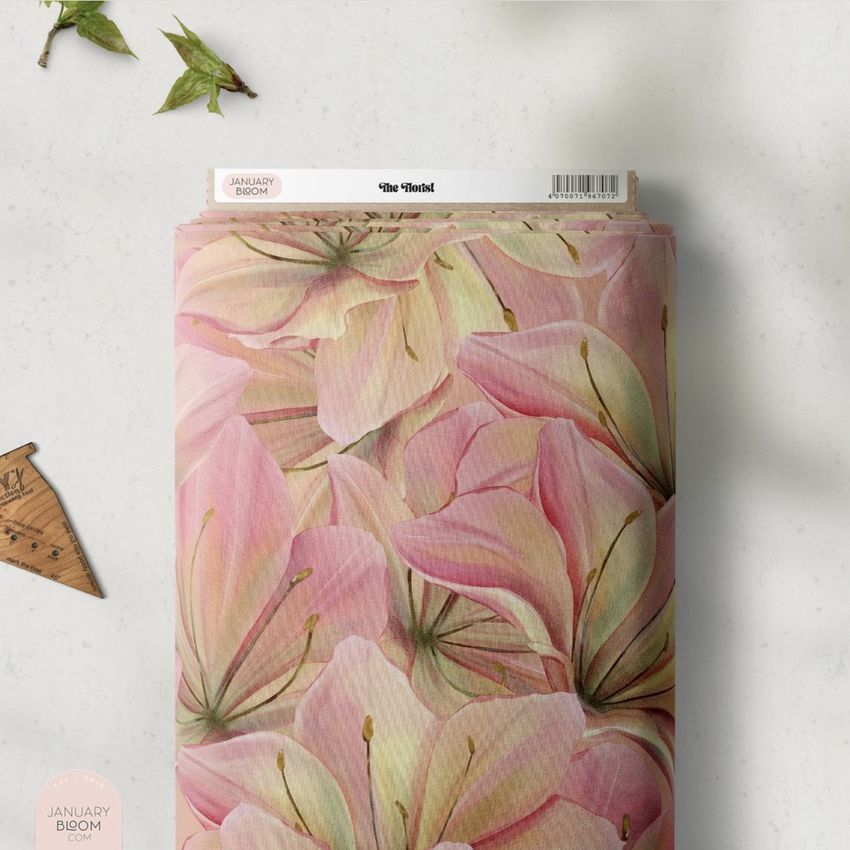
Present surface patterns, fabric collections and print concepts on realistic bolts of material without arranging a physical photo shoot. This high-resolution mockup set gives textile designers, illustrators and pattern studios three polished scenes for showing how artwork repeats across rolled fabric. The natural folds, visible texture, cardboard cores and removable labels help customers understand how a design could look in production.
What Is Included?
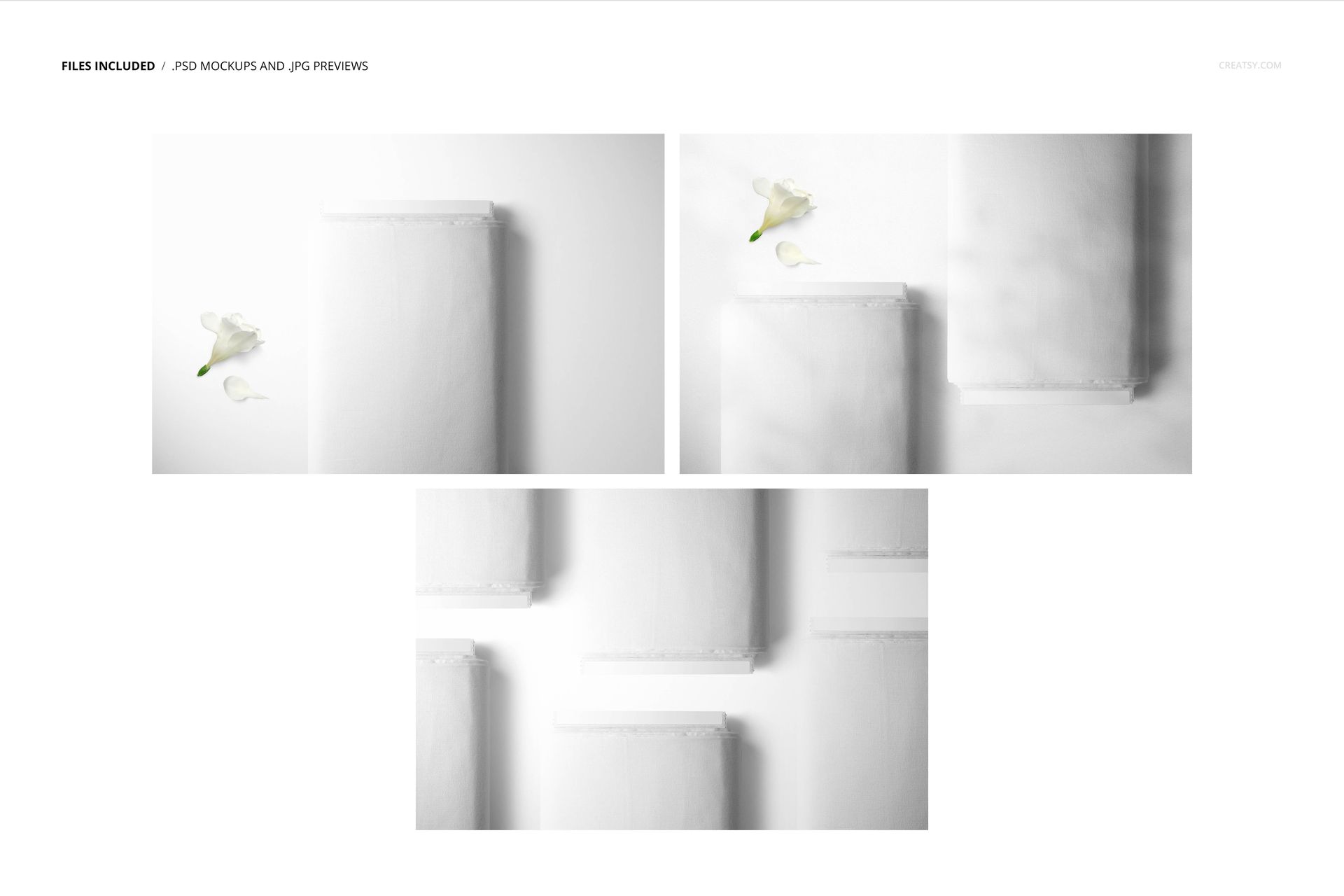
3 layered PSD mockup files
6000 × 4000 px resolution at 300 dpi
Compatibility with Adobe Photoshop CC 2015 or newer and Photopea
Well-organized layers for an efficient editing workflow
JPG previews and PDF documentation
What Can You Customize?
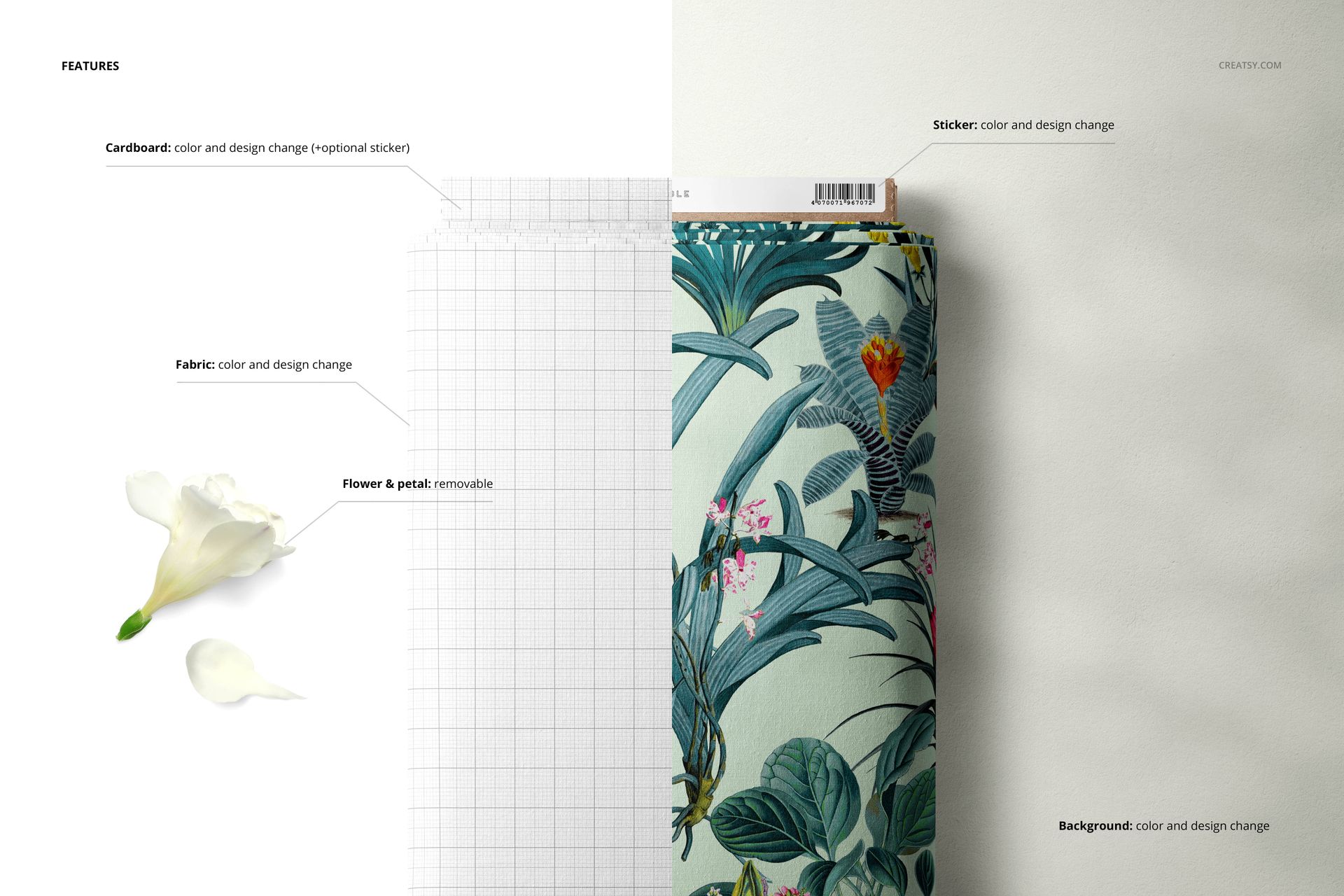
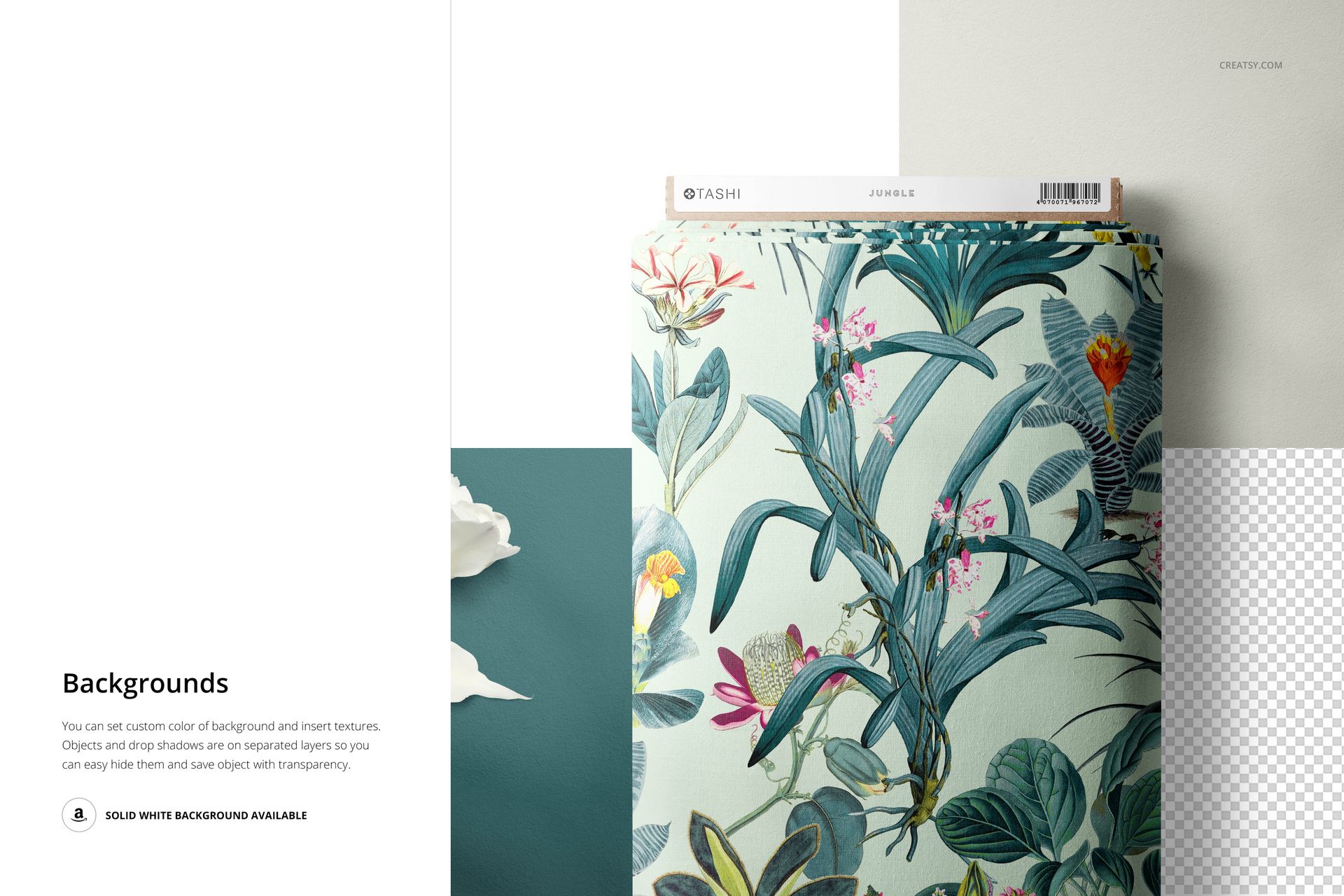
Use Smart Objects to place a seamless repeat, illustration or branded print on the fabric. You can adjust the fabric color, change the cardboard color, replace the sticker design, remove the sticker entirely and customize the background with a color or design. The three camera angles make it easy to build a coordinated product page, portfolio case study, fabric catalog or social media campaign.
Who Is This Mockup For?
This set is useful for surface pattern designers, textile brands, fabric shops, licensing artists, print studios and creative agencies. It can help communicate scale, repeat quality and commercial potential before samples are manufactured.
Artwork Credits
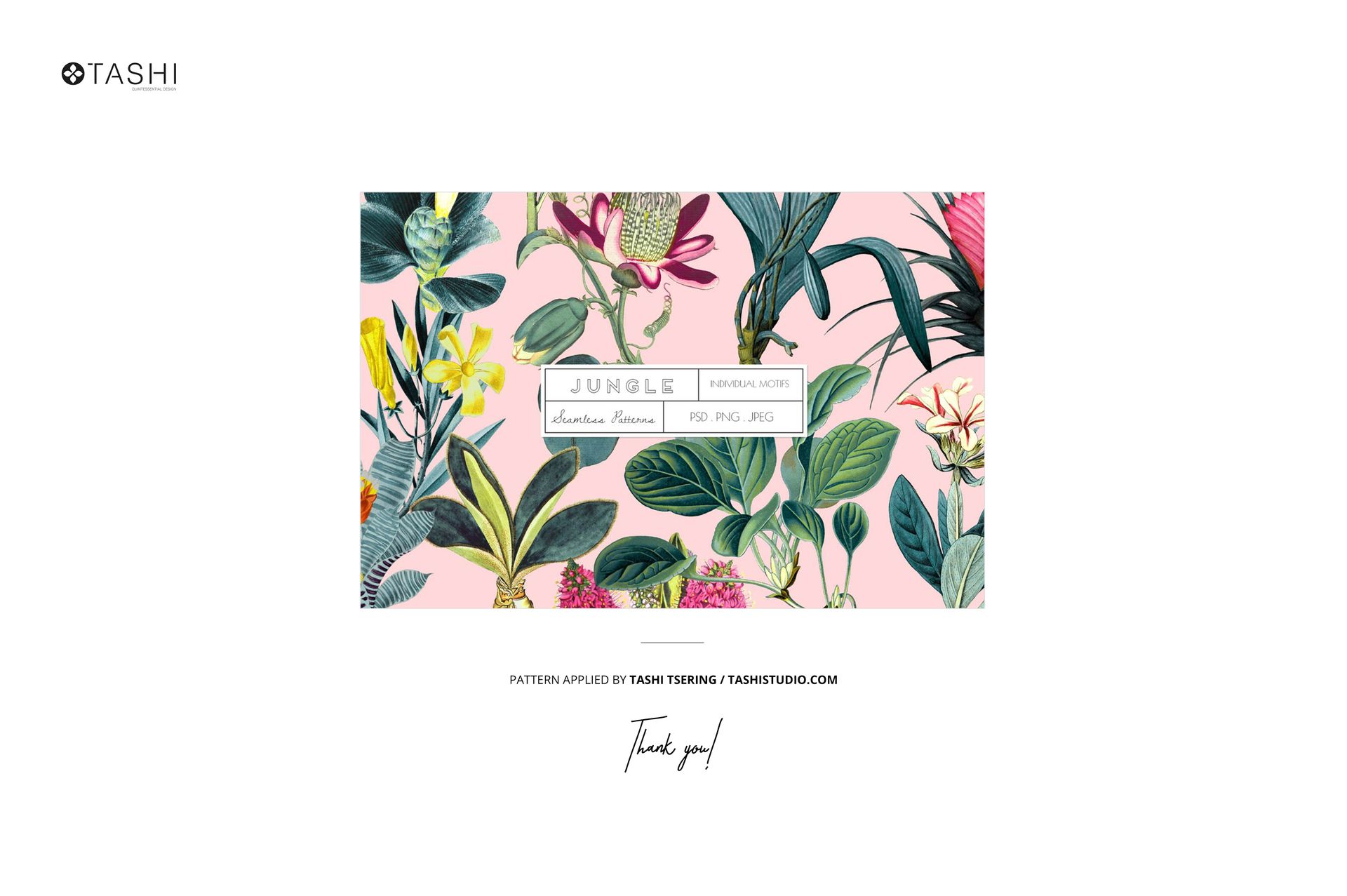
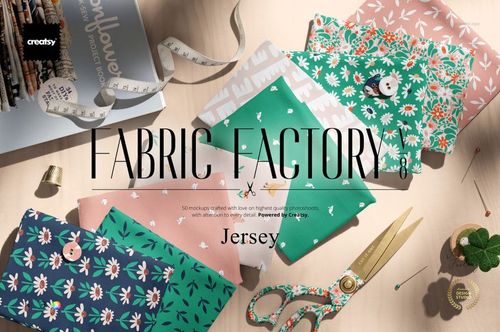
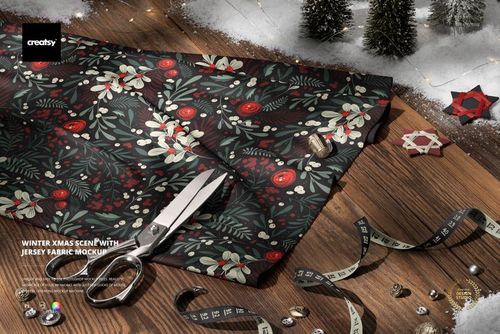
The featured pattern is by Tashi Tsering of Tashi Studio. Additional gallery examples feature work by Maria Galybina, La Nuit Print Studio, Linn Warme, Deinki Studio, Alisa Fimen and January Bloom. Example patterns are not included with the mockup files.














I cant download the file
Hi Maryam, I apologize for this issue. We have tested all of these files, and they appear to be working properly. It seems that the issue may be related to incomplete downloads or incorrect extraction of the files. Please ensure that you fully download the files and extract them correctly. https://creatsy.com/help-center/troubleshooting-downloading-and-unzipping-issues This problem may also be caused by an error in the default zip file extraction tool. Please check this article for troubleshooting zip file extraction issues on a Windows here: https://creatsy.com/help-center/troubleshooting-unzipping-ZIP-files-windows or Mac here: https://creatsy.com/help-center/troubleshooting-unzipping-ZIP-files-mac As a workaround, I'm also sending these files unzipped via WeTransfer to provide an alternative delivery method. Please let me know if this resolves the problem for you. Thank you for your patience. Best regards, Jakub, Creatsy Team